Travel YouTube Thumbnail

Choose the Travel YouTube Thumbnail Filter
Discover the travel youtube thumbnail filter that perfectly matches your style and mood.
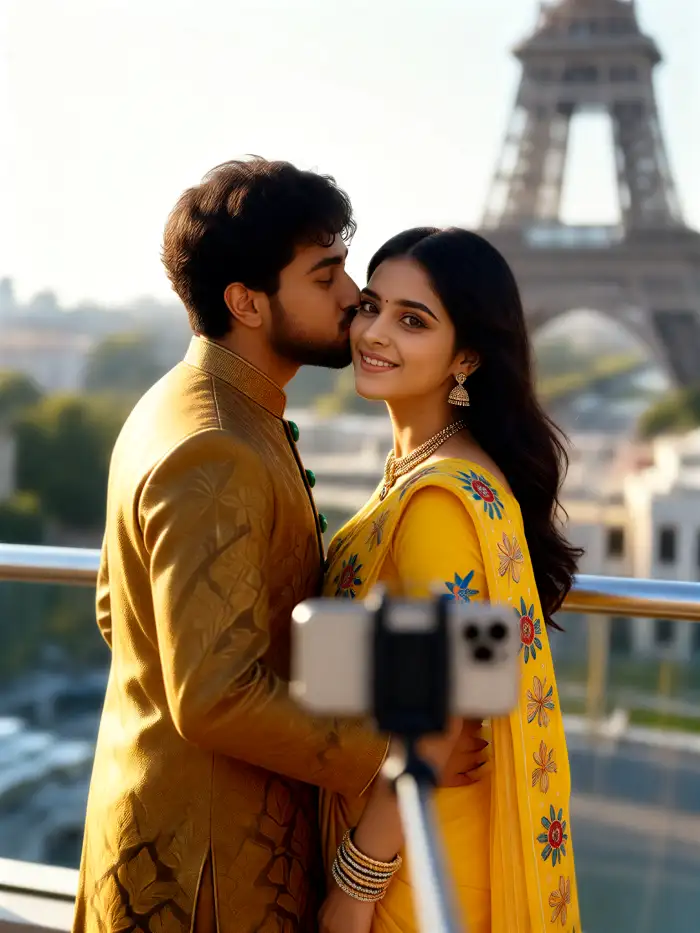
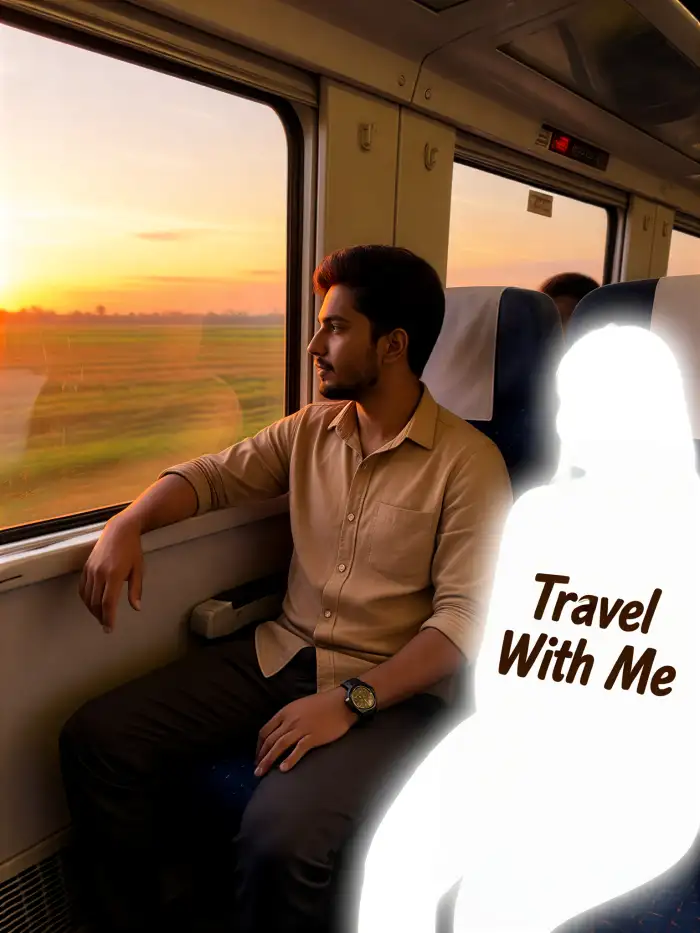
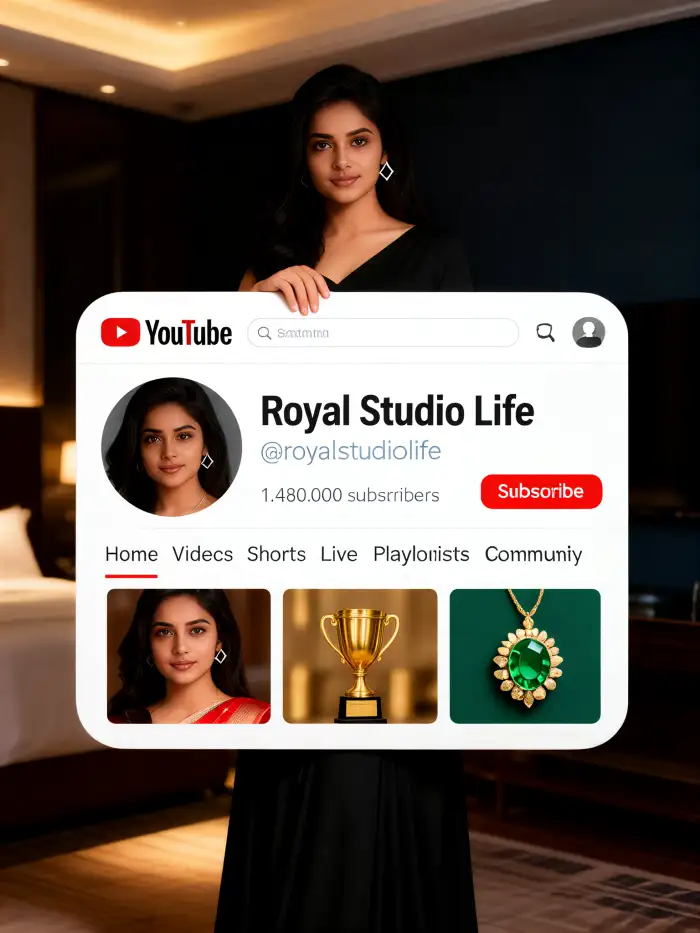
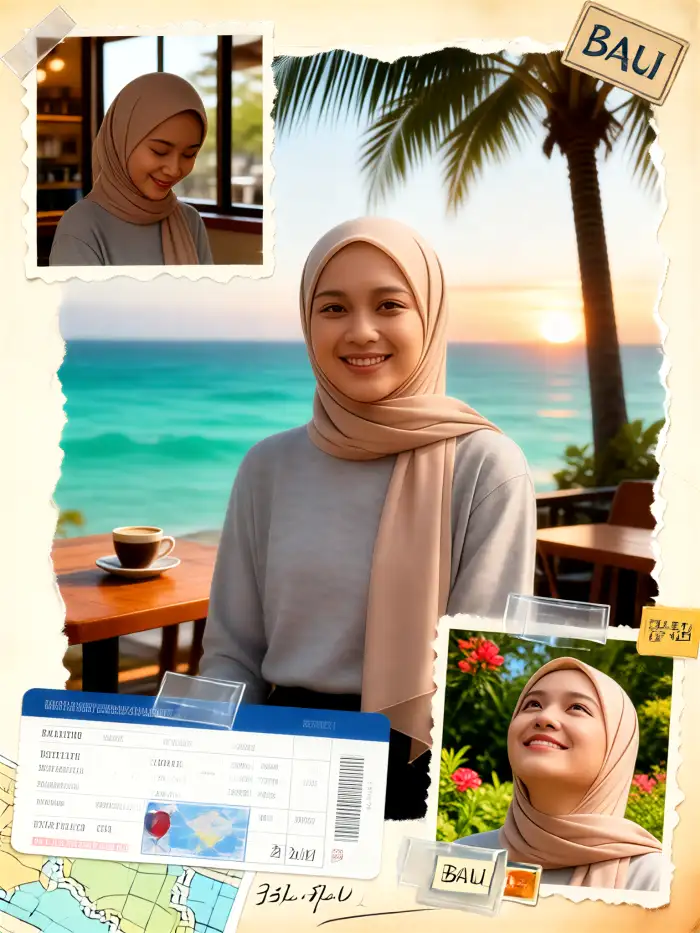
Vimi Travel YouTube Thumbnail Filters to Try
These filters turn travel photos into clear YouTube covers. Each template keeps the main subject visible and adds a style you can recognize at small size. Pick one, upload a photo, and generate a thumbnail inside the app.
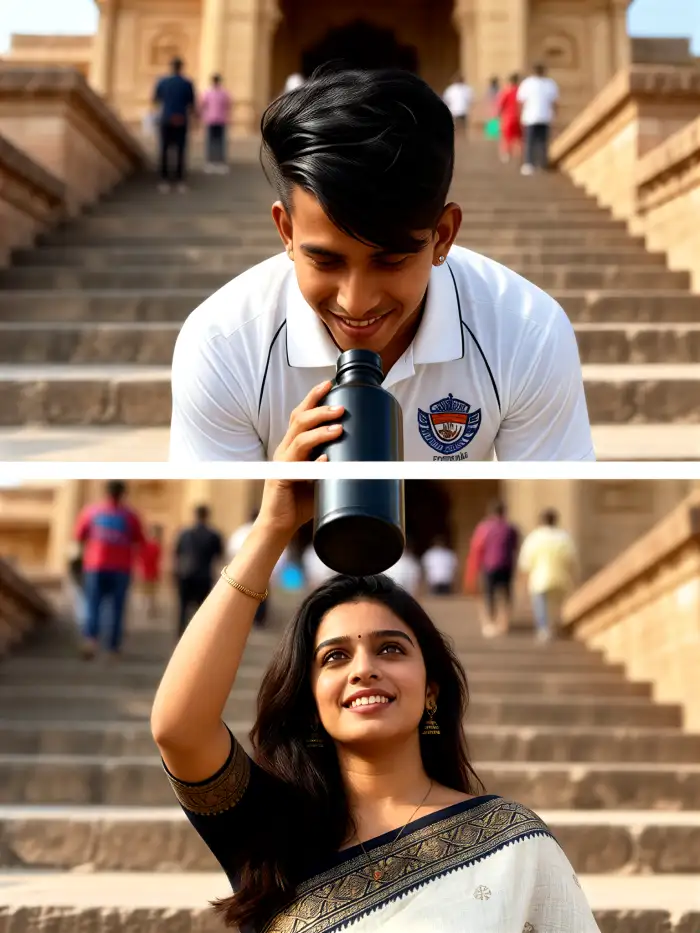
Why Use Vimi for Travel YouTube Thumbnail Design
Discover the template driven workflow that helps travel creators make clear YouTube covers inside the Vimi app with simple taps.
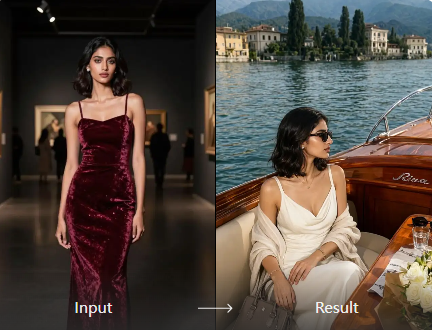
Fast Travel Cover Creation
Vimi keeps the process short. Open the app, choose a Travel YouTube Thumbnail template, upload one photo, and tap Generate. The app handles style, framing, and color. You get a clear cover in 10 to 20 seconds. Save it and publish your travel video quickly.
Fast Travel Cover Creation
Vimi keeps the process short. Open the app, choose a Travel YouTube Thumbnail template, upload one photo, and tap Generate. The app handles style, framing, and color. You get a clear cover in 10 to 20 seconds. Save it and publish your travel video quickly.
Explore Vimi Travel YouTube Thumbnail Use Cases
Find the travel thumbnail scenes that fit your next video and make each cover easy to read on small screens.
 Before
 After
Destination Travel Covers
Use a clear landmark photo and a bold travel template for city guides or country episodes. Vimi keeps the landmark visible and places text safe areas in the frame. The result helps viewers know the place before they click. This works well for series with many episodes and a same style.
 Before
 After
Personal Travel Vlog Covers
Turn a selfie or a candid travel moment into a cover for your daily vlog. Choose a soft portrait style and keep your face clear. Vimi keeps your main features stable across related covers. Use the same person and style for a recognizable channel look across every upload on your channel.
 Before
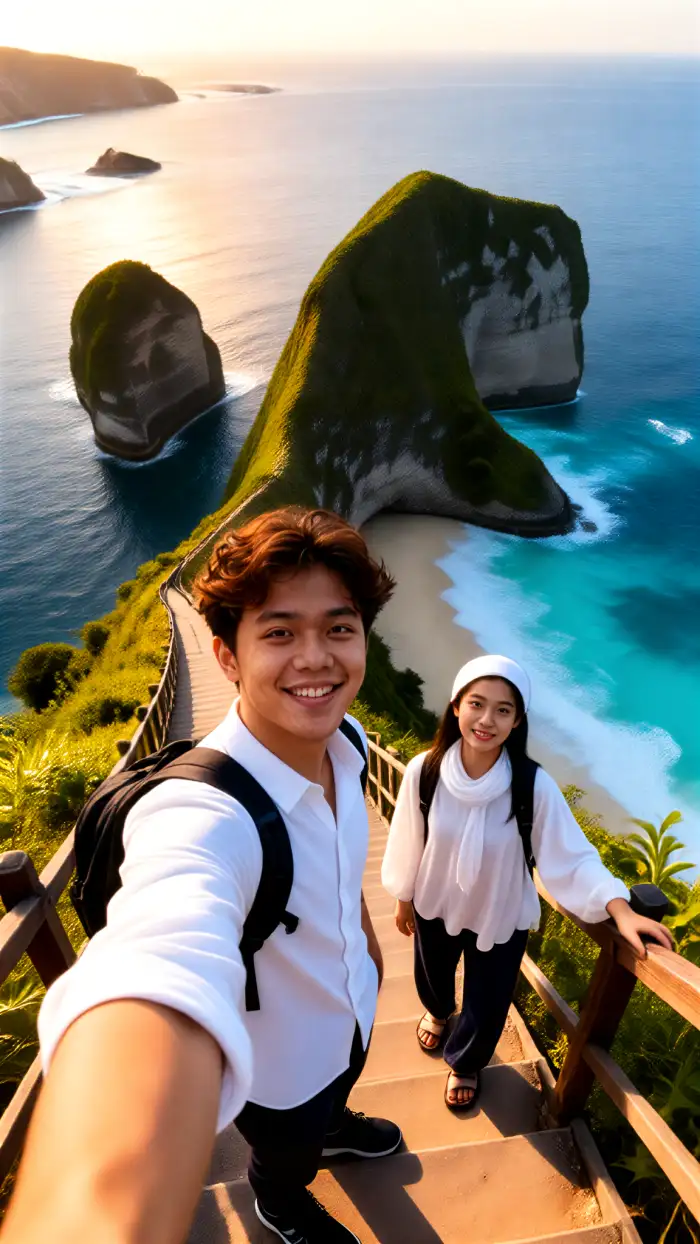 After
Group Trip Photo Thumbnails
Upload a group photo from a trip and select a template that fits the mood. Vimi identifies each face and keeps people separate in the final frame. You can create a cover with friends standing together or a playful group pose. This helps trip videos show the whole crew clearly.
How to Make Vimi Travel YouTube Thumbnail in Minutes?
Vimi turns a simple travel photo into a YouTube thumbnail inside the app. Follow three short steps to create and save it.

Step 01.
Download the Vimi app from the official site or app store. Open the app and sign in to start your travel thumbnail project.
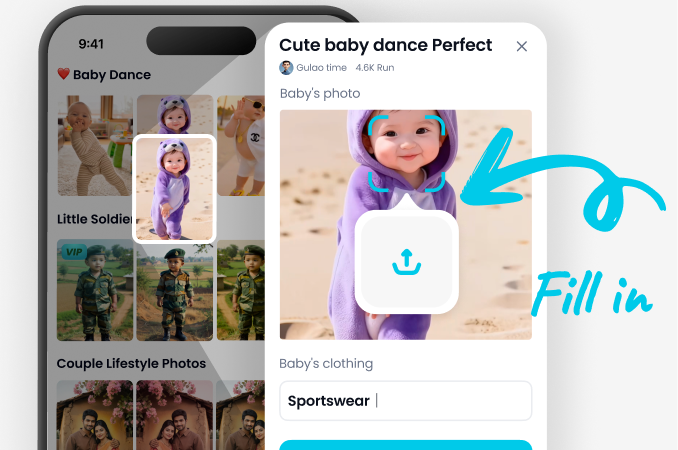
Step 02.
Browse the template library. Choose a Travel YouTube Thumbnail style, upload your photo, and tap Generate. Wait 10 to 20 seconds for the result.
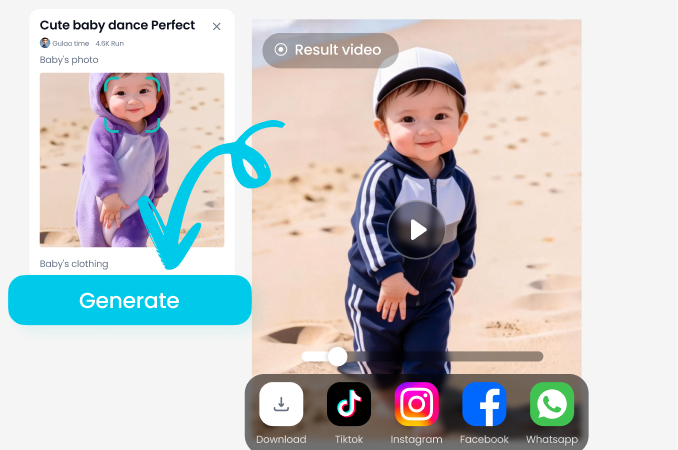
Step 03.
Tap Download to save the thumbnail. Then share it to your social platforms or use it in your YouTube upload.
YouTube Videos About Travel YouTube Thumbnail Generator
Explore in-depth YouTube tutorials and demos that showcase the power and reliability of our AI Generator.
Frequently Asked Questions
Find clear answers to common questions and get the guidance you need to make the most of our platform, faster and easier.
Who Uses Travel YouTube Thumbnail Enhancement Online

Lena M
I make city travel videos every week. Vimi helps me turn one landmark photo into a clear cover in under a minute. The template library gives me new styles for each episode.

Marco T
I used the group trip template for a friend reunion video. Vimi kept every face separate in the cover. I did not need to fix anything by hand.

Aisha K
The Ghibli inspired travel scene is my favorite. I upload a beach photo and get a soft animated cover for my vlog. I can share it to my page right after I download it.

Sofia P
I tried a cinematic road frame for my road trip video. The cover looked clear on a small phone screen. I downloaded it and used it on YouTube without extra edits.
Lena M
I make city travel videos every week. Vimi helps me turn one landmark photo into a clear cover in under a minute. The template library gives me new styles for each episode.
Marco T
I used the group trip template for a friend reunion video. Vimi kept every face separate in the cover. I did not need to fix anything by hand.
Aisha K
The Ghibli inspired travel scene is my favorite. I upload a beach photo and get a soft animated cover for my vlog. I can share it to my page right after I download it.
Sofia P
I tried a cinematic road frame for my road trip video. The cover looked clear on a small phone screen. I downloaded it and used it on YouTube without extra edits.
Lena M
I make city travel videos every week. Vimi helps me turn one landmark photo into a clear cover in under a minute. The template library gives me new styles for each episode.
Marco T
I used the group trip template for a friend reunion video. Vimi kept every face separate in the cover. I did not need to fix anything by hand.
Aisha K
The Ghibli inspired travel scene is my favorite. I upload a beach photo and get a soft animated cover for my vlog. I can share it to my page right after I download it.
Sofia P
I tried a cinematic road frame for my road trip video. The cover looked clear on a small phone screen. I downloaded it and used it on YouTube without extra edits.
More Topics You May Like
Explore more topics you may like and discover fresh ideas tailored to your interests.

Tesla Roadster AI Video: Create Car Clips with Vimi
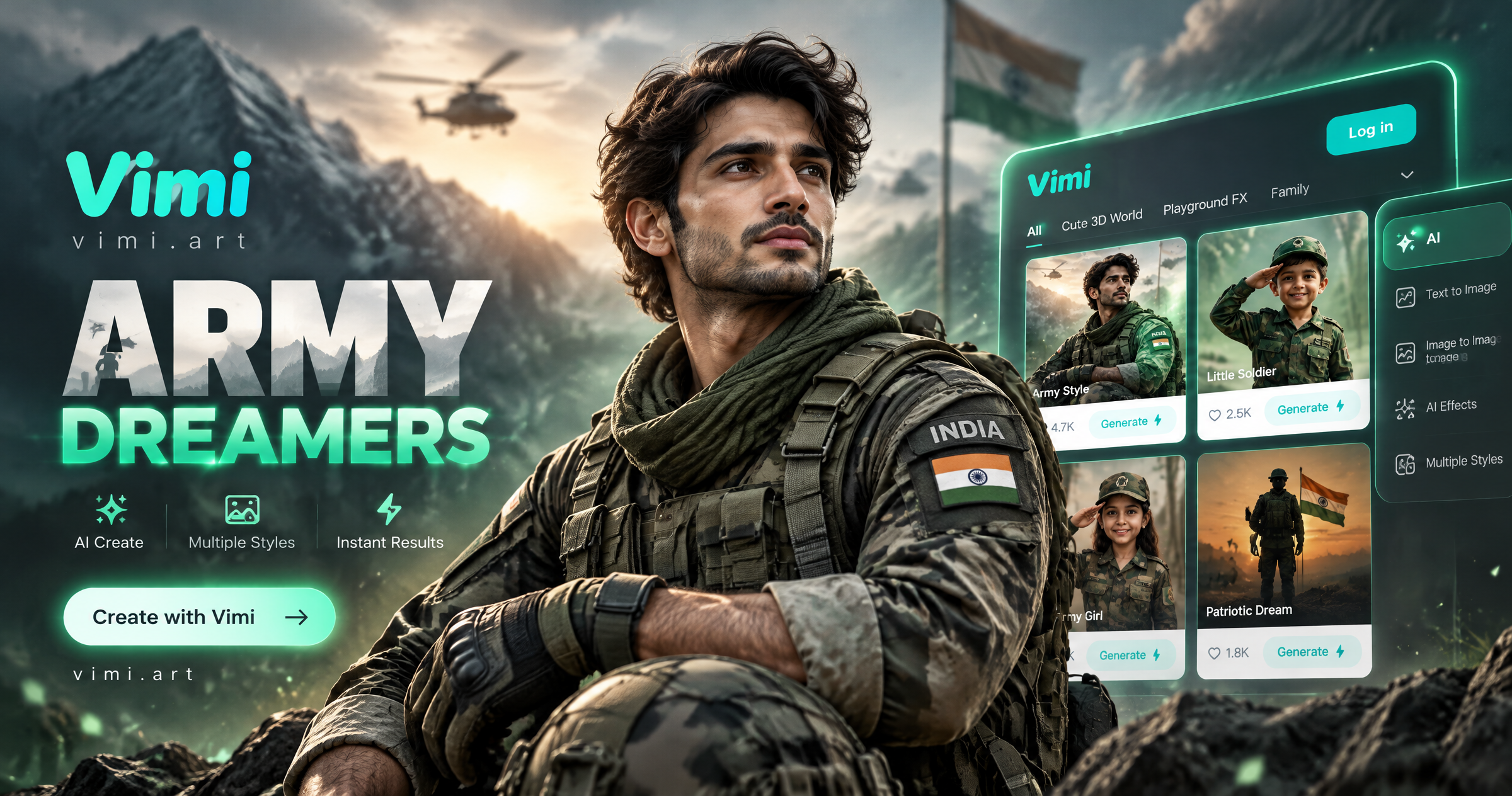
Vimi Army Dreamers AI Filter Create Dreamy Army Portraits on Mobile

Best AI Selfie Generators: Create Selfies in Vimi

Best AI Anime Generators: Create Anime Art And Photo in Vimi
Tesla Roadster AI Video: Create Car Clips with Vimi
Vimi Army Dreamers AI Filter Create Dreamy Army Portraits on Mobile
Best AI Selfie Generators: Create Selfies in Vimi
Best AI Anime Generators: Create Anime Art And Photo in Vimi
Create Your Travel Thumbnail With Vimi
Download Vimi and pick a travel template today. Generate a clear YouTube cover in seconds.
Create Your Travel Thumbnail With Vimi
Download Vimi and pick a travel template today. Generate a clear YouTube cover in seconds.