Army Dreamers AI
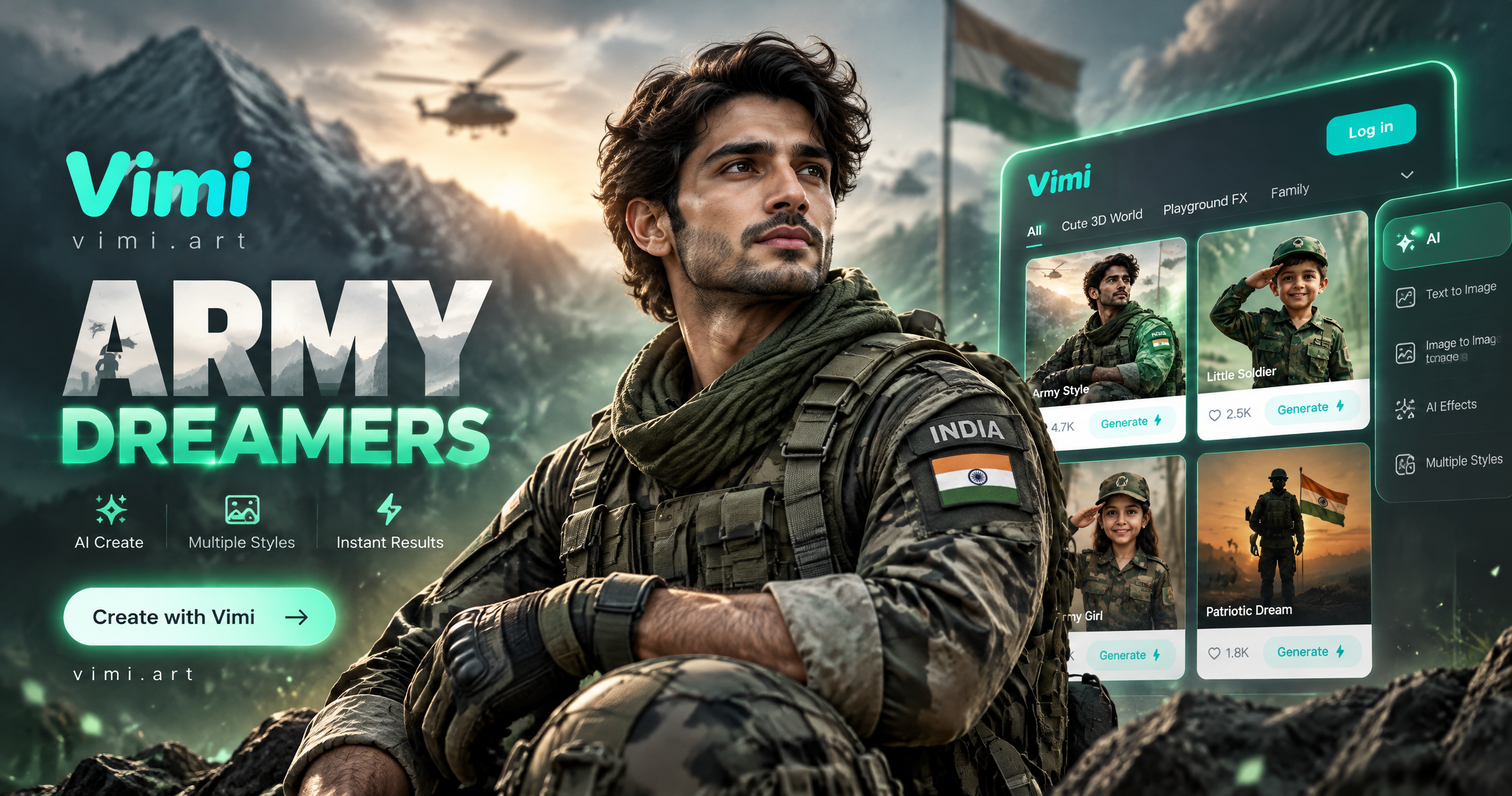
Choose the Army Dreamers AI Filter
Discover the army dreamers ai filter that perfectly matches your style.
Army Dreamers AI Filter Picks for Vimi Creators Gallery
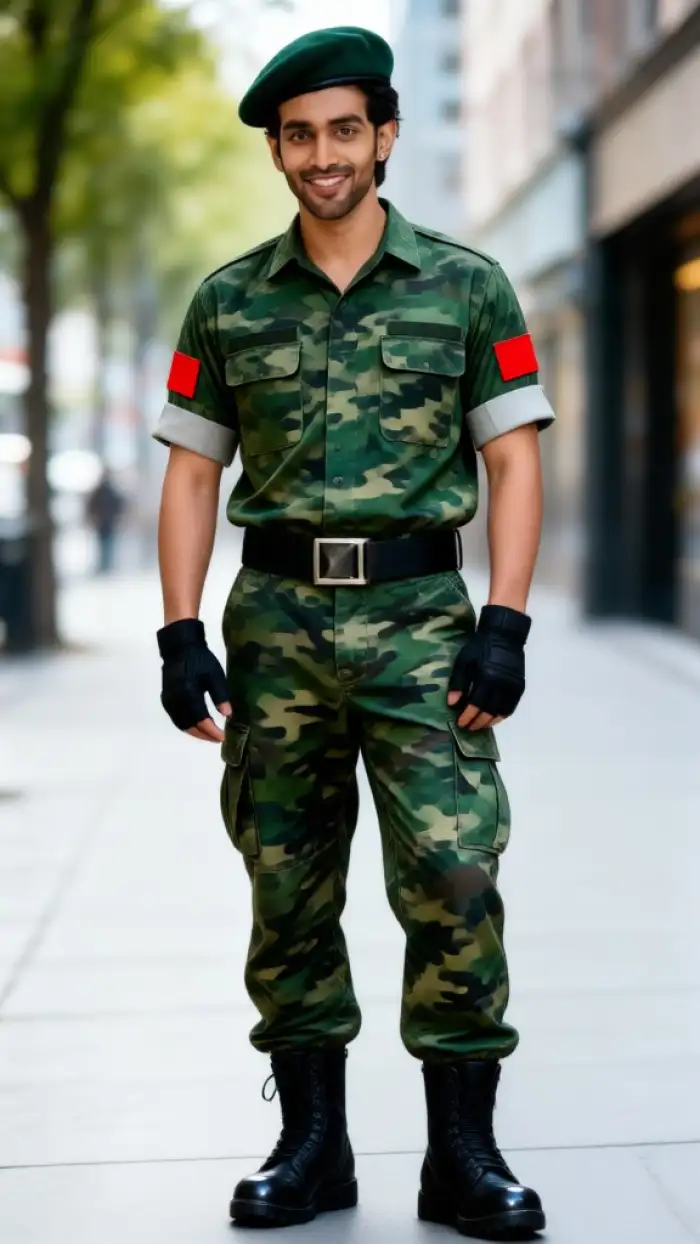
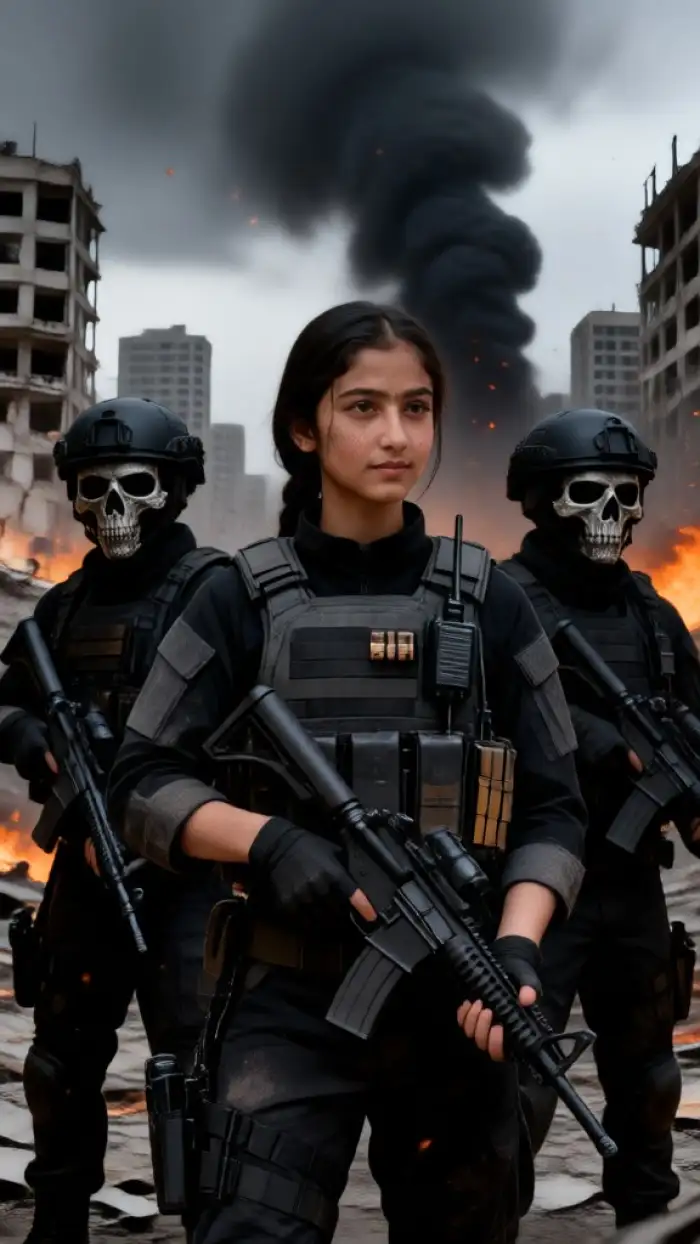
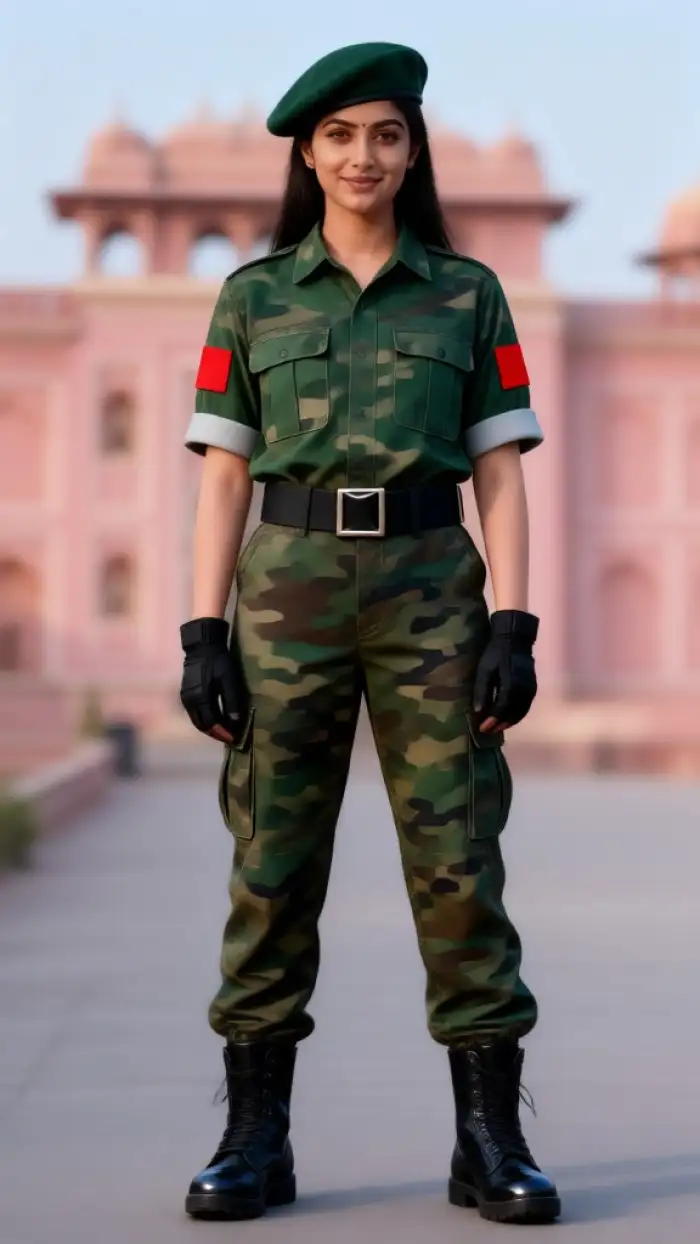
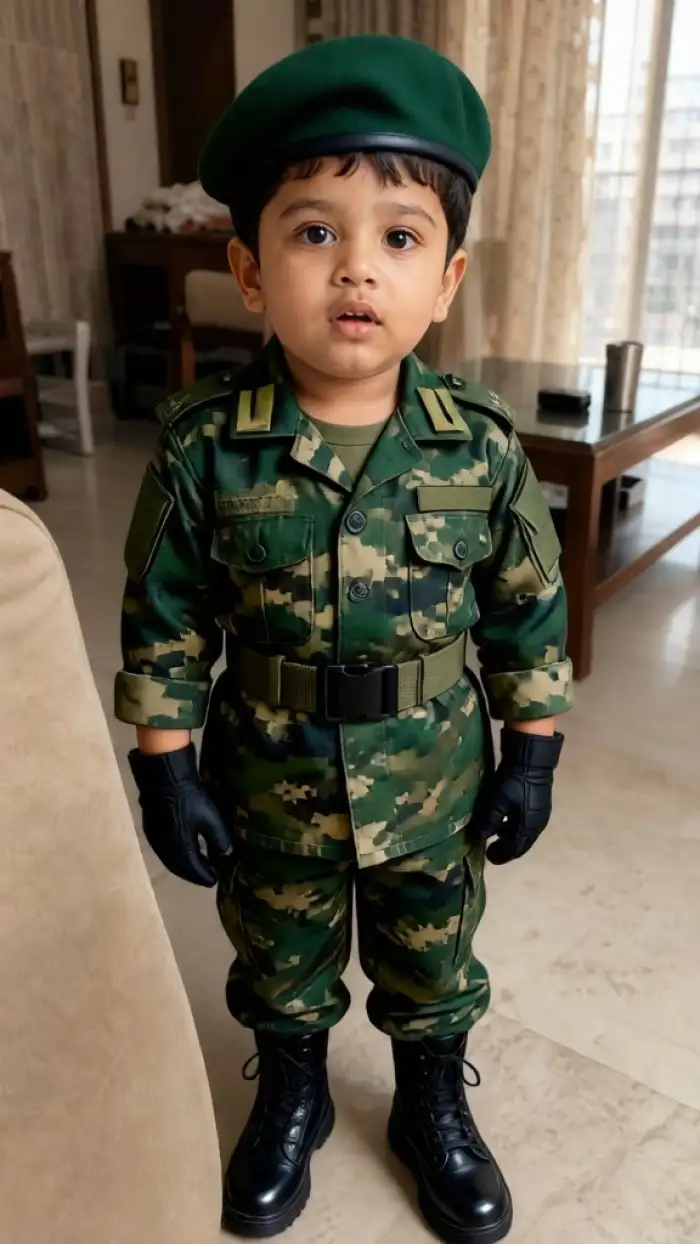
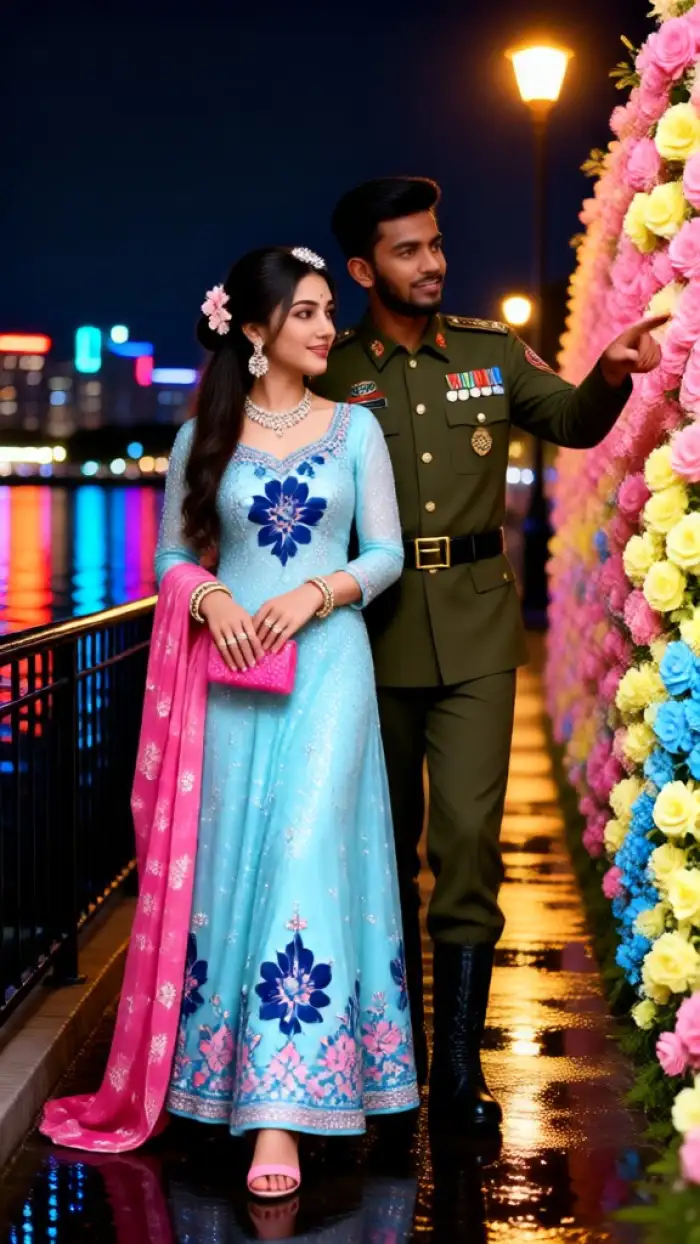
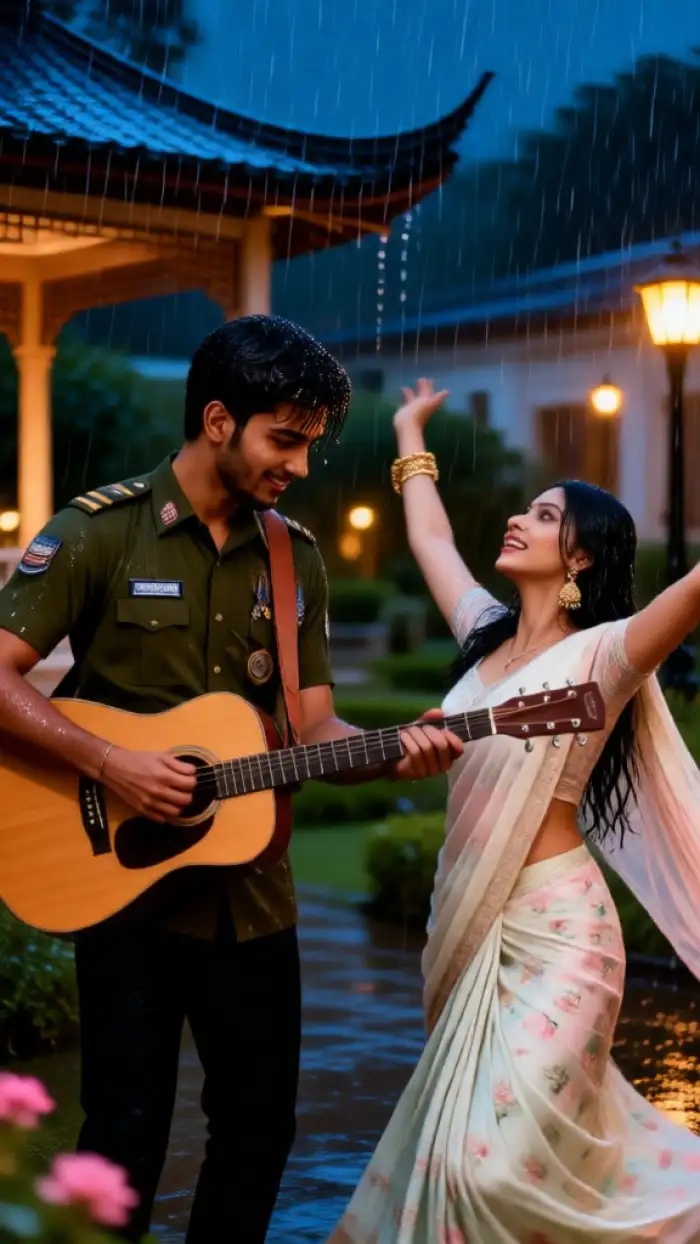
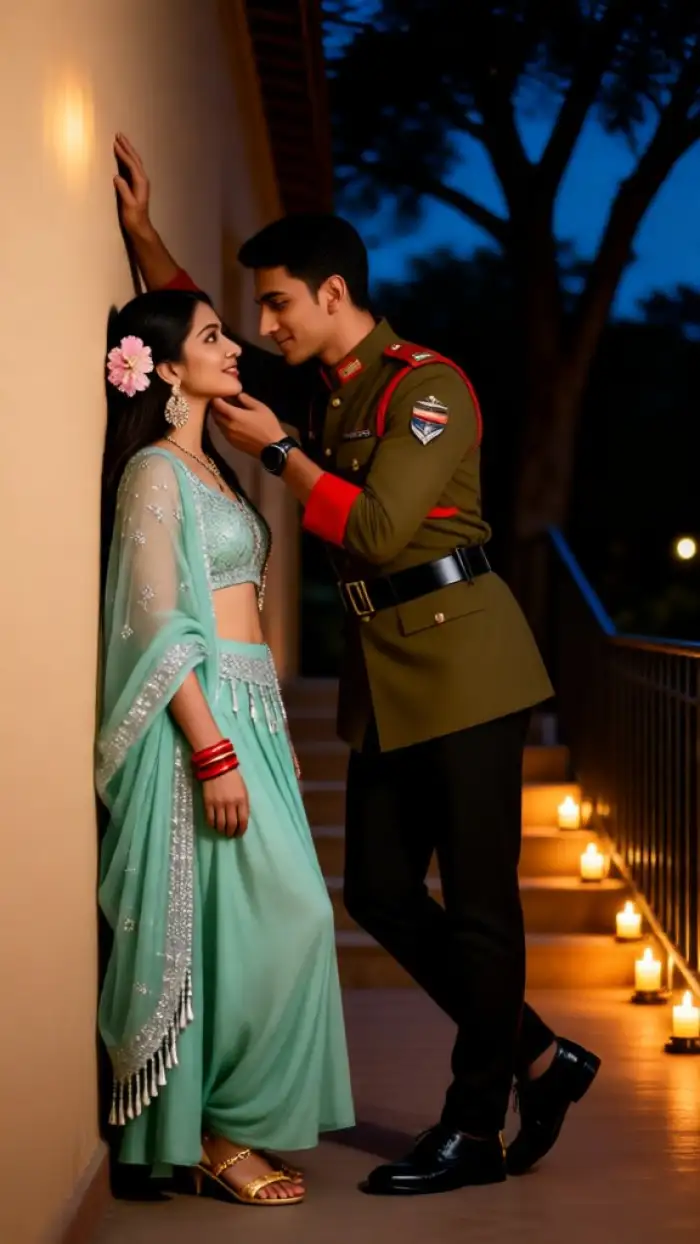
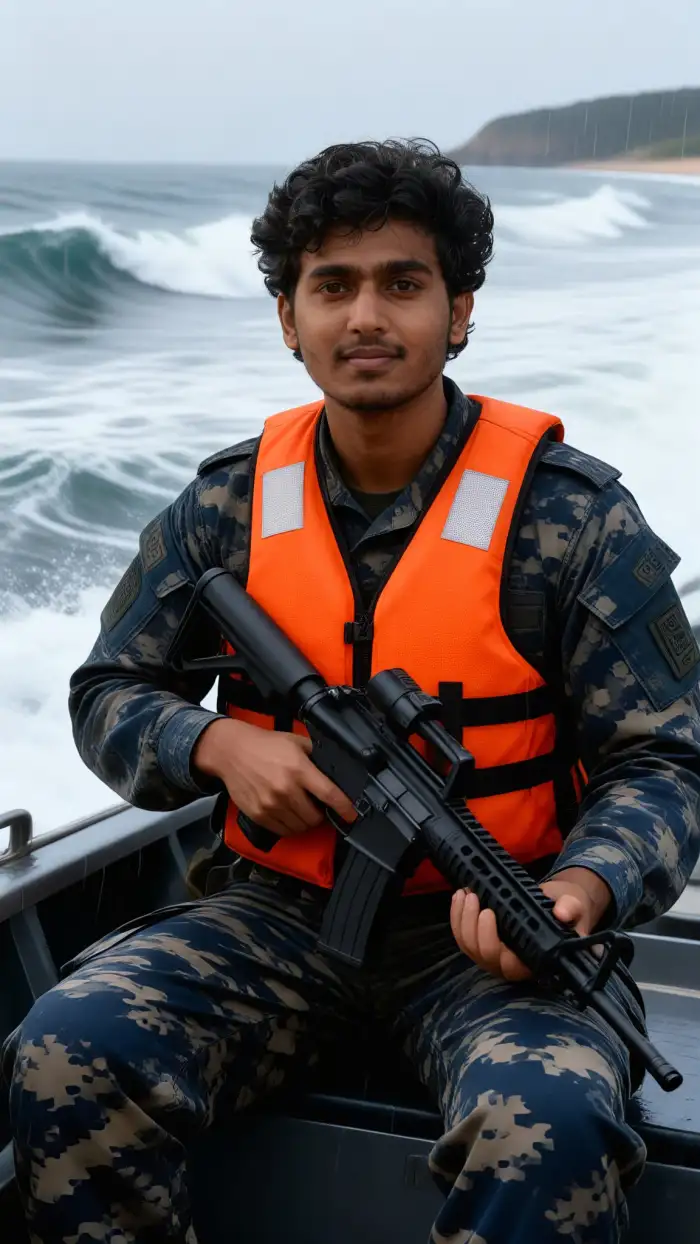
Vimi offers 21000 ready to use templates, including Army Dreamers AI looks for portraits and short videos. Try Army Dreamers Portrait for soft light and muted army tones. Pick Vintage Army Dreamers Video for slow motion clips with film grain. Use Dreamy Camouflage Photo for face aware styling that keeps facial details clear.
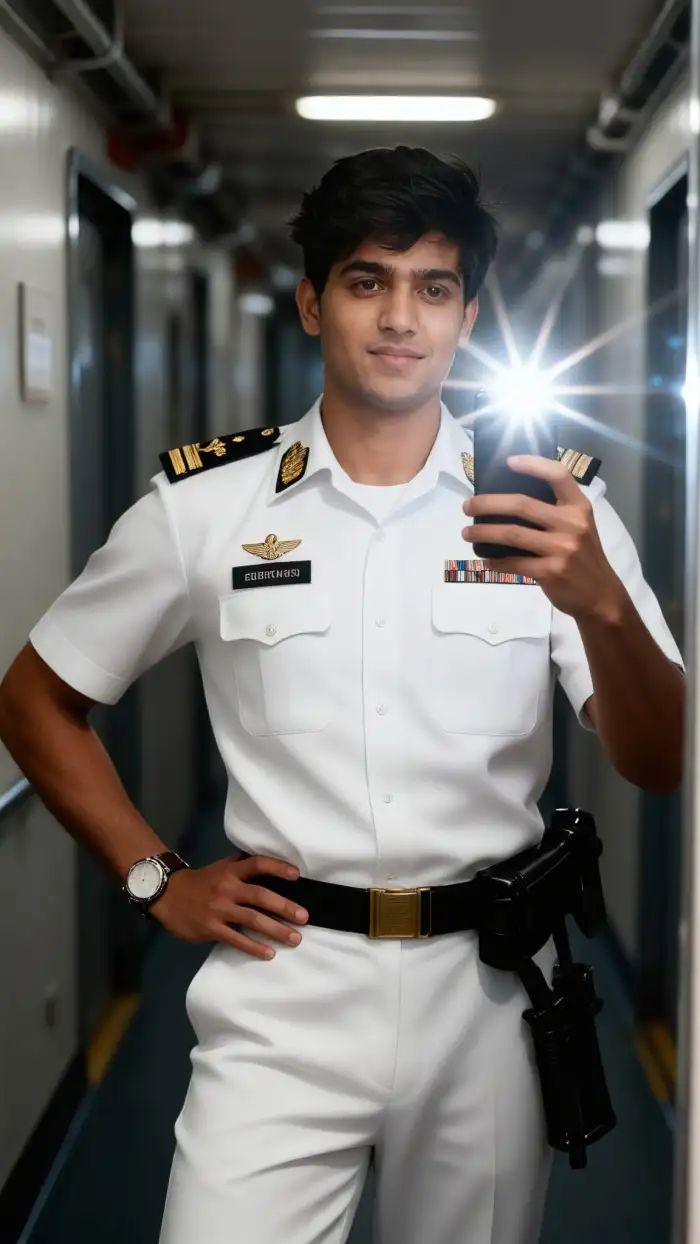
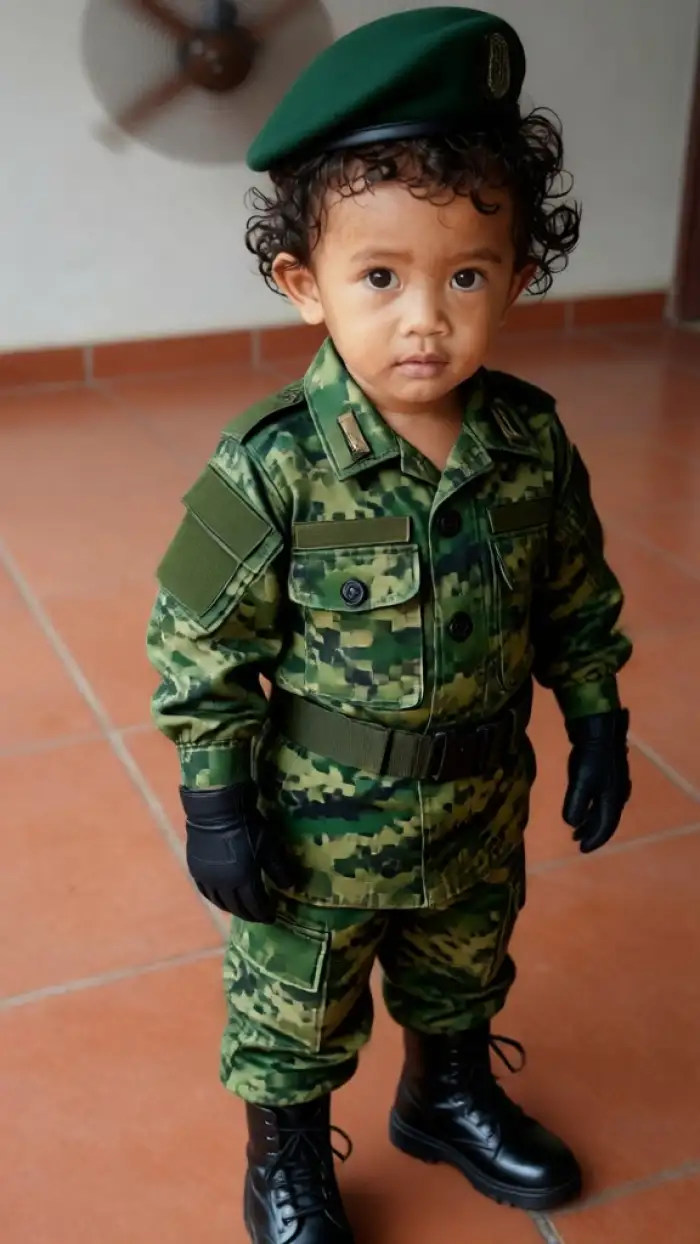
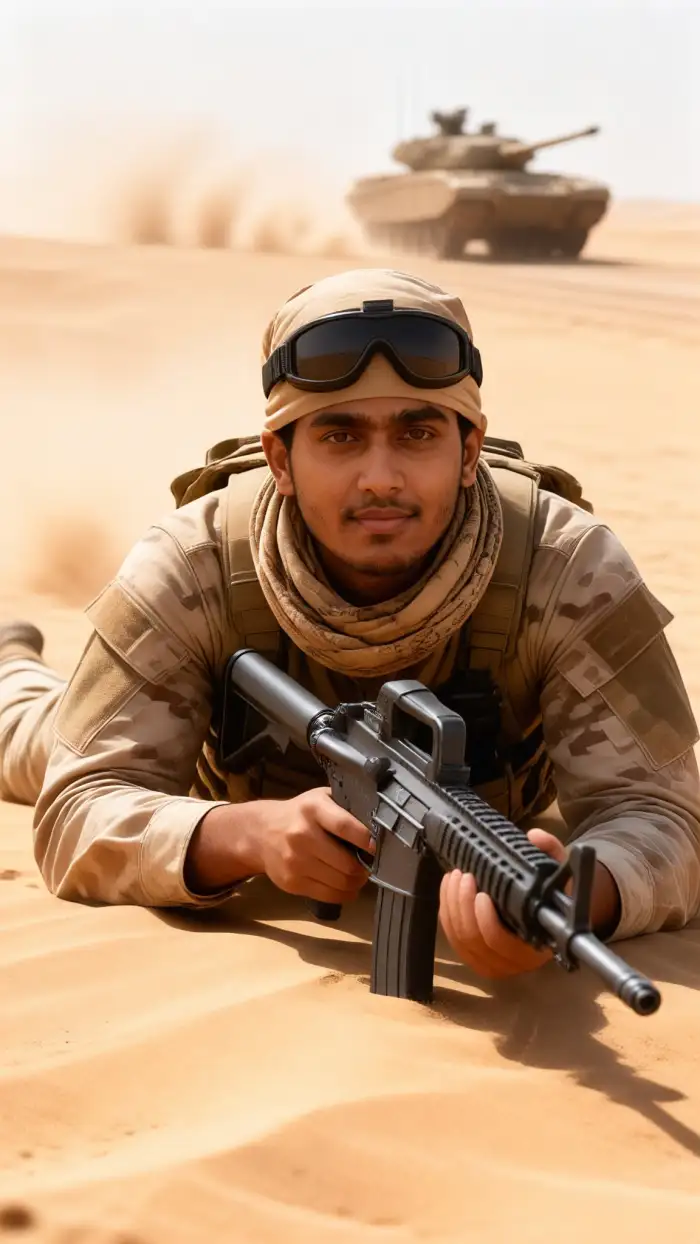
Why Vimi Makes Army Dreamers AI Easy to Use
Find the Army Dreamers AI filter inside Vimi and turn one portrait into a dreamy army scene with a few taps.
Template Based Image and Video Creation
Open Vimi and choose the Army Dreamers AI template. You do not need to write complex prompts or adjust settings. Upload one clear portrait, tap Generate, and wait 10 to 20 seconds. Vimi returns an image or a short video with army inspired tones, soft light, and film grain.
Template Based Image and Video Creation
Open Vimi and choose the Army Dreamers AI template. You do not need to write complex prompts or adjust settings. Upload one clear portrait, tap Generate, and wait 10 to 20 seconds. Vimi returns an image or a short video with army inspired tones, soft light, and film grain.
Explore Vimi Army Dreamers AI Use Cases for Creators
Explore the Army Dreamers AI filter in Vimi for portraits, group photos, and short videos that fit social feeds and personal projects.
 Before
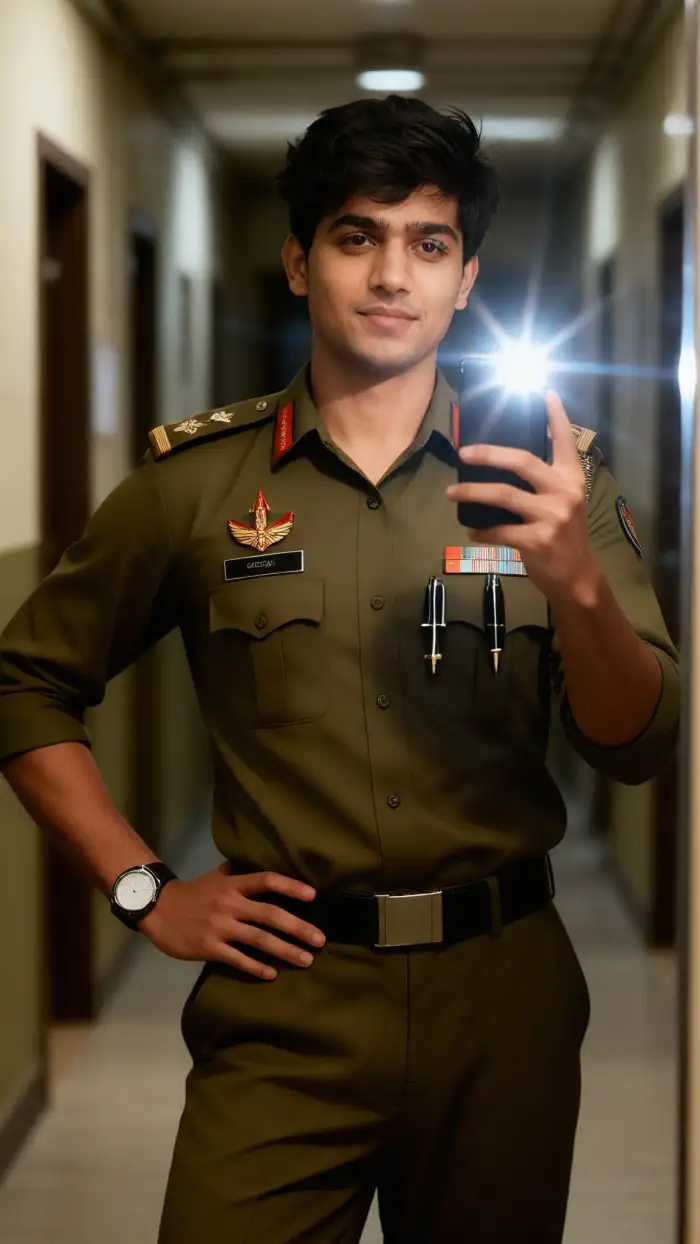 After
Create Solo Dreamy Portraits
Upload one portrait and apply the Army Dreamers AI filter. Vimi keeps the face, hair, and main features clear while adding muted army colors, soft light, and film grain. Use the result for profile photos, mood boards, or a series of linked posts. You can generate a new version in 10 to 20 seconds.
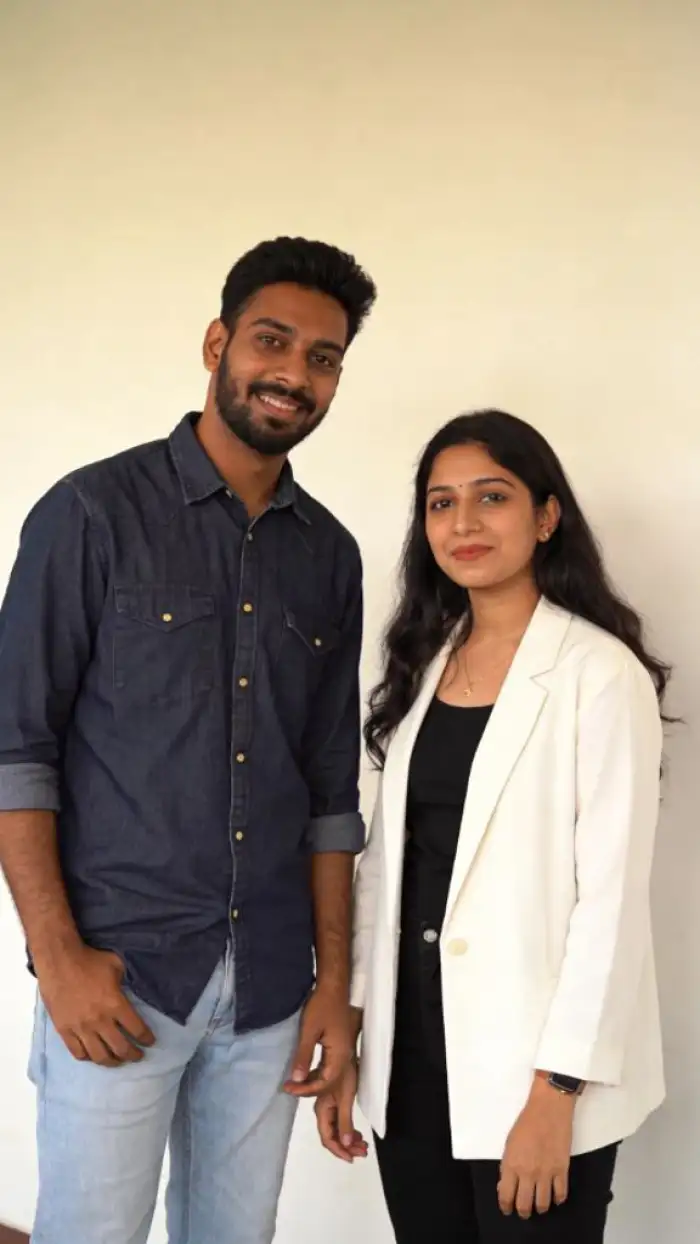 Before
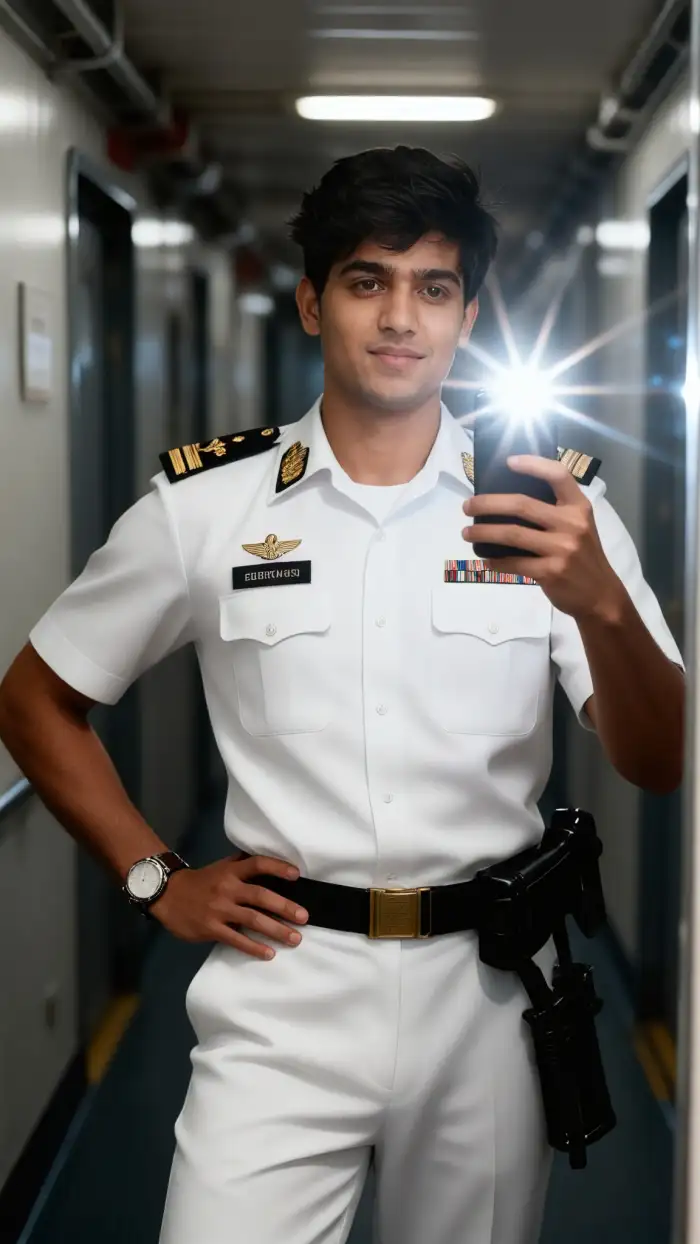 After
Style Group Army Photos
Upload a clear group photo with two or more people. Vimi identifies separate faces and applies the Army Dreamers AI filter without mixing features or dropping subjects. The template works for friend groups, couples, and team photos. Check each face after generation. You can adjust the source photo and run another version if needed.
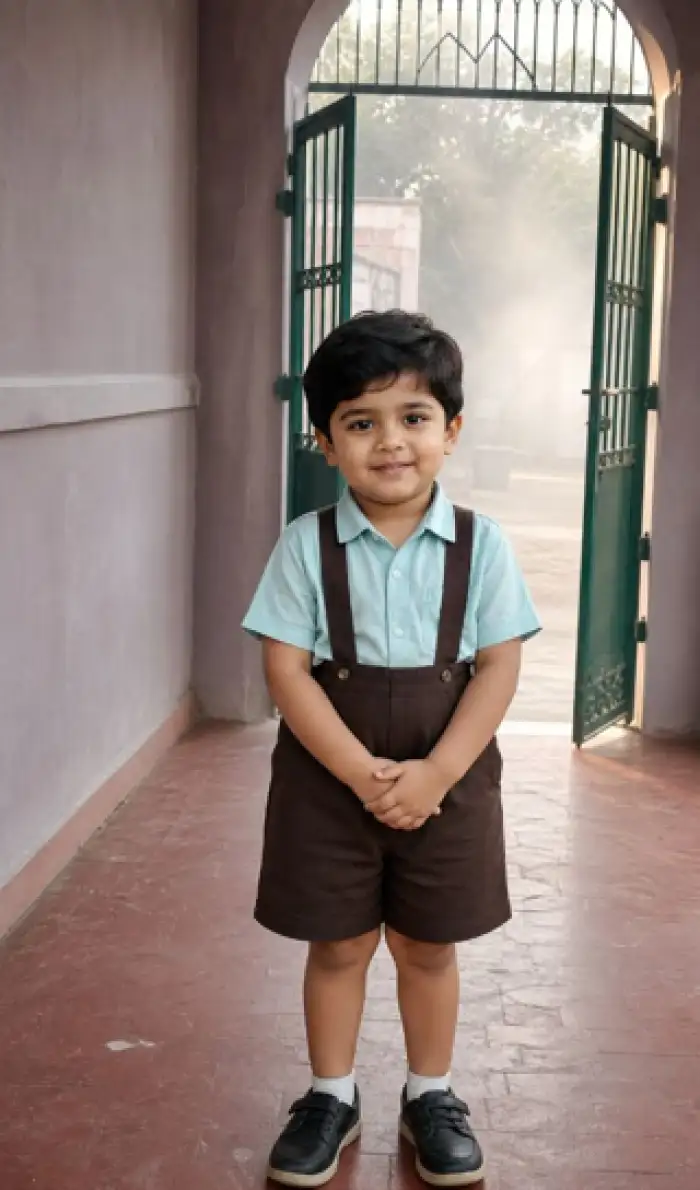 Before
Make Short Army Videos
Choose an Army Dreamers AI video template in Vimi. Upload a portrait or a group photo, then tap Generate. The app creates a short clip with small movements such as blinking, smiling, or turning the head. The clip keeps the main face details stable across frames. Review the result and download it.
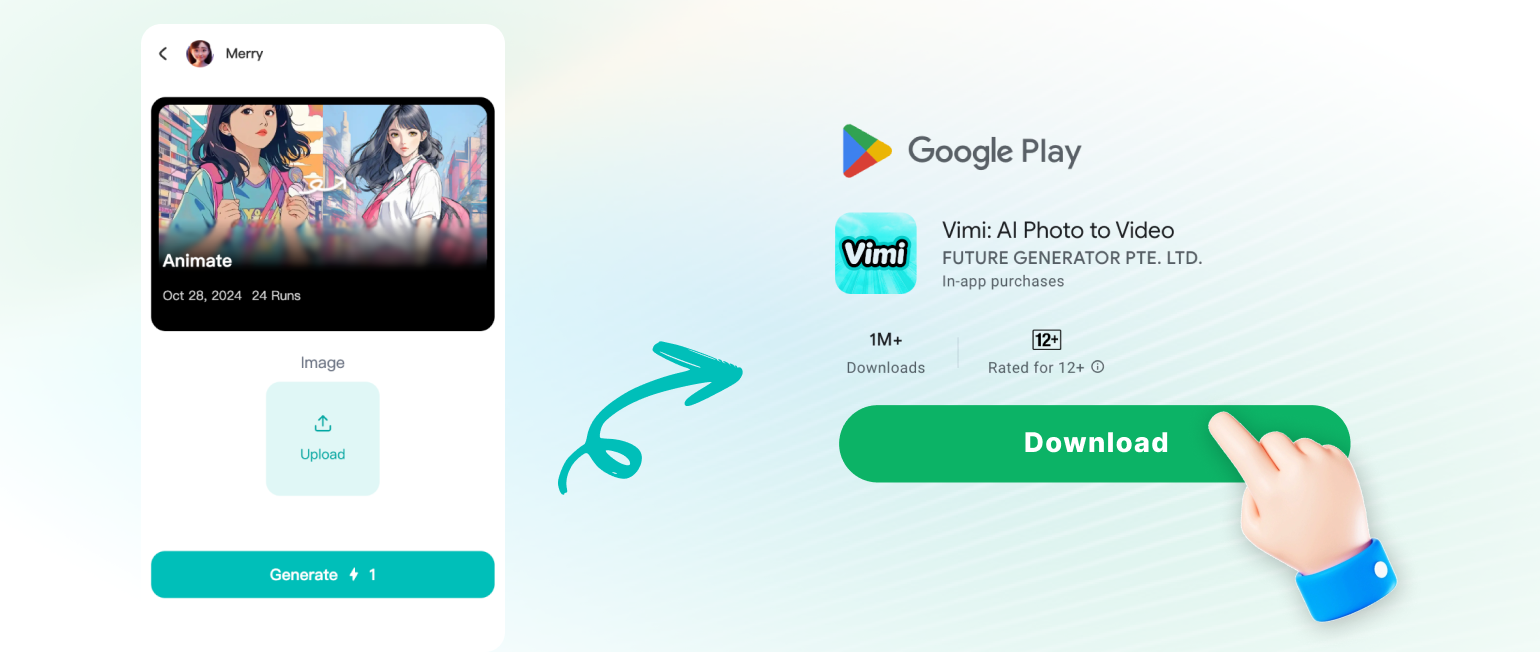
How to Use Vimi Army Dreamers AI Filter?
Search for Vimi and download the app to start. Then pick the Army Dreamers AI filter, upload your photo, and generate your result in three short steps.
YouTube Videos About Army Dreamers AI Generator
Explore in-depth YouTube tutorials and demos that showcase the power and reliability of our AI Generator.
Frequently Asked Questions
Find clear answers to common questions and get the guidance you need to make the most of our platform, faster and easier.
More Topics You May Like
Explore more topics you may like and discover fresh ideas tailored to your interests.

Vimi AI Map To Video Turns Maps into Moving Stories
Vimi AI Group Dance Generator: Turn Group Photos Into Dance Videos
Celebrity Country Transformation With Vimi AI Filter
Vimi AI Princess Transformation Review: Turn Your Photos Into Royal Portraits
Vimi AI Map To Video Turns Maps into Moving Stories
Vimi AI Group Dance Generator: Turn Group Photos Into Dance Videos
Celebrity Country Transformation With Vimi AI Filter
Vimi AI Princess Transformation Review: Turn Your Photos Into Royal Portraits
Create Your Army Dreamers AI Look Today
Download Vimi and open the Army Dreamers AI template. Upload a photo and tap Generate.

Create Your Army Dreamers AI Look Today
Download Vimi and open the Army Dreamers AI template. Upload a photo and tap Generate.