Best AI Anime Generators
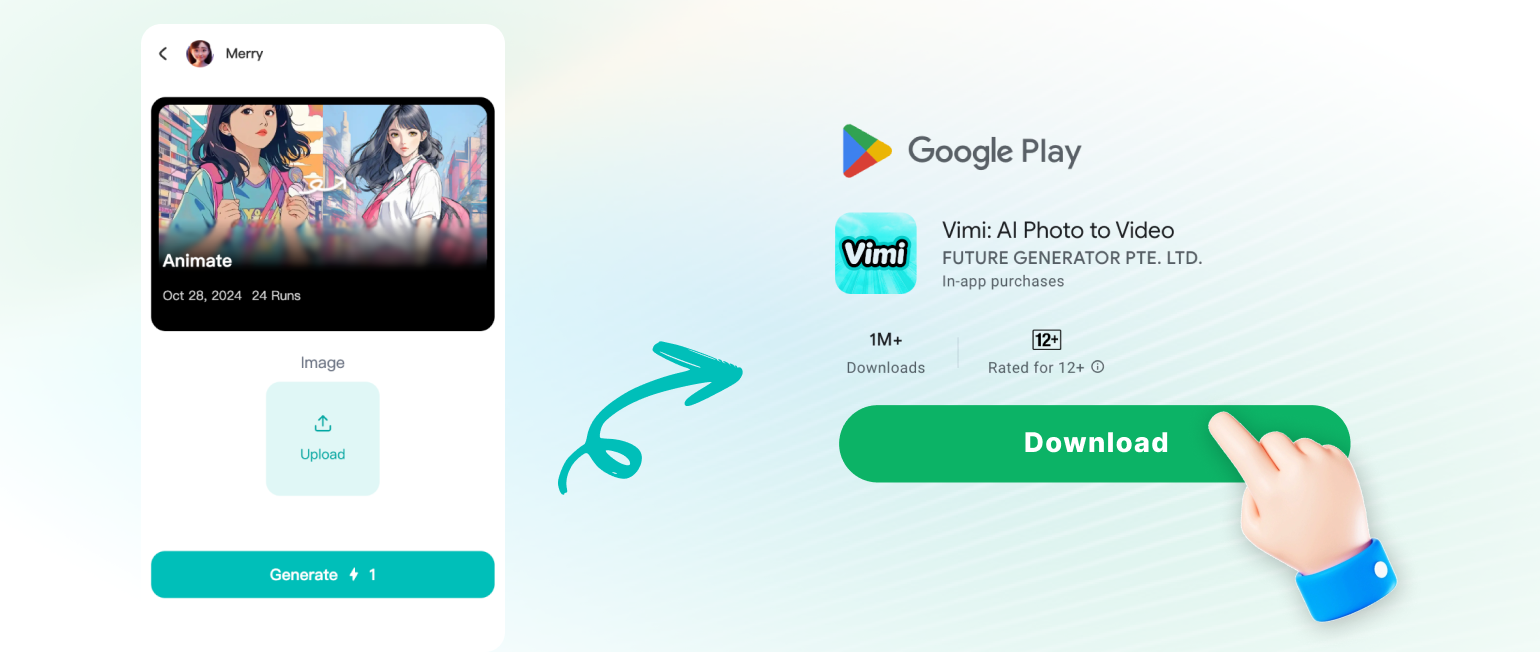
Vimi is an AI design app for anime images and short videos. Pick a style template, upload a photo, and get a result in seconds. Explore rich ready to use templates for portraits, group scenes, and video effects. Download Vimi, create your first anime piece, and share it on your profile.
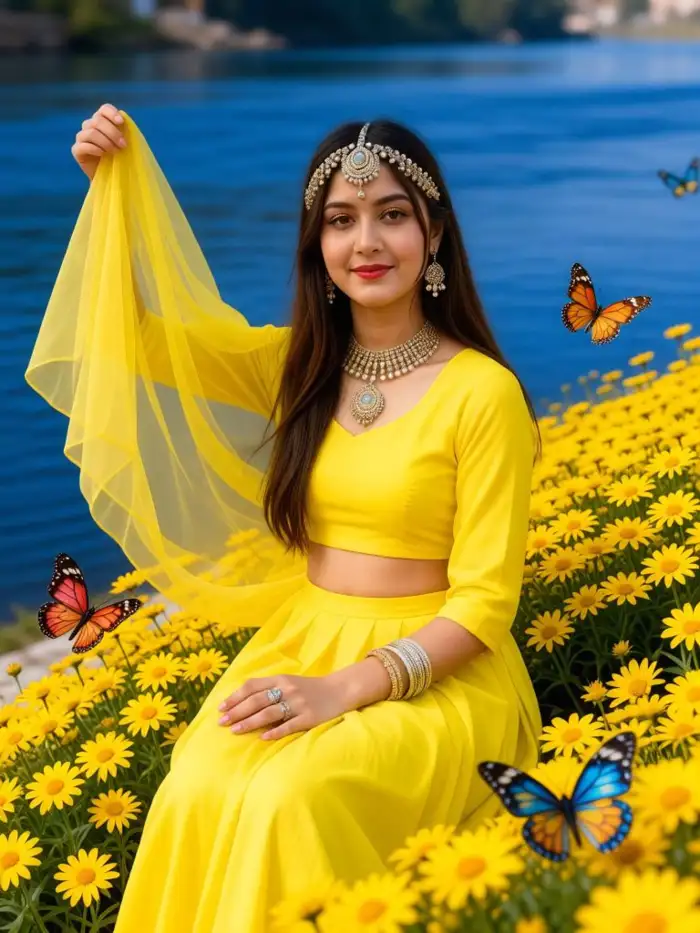 Before
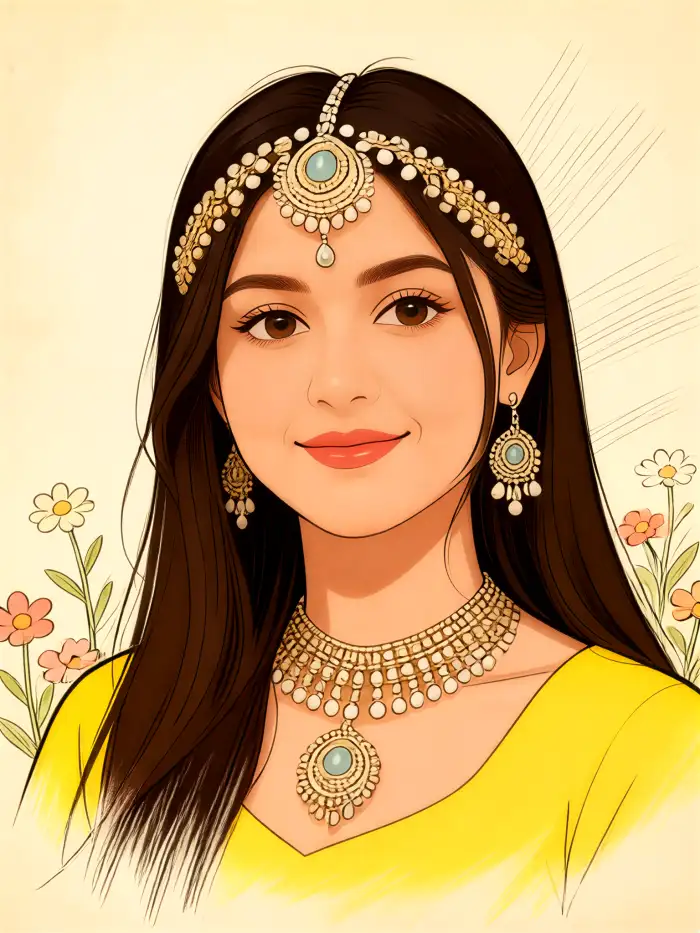 After
Vimi Studio
Switch to Vimi Studio on APP for advanced control and unlimited exports.

Choose the Best AI Anime Generators Filter
Discover the best ai anime generators filter that perfectly matches your mood.
Vimi Anime Filter Recommendations Sample
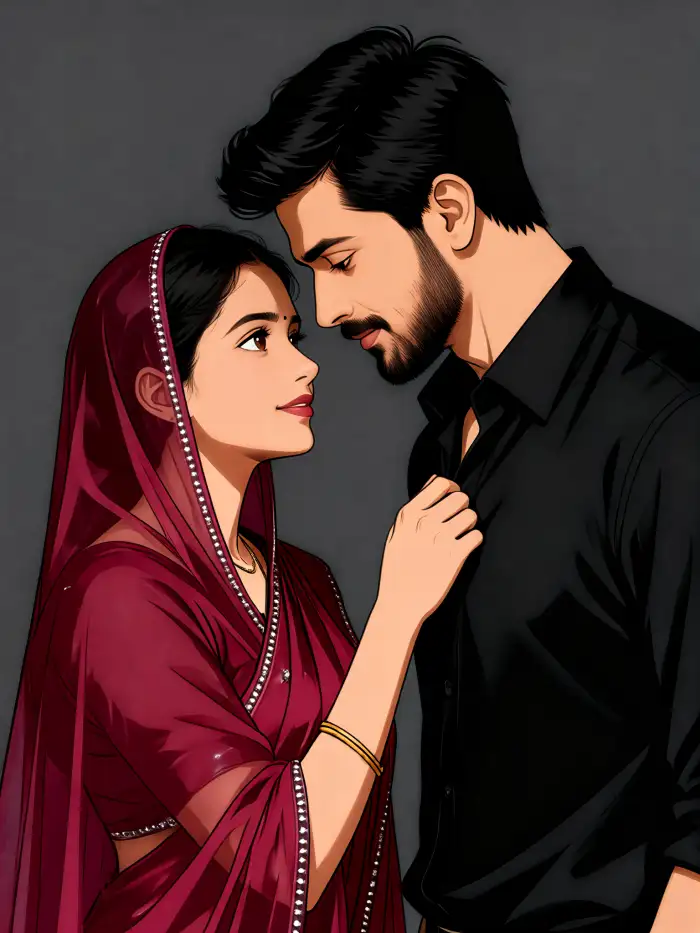
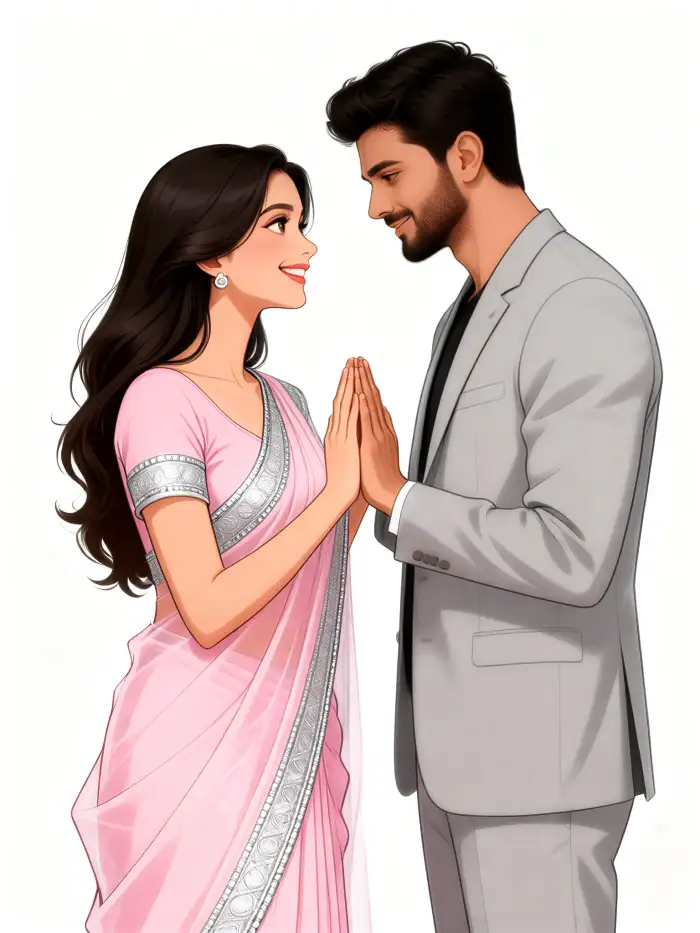
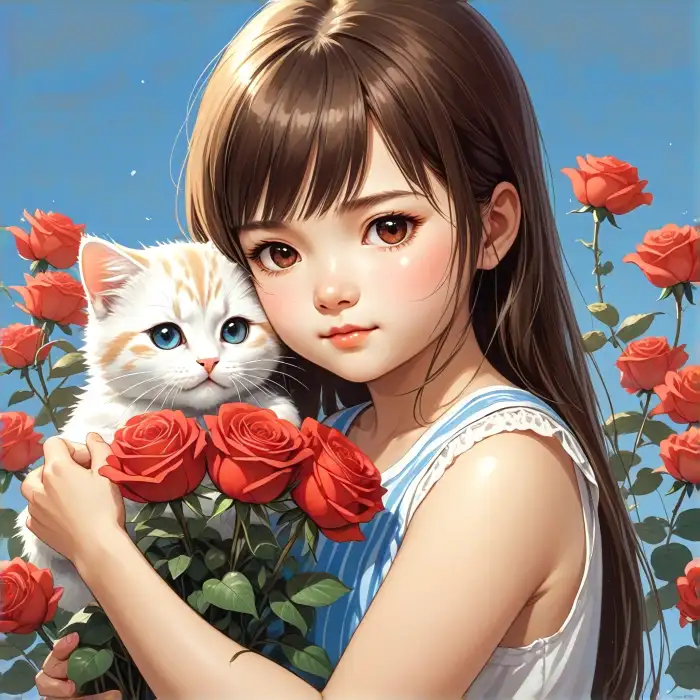
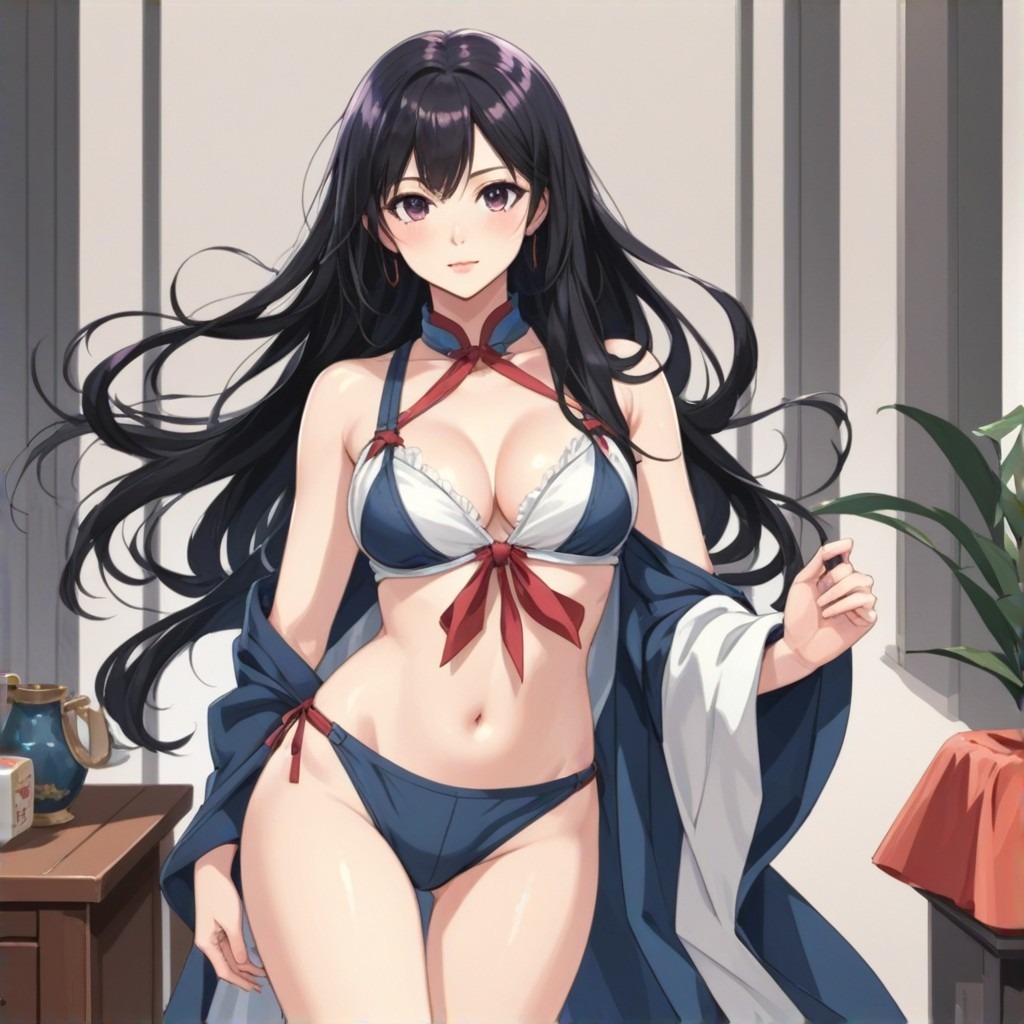
Use these filter prompts as starting points inside Vimi. Each prompt describes a clear anime look, so you can pick a template and adjust with one short sentence.
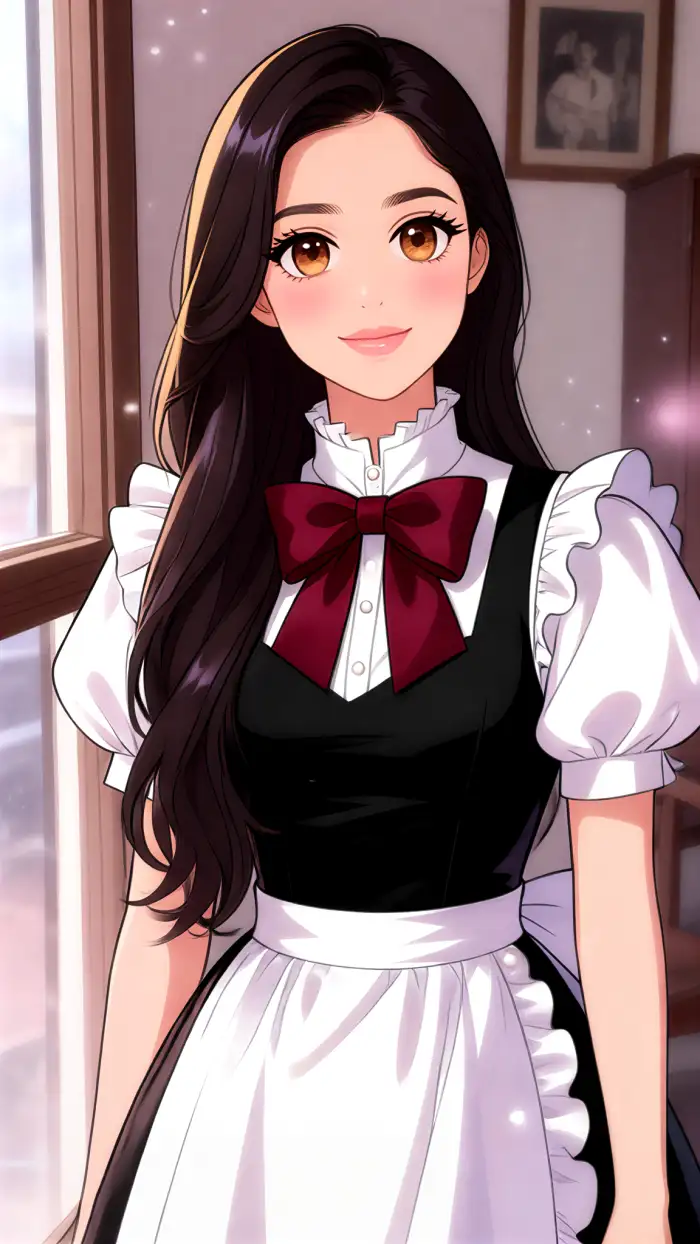
Explore Vimi Best AI Anime Generators Use Cases
Discover the main ways Vimi Best AI Anime Generators support anime portraits, group scenes, and short videos on your phone.
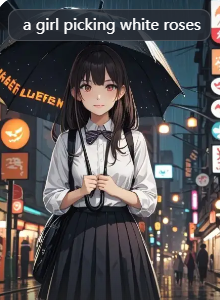 Before
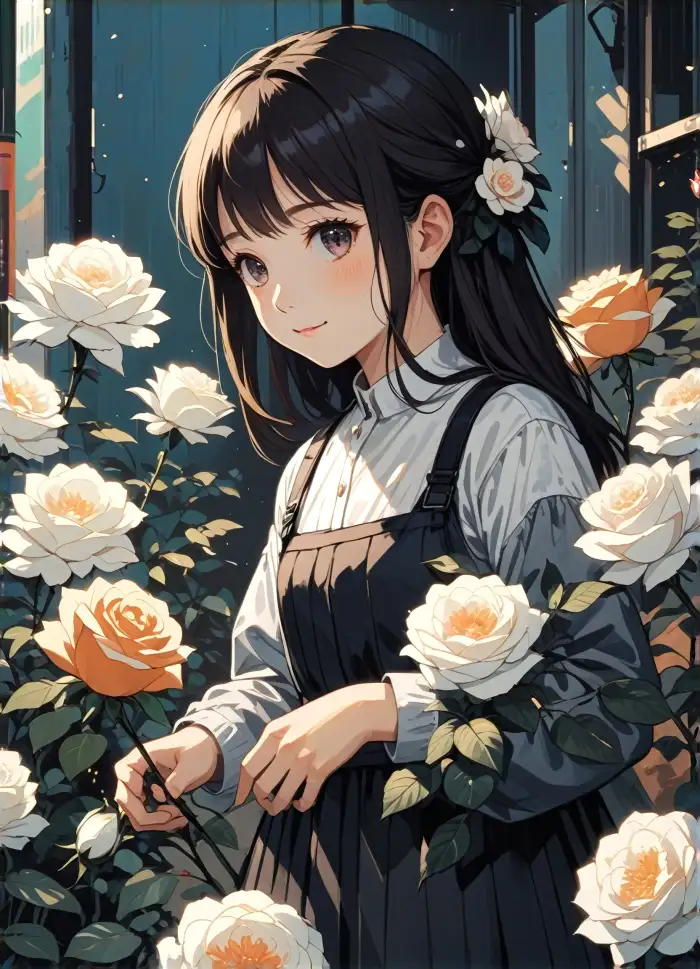 After
Anime Profile Portraits for Social
Vimi turns a simple text idea or one uploaded photo into an anime style profile picture. Pick a template, add a short sentence, and the app builds a clean portrait with stable facial details. You can test realistic anime, soft watercolor, or bold cyberpunk looks on your phone before saving.
BeforeAfterAnime Profile Portraits for Social
Vimi turns a simple text idea or one uploaded photo into an anime style profile picture. Pick a template, add a short sentence, and the app builds a clean portrait with stable facial details. You can test realistic anime, soft watercolor, or bold cyberpunk looks on your phone before saving.
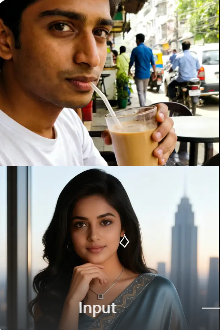 Before
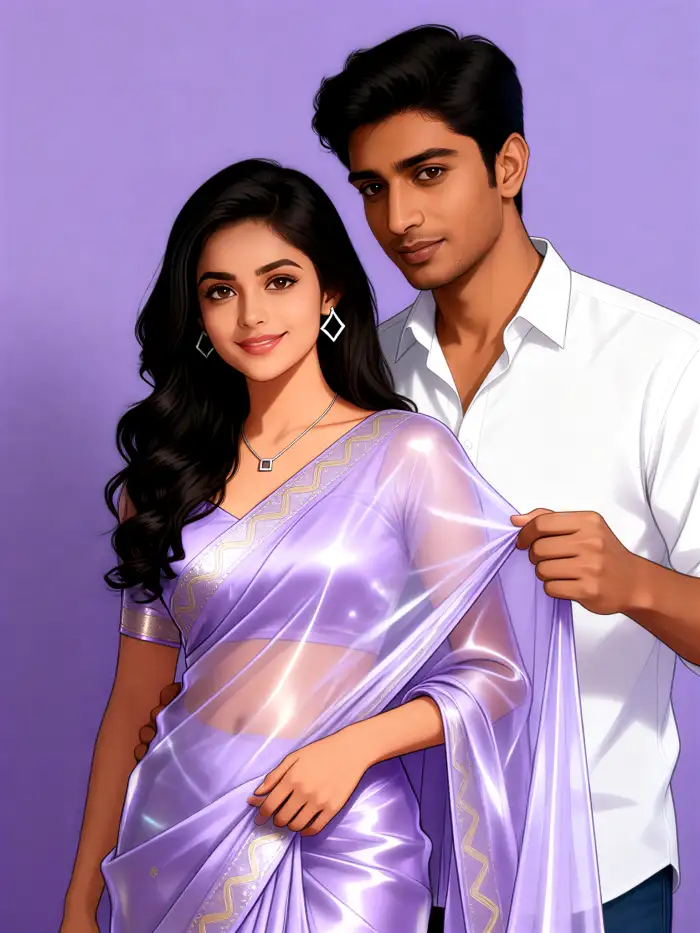 After
Group Photo Anime Scenes
Vimi reads each face in a group photo and keeps people apart during anime style changes. Upload a couple or friend group image, choose a scene, then let the app place everyone into a shared anime moment. Faces stay distinct in hugging, standing, and team poses. The final image keeps facial features clear.
BeforeAfterGroup Photo Anime Scenes
Vimi reads each face in a group photo and keeps people apart during anime style changes. Upload a couple or friend group image, choose a scene, then let the app place everyone into a shared anime moment. Faces stay distinct in hugging, standing, and team poses. The final image keeps facial features clear.
 Before
Short Anime Video Clips
Vimi can turn one still portrait into a short anime video. Choose a video template, upload a clear face photo, and the app adds small motions like blinking, smiling, or turning the head. You can publish the result to your Vimi profile right away. The clip is ready in about 10 to 20 seconds.
BeforeShort Anime Video Clips
Vimi can turn one still portrait into a short anime video. Choose a video template, upload a clear face photo, and the app adds small motions like blinking, smiling, or turning the head. You can publish the result to your Vimi profile right away. The clip is ready in about 10 to 20 seconds.
How to Use Vimi Best AI Anime Generators?
Start with the Vimi app and choose an anime template that fits your idea. Upload a photo, generate the result, then download or share it from the app.
YouTube Videos About Best AI Anime Generators
Explore in-depth YouTube tutorials and demos that showcase the power and reliability of our AI Generator.
Frequently Asked Questions
Find clear answers to common questions and get the guidance you need to make the most of our platform, faster and easier.
More Topics You May Like
Explore more topics you may like and discover fresh ideas tailored to your interests.

Vimi AI Map To Video Turns Maps into Moving Stories
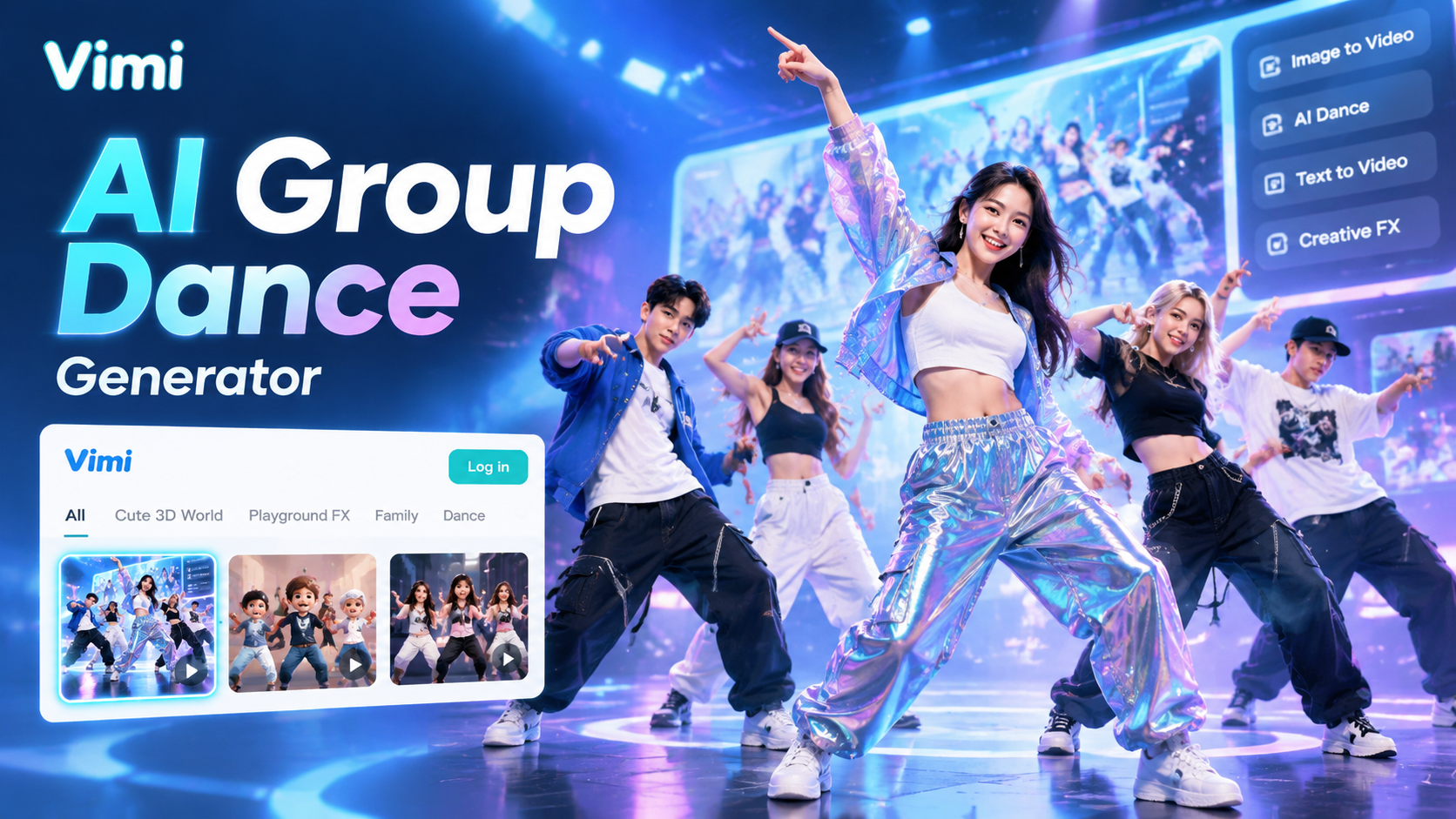
Vimi AI Group Dance Generator: Turn Group Photos Into Dance Videos
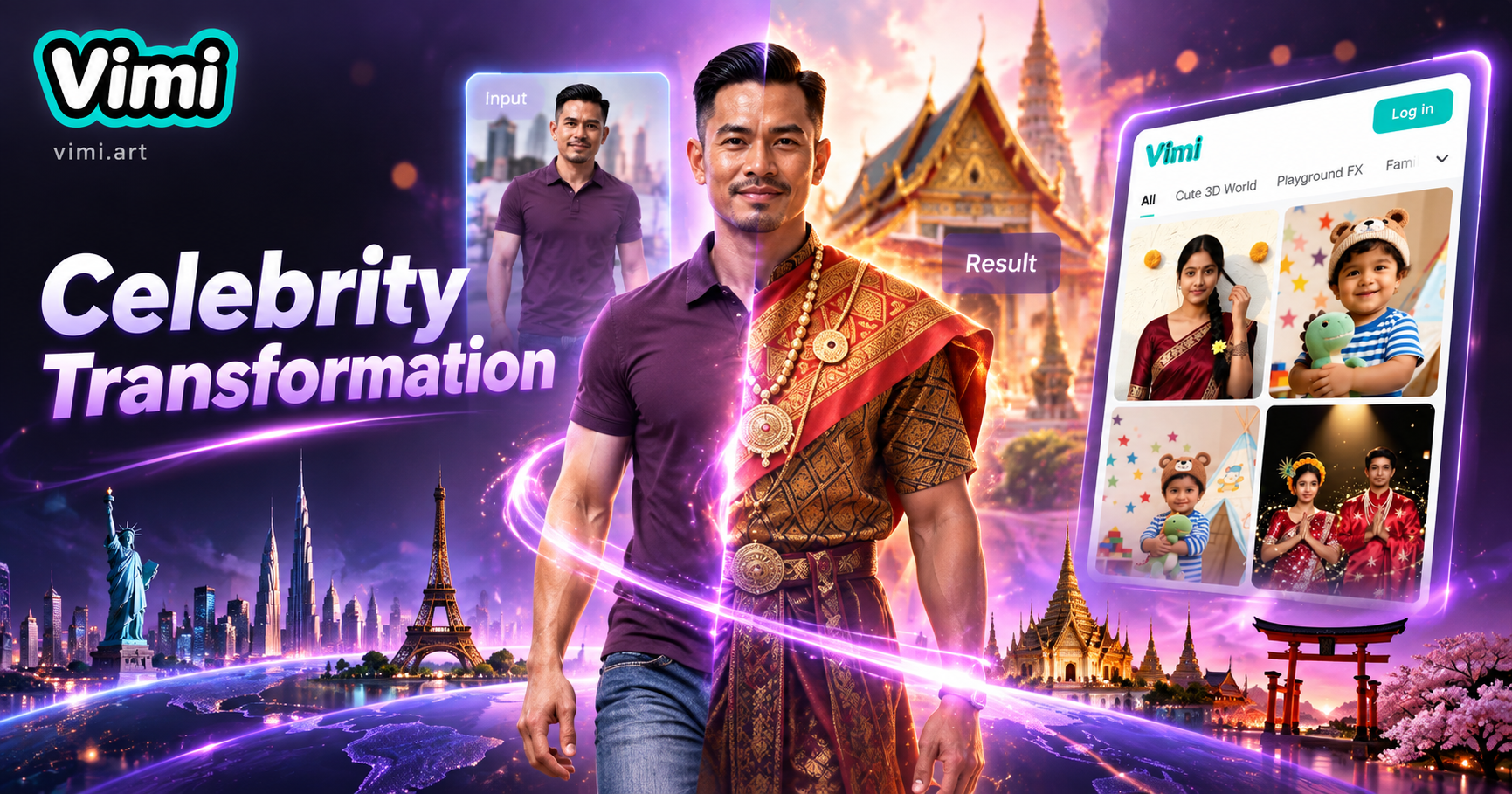
Celebrity Country Transformation With Vimi AI Filter
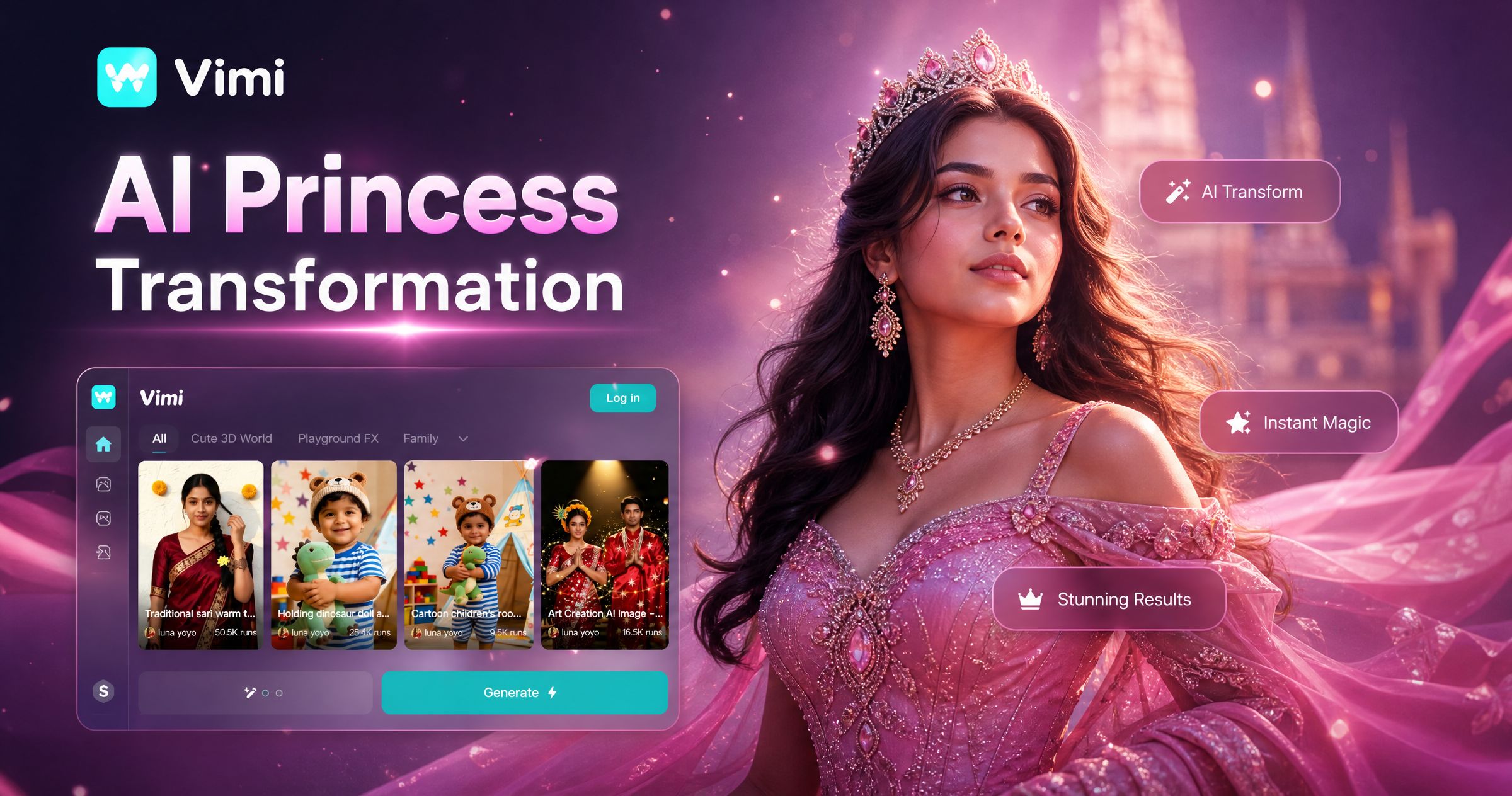
Vimi AI Princess Transformation Review: Turn Your Photos Into Royal Portraits
Vimi AI Map To Video Turns Maps into Moving Stories
Vimi AI Group Dance Generator: Turn Group Photos Into Dance Videos
Celebrity Country Transformation With Vimi AI Filter
Vimi AI Princess Transformation Review: Turn Your Photos Into Royal Portraits
Create Anime Art with Vimi Today
Download the app. Pick a template and make your first anime image or video.Stay ahead of trends and create content everyone will notice.
Create Anime Art with Vimi Today
Download the app. Pick a template and make your first anime image or video.Stay ahead of trends and create content everyone will notice.