Best AI Selfie Generators
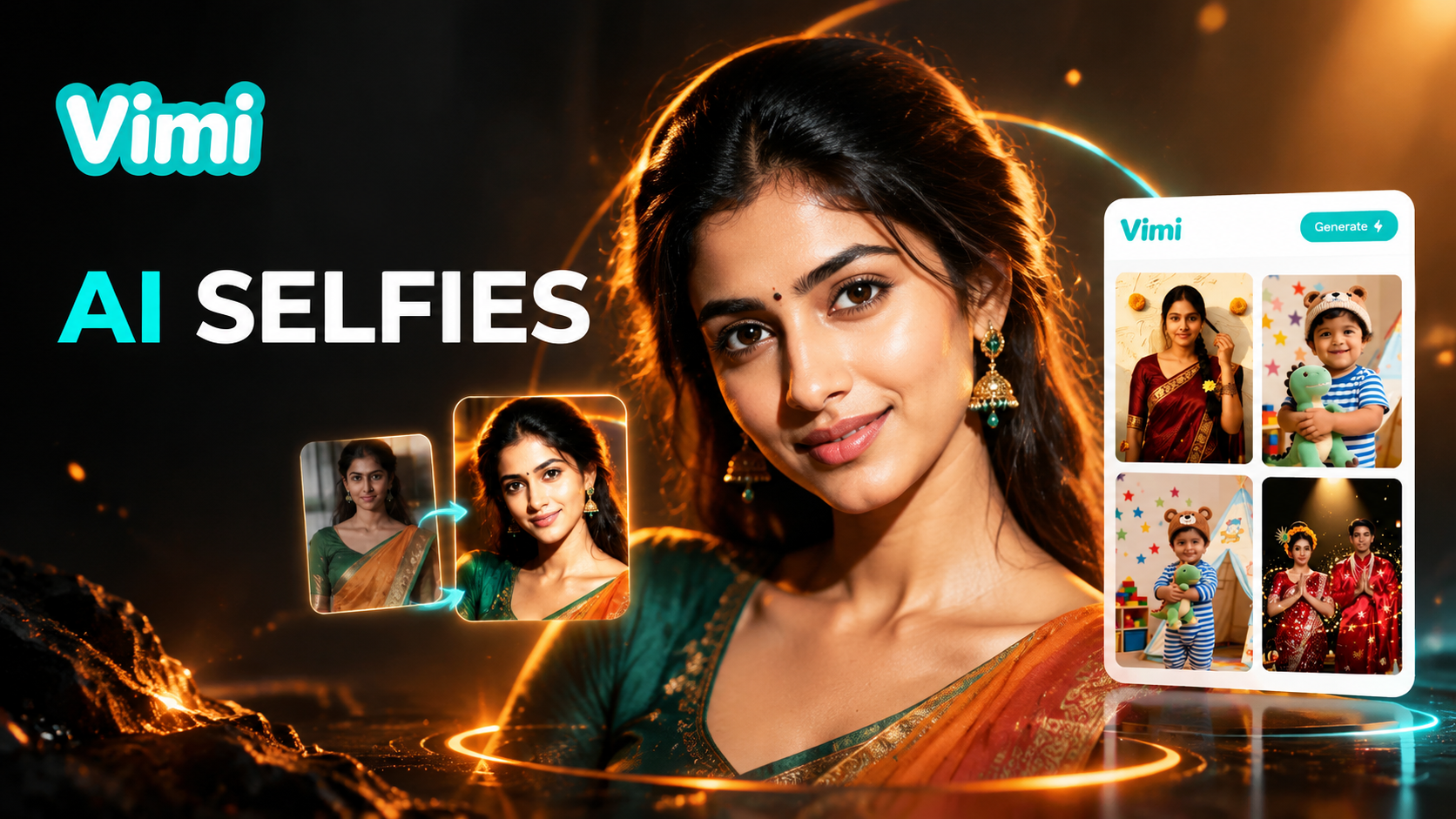
Choose the Best AI Selfie Generators Filter
Discover the best ai selfie generators filter that perfectly matches your style and mood.
Vimi Best AI Selfie Generators Filter Picks
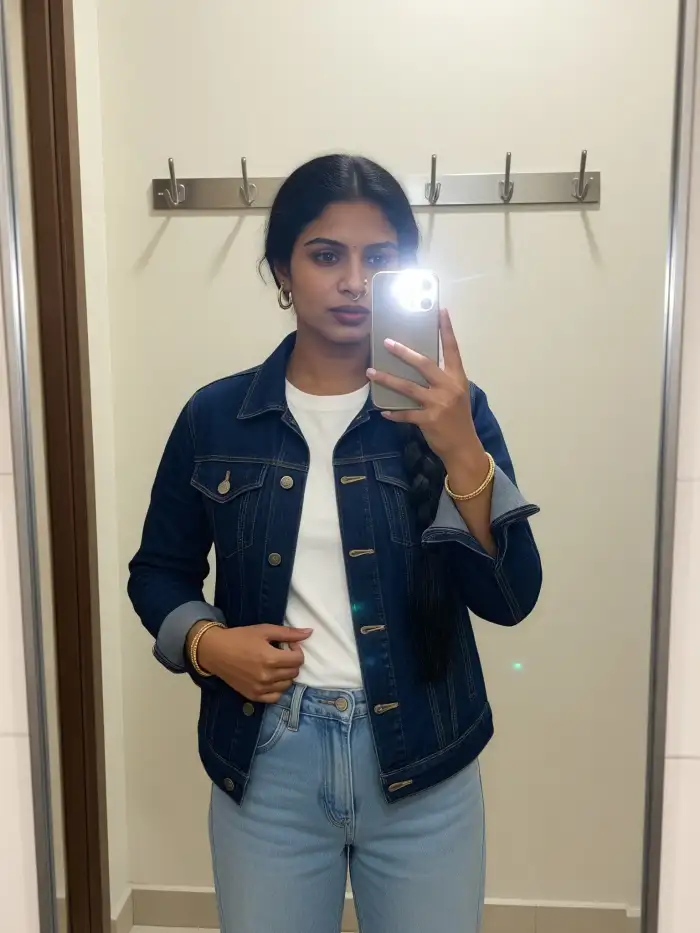
Start with a clear selfie and a style you like. The app shows each filter result before you generate. You can try anime, 3D clay, studio portrait, cyberpunk, and Ghibli style looks.
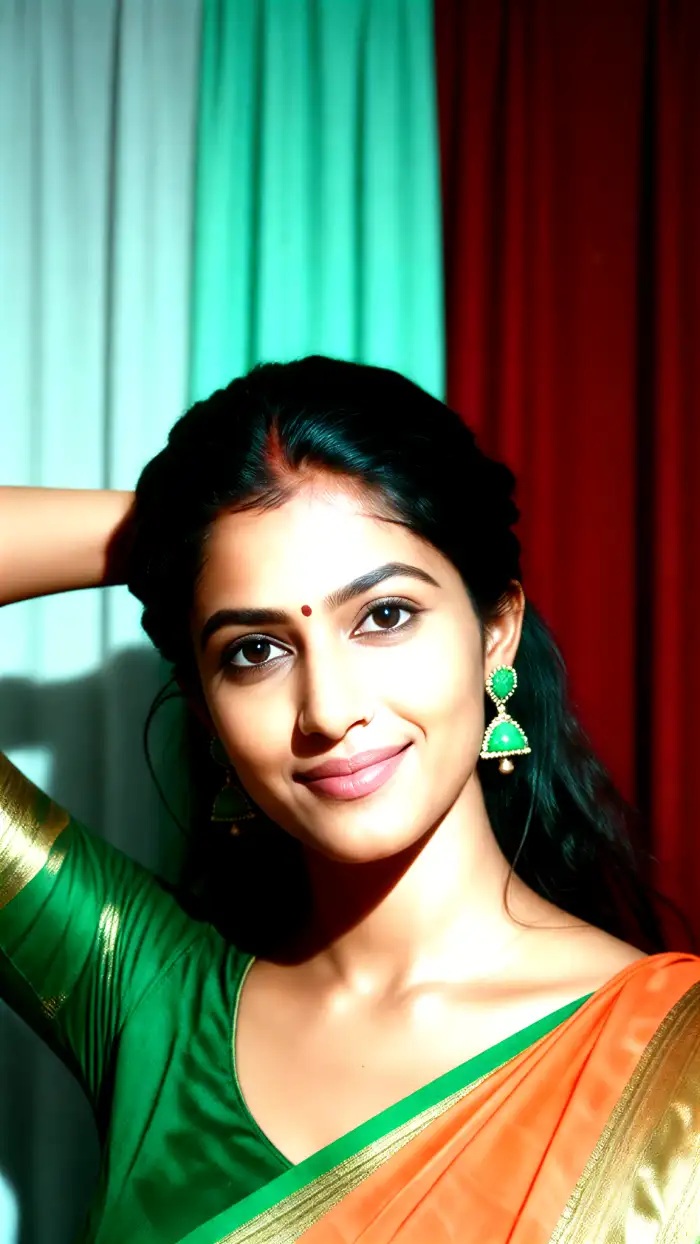
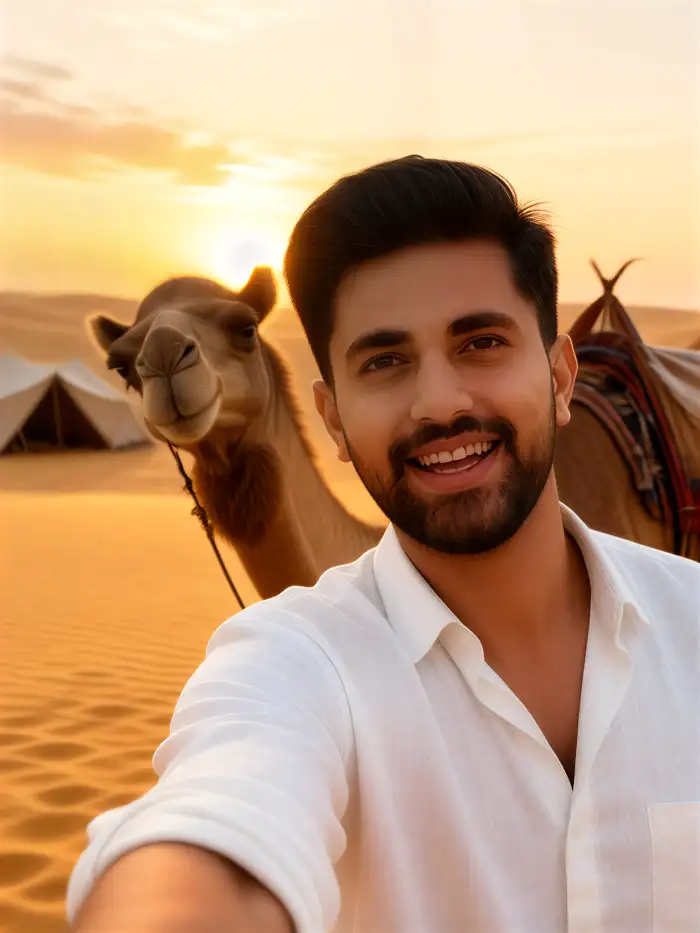
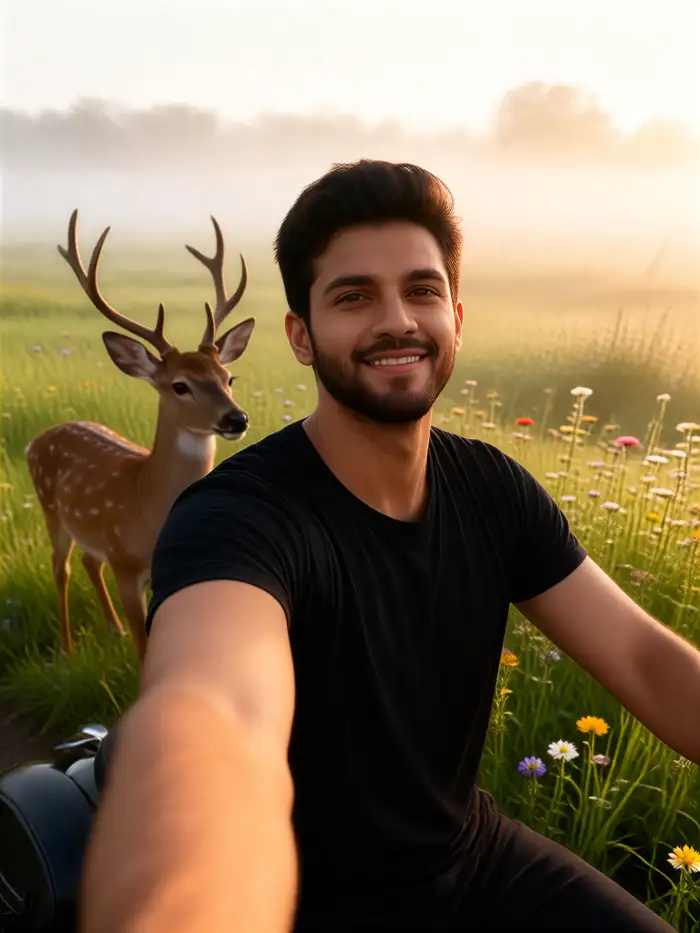
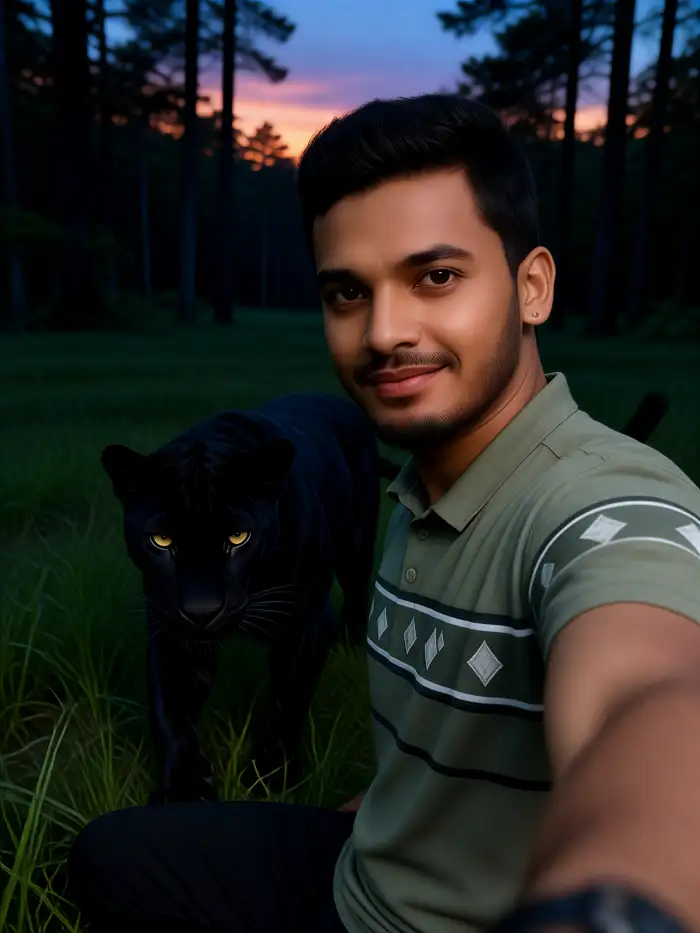
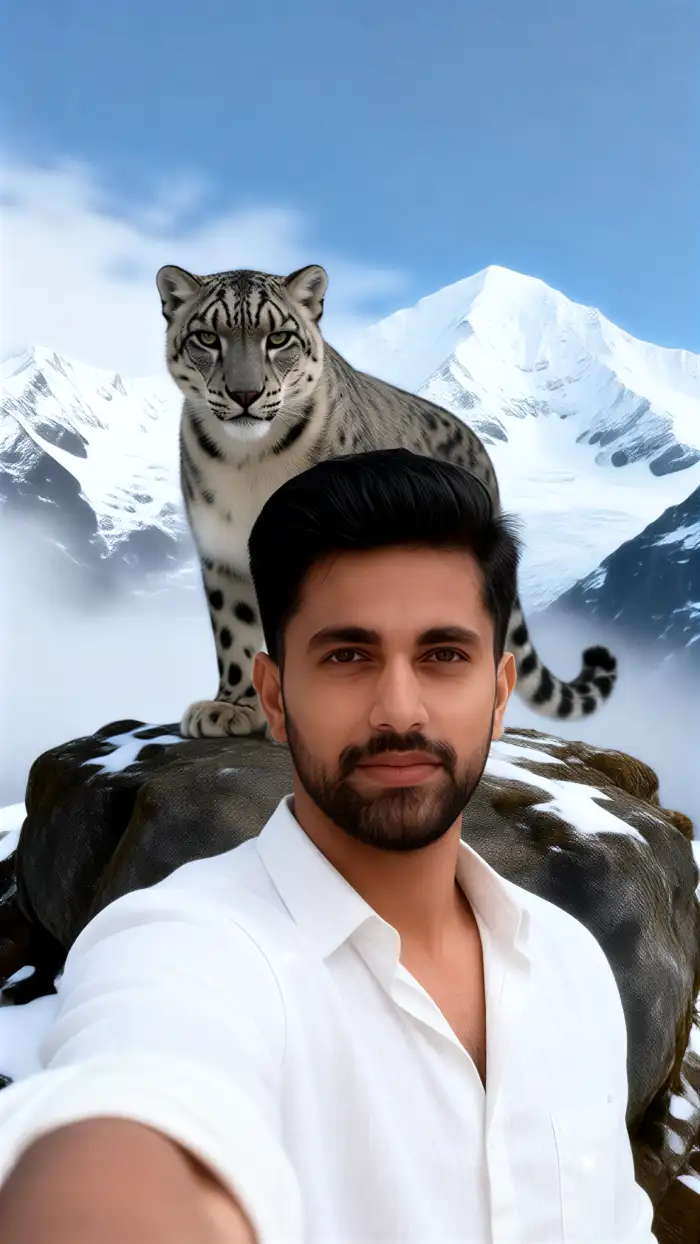
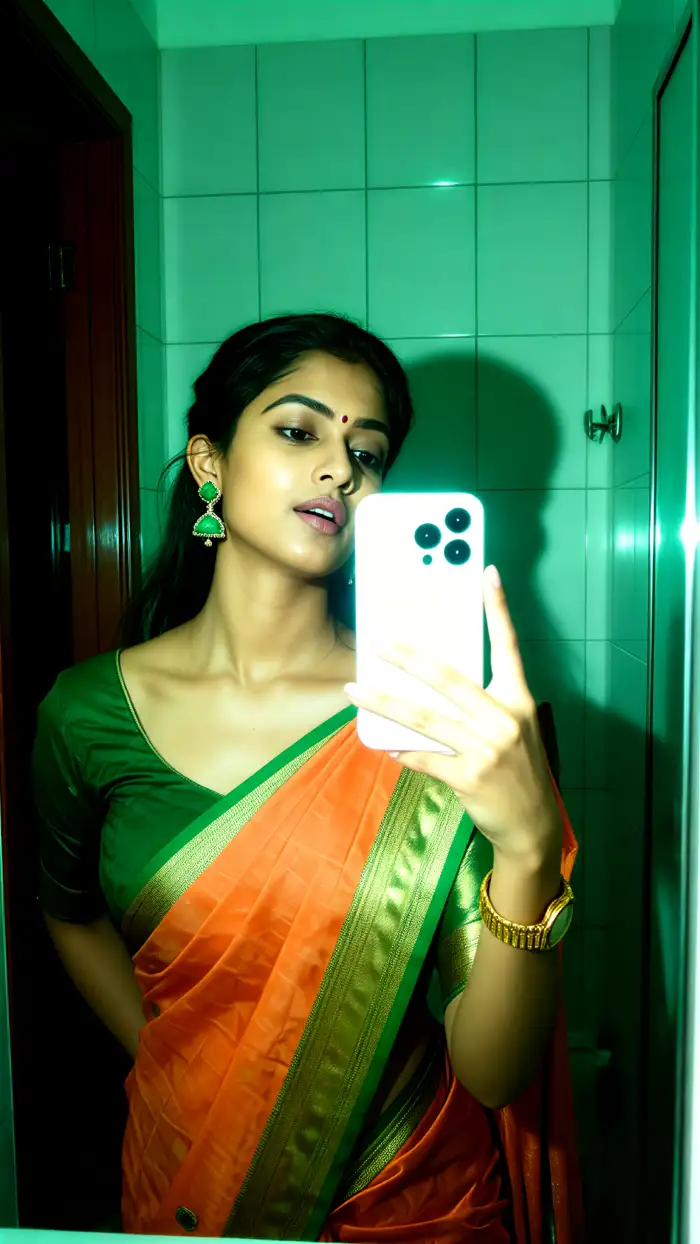
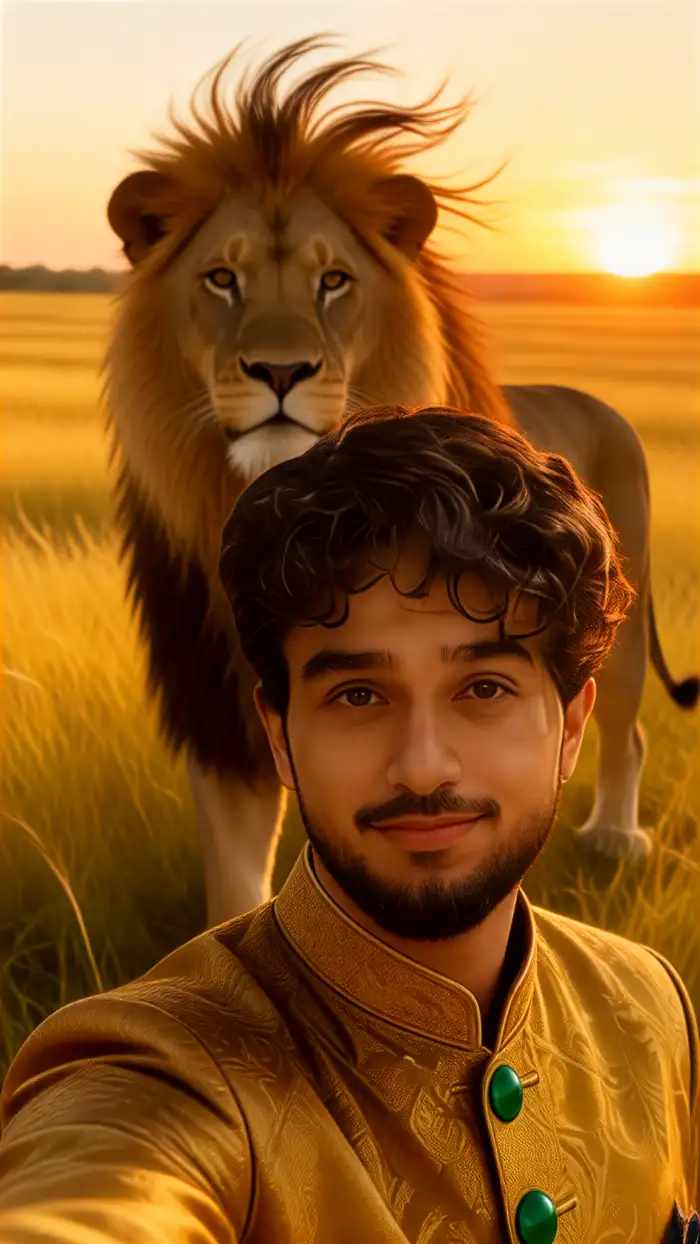
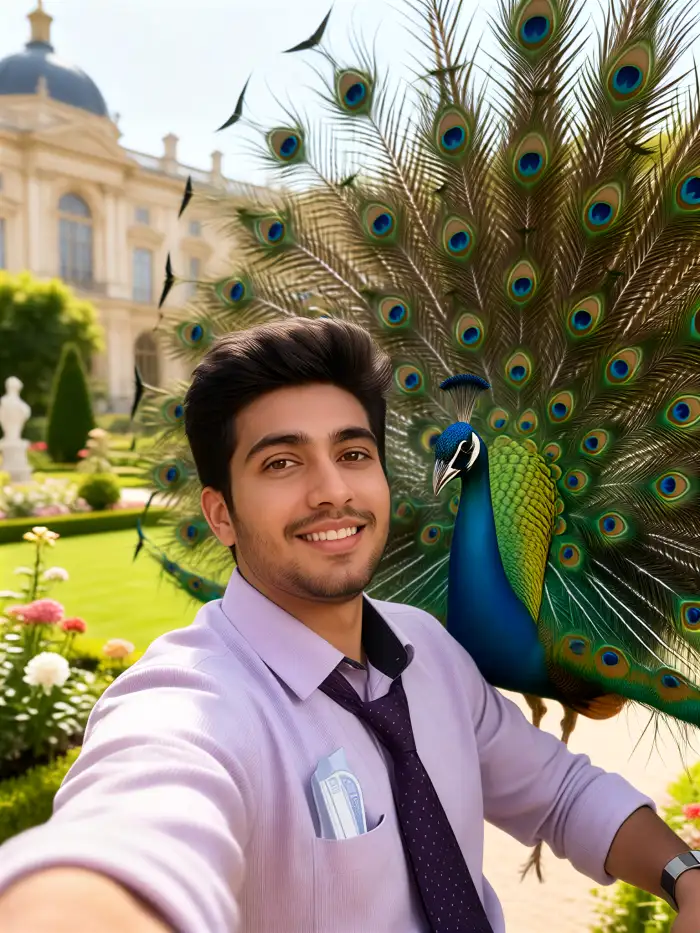
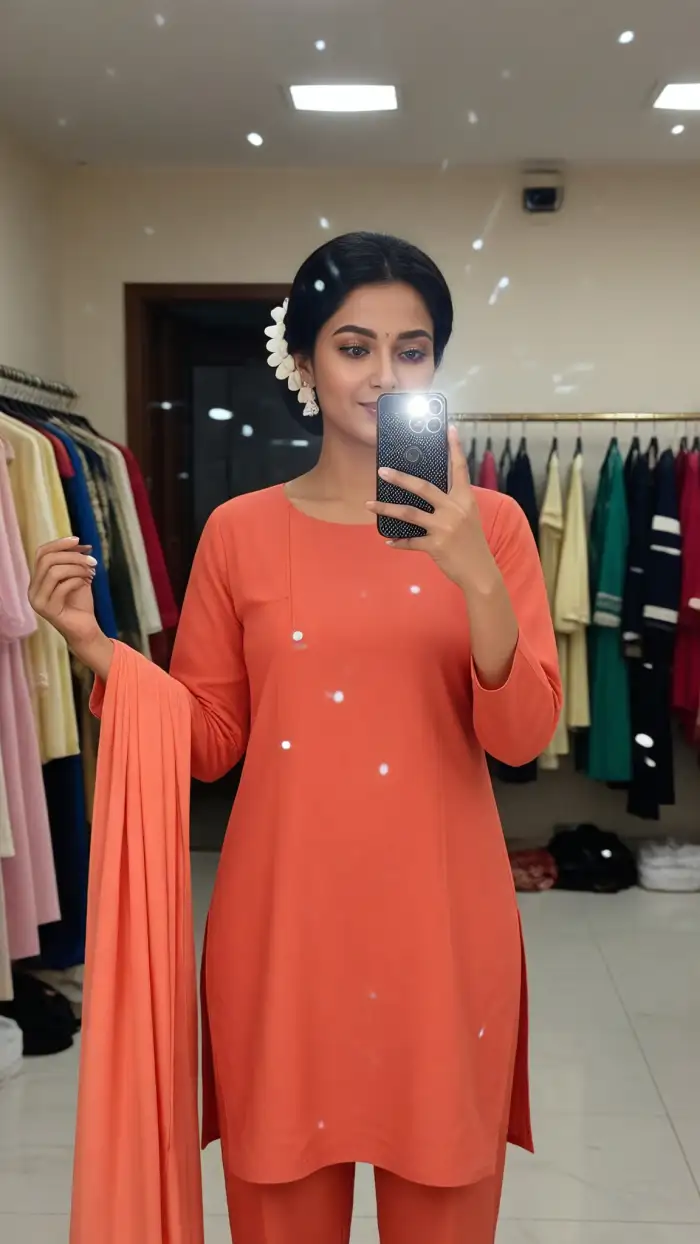
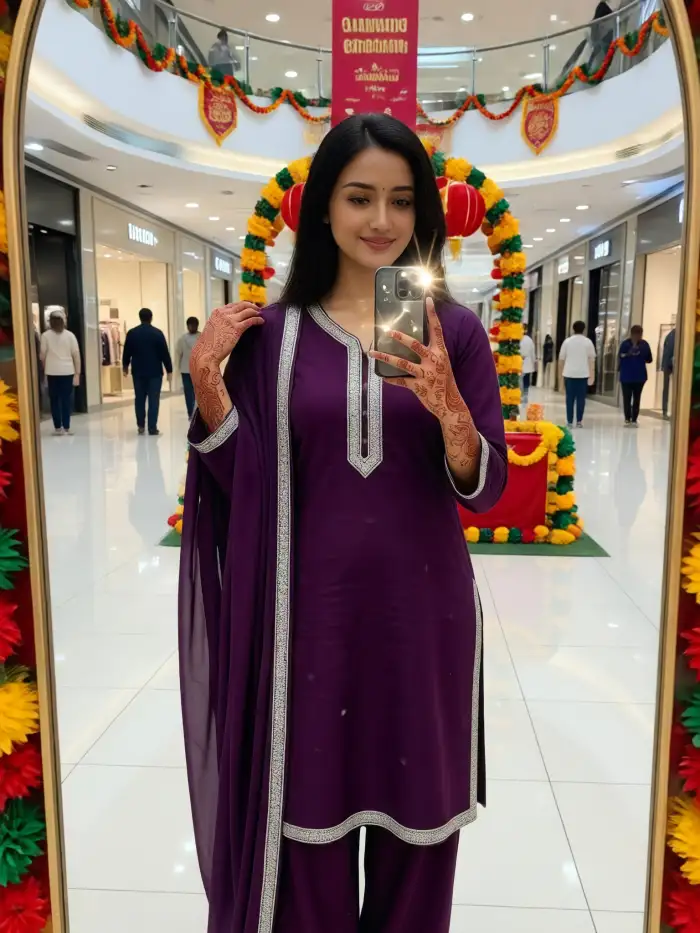
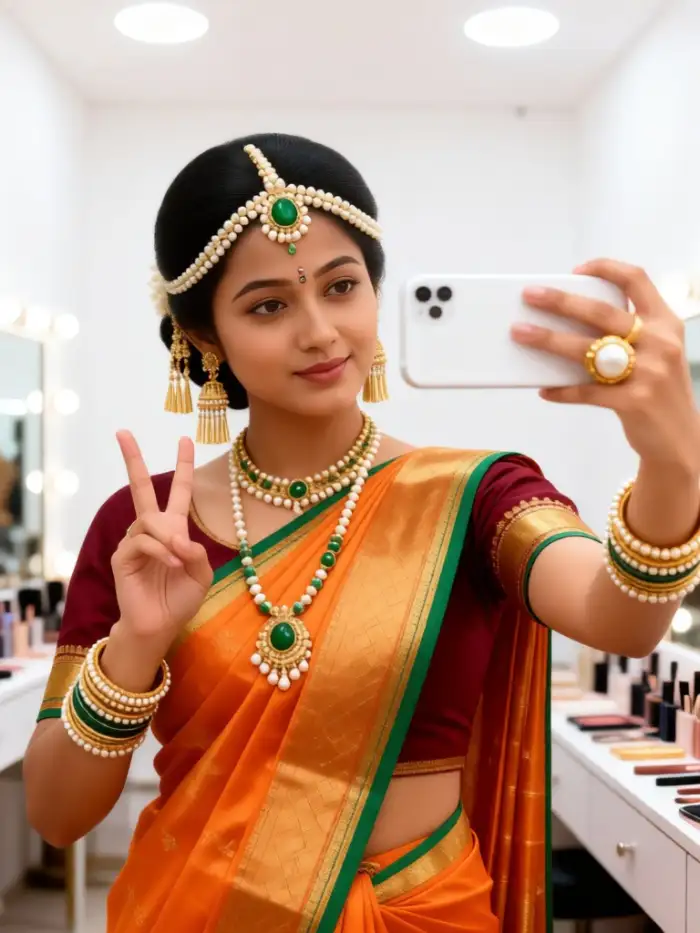
Key Features of Vimi Best AI Selfie Generators
Discover the main tools that help Vimi Best AI Selfie Generators turn everyday photos into shareable portraits and photos.
One Tap Selfie Creation
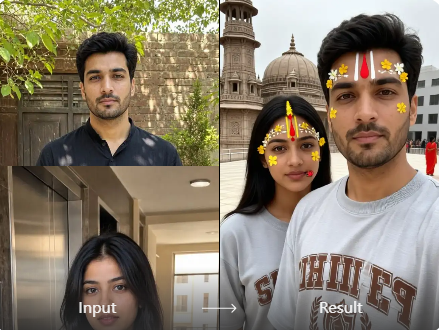
Choose a selfie template and upload one clear photo. You can add a short text prompt for a second edit. Vimi reads the face and applies the selected style. The app returns a finished image in about 10 to 20 seconds. Complex prompt writing is not needed.
One Tap Selfie Creation
Choose a selfie template and upload one clear photo. You can add a short text prompt for a second edit. Vimi reads the face and applies the selected style. The app returns a finished image in about 10 to 20 seconds. Complex prompt writing is not needed.
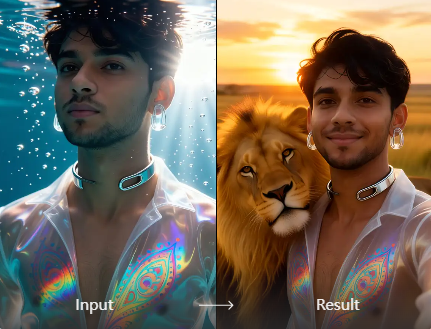
Photo to Photo Styles
Upload a photo as a reference. Vimi keeps the main facial features while it changes the lighting, color, and art style. You can move from a natural portrait to anime, watercolor, oil paint, or cyberpunk art without losing the person. The result still looks like you.
Photo to Photo Styles
Upload a photo as a reference. Vimi keeps the main facial features while it changes the lighting, color, and art style. You can move from a natural portrait to anime, watercolor, oil paint, or cyberpunk art without losing the person. The result still looks like you.
Multi Person Selfie Support
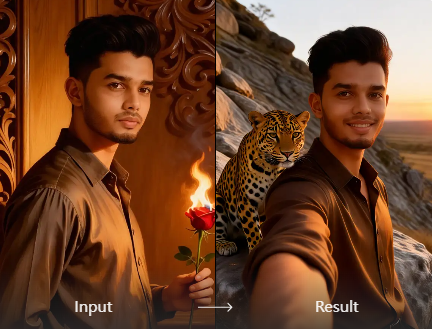
Upload a group photo or a set of individual photos. Vimi identifies each face and keeps people separate. It can build a hugging scene, a shoulder to shoulder group shot, or a themed team portrait. Mixed faces and missing people are reduced. The number of people depends on the template.
Multi Person Selfie Support
Upload a group photo or a set of individual photos. Vimi identifies each face and keeps people separate. It can build a hugging scene, a shoulder to shoulder group shot, or a themed team portrait. Mixed faces and missing people are reduced. The number of people depends on the template.
Why Use Vimi Best AI Selfie Generators
Explore the practical benefits that make Vimi Best AI Selfie Generators easy to use for daily selfies and social posts.
Fast and Simple Workflow
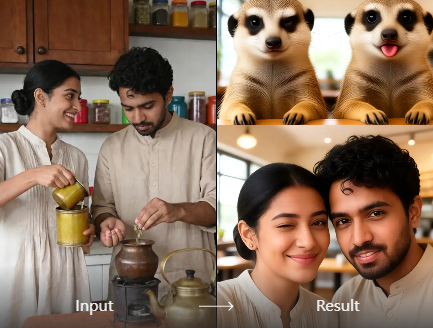
Open the app and pick a selfie filter. Upload one photo and tap Generate. Vimi handles face detection, style transfer, and output quality for you. You do not need prompt skills or editing software. Most selfies finish in seconds. You can save and share at once.
Fast and Simple Workflow
Open the app and pick a selfie filter. Upload one photo and tap Generate. Vimi handles face detection, style transfer, and output quality for you. You do not need prompt skills or editing software. Most selfies finish in seconds. You can save and share at once.
How to Use Vimi Best AI Selfie Generators?
The flow takes three short steps. You can finish a selfie in the app within minutes.

Step 01.
Get the Vimi App from the official download page. Open it and sign in to start creating.
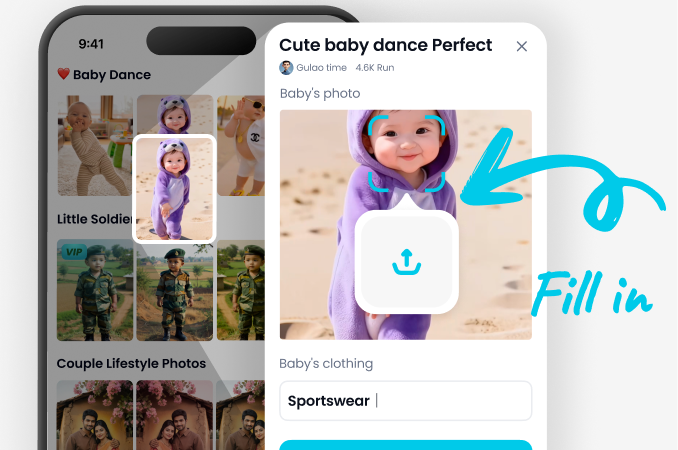
Step 02.
Browse the selfie template library. Choose a Best AI Selfie Generators filter. Upload your photo and tap Generate.
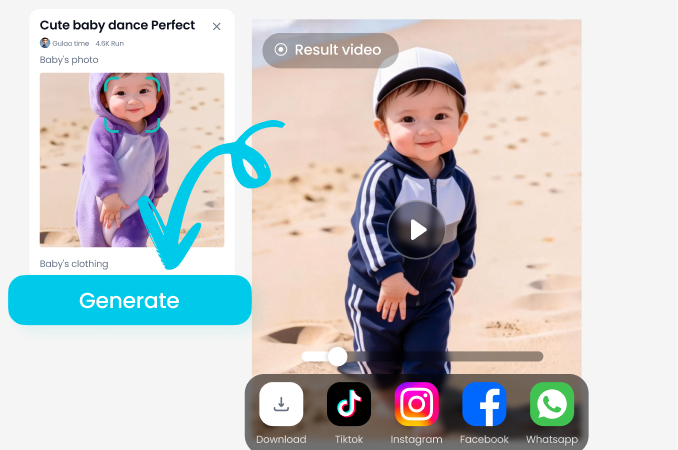
Step 03.
Tap Download to save the image or video. Then share it to your social platforms in one tap.
YouTube Videos About Best AI Selfie Generators
Explore in-depth YouTube tutorials and demos that showcase the power and reliability of our AI Generator.
Frequently Asked Questions
Find clear answers to common questions and get the guidance you need to make the most of our platform, faster and easier.
Who Uses Best AI Selfie Generators Enhancement Online
Maya Chen
I used the 3D clay template on a family photo. The faces stayed clear and the output looked like a small clay set. I shared it from the app in one tap.
Priya Nair
I tried the old photo revival template on a picture of my grandparents. The small smile and head turn felt natural. The clip saved without extra editing.

Daniel Kim
I uploaded a two person photo for a hugging template. Vimi kept both faces separate. The group shot did not mix features.
Ana Souza
I like the daily template updates. I found a studio portrait style and made a new profile image. The download and share steps took under a minute.
Maya Chen
I used the 3D clay template on a family photo. The faces stayed clear and the output looked like a small clay set. I shared it from the app in one tap.
Priya Nair
I tried the old photo revival template on a picture of my grandparents. The small smile and head turn felt natural. The clip saved without extra editing.
Daniel Kim
I uploaded a two person photo for a hugging template. Vimi kept both faces separate. The group shot did not mix features.
Ana Souza
I like the daily template updates. I found a studio portrait style and made a new profile image. The download and share steps took under a minute.
Maya Chen
I used the 3D clay template on a family photo. The faces stayed clear and the output looked like a small clay set. I shared it from the app in one tap.
Priya Nair
I tried the old photo revival template on a picture of my grandparents. The small smile and head turn felt natural. The clip saved without extra editing.
Daniel Kim
I uploaded a two person photo for a hugging template. Vimi kept both faces separate. The group shot did not mix features.
Ana Souza
I like the daily template updates. I found a studio portrait style and made a new profile image. The download and share steps took under a minute.
More Topics You May Like
Explore more topics you may like and discover fresh ideas tailored to your interests.

Vimi AI Map To Video Turns Maps into Moving Stories
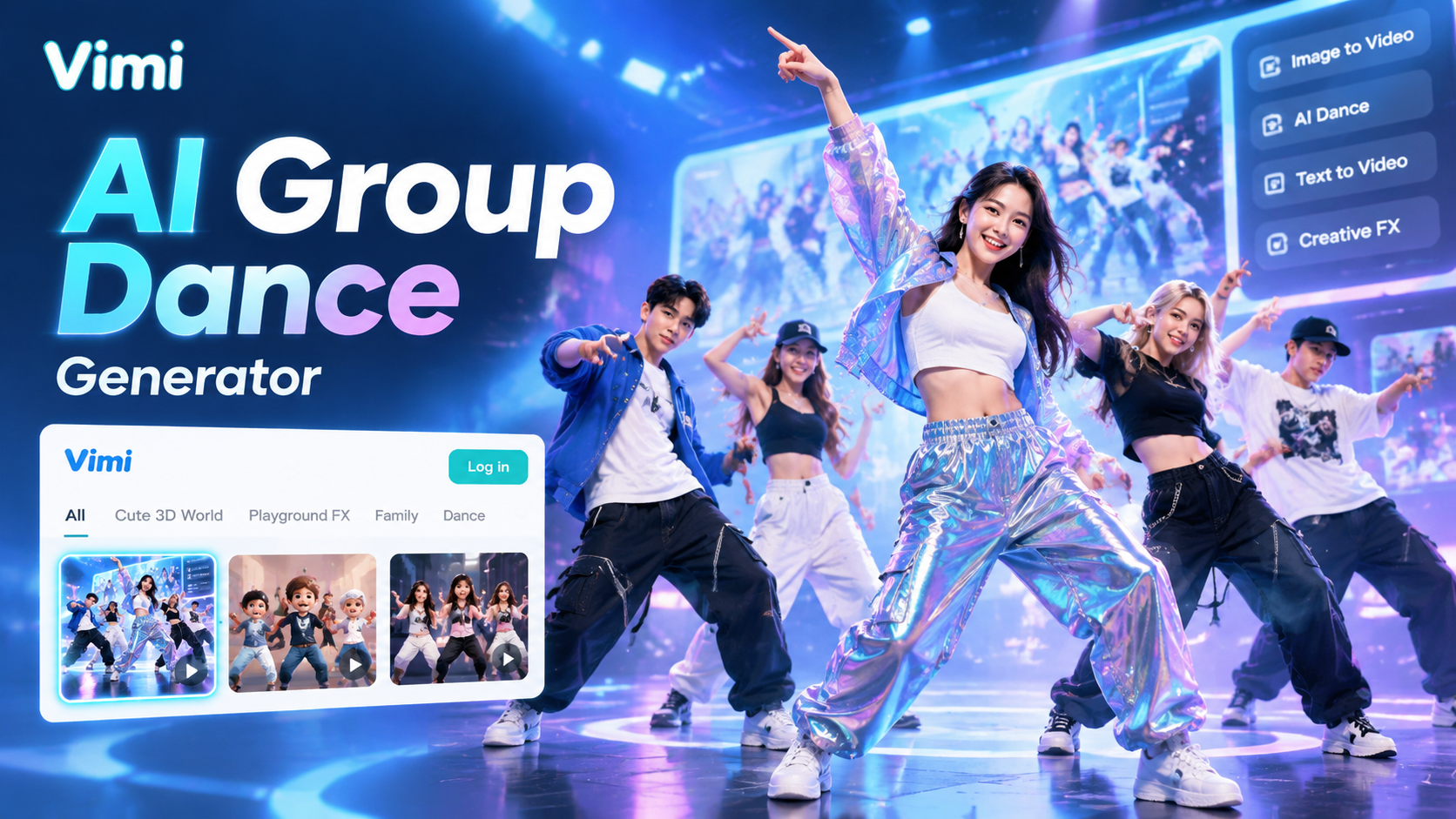
Vimi AI Group Dance Generator: Turn Group Photos Into Dance Videos
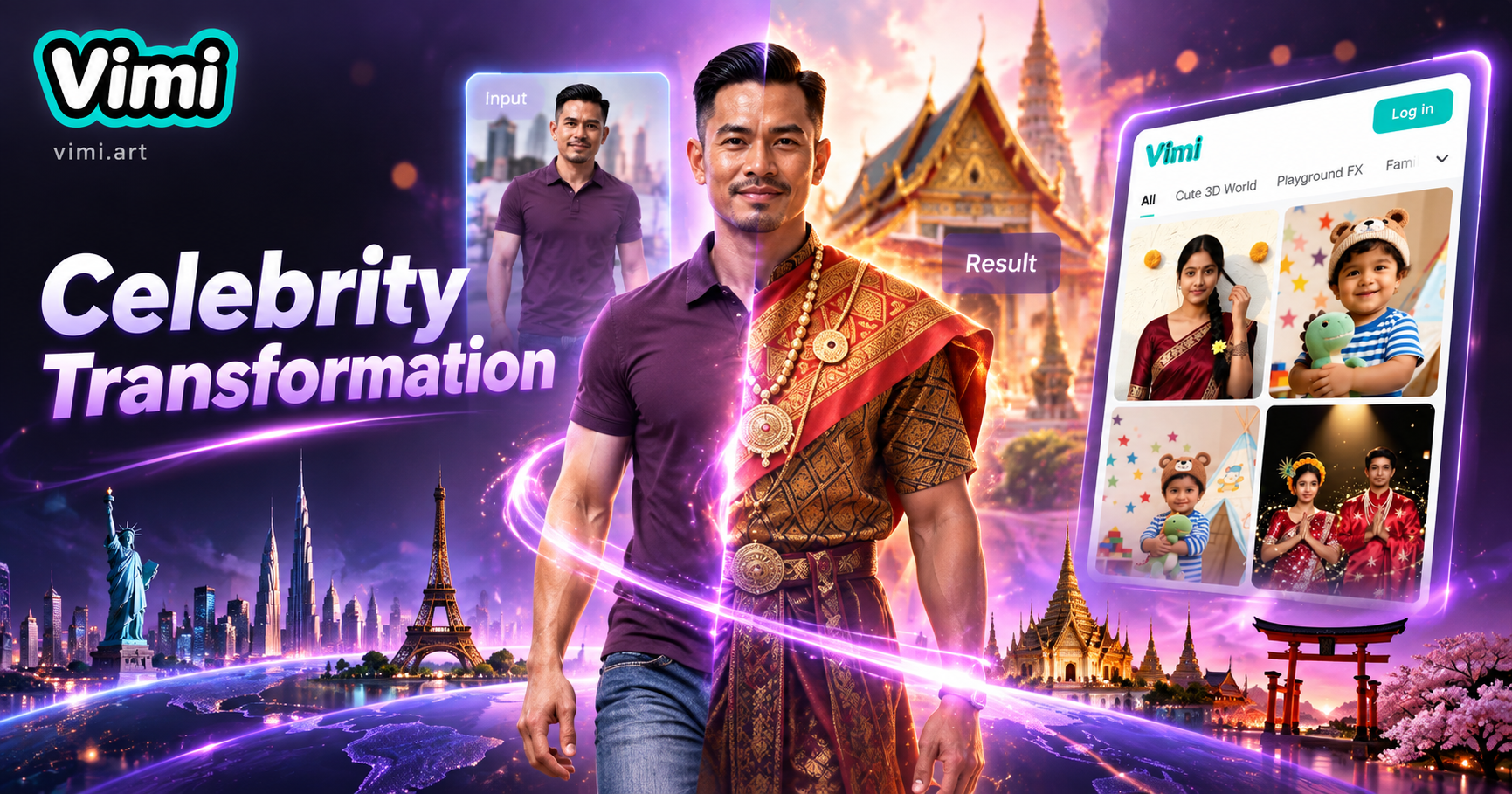
Celebrity Country Transformation With Vimi AI Filter
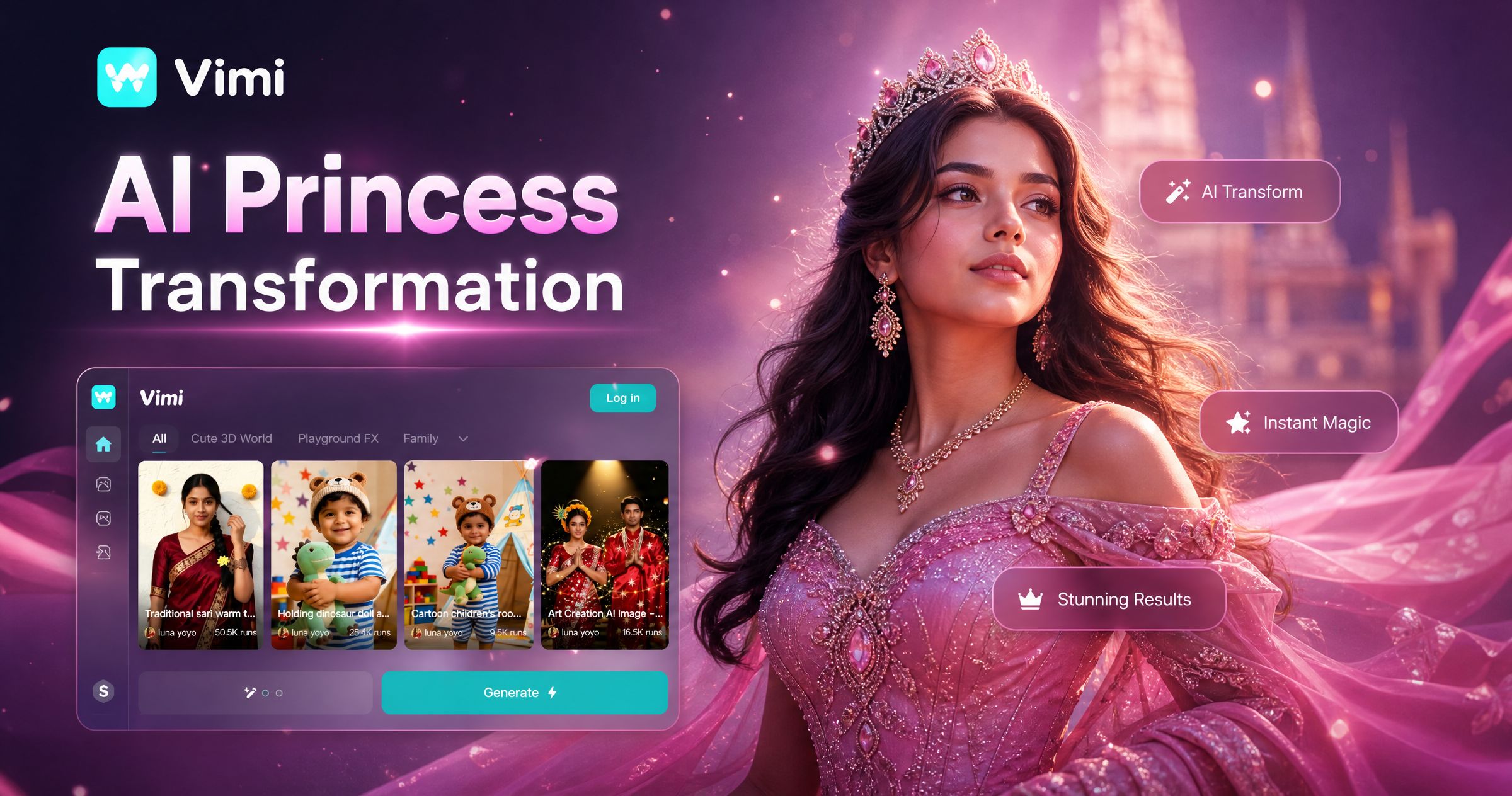
Vimi AI Princess Transformation Review: Turn Your Photos Into Royal Portraits
Vimi AI Map To Video Turns Maps into Moving Stories
Vimi AI Group Dance Generator: Turn Group Photos Into Dance Videos
Celebrity Country Transformation With Vimi AI Filter
Vimi AI Princess Transformation Review: Turn Your Photos Into Royal Portraits
Create Your Best AI Selfie In Vimi
Download Vimi now. Pick a template and generate your selfie.
Create Your Best AI Selfie In Vimi
Download Vimi now. Pick a template and generate your selfie.