Tokyo Drift AI
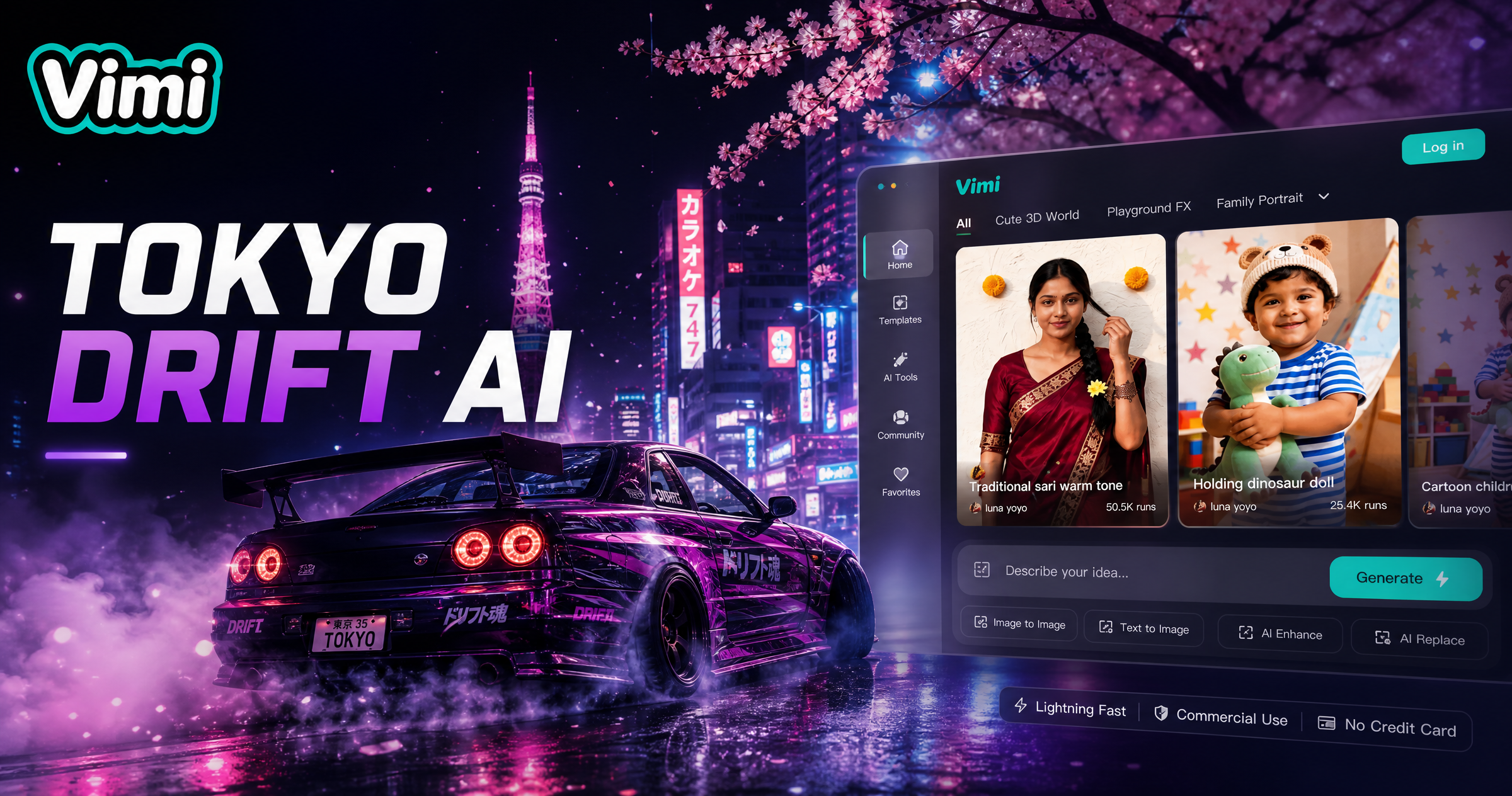
Choose the Tokyo Drift AI Filter
Discover the tokyo drift ai filter that perfectly matches your style and mood.
Vimi Tokyo Drift AI Filter Recommendations Templates
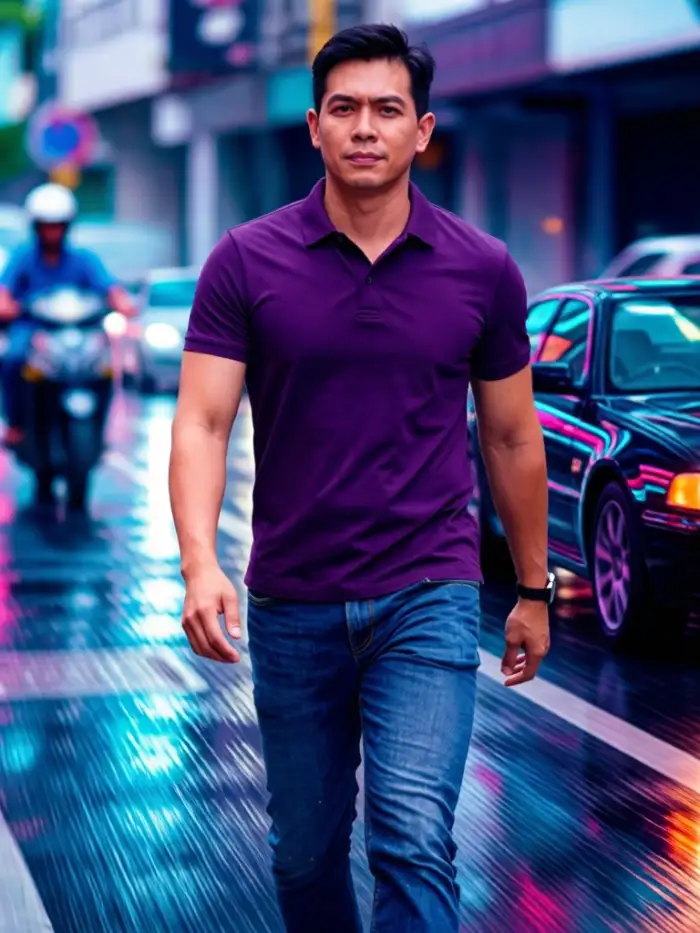
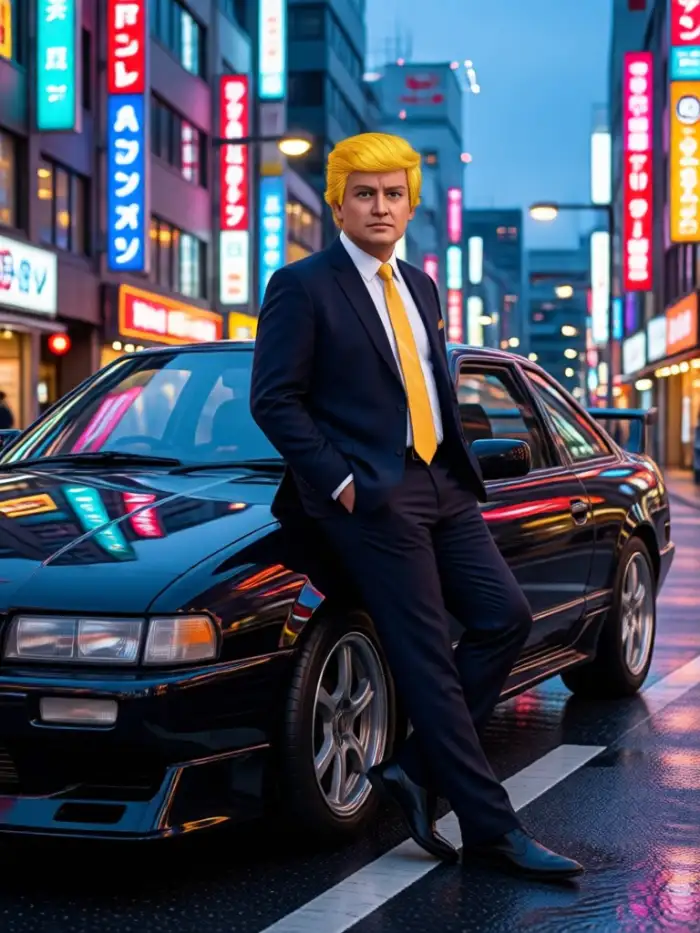
Choose from night highway, neon garage, street race, and cinematic chase styles. Each template adds speed lines, motion blur, and Tokyo city lights to your photo or video. You only need one tap to apply the look in the Vimi app.
Why Vimi Tokyo Drift AI Suits Street Racing Edits
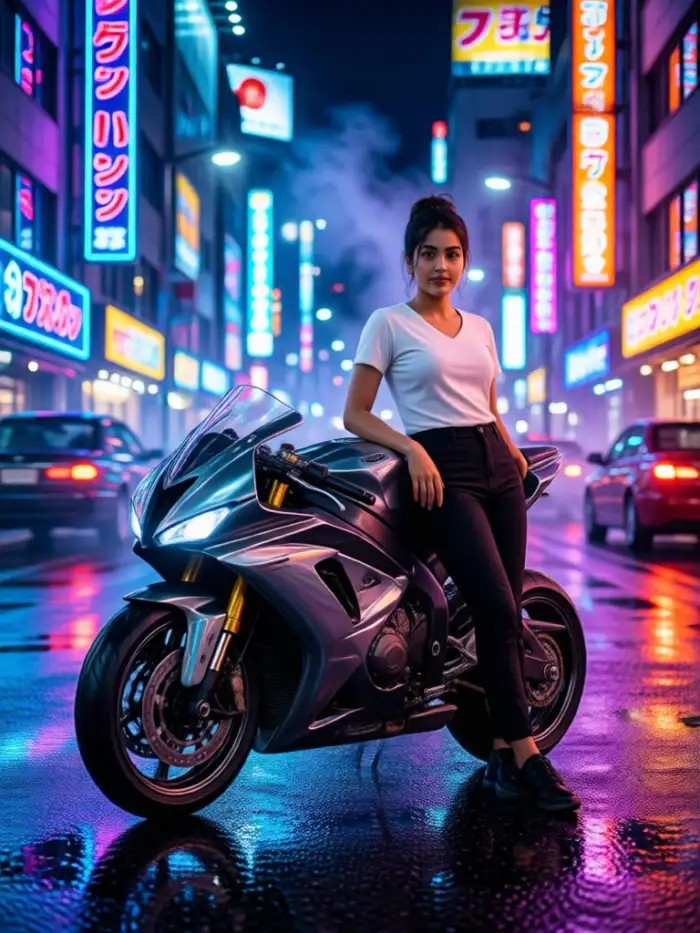
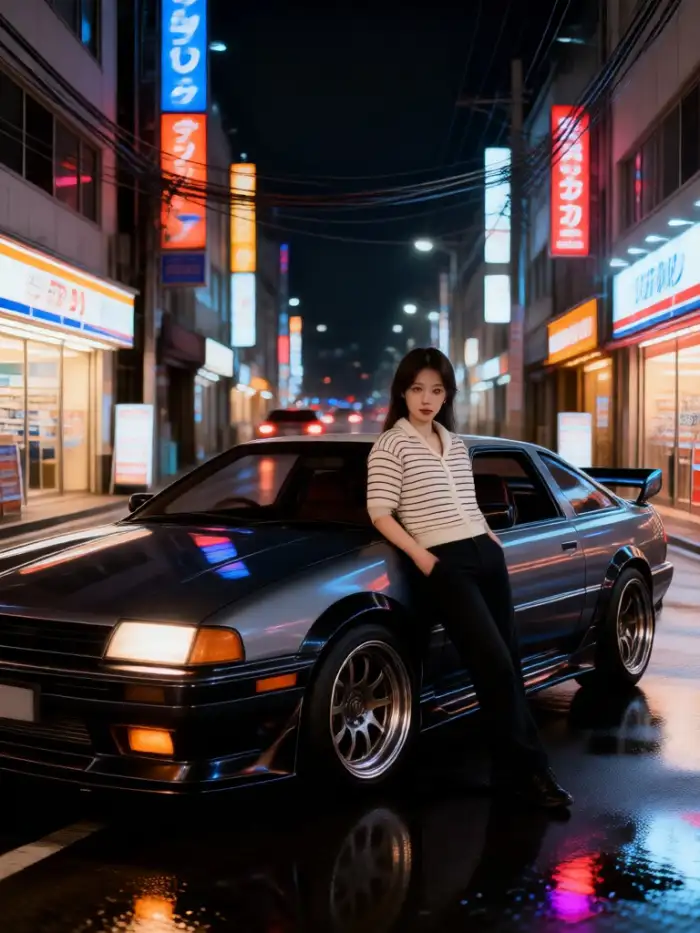
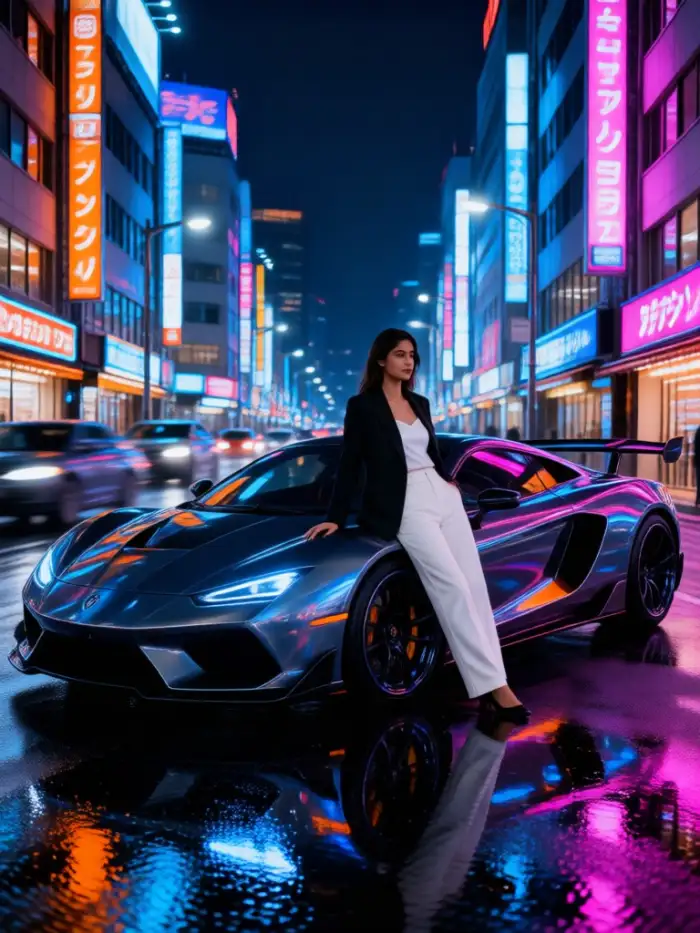
Discover the Tokyo Drift AI filter in Vimi and turn simple photos into fast street racing clips with neon roads and night city motion.
One Tap Video Style
Open Vimi, choose the Tokyo Drift AI template, and upload one clear photo or a short clip. The app adds night roads, neon signs, speed lines, and camera motion. Your result appears in 10 to 20 seconds. You can keep the same face and then save or share the clip.
One Tap Video Style
Open Vimi, choose the Tokyo Drift AI template, and upload one clear photo or a short clip. The app adds night roads, neon signs, speed lines, and camera motion. Your result appears in 10 to 20 seconds. You can keep the same face and then save or share the clip.
Explore Vimi Tokyo Drift AI Use Cases
Explore the Tokyo Drift AI filter in Vimi for car edits, profile clips, group photos, and social posts that need fast night city energy.
 Before
 After
Fast Car Photo Edits
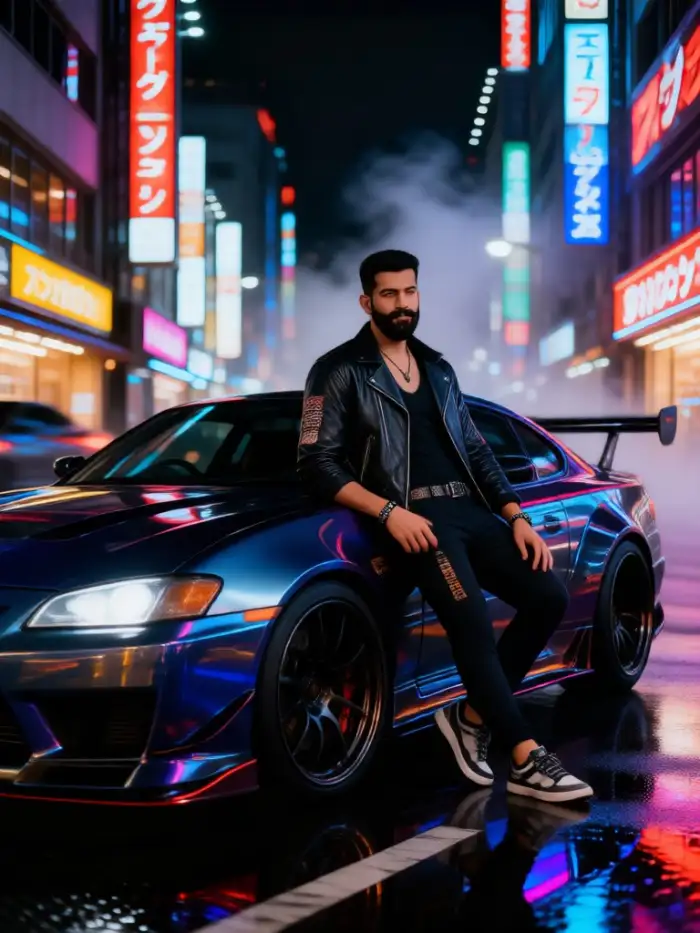
Upload a car photo or a portrait with a car. Choose the Tokyo Drift AI template in Vimi. The filter adds Tokyo street lights, wet roads, motion blur, and racing scene framing. It keeps the main subject clear while the background moves. The final image fits posters, profile headers, and social posts.
 Before
 After
Neon Night City Clips
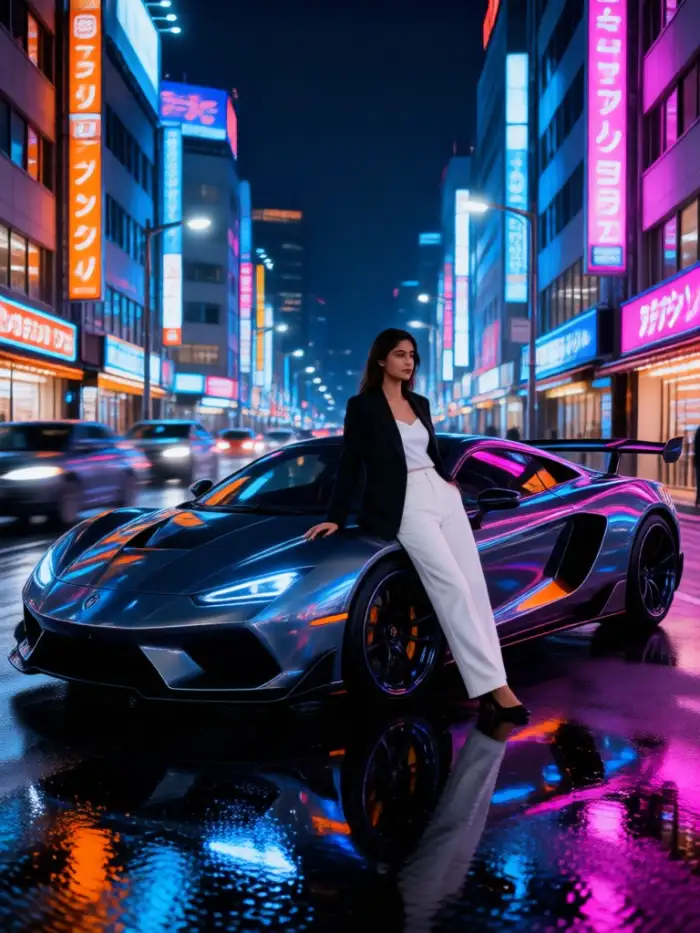
Turn a still photo into a short video with the Tokyo Drift AI filter in Vimi. The template adds neon signs, passing headlights, camera shakes, and night road motion. You can start with text or an image. The app creates the clip in 10 to 20 seconds. Then save or share it from Vimi.
Multi Person Drift Videos
Use group photos with friends, couples, or teammates. Vimi identifies separate faces and keeps each person clear. The Tokyo Drift AI template places the group in a night street scene with moving lights. It supports group interactions based on the template. Results work for group chats, fan pages, and event posts.
YouTube Videos About Tokyo Drift AI Generator
Explore in-depth YouTube tutorials and demos that showcase the power and reliability of our AI Generator.
Who Uses Tokyo Drift AI Enhancement Online

Mia Chen
I used the Tokyo Drift AI template on my car photo. The neon roads and motion blur made it look like a night race scene. I shared it from Vimi in one tap.

Sophia Turner
My friends and I tried a group photo. Vimi kept every face clear and placed us on a Tokyo street. The clip felt ready for our group chat.

Sophia Turner
I do not write prompts. I picked the template, uploaded one picture, and got a short video in about 15 seconds. The result matched the style I wanted.

Daniel Kim
I made a series of profile pictures with the same face. Vimi kept my hair and jacket consistent. The Tokyo Drift AI look worked well on my page.
Mia Chen
I used the Tokyo Drift AI template on my car photo. The neon roads and motion blur made it look like a night race scene. I shared it from Vimi in one tap.
Sophia Turner
My friends and I tried a group photo. Vimi kept every face clear and placed us on a Tokyo street. The clip felt ready for our group chat.
Sophia Turner
I do not write prompts. I picked the template, uploaded one picture, and got a short video in about 15 seconds. The result matched the style I wanted.
Daniel Kim
I made a series of profile pictures with the same face. Vimi kept my hair and jacket consistent. The Tokyo Drift AI look worked well on my page.
Mia Chen
I used the Tokyo Drift AI template on my car photo. The neon roads and motion blur made it look like a night race scene. I shared it from Vimi in one tap.
Sophia Turner
My friends and I tried a group photo. Vimi kept every face clear and placed us on a Tokyo street. The clip felt ready for our group chat.
Sophia Turner
I do not write prompts. I picked the template, uploaded one picture, and got a short video in about 15 seconds. The result matched the style I wanted.
Daniel Kim
I made a series of profile pictures with the same face. Vimi kept my hair and jacket consistent. The Tokyo Drift AI look worked well on my page.
Frequently Asked Questions
Find clear answers to common questions and get the guidance you need to make the most of our platform, faster and easier.
More Topics You May Like
Explore more topics you may like and discover fresh ideas tailored to your interests.
Vimi AI Boss Generator: Create Professional Boss Portraits In Minutes
AI Princess Dress Transformation: Turn Photos into Royal Looks with Vimi
Vimi Instagram Flash Filter for Retro AI Photos and Videos
Vimi Baby Krishna AI Photo Generator for Devotional Portraits
Vimi AI Boss Generator: Create Professional Boss Portraits In Minutes
AI Princess Dress Transformation: Turn Photos into Royal Looks with Vimi
Vimi Instagram Flash Filter for Retro AI Photos and Videos
Vimi Baby Krishna AI Photo Generator for Devotional Portraits
Create Tokyo Drift AI Videos Today
Open Vimi and pick the Tokyo Drift AI template. Upload your photo or clip, then tap Generate and share.

Create Tokyo Drift AI Videos Today
Open Vimi and pick the Tokyo Drift AI template. Upload your photo or clip, then tap Generate and share.