Instagram Flash Filter
Choose the Instagram Flash Filter
Discover the instagram flash filter filter that perfectly matches your style and mood.
Unlimited Ready to Use Motion Templates for Instagram Flash Filter
Open Vimi and explore a growing library of AI motion templates. Pick a curated movement or upload your own video. The AI copies that motion onto your photo. Use it with the Instagram Flash Filter to make retro flash style portraits move. Choose any photo, any style, any movement you can picture. Vimi keeps faces clear and motion steady.

Key Features of Vimi Instagram Flash Filter
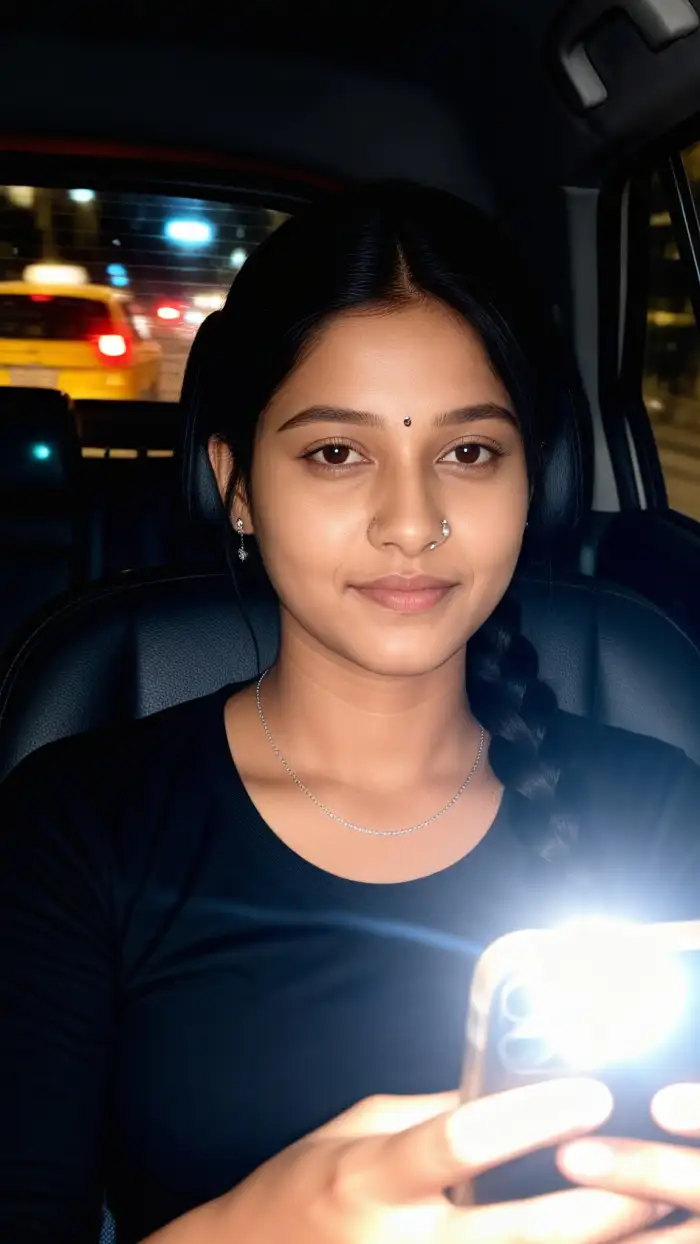
Discover the Instagram Flash Filter inside Vimi and turn everyday photos into retro flash style images or short videos with one tap.
 Before
 After
AfterOne Tap Style Transfer
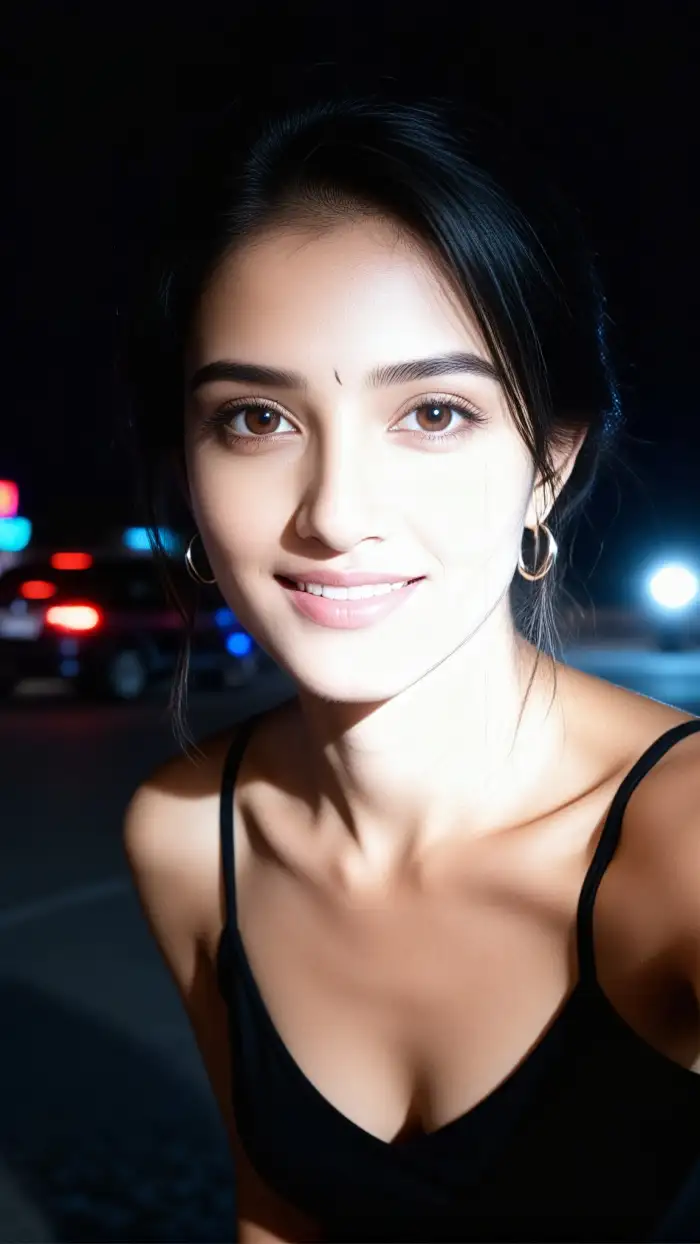
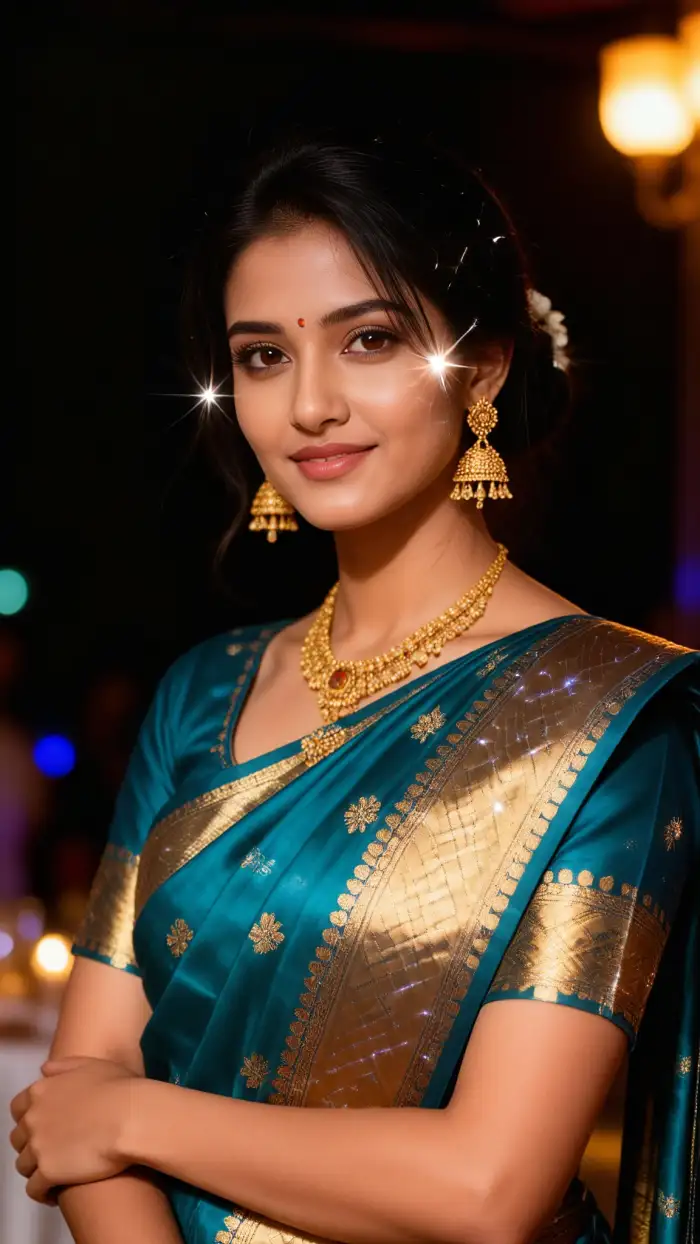
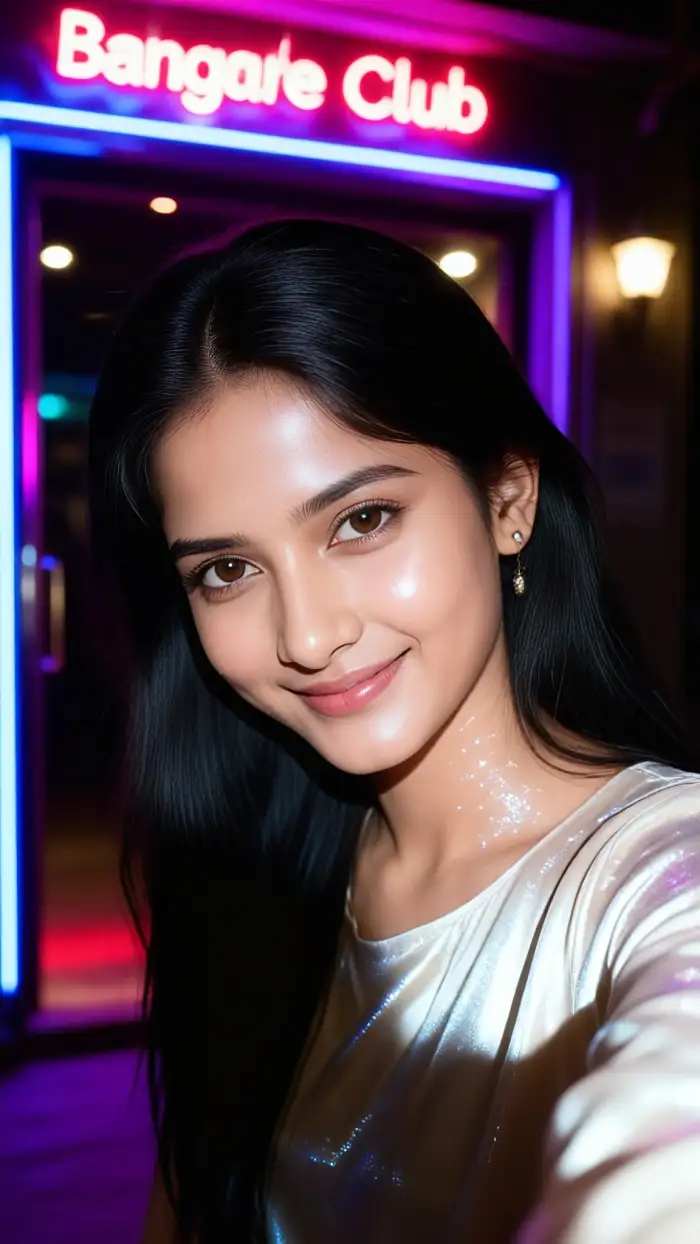
Pick the Instagram Flash Filter inside Vimi. Upload one photo from your phone gallery. The AI applies flash lighting, grain, and retro color tones. You do not need to write prompts or adjust sliders. Wait 10 to 20 seconds and your image is ready. This keeps the process simple.
 Before
 After
AfterOver 21000 Style Templates
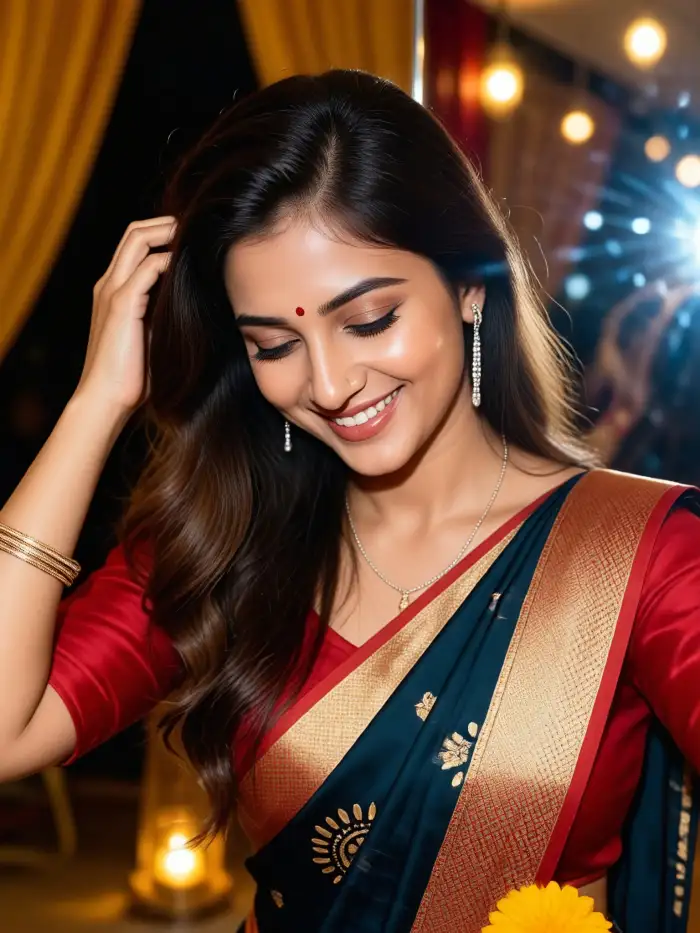
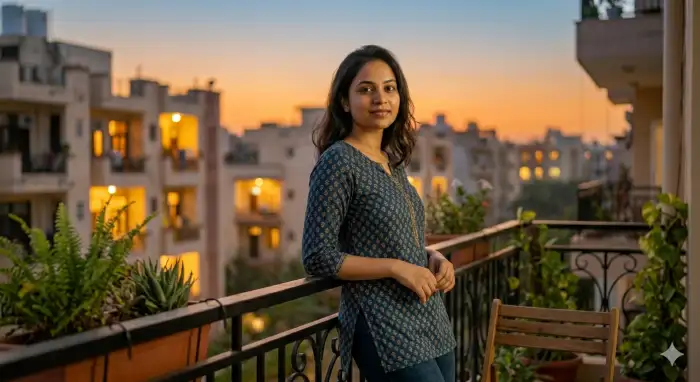
Vimi holds more than 21000 templates built by the official team and creators. The Instagram Flash Filter sits among retro portrait, 3D clay, Ghibli style, cyberpunk, and watercolor sets. Each template is a ready app. Choose one, upload a photo, and tap generate. New hot templates arrive every day.
 Before
 After
AfterCharacter Consistency
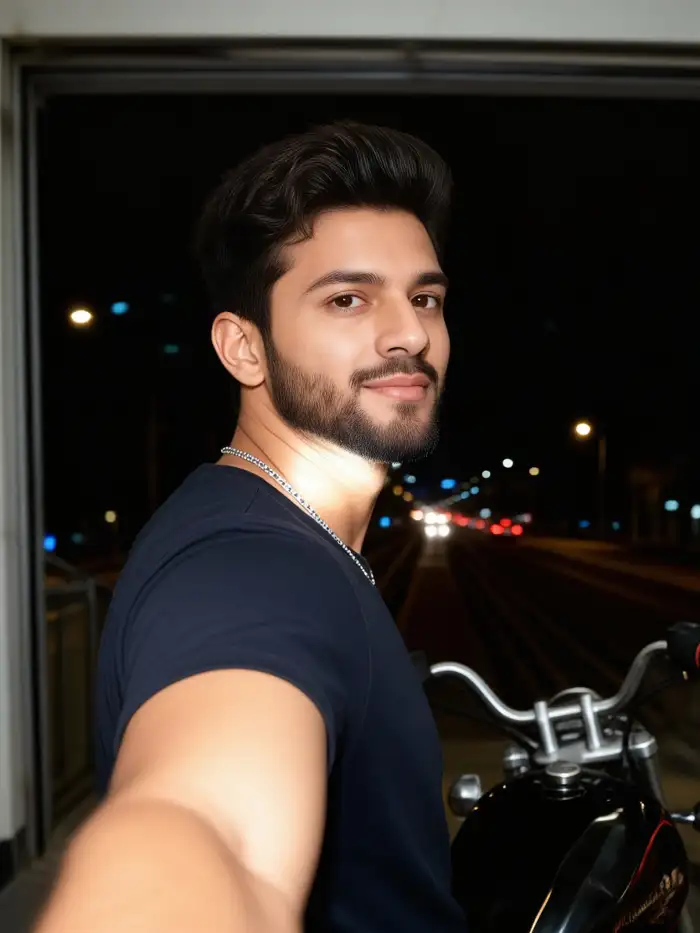
When you make a series, the same face should stay the same. Vimi holds facial features, hairstyle, and clothing steady across images and videos. This helps you build a digital avatar or a set of matching profile pictures. The Instagram Flash Filter keeps that same look in every frame.
Explore the Use Cases of Vimi Instagram Flash Filter
Find the Instagram Flash Filter use cases inside Vimi and see how retro flash style fits portraits, couples, and group shots.
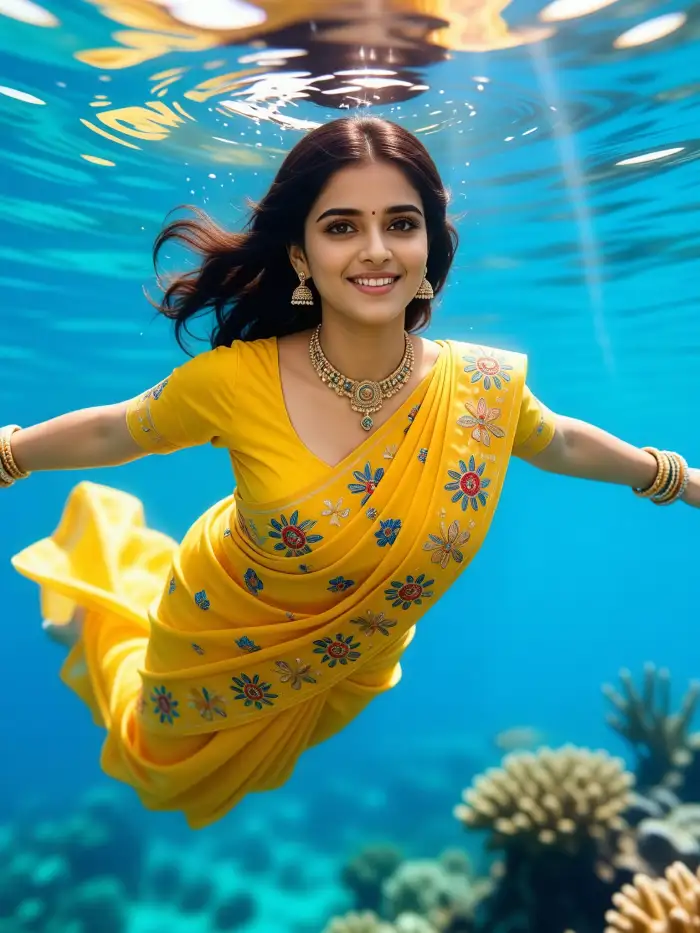 Before
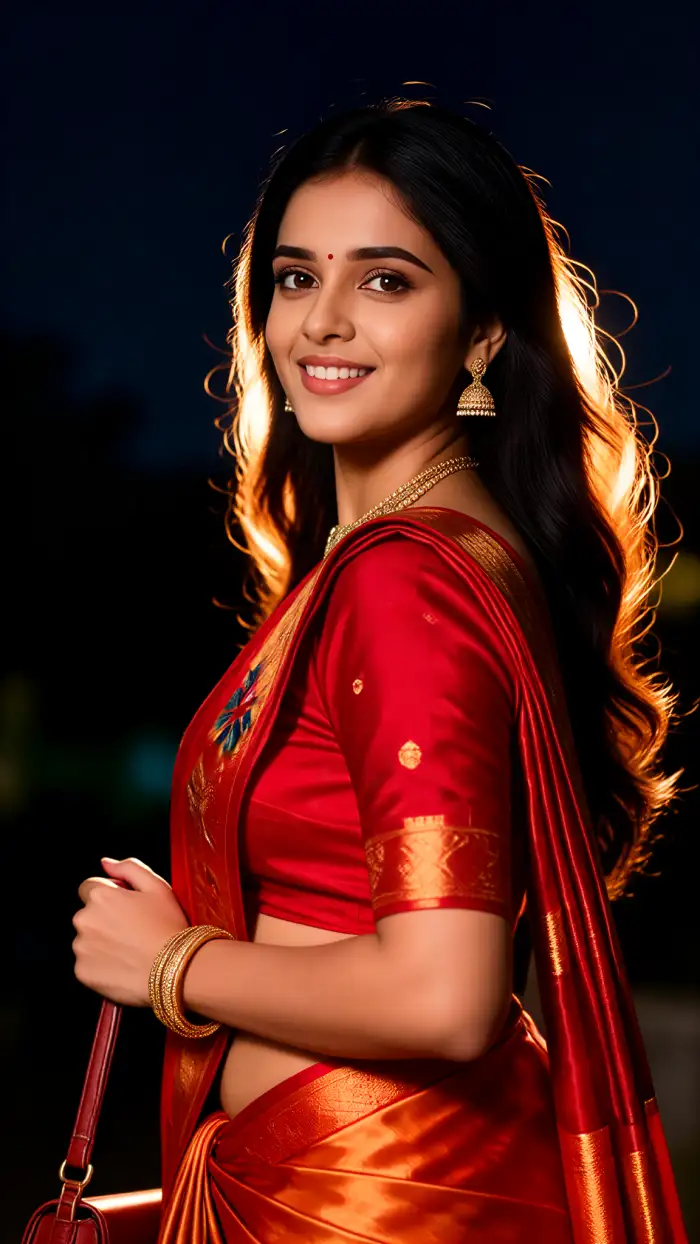 After
AfterRetro Portrait Profile Pictures
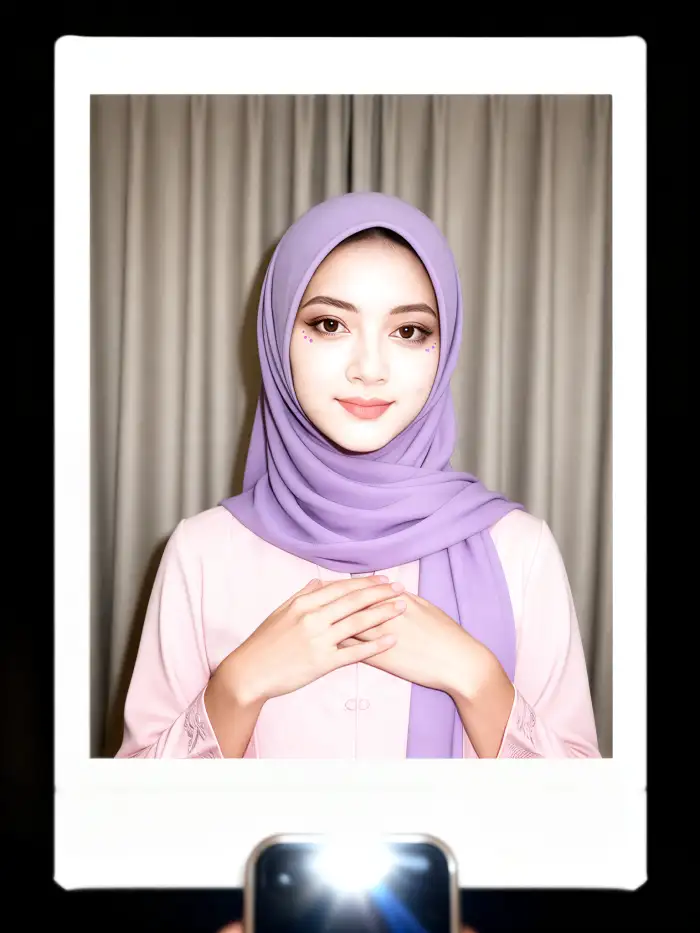
The Instagram Flash Filter gives selfies a hard flash look from early digital cameras. Skin tones stay warm. Backgrounds drop into shadow. Grain and light streaks appear the way they did on old point and shoot photos. Users set the result as a profile picture. The process runs inside Vimi.
 Before
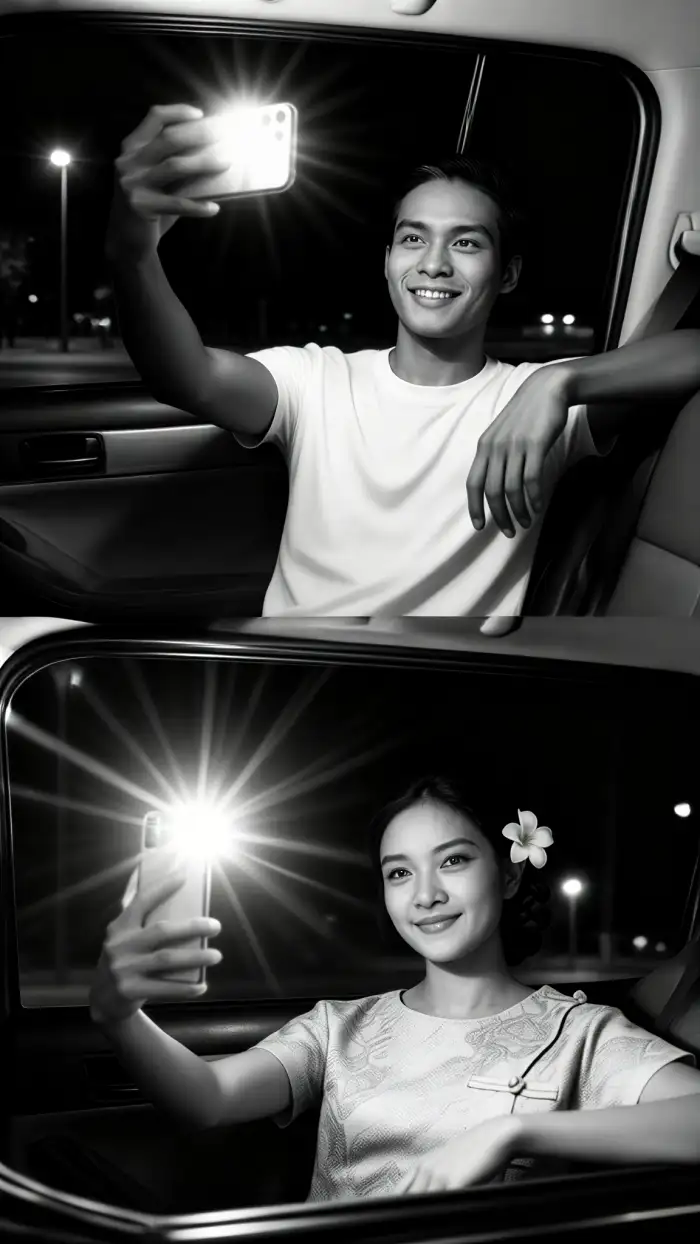 After
AfterCouple and Friend Group Shots
Two people or a full friend group can share the same flash style. Vimi reads each face and keeps them apart. The AI then builds a pose like a hug or a side by side stand. Faces do not blend. Nobody goes missing from the frame. Group size depends on the template.
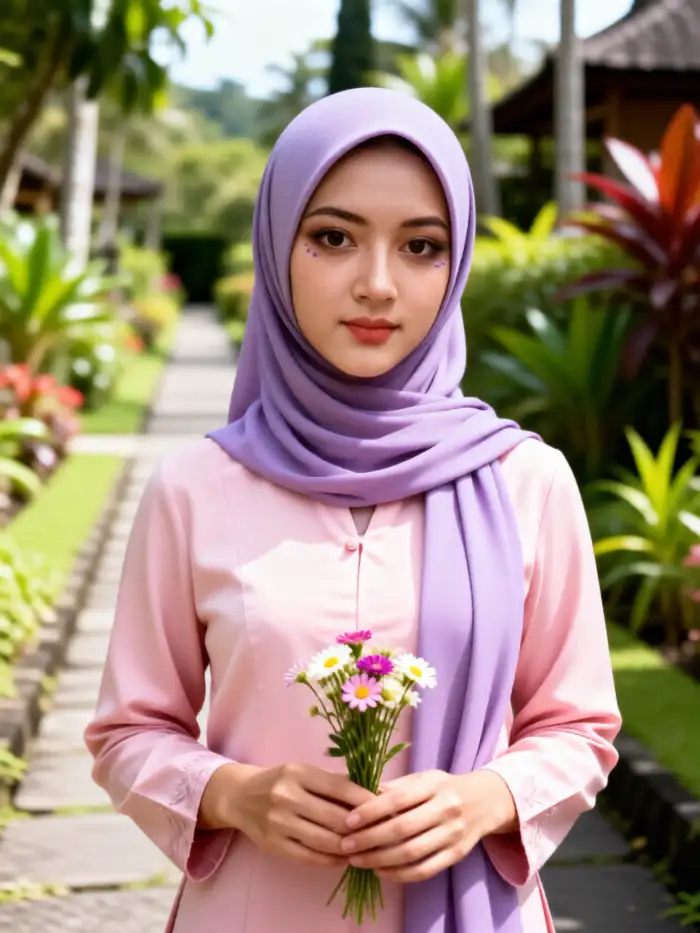 Before
 After
AfterOld Photo Revival Clips
The Instagram Flash Filter can wake up an old family photo. Upload a scanned picture. Vimi adds small movements like a blink or a smile. The flash look stays on the face while the motion plays. The result becomes a short clip. You can post it right from the app.
How to Use Vimi Instagram Flash Filter?
Making an Instagram Flash Filter image or video inside Vimi takes three steps. You only need a photo and a few taps.

Step 01.
Get the Vimi app from the official site or your app store. Open it and sign in with your phone.

Step 02.
Browse the template library and select Instagram Flash Filter. Upload a photo or video. Tap Generate and wait.

Step 03.
Once the result looks right, tap Download to save it. You can also share it to your favorite social platform.
YouTube Videos About Instagram Flash Filter Generator
Explore in-depth YouTube tutorials and demos that showcase the power and reliability of our AI Generator.
Frequently Asked Questions
Find clear answers to common questions and get the guidance you need to make the most of our platform, faster and easier.
More Topics You May Like
Explore more topics you may like and discover fresh ideas tailored to your interests.
Vimi Higgsfield Genjutsu STORM II Filter: Features, Benefits, and How to Use
Vimi STORM II AI Challenge Filter for Mobile AI Art
Vimi STORM II AI Dance Filter Guide for Social Video Creators
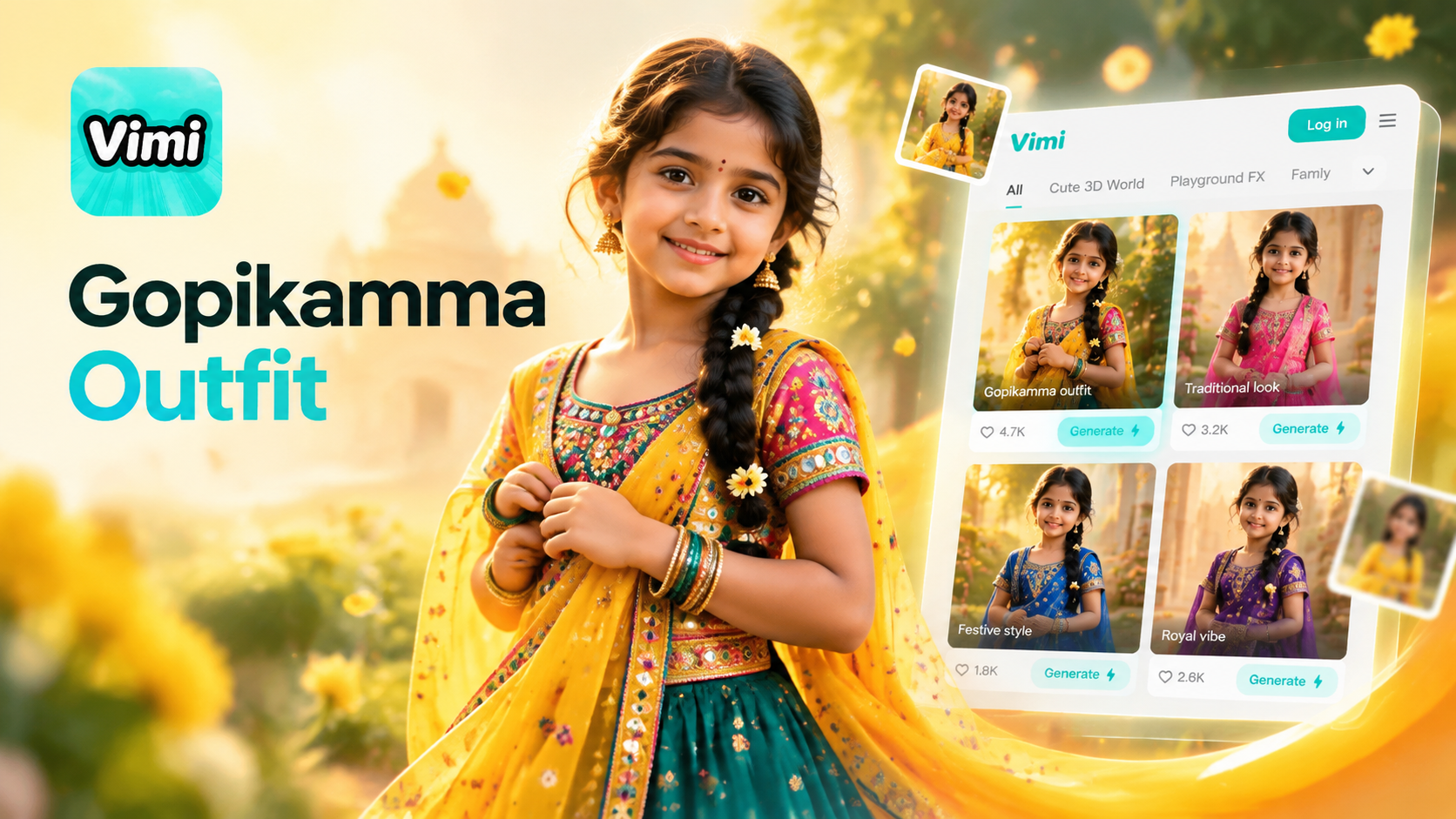
Gopikamma Outfit AI Photo: Create Traditional Looks with Vimi
Vimi Higgsfield Genjutsu STORM II Filter: Features, Benefits, and How to Use
Vimi STORM II AI Challenge Filter for Mobile AI Art
Vimi STORM II AI Dance Filter Guide for Social Video Creators
Gopikamma Outfit AI Photo: Create Traditional Looks with Vimi
Make Instagram Flash Style Photos
Pick a template. Upload a photo. Let AI create your flash style image in seconds.
Make Instagram Flash Style Photos
Pick a template. Upload a photo. Let AI create your flash style image in seconds.