Baby Krishna AI Photo Generator
Vimi Baby Krishna AI Photo Generator helps you create devotional images on your phone. Choose a style template, upload a photo, and generate a Baby Krishna portrait in seconds. Download the Vimi app to start creating and sharing.
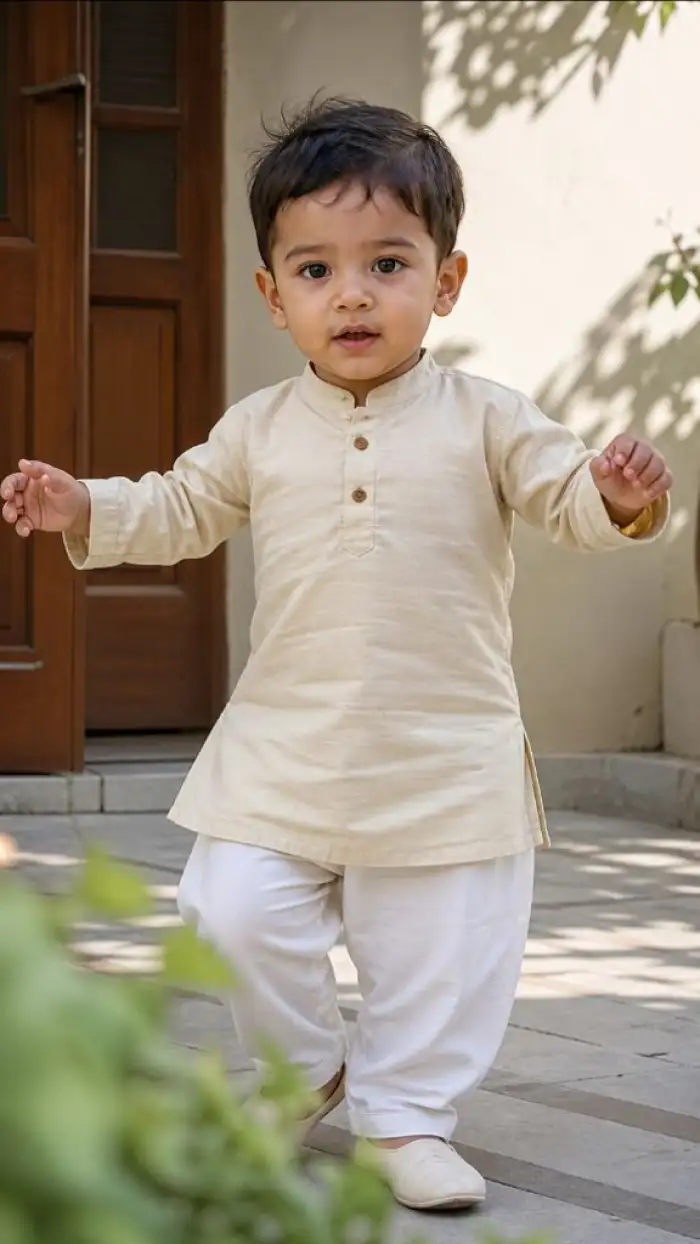 Before
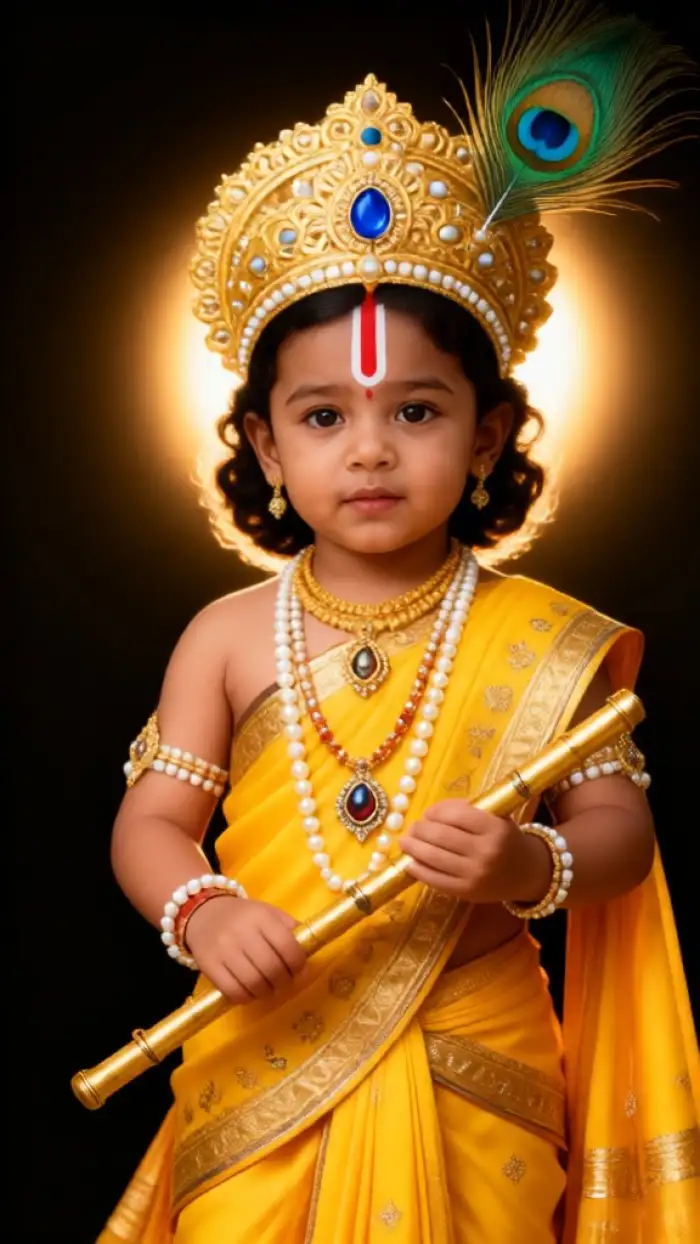 After
After
Vimi Studio
Switch to Vimi Studio on APP for advanced control and unlimited exports.

Explore the Baby Krishna AI Photo Generator Filter
Discover the baby krishna ai photo generator filter that perfectly matches your style.
Explore AI Creations Gallery
Browse stunning AI generated images and videos made with our powerful generator. Discover creative possibilities and start creating your own today.
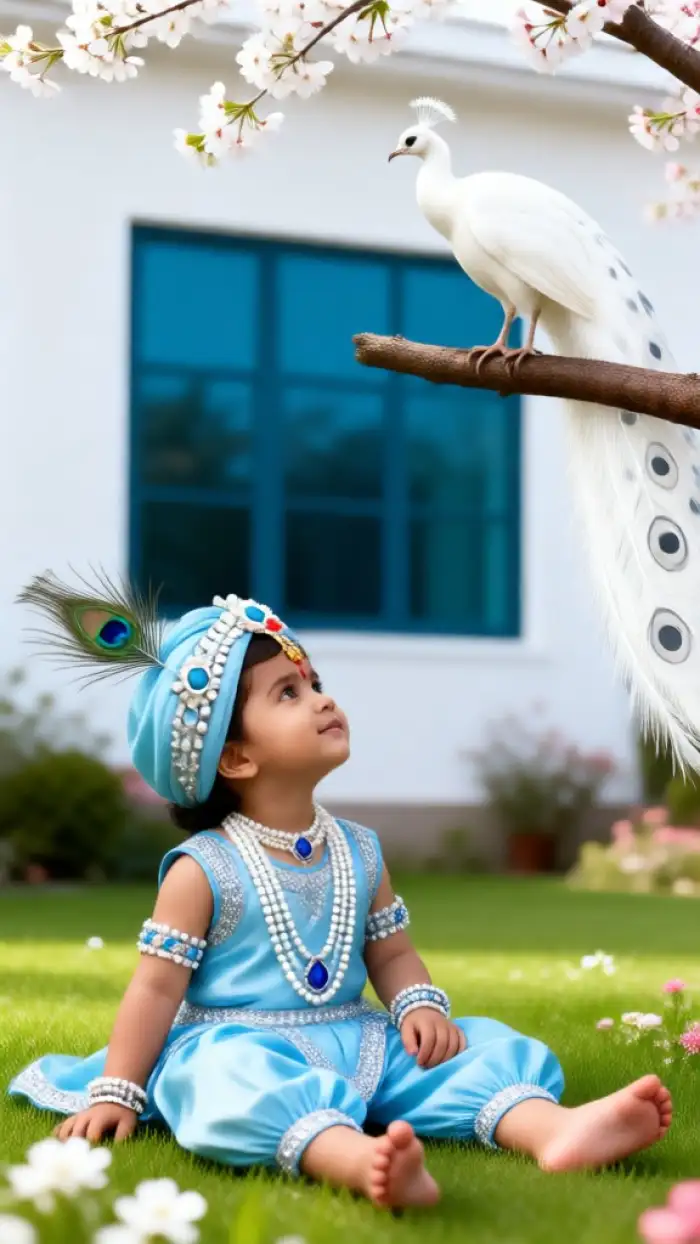
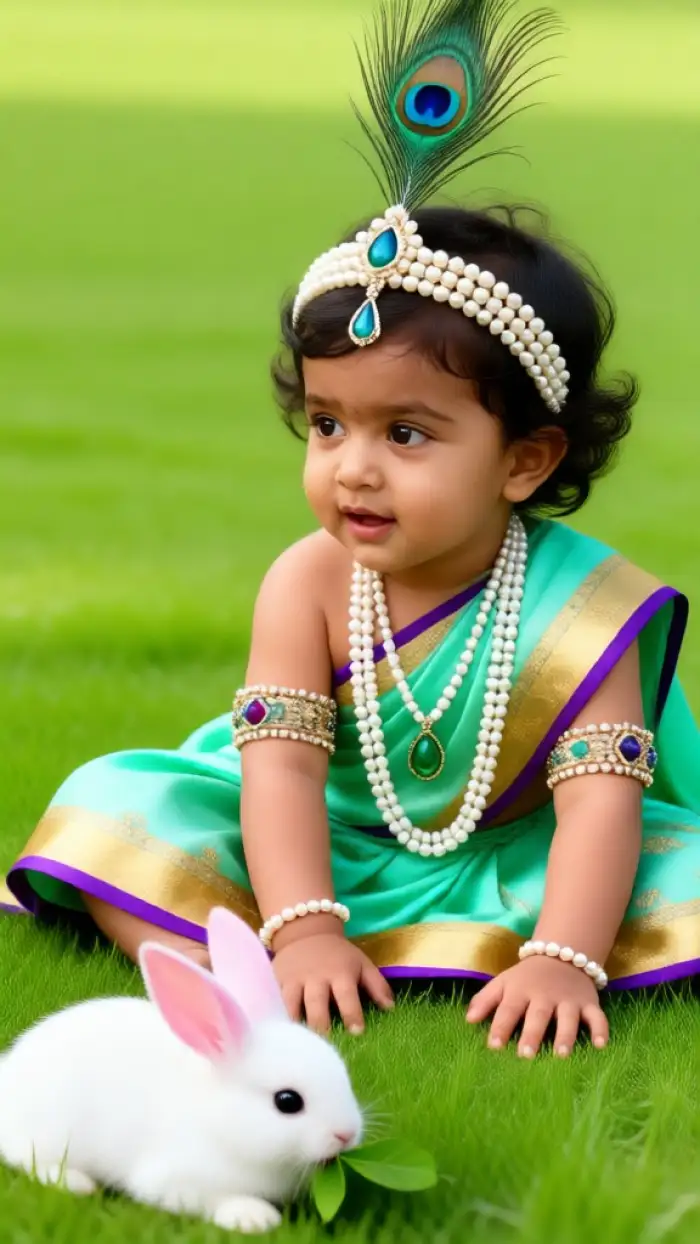
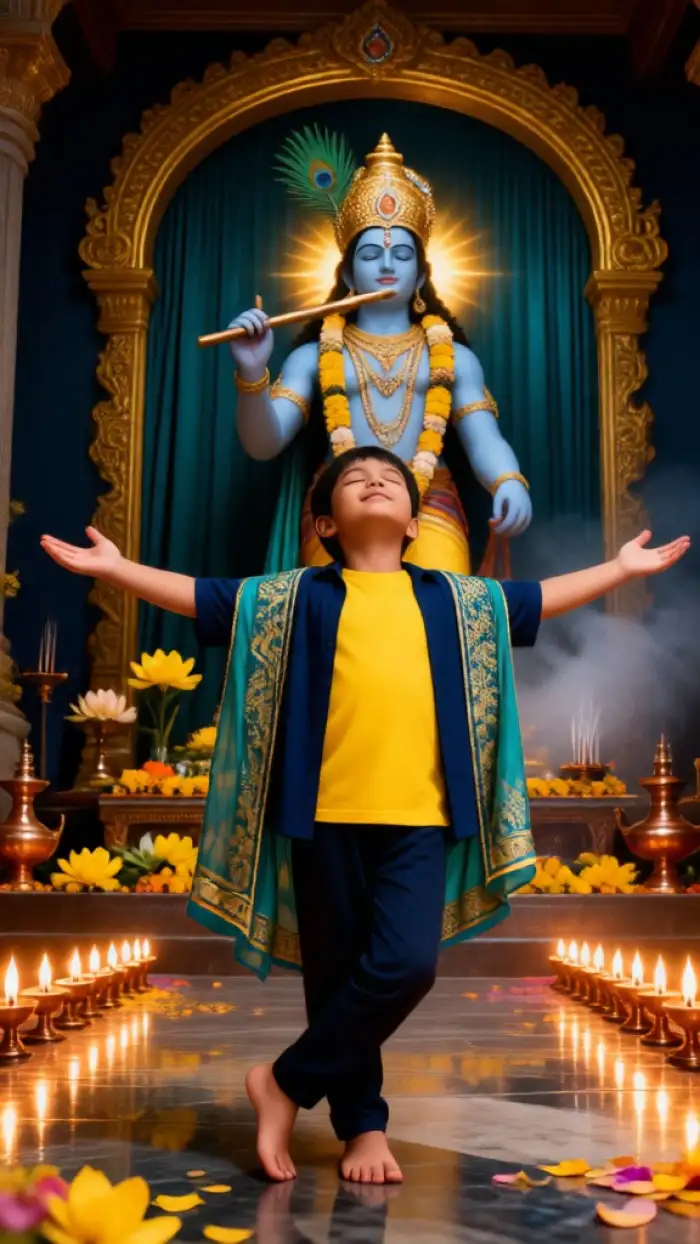
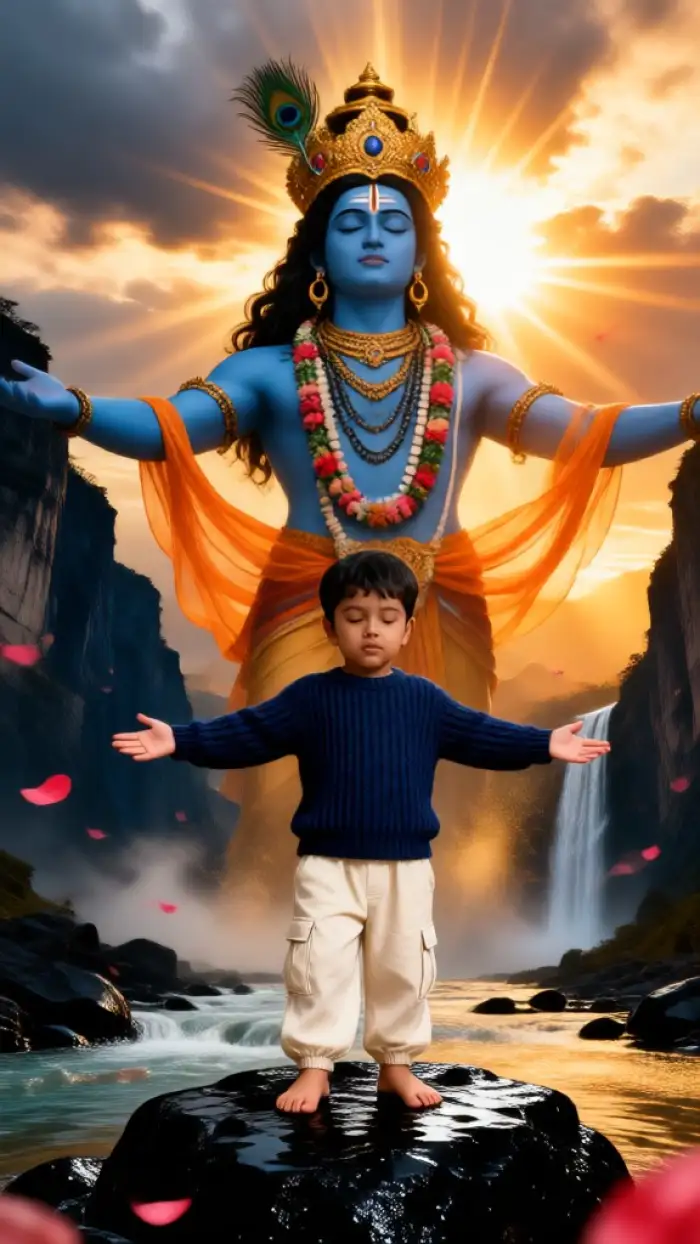
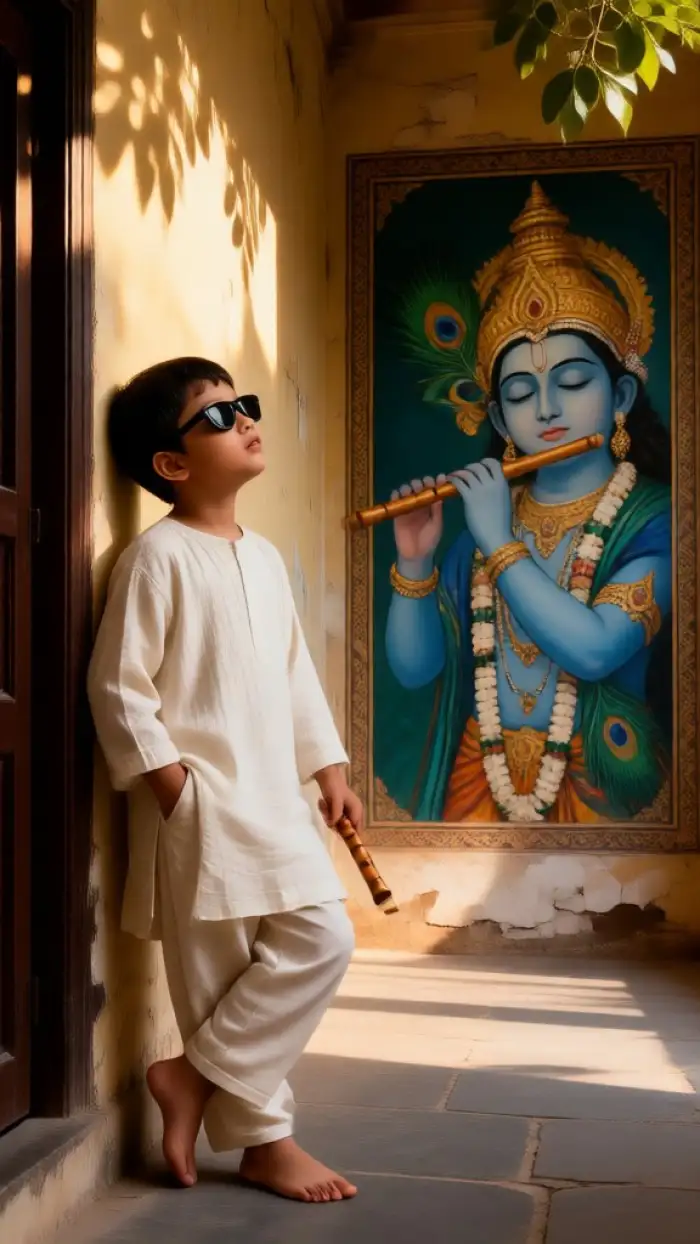
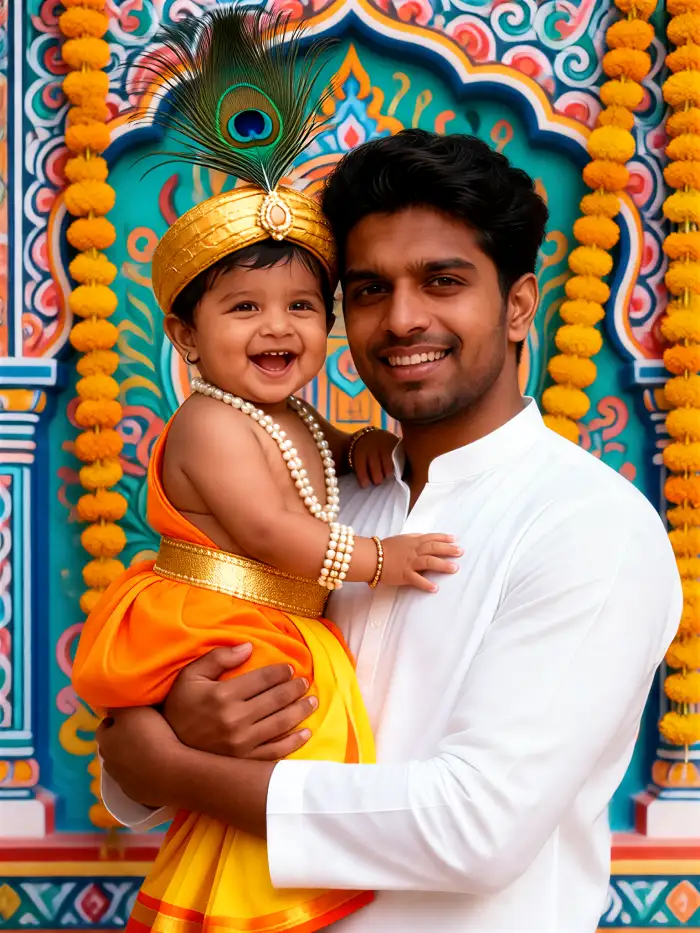
Explore Use Cases of Vimi Baby Krishna AI Photo Generator
Discover where Vimi Baby Krishna AI Photo Generator fits in daily life and how people use it for gifts and posts.
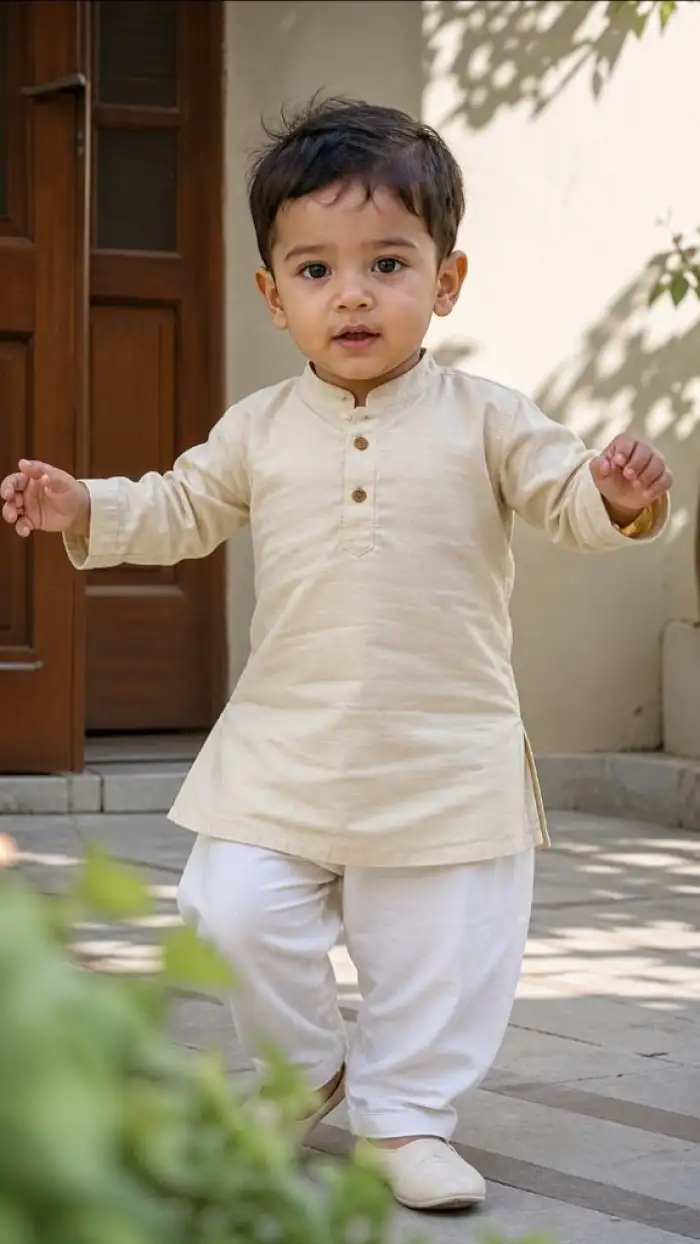 Before
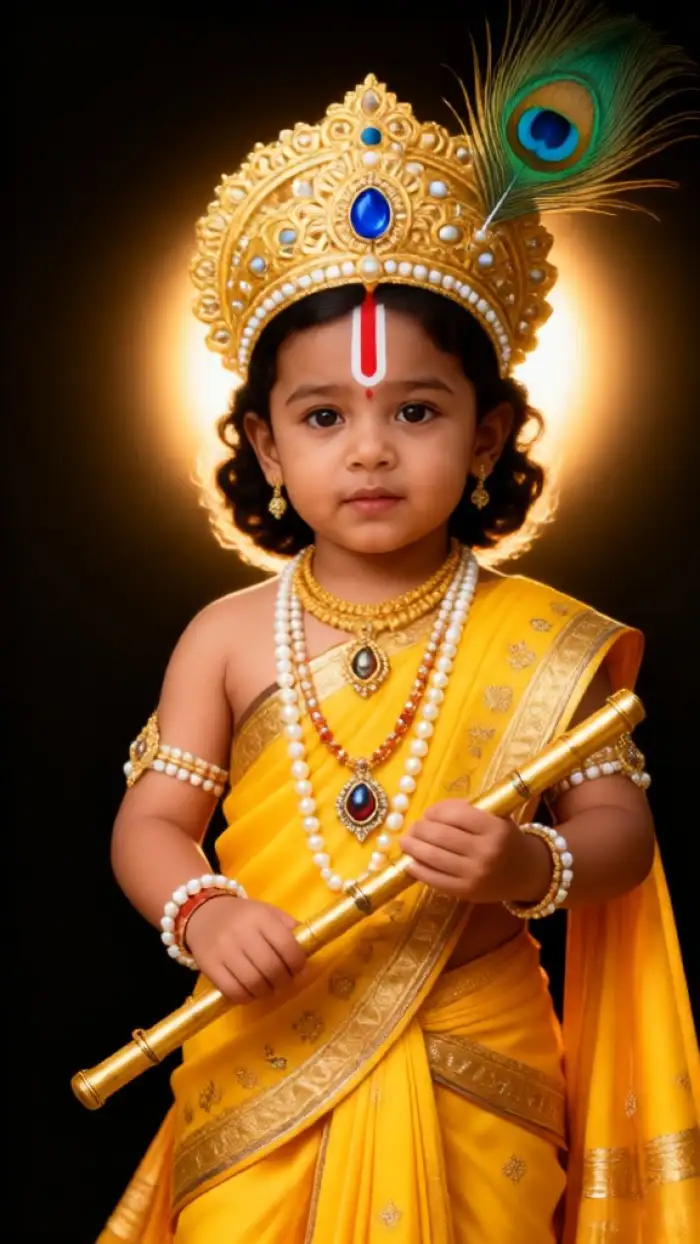 After
AfterImages for Festival Greetings
Create a Baby Krishna image for Janmashtami, Diwali, or a family prayer day. Upload one photo and choose a festive template. The app adds soft light, flowers, and traditional colors. You can send the image to relatives or post it on social media. Each result keeps your face clear. This helps every greeting feel personal.
 Before
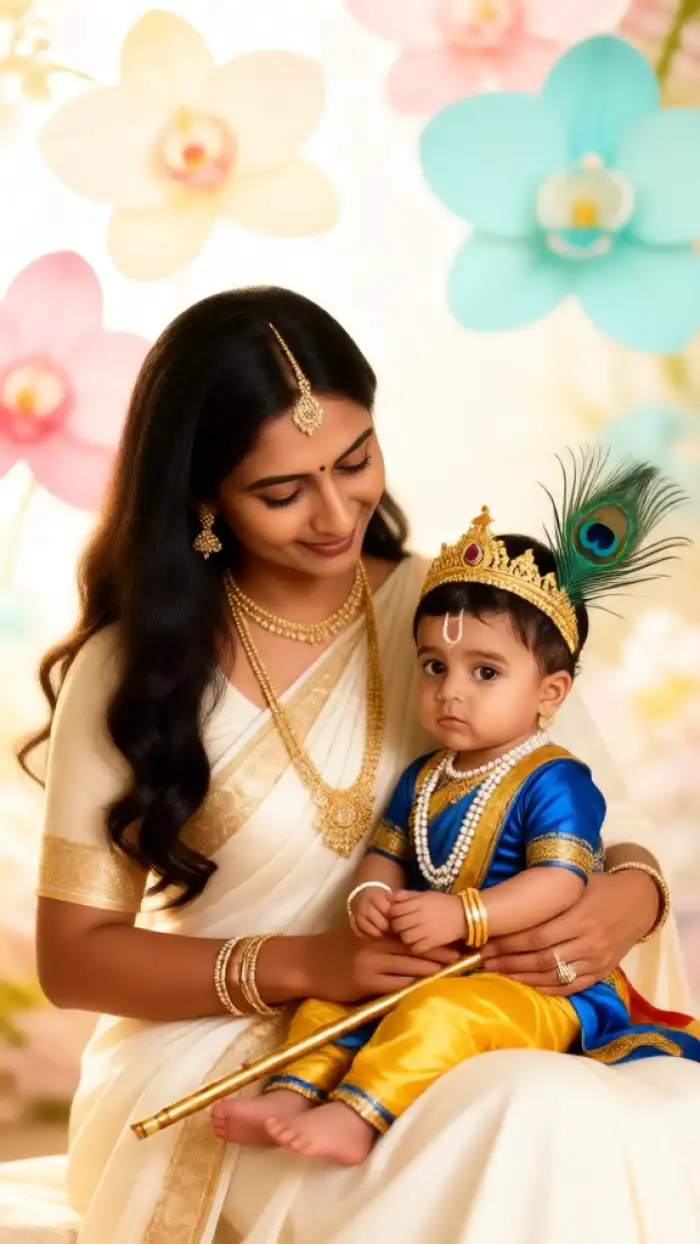 After
AfterPortraits for Family Blessings
Turn a parent and child photo into a blessing portrait. Vimi keeps both faces separate and places them in a warm Baby Krishna scene. You can choose a 3D clay look or a watercolor card style. The final image works well for home frames and prayer rooms. It also makes a quiet gift.
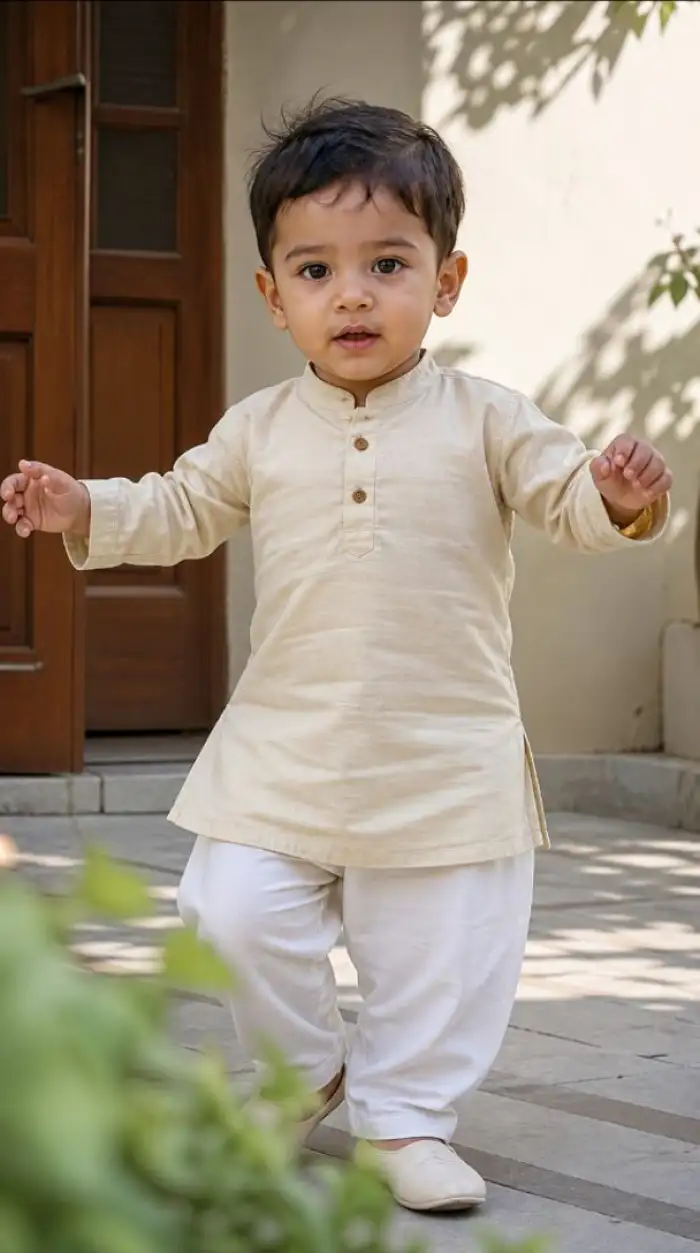 Before
Videos for Devotional Sharing
Make a short video from one still photo. Add a blink, a smile, or a slow head turn. Use a Baby Krishna template with flute music or flower motion. The clip fits status updates, family chats, and festival posts. You can download it and share it in one tap. This keeps the moment moving.
Why Use Vimi Baby Krishna AI Photo Generator
Explore the benefits of Vimi Baby Krishna AI Photo Generator and learn why it fits fast devotional image making on your phone.
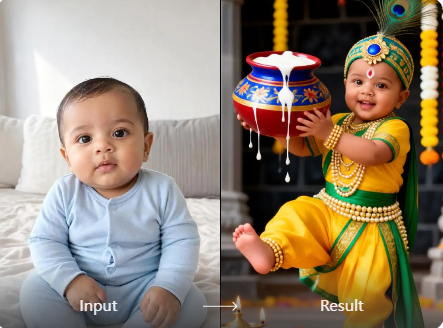
Easy Creation on Mobile
All core tools live in the Vimi app. You can create a Baby Krishna image while you wait for tea. There is no need for a desktop setup or long editing steps. The app guides you from template choice to final download in minutes. This keeps creation simple.
Easy Creation on Mobile
All core tools live in the Vimi app. You can create a Baby Krishna image while you wait for tea. There is no need for a desktop setup or long editing steps. The app guides you from template choice to final download in minutes. This keeps creation simple.
How to Use Vimi Baby Krishna AI Photo Generator?
You can make a Baby Krishna image in three short steps. First view the filter on the Vimi page, then create inside the app, and finally save or share your result.

Step 01.
Open Vimi to view Baby Krishna filters. Tap the download link to get the Vimi app on your phone.

Step 02.
In the Vimi app, browse the template library. Pick a Baby Krishna filter, upload your photo, and tap Generate. Wait 10 to 20 seconds.

Step 03.
Tap Download in the top right corner. Save the image or video to your phone. Then share it on social media.
Frequently Asked Questions
Find clear answers to common questions and get the guidance you need to make the most of our platform, faster and easier.
More Topics You May Like
Explore more topics you may like and discover fresh ideas tailored to your interests.
Vimi Higgsfield Genjutsu STORM II Filter: Features, Benefits, and How to Use
Vimi STORM II AI Challenge Filter for Mobile AI Art

Vimi STORM II AI Dance Filter Guide for Social Video Creators
Gopikamma Outfit AI Photo: Create Traditional Looks with Vimi
Vimi Higgsfield Genjutsu STORM II Filter: Features, Benefits, and How to Use
Vimi STORM II AI Challenge Filter for Mobile AI Art
Vimi STORM II AI Dance Filter Guide for Social Video Creators
Gopikamma Outfit AI Photo: Create Traditional Looks with Vimi
Create Your Baby Krishna Image Today
Download Vimi Now And Pick A Template. Share Your Result With Friends. Stay ahead of trends and create content everyone will notice.
Create Your Baby Krishna Image Today
Download Vimi Now And Pick A Template. Share Your Result With Friends. Stay ahead of trends and create content everyone will notice.