AI Boss generator
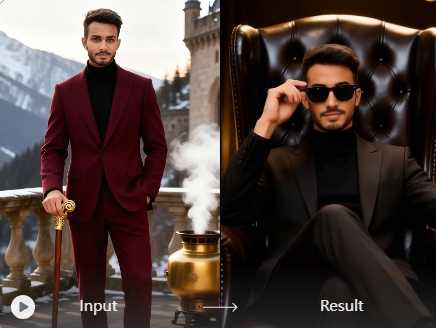
Vimi AI Boss Generator helps you turn a simple portrait into a professional boss image. Choose from 21000 templates, upload one photo, and let AI build a CEO look, office scene, or team page photo. You can also make short videos, keep facial features consistent, and share results in the Vimi community.
 Before
 After
After
Vimi Studio
Switch to Vimi Studio on APP for advanced control and unlimited exports.

Explore the AI Boss generator Filter
Discover the ai boss generator filter that perfectly matches your style.
Explore AI Boss generator Gallery
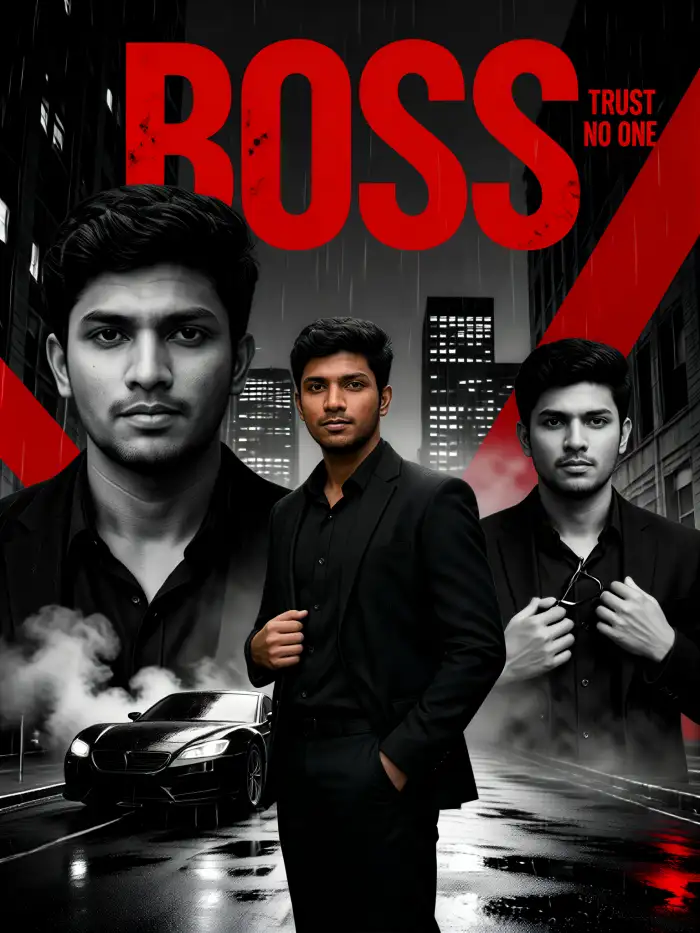
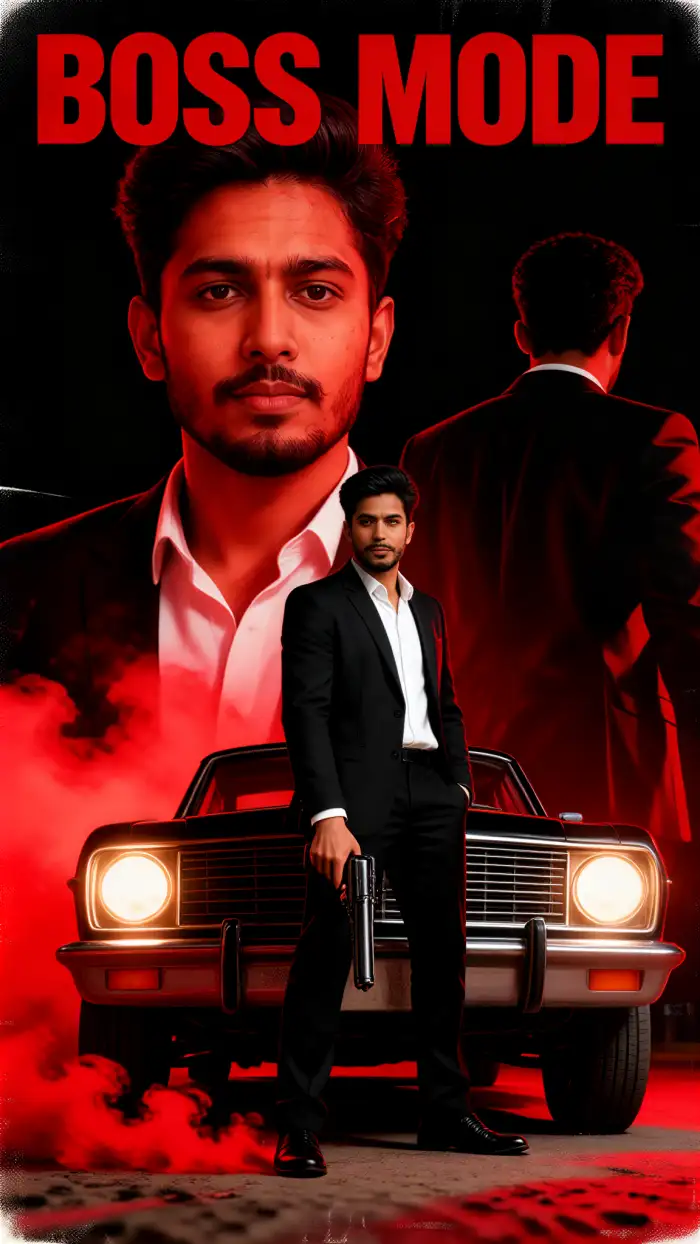
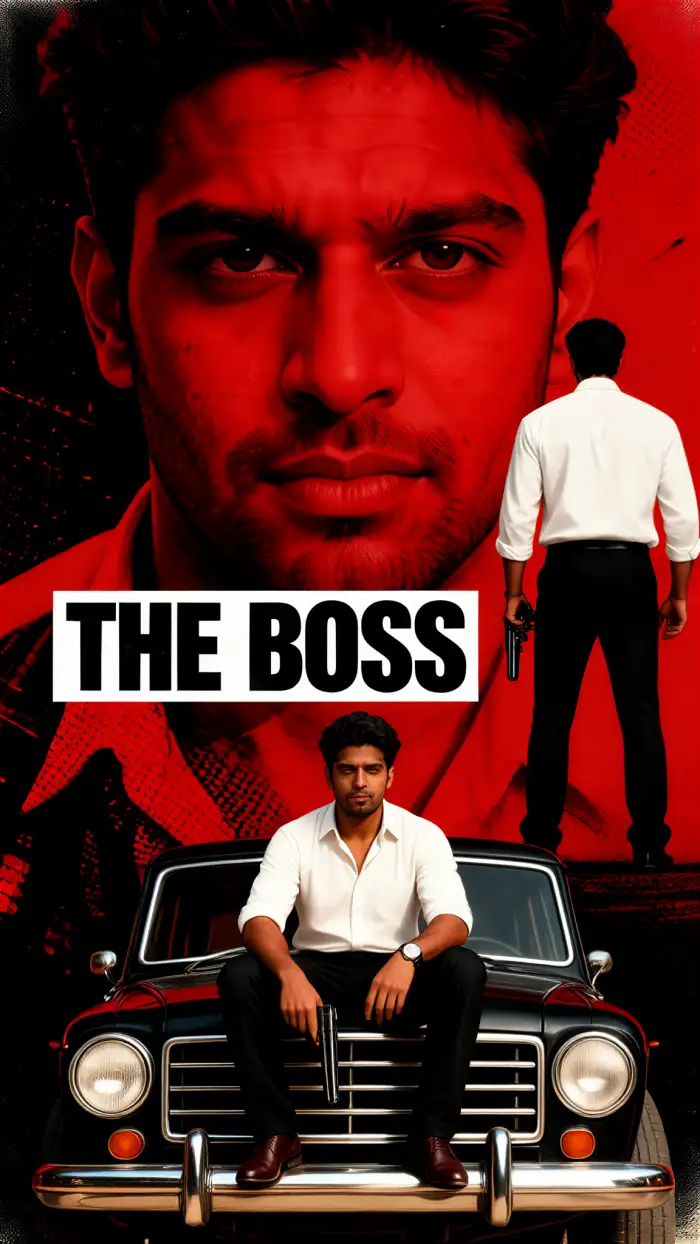
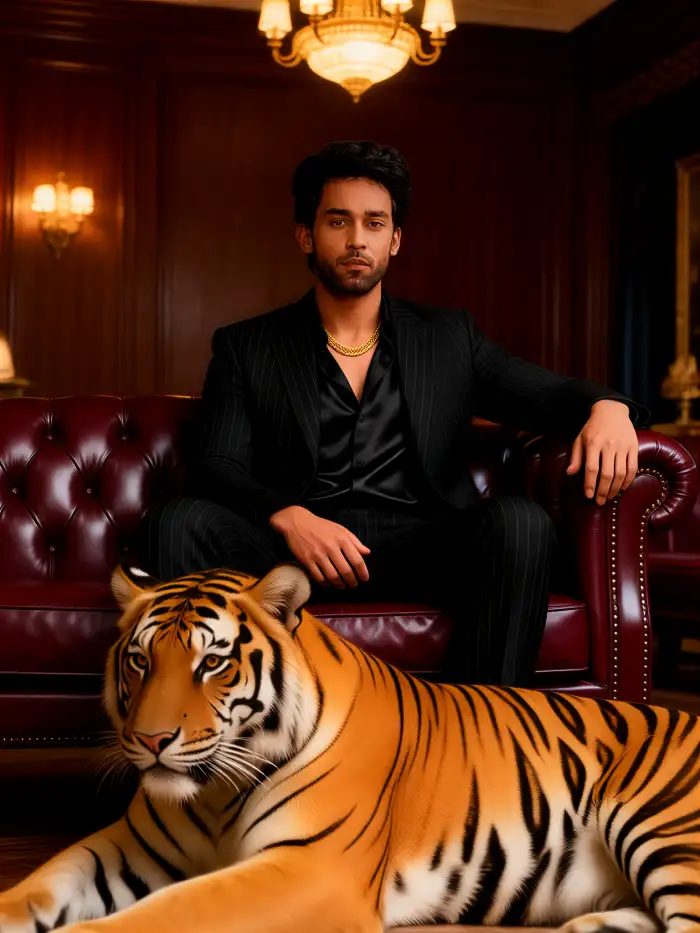
The AI Boss Generator filter creates business portraits, leadership headshots, and office style scenes. It uses your photo as a base. It keeps key facial details while adding suits, studio light, and confident poses.




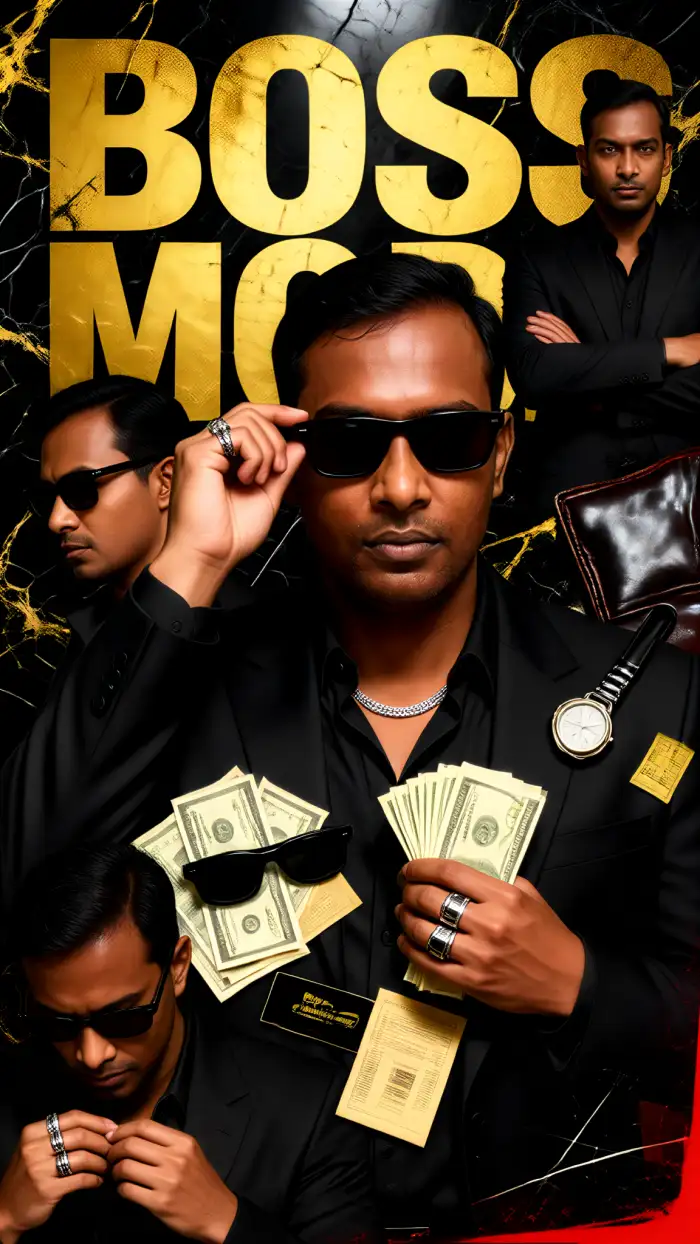
Why Creators Use Vimi AI Boss Generator
Discover the benefits that make Vimi a simple choice for boss portraits, short videos, and daily profile updates inside the app.
Fast Work With Few Steps
Vimi reduces the work needed for a polished boss image. You do not need design skills or prompt writing. Pick a template, upload a photo, and tap Generate. The app handles pose, outfit, light, and background. You can finish several boss portraits in one sitting.
Fast Work With Few Steps
Vimi reduces the work needed for a polished boss image. You do not need design skills or prompt writing. Pick a template, upload a photo, and tap Generate. The app handles pose, outfit, light, and background. You can finish several boss portraits in one sitting.
Explore Use Cases Of Vimi AI Boss Generator
Find the scenes where Vimi AI Boss Generator helps you build a strong and clear business image for work and social pages.
 Before
 After
AfterProfessional Headshots For Profiles
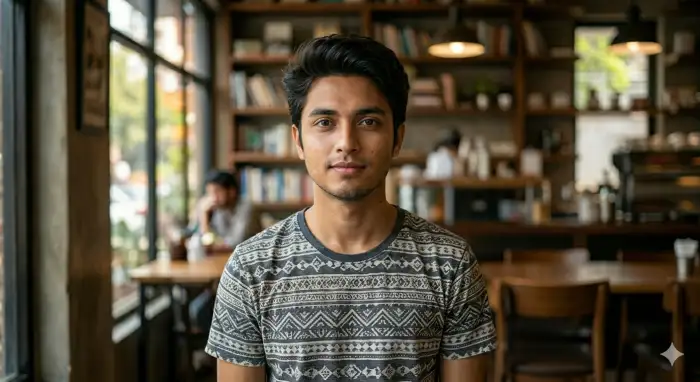
Use Vimi to create a boss style headshot for LinkedIn, company pages, or email profiles. Upload one clear photo. Choose a CEO, founder, or manager template. The AI adds a suit, clean background, and studio light. You get a work ready portrait without booking a studio. It takes only a few taps.
BeforeAfterProfessional Headshots For Profiles
Use Vimi to create a boss style headshot for LinkedIn, company pages, or email profiles. Upload one clear photo. Choose a CEO, founder, or manager template. The AI adds a suit, clean background, and studio light. You get a work ready portrait without booking a studio. It takes only a few taps.
 Before
 After
AfterTeam Pages And Groups
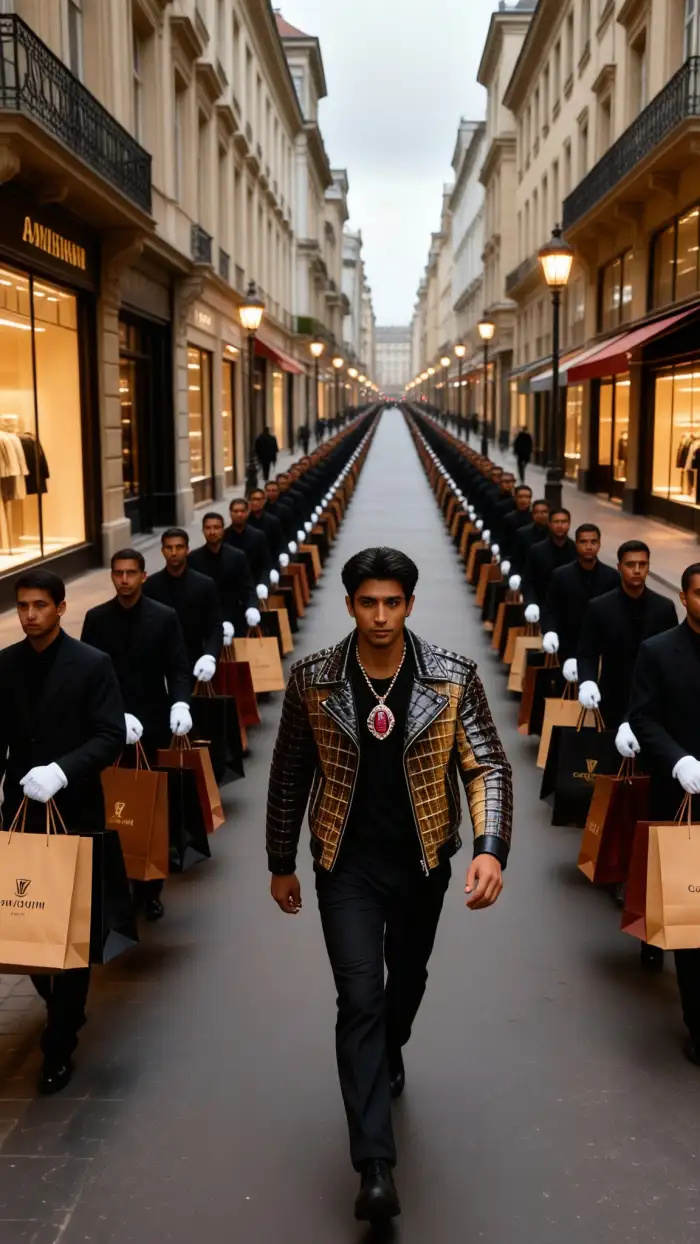
Vimi supports group photos with multiple people. Upload a team photo or several single portraits. The AI identifies each face and keeps every person separate. You can place the group in a boardroom, startup office, or outdoor scene. This works for company pages and team introductions. It avoids mixed faces and missing subjects.
BeforeAfterTeam Pages And Groups
Vimi supports group photos with multiple people. Upload a team photo or several single portraits. The AI identifies each face and keeps every person separate. You can place the group in a boardroom, startup office, or outdoor scene. This works for company pages and team introductions. It avoids mixed faces and missing subjects.
 Before
 After
AfterSocial Media Boss Clips
Turn a boss portrait into a short video for social media. Vimi adds small motions like a smile, blink, or head turn. You can post the clip as a profile intro, story, or team update. The result looks active and natural. It is easy to share with your network today.
BeforeAfterSocial Media Boss Clips
Turn a boss portrait into a short video for social media. Vimi adds small motions like a smile, blink, or head turn. You can post the clip as a profile intro, story, or team update. The result looks active and natural. It is easy to share with your network today.
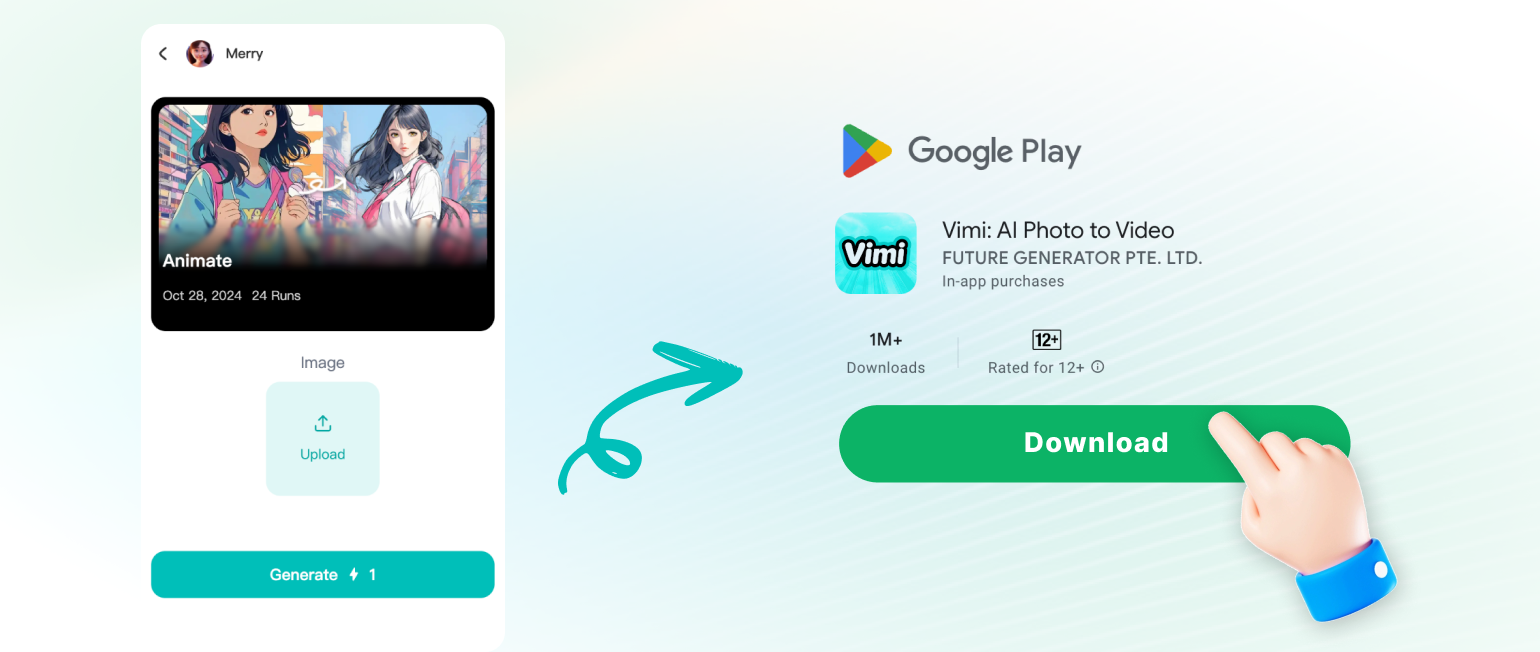
How To Use VimiAI Boss Generator?
Follow three simple steps to create your boss image. Start in the Vimi app and finish with a file you can share.
YouTube Videos About AI Boss Generator
Explore in-depth YouTube tutorials and demos that showcase the power and reliability of our AI Generator.
Who Uses AI Boss Enhancement Online

Maya Chen
I used Vimi to make a CEO headshot for my company page. The suit and studio light looked natural. It took less than a minute.

David Miller
The AI Boss Generator kept my face clear in every image. I made a founder portrait and a short intro video. Both worked well for LinkedIn.

Sofia Reyes
I uploaded a team photo and Vimi placed us in a boardroom. No mixed faces and no missing people. Our company page looks more active.

James Park
I like the daily templates. I made a creative director portrait and a smiling clip. Sharing to social media took one tap.
Maya Chen
I used Vimi to make a CEO headshot for my company page. The suit and studio light looked natural. It took less than a minute.
David Miller
The AI Boss Generator kept my face clear in every image. I made a founder portrait and a short intro video. Both worked well for LinkedIn.
Sofia Reyes
I uploaded a team photo and Vimi placed us in a boardroom. No mixed faces and no missing people. Our company page looks more active.
James Park
I like the daily templates. I made a creative director portrait and a smiling clip. Sharing to social media took one tap.
Maya Chen
I used Vimi to make a CEO headshot for my company page. The suit and studio light looked natural. It took less than a minute.
David Miller
The AI Boss Generator kept my face clear in every image. I made a founder portrait and a short intro video. Both worked well for LinkedIn.
Sofia Reyes
I uploaded a team photo and Vimi placed us in a boardroom. No mixed faces and no missing people. Our company page looks more active.
James Park
I like the daily templates. I made a creative director portrait and a smiling clip. Sharing to social media took one tap.
Frequently Asked Questions
Find clear answers to common questions and get the guidance you need to make the most of our platform, faster and easier.
More Topics You May Like
Explore more topics you may like and discover fresh ideas tailored to your interests.
AI Princess Dress Transformation: Turn Photos into Royal Looks with Vimi
Vimi Instagram Flash Filter for Retro AI Photos and Videos
Vimi Baby Krishna AI Photo Generator for Devotional Portraits
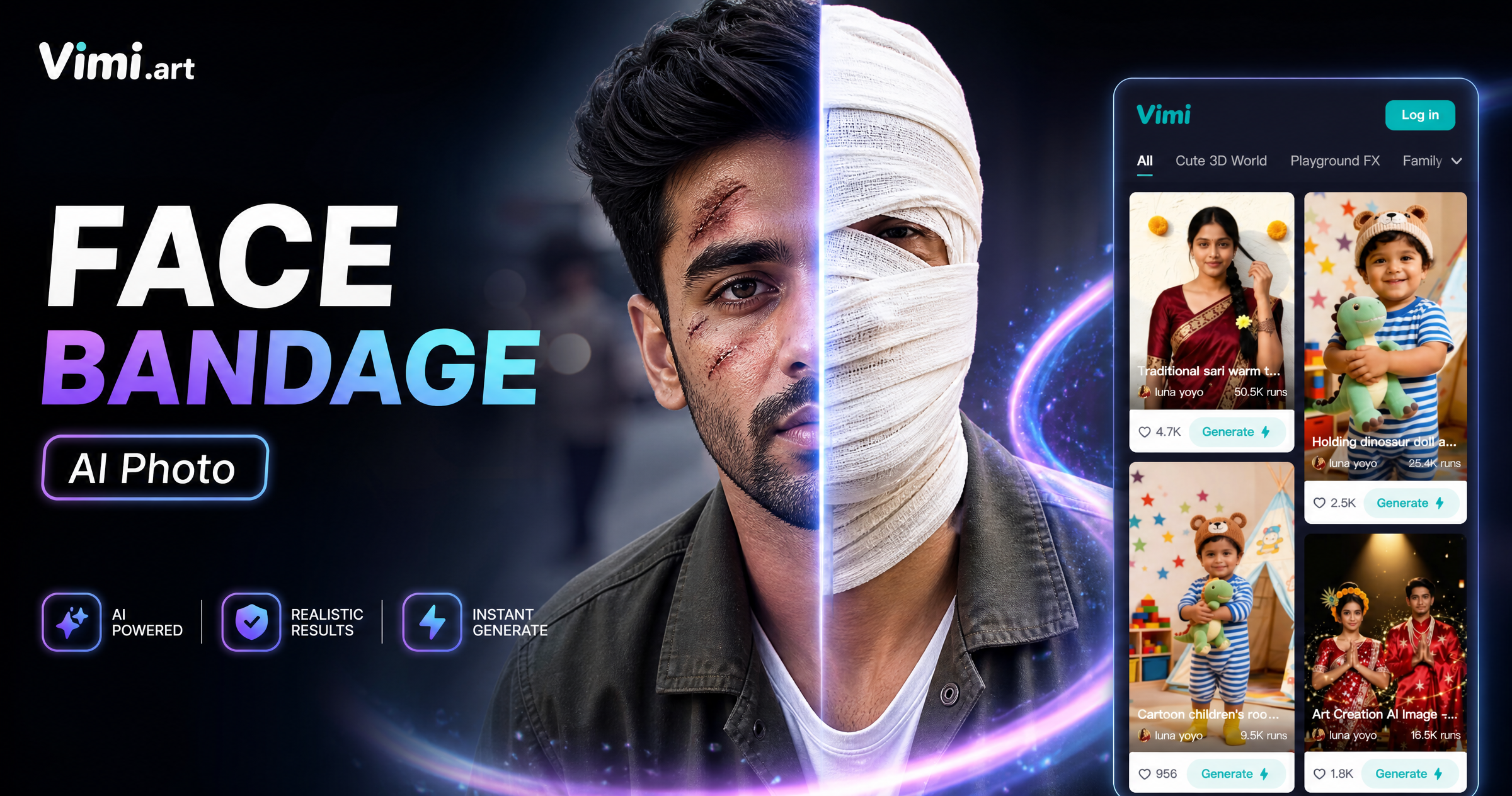
Face Bandage AI Photo: Create Bandage Style Images with Vimi
AI Princess Dress Transformation: Turn Photos into Royal Looks with Vimi
Vimi Instagram Flash Filter for Retro AI Photos and Videos
Vimi Baby Krishna AI Photo Generator for Devotional Portraits
Face Bandage AI Photo: Create Bandage Style Images with Vimi
Create Your AI Boss Image Today
Make a professional boss portrait in minutes. Share your result with friends and teammates right away.
Create Your AI Boss Image Today
Make a professional boss portrait in minutes. Share your result with friends and teammates right away.