AI Princess Dress Transformation
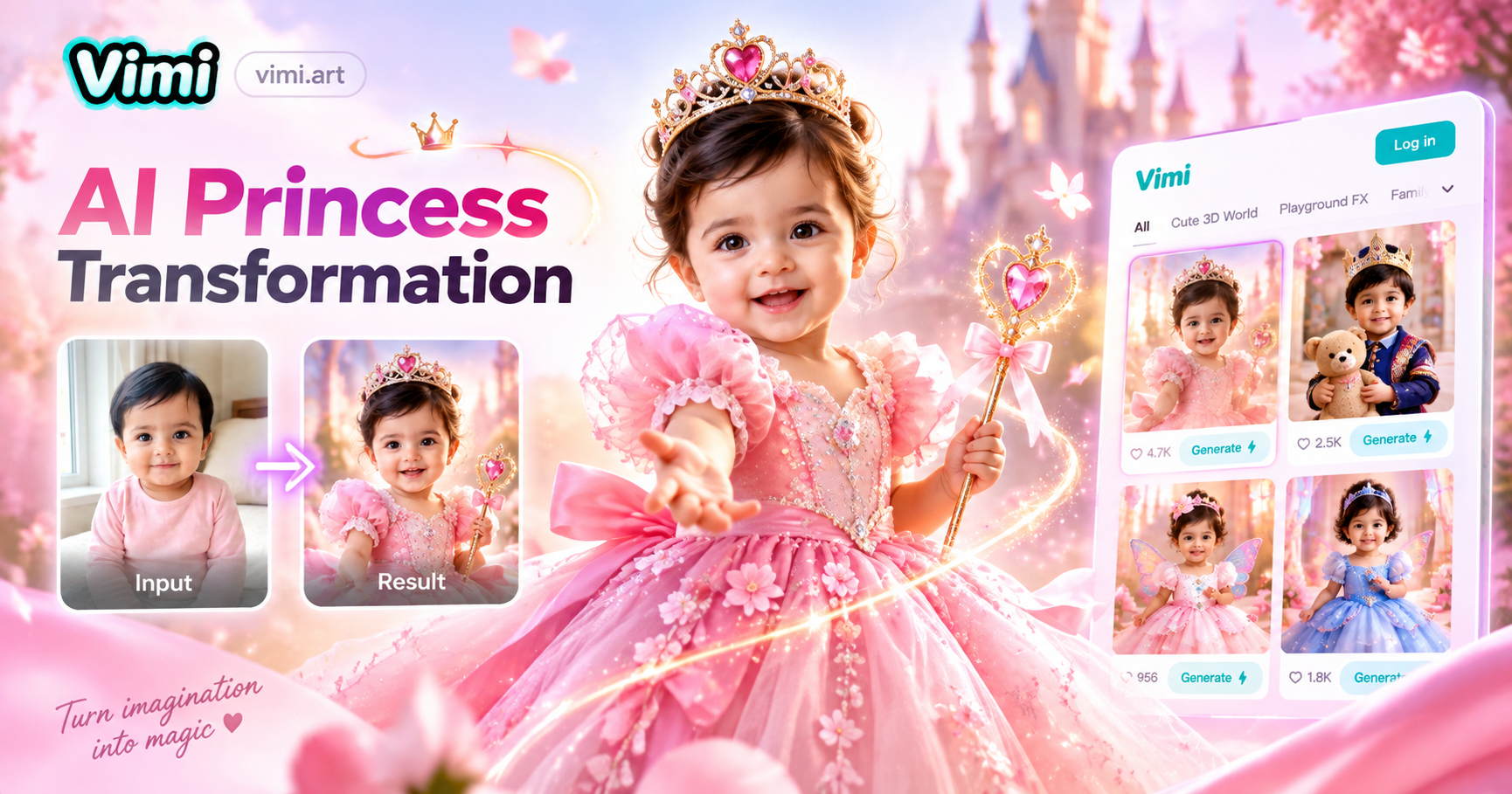
Choose the AI Princess Dress Transformation Filter
Discover the filter that perfectly matches your style and mood.
Vimi Filter Recommendation: AI Princess Dress Transformation
Turn a daily photo into a princess dress scene. Pick a style, upload your picture, and let Vimi App build the look. You can also make a short video from the same image.
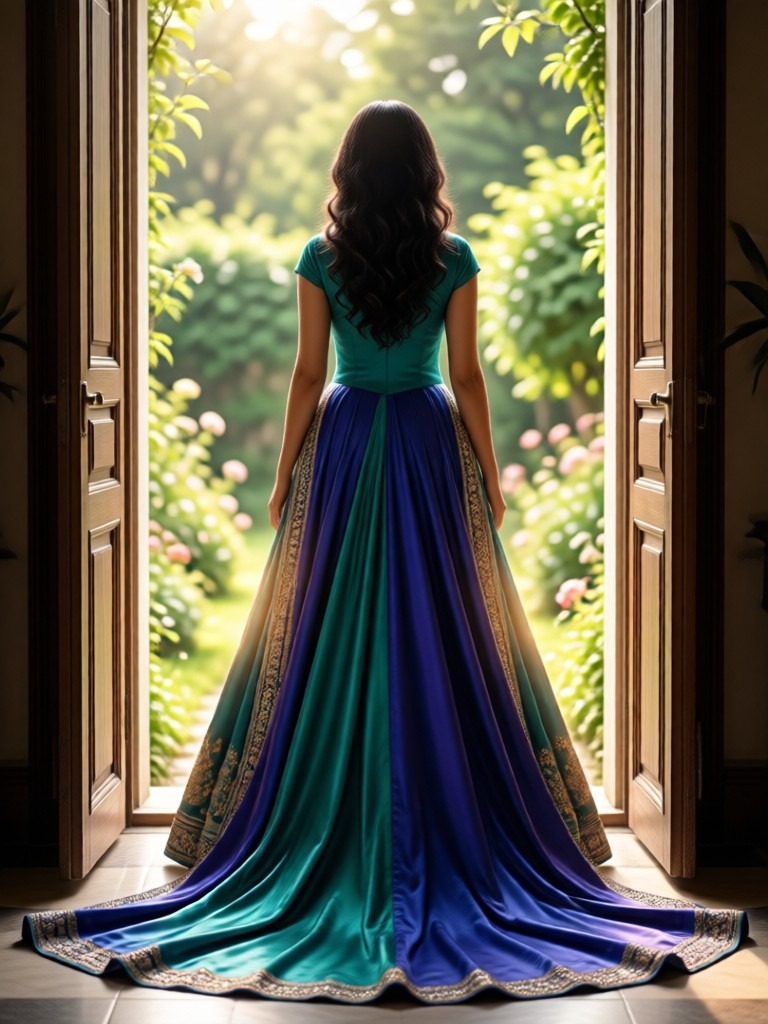
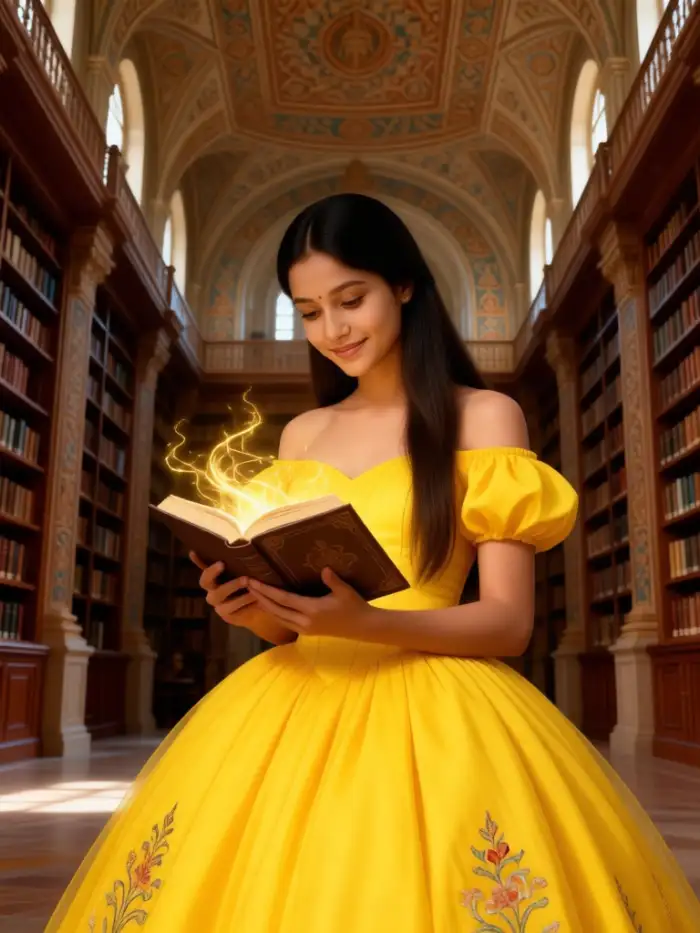
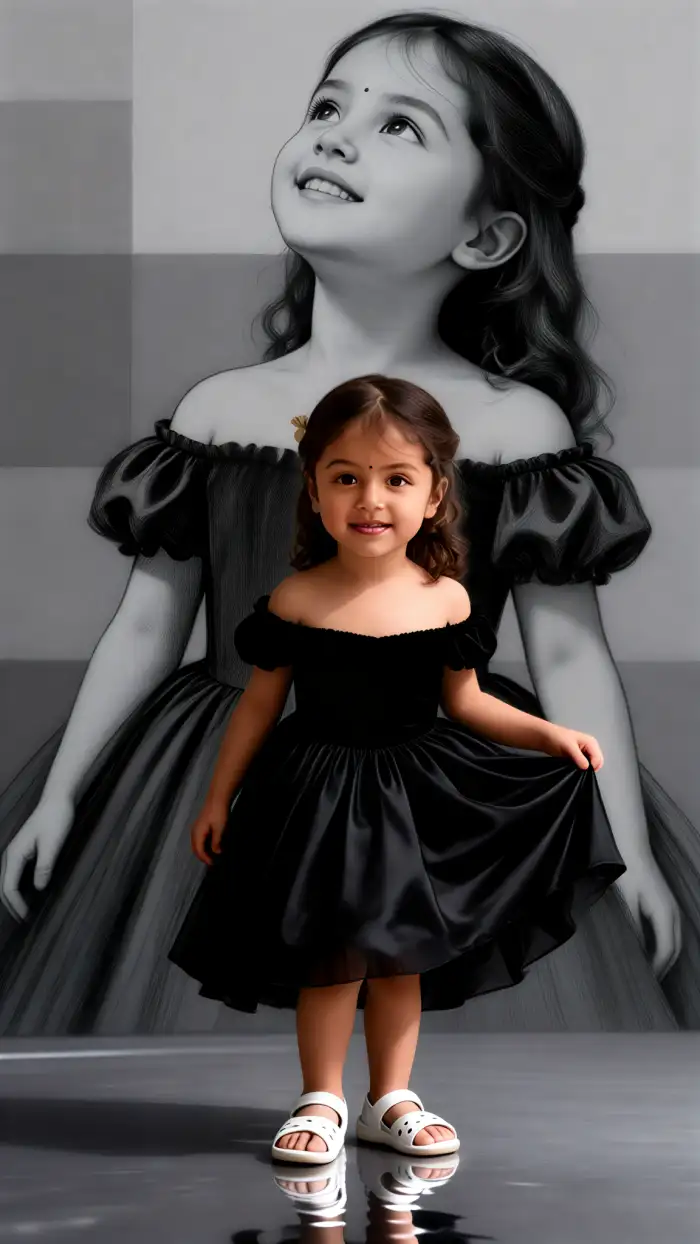
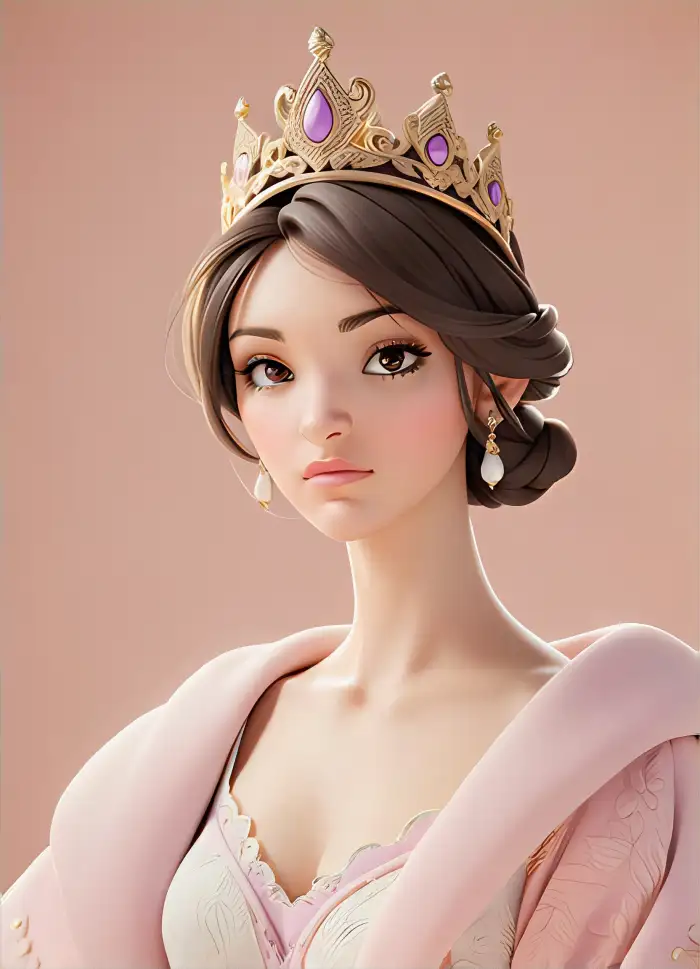
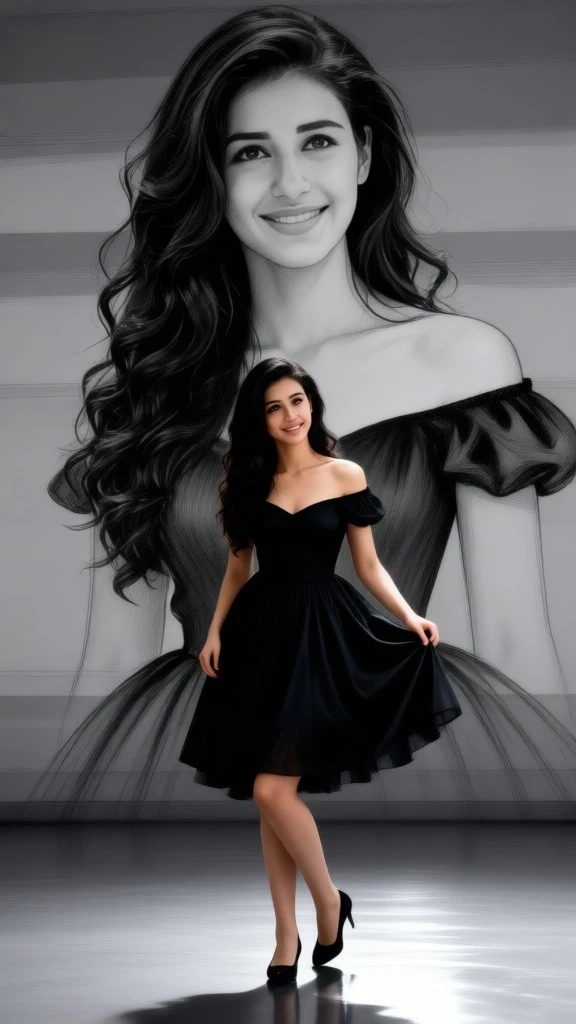
Why Use Vimi AI Princess Dress Transformation
Explore the benefits of Vimi AI Princess Dress Transformation and learn how it saves time while giving you royal images for daily sharing.
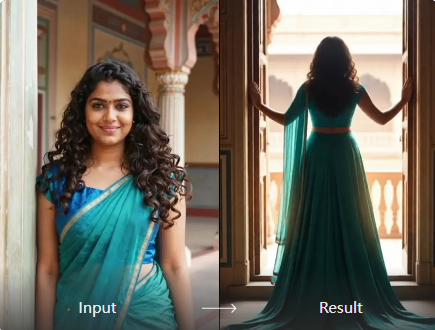
Easy Royal Look Makeovers
You do not need design skills or long prompts. Open Vimi App, choose a princess dress template, and upload a photo. The app handles face detection, dress design, and background changes. You get a finished image in 10 to 20 seconds. Then you can save or post it.
Easy Royal Look Makeovers
You do not need design skills or long prompts. Open Vimi App, choose a princess dress template, and upload a photo. The app handles face detection, dress design, and background changes. You get a finished image in 10 to 20 seconds. Then you can save or post it.
Explore Use Cases For Vimi AI Princess Dress Transformation
Find the best ways to use Vimi AI Princess Dress Transformation for parties, gifts, social posts, and creative projects with friends and family.
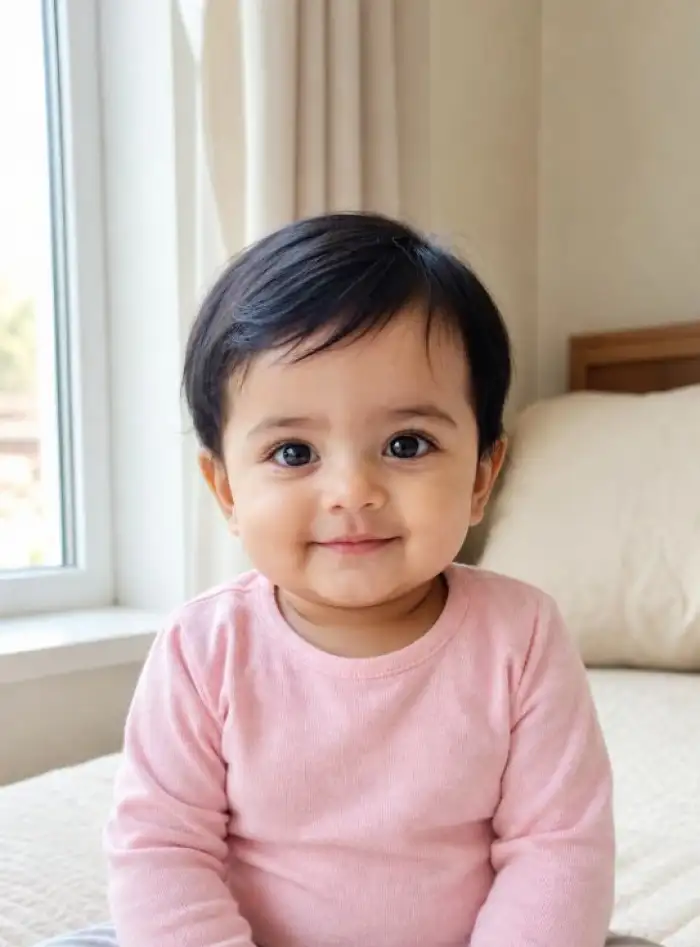 Before
Birthday Party Princess Portraits
Create a royal portrait for a birthday girl, friend, or family member. Upload a clear photo and pick a gown, crown, and castle scene. Vimi AI Princess Dress Transformation keeps the face while changing the outfit. You can print the image, send it as a gift, or post it on social media.
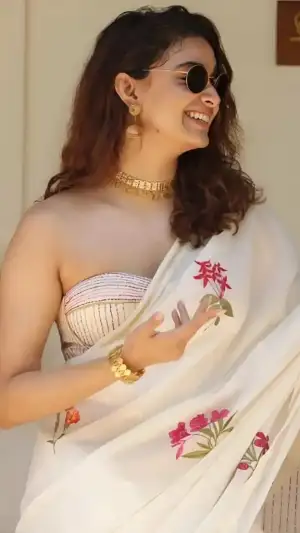 Before
Wedding Guest Dress Ideas
Try princess dress styles before a wedding, party, or formal event. Upload your portrait and test ball gowns, pastel dresses, and elegant hair looks. Vimi AI Princess Dress Transformation shows how each style fits your face. You can compare options and share favorites with friends before the event. This helps you pick a look.
 Before
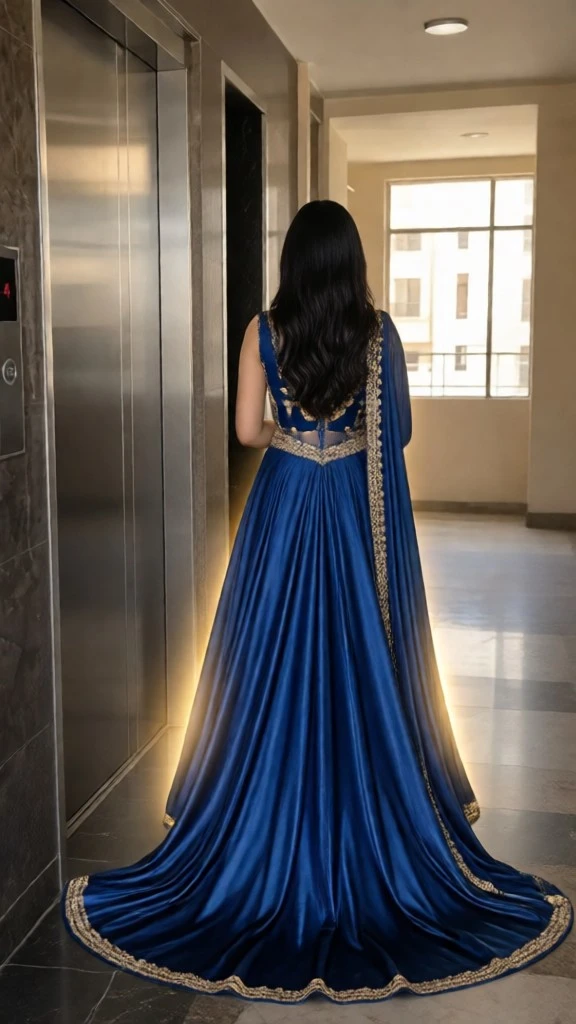 After
AfterSocial Media Royal Trends
Follow daily trends in Vimi App. Use AI Princess Dress Transformation to join popular challenges, make profile pictures, or post short videos. The app updates templates often, so you can try new royal looks. Then share your result with followers and invite them to use the same template. This keeps your page active and fresh.
How to Make AI Princess Dress Transformation Images?
Create adorable ai princess dress transformation images in just a few simple steps using our powerful platform.

Step 01.
Open Vimi to view the filter. Tap the download link. Install Vimi App on your phone. Then sign in to start.

Step 02.
Open Vimi App and browse the template library. Choose AI Princess Dress Transformation. Upload one clear photo. Tap Generate and wait.

Step 03.
Wait about 10 to 20 seconds. Check the result. Tap Download to save it. Share it to your social platforms.
Frequently Asked Questions
Find clear answers to common questions and get the guidance you need to make the most of our platform, faster and easier.
More Topics You May Like
Explore more topics you may like and discover fresh ideas tailored to your interests.
Vimi Instagram Flash Filter for Retro AI Photos and Videos
Vimi Baby Krishna AI Photo Generator for Devotional Portraits
Face Bandage AI Photo: Create Bandage Style Images with Vimi
Vimi Couple Lock Screen AI Photo for Romantic Phone Wallpapers Description
Vimi Instagram Flash Filter for Retro AI Photos and Videos
Vimi Baby Krishna AI Photo Generator for Devotional Portraits
Face Bandage AI Photo: Create Bandage Style Images with Vimi
Vimi Couple Lock Screen AI Photo for Romantic Phone Wallpapers Description
Create Your Princess Dress Look Today
Upload one photo and choose a royal template. Vimi App creates your princess dress image in seconds.
Create Your Princess Dress Look Today
Upload one photo and choose a royal template. Vimi App creates your princess dress image in seconds.