Movie Trailer
Vimi turns one photo or a short clip into a Movie Trailer style video inside the app. Pick a template, upload your image, and tap Generate. The app keeps faces clear and adds camera motion, title cards, and cinematic color. Download the result or share it with friends in a few taps.
 Before

Vimi Studio
Switch to Vimi Studio on APP for advanced control and unlimited exports.

Choose the Movie Trailer Filter
Discover the movie trailer filter that perfectly matches your style and mood.
Movie Trailer Filter Sample for Download
Try the Action Teaser filter for fast cuts and bold title cards. Use the Romance Trailer filter for soft light and slow camera moves. Pick the Retro Film Trailer filter for grain, warm color, and classic opening text. Each filter uses one uploaded photo or clip and runs inside the Vimi app.


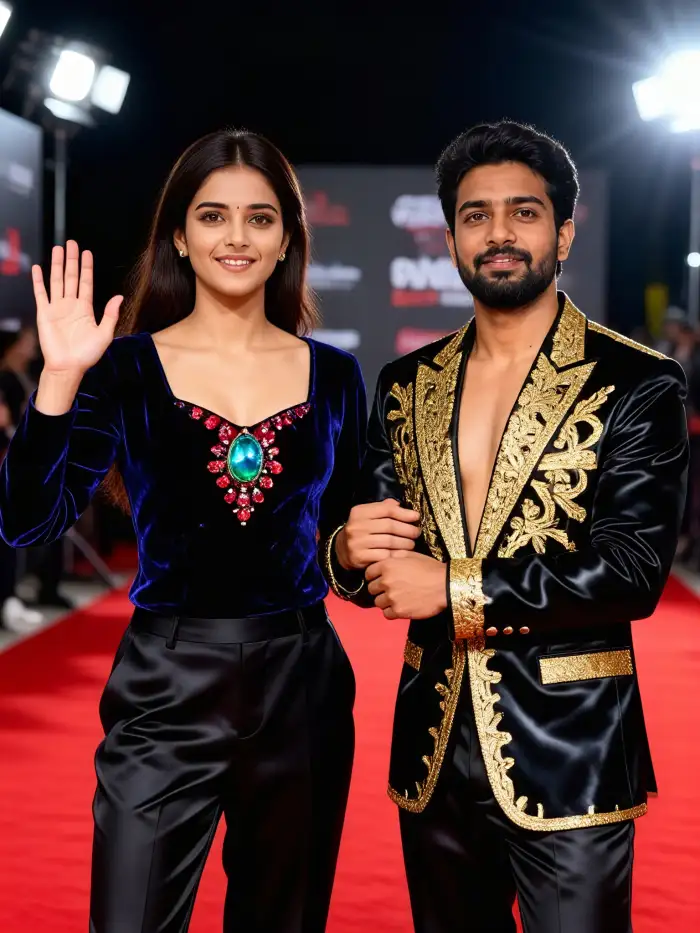


Key Features of Vimi Movie Trailer Filters
Discover the simple tools that turn a single photo into a short Movie Trailer clip inside the Vimi app today.
 Before
One Tap Trailer Templates
Open the Vimi app and choose a Movie Trailer template. Upload one clear photo or a short clip. Tap Generate and wait about 10 to 20 seconds. The template adds camera moves, title text, and color grading without manual editing. It is a simple path from photo to clip.
 Before
Face Identity Stays Clear
Vimi reads the main face in your upload and keeps its features stable. The Movie Trailer output keeps eyes, hair, and skin tone close to the source photo. You can use the same person in a series of clips. This helps when you build a short story.
 Before
Fast Export and Sharing
Tap Download to save the finished clip to your device. You can also share it to social apps from Vimi. The app keeps the file ready for repeat posts. Your public profile can collect each Movie Trailer clip in one place. This saves time when you post a series.
Why Use Vimi Movie Trailer Filters for Stories
Explore the reasons creators use Vimi Movie Trailer filters to shape a clear story from simple photos and short clips.
Storytelling Without Editing Skills
You do not need editing software or prompt writing. Pick a template and upload a photo. Vimi handles motion, text, and color. This lets you post a short story clip while the idea is fresh. The process stays inside the app. It takes minutes, not hours.
Storytelling Without Editing Skills
You do not need editing software or prompt writing. Pick a template and upload a photo. Vimi handles motion, text, and color. This lets you post a short story clip while the idea is fresh. The process stays inside the app. It takes minutes, not hours.
How to Make a Vimi Movie Trailer Clip in Three Steps?
This guide shows the full path from app install to a saved Movie Trailer clip. Each step uses simple taps inside the Vimi app.
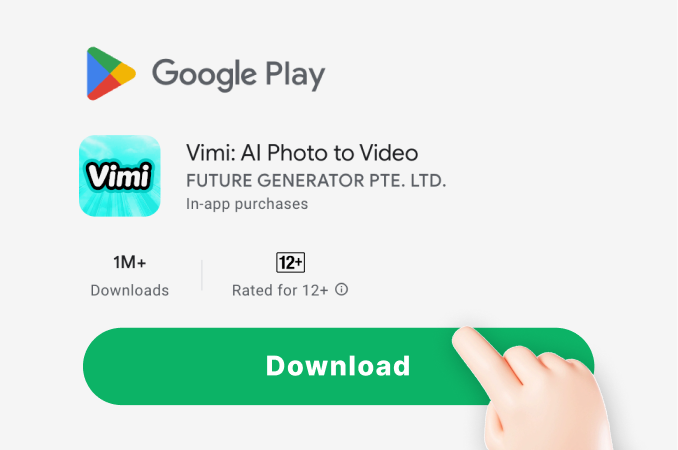
Step 01.
Get Vimi from the app store on your phone. Open the app, sign in, and start a new project.
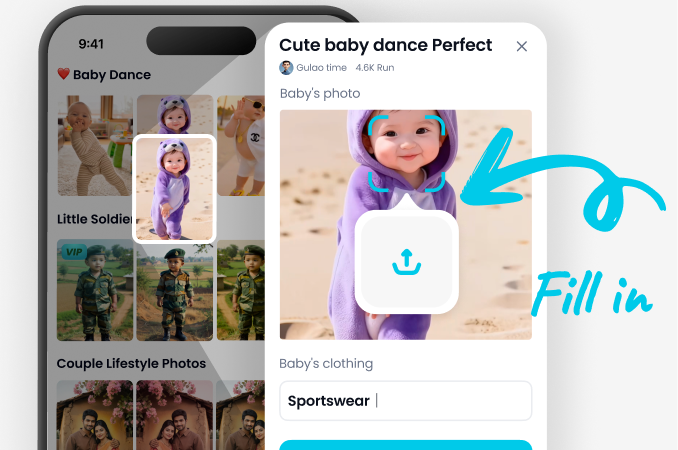
Step 02.
Browse the filter library. Select a Movie Trailer template. Upload one photo or a short clip. Tap Generate and wait for the result.
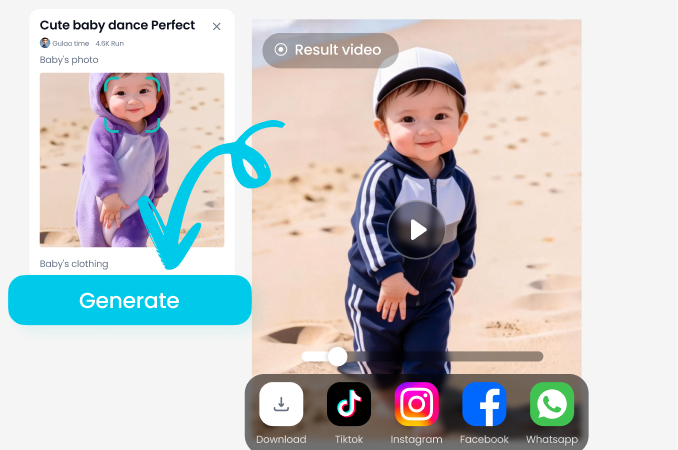
Step 03.
Check the clip. Tap Download to save it. Share it to social apps from Vimi when you are ready to post.
YouTube Videos About Movie Trailer Generator
Explore in-depth YouTube tutorials and demos that showcase the power and reliability of our AI Generator.
Who Uses Movie Trailer Enhancement Online

Louis Yule
I used the Action Teaser filter on a photo of my brother. The app added title cards and a quick zoom in about 15 seconds. I shared the clip the same night.

Leo T
The group photo template kept all four faces clear. I picked the Romance Trailer style for my parents anniversary. The clip felt like a short film.

Priya S
I made three clips with the same portrait. The face stayed consistent in each one. I posted them as a series on my profile.

Daniel K
I uploaded a short video of my dog. The Retro Film Trailer filter added warm color and opening text. Download took one tap.
Louis Yule
I used the Action Teaser filter on a photo of my brother. The app added title cards and a quick zoom in about 15 seconds. I shared the clip the same night.
Leo T
The group photo template kept all four faces clear. I picked the Romance Trailer style for my parents anniversary. The clip felt like a short film.
Priya S
I made three clips with the same portrait. The face stayed consistent in each one. I posted them as a series on my profile.
Daniel K
I uploaded a short video of my dog. The Retro Film Trailer filter added warm color and opening text. Download took one tap.
Louis Yule
I used the Action Teaser filter on a photo of my brother. The app added title cards and a quick zoom in about 15 seconds. I shared the clip the same night.
Leo T
The group photo template kept all four faces clear. I picked the Romance Trailer style for my parents anniversary. The clip felt like a short film.
Priya S
I made three clips with the same portrait. The face stayed consistent in each one. I posted them as a series on my profile.
Daniel K
I uploaded a short video of my dog. The Retro Film Trailer filter added warm color and opening text. Download took one tap.
Frequently Asked Questions
Find clear answers to common questions and get the guidance you need to make the most of our platform, faster and easier.
More Topics You May Like
Explore more topics you may like and discover fresh ideas tailored to your interests.

Best AI Anime Generators: Create Anime Art And Photo in Vimi
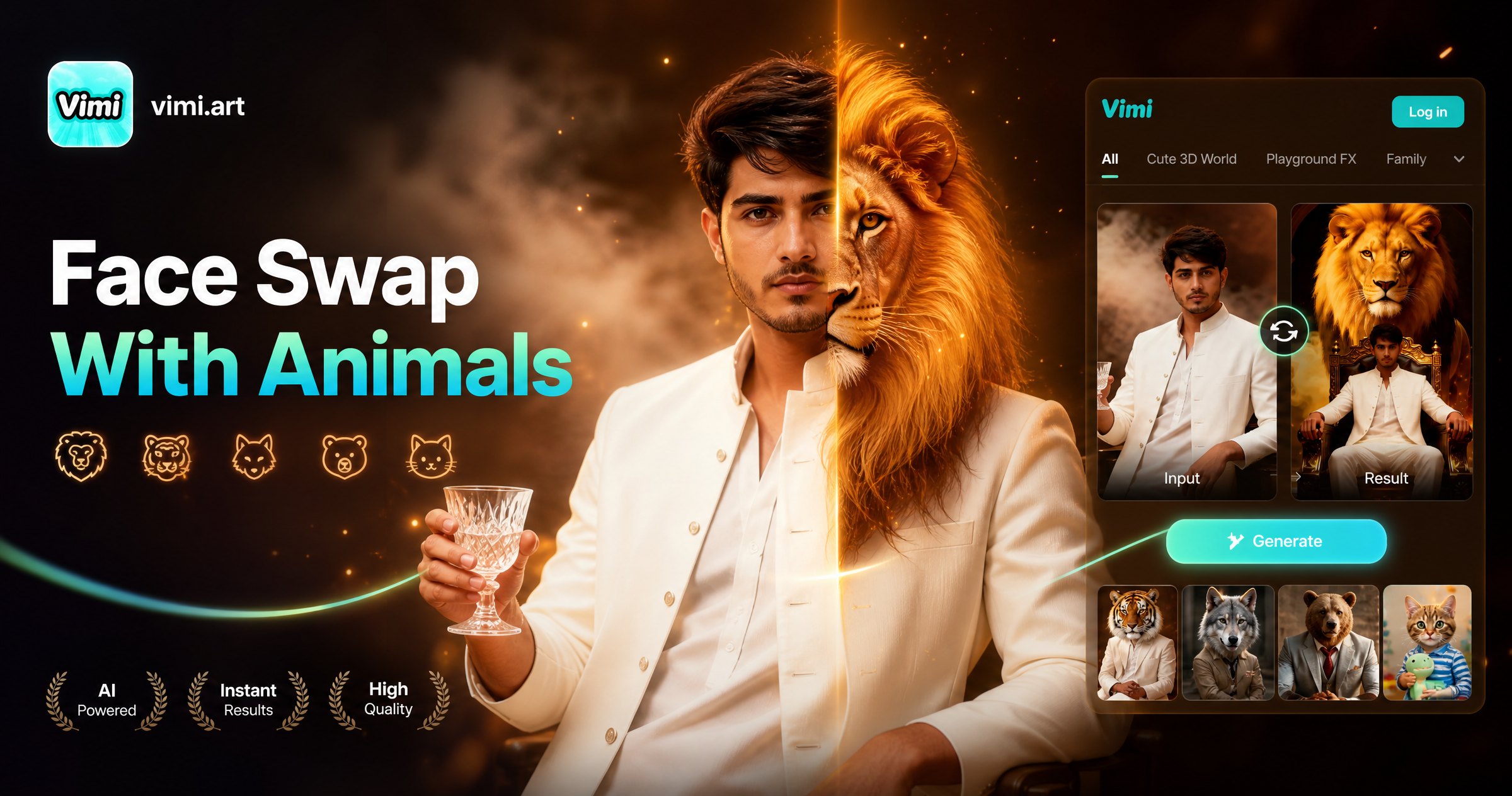
Face Swap With Animals: Create Fun Animal Face Photos With Vimi

Best AI Selfie Generators: Create Selfies in Vimi

Vimi Army Dreamers AI Filter Create Dreamy Army Portraits on Mobile
Best AI Anime Generators: Create Anime Art And Photo in Vimi
Face Swap With Animals: Create Fun Animal Face Photos With Vimi
Best AI Selfie Generators: Create Selfies in Vimi
Vimi Army Dreamers AI Filter Create Dreamy Army Portraits on Mobile
Create Your Movie Trailer In Vimi
Pick a template today. Upload one photo and tap Generate. Stay ahead of trends and create content everyone will notice.
Create Your Movie Trailer In Vimi
Pick a template today. Upload one photo and tap Generate. Stay ahead of trends and create content everyone will notice.