Face Swap With Animals
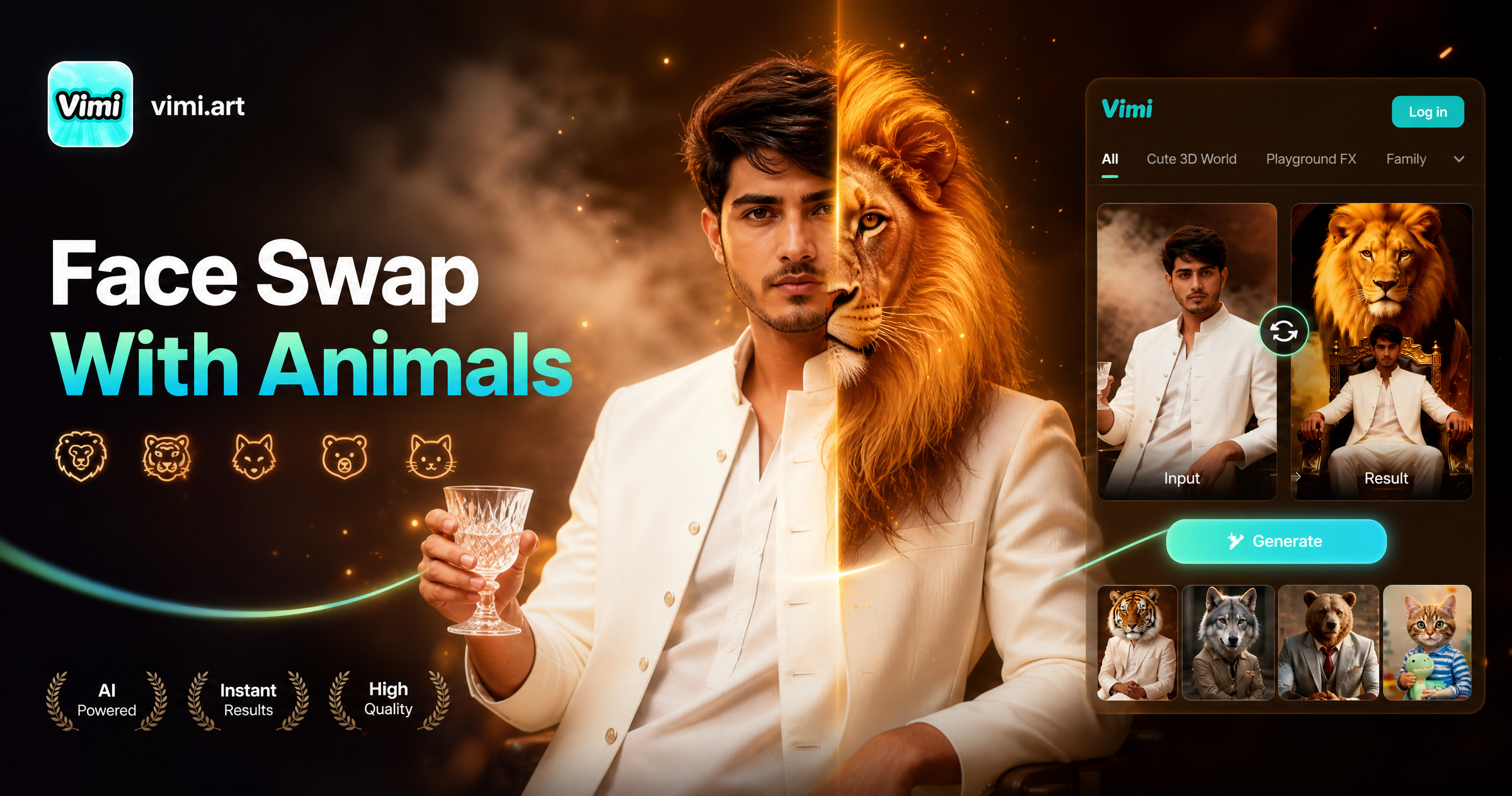
Choose the Face Swap With Animals Filter
Discover the face swap with animals filter that perfectly matches your style.
Vimi Face Swap With Animals Filter Picks
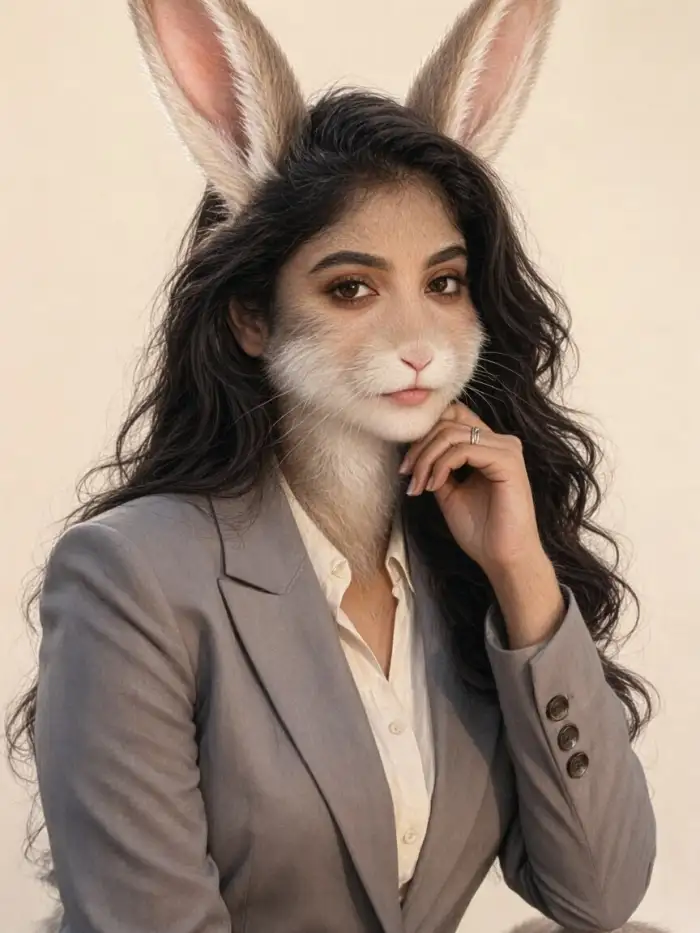
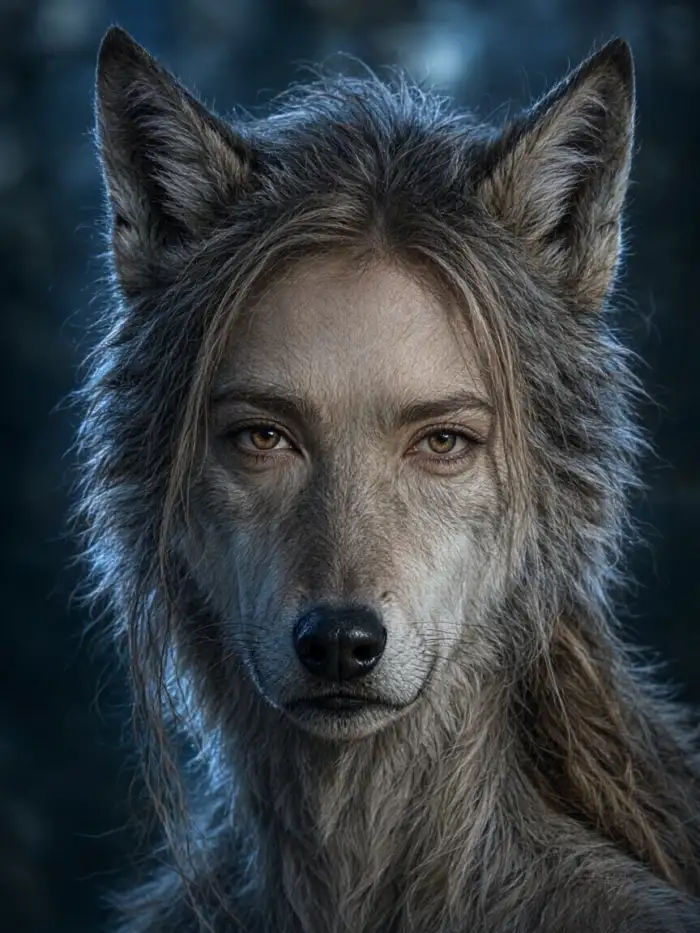
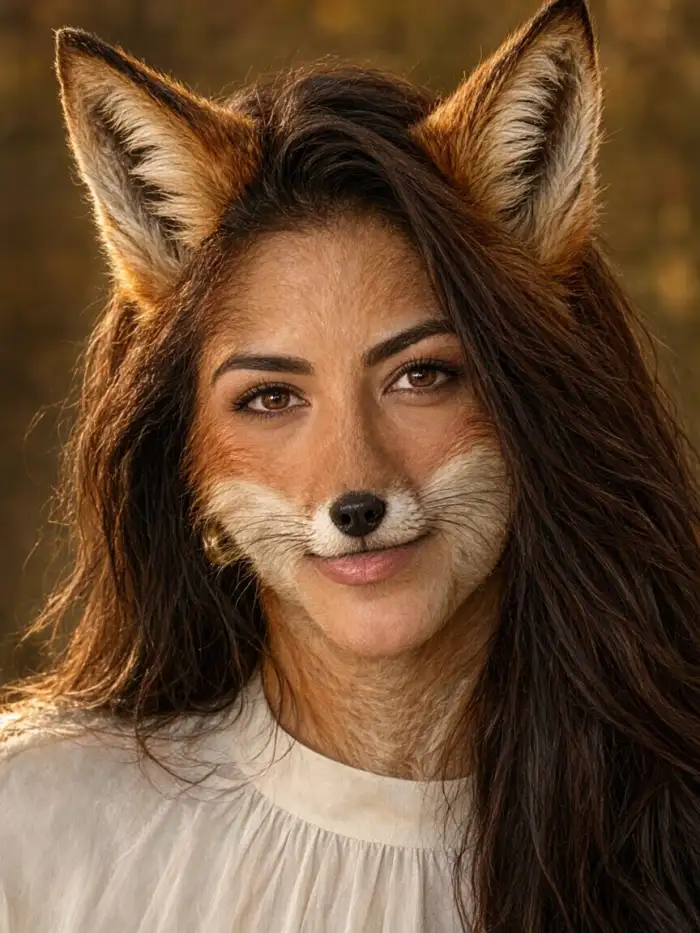
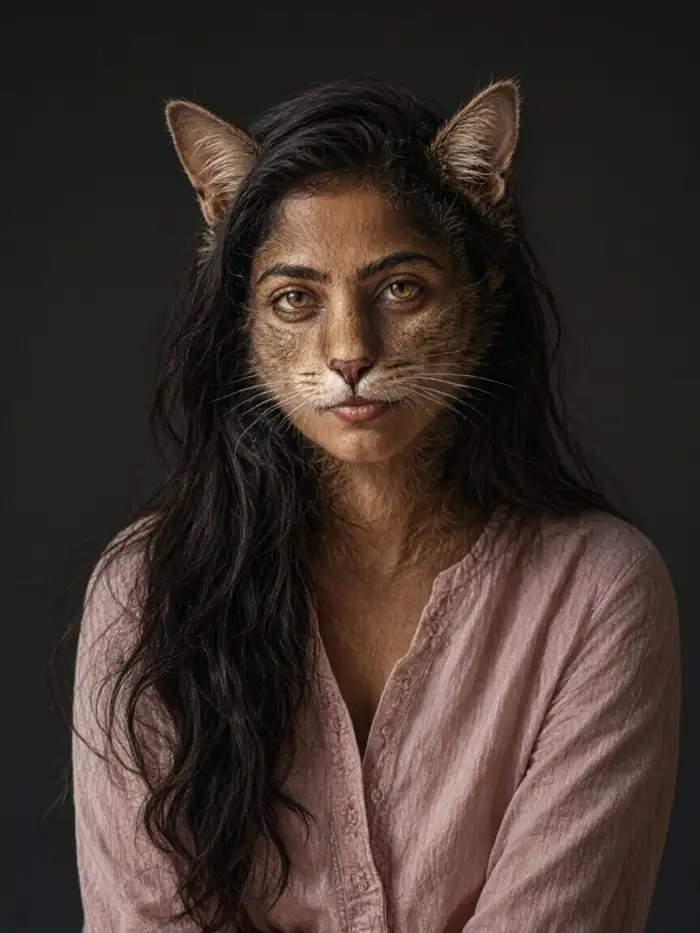
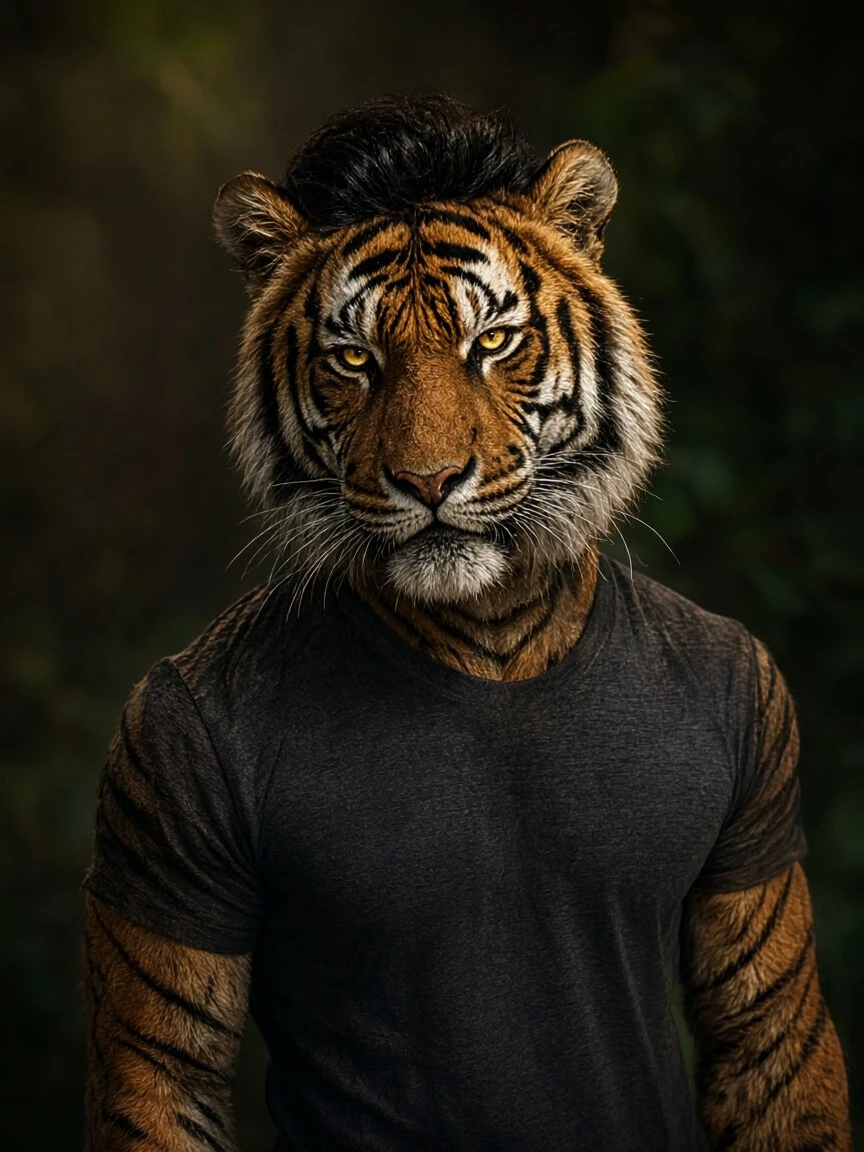
Try Cat Face Swap for round ears and short whiskers. Choose Dog Face Swap for floppy ears and a friendly nose. Use Lion Face Swap for a full mane and a bold look. Pick Fantasy Creature for horns, wings, or scales. Each template keeps your eyes and smile visible while it adds animal traits.
Why Vimi Face Swap With Animals Fits Daily Edits
Discover the simple controls that help you place animal features on human faces while keeping each person easy to recognize.
Clear Face Mapping Tools
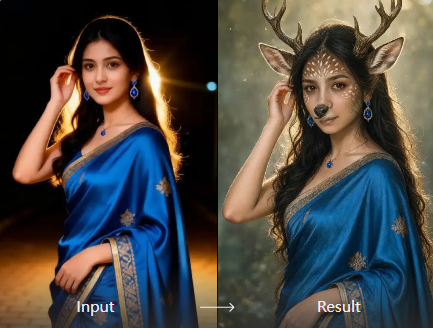
Vimi detects eyes, nose, mouth, and face shape before it applies an animal look. The app keeps your expression readable. You can swap one face in a group photo or test several animal styles. Each template runs inside the Vimi app and returns a result in 10 to 20 seconds.
Clear Face Mapping Tools
Vimi detects eyes, nose, mouth, and face shape before it applies an animal look. The app keeps your expression readable. You can swap one face in a group photo or test several animal styles. Each template runs inside the Vimi app and returns a result in 10 to 20 seconds.
Explore Vimi Face Swap With Animals Use Cases
Discover the single portrait scenes where Vimi turns one clear photo into a cat, dog, lion, or fantasy creature for fun.
 Before
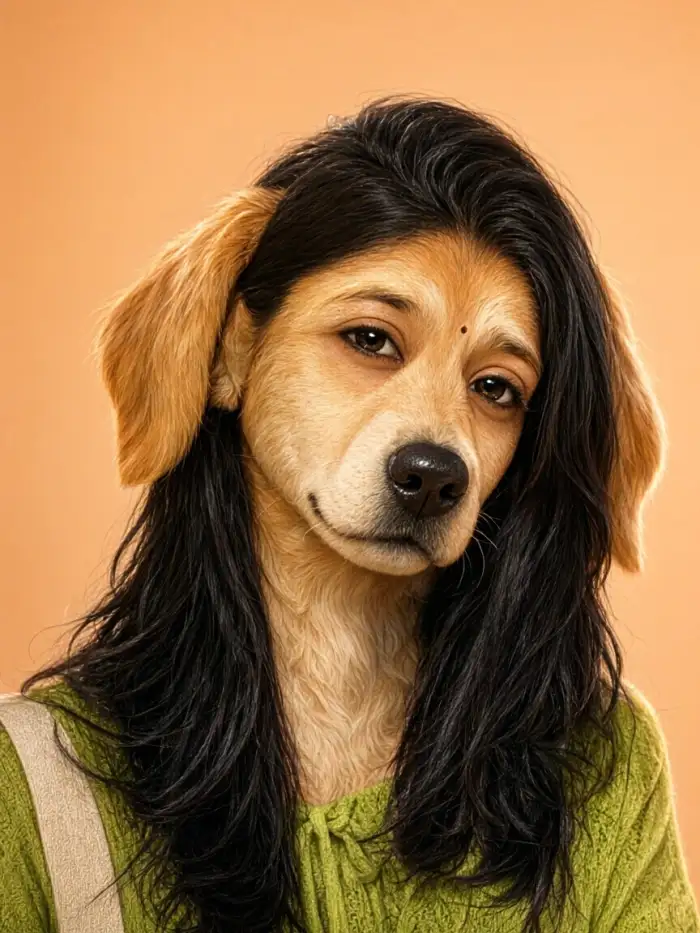 After
Solo Selfie Animal Portraits
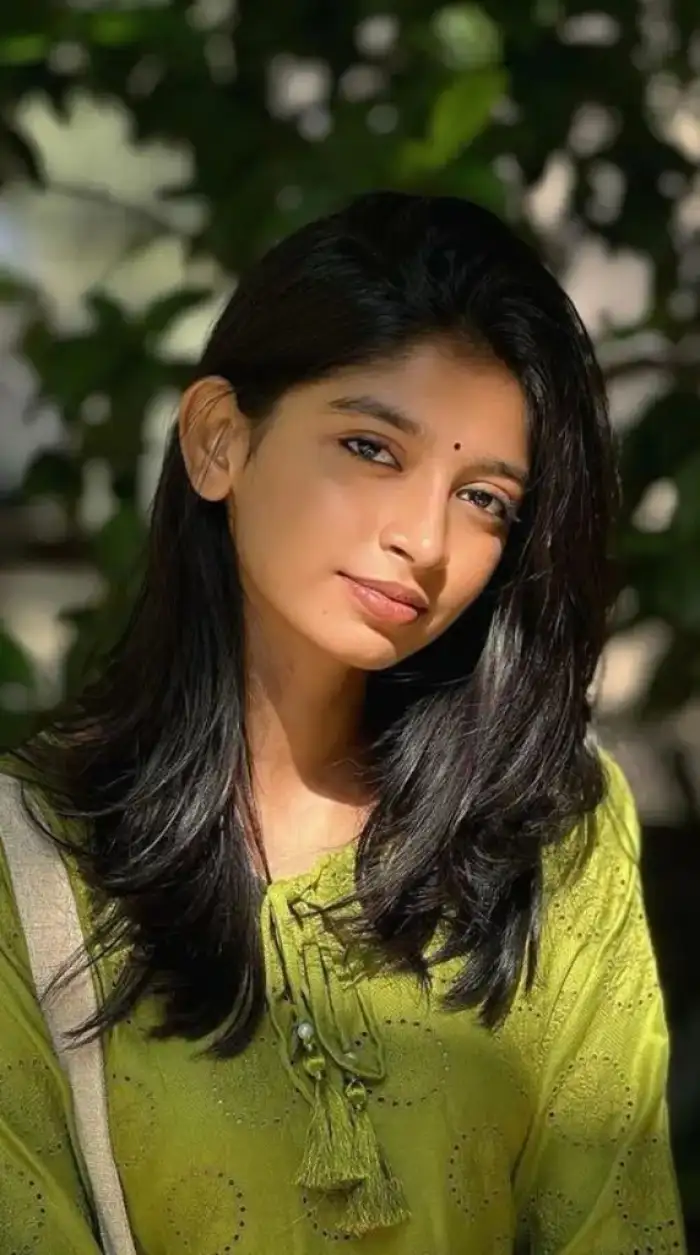
Upload one clear selfie and choose a cat, dog, or lion template inside Vimi. The app maps your eyes, nose, and mouth before it adds animal traits. Your expression stays readable in the final still image. Results arrive in 10 to 20 seconds. Save one version or test another template.
BeforeAfterSolo Selfie Animal Portraits
Upload one clear selfie and choose a cat, dog, or lion template inside Vimi. The app maps your eyes, nose, and mouth before it adds animal traits. Your expression stays readable in the final still image. Results arrive in 10 to 20 seconds. Save one version or test another template.
 Before
 After
Personal Pet Style Headshots
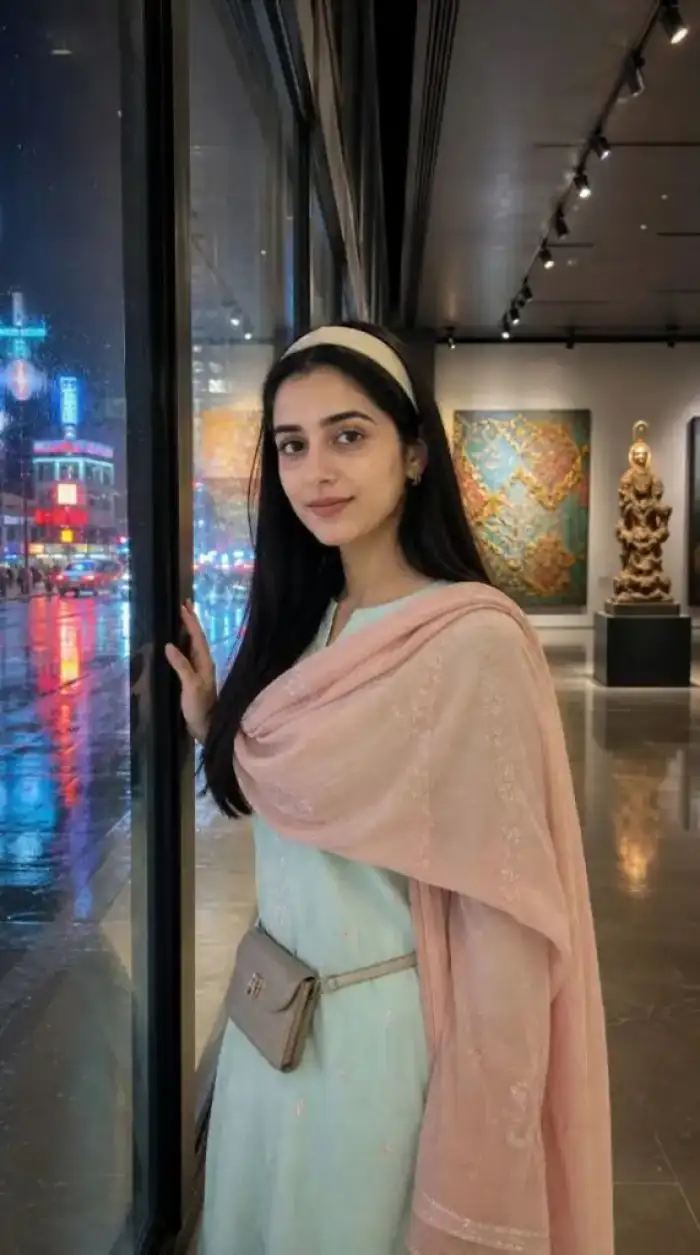
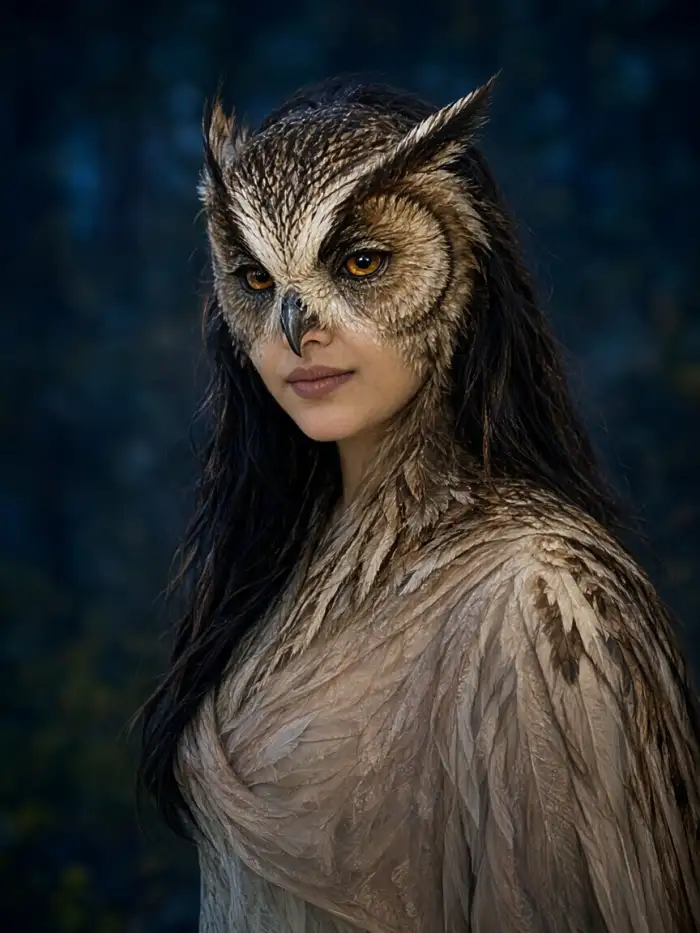
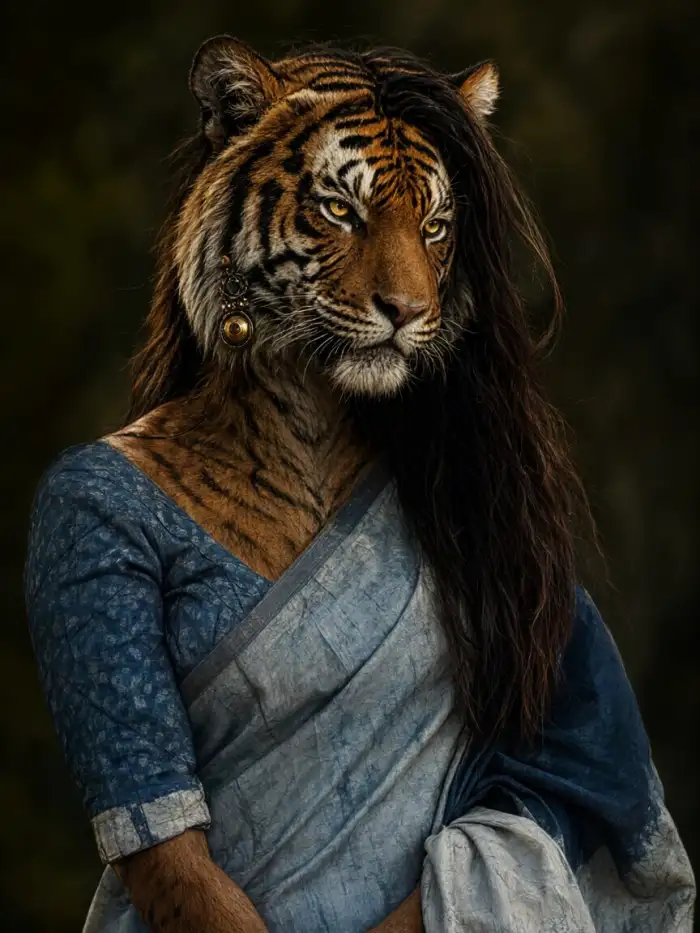
Turn one portrait into a pet style headshot with a dog, cat, or rabbit look inside Vimi. The app keeps your face shape and hair visible while it adds ears and a nose. Use a front facing photo with even light. Download the still image for a profile or a chat avatar.
BeforeAfterPersonal Pet Style Headshots
Turn one portrait into a pet style headshot with a dog, cat, or rabbit look inside Vimi. The app keeps your face shape and hair visible while it adds ears and a nose. Use a front facing photo with even light. Download the still image for a profile or a chat avatar.
 Before
 After
Themed Profile Photo Edits
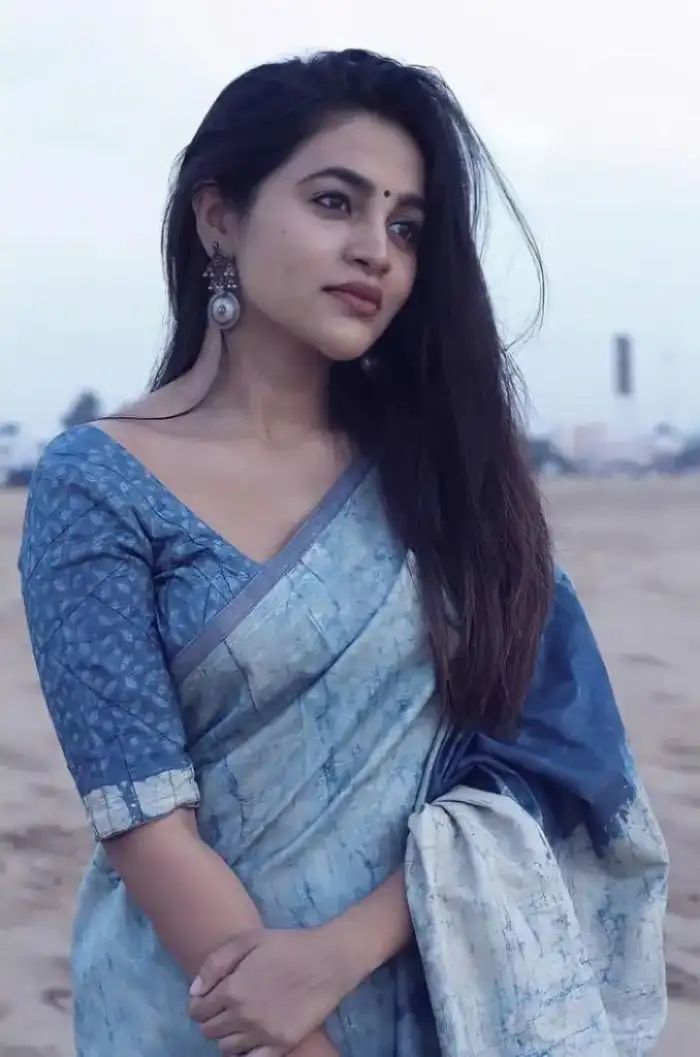
Pick a seasonal or fantasy animal template for one portrait inside Vimi. The app applies animal traits as a photo edit and keeps your original pose. This works for birthday posts, holiday avatars, or game style looks. Upload one image, tap Generate, and wait 10 to 20 seconds. Then download the edited still photo.
BeforeAfterThemed Profile Photo Edits
Pick a seasonal or fantasy animal template for one portrait inside Vimi. The app applies animal traits as a photo edit and keeps your original pose. This works for birthday posts, holiday avatars, or game style looks. Upload one image, tap Generate, and wait 10 to 20 seconds. Then download the edited still photo.
How to Use Vimi Face Swap With Animals?
Open Vimi to view the filter, then install Vimi to create. Choose a template, upload a photo, generate, download, and share.

Step 01.
Preview and Install Vimi. Open Vimi to view the Face Swap With Animals filter. Tap the download link and install the Vimi app on your phone.
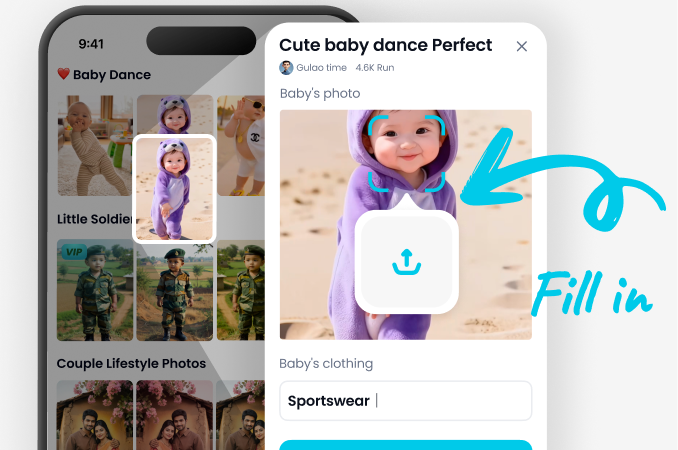
Step 02.
Choose and Generate. In the Vimi app, open the template library. Pick Face Swap With Animals, upload a clear photo, and tap Generate.
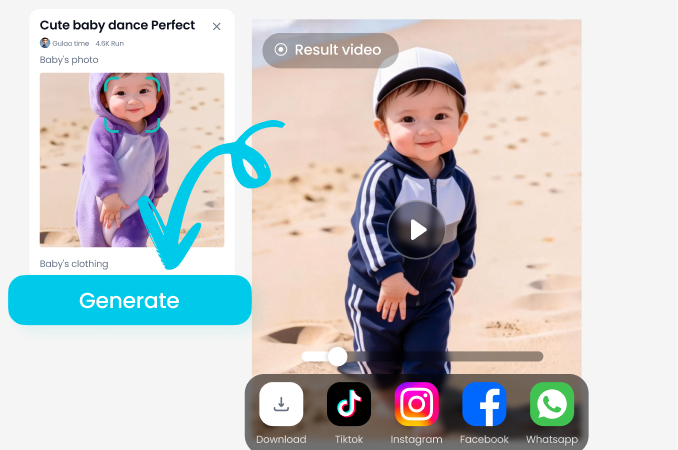
Step 03.
Save and Share. When the result appears, tap Download to save it. Use the share button to post it on social apps.
YouTube Videos About Face Swap With Animals Generator
Explore in-depth YouTube tutorials and demos that showcase the power and reliability of our AI Generator.
Frequently Asked Questions
Find clear answers to common questions and get the guidance you need to make the most of our platform, faster and easier.
More Topics You May Like
Explore more topics you may like and discover fresh ideas tailored to your interests.

Vimi AI Map To Video Turns Maps into Moving Stories
Vimi AI Group Dance Generator: Turn Group Photos Into Dance Videos
Celebrity Country Transformation With Vimi AI Filter
Vimi AI Princess Transformation Review: Turn Your Photos Into Royal Portraits
Vimi AI Map To Video Turns Maps into Moving Stories
Vimi AI Group Dance Generator: Turn Group Photos Into Dance Videos
Celebrity Country Transformation With Vimi AI Filter
Vimi AI Princess Transformation Review: Turn Your Photos Into Royal Portraits
Create Animal Face Swaps With Vimi
Download Vimi And Pick A Template. Generate And Share Your Result. Stay ahead of trends and create content everyone will notice.

Create Animal Face Swaps With Vimi
Download Vimi And Pick A Template. Generate And Share Your Result. Stay ahead of trends and create content everyone will notice.