ChatGPT AI Grunge Photo
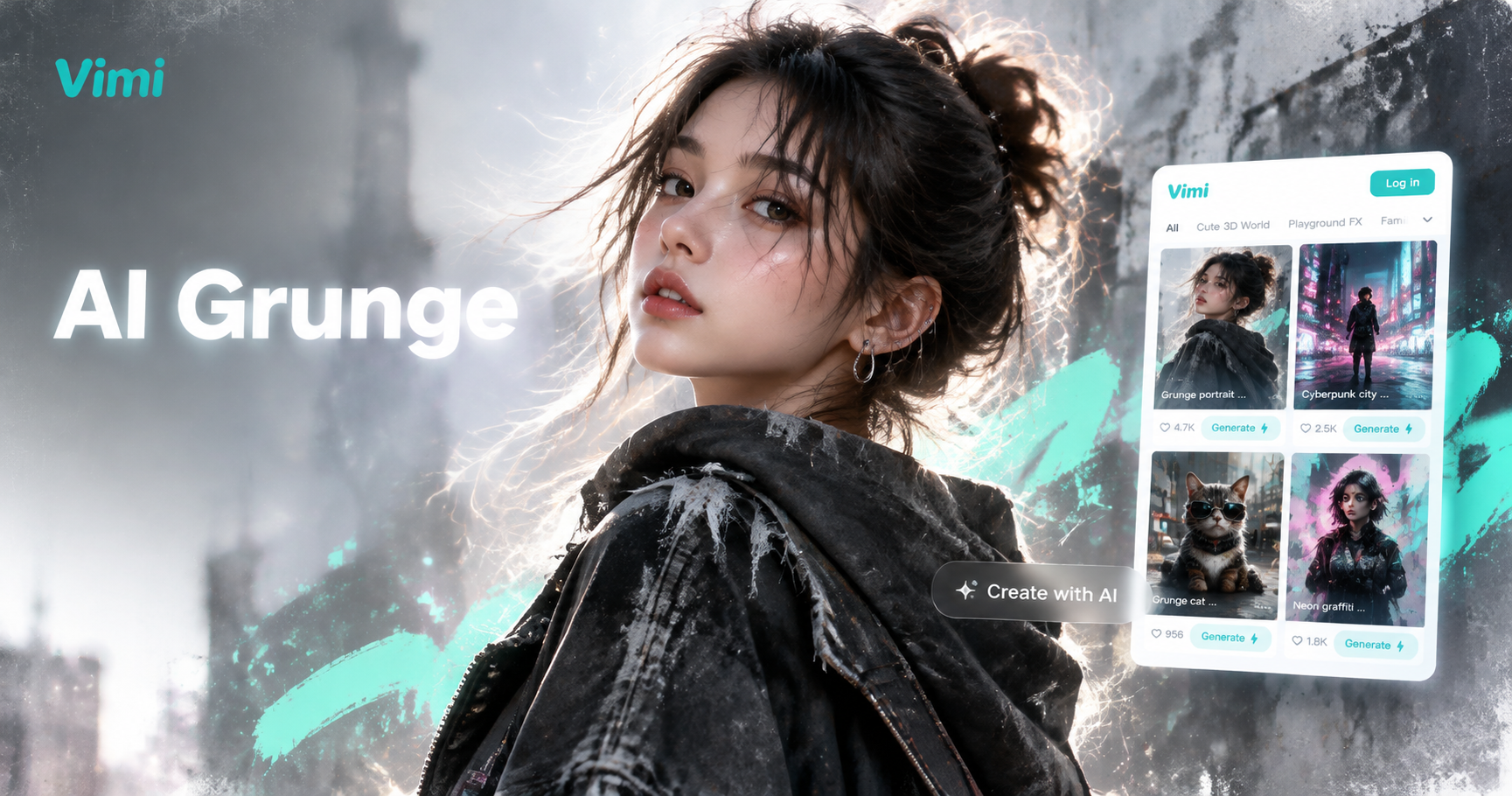
Choose the ChatGPT AI Grunge Photo Filter
Discover the chatgpt ai grunge photo filter that perfectly matches your style and mood.
Vimi Filter Picks for ChatGPT AI Grunge Photo
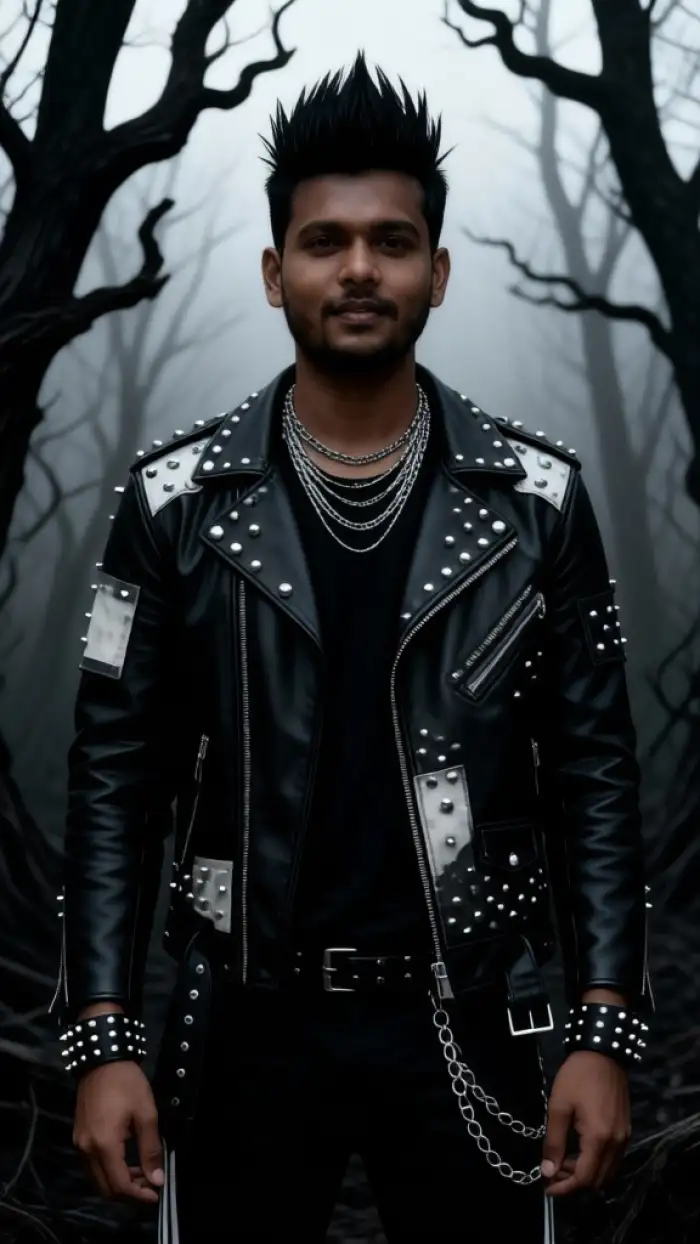
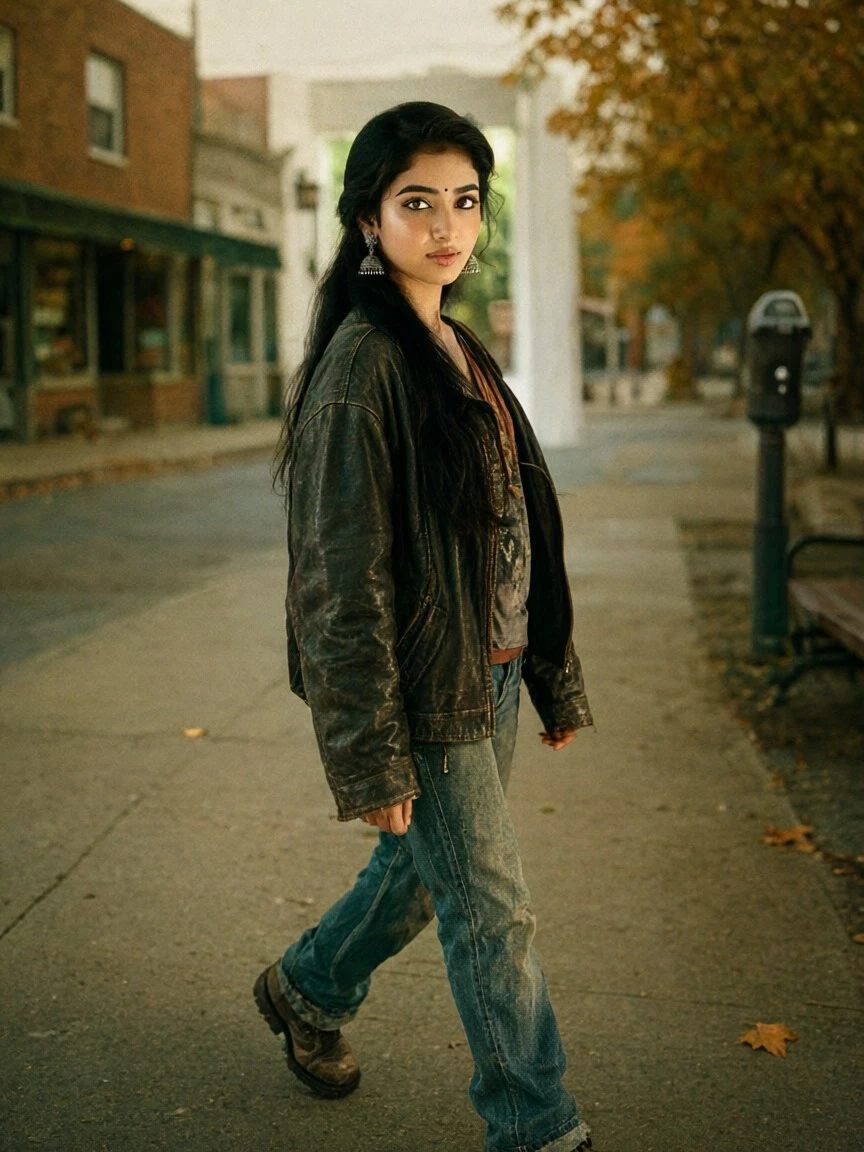
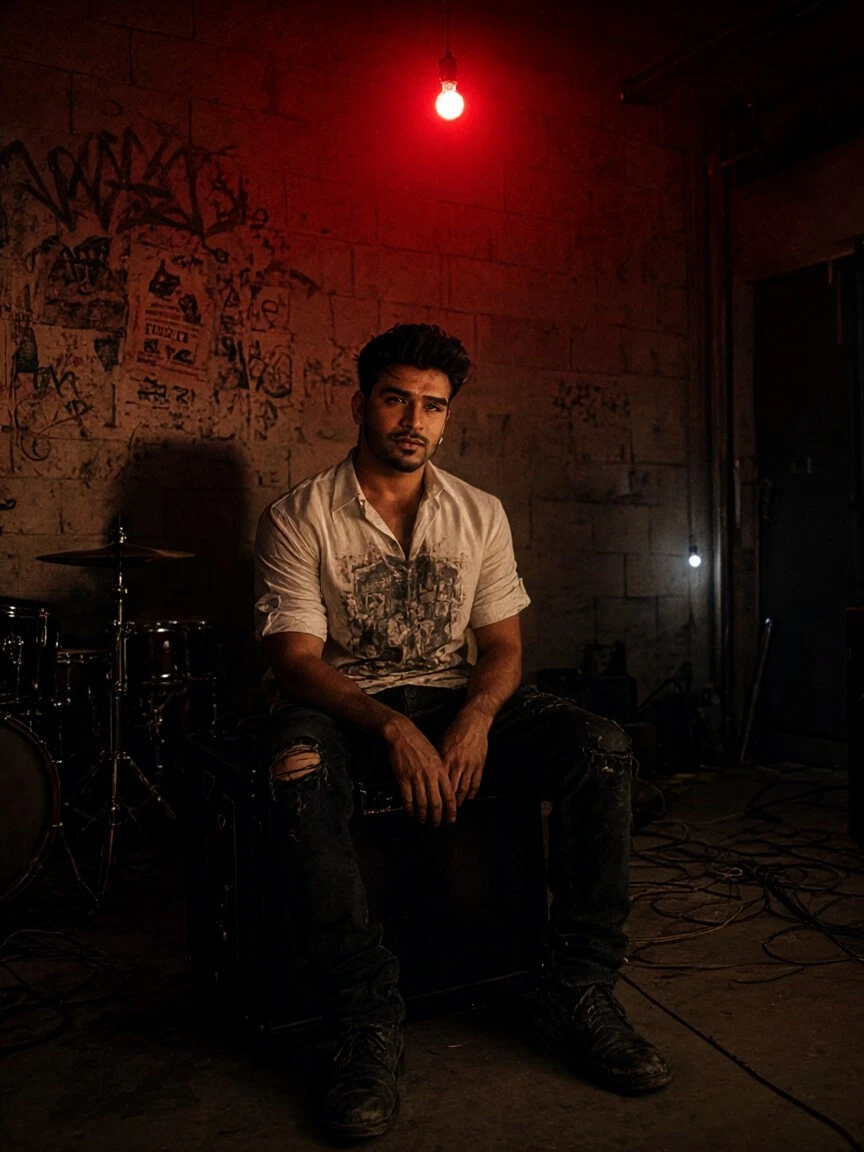
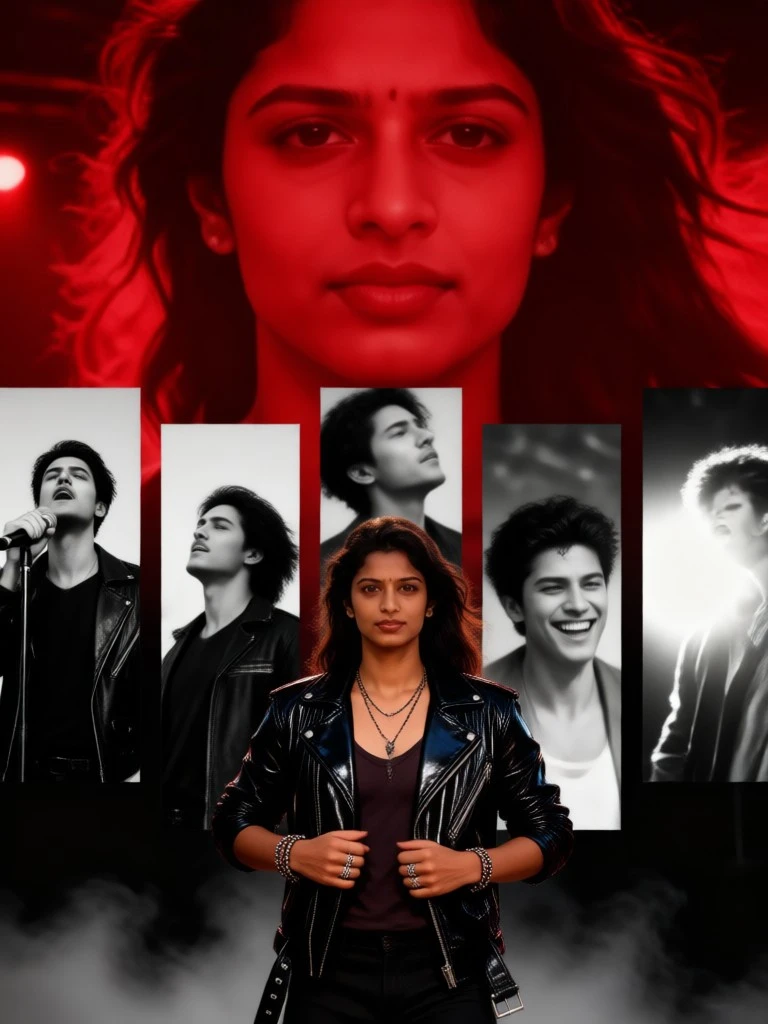
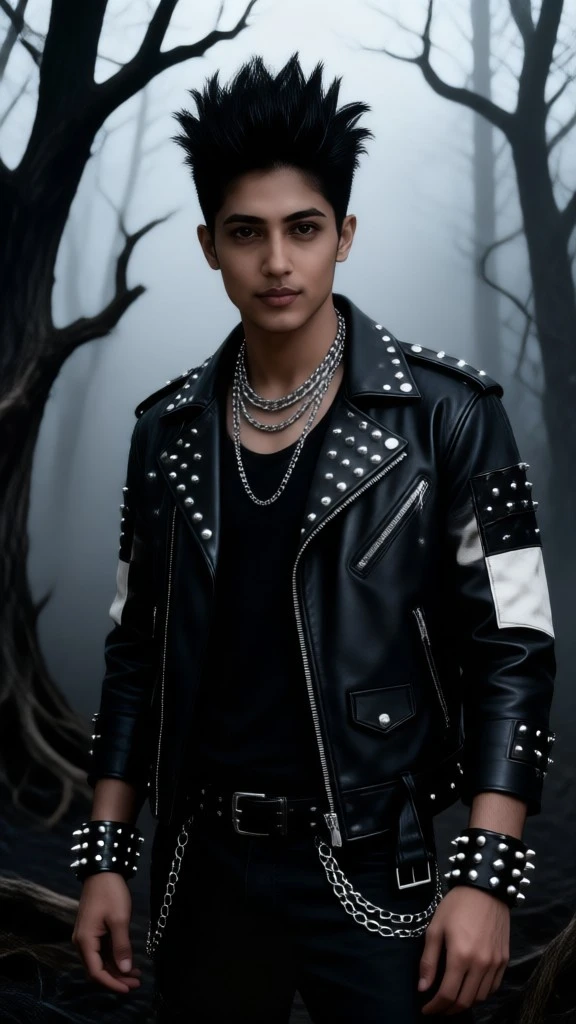
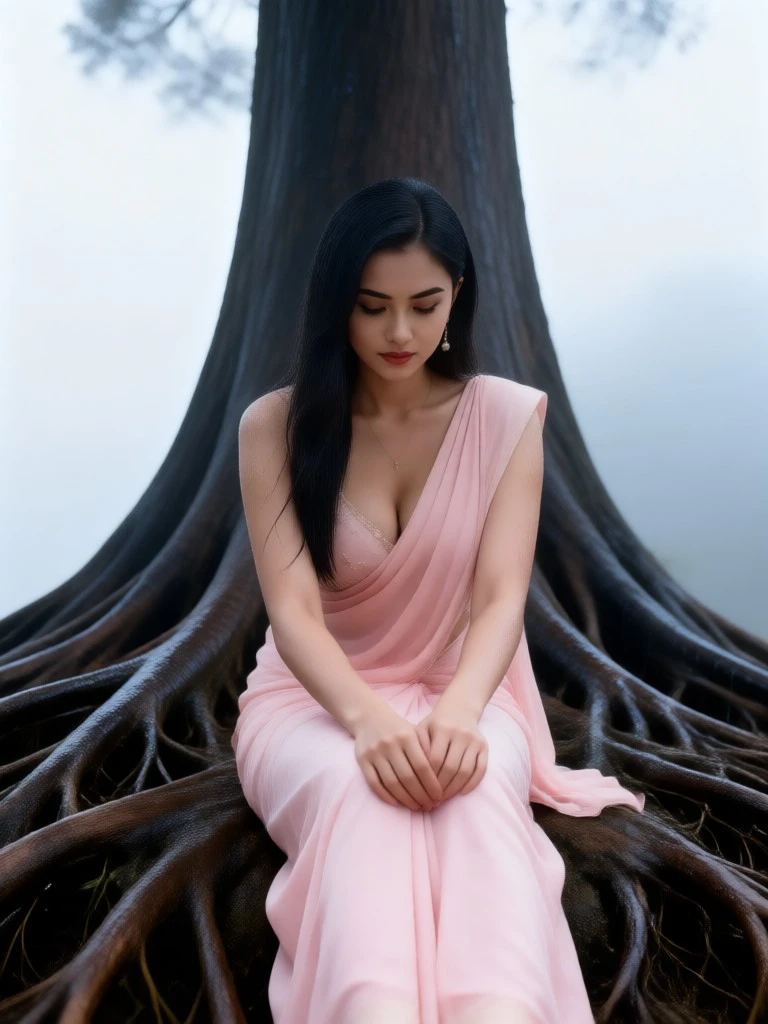
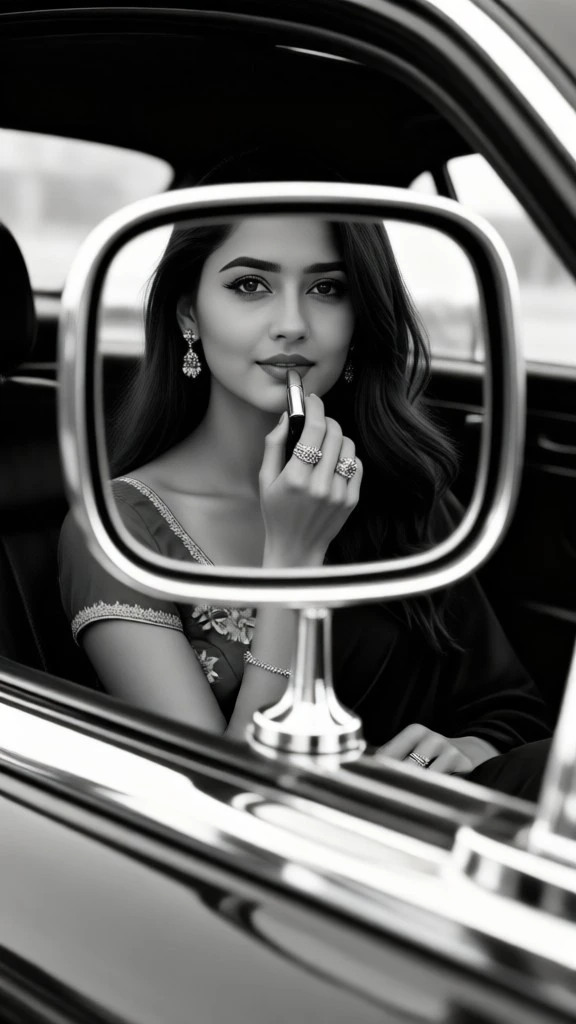
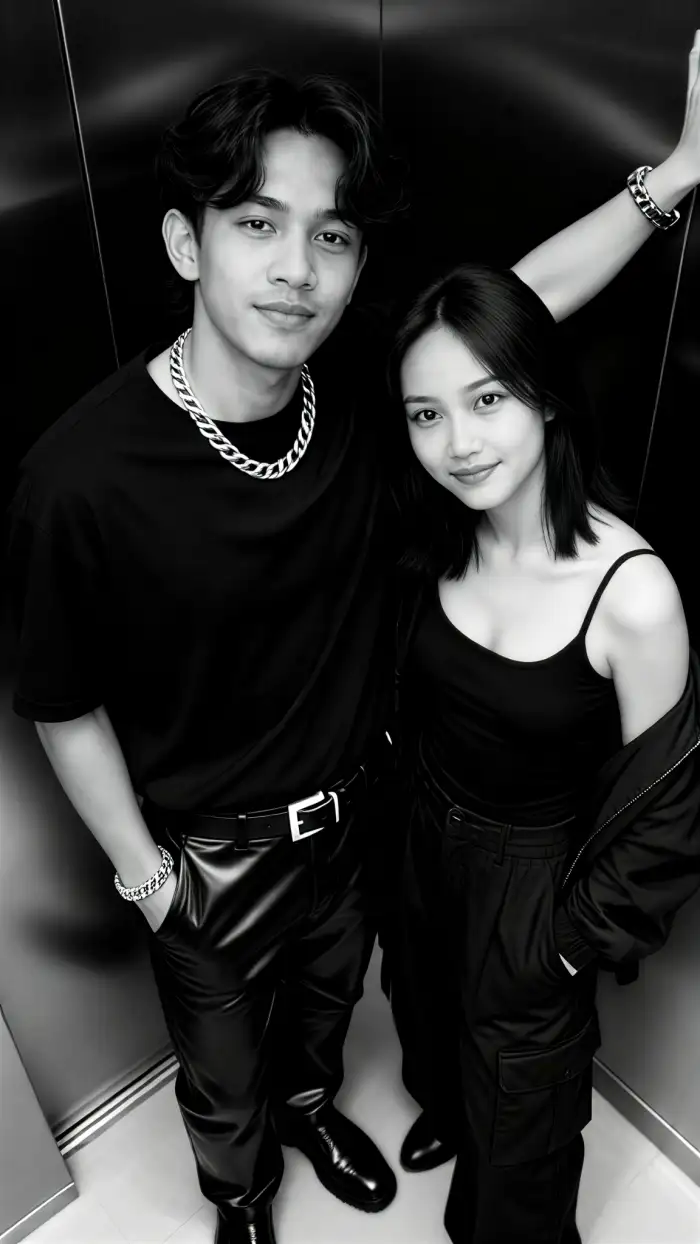
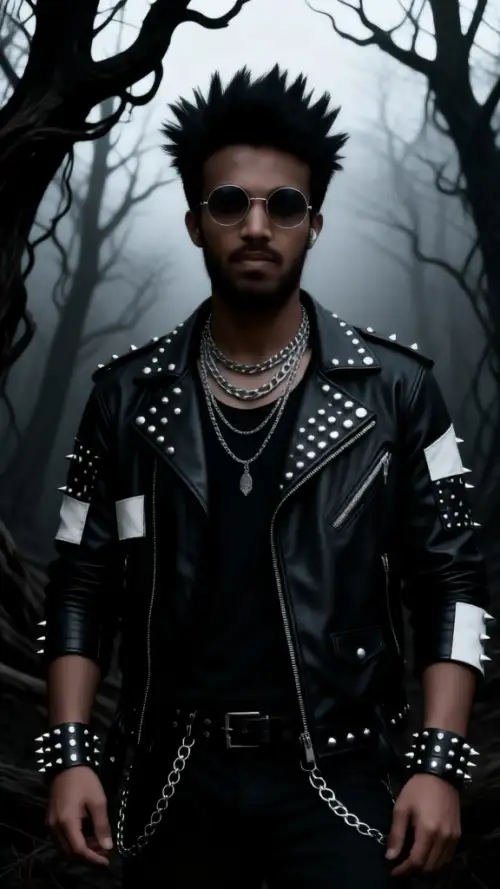
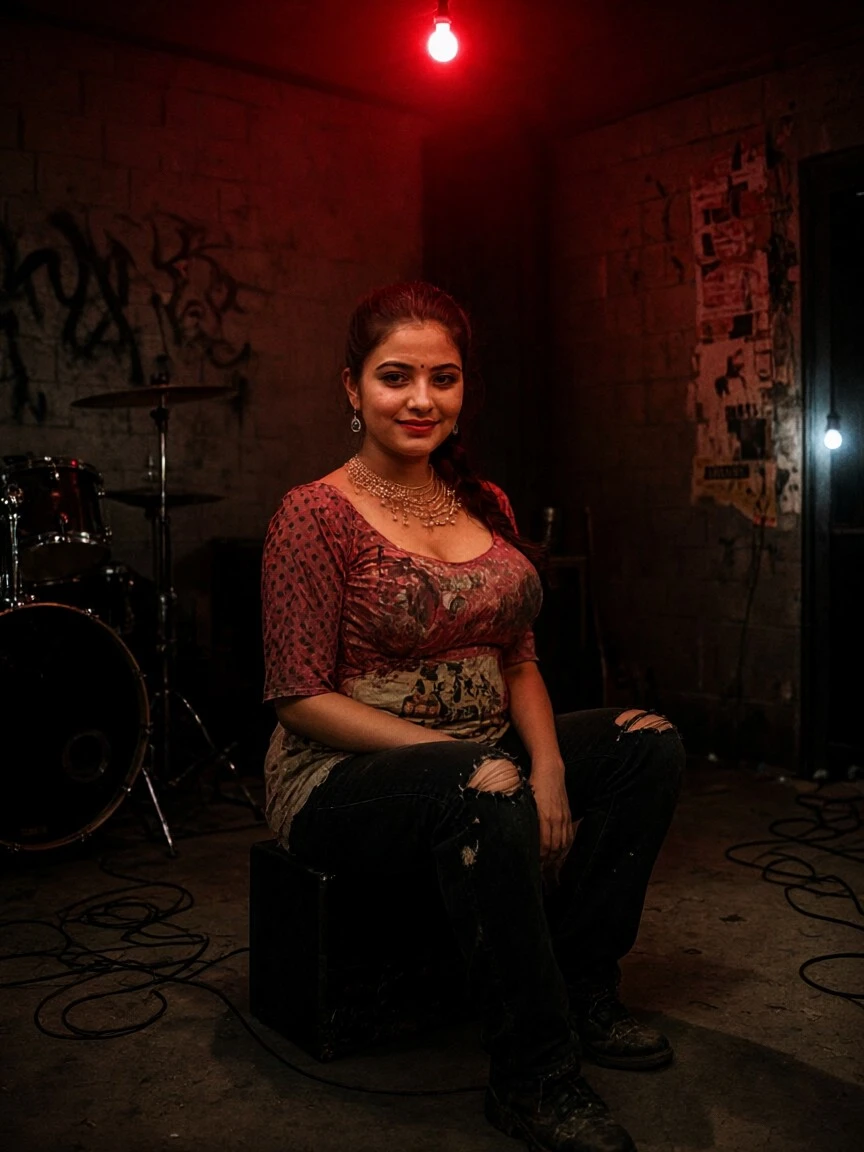
Start with Distressed Portrait for close faces. Try Faded Film for soft color loss. Use Torn Paper Collage for poster style images. Pick Concrete Wall Portrait for group shots. Add Vintage Noise when you want stronger grain.
Key Features of Vimi ChatGPT AI Grunge Photo
Discover the main Vimi tools that shape a ChatGPT AI Grunge Photo from one clear photo upload in the app.
 Before
 After
Template Based Grunge Styles
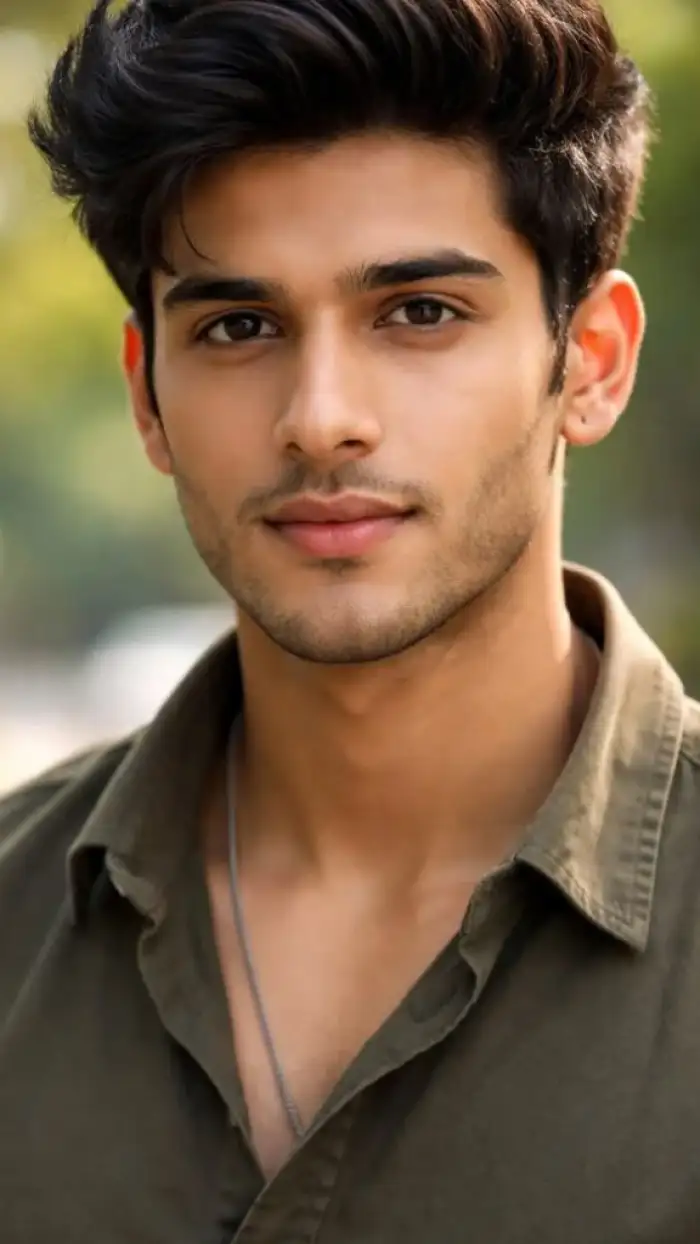
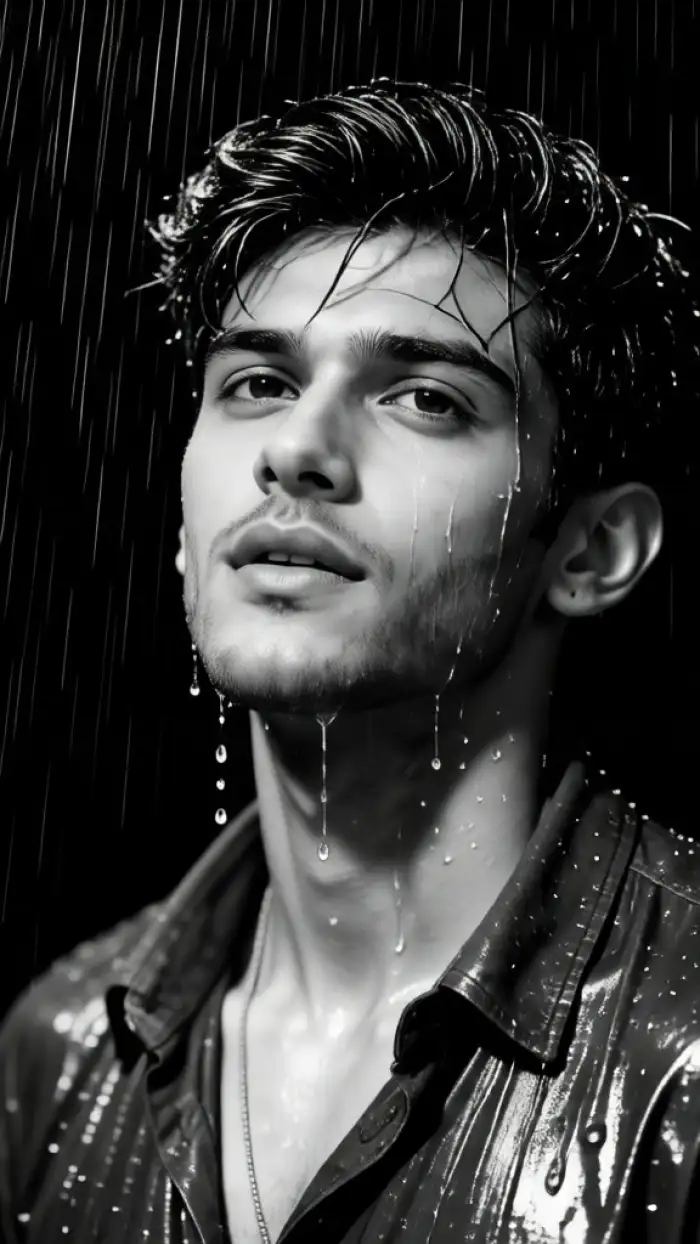
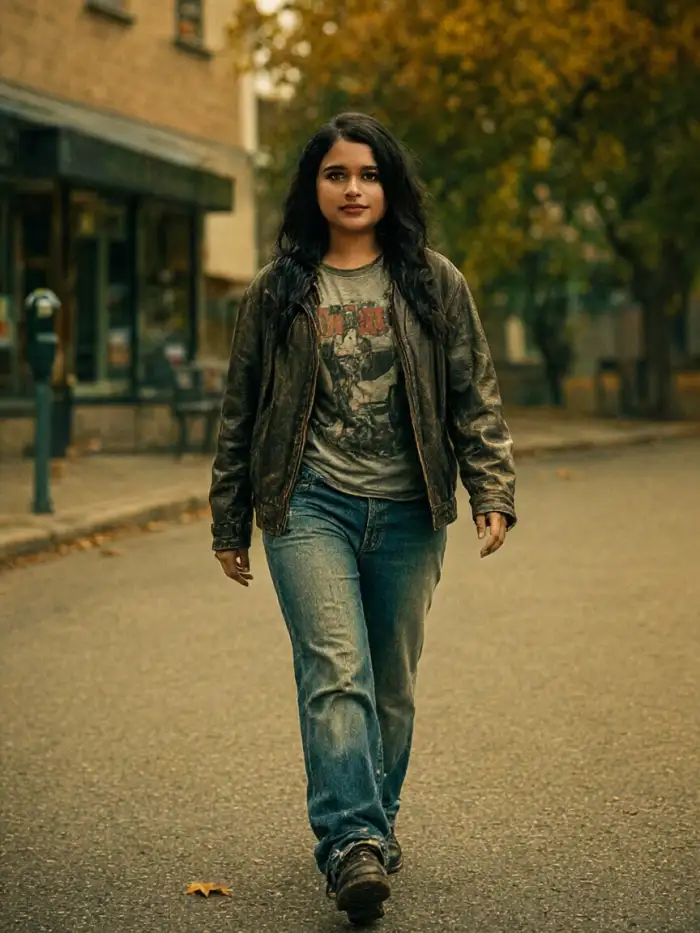
Vimi turns the grunge look into ready to use templates. You pick a style such as Distressed Portrait or Faded Film. Then you upload a photo and tap Generate. The app handles the texture, grain, and contrast details for you. You do not need to adjust many settings.
BeforeAfterTemplate Based Grunge Styles
Vimi turns the grunge look into ready to use templates. You pick a style such as Distressed Portrait or Faded Film. Then you upload a photo and tap Generate. The app handles the texture, grain, and contrast details for you. You do not need to adjust many settings.
 Before
 After
Photo Reference Style Transfer
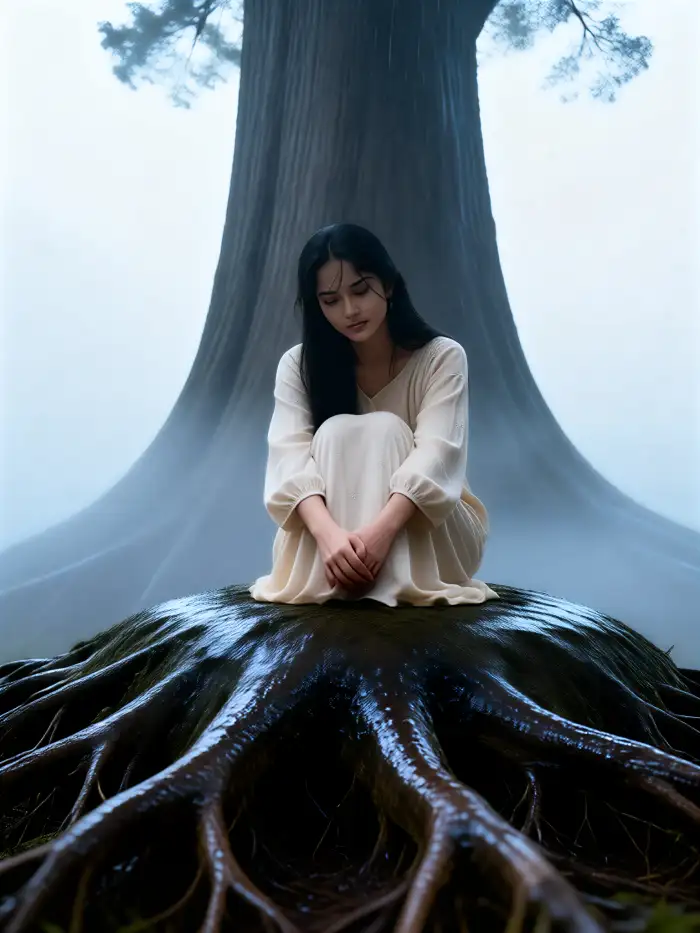
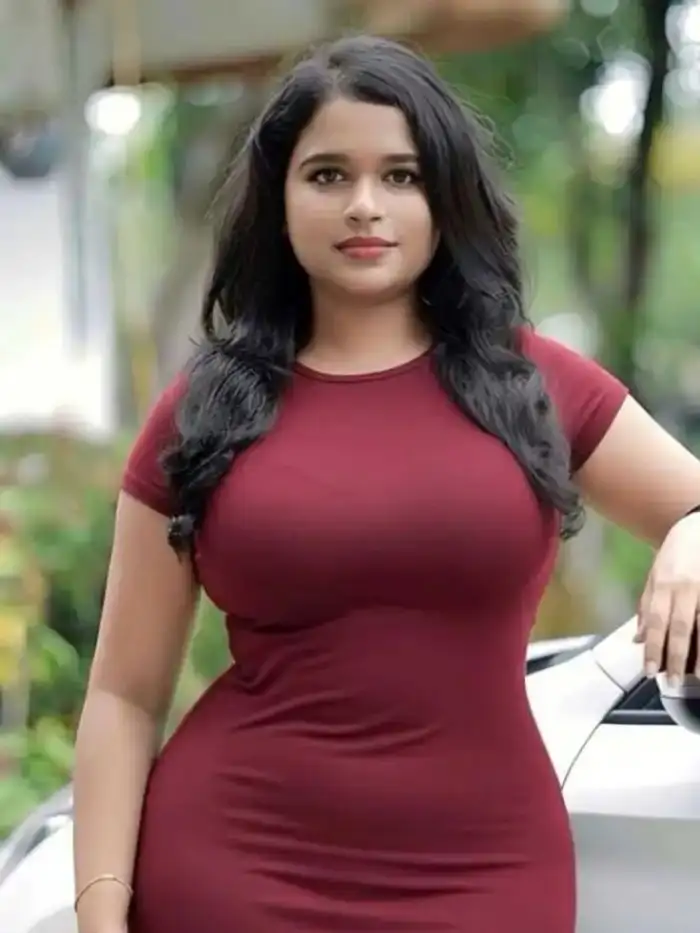
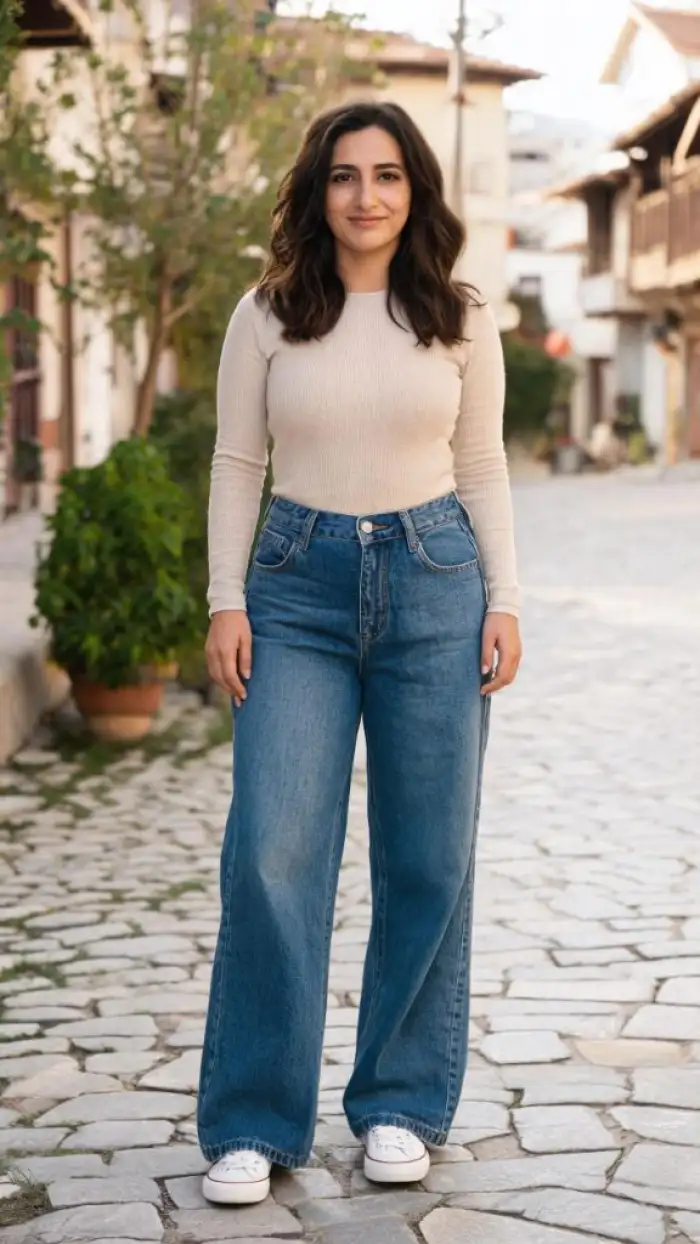
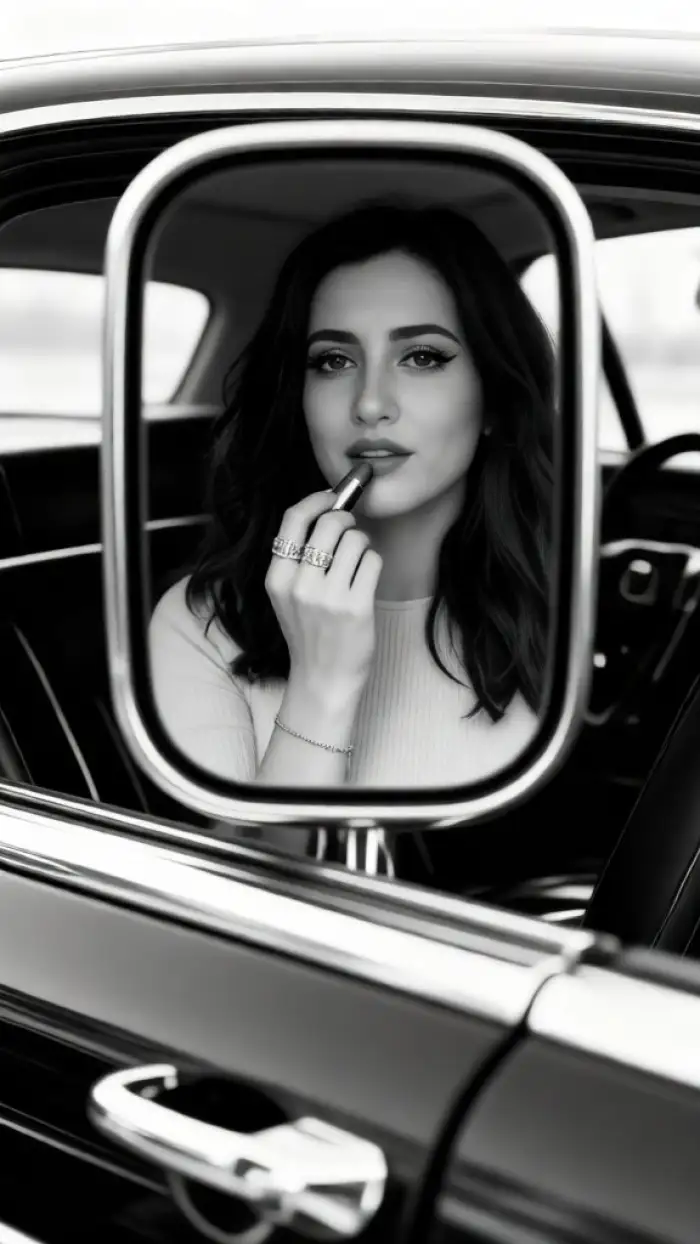
You can upload a photo as a reference. Vimi keeps the main subject features while it applies the grunge finish. This works for portraits, pet photos, and object shots. The result keeps the source shape and adds texture, noise, and faded tones. Use a clear source image for cleaner details.
BeforeAfterPhoto Reference Style Transfer
You can upload a photo as a reference. Vimi keeps the main subject features while it applies the grunge finish. This works for portraits, pet photos, and object shots. The result keeps the source shape and adds texture, noise, and faded tones. Use a clear source image for cleaner details.
 Before
 After
Fast Image or Video Output
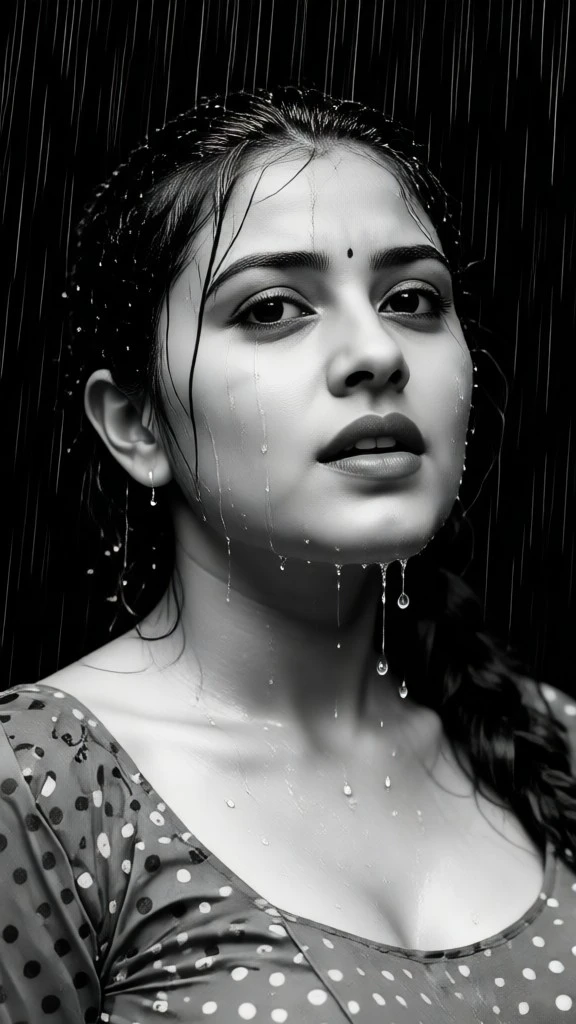
Vimi generates images and short videos in the app. Many templates return a result in about 10 to 20 seconds. You can make a still grunge portrait or a moving clip from one photo. The app keeps the process short for quick drafts. You can try more than one template.
BeforeAfterFast Image or Video Output
Vimi generates images and short videos in the app. Many templates return a result in about 10 to 20 seconds. You can make a still grunge portrait or a moving clip from one photo. The app keeps the process short for quick drafts. You can try more than one template.
Why Use Vimi for ChatGPT AI Grunge Photo
Explore the practical gains you get when you use Vimi for a ChatGPT AI Grunge Photo inside the mobile app.
Clear Results With Less Setup
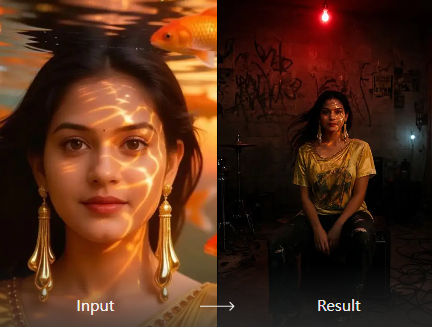
Vimi gives you a direct path from a source photo to a finished grunge image. The template sets the grain, contrast, and tone, so you focus on the subject. You can generate several versions and pick the one that fits. This saves time for personal posts and client drafts.
Clear Results With Less Setup
Vimi gives you a direct path from a source photo to a finished grunge image. The template sets the grain, contrast, and tone, so you focus on the subject. You can generate several versions and pick the one that fits. This saves time for personal posts and client drafts.
YouTube Videos About ChatGPT AI Grunge Photo Generator
Explore in-depth YouTube tutorials and demos that showcase the power and reliability of our AI Generator.
Frequently Asked Questions
Find clear answers to common questions and get the guidance you need to make the most of our platform, faster and easier.
More Topics You May Like
Explore more topics you may like and discover fresh ideas tailored to your interests.

Vimi Travel YouTube Thumbnail Maker for Clear Travel Covers
AI Countryside Image: Create Rural Scenes with Vimi
Vimi AI Couple Dance Video: Make Couple Dance Clips in App

AI Selfie with Celebrity: A Vimi App Guide
Vimi Travel YouTube Thumbnail Maker for Clear Travel Covers
AI Countryside Image: Create Rural Scenes with Vimi
Vimi AI Couple Dance Video: Make Couple Dance Clips in App
AI Selfie with Celebrity: A Vimi App Guide
Create Your Grunge Portrait In Vimi
Pick a filter and upload one photo. Generate, save, then share your result.

Create Your Grunge Portrait In Vimi
Pick a filter and upload one photo. Generate, save, then share your result.