AI Couple Dance Video
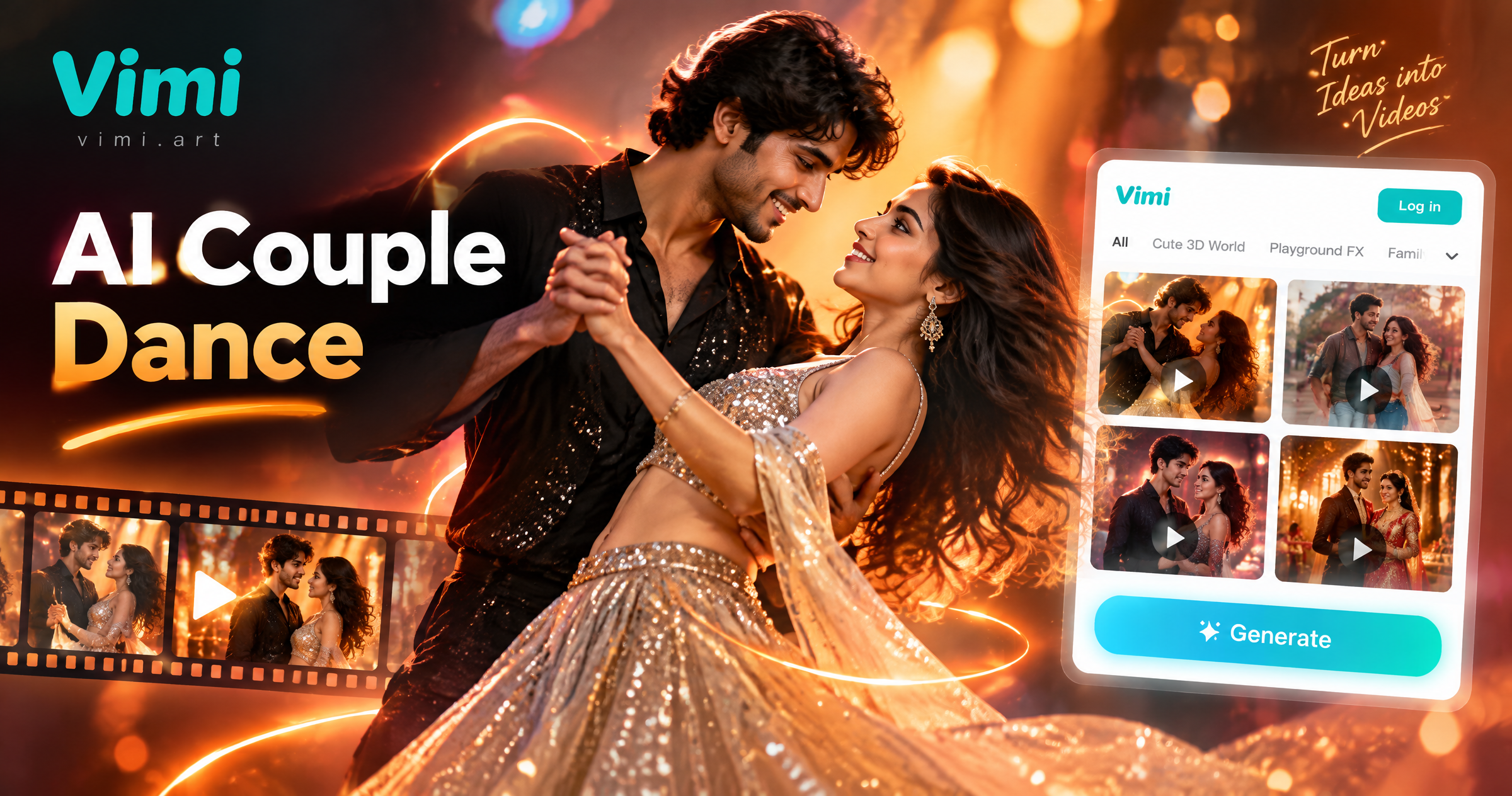
Dicover the AI Couple Dance Video Filter
Discover the ai couple dance videofilter that per fectly matches your style and mood.
AI Couple Dance Video Sample for Download
Try Hug and Sway for a slow two person clip with a small turn. Spin and Smile adds quick smiles and a light spin. Retro Stage gives both people a stage look with timed steps. Street Duo sets a short walk and a shared pose. The official site shows previews only. Tap a preview to jump to the app download and create inside the app.
Explore Vimi AI Couple Dance Video Use Cases
Explore the Vimi AI Couple Dance Video scenes below and choose a clip style in the app that fits your two shared photos.
 Before
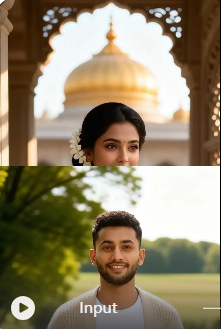
Anniversary Dance Video Clips
Use an anniversary photo with both faces in soft light. Vimi adds a slow dance step and a small turn. The clip keeps rings, hair, and clothing details in place. You can post the finished video on the same day and tag your partner. The app renders it in 10 to 20 seconds.
 Before
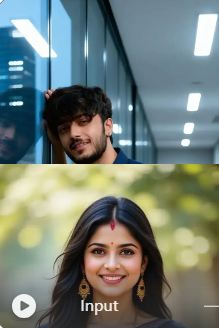
Long Distance Couple Fun
Choose two clear solo photos and one dance template. Vimi places both people in the same frame and sets a shared rhythm. The faces stay separate during the motion. Send the clip in a chat when you miss each other. It works well for weekly check ins. The app creates the clip fast.
 Before
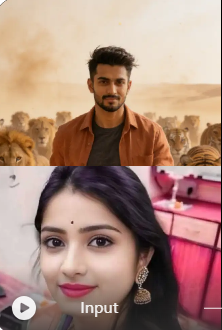
Social Media Dance Posts
Pick a short template for a feed post or story. Vimi adds timed steps, small smiles, and a steady camera move. The output fits vertical screens. Add a caption and share the clip from the app. You can keep the post public or set it to private. The app finishes in seconds.
Why Vimi AI Couple Dance Video Fits Couple Moments
Find the Vimi AI Couple Dance Video template in the app that matches your photos and your shared mood before you generate.
Two Faces Stay Clear
Vimi uses multi person processing to identify and separate each face. It keeps both faces clear during the dance motion. You upload one photo with two people or two clear photos. The template controls the steps. The app builds the clip in 10 to 20 seconds.
Two Faces Stay Clear
Vimi uses multi person processing to identify and separate each face. It keeps both faces clear during the dance motion. You upload one photo with two people or two clear photos. The template controls the steps. The app builds the clip in 10 to 20 seconds.
YouTube Videos About AI Couple Dance Video Generator
Explore in-depth YouTube tutorials and demos that showcase the power and reliability of our AI Generator.
Who Uses AI Couple Dance Video Enhancement Online

Jenna M
I used two solo photos from different cities. Vimi put us in one frame and kept our faces clear. The slow turn template looked natural.

Marcus T
The template list made the choice easy. I uploaded a wedding photo and got a short dance clip in about 15 seconds. My wife shared it with her family.

Priya S
I like the privacy setting. I posted one clip to my profile and kept another private. The faces stayed separate in both.

Leo K
I tried the Retro Stage template with a group photo of four friends. Vimi kept each face distinct and set a simple routine. We posted it the same night.
Jenna M
I used two solo photos from different cities. Vimi put us in one frame and kept our faces clear. The slow turn template looked natural.
Marcus T
The template list made the choice easy. I uploaded a wedding photo and got a short dance clip in about 15 seconds. My wife shared it with her family.
Priya S
I like the privacy setting. I posted one clip to my profile and kept another private. The faces stayed separate in both.
Leo K
I tried the Retro Stage template with a group photo of four friends. Vimi kept each face distinct and set a simple routine. We posted it the same night.
Jenna M
I used two solo photos from different cities. Vimi put us in one frame and kept our faces clear. The slow turn template looked natural.
Marcus T
The template list made the choice easy. I uploaded a wedding photo and got a short dance clip in about 15 seconds. My wife shared it with her family.
Priya S
I like the privacy setting. I posted one clip to my profile and kept another private. The faces stayed separate in both.
Leo K
I tried the Retro Stage template with a group photo of four friends. Vimi kept each face distinct and set a simple routine. We posted it the same night.
Frequently Asked Questions
Find clear answers to common questions and get the guidance you need to make the most of our platform, faster and easier.
More Topics You May Like
Explore more topics you may like and discover fresh ideas tailored to your interests.

Tesla Roadster AI Video: Create Car Clips with Vimi
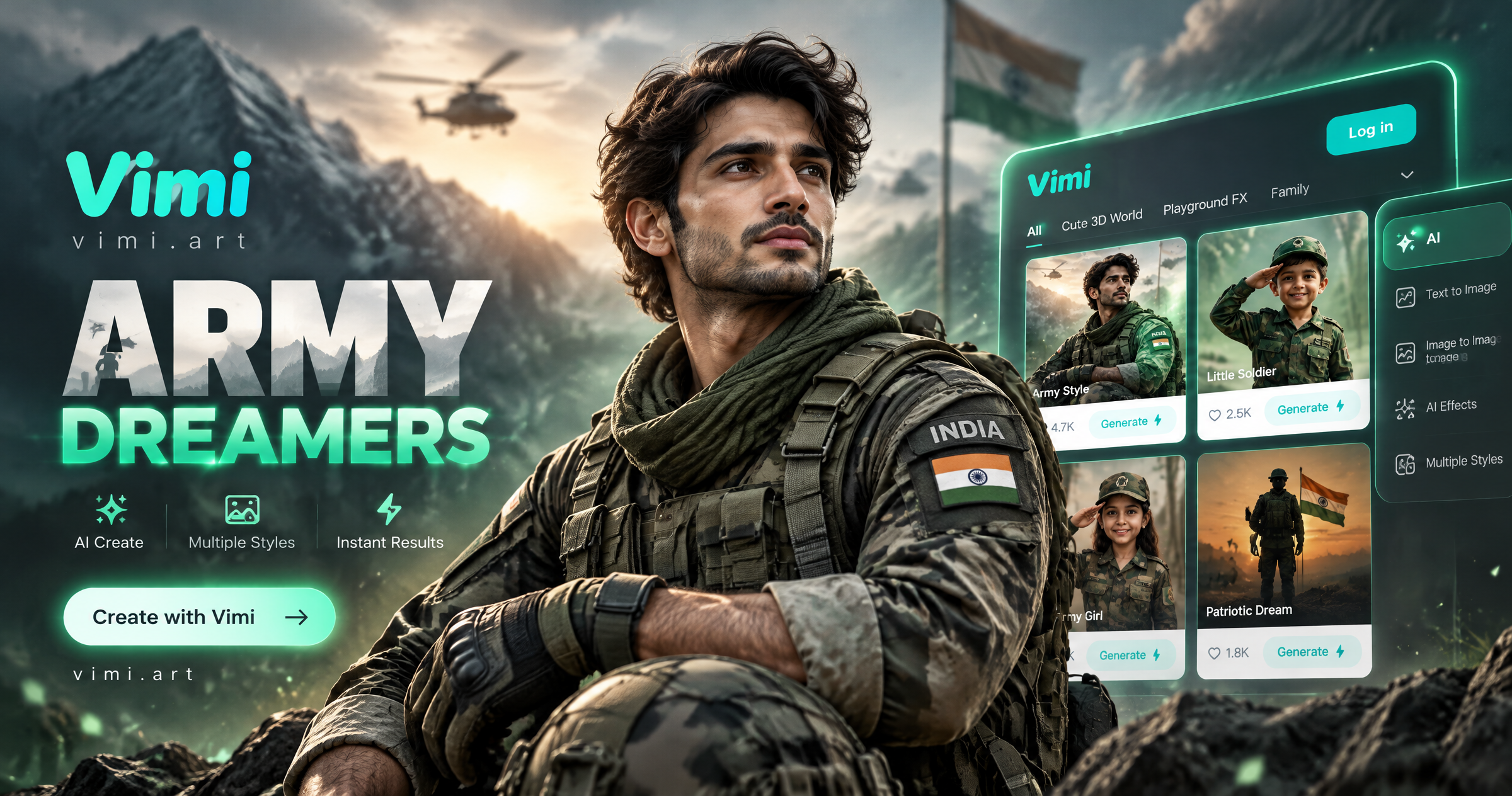
Vimi Army Dreamers AI Filter Create Dreamy Army Portraits on Mobile
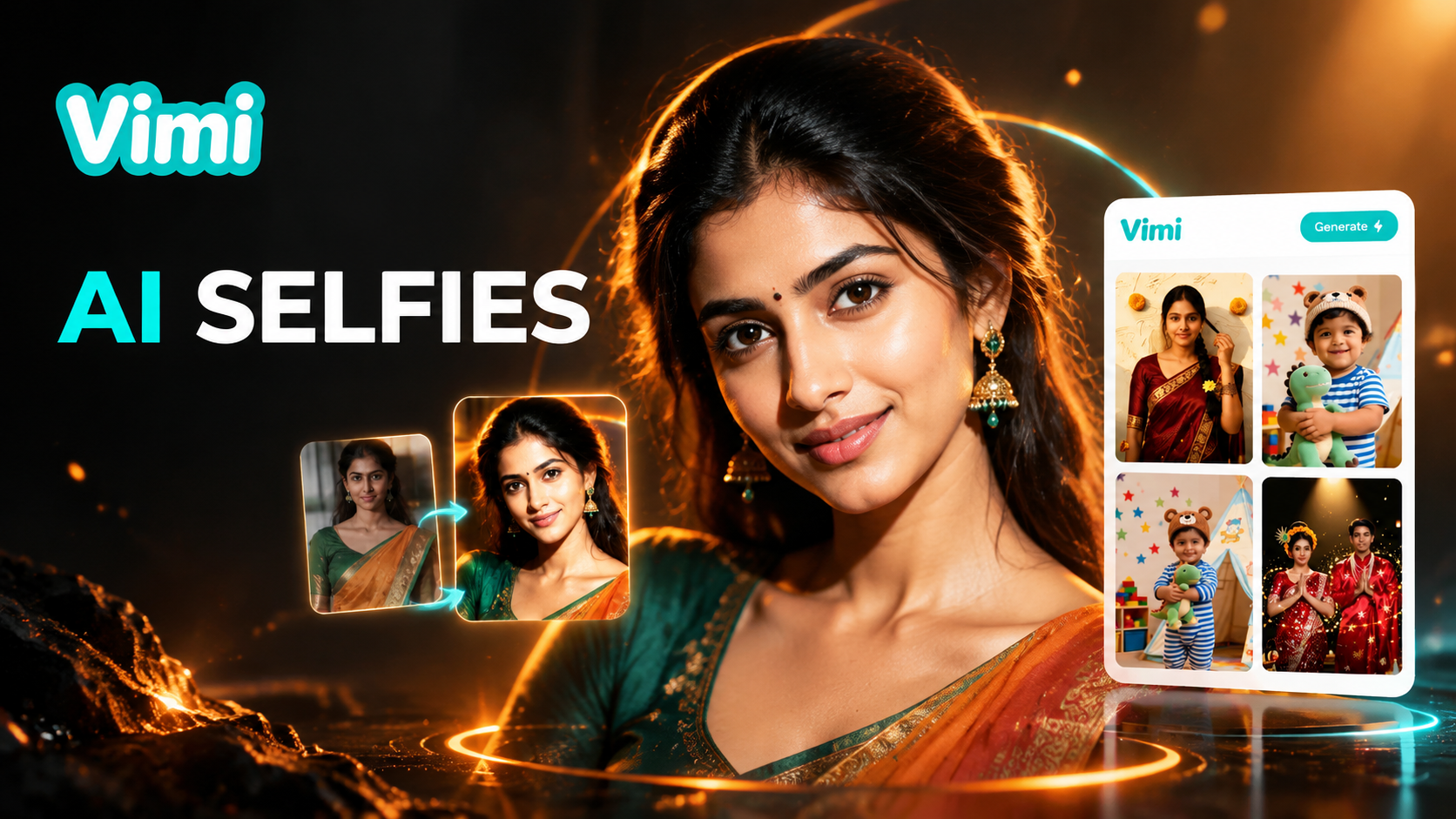
Best AI Selfie Generators: Create Selfies in Vimi
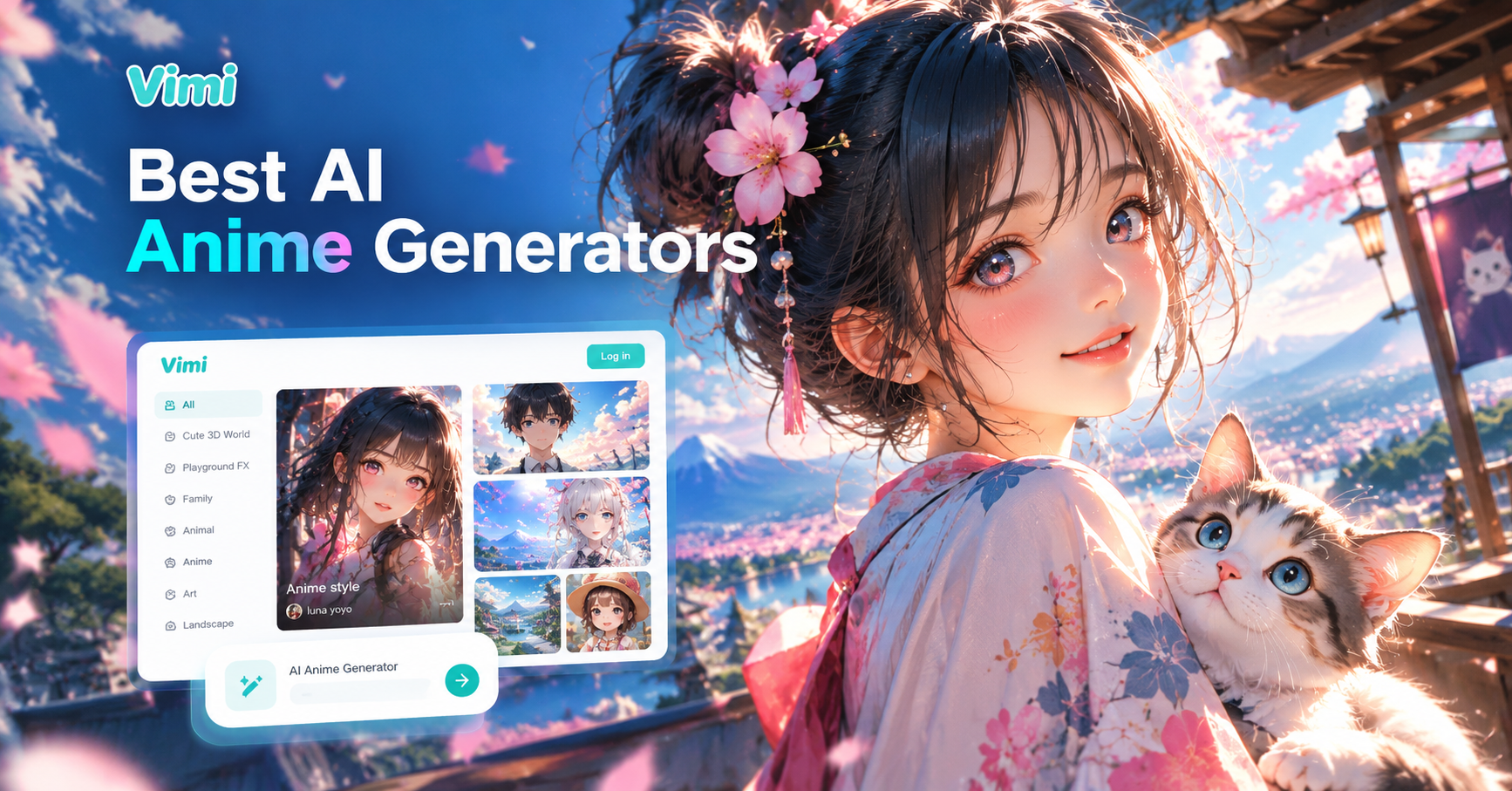
Best AI Anime Generators: Create Anime Art And Photo in Vimi
Tesla Roadster AI Video: Create Car Clips with Vimi
Vimi Army Dreamers AI Filter Create Dreamy Army Portraits on Mobile
Best AI Selfie Generators: Create Selfies in Vimi
Best AI Anime Generators: Create Anime Art And Photo in Vimi
Create Your Couple Dance Video Today
Download Vimi. Pick A Dance Template And Share Your Clip.

Create Your Couple Dance Video Today
Download Vimi. Pick A Dance Template And Share Your Clip.