AI Selfie With Celebrity
Create an AI Selfie With Celebrity in Vimi. Pick a template, upload one clear photo, and let the app build a new image or short video. Explore 21000 preset styles, from studio portraits to 3D claymation and Ghibli inspired looks. Keep facial features consistent across each result. Download Vimi to start your first celebrity selfie today.
 Before
 After
Vimi Studio
Switch to Vimi Studio on APP for advanced control and unlimited exports.

Choose the AI Selfie With Celebrity Filter
Discover the ai selfie with celebrity filter that perfectly matches your style.
AI Selfie With Celebrity Sample for Download
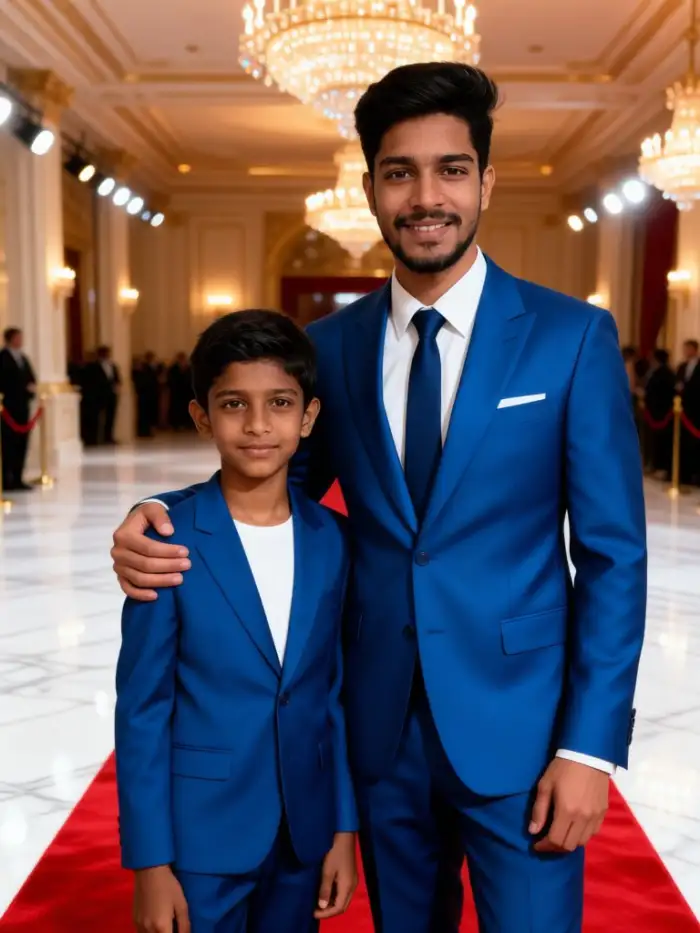
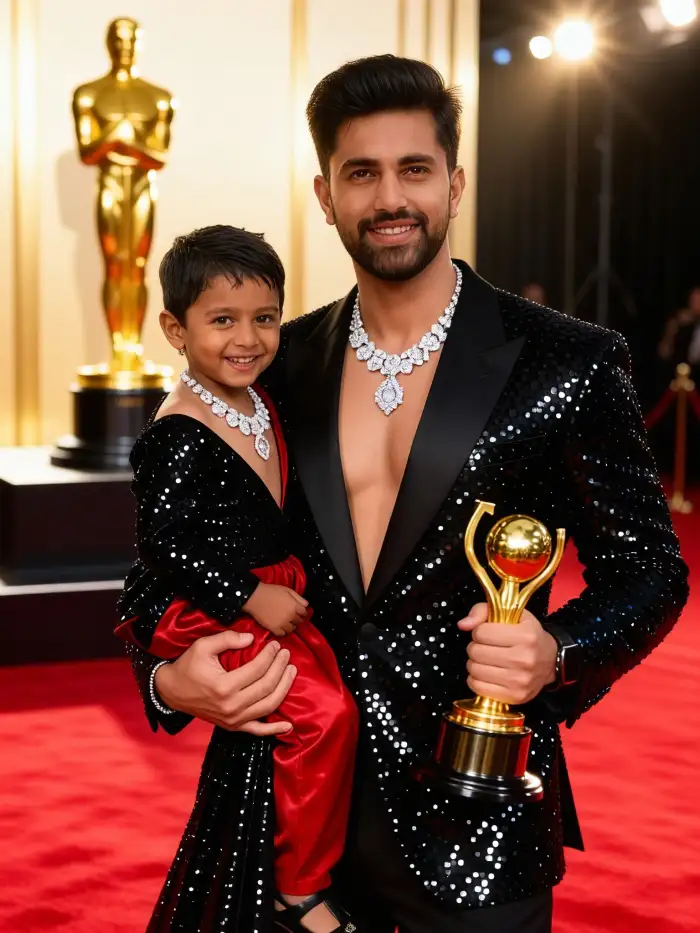
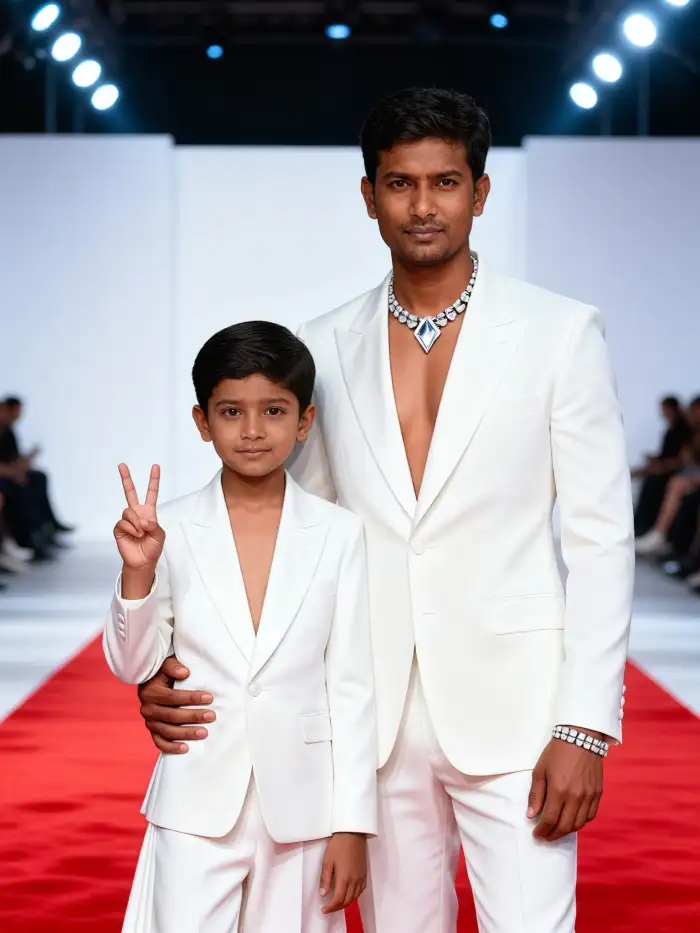
Choose a look that fits the mood. Use Red Carpet Studio for clean light and formal poses. Try Movie Poster Glow for dramatic frames and bold text. Pick Ghibli Inspired Portrait for soft animated color. Select Cyberpunk Night for neon city scenes. Each template asks for one clear face photo and returns an image or short video in the Vimi app.
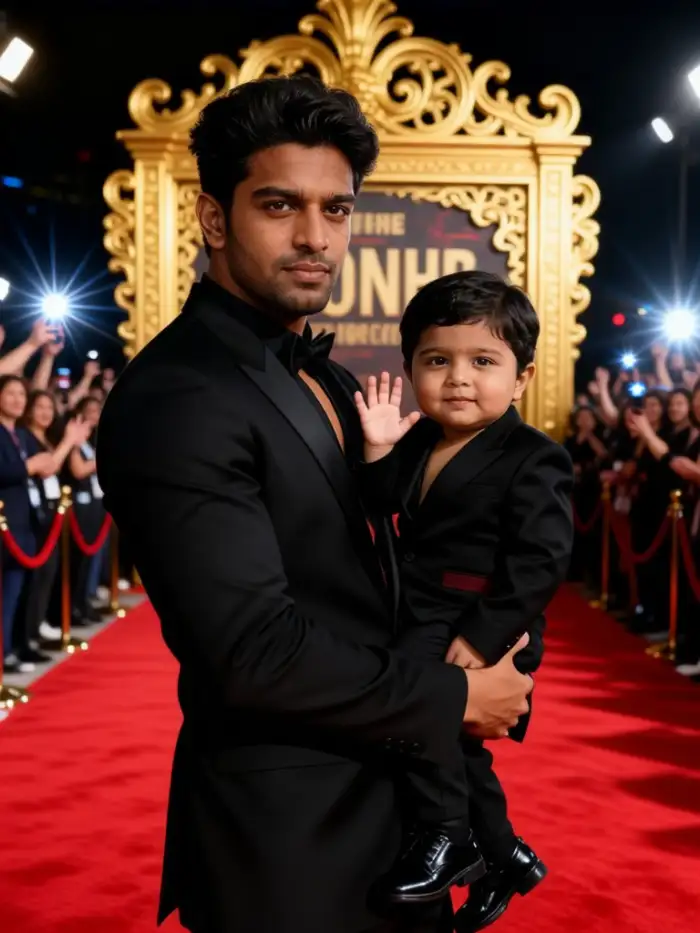
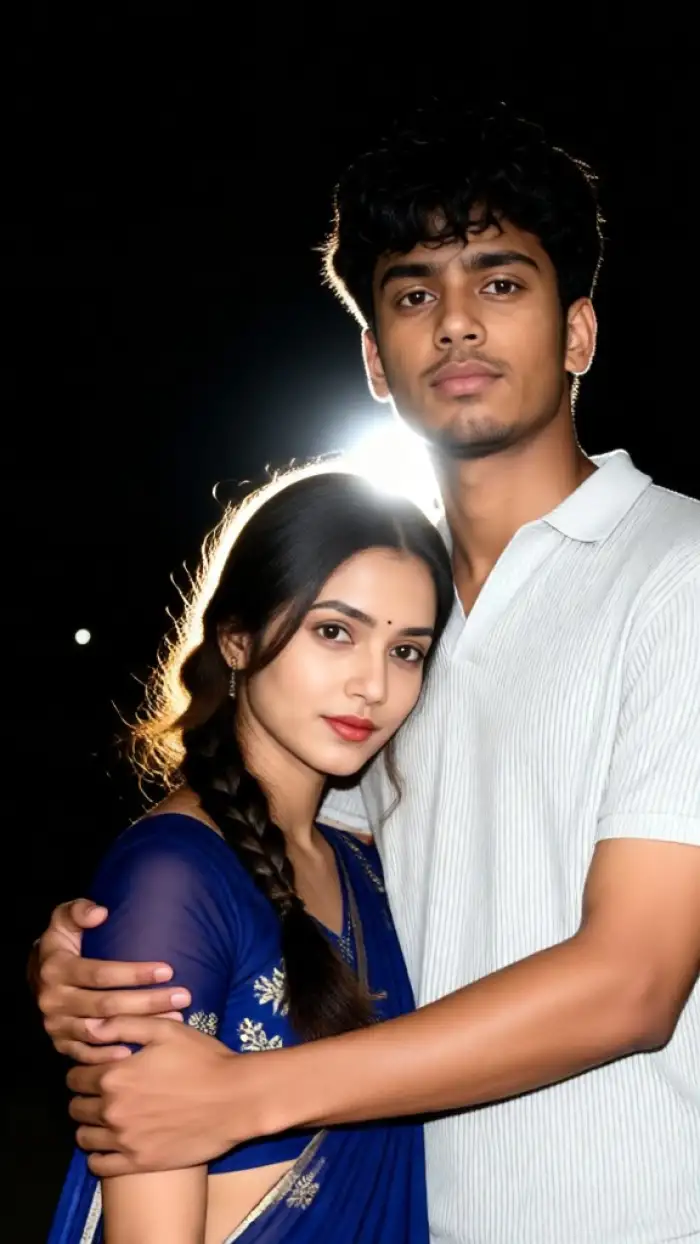
Key Features of Vimi AI Selfie With Celebrity
Discover the tools that turn one clear face photo into a celebrity style image or a short video inside the Vimi app.
 Before
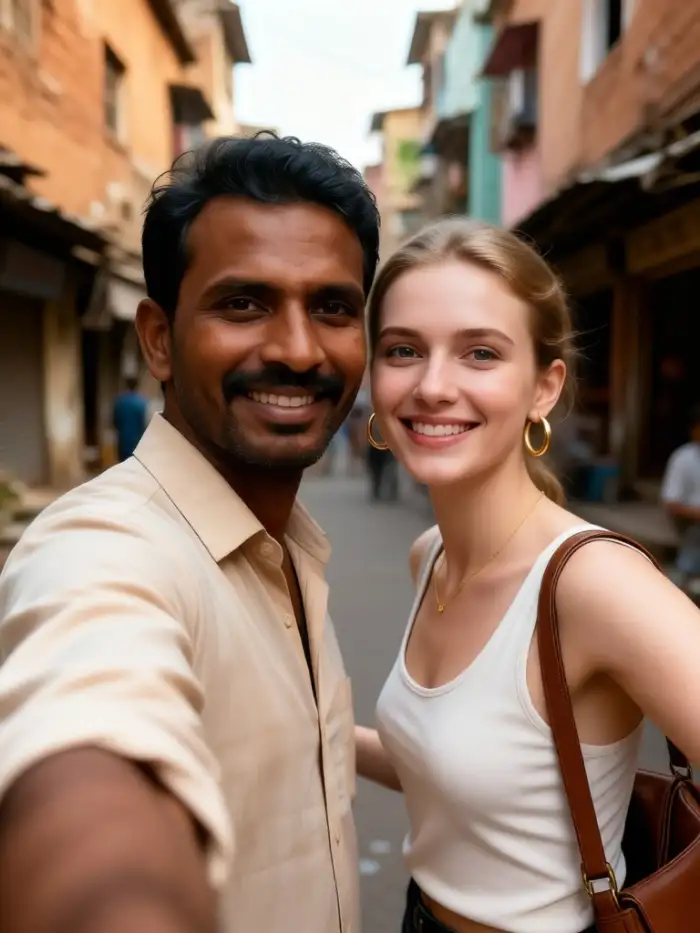 After
One Photo Template Match
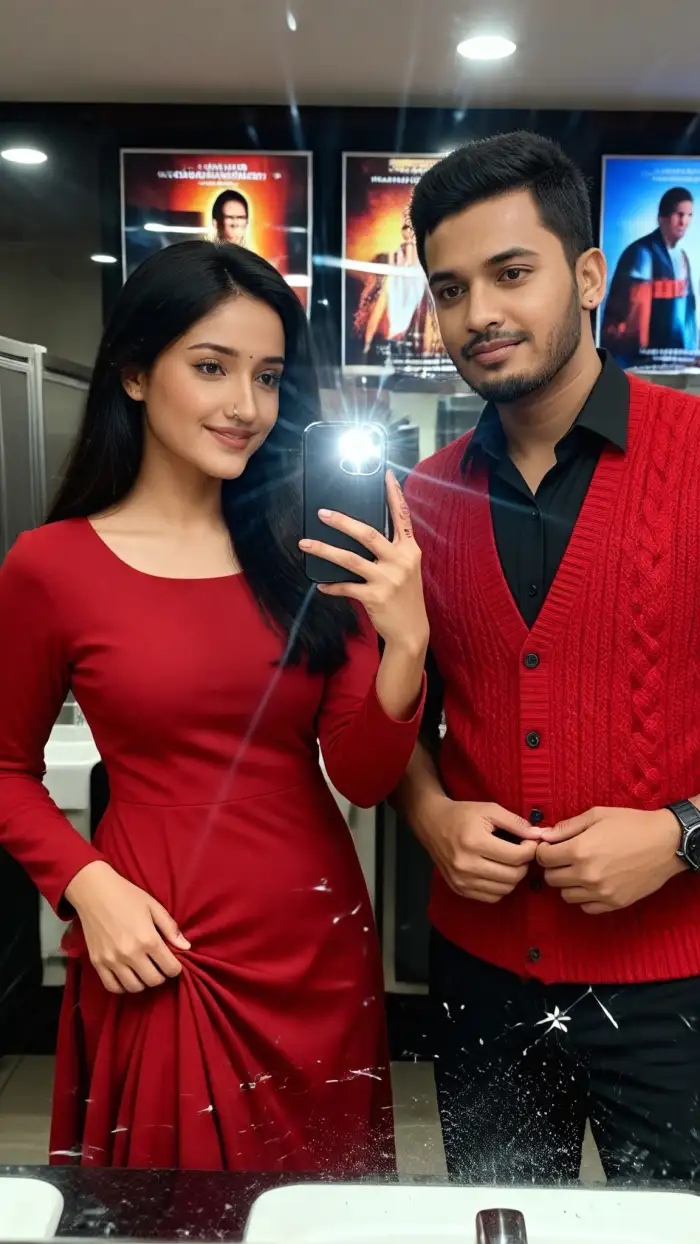
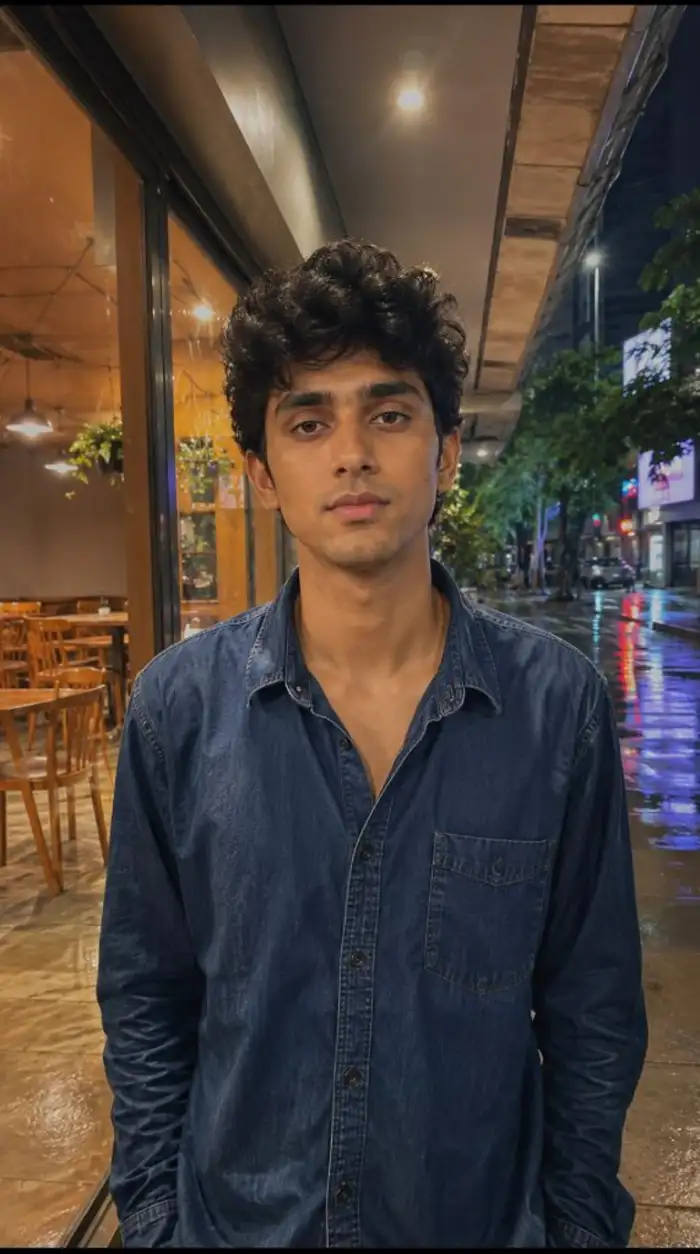
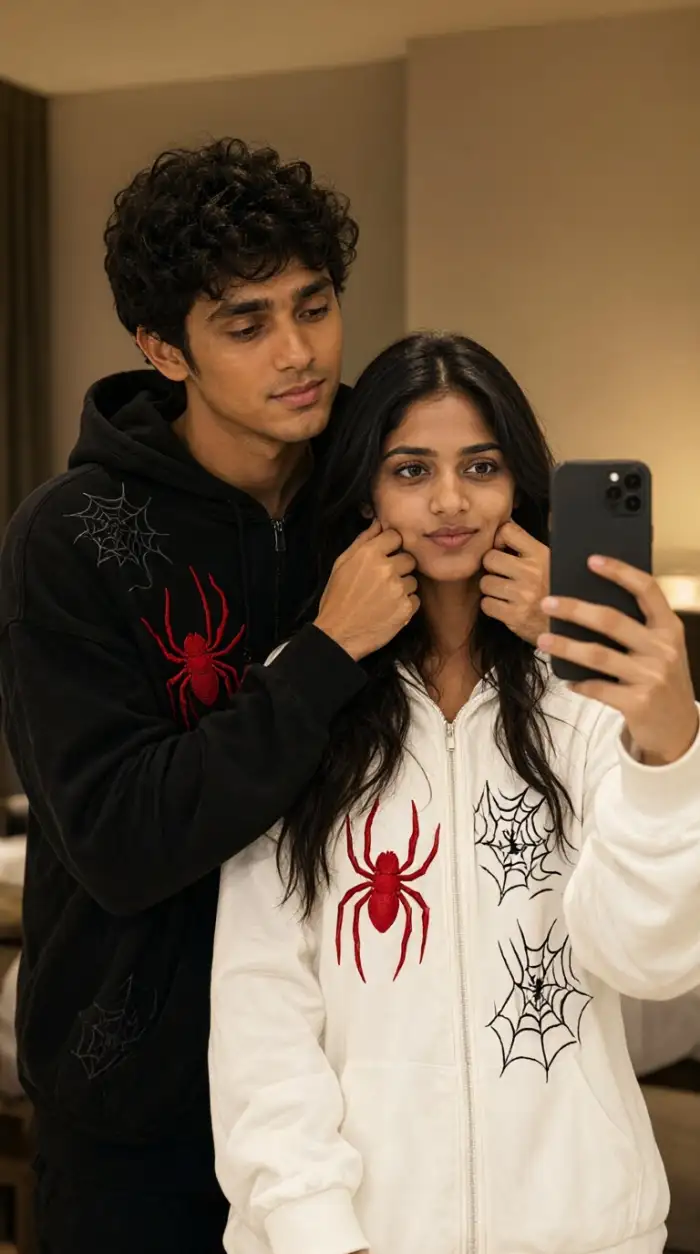
Upload one clear photo of your face. Vimi matches it to a celebrity style template. The app keeps your main features and applies the chosen look. You do not write prompts or adjust settings. Tap Generate and wait 10 to 20 seconds for a result.
 Before
 After
Clear Face Feature Preservation
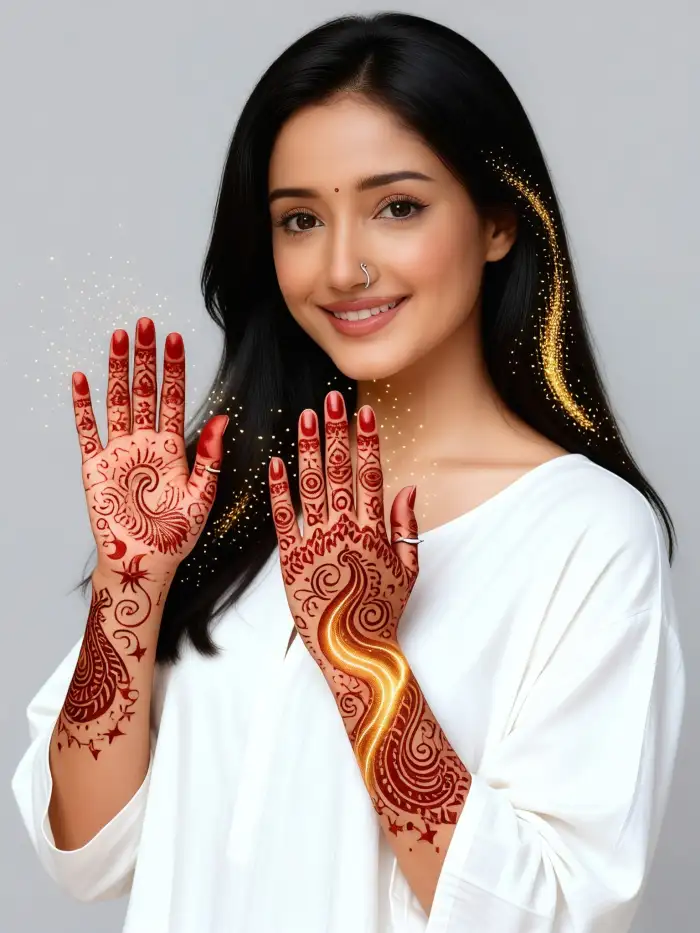
Vimi reads distinct facial details before it builds the new image. Eyes, nose, mouth shape, hair color, and skin tone stay close to your photo. This step helps the result look like you next to the celebrity. It also lowers mixed faces and missing subjects.
 Before
 After
Trending Celebrity Templates
Vimi updates its template library each day. New celebrity looks follow social media trends and film releases. You can open a fresh template, upload a photo, and generate a result in seconds. All steps stay inside the app. This keeps your selfie ideas current without extra editing work.
Why Use Vimi for AI Selfie With Celebrity
Explore the benefits that make Vimi a simple choice for fans who want a celebrity style selfie or short video from one photo.
Fast Results With Few Steps
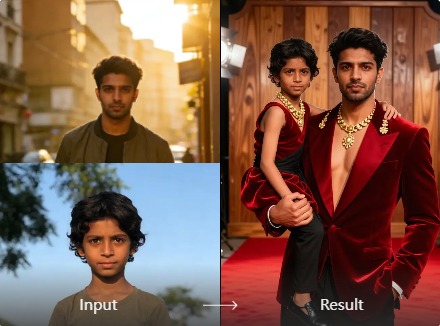
Vimi removes prompt writing and manual edits. Pick a template, add one photo, and tap Generate. Most results arrive in 10 to 20 seconds. You can save the image or video and share it from your profile. The app keeps the workflow short for repeat use.
Fast Results With Few Steps
Vimi removes prompt writing and manual edits. Pick a template, add one photo, and tap Generate. Most results arrive in 10 to 20 seconds. You can save the image or video and share it from your profile. The app keeps the workflow short for repeat use.
How to Use Vimi AI Selfie With Celebrity Templates?
Start in the Vimi app. Pick a celebrity template, upload a photo, generate the result, then save or share it.
Step 01.
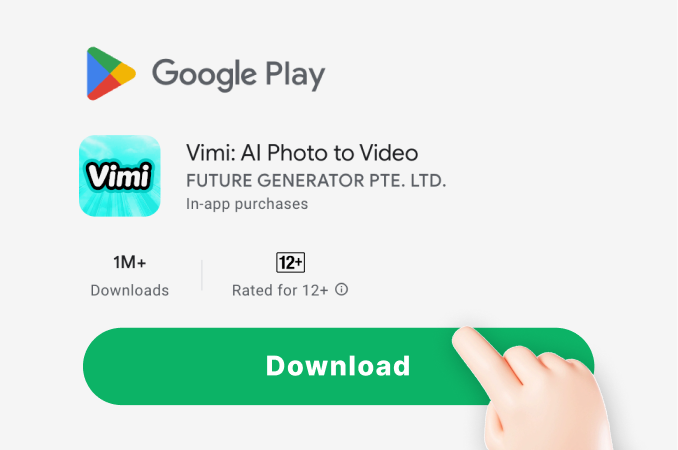
Download the Vimi app from the official link. Open it, sign in, and allow photo access.
Step 02.
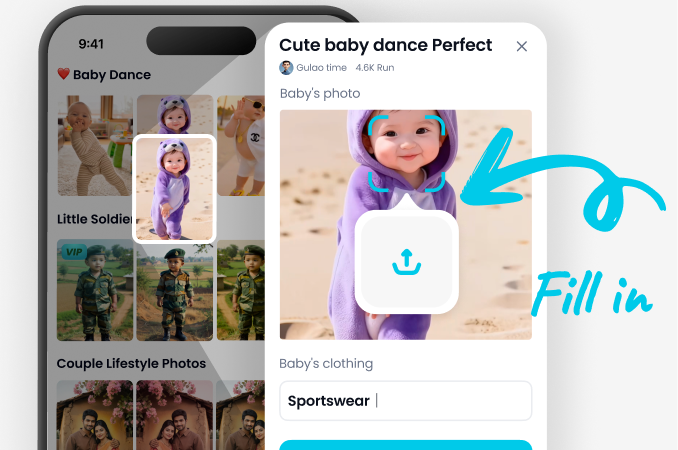
Browse the template library. Select an AI Selfie With Celebrity template, upload a clear photo, then tap Generate.
Step 03.
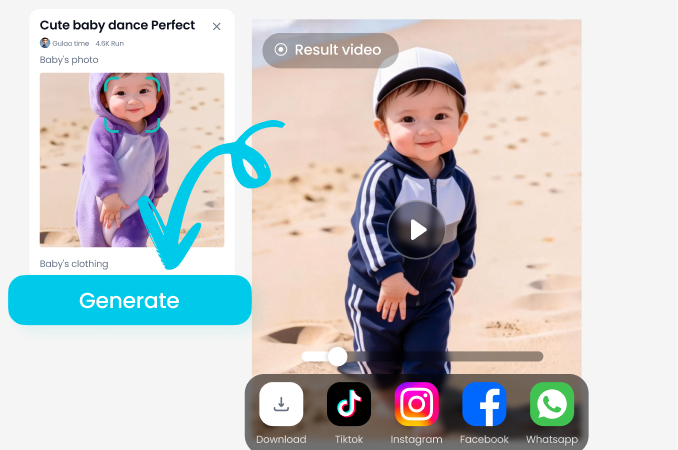
Review the result. Tap Download to save it. Use the share button to post on social media.
YouTube Videos About AI Selfie With Celebrity Generator
Explore in-depth YouTube tutorials and demos that showcase the power and reliability of our AI Generator.
Frequently Asked Questions
Find clear answers to common questions and get the guidance you need to make the most of our platform, faster and easier.
More Topics You May Like
Explore more topics you may like and discover fresh ideas tailored to your interests.
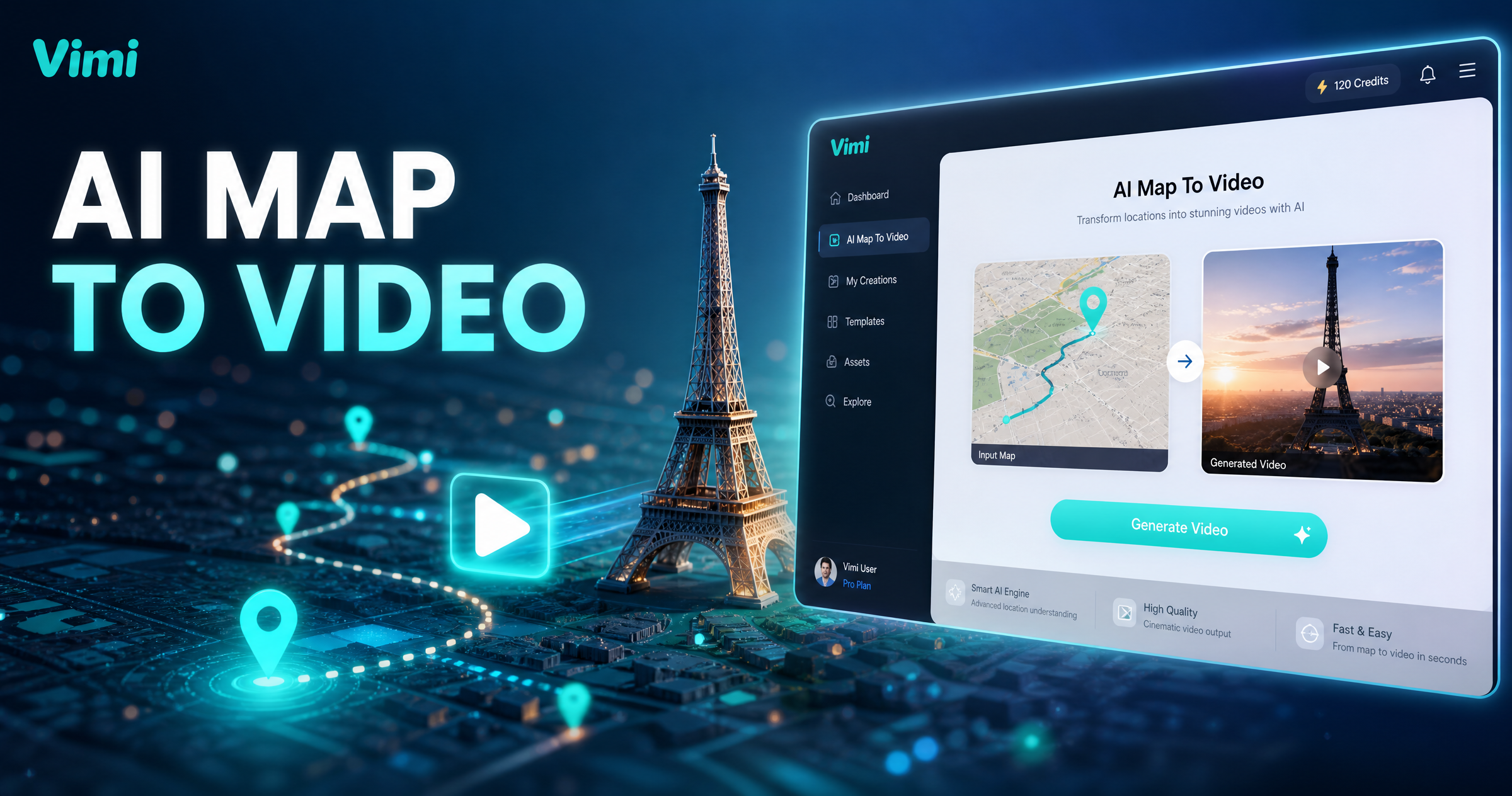
Vimi AI Map To Video Turns Maps into Moving Stories
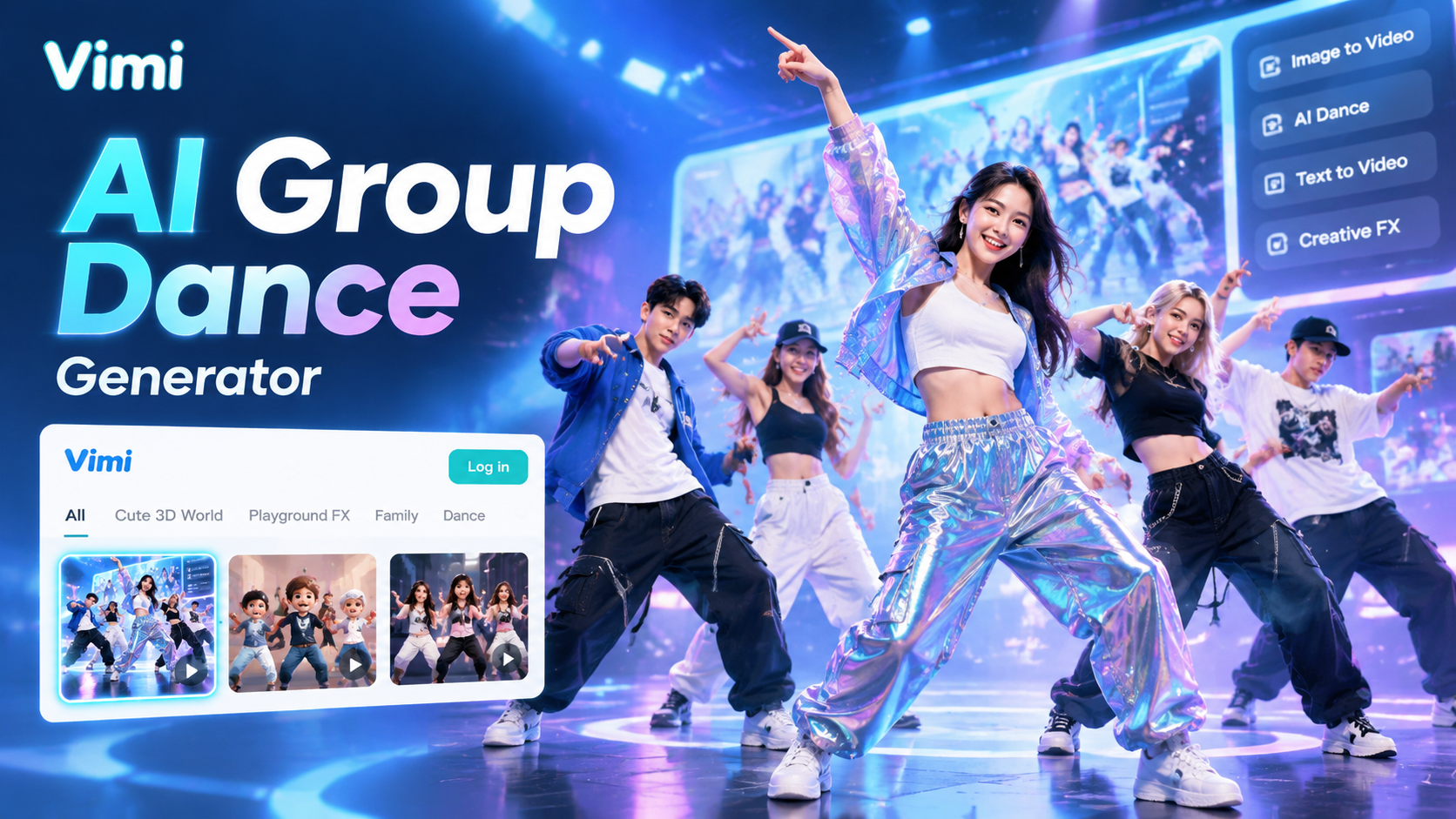
Vimi AI Group Dance Generator: Turn Group Photos Into Dance Videos
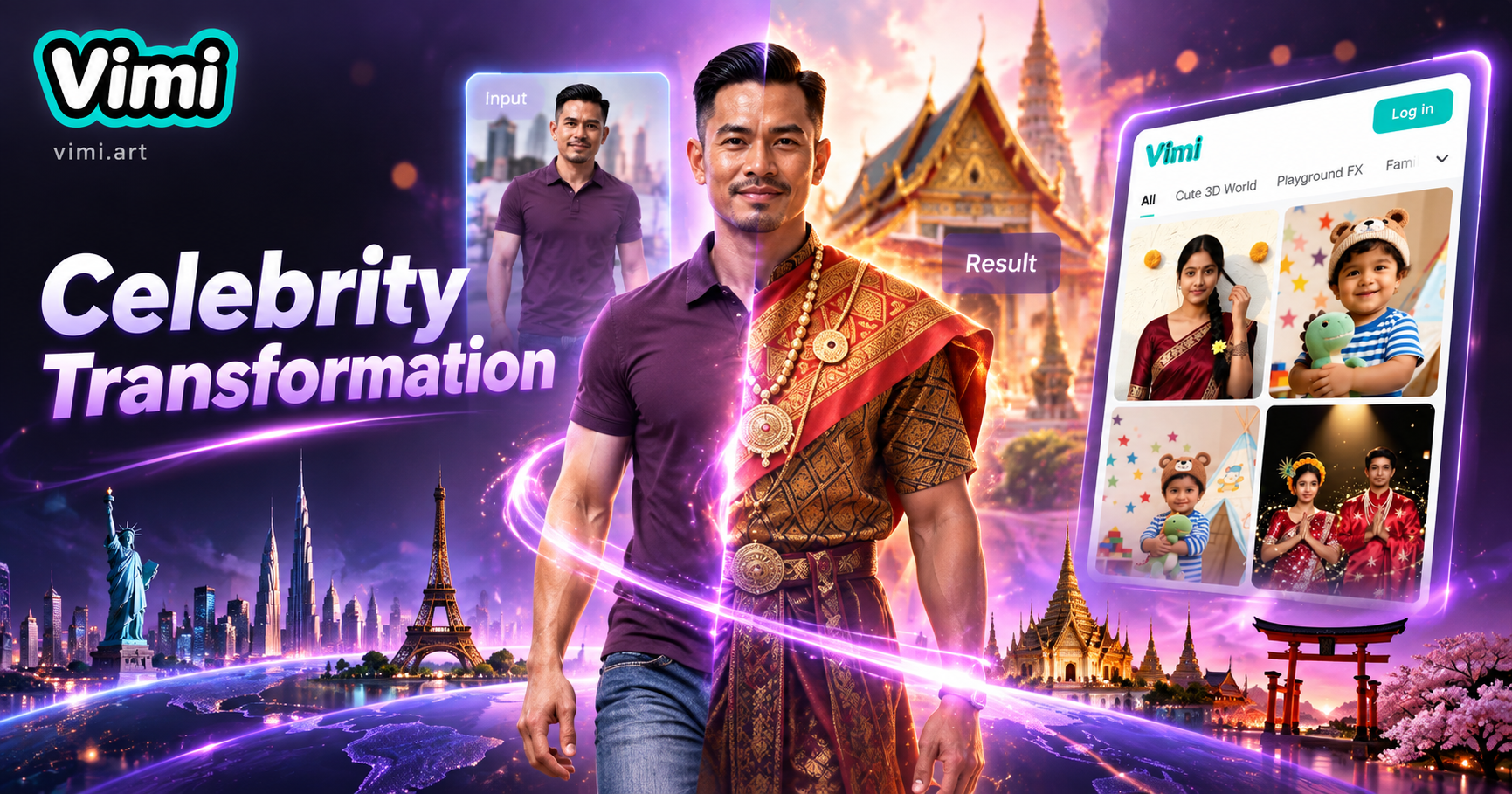
Celebrity Country Transformation With Vimi AI Filter
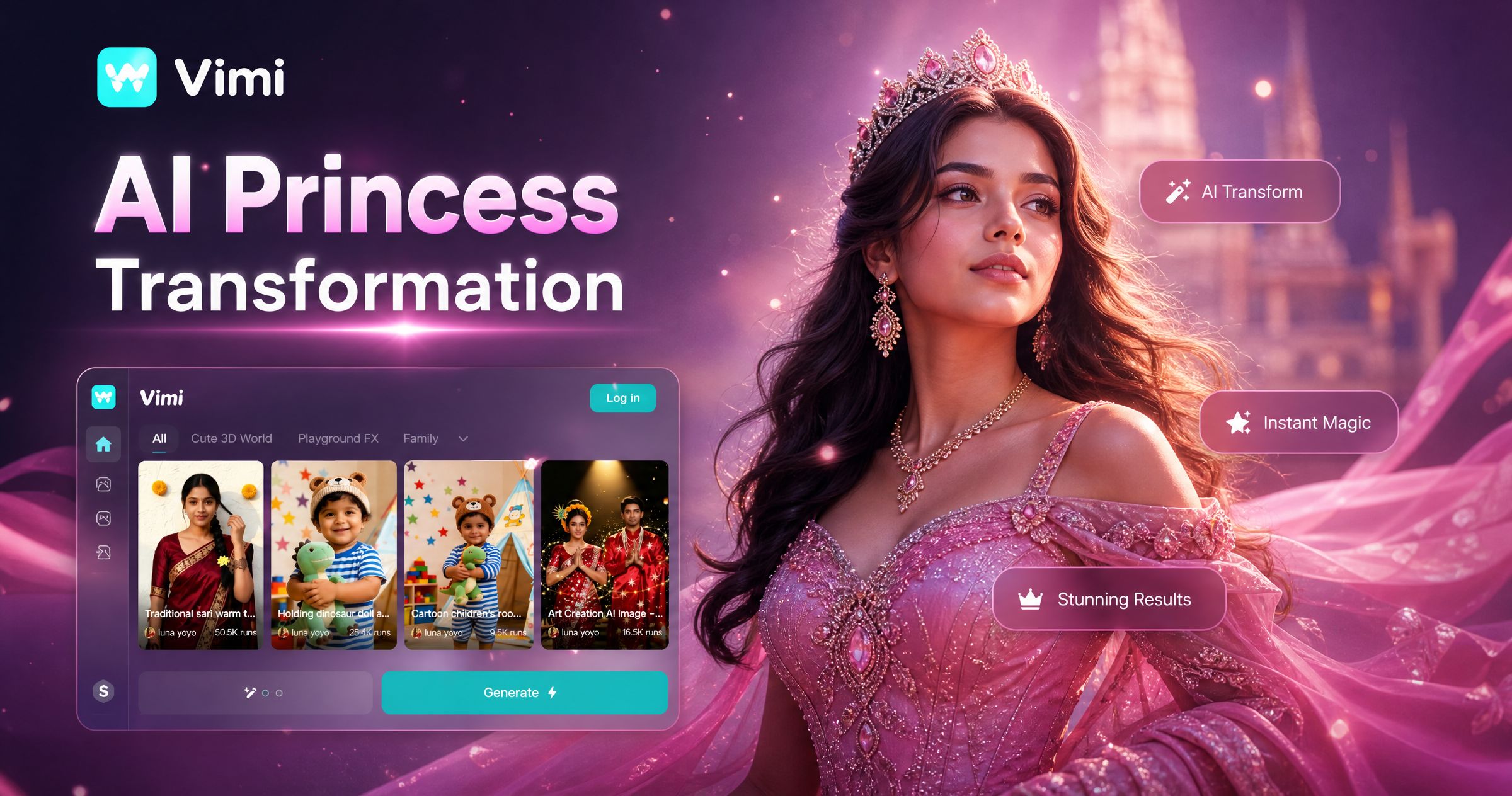
Vimi AI Princess Transformation Review: Turn Your Photos Into Royal Portraits
Vimi AI Map To Video Turns Maps into Moving Stories
Vimi AI Group Dance Generator: Turn Group Photos Into Dance Videos
Celebrity Country Transformation With Vimi AI Filter
Vimi AI Princess Transformation Review: Turn Your Photos Into Royal Portraits
Create Your AI Celebrity Selfie Today
Download Vimi and pick a template. Generate your celebrity selfie in seconds.
Create Your AI Celebrity Selfie Today
Download Vimi and pick a template. Generate your celebrity selfie in seconds.