AI Countryside Image
Choose the AI Countryside Image Filter
Discover the filter that perfectly matches your style and mood.
Vimi AI Countryside Image Filter Recommendations
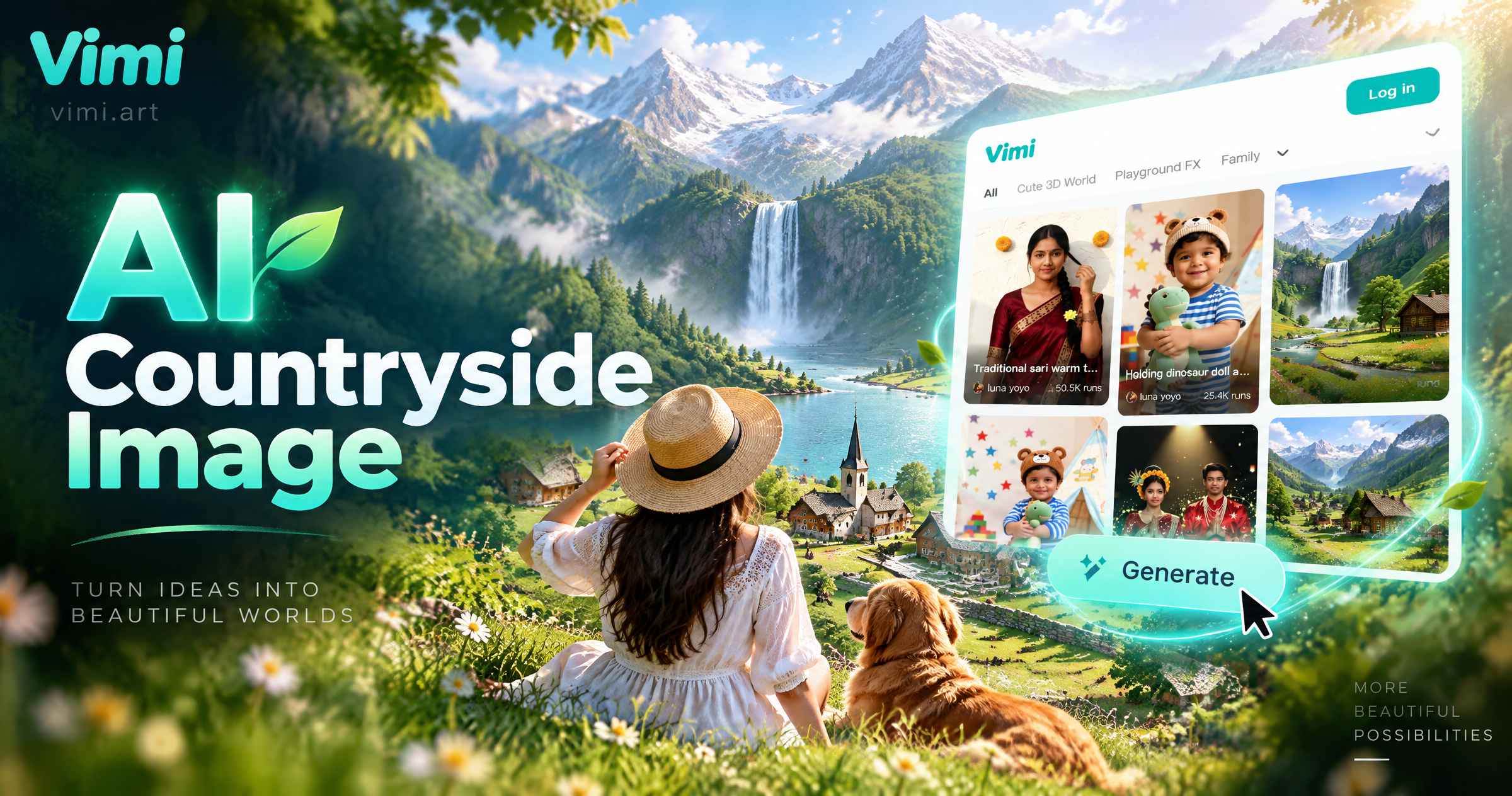
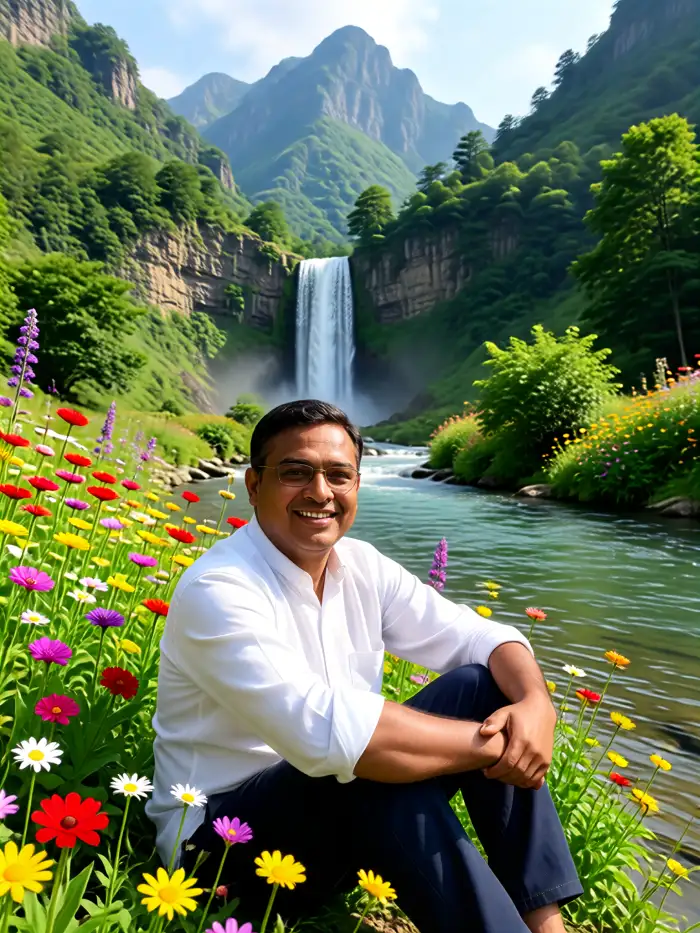
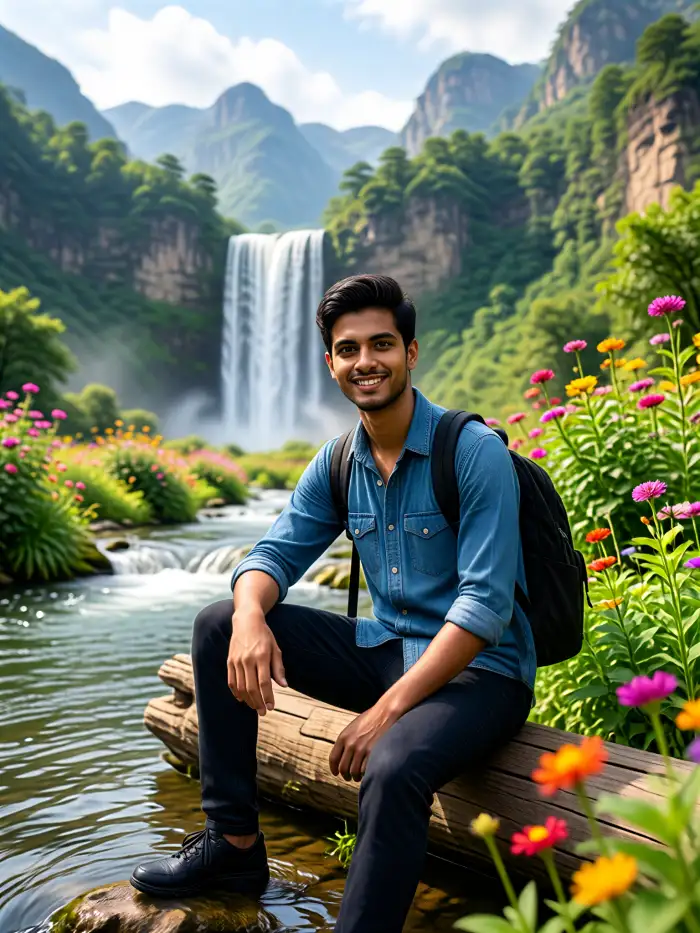
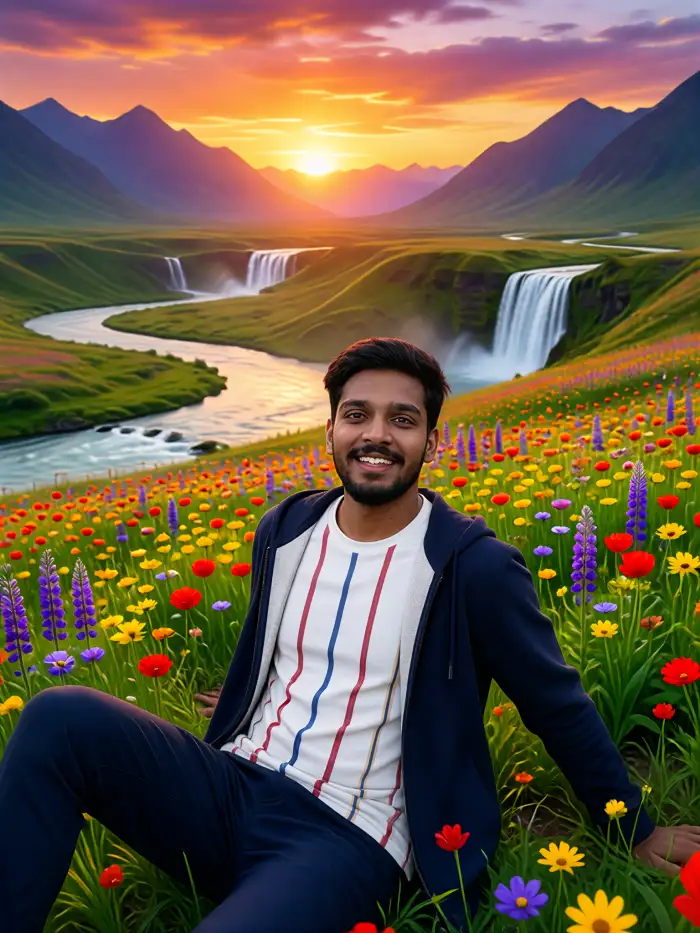
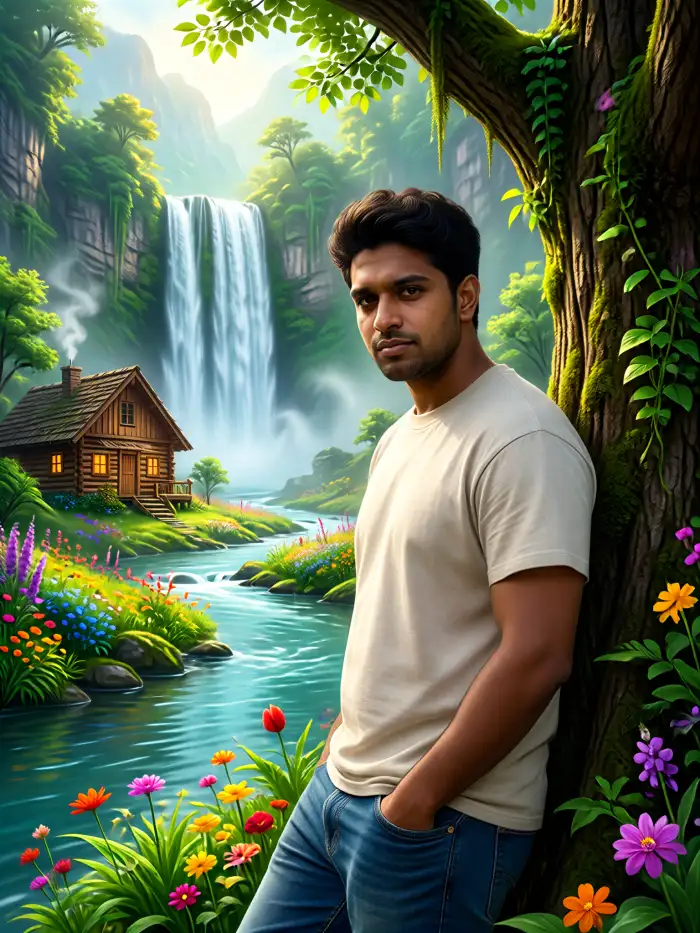
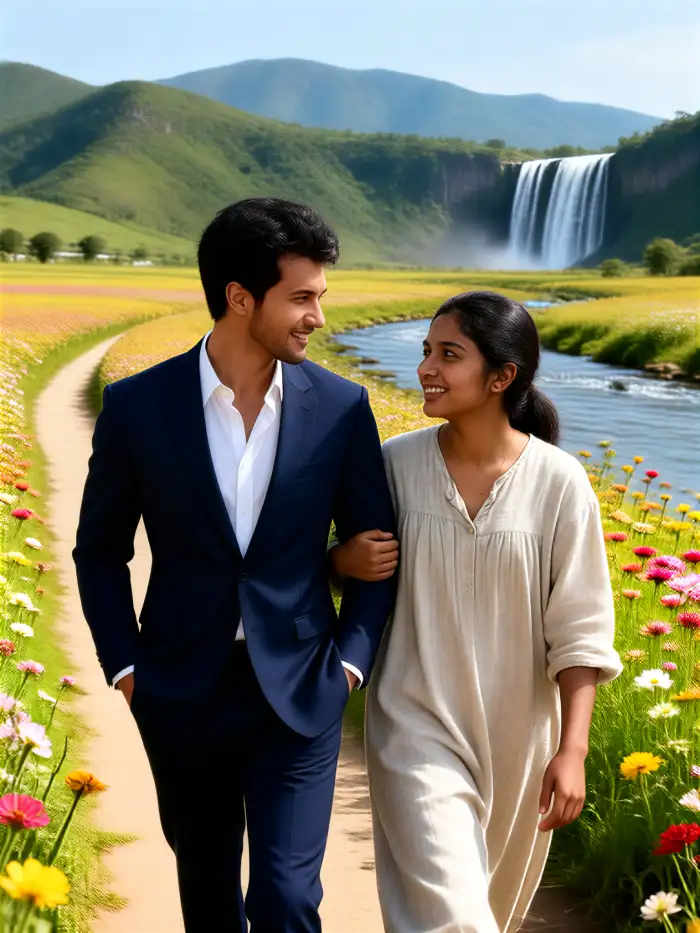
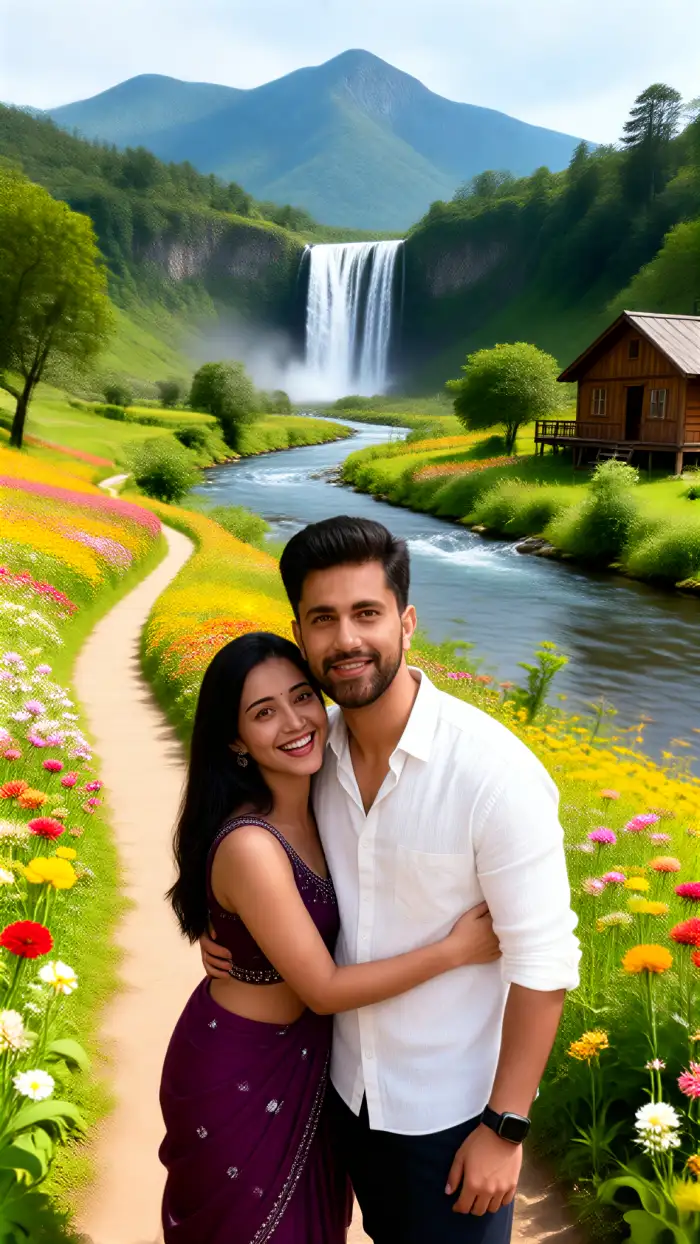
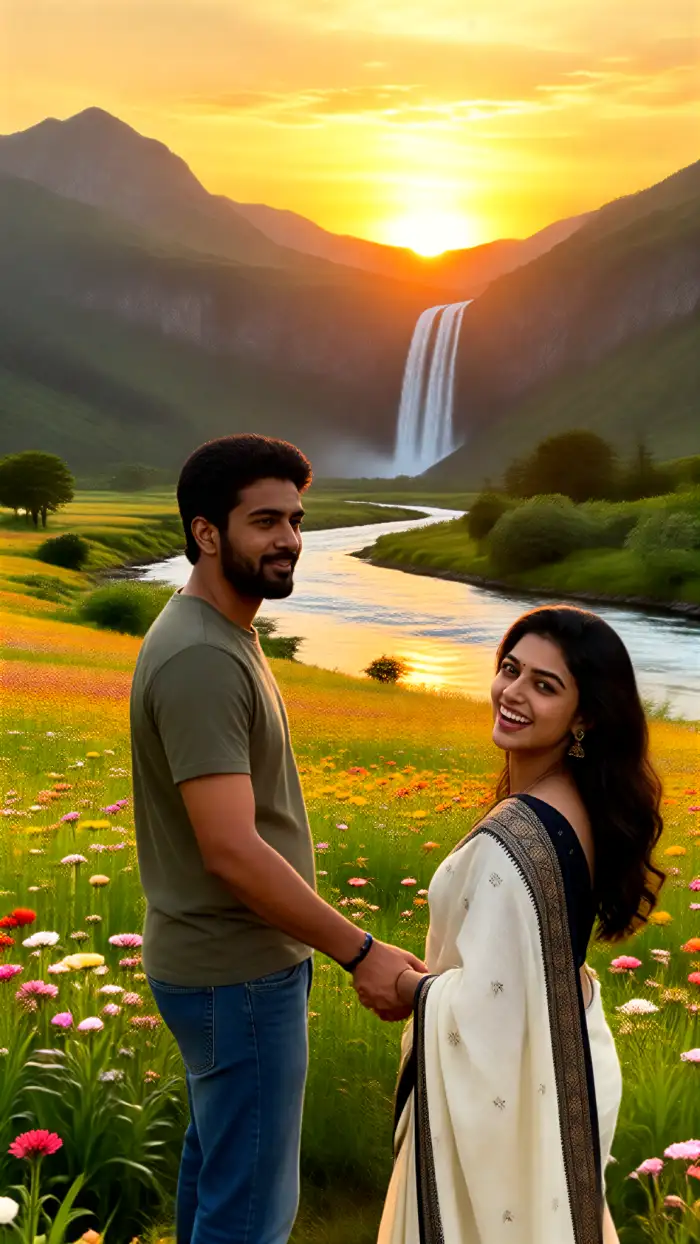
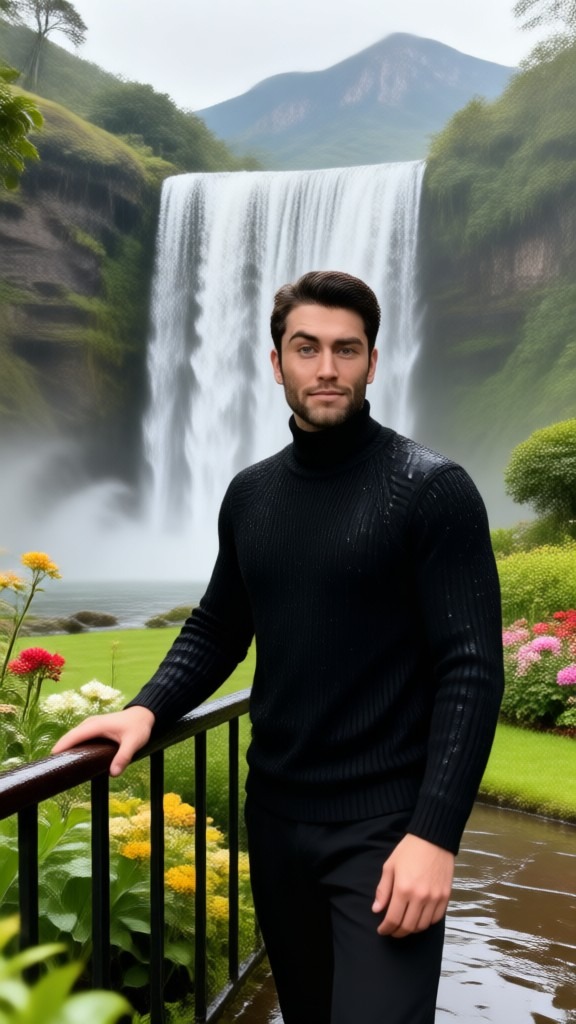
Vimi offers countryside filters for golden wheat fields, stone cottages, misty mountain villages, and quiet river farms. Each filter keeps your subject clear while changing the background, light, and color tone. Pick one style and generate a rural image in the app.

Why Use Vimi for AI Countryside Image
Explore the rural style options and simple controls that help Vimi turn an everyday portrait into a clear countryside scene.
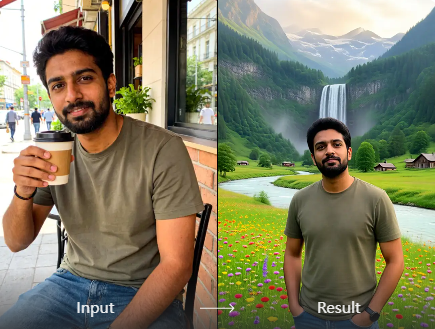
Rural Styles That Fit
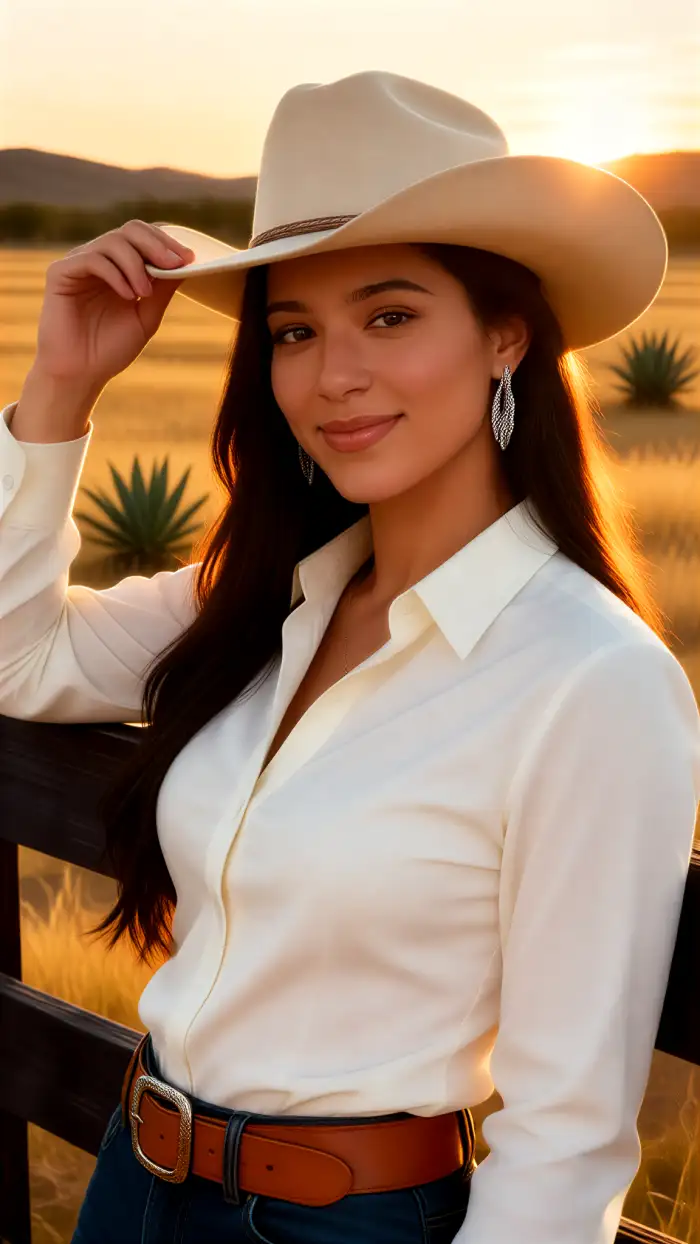
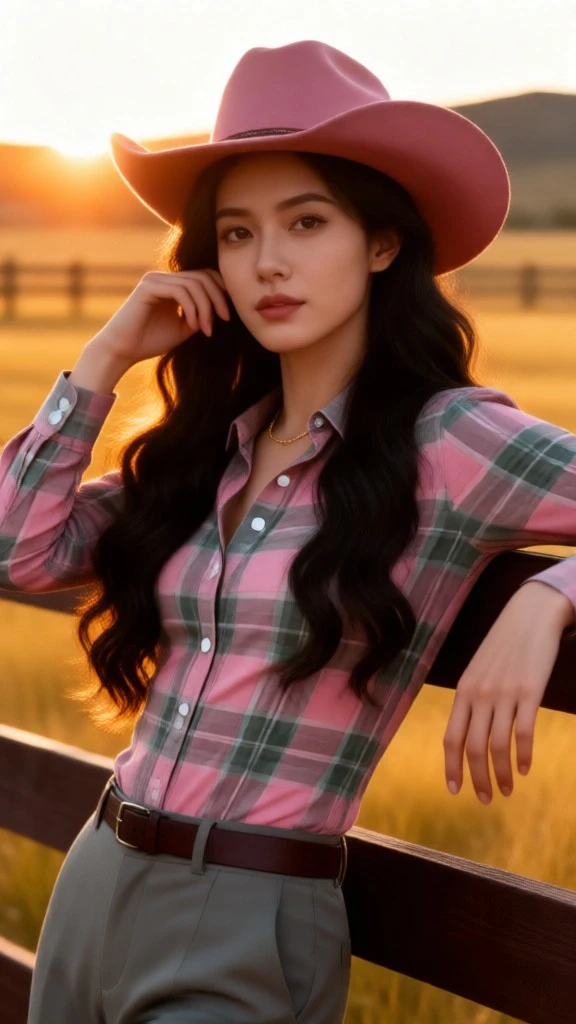
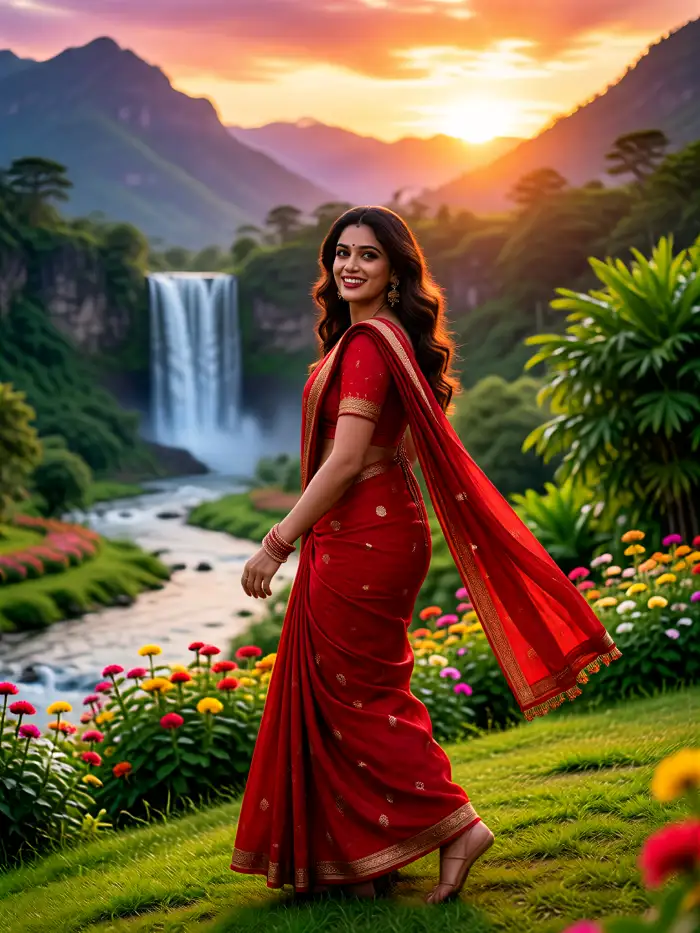
Vimi groups countryside looks by light, season, and setting. You can choose warm farm fields, quiet villages, mountain mist, or old stone homes. Each template keeps the face and pose clear. The app handles the style change, so you only upload a photo and tap Generate.
Rural Styles That Fit
Vimi groups countryside looks by light, season, and setting. You can choose warm farm fields, quiet villages, mountain mist, or old stone homes. Each template keeps the face and pose clear. The app handles the style change, so you only upload a photo and tap Generate.
Explore Vimi AI Countryside Image Use Cases
Discover the practical scene ideas that help Vimi users turn simple portraits, family photos, and pet pictures into rural images.
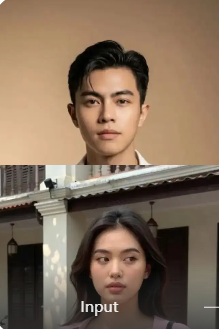 Before
 After
Family Countryside Portrait Shots
Vimi can turn a family group photo into a quiet farm scene. The multi person process identifies separate faces and keeps each person clear. Choose a field, cottage, or orchard template that matches the season. Upload one clear group photo, tap Generate, and view the final result in the app.
 Before
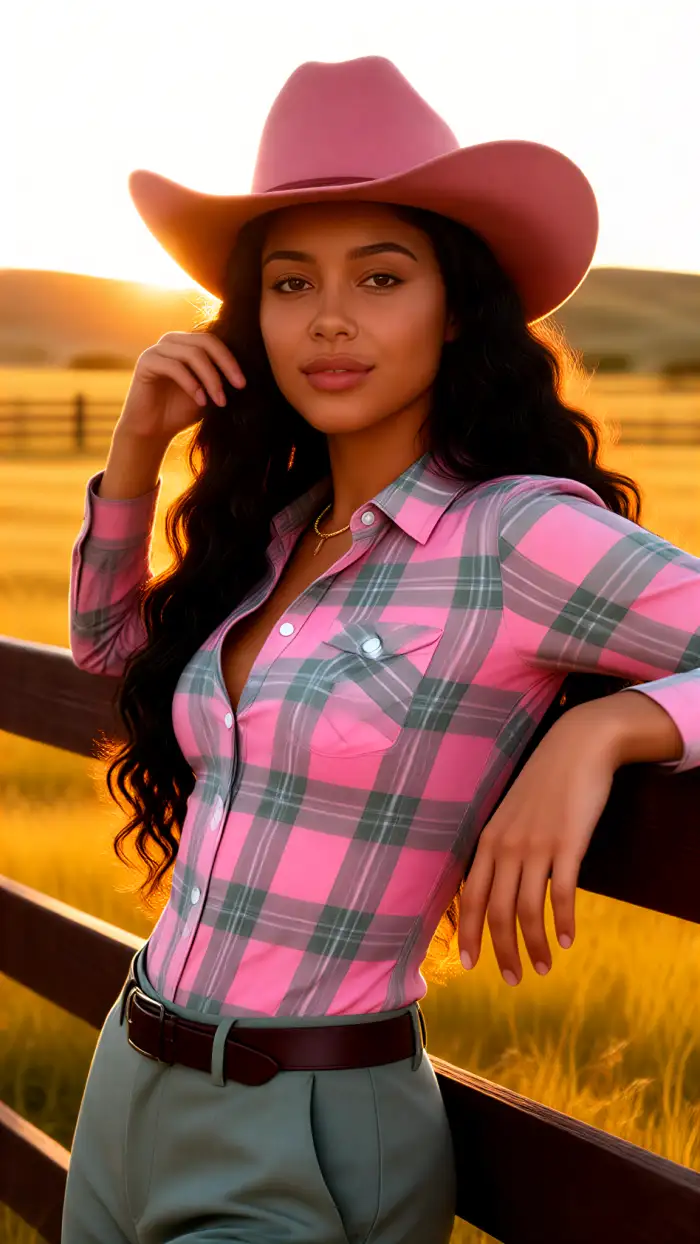 After
Single Portrait Countryside Scenes
Vimi can turn one person photo into a quiet rural scene. Choose a field, cottage, or village lane template that matches the season. The template keeps the face, hair, and clothing details clear. Upload a clear portrait and generate the countryside image inside the Vimi app. Review the result and save it to your phone.
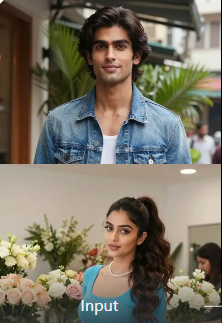 Before
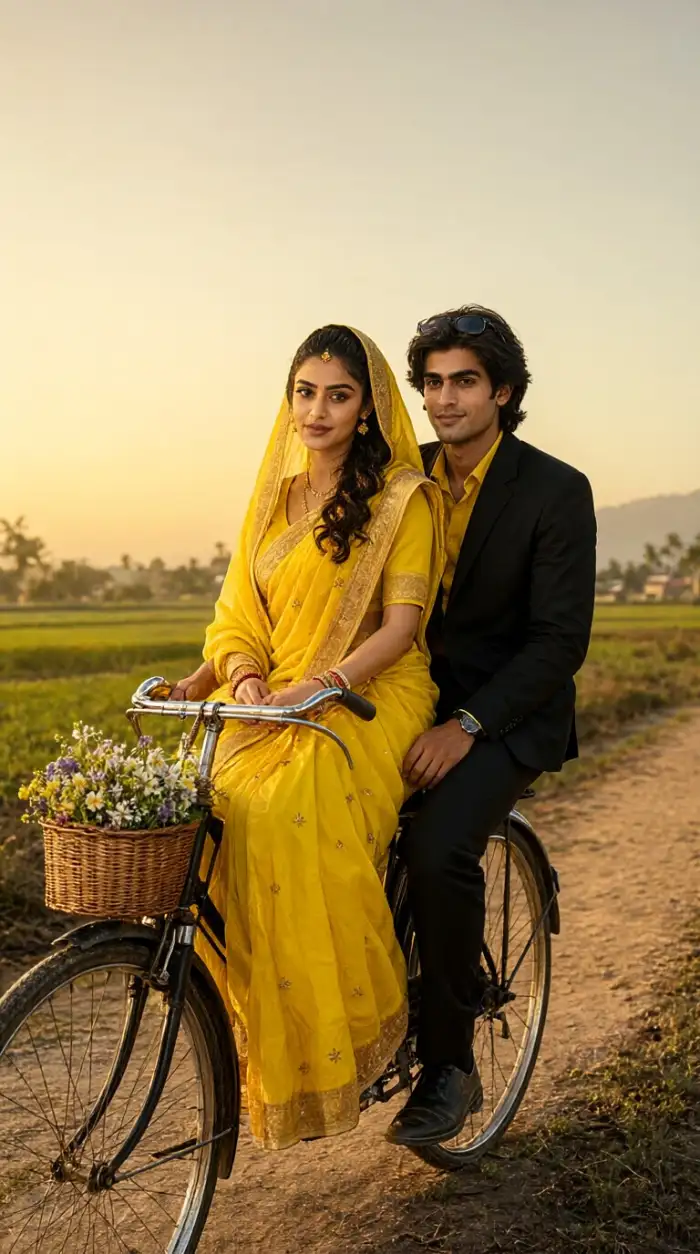 After
Travel Memory Countryside Scenes
Vimi can rebuild a travel photo as a rural memory. Use a field, hill, or small town template to set the scene. The subject keeps the same face and clothing details. Upload a clear travel portrait, choose a countryside style, and generate the new final rural image in the app.
YouTube Videos About AI Countryside Image Generator
Explore in-depth YouTube tutorials and demos that showcase the power and reliability of our AI Generator.
Frequently Asked Questions
Find clear answers to common questions and get the guidance you need to make the most of our platform, faster and easier.
More Topics You May Like
Explore more topics you may like and discover fresh ideas tailored to your interests.

Tesla Roadster AI Video: Create Car Clips with Vimi

Vimi Army Dreamers AI Filter Create Dreamy Army Portraits on Mobile

Best AI Selfie Generators: Create Selfies in Vimi
Best AI Anime Generators: Create Anime Art And Photo in Vimi
Tesla Roadster AI Video: Create Car Clips with Vimi
Vimi Army Dreamers AI Filter Create Dreamy Army Portraits on Mobile
Best AI Selfie Generators: Create Selfies in Vimi
Best AI Anime Generators: Create Anime Art And Photo in Vimi
Create Your AI Countryside Image Today
Download Vimi and pick a rural style. Generate a countryside image in seconds.

Create Your AI Countryside Image Today
Download Vimi and pick a rural style. Generate a countryside image in seconds.