Camera Movement
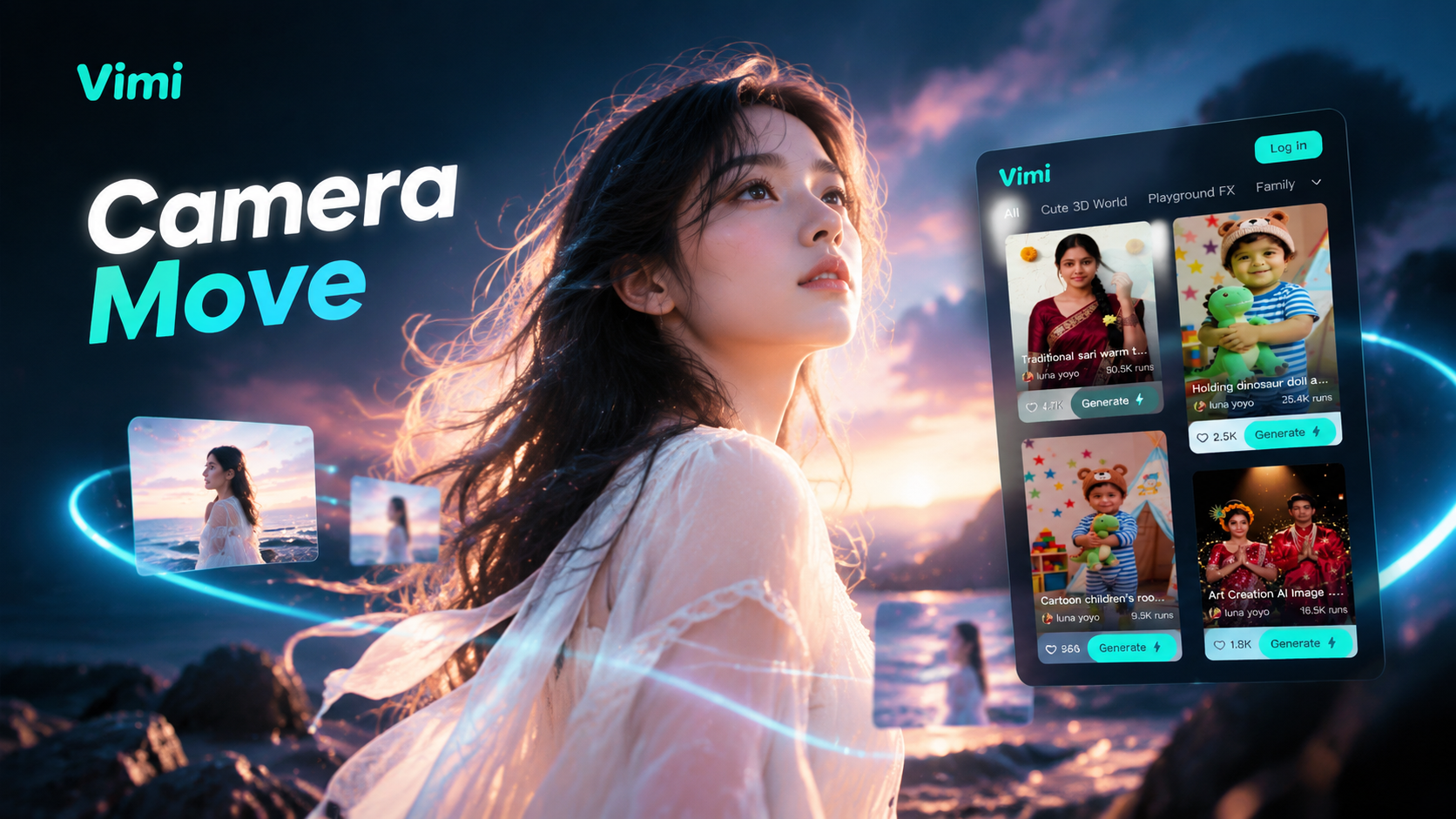
Choose the Camera Movement Filter That Suits You
Discover the camera movement filter that perfectly matches your style and mood.
Top Vimi Camera Movement Filters to Try
Vimi groups camera motion into simple templates. Slow Push In Portrait tightens the frame on a face. Pull Out Scene Reveal opens the space behind the subject. Orbit Around The Subject circles a person or car. Each template takes one upload and returns a short clip in the app.
Key Features of Vimi Camera Movement Filters
Discover the Vimi Camera Movement filters that add push in, pull out, pan, tilt, and orbit motion to your photos.
 Before
Slow Push In Portrait
The slow push in template moves the camera closer to a face at a steady pace. It works well for portraits, cosplay photos, and pet pictures. Vimi keeps the main facial features in place while the frame slowly tightens. The final clip feels calm and focused.
BeforeSlow Push In Portrait
The slow push in template moves the camera closer to a face at a steady pace. It works well for portraits, cosplay photos, and pet pictures. Vimi keeps the main facial features in place while the frame slowly tightens. The final clip feels calm and focused.
 Before
Pull Out Scene Reveal
The pull out template starts near the subject and then widens the view. It reveals the room, street, or landscape behind the person. Use it for travel photos, fashion shots, and family moments. Vimi holds the subject detail clearly as the background slowly opens up.
BeforePull Out Scene Reveal
The pull out template starts near the subject and then widens the view. It reveals the room, street, or landscape behind the person. Use it for travel photos, fashion shots, and family moments. Vimi holds the subject detail clearly as the background slowly opens up.
 Before
Left And Right Pan
The left and right pan template sweeps across a scene like a smooth head turn. It suits city views, wide group photos, and product displays. Vimi adds steady motion without cutting the image. You can set the direction and speed that clearly fits your photo.
BeforeLeft And Right Pan
The left and right pan template sweeps across a scene like a smooth head turn. It suits city views, wide group photos, and product displays. Vimi adds steady motion without cutting the image. You can set the direction and speed that clearly fits your photo.
 Before
Tilt Up Subject Reveal
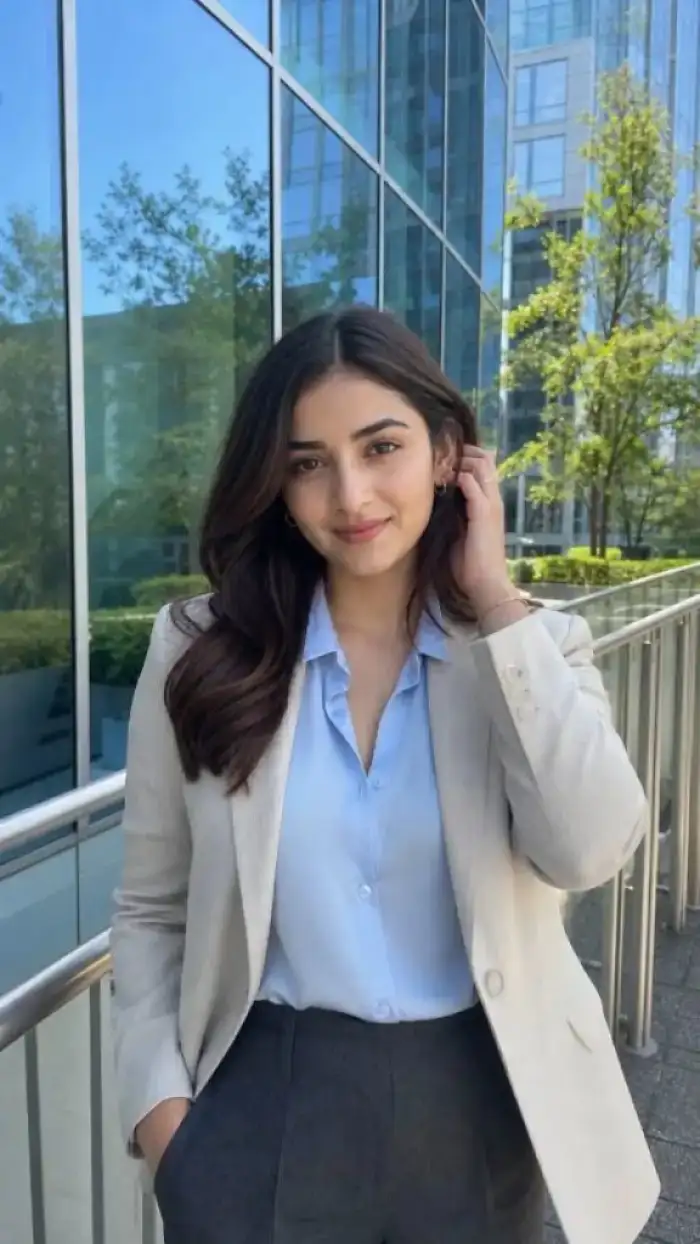
The tilt up template starts low and moves upward to reveal the subject. It works for full body portraits, tall buildings, and stage looks. Vimi keeps the face clear and stable during the upward move. The final short clip draws attention from shoes to expression.
BeforeTilt Up Subject Reveal
The tilt up template starts low and moves upward to reveal the subject. It works for full body portraits, tall buildings, and stage looks. Vimi keeps the face clear and stable during the upward move. The final short clip draws attention from shoes to expression.
 Before
Orbit Around The Subject
The orbit template circles around the subject and shows more of the side profile. It fits fashion photos, car shots, and couple portraits. Vimi separates the subject from the background during the move. The result gives a small but clear sense of depth and space.
BeforeOrbit Around The Subject
The orbit template circles around the subject and shows more of the side profile. It fits fashion photos, car shots, and couple portraits. Vimi separates the subject from the background during the move. The result gives a small but clear sense of depth and space.
Why Use Vimi Camera Movement Filters Daily
Explore the clear benefits of Vimi Camera Movement filters for daily portraits, group photos, travel scenes, and short social clips.
Stable Face And Detail
Vimi keeps the face, hair, and clothing consistent while the camera moves. This helps when you make a series of clips with one person. The subject stays easy to recognize in each frame. You get a clear final result without mixed features or lost detail.
Stable Face And Detail
Vimi keeps the face, hair, and clothing consistent while the camera moves. This helps when you make a series of clips with one person. The subject stays easy to recognize in each frame. You get a clear final result without mixed features or lost detail.
YouTube Videos About Camera Movement Generator
Explore in-depth YouTube tutorials and demos that showcase the power and reliability of our AI Generator.
Frequently Asked Questions
Find clear answers to common questions and get the guidance you need to make the most of our platform, faster and easier.
More Topics You May Like
Explore more topics you may like and discover fresh ideas tailored to your interests.

Best AI Anime Generators: Create Anime Art And Photo in Vimi
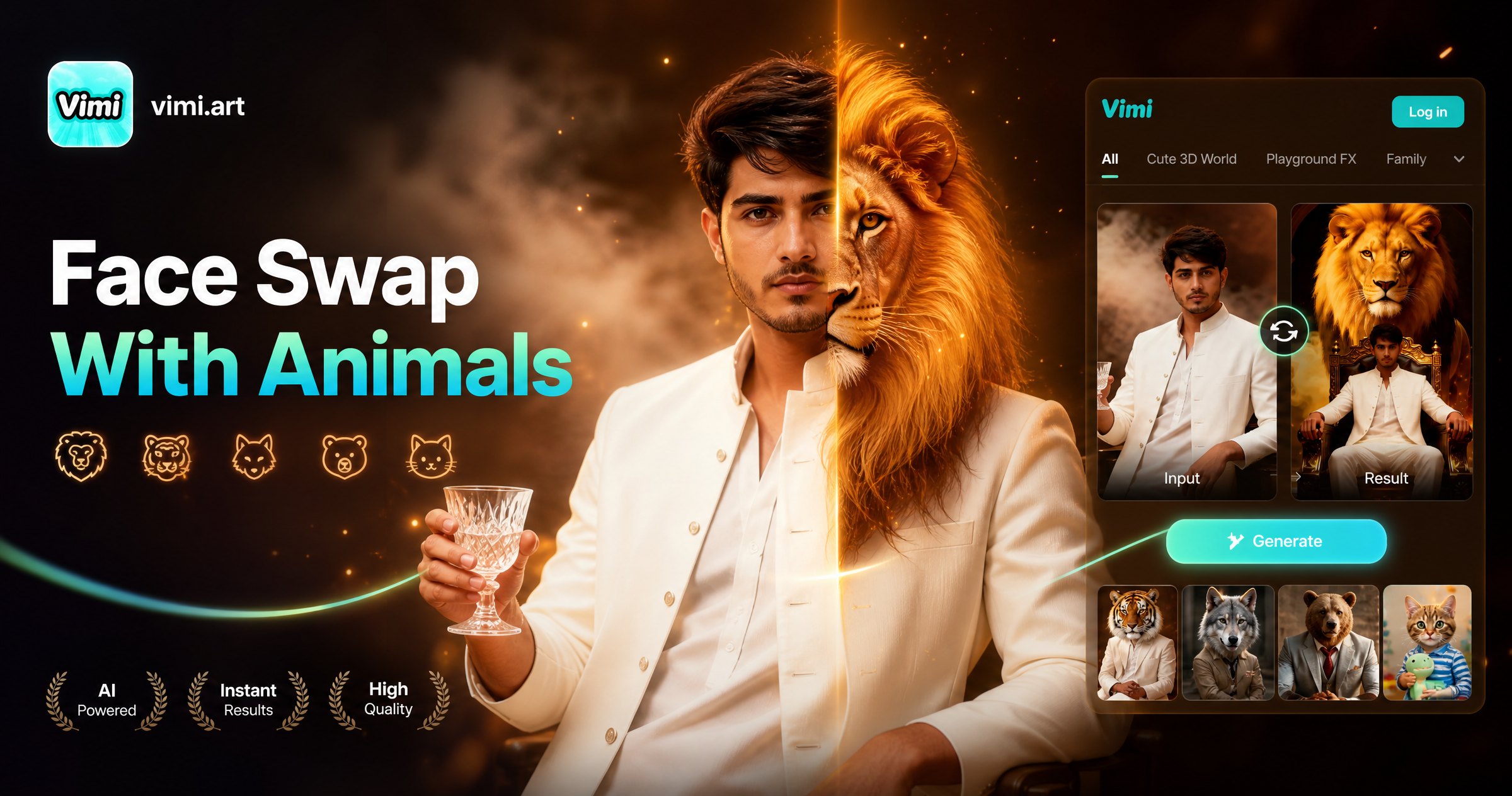
Face Swap With Animals: Create Fun Animal Face Photos With Vimi
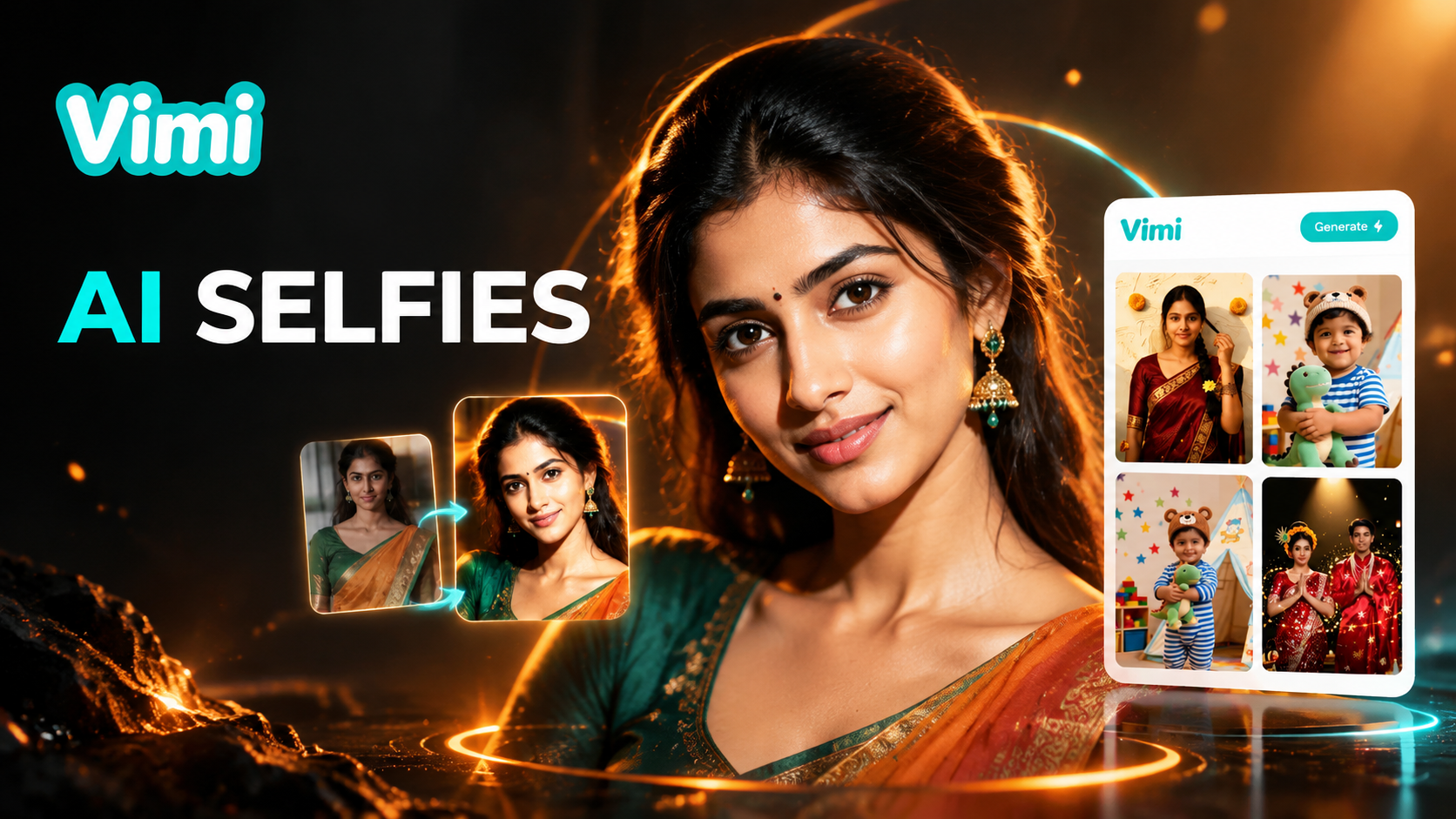
Best AI Selfie Generators: Create Selfies in Vimi

Vimi Army Dreamers AI Filter Create Dreamy Army Portraits on Mobile
Best AI Anime Generators: Create Anime Art And Photo in Vimi
Face Swap With Animals: Create Fun Animal Face Photos With Vimi
Best AI Selfie Generators: Create Selfies in Vimi
Vimi Army Dreamers AI Filter Create Dreamy Army Portraits on Mobile
Create Camera Movement Clips In Vimi
Download the Vimi app and pick a template. Upload one photo and generate your clip.

Create Camera Movement Clips In Vimi
Download the Vimi app and pick a template. Upload one photo and generate your clip.