AI Out Of Screen Video
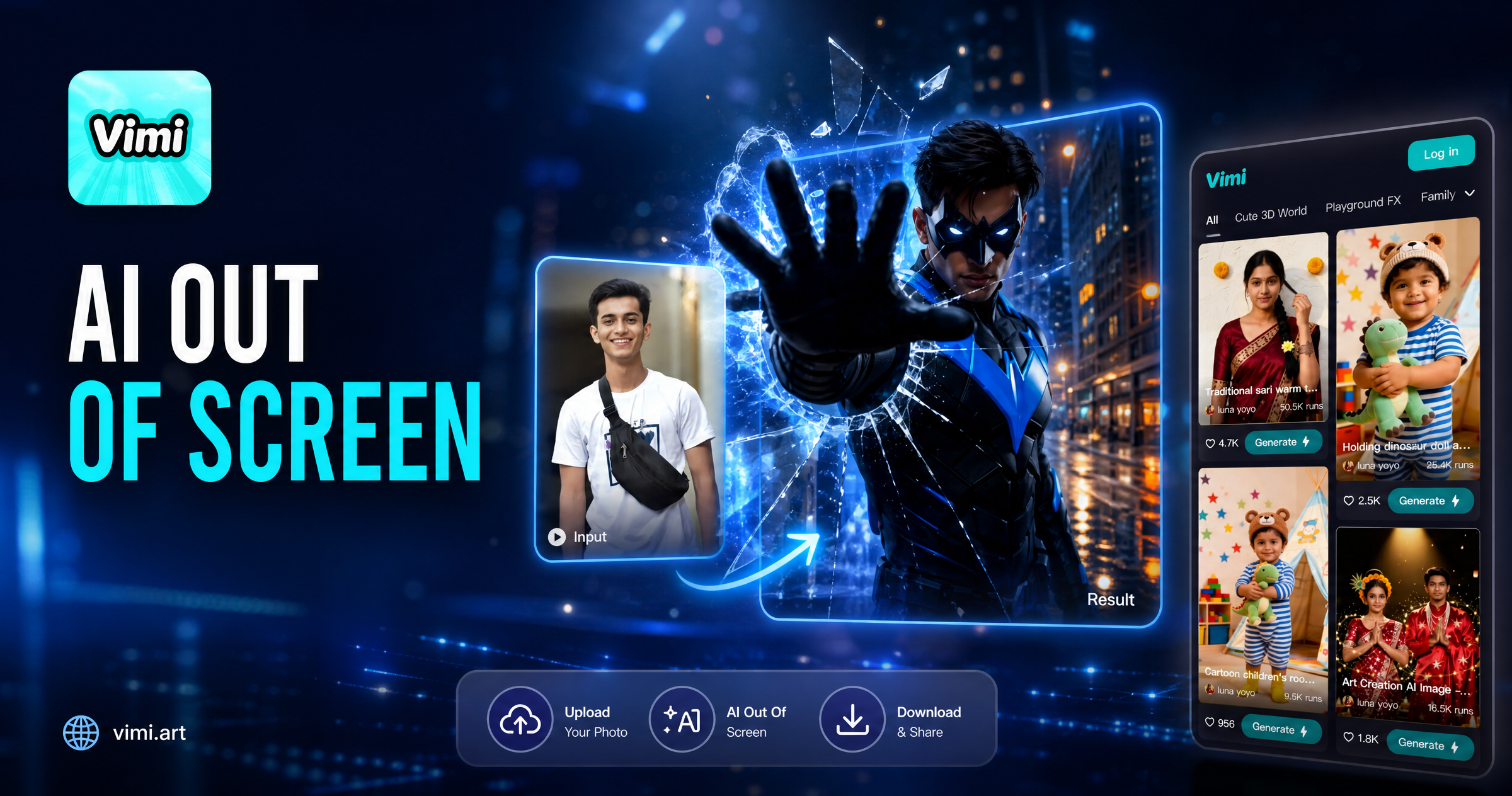
Explore the AI Out Of Screen Video Filter
Discover the AI out of screen video filter that perfectly matches your style and mood.
Vimi Filter Pick: AI Out Of Screen Video Templates
Make a still photo look like it breaks the screen. Vimi adds depth, motion, and small expressions. The subject can lean out, reach forward, or step past the frame. This filter fits social posts, profile clips, and fun edits.
Key Features of Vimi AI Out Of Screen Video
Explore the Vimi AI Out Of Screen Video filter and see how still photos turn into clips with real depth and motion.
 Before
One Tap Breakout Motion
Upload one clear photo and pick the AI Out Of Screen Video template. Vimi builds a short clip in 10 to 20 seconds. The person can lean forward, reach out, or step past the frame. No prompt writing is needed. Tap again for a new pose.
BeforeOne Tap Breakout Motion
Upload one clear photo and pick the AI Out Of Screen Video template. Vimi builds a short clip in 10 to 20 seconds. The person can lean forward, reach out, or step past the frame. No prompt writing is needed. Tap again for a new pose.
 Before
Photo To Video Depth
Start with a portrait, a group shot, or a pet photo. Vimi reads the main subject and adds depth to the scene. The result feels like the subject moves toward you. This helps your post stand out in a feed. You can preview and regenerate before saving.
BeforePhoto To Video Depth
Start with a portrait, a group shot, or a pet photo. Vimi reads the main subject and adds depth to the scene. The result feels like the subject moves toward you. This helps your post stand out in a feed. You can preview and regenerate before saving.
 Before
Micro Expression And Pose Control
You can guide small motions like a smile, a blink, or a head turn. Vimi also supports basic poses such as standing, sitting, or hugging. These details make the clip feel alive. The subject stays clear from start to finish. You stay in control of the final look.
BeforeMicro Expression And Pose Control
You can guide small motions like a smile, a blink, or a head turn. Vimi also supports basic poses such as standing, sitting, or hugging. These details make the clip feel alive. The subject stays clear from start to finish. You stay in control of the final look.
Why Use Vimi AI Out Of Screen Video
Discover why creators choose Vimi AI Out Of Screen Video for social clips that hold attention and keep faces clear.
Clear Faces And Motion
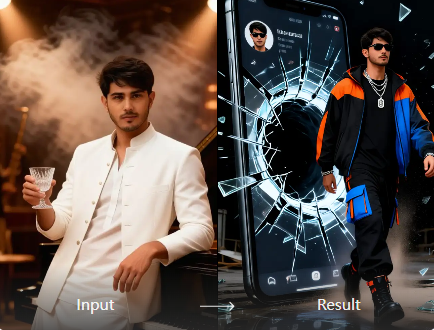
Vimi keeps the main face sharp while adding breakout motion. You get a clip that looks planned, not random. The subject can move forward, smile, or turn without losing identity. This makes the video useful for profiles, stories, and group posts. It works for family shots.
Clear Faces And Motion
Vimi keeps the main face sharp while adding breakout motion. You get a clip that looks planned, not random. The subject can move forward, smile, or turn without losing identity. This makes the video useful for profiles, stories, and group posts. It works for family shots.
How to Make VimiAI Out Of Screen Video in Minutes?
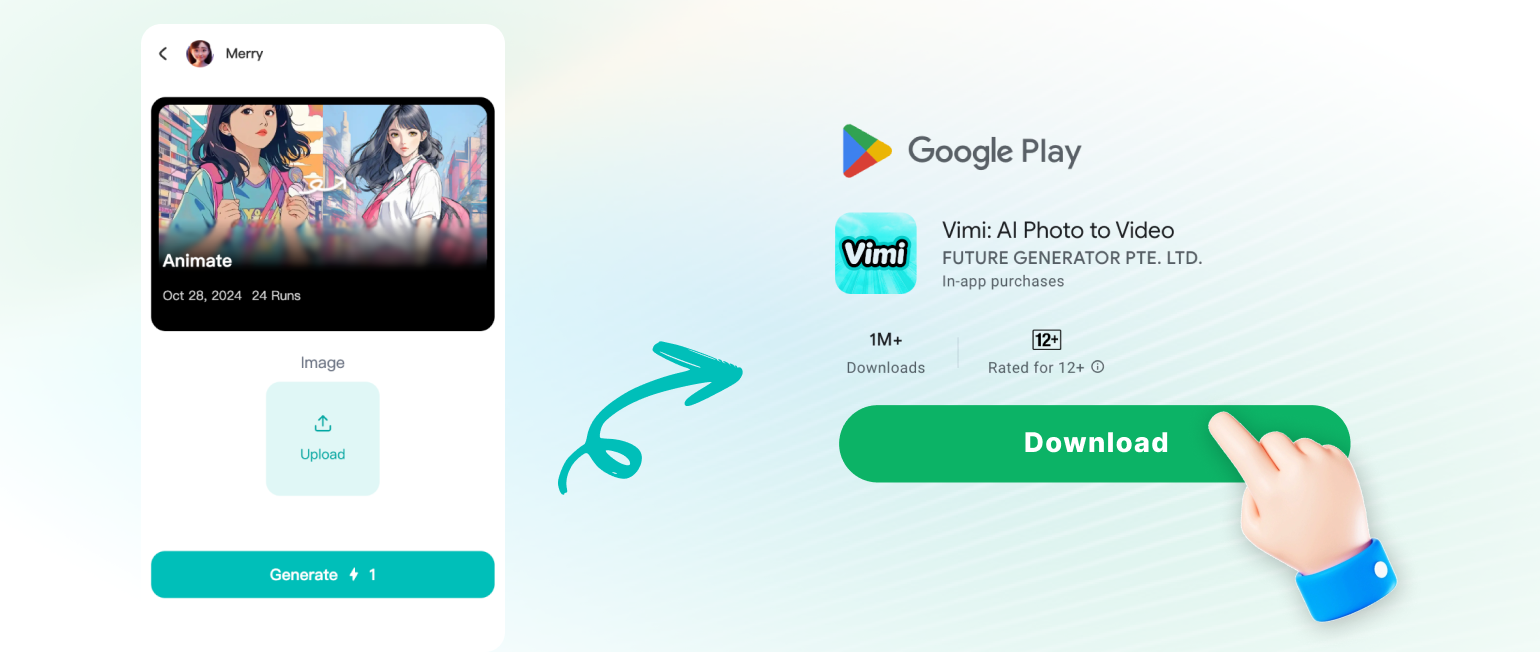
This section shows three simple steps. You can make an AI Out Of Screen Video inside the Vimi app.
YouTube Videos About AI Out Of Screen Video Generator
Explore in-depth YouTube tutorials and demos that showcase the power and reliability of our AI Generator.
Frequently Asked Questions
Find clear answers to common questions and get the guidance you need to make the most of our platform, faster and easier.
More Topics You May Like
Explore more topics you may like and discover fresh ideas tailored to your interests.
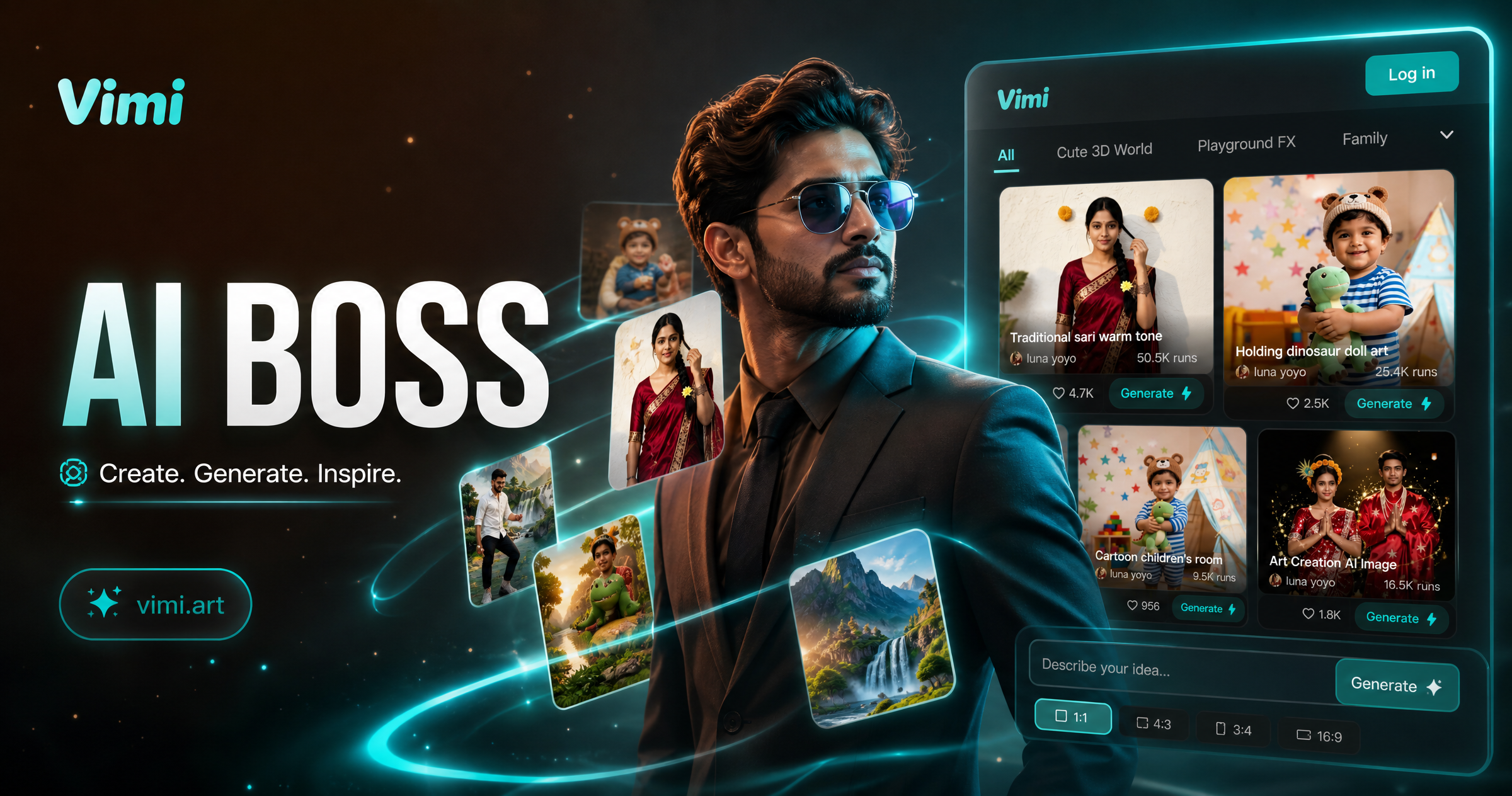
Vimi AI Boss Generator: Create Professional Boss Portraits In Minutes
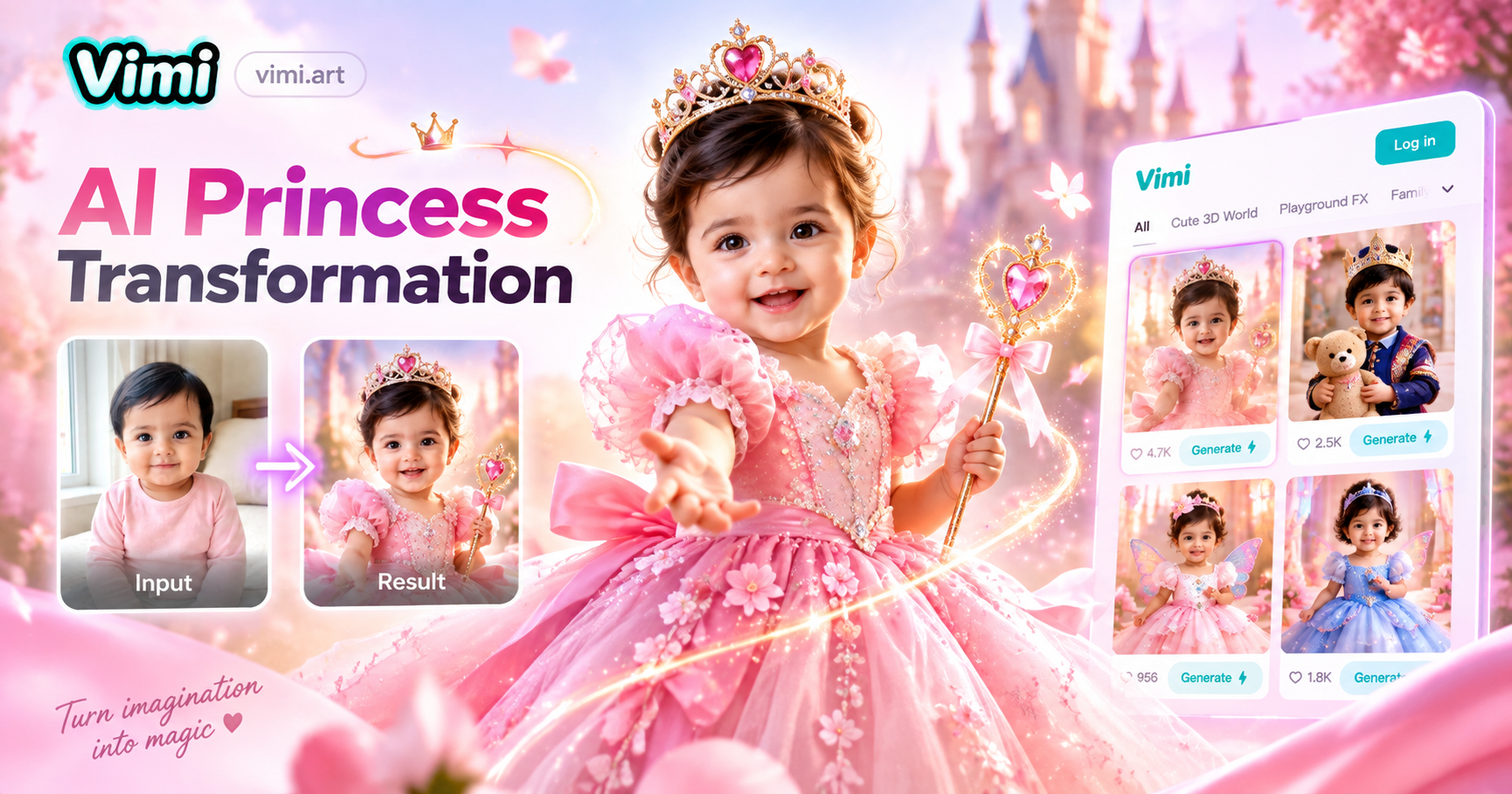
AI Princess Dress Transformation: Turn Photos into Royal Looks with Vimi
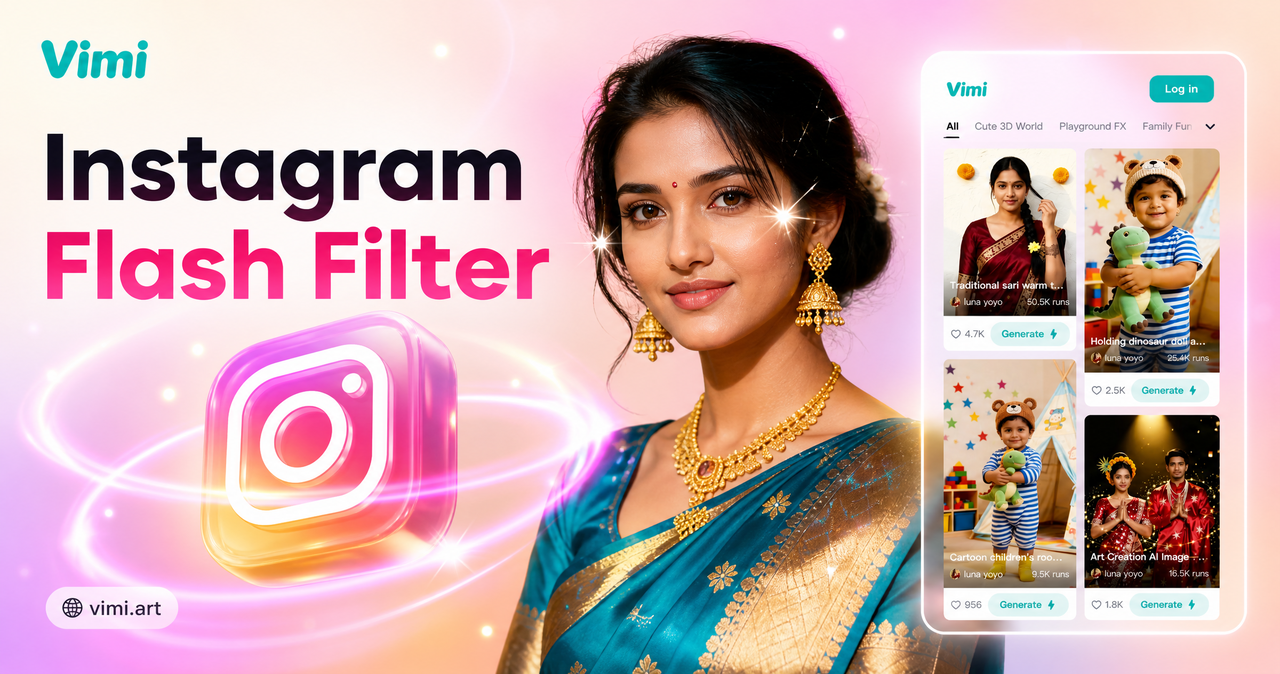
Vimi Instagram Flash Filter for Retro AI Photos and Videos
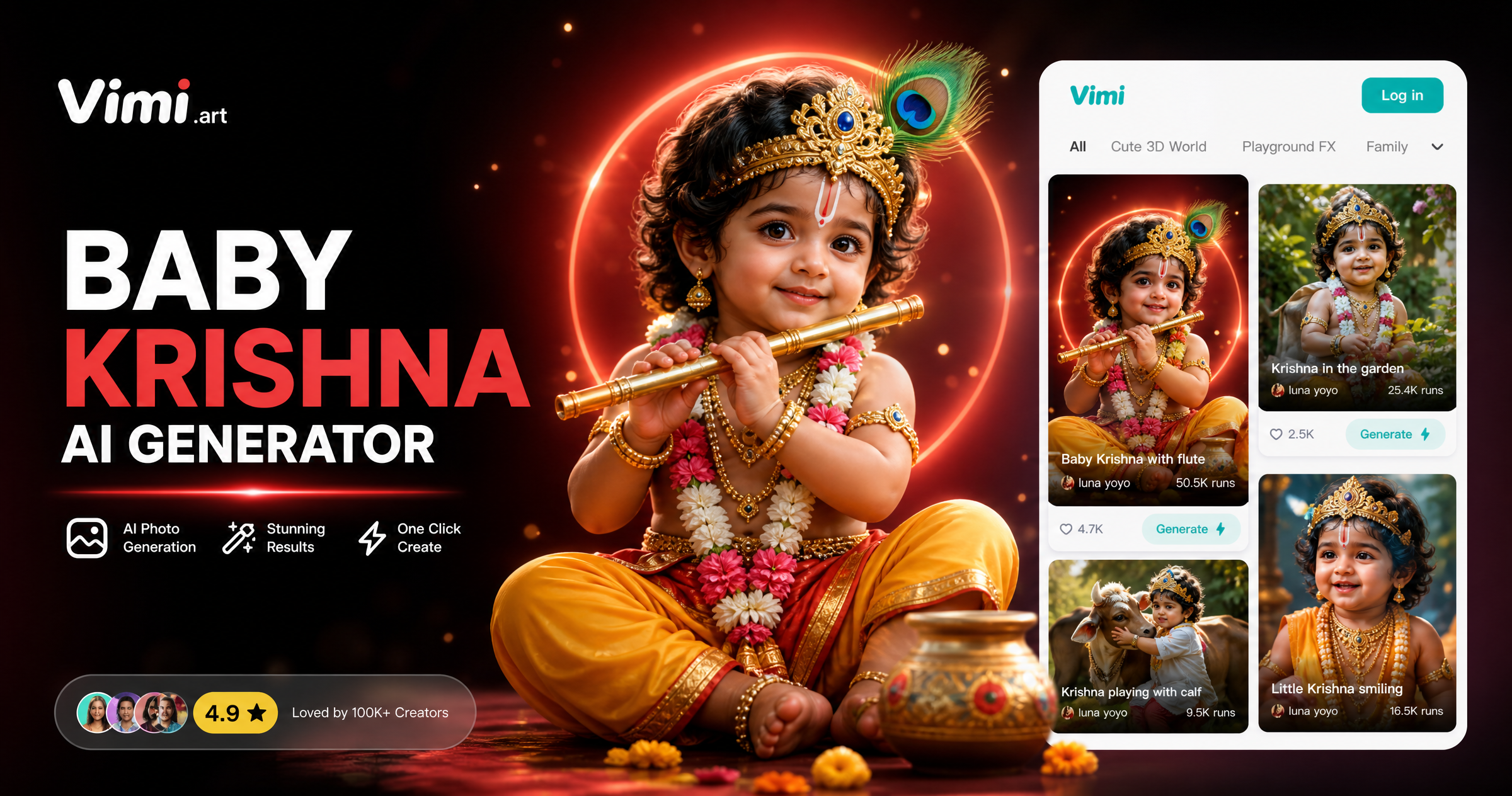
Vimi Baby Krishna AI Photo Generator for Devotional Portraits
Vimi AI Boss Generator: Create Professional Boss Portraits In Minutes
AI Princess Dress Transformation: Turn Photos into Royal Looks with Vimi
Vimi Instagram Flash Filter for Retro AI Photos and Videos
Vimi Baby Krishna AI Photo Generator for Devotional Portraits
Create Your AI Out Of Screen Video Today
Pick a template, upload a photo, and generate a breakout clip. Share your result with friends on social media.

Create Your AI Out Of Screen Video Today
Pick a template, upload a photo, and generate a breakout clip. Share your result with friends on social media.