AI Banksy Stencil Style
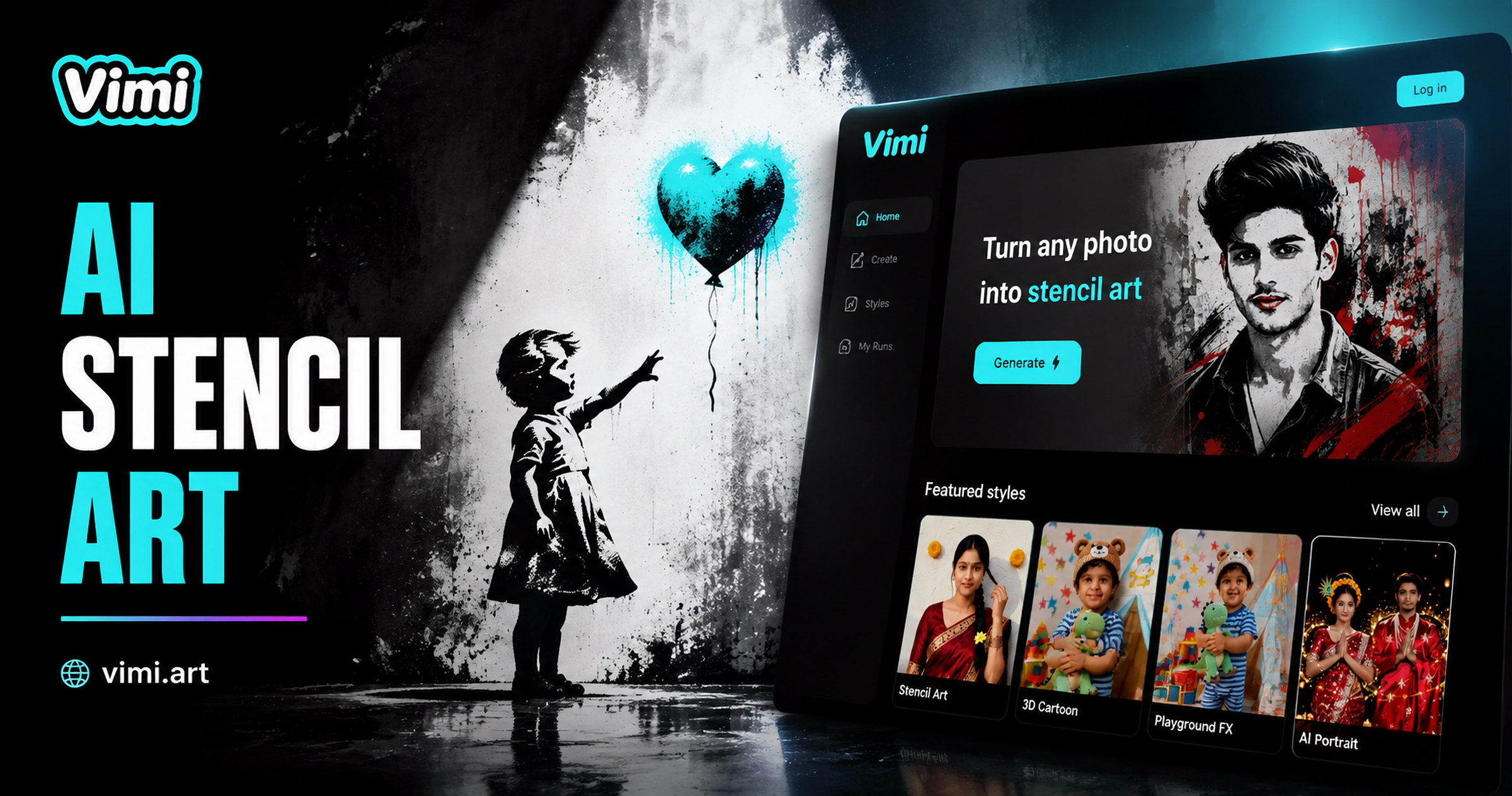
Choose the AI Banksy Stencil Style Filter
Discover the ai banksy stencil style filter that perfectly matches your style.
AI Banksy Stencil Style Filter Picks
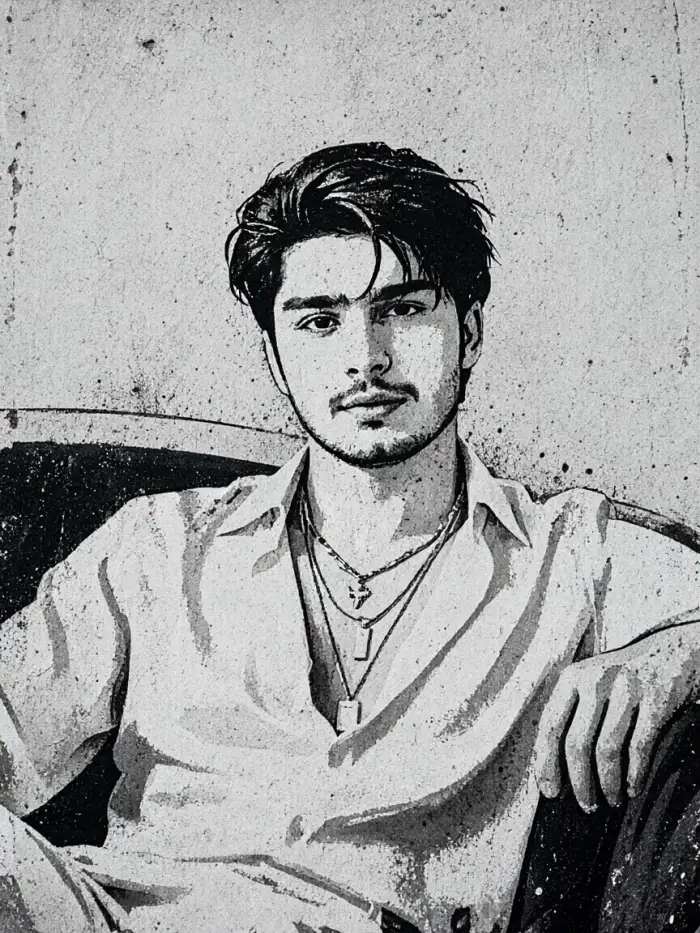
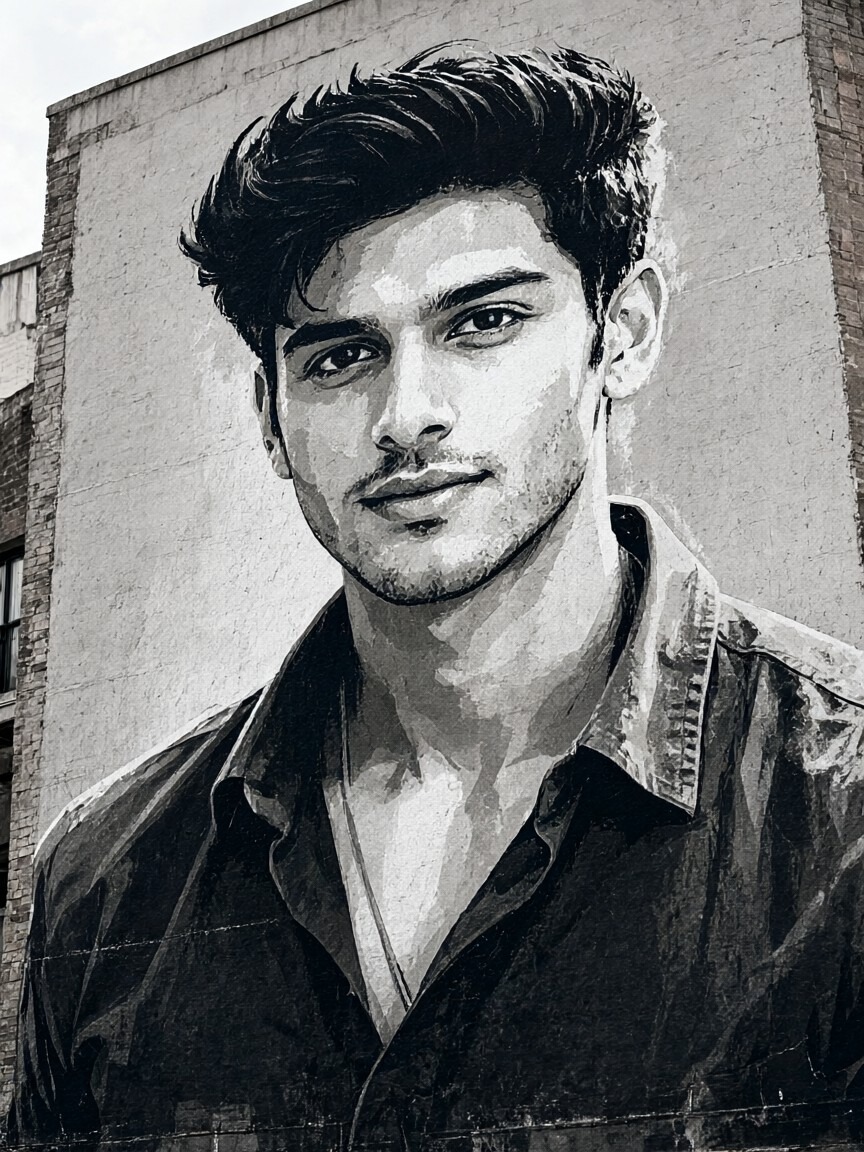
These Vimi filters turn simple photos into stencil art with strong shapes and clear messages. Each template keeps the main subject easy to read. Try one filter or mix several looks.
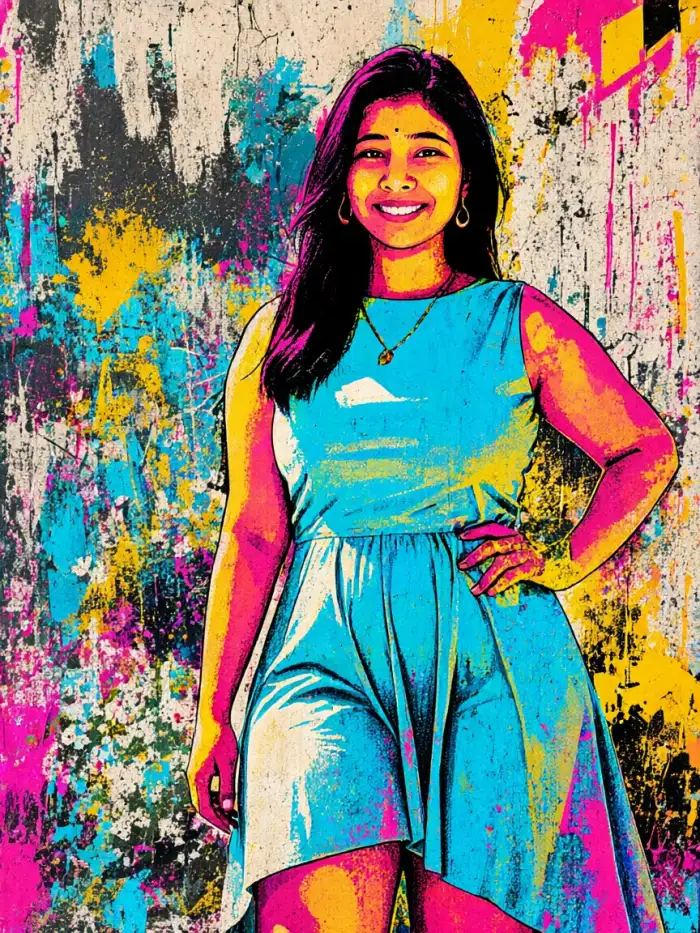
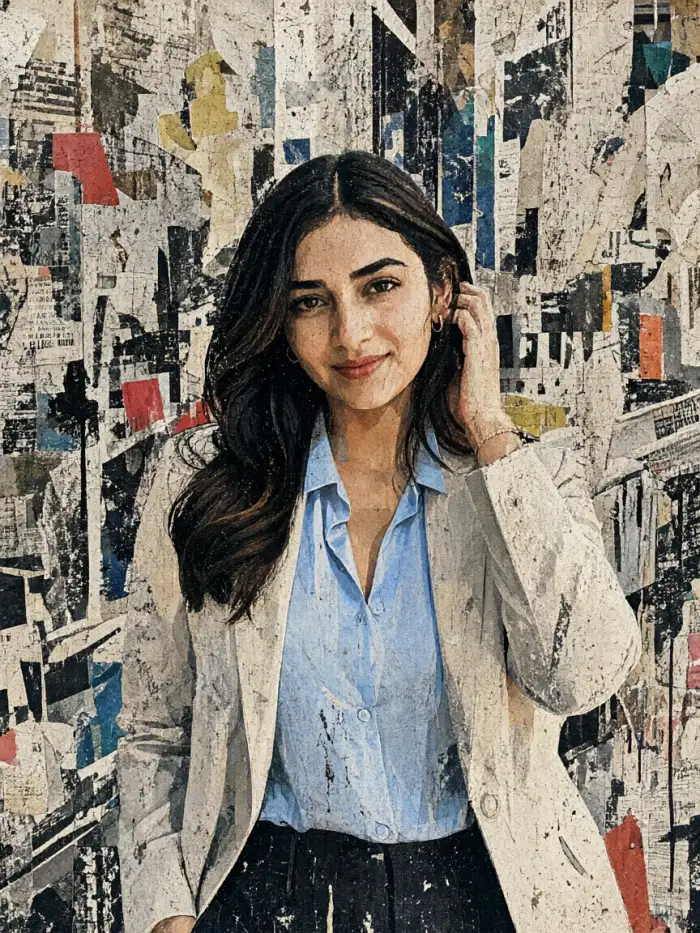
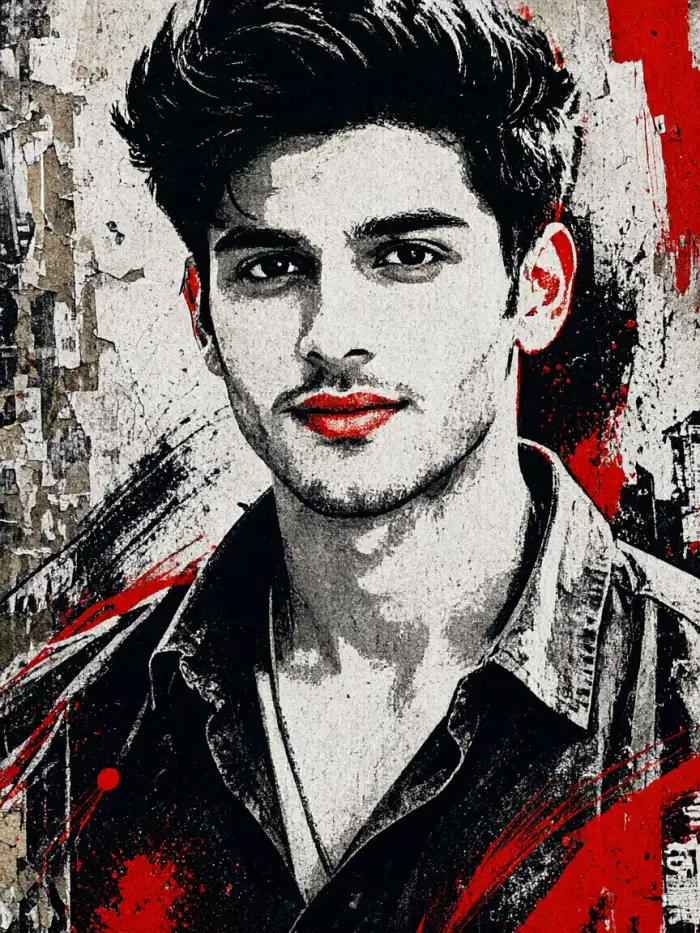
Why Vimi AI Banksy Stencil Style Suits Street Art
Discover the Vimi AI Banksy Stencil Style tools that turn simple photos into bold street art with clean shapes and strong contrast.
Bold Black Stencil Shapes
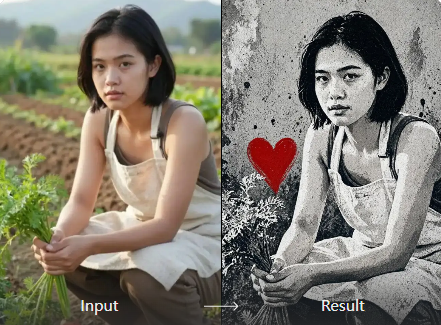
Vimi keeps the AI Banksy Stencil Style readable. It turns faces, pets, and objects into dark cutout shapes with clean edges. You upload one photo and pick a template. The app handles the layout and contrast, so the final image looks like a sprayed street piece.
Bold Black Stencil Shapes
Vimi keeps the AI Banksy Stencil Style readable. It turns faces, pets, and objects into dark cutout shapes with clean edges. You upload one photo and pick a template. The app handles the layout and contrast, so the final image looks like a sprayed street piece.
Explore Vimi AI Banksy Stencil Style Use Cases
Find the Vimi AI Banksy Stencil Style scenes that fit posters, cafe walls, and personal gifts with a clear street art look.
 Before
 After
Minimalist Symbolic Stencil Art
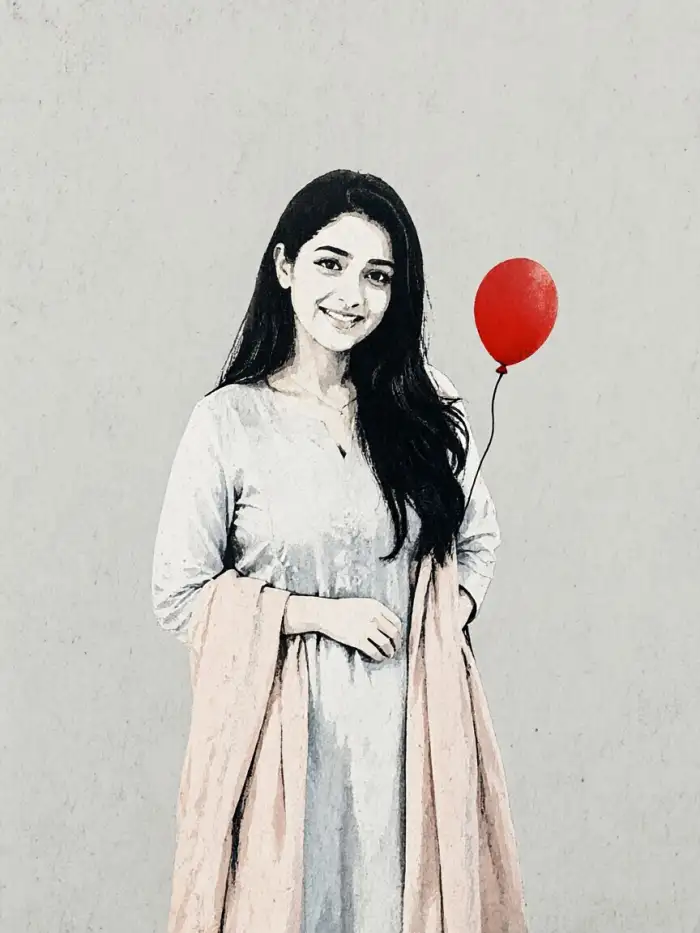
Use this Vimi filter for simple icons, one clear subject, and short messages. It works well for profile pictures, event posters, and small prints. Upload a photo with one main object. The filter removes busy detail and keeps a strong outline. The result reads fast on phone screens and printed cards.
 Before
 After
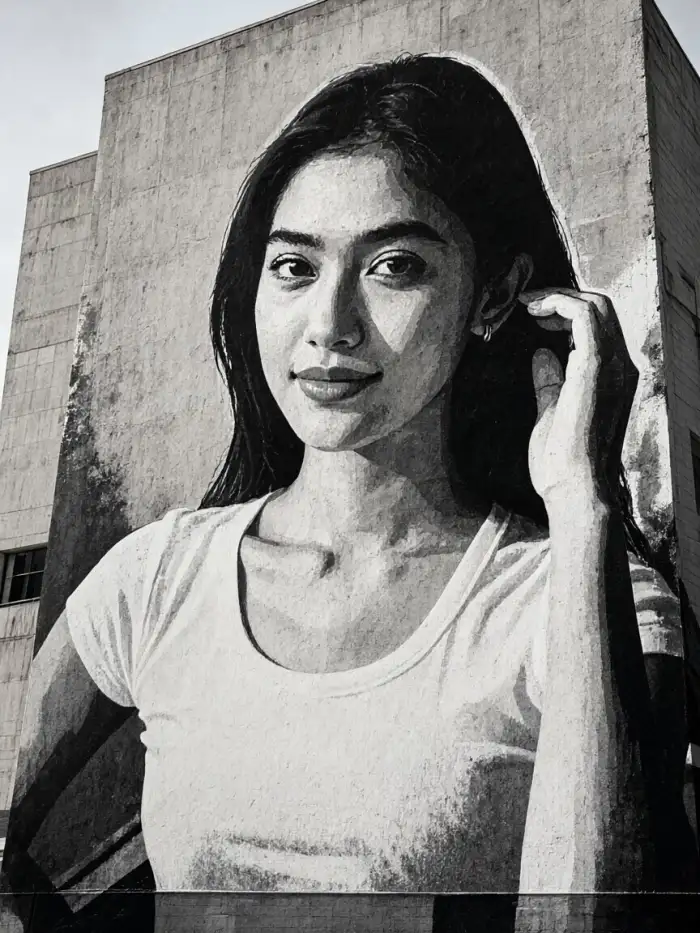
Giant Street Mural Design
Choose this template for wide shots, group photos, and wall sized ideas. Vimi scales the stencil pattern across the frame while keeping each face separate. It suits studio mockups, room decor plans, and event backdrops. Upload a clear group image. The app places the figures with open space and strong visual rhythm.
 Before
 After
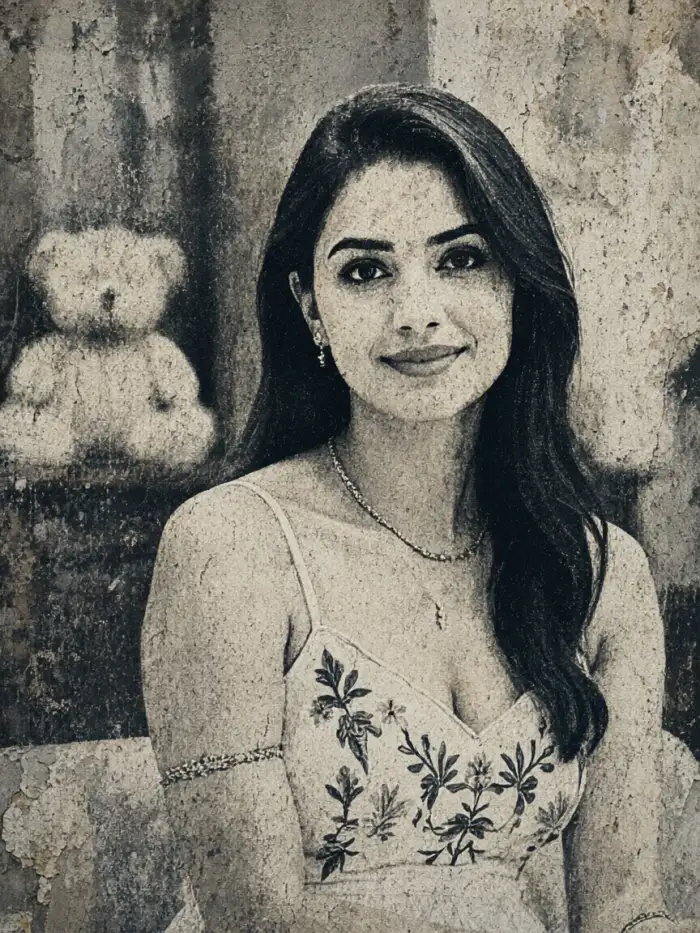
Weathered Wall Art Look
Pick this filter when you want texture, age, and rough surface detail. It adds faded paint, small cracks, and brick tone to portraits and pet photos. Use it for album covers, cafe menus, and gift prints. Upload a photo with strong light. Vimi keeps the face clear while the wall texture stays visible.
YouTube Videos About AI Banksy Stencil Style Generator
Explore in-depth YouTube tutorials and demos that showcase the power and reliability of our AI Generator.
Who Uses AI Banksy Stencil Style Enhancement Online

Maya R
I used the Giant Street Mural template on a family group photo. Each face stayed separate, and the wall texture looked like a real painted surface. The export took about 15 seconds.

Leo T
The Minimalist Symbolic Stencil filter helped me make event posters from one portrait. I changed the template twice and kept the same face. The app saved each version to my profile.

Priya S
I tried Weathered Wall Art on a pet photo. The cracks and faded paint showed up without hiding the eyes. My friends asked which app made it, and I shared the template link.

Jon K
I made a short video from a stencil portrait. The blink and smile motions looked natural, and the stencil edges stayed sharp. I posted it to my Vimi profile in one tap.
Maya R
I used the Giant Street Mural template on a family group photo. Each face stayed separate, and the wall texture looked like a real painted surface. The export took about 15 seconds.
Leo T
The Minimalist Symbolic Stencil filter helped me make event posters from one portrait. I changed the template twice and kept the same face. The app saved each version to my profile.
Priya S
I tried Weathered Wall Art on a pet photo. The cracks and faded paint showed up without hiding the eyes. My friends asked which app made it, and I shared the template link.
Jon K
I made a short video from a stencil portrait. The blink and smile motions looked natural, and the stencil edges stayed sharp. I posted it to my Vimi profile in one tap.
Maya R
I used the Giant Street Mural template on a family group photo. Each face stayed separate, and the wall texture looked like a real painted surface. The export took about 15 seconds.
Leo T
The Minimalist Symbolic Stencil filter helped me make event posters from one portrait. I changed the template twice and kept the same face. The app saved each version to my profile.
Priya S
I tried Weathered Wall Art on a pet photo. The cracks and faded paint showed up without hiding the eyes. My friends asked which app made it, and I shared the template link.
Jon K
I made a short video from a stencil portrait. The blink and smile motions looked natural, and the stencil edges stayed sharp. I posted it to my Vimi profile in one tap.
Frequently Asked Questions
Find clear answers to common questions and get the guidance you need to make the most of our platform, faster and easier.
More Topics You May Like
Explore more topics you may like and discover fresh ideas tailored to your interests.

Vimi Travel YouTube Thumbnail Maker for Clear Travel Covers

AI Countryside Image: Create Rural Scenes with Vimi

Vimi AI Couple Dance Video: Make Couple Dance Clips in App

AI Selfie with Celebrity: A Vimi App Guide
Vimi Travel YouTube Thumbnail Maker for Clear Travel Covers
AI Countryside Image: Create Rural Scenes with Vimi
Vimi AI Couple Dance Video: Make Couple Dance Clips in App
AI Selfie with Celebrity: A Vimi App Guide
Download Vimi And Make Street Art Today
Pick a stencil template. Upload a photo and generate in seconds.

Download Vimi And Make Street Art Today
Pick a stencil template. Upload a photo and generate in seconds.