AI Balenciaga
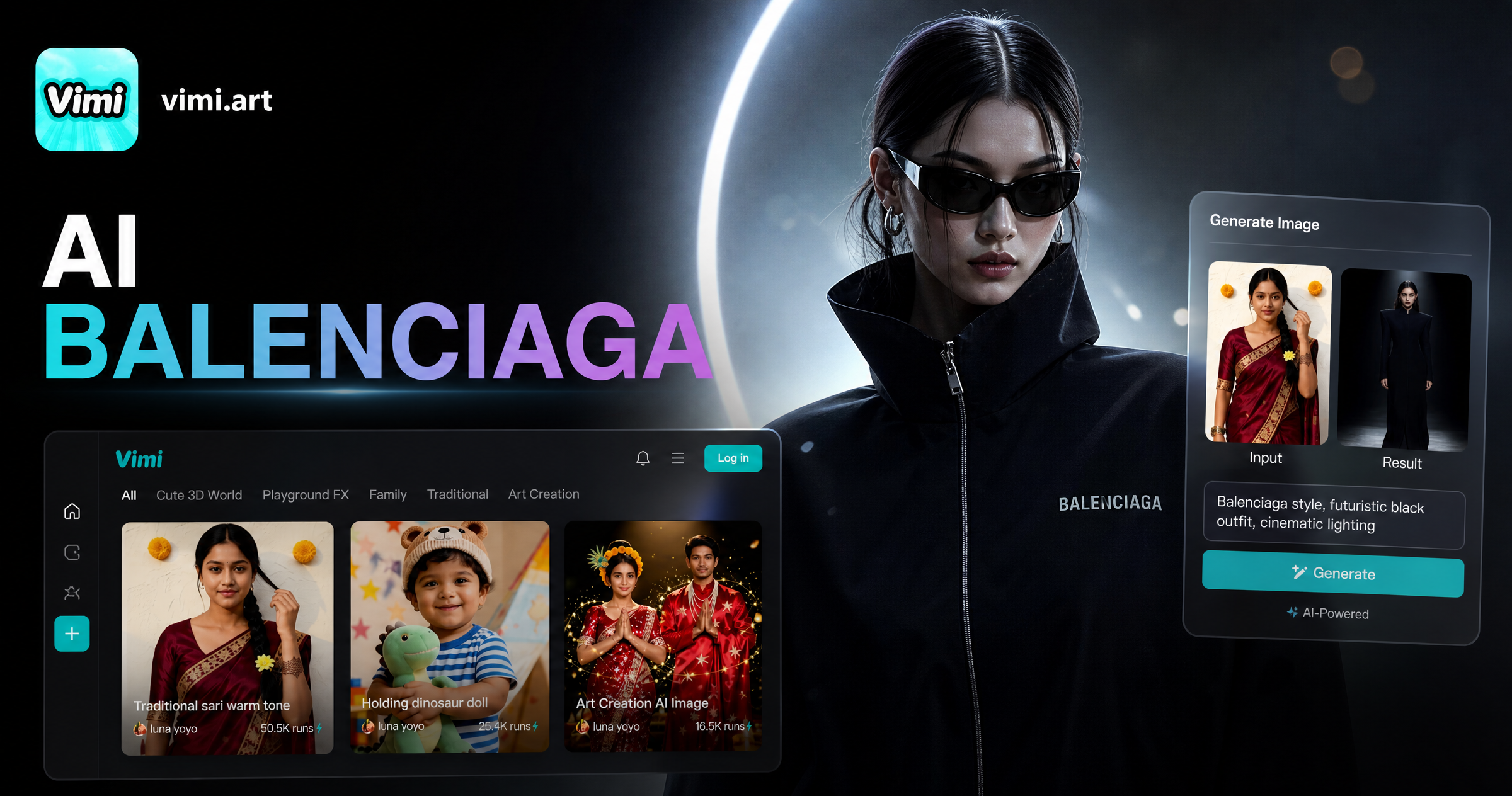
Choose the AI Balenciaga Filter That Suits You
Discover the AI balenciaga filter that perfectly matches your style and mood.
Vimi AI Balenciaga Filter Picks Templates
Vimi AI Balenciaga filters cover common needs. Studio Flash Portrait gives sharp light and dark tones. Street Casting Look adds a candid frame and clean clothing lines. Runway Shadow Edit brings low light and strong shapes. Each filter runs as an App template with one photo upload.
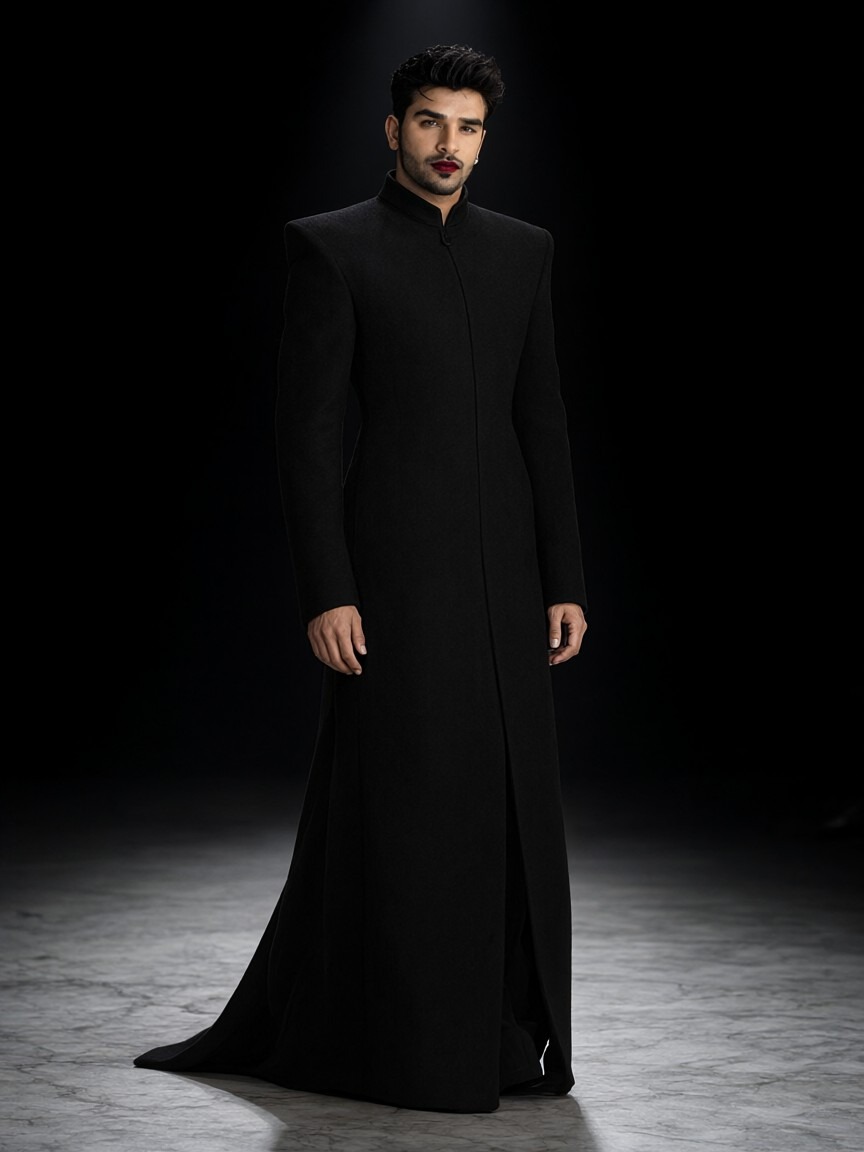
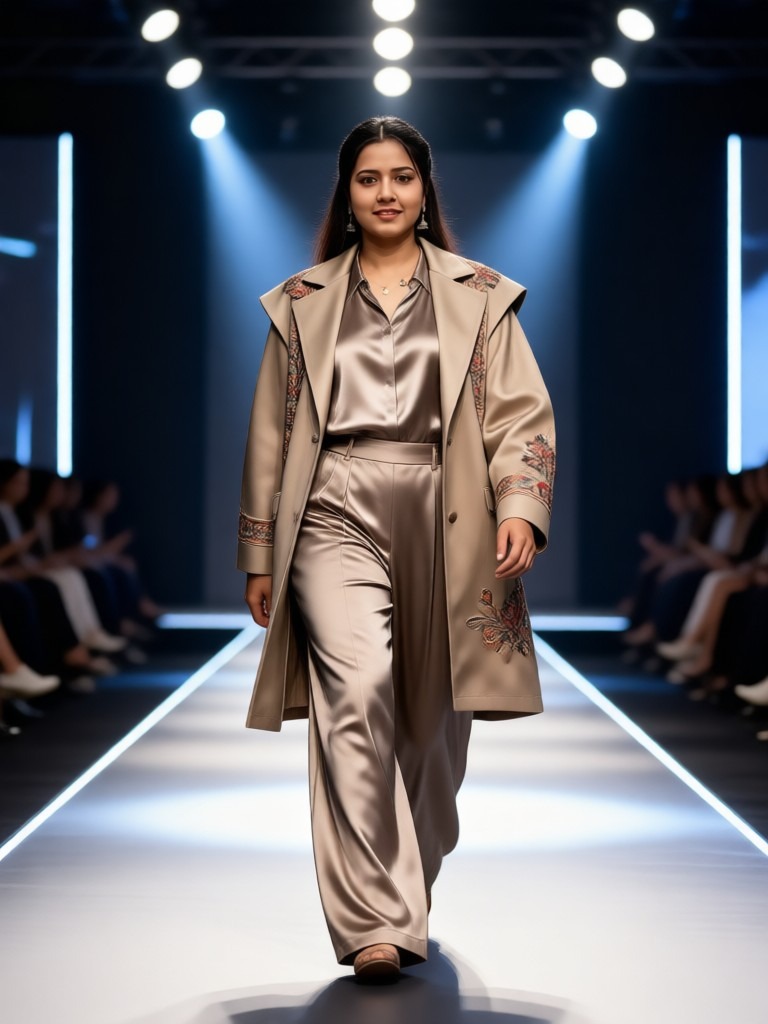
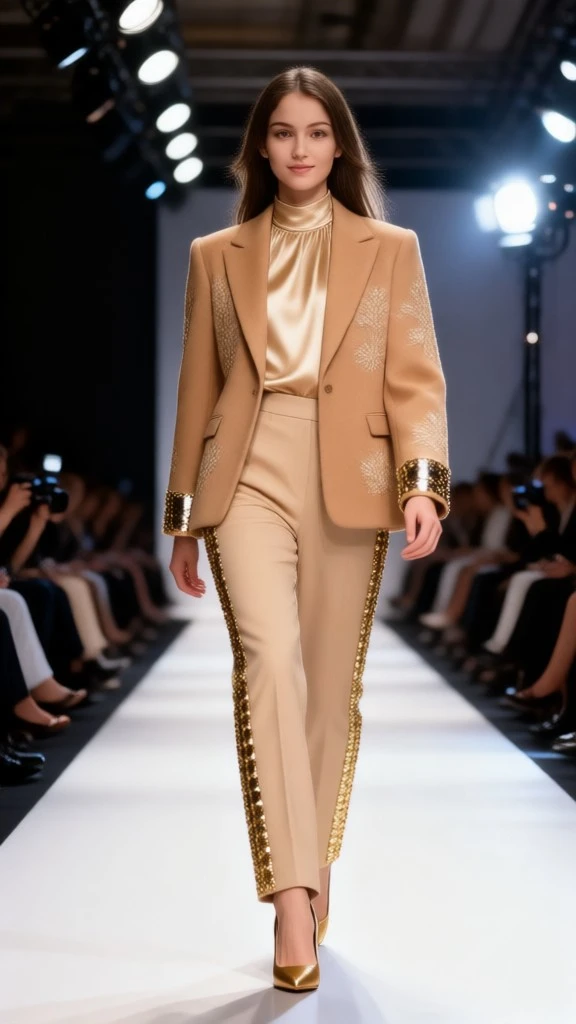
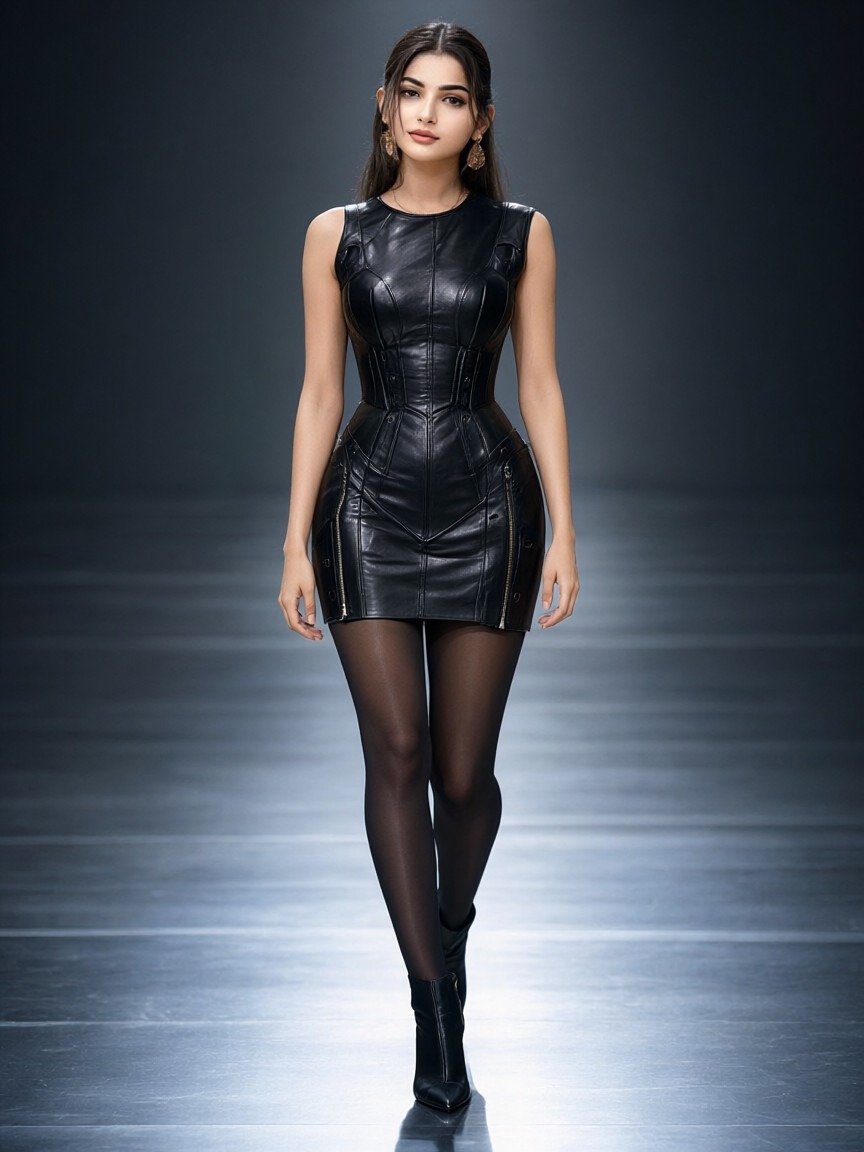
Explore Vimi AI Balenciaga Use Cases For Daily Posts
Find the Vimi AI Balenciaga scenes for portraits, group photos, short videos, profile images, and quick social posts inside the App.
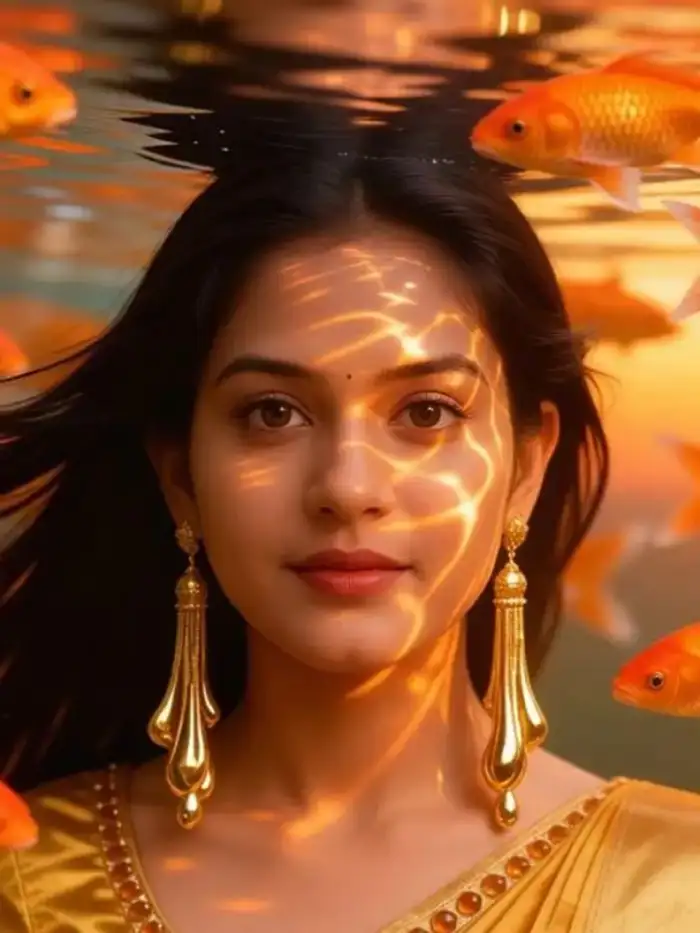 Before
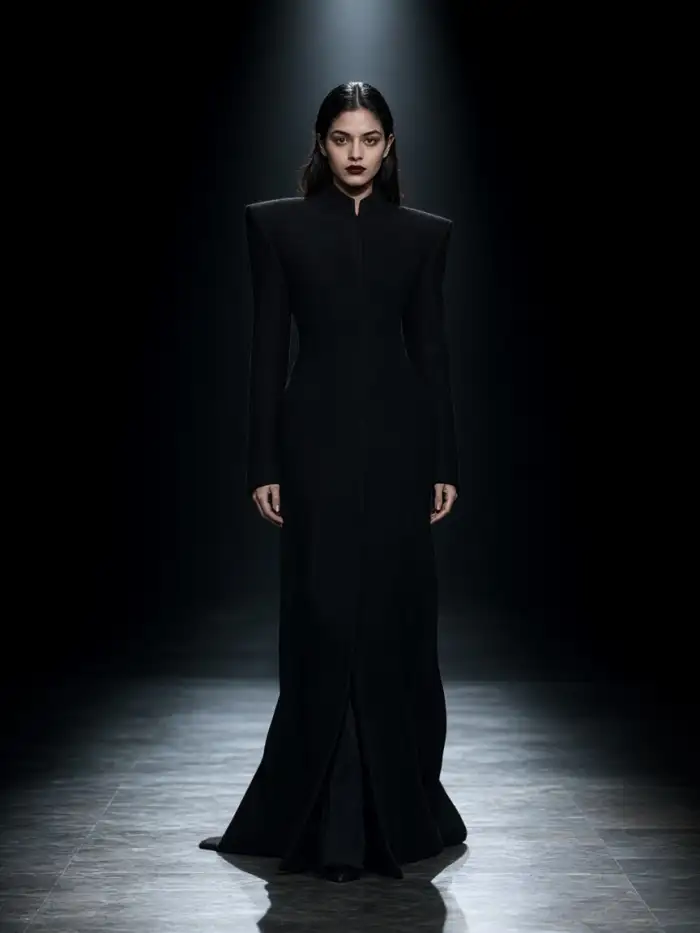 After
Solo Runway Portrait Shots
Upload one clear photo and choose a Vimi AI Balenciaga template. The App keeps the face shape, hair, and key details. It adds sharp lighting, dark tones, and structured clothing. You get a bold portrait for profiles, mood boards, or social posts in seconds. No prompt writing is needed at any step.
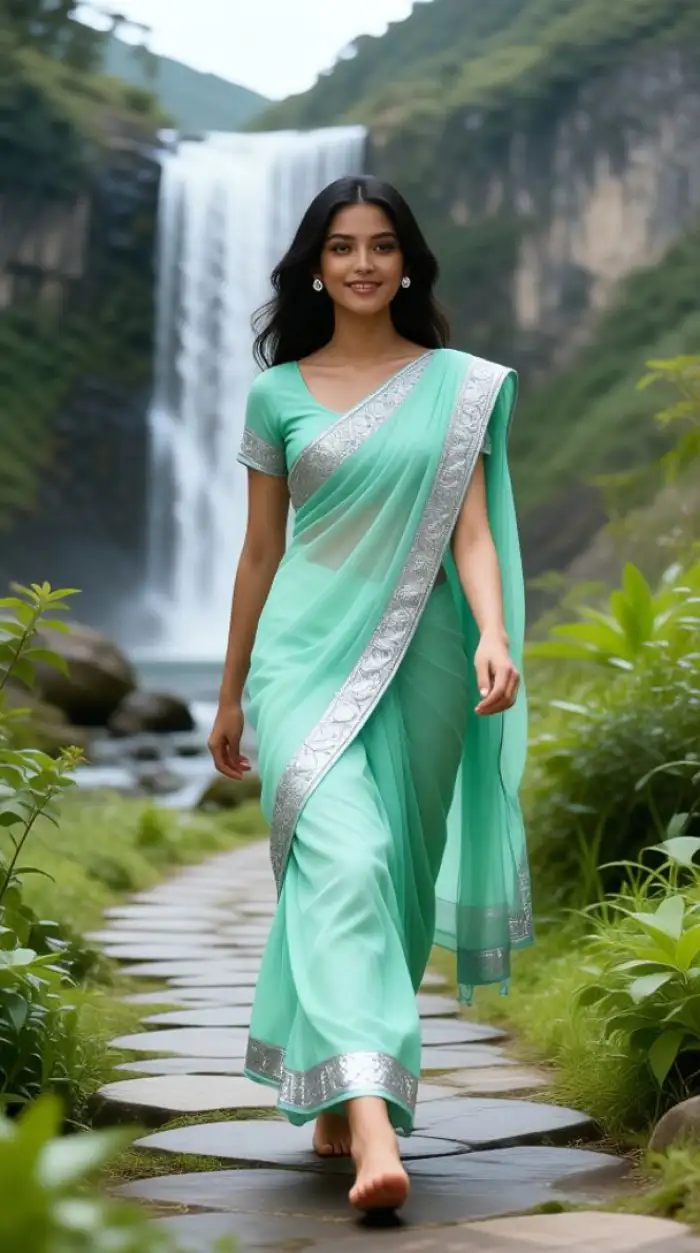 Before
Group Street Casting Photos
Use a group photo with clear faces and pick a group template. Vimi identifies each person and keeps facial features separate. The App adds the selected fashion style to the whole frame. Friends, teams, and couples can get matching looks without mixed faces or lost subjects. Results stay sharp for sharing.
 Before
Short Fashion Video Looks
Start with a photo or a short text idea. Select a Vimi AI Balenciaga video template and tap Generate. The App turns still images into short clips with motion, light changes, and camera moves. Use the result for reels, stories, or quick previews. Clips render in about 10 to 20 seconds.
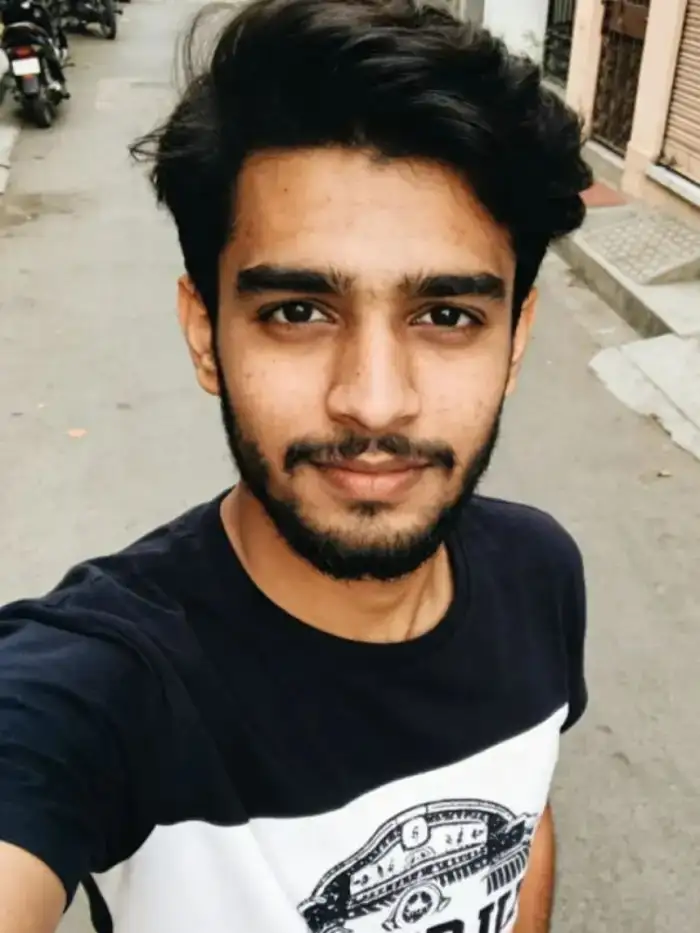 Before
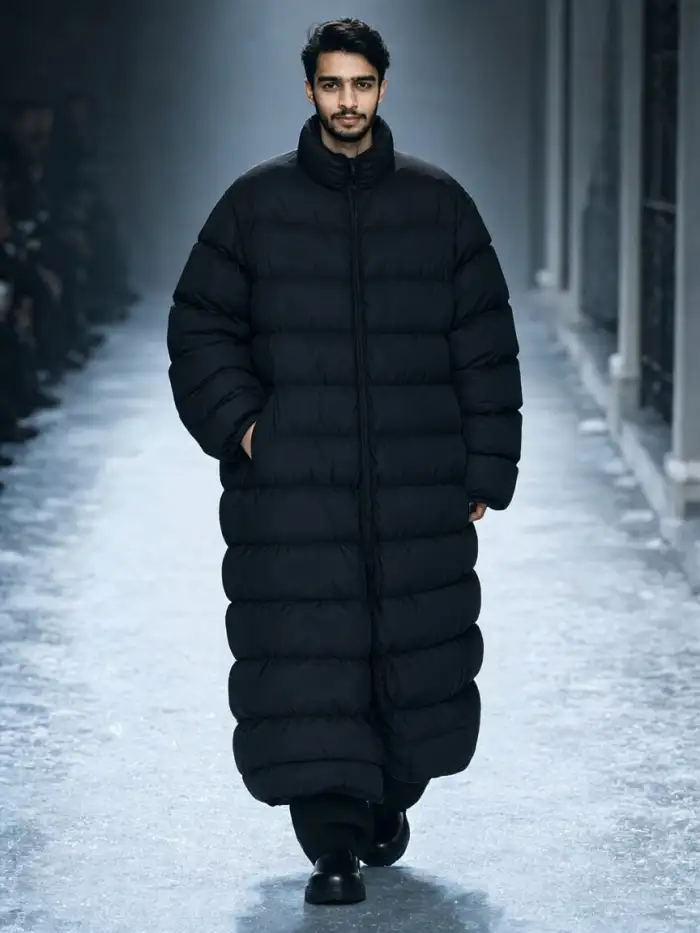 After
Profile Photo Style Edits
Choose a portrait template and upload a headshot. Vimi AI Balenciaga applies the selected clothing, lighting, and background treatment while keeping your facial identity. The output fits profile pages, creator cards, and contact images. You can publish it to your Vimi profile right after generation. No extra editing tools are required.
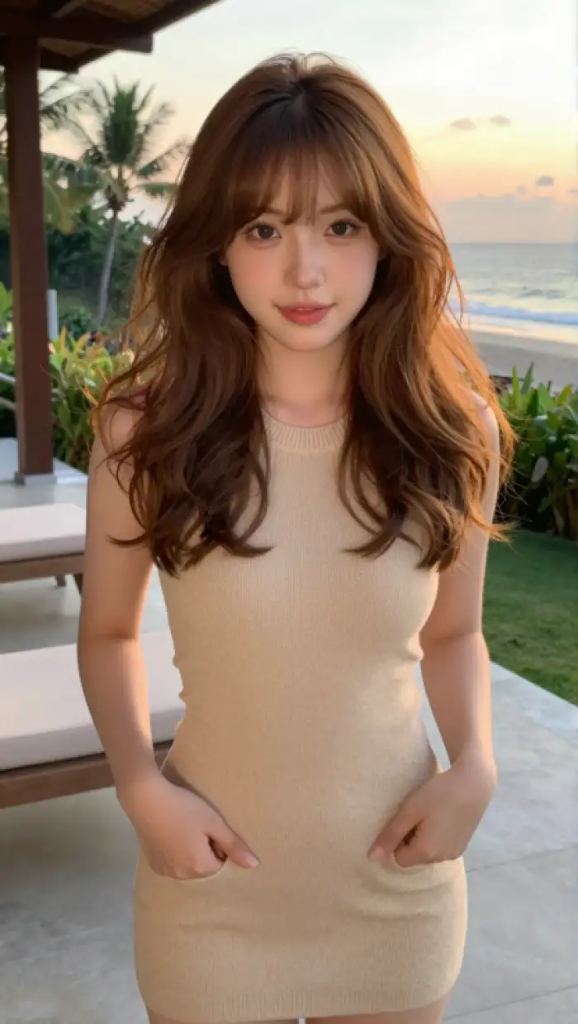 Before
Couple Fashion Photo Moments
Upload two clear photos or one couple photo. Pick a Vimi AI Balenciaga template made for two people. The App separates both faces and builds a shared fashion scene. It supports poses like standing side by side, close portraits, and simple hugs. Faces remain distinct in the final image. Ready to download.
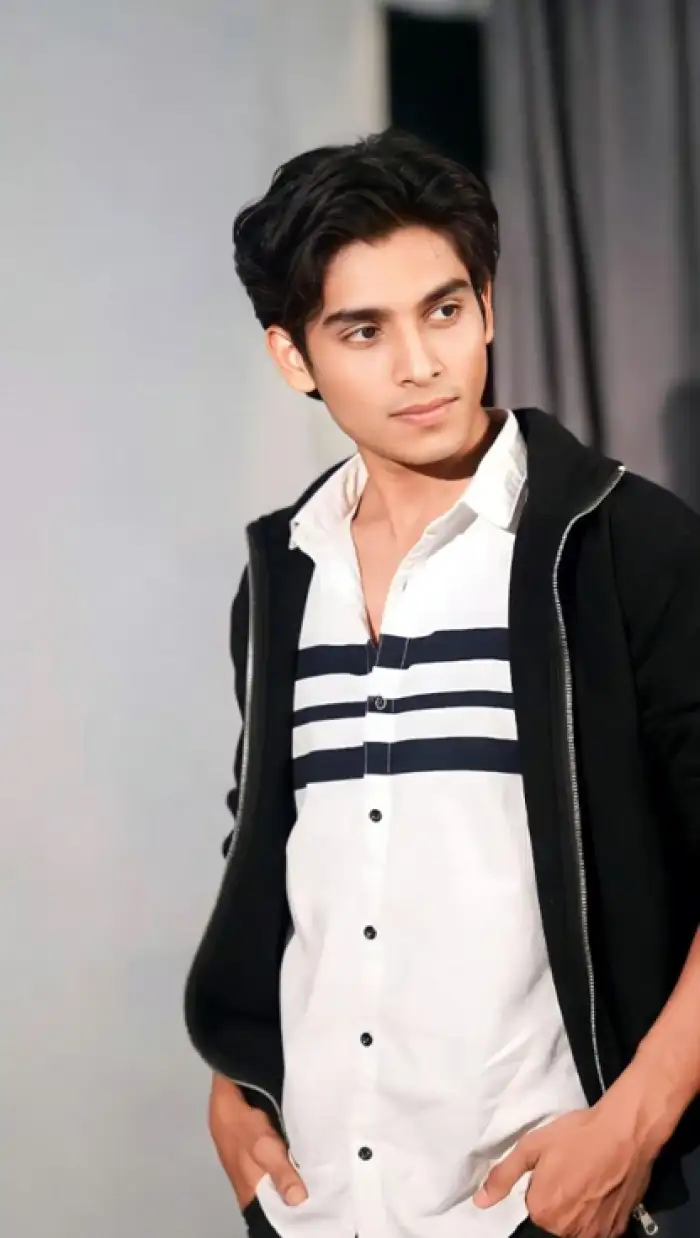 Before
People and Pet Fashion Portrait Edits
Upload a people photo and select a pet friendly Vimi AI Balenciaga template. The App keeps fur patterns, eye shape, and body marks. It adds the chosen fashion mood to the frame. Use the result for pet profiles, fun cards, or social updates. Review the result before you download it.
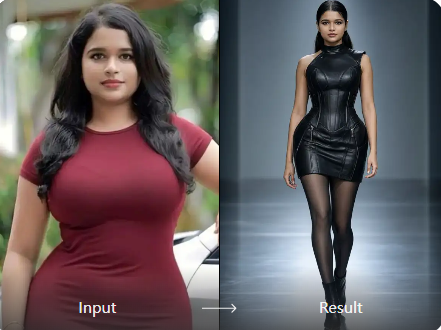
A Fast Template Workflow
Pick a Vimi AI Balenciaga template and upload your photo. The App reads the subject and applies the selected fashion look. You do not write prompts or adjust settings. Results arrive in about 10 to 20 seconds, ready for review. Faces stay clear in group shots.
A Fast Template Workflow
Pick a Vimi AI Balenciaga template and upload your photo. The App reads the subject and applies the selected fashion look. You do not write prompts or adjust settings. Results arrive in about 10 to 20 seconds, ready for review. Faces stay clear in group shots.
How To Use Vimi AI Balenciaga In The App?
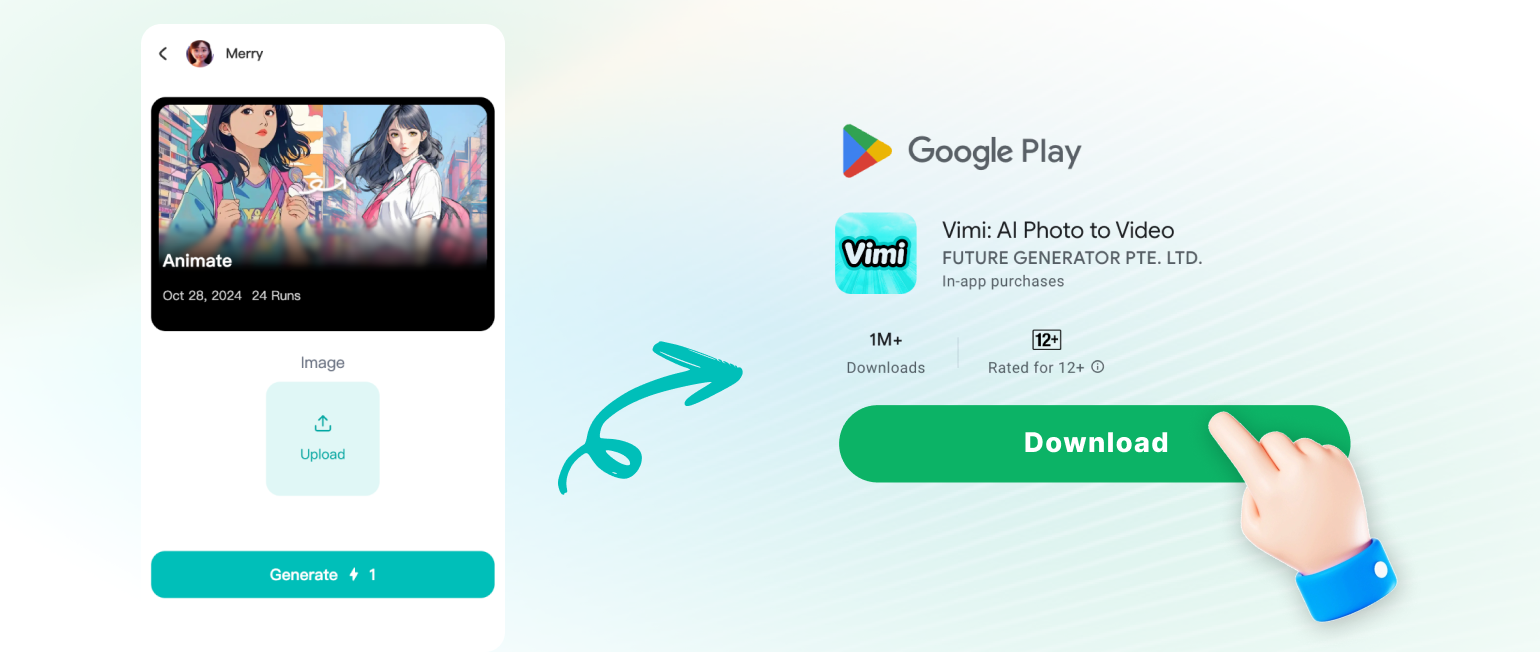
Follow three short steps to create your look. Download the App, pick a template, then generate and save your result.
YouTube Videos About AI Balenciaga Filter Generator
Explore in-depth YouTube tutorials and demos that showcase the power and reliability of our AI Generator.
Who Uses AI Balenciaga Filter Enhancement Online
Mia Chen
I used the Solo Runway Portrait Shots template for my profile. The face shape and hair stayed the same, and the lighting looked sharp. I posted it to my Vimi page in one tap.

Leo Park
My friends and I tried a group template for a team post. Vimi kept every face separate in the final image. We downloaded the photo and shared it the same day.
Ava Ruiz
I started with one old photo and made a short video clip. The App added motion and light changes in about 15 seconds. The result fit my story post well.
Sofia Patel
I used a pet template for my cat photo. The fur pattern and eye shape stayed clear. The final card looked fun, and I saved it from the App.
Mia Chen
I used the Solo Runway Portrait Shots template for my profile. The face shape and hair stayed the same, and the lighting looked sharp. I posted it to my Vimi page in one tap.
Leo Park
My friends and I tried a group template for a team post. Vimi kept every face separate in the final image. We downloaded the photo and shared it the same day.
Ava Ruiz
I started with one old photo and made a short video clip. The App added motion and light changes in about 15 seconds. The result fit my story post well.
Sofia Patel
I used a pet template for my cat photo. The fur pattern and eye shape stayed clear. The final card looked fun, and I saved it from the App.
Mia Chen
I used the Solo Runway Portrait Shots template for my profile. The face shape and hair stayed the same, and the lighting looked sharp. I posted it to my Vimi page in one tap.
Leo Park
My friends and I tried a group template for a team post. Vimi kept every face separate in the final image. We downloaded the photo and shared it the same day.
Ava Ruiz
I started with one old photo and made a short video clip. The App added motion and light changes in about 15 seconds. The result fit my story post well.
Sofia Patel
I used a pet template for my cat photo. The fur pattern and eye shape stayed clear. The final card looked fun, and I saved it from the App.
Frequently Asked Questions
Find clear answers to common questions and get the guidance you need to make the most of our platform, faster and easier.
More Topics You May Like
Explore more topics you may like and discover fresh ideas tailored to your interests.

AI Selfie with Celebrity: A Vimi App Guide
AI Egon Schiele Art Filter on Vimi: Create Expressionist Portraits in the App
Vimi 80S Video Filter for Retro AI Clips
Best AI Anime Generators: Create Anime Art And Photo in Vimi
AI Selfie with Celebrity: A Vimi App Guide
AI Egon Schiele Art Filter on Vimi: Create Expressionist Portraits in the App
Vimi 80S Video Filter for Retro AI Clips
Best AI Anime Generators: Create Anime Art And Photo in Vimi
Create Your Vimi AI Balenciaga Look Today
Download the App. Pick a template and generate your portrait in seconds.
Create Your Vimi AI Balenciaga Look Today
Download the App. Pick a template and generate your portrait in seconds.