AI Egon Schiele Art
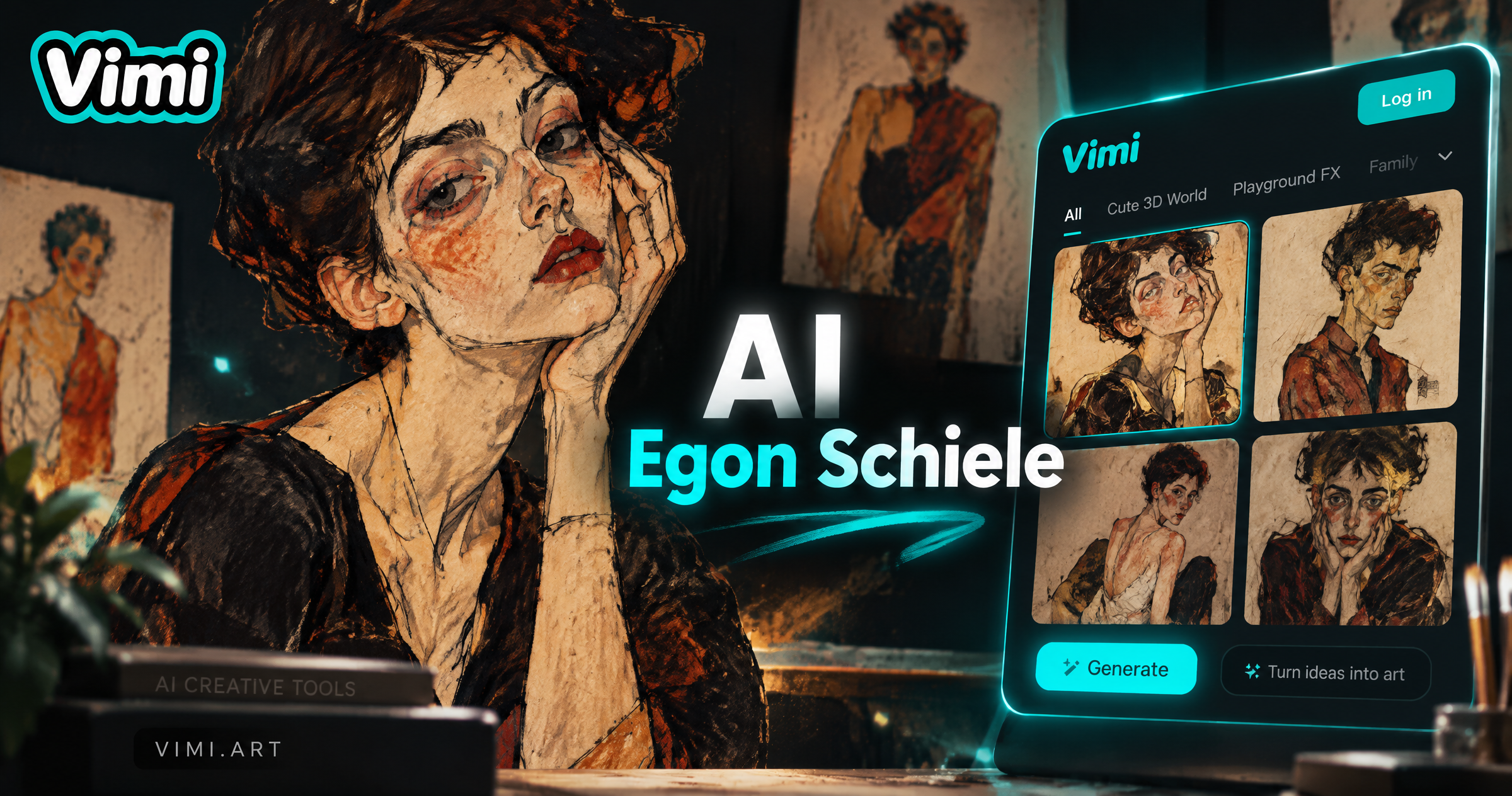
Explore the AI Egon Schiele Art Filter
Discover the AI Egon Schiele art filter that perfectly matches your style and mood.
AI Egon Schiele Art Filter Recommendation
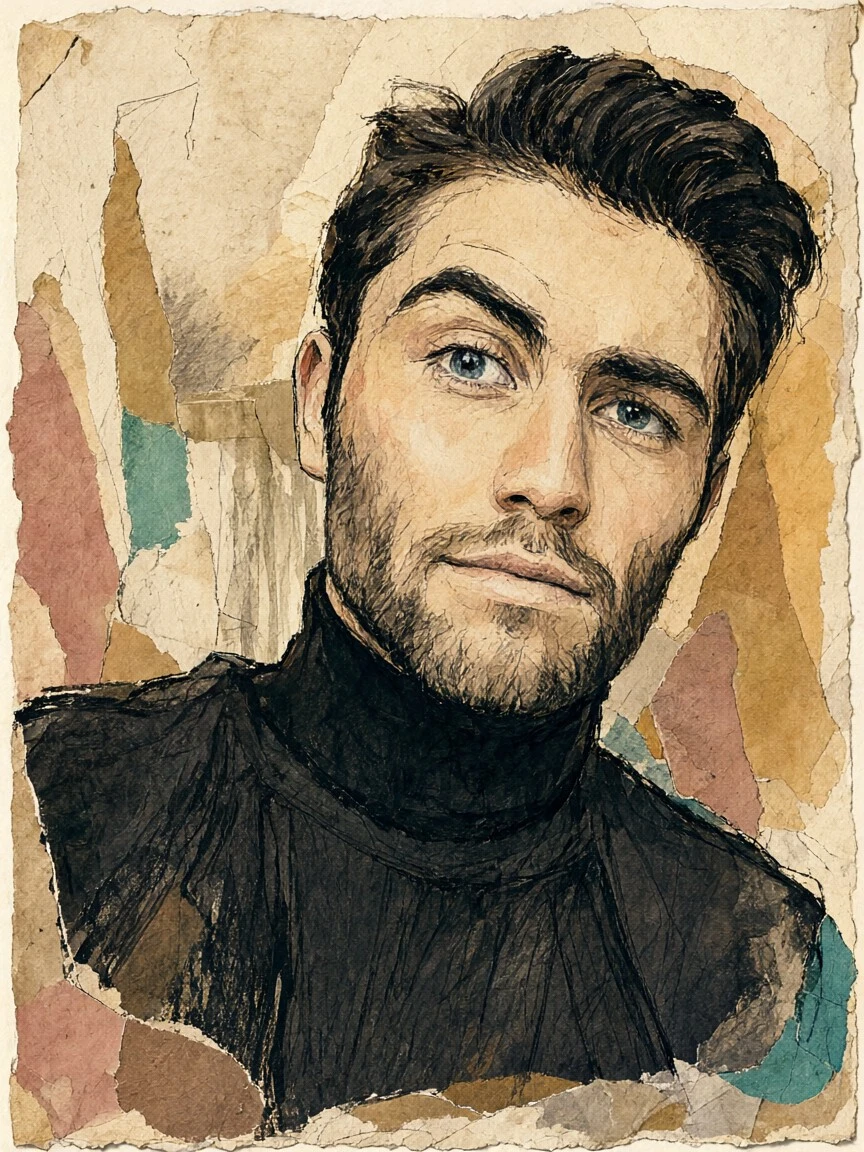
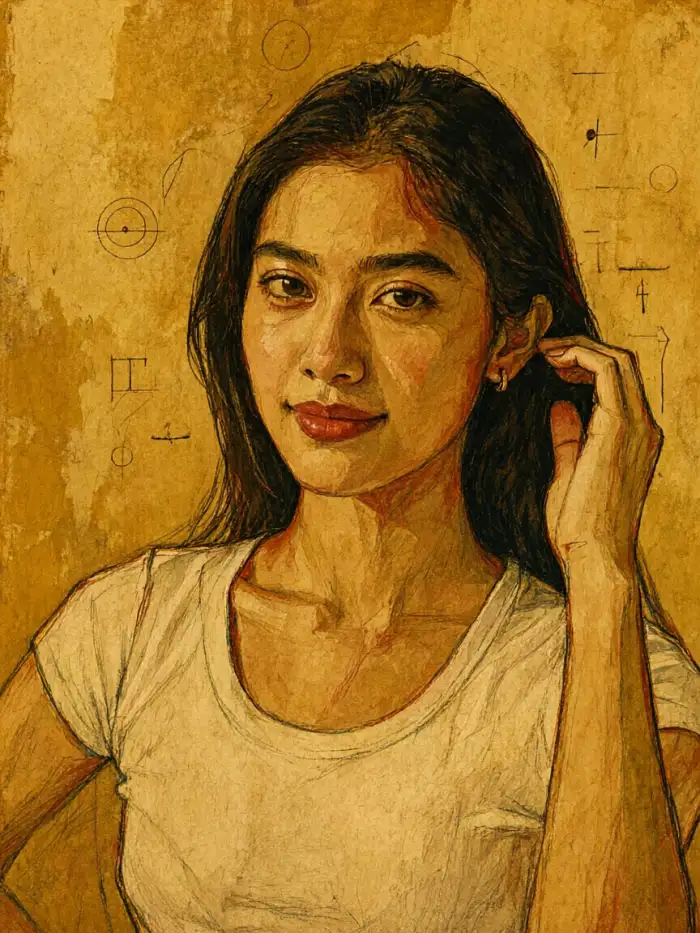
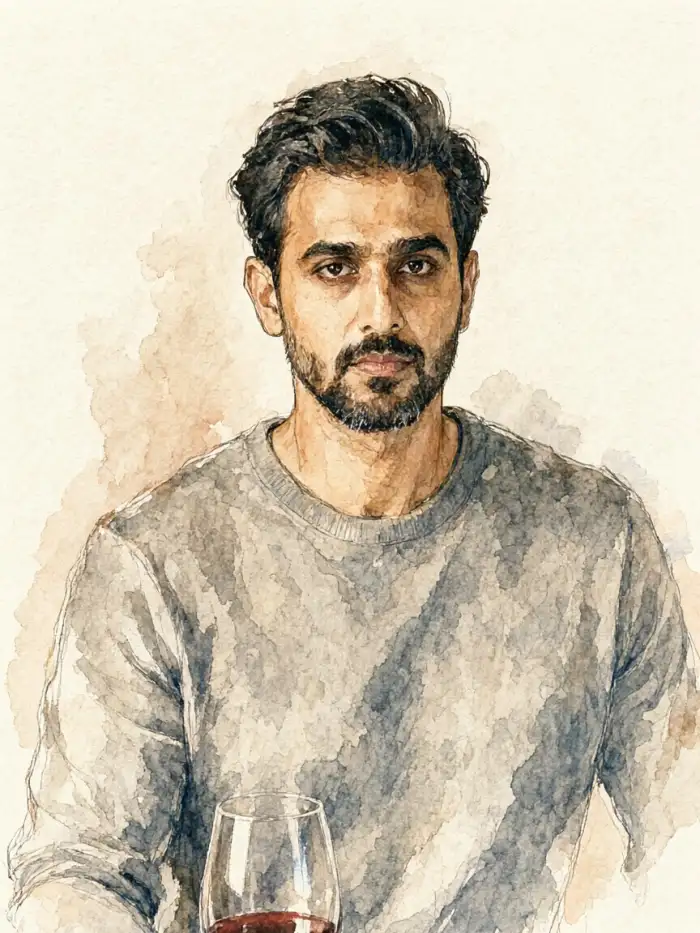
The Vimi AI Egon Schiele Art filter turns a clear photo into a portrait with angular lines, raw expression, and a restrained palette. It keeps the main facial features while shifting the mood toward early twentieth century expressionism. You can apply it to one photo or a small group photo, then publish the result on your Vimi profile.
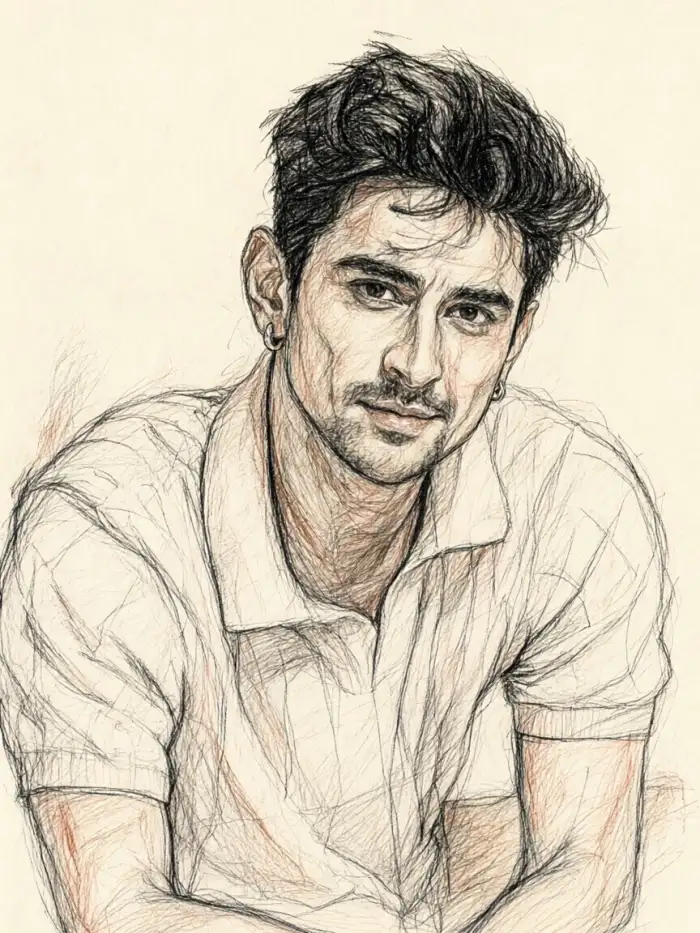
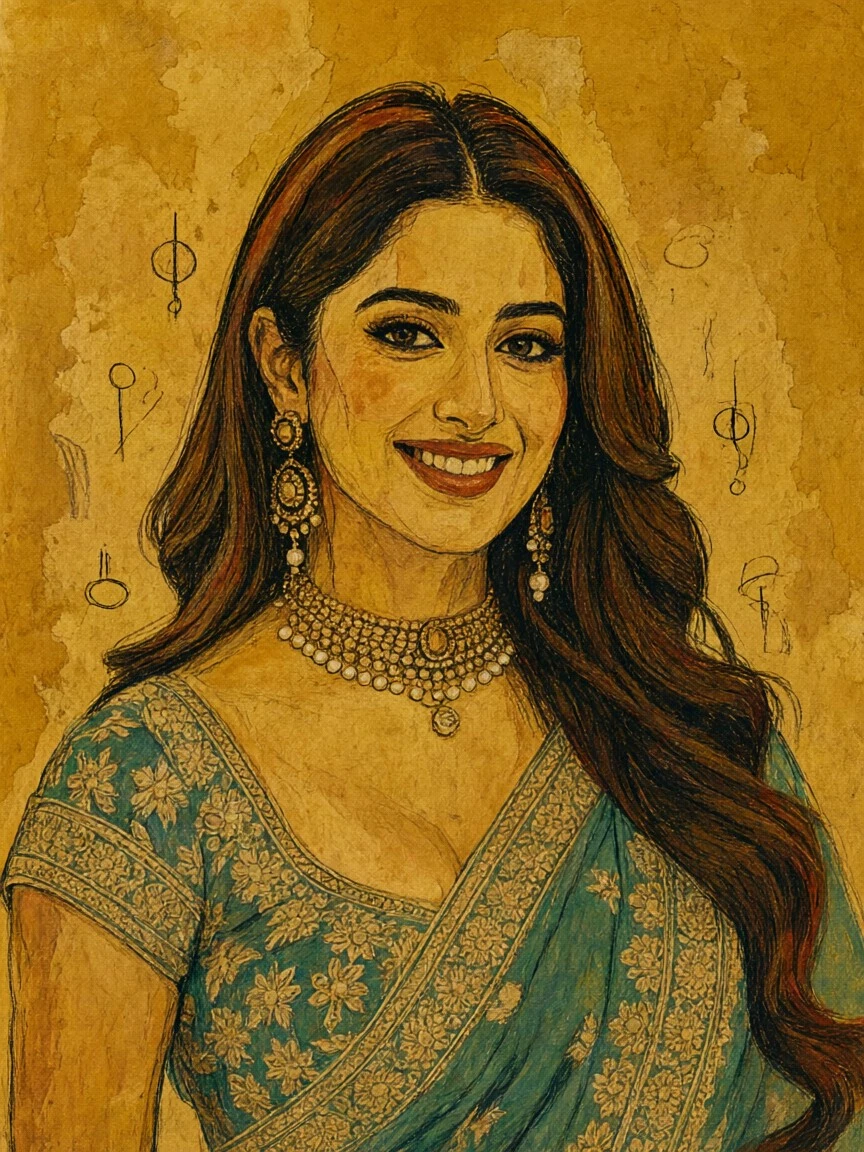
Why Vimi AI Egon Schiele Art Fits Creative Portraits
Discover the Vimi AI Egon Schiele Art filter and see how it turns a photo into an expressionist portrait with clear lines.
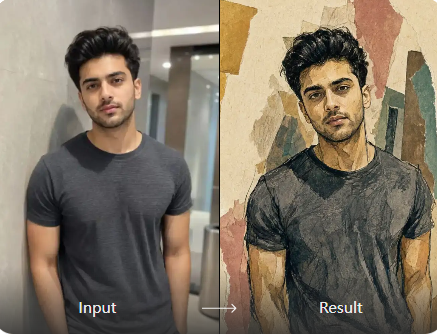
Core Expressionist Style Controls
Vimi gives you style templates, face reference, and simple controls for expression, pose, and color. You upload one or more photos, pick the AI Egon Schiele Art filter, and tap Generate. The app keeps key facial details while adding sharp lines, tilted poses, and muted tones.
Core Expressionist Style Controls
Vimi gives you style templates, face reference, and simple controls for expression, pose, and color. You upload one or more photos, pick the AI Egon Schiele Art filter, and tap Generate. The app keeps key facial details while adding sharp lines, tilted poses, and muted tones.
Explore Vimi AI Egon Schiele Art Use Cases
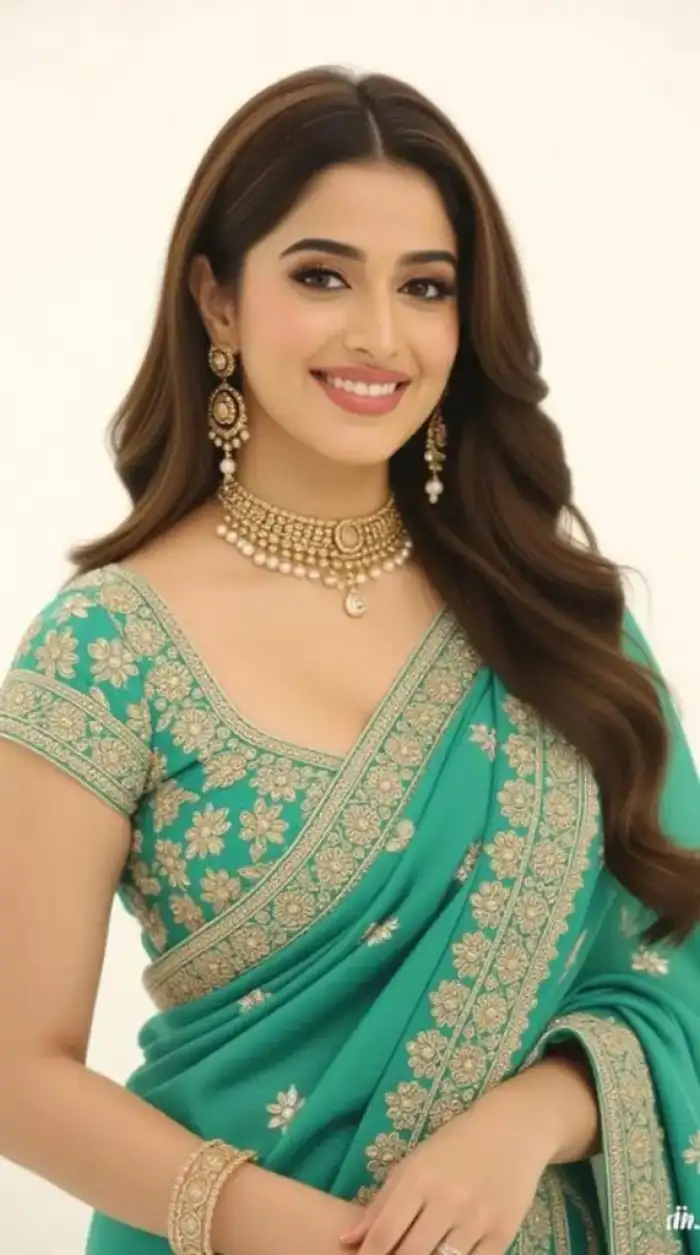
Discover the Vimi AI Egon Schiele Art filter in three common scenes and see how a single photo becomes a focused art piece.
 Before
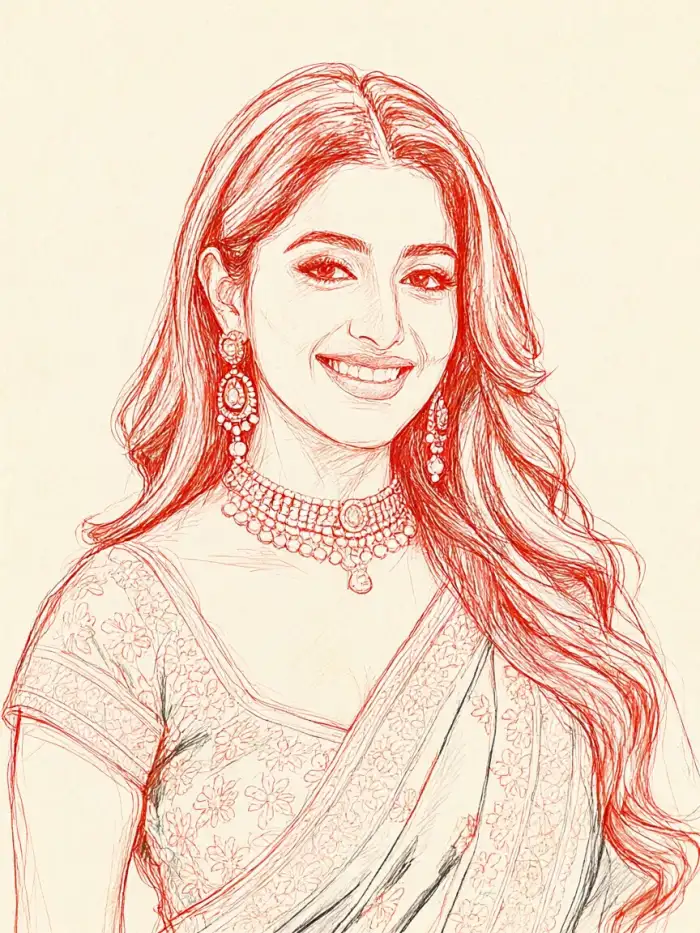 After
Bold Expressionist Self Portraits
Use a clear headshot with soft light and a simple background. The Vimi AI Egon Schiele Art filter adds sharp lines, angled shoulders, and a muted palette while keeping your eyes, nose, and mouth close to the original. Save the image and publish it as a profile portrait or a study series.
BeforeAfterBold Expressionist Self Portraits
Use a clear headshot with soft light and a simple background. The Vimi AI Egon Schiele Art filter adds sharp lines, angled shoulders, and a muted palette while keeping your eyes, nose, and mouth close to the original. Save the image and publish it as a profile portrait or a study series.
 Before
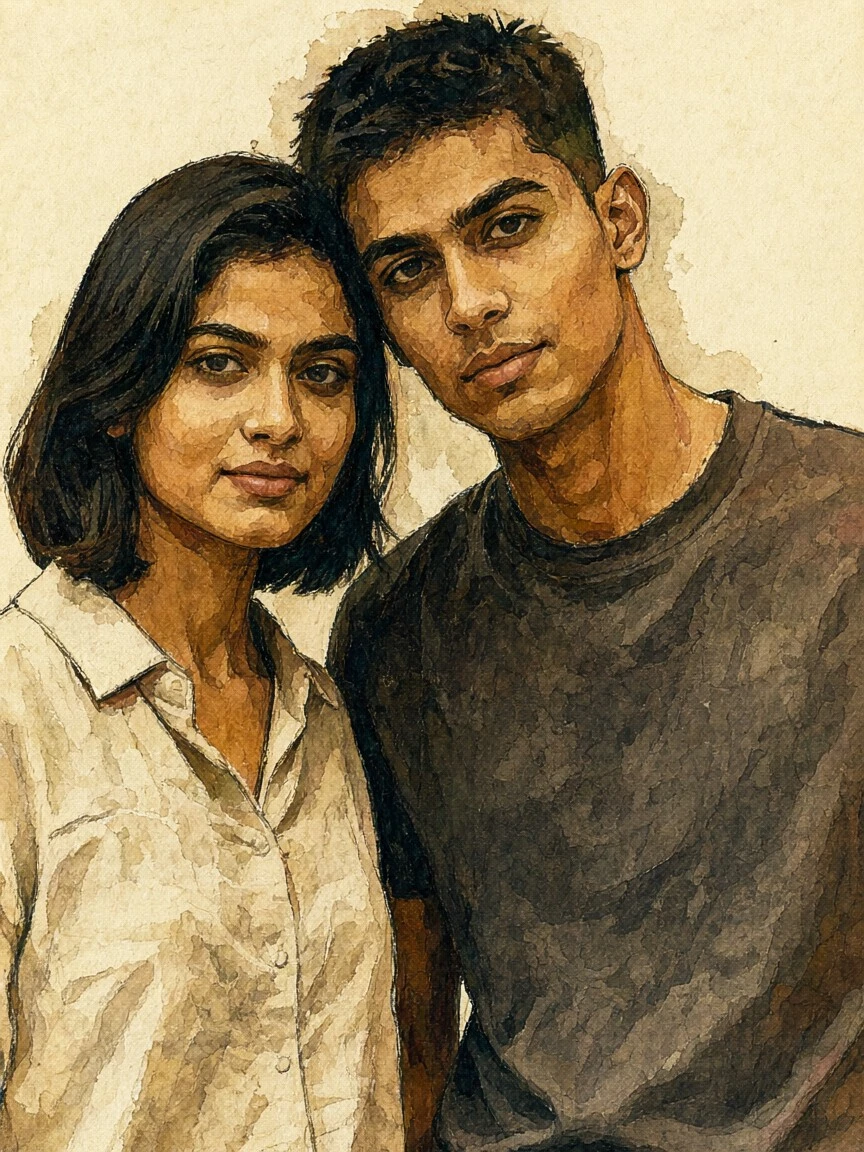 After
Raw Couple Art Portraits
Upload a couple photo where both faces are visible. Vimi identifies each face, then applies the AI Egon Schiele Art style to the pair. You can choose a template for standing poses, close poses, or a short video. The final result keeps both people distinct and avoids mixed or blurred faces.
BeforeAfterRaw Couple Art Portraits
Upload a couple photo where both faces are visible. Vimi identifies each face, then applies the AI Egon Schiele Art style to the pair. You can choose a template for standing poses, close poses, or a short video. The final result keeps both people distinct and avoids mixed or blurred faces.
 Before
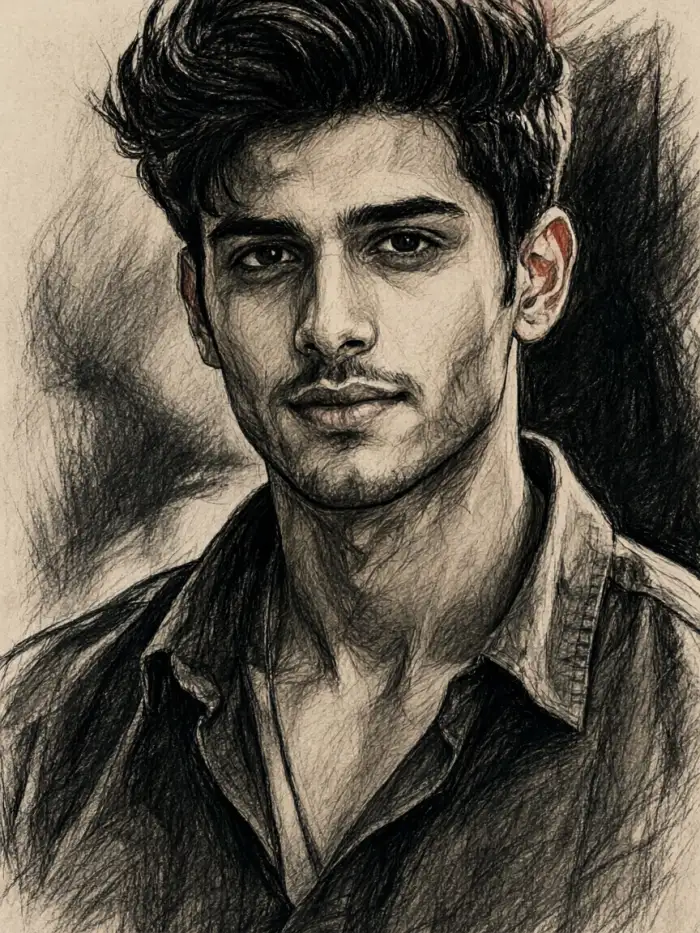 After
Single Portrait Image to Image
Upload one solo portrait with clear light and a simple background. Choose the AI Egon Schiele Art filter in Vimi and run image to image. The app keeps your eyes, nose, and mouth close to the source. It adds sharp lines, angled shoulders, and muted color. Save the finished portrait to your Vimi profile.
BeforeAfterSingle Portrait Image to Image
Upload one solo portrait with clear light and a simple background. Choose the AI Egon Schiele Art filter in Vimi and run image to image. The app keeps your eyes, nose, and mouth close to the source. It adds sharp lines, angled shoulders, and muted color. Save the finished portrait to your Vimi profile.
How to Use Vimi AI Egon Schiele Art in the App?
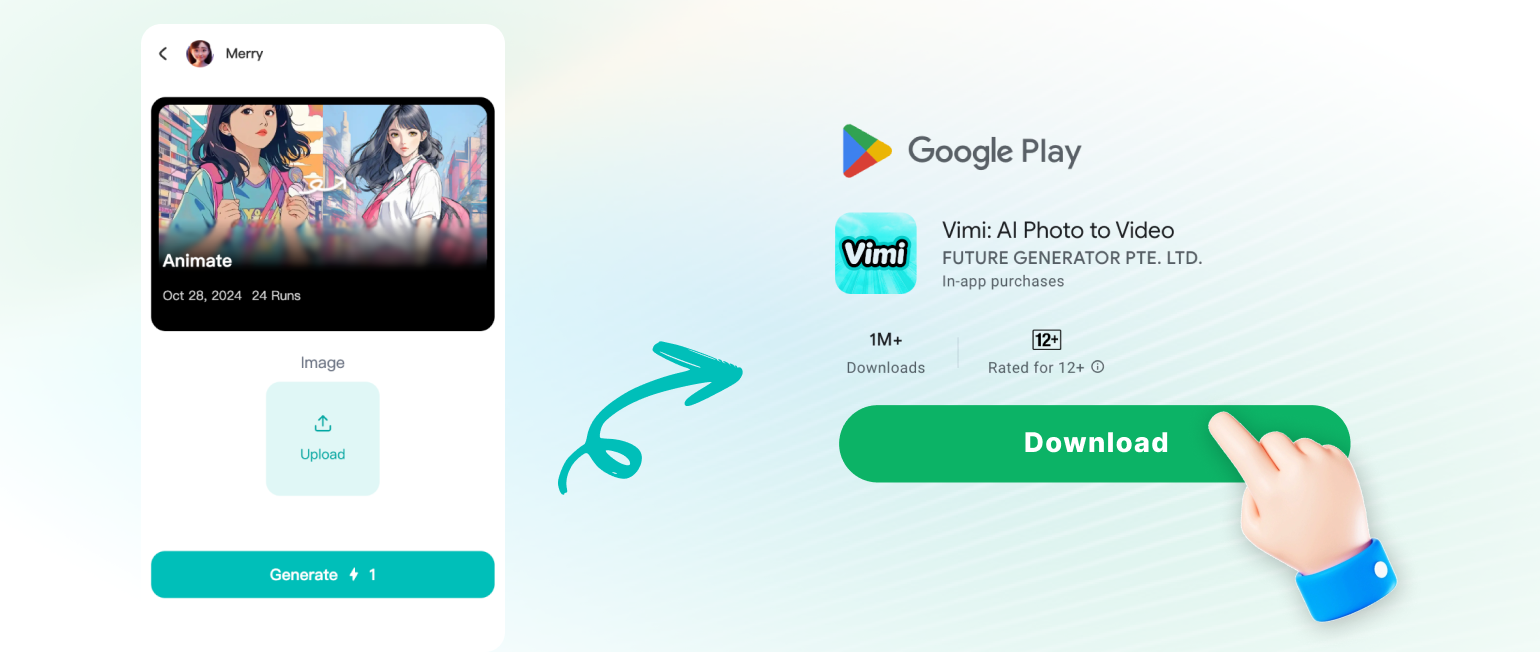
Search Vimi, open the official Vimi link, scan the QR code, and install the app. Then choose the AI Egon Schiele Art template, upload a photo, generate the result, and save it.
YouTube Videos About AI Egon Schiele Art
Explore in-depth YouTube tutorials and demos that showcase the power and reliability of our AI Generator.
Frequently Asked Questions
Find clear answers to common questions and get the guidance you need to make the most of our platform, faster and easier.
More Topics You May Like
Explore more topics you may like and discover fresh ideas tailored to your interests.

Vimi AI Map To Video Turns Maps into Moving Stories
Vimi AI Group Dance Generator: Turn Group Photos Into Dance Videos
Celebrity Country Transformation With Vimi AI Filter
Vimi AI Princess Transformation Review: Turn Your Photos Into Royal Portraits
Vimi AI Map To Video Turns Maps into Moving Stories
Vimi AI Group Dance Generator: Turn Group Photos Into Dance Videos
Celebrity Country Transformation With Vimi AI Filter
Vimi AI Princess Transformation Review: Turn Your Photos Into Royal Portraits
Create Your Egon Schiele Portrait Today
Search Vimi. Download the app and turn your photo into an expressionist portrait.

Create Your Egon Schiele Portrait Today
Search Vimi. Download the app and turn your photo into an expressionist portrait.