80S Video
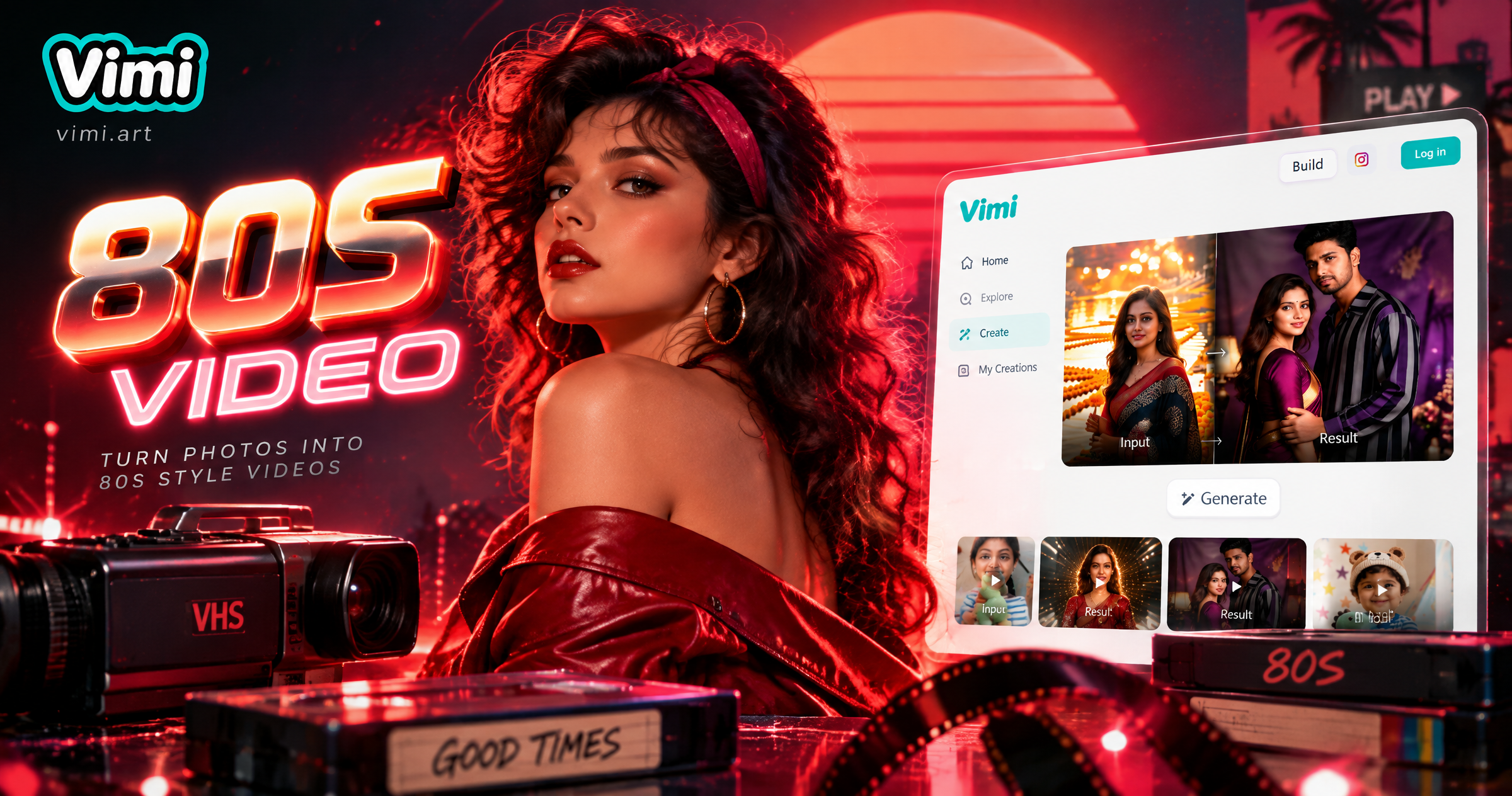
Choose the 80S Video Filter That Suits You
Discover the 80S video filter that perfectly matches your style and mood.
Vimi 80S Video Filter Recommendation Templates
This filter turns one photo into a short retro clip. It adds VHS color, scan lines, soft light, and tape style motion for a clear 1980s video mood.
Key Features of AI Muscle Generator
Turn your ideas into reality with a flexible and powerful platform. Create, customize, and launch with ease, no matter what you're working on.
 Before
One Tap Retro Templates
Choose a retro template and upload one clear photo. Vimi applies the 80S Video treatment in about ten to twenty seconds. The template sets the tape frame, color tone, and motion path, so you do not write prompts or adjust sliders by hand. Tap Generate.
BeforeOne Tap Retro Templates
Choose a retro template and upload one clear photo. Vimi applies the 80S Video treatment in about ten to twenty seconds. The template sets the tape frame, color tone, and motion path, so you do not write prompts or adjust sliders by hand. Tap Generate.
 Before
Photo To Video Motion
Upload a portrait or group photo. The filter adds small head turns, blinks, and soft camera drift. These motions follow the face position in the source image. The clip keeps the person easy to recognize while the background moves with a slow and steady retro rhythm.
BeforePhoto To Video Motion
Upload a portrait or group photo. The filter adds small head turns, blinks, and soft camera drift. These motions follow the face position in the source image. The clip keeps the person easy to recognize while the background moves with a slow and steady retro rhythm.
 Before
VHS Color and Texture
The 80S Video filter adds tape grain, scan lines, soft highlights, and mild color shifts. Skin tones stay readable. Bright signs and clothing colors keep their shape. You can preview the result before saving. The look suits dance clips, birthday videos, and short party scenes.
BeforeVHS Color and Texture
The 80S Video filter adds tape grain, scan lines, soft highlights, and mild color shifts. Skin tones stay readable. Bright signs and clothing colors keep their shape. You can preview the result before saving. The look suits dance clips, birthday videos, and short party scenes.
Why Creators Use Vimi for 80S Video
Discover the practical reasons people choose Vimi for short retro clips and how the app keeps each result close to the 1980s video look.
A Fast Phone Workflow
Vimi runs the full 80S Video process on your phone. You pick a template, upload a photo, and tap Generate. The app handles the retro effects, motion, and export in one place. There is no need to move files between devices or learn editing software.
A Fast Phone Workflow
Vimi runs the full 80S Video process on your phone. You pick a template, upload a photo, and tap Generate. The app handles the retro effects, motion, and export in one place. There is no need to move files between devices or learn editing software.
How to Create 80S Video?
Step into the future of 80S video creation with our powerful platform on a1.art.
YouTube Videos About 80S Video Generator
Explore in-depth YouTube tutorials and demos that showcase the power and reliability of our AI Generator.
Frequently Asked Questions
Find clear answers to common questions and get the guidance you need to make the most of our platform, faster and easier.
More Topics You May Like
Explore more topics you may like and discover fresh ideas tailored to your interests.

Vimi AI Map To Video Turns Maps into Moving Stories
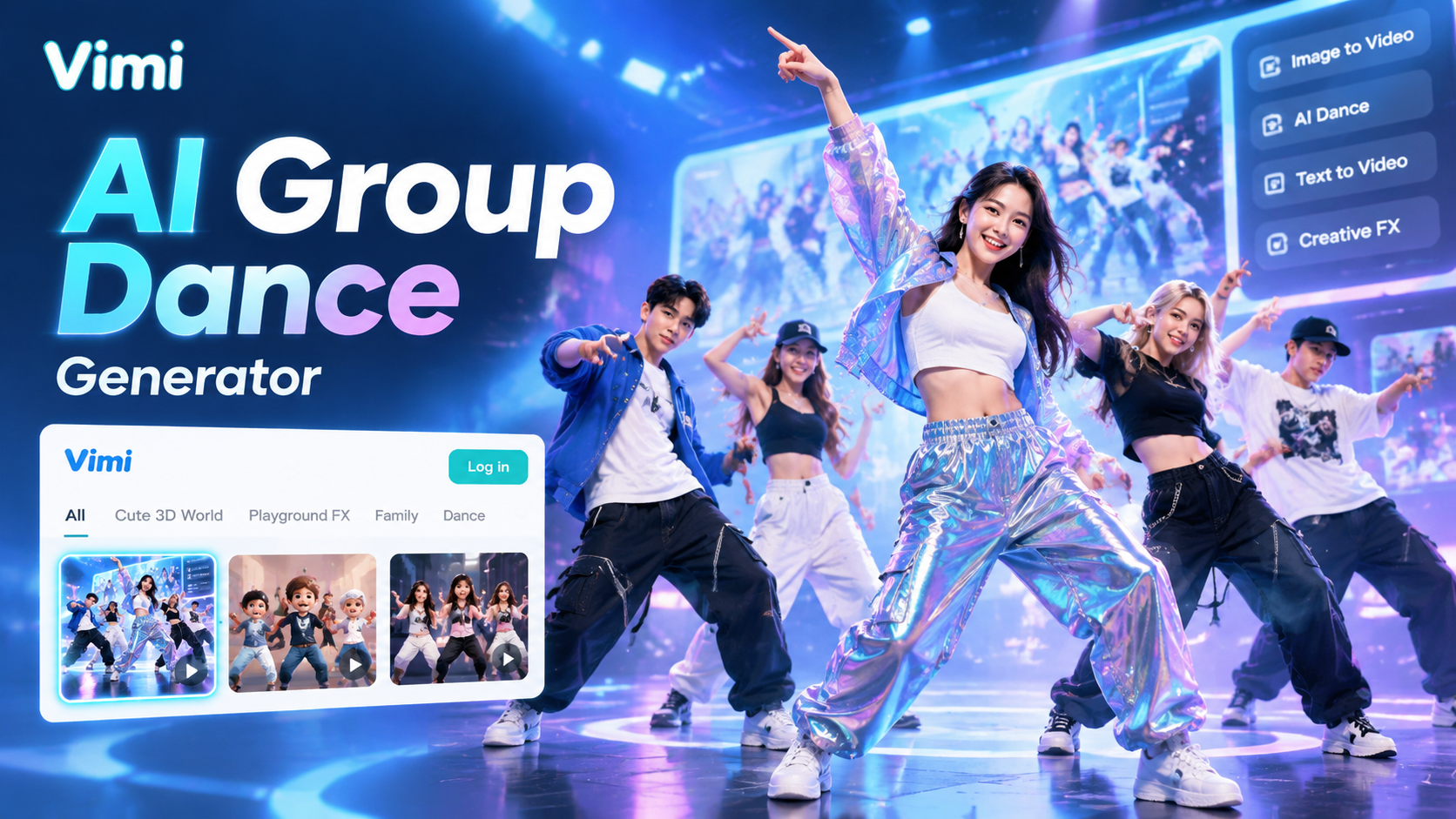
Vimi AI Group Dance Generator: Turn Group Photos Into Dance Videos

Celebrity Country Transformation With Vimi AI Filter

Vimi AI Princess Transformation Review: Turn Your Photos Into Royal Portraits
Vimi AI Map To Video Turns Maps into Moving Stories
Vimi AI Group Dance Generator: Turn Group Photos Into Dance Videos
Celebrity Country Transformation With Vimi AI Filter
Vimi AI Princess Transformation Review: Turn Your Photos Into Royal Portraits
Try Vimi 80S Video Today
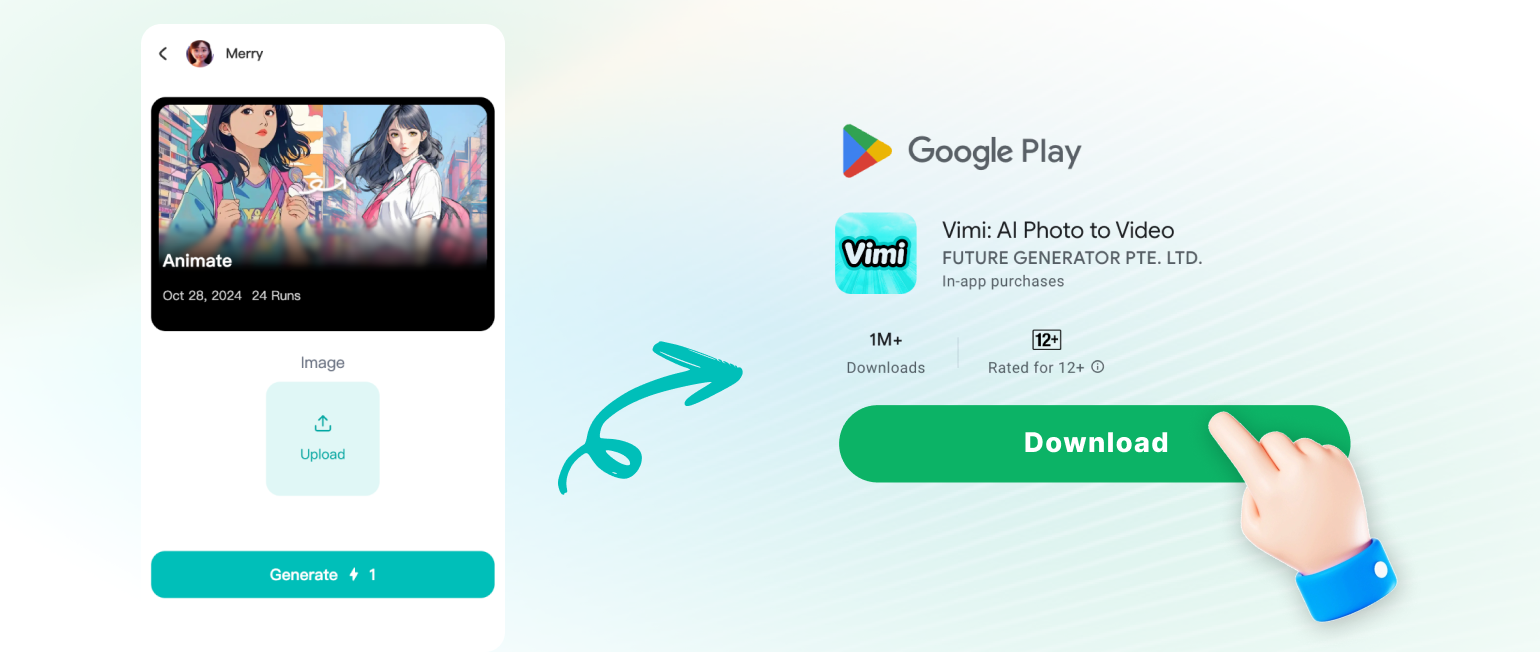
Download the Vimi app. Pick a retro template and make your first clip.
Try Vimi 80S Video Today
Download the Vimi app. Pick a retro template and make your first clip.