Talk Dirty Dance AI
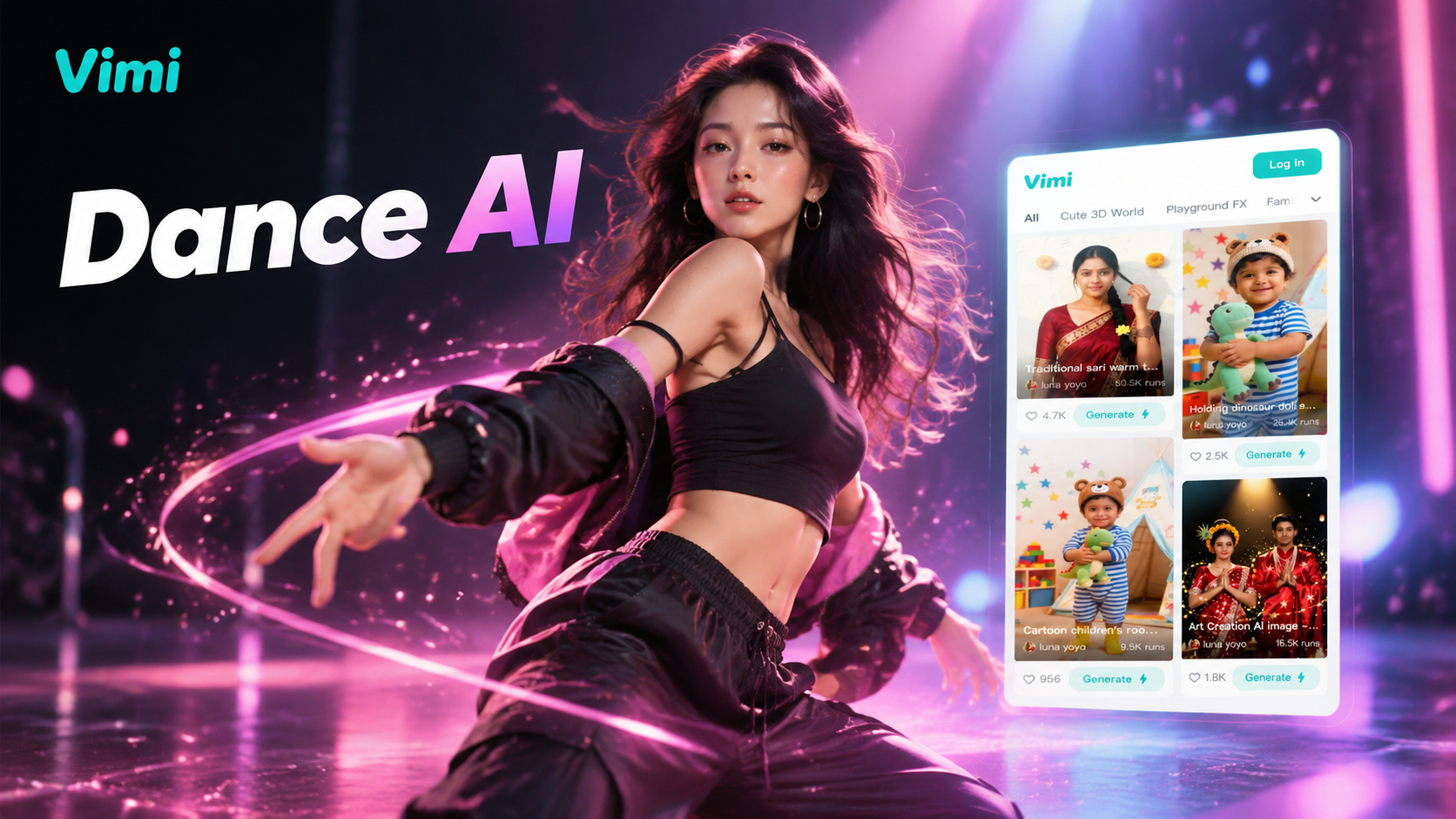
Choose the Talk Dirty Dance AI Filter That Suits You
Discover the talk dirty dance ai filter that perfectly matches your style and mood.
Vimi Filter Pick Talk Dirty Dance AI Gallery
This dance template turns one portrait into a short dance video with clear face details and simple controls. It sits in the Vimi template library beside other styles. Choose it, upload a photo, and generate inside the App.
Why Vimi Makes Talk Dirty Dance AI Simple
Discover the mobile workflow behind Vimi Talk Dirty Dance AI and the template controls that keep each dance clip clear.
Template Based Motion Control
Every Talk Dirty Dance AI clip starts with a ready template. Vimi sets the motion path, timing, and output ratio. You upload one portrait and tap Generate. The App keeps the face, hair, and clothing details stable across the dance. No prompt writing and no manual parameter tuning are needed.
Template Based Motion Control
Every Talk Dirty Dance AI clip starts with a ready template. Vimi sets the motion path, timing, and output ratio. You upload one portrait and tap Generate. The App keeps the face, hair, and clothing details stable across the dance. No prompt writing and no manual parameter tuning are needed.
Explore Vimi Talk Dirty Dance AI Solo Dance Scenes
Find the solo dance scenes that match each Vimi Talk Dirty Dance AI template, your portrait style, and your posting plan.
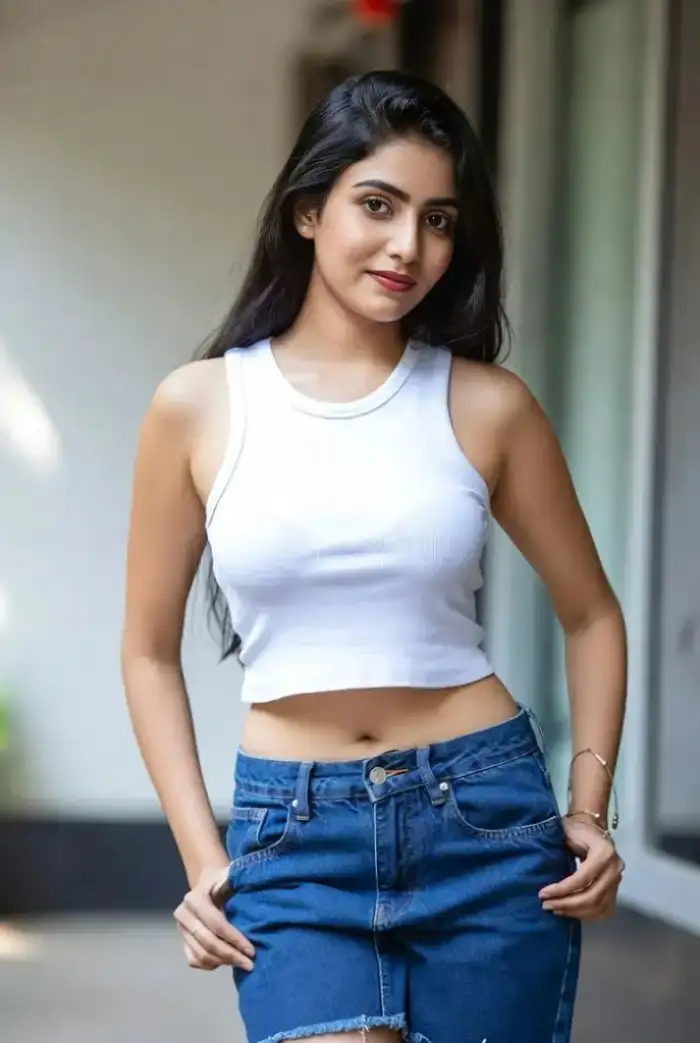 Before
After Hours Showgirl Solo Clip
Use one front facing portrait for the After Hours Showgirl template. Vimi keeps the face and hair details steady while the stage style motion plays. Upload a photo with even light. Keep one person in frame. Generate the clip inside the App. Save it for a profile video or a short story post.
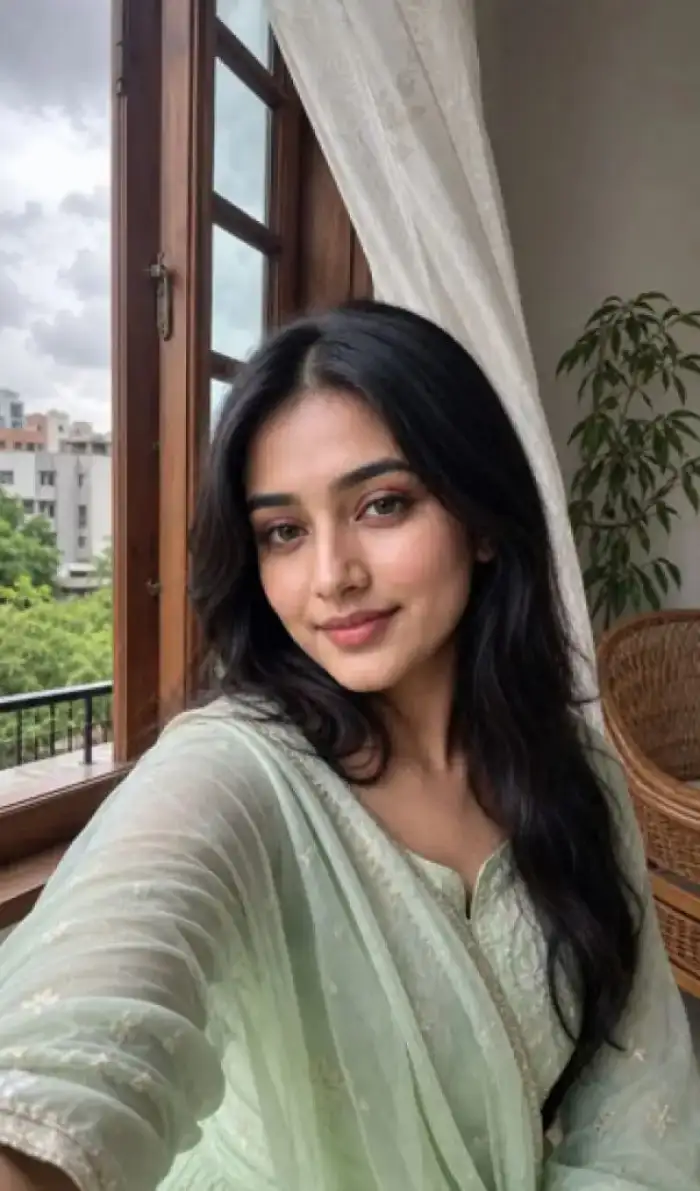 Before
Pink Velvet Rhythm Portrait Dance
Pick the Pink Velvet Rhythm template for a single portrait with a clear head and shoulders view. Vimi applies the rhythm motion and keeps the facial outline stable. Use soft light and a plain background. Generate in the App. Download the clip for a music post or a Vimi profile update.
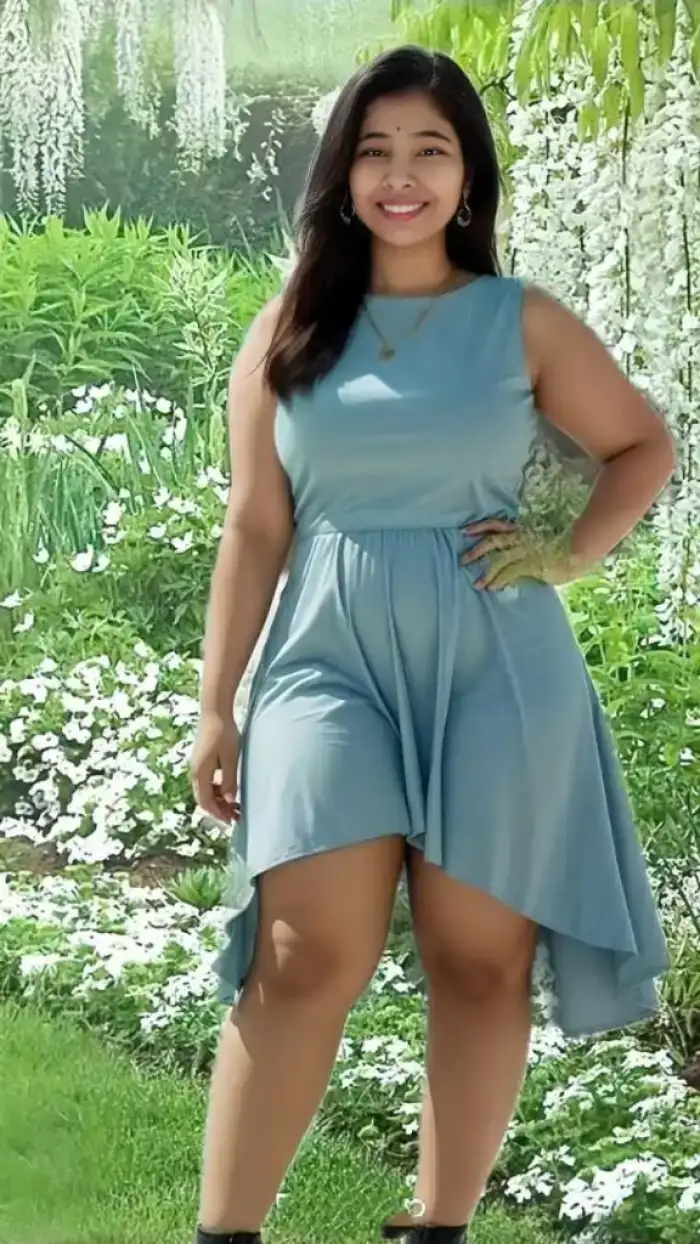 Before
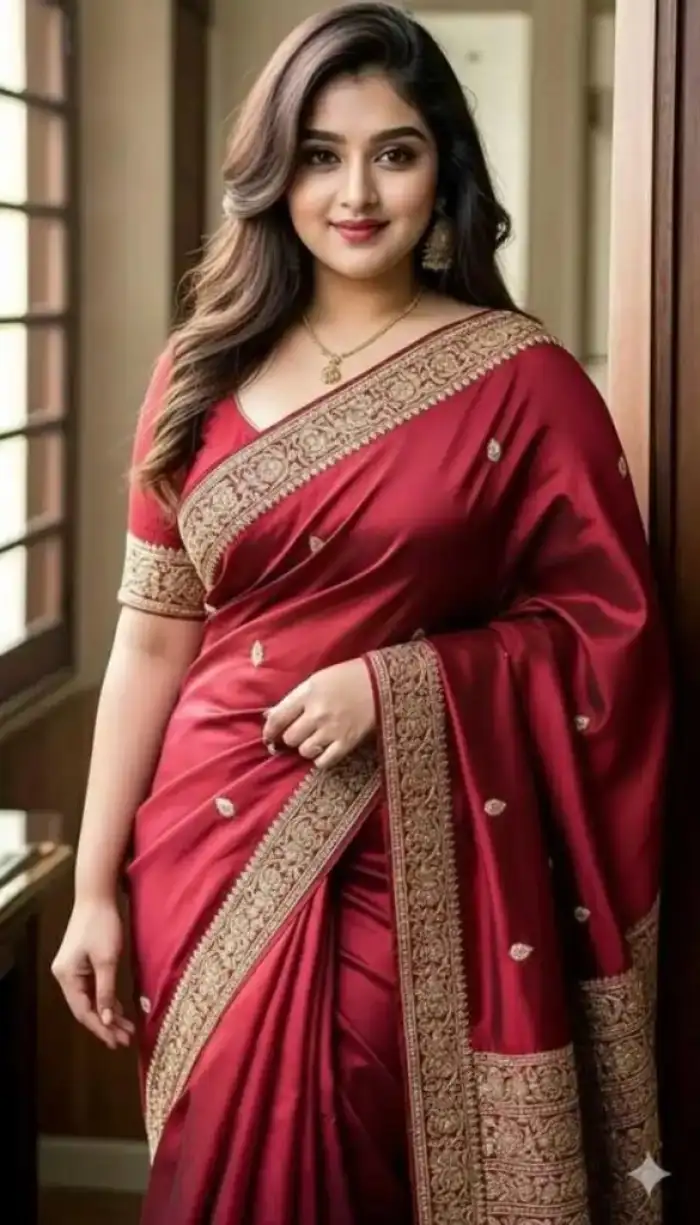
Midnight Temptation Single Portrait
Choose Midnight Temptation for one portrait with a dark or low light setting. Vimi reads the face shape and keeps the eye and hair details clear during the dance motion. Upload a sharp photo. Generate inside the App. Save the short clip for a late night post or a private Vimi entry.
 Before
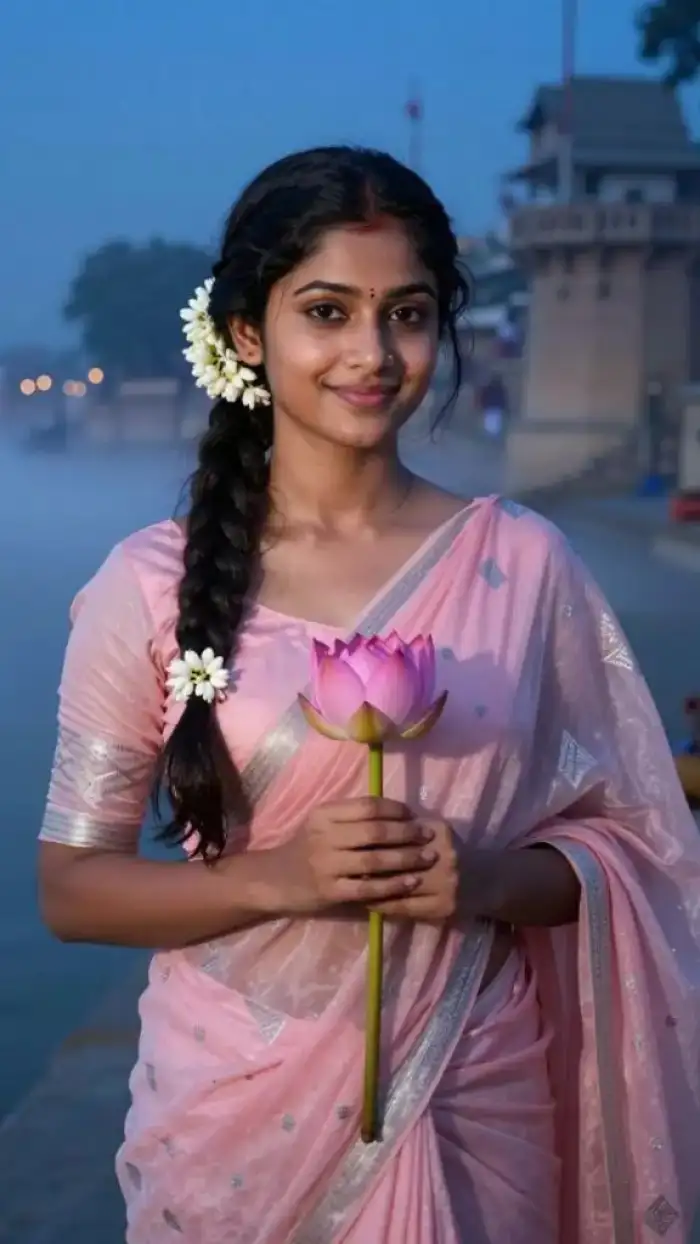
Dark Cabaret Dance Portrait Clip
Use the Dark Cabaret Dance template with one portrait that shows the full face. Vimi holds the facial features and clothing edges while the cabaret style motion plays. Pick a photo with even light. Keep one subject only. Tap Generate in the App. Download the clip and publish it to your Vimi page.
 Before
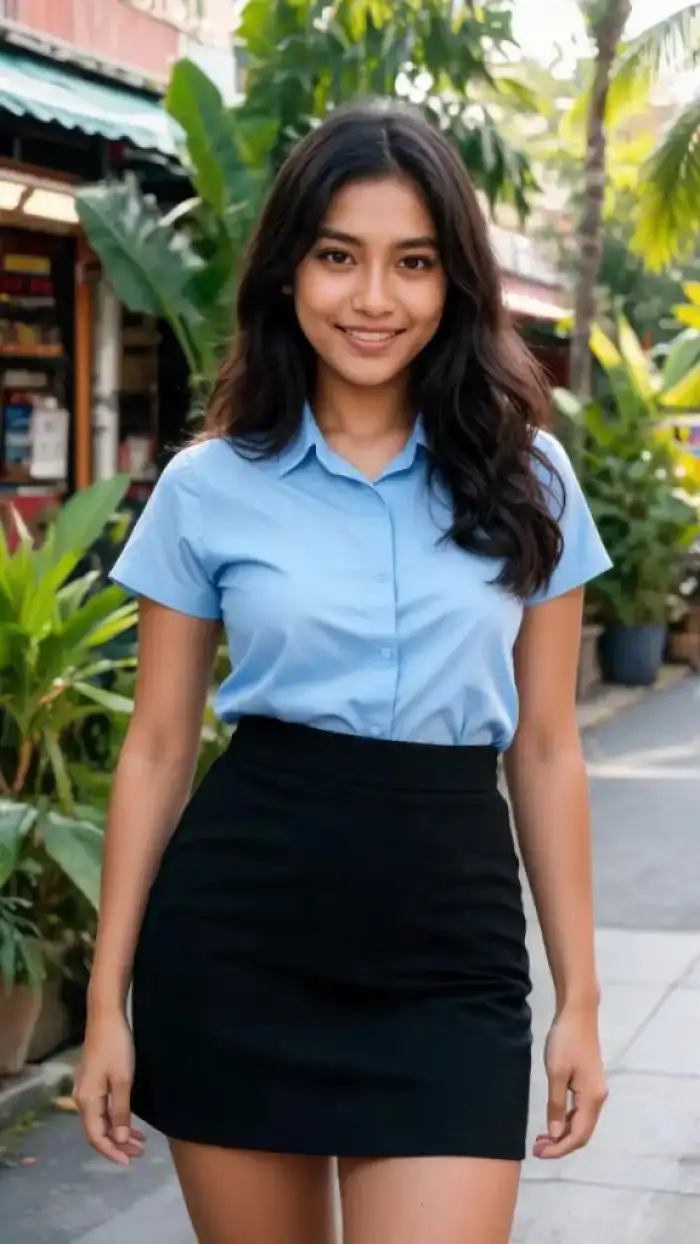
Silhouette Dance Art Solo Video
Select Silhouette Dance Art for a solo portrait against a simple background. Vimi keeps the body outline and face position stable while the art style motion runs. Use a photo with clear edges. Generate the video in the App. Save it for a gallery style post or a Vimi profile clip.
 Before
Latin Dance Fever Portrait Clip
Apply Latin Dance Fever to one portrait with a full upper body view. Vimi keeps the face and shoulder lines steady while the fast dance motion plays. Choose a bright photo with little shadow. Generate inside the App. Download the clip for a party post or a Vimi community share.
YouTube Videos AboutTalk Dirty Dance AI Generator
Explore in-depth YouTube tutorials and demos that showcase the power and reliability of our AI Generator.
Who Uses Talk Dirty Dance AI Enhancement Online
Maya R
I used the Talk Dirty Dance AI template on a clear portrait from my phone. Vimi kept my face and hair details steady through the dance. The clip downloaded in one tap. I posted it from my Vimi profile in a few minutes.
Leo T
I tried a couple dance template with a photo of me and my partner. Both faces stayed separate during the motion. The template preview showed the person limit before upload. I saved the clip and shared it with friends.
Daniel K
I scanned an old family photo and used a dance template. The main facial features stayed clear in the short clip. I liked that I could keep the post private. The download button saved the video to my phone.
Sofia M
I built a series of dance clips for my Vimi page. Reusing one portrait kept my hair and clothing consistent. The template library made the choice simple. I published each clip from the App and watched the comments come in.
Maya R
I used the Talk Dirty Dance AI template on a clear portrait from my phone. Vimi kept my face and hair details steady through the dance. The clip downloaded in one tap. I posted it from my Vimi profile in a few minutes.
Leo T
I tried a couple dance template with a photo of me and my partner. Both faces stayed separate during the motion. The template preview showed the person limit before upload. I saved the clip and shared it with friends.
Daniel K
I scanned an old family photo and used a dance template. The main facial features stayed clear in the short clip. I liked that I could keep the post private. The download button saved the video to my phone.
Sofia M
I built a series of dance clips for my Vimi page. Reusing one portrait kept my hair and clothing consistent. The template library made the choice simple. I published each clip from the App and watched the comments come in.
Maya R
I used the Talk Dirty Dance AI template on a clear portrait from my phone. Vimi kept my face and hair details steady through the dance. The clip downloaded in one tap. I posted it from my Vimi profile in a few minutes.
Leo T
I tried a couple dance template with a photo of me and my partner. Both faces stayed separate during the motion. The template preview showed the person limit before upload. I saved the clip and shared it with friends.
Daniel K
I scanned an old family photo and used a dance template. The main facial features stayed clear in the short clip. I liked that I could keep the post private. The download button saved the video to my phone.
Sofia M
I built a series of dance clips for my Vimi page. Reusing one portrait kept my hair and clothing consistent. The template library made the choice simple. I published each clip from the App and watched the comments come in.
Frequently Asked Questions
Find clear answers to common questions and get the guidance you need to make the most of our platform, faster and easier.
More Topics You May Like
Explore more topics you may like and discover fresh ideas tailored to your interests.
Vimi AI Banksy Stencil Style Filter for Bold Street Art
Vimi Surreal Video Filter Guide for Dreamlike AI Clips
AI Ganpati Pandal Darshan Photos | Create Divine Ganesh Images
Ganesh Aarti AI Photo: Divine AI Generator App
Vimi AI Banksy Stencil Style Filter for Bold Street Art
Vimi Surreal Video Filter Guide for Dreamlike AI Clips
AI Ganpati Pandal Darshan Photos | Create Divine Ganesh Images
Ganesh Aarti AI Photo: Divine AI Generator App
Create Vimi Talk Dirty Dance Clips
Pick a template. Upload a portrait and generate inside the App.
Create Vimi Talk Dirty Dance Clips
Pick a template. Upload a portrait and generate inside the App.