Ganpati Pandal Darshan AI Photo
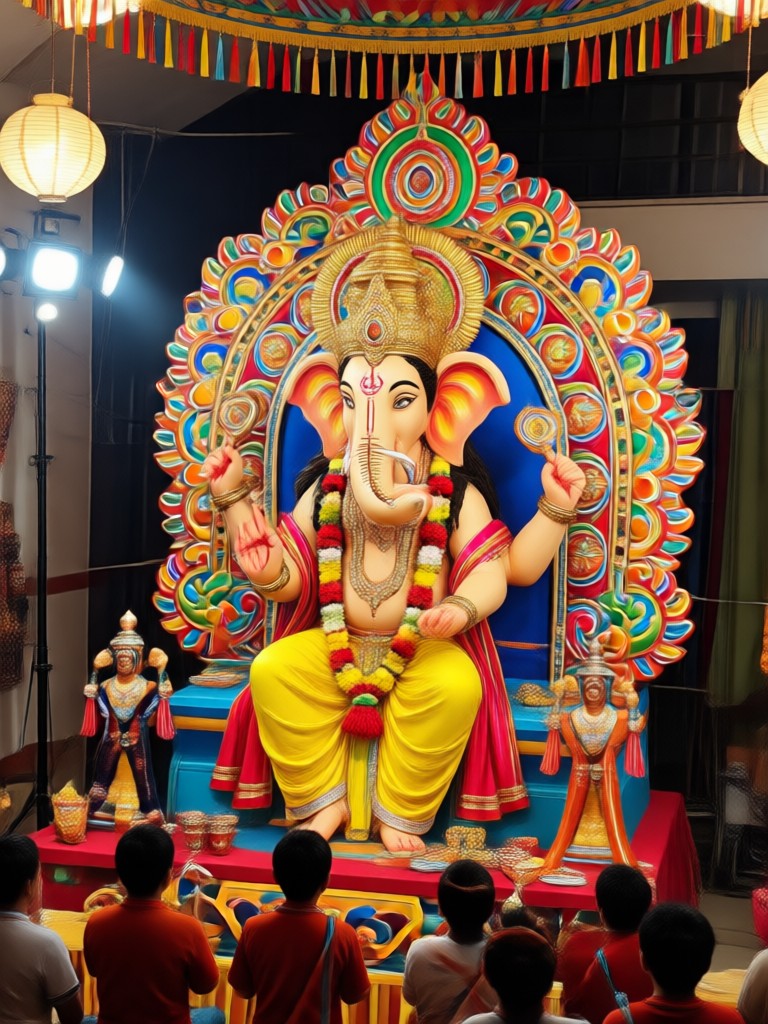
Choose Your Ganpati Pandal Darshan AI Style
Select from multiple AI filters and templates designed for Ganesh Chaturthi. Create divine pandal darshan photos, Ganesh portraits, and festive family images.
Key Features of Ganpati Pandal Darshan AI Photo Generator
Discover the powerful AI tools that make creating divine Ganesh images effortless, realistic, and deeply personalized.
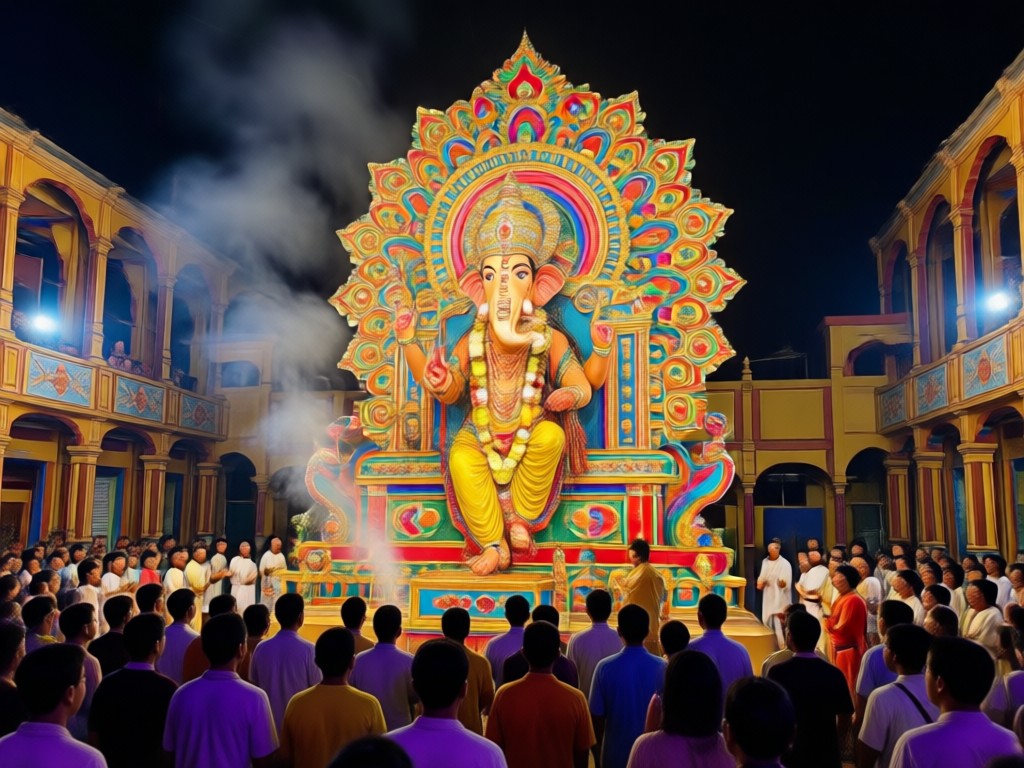
Realistic Pandal Backgrounds
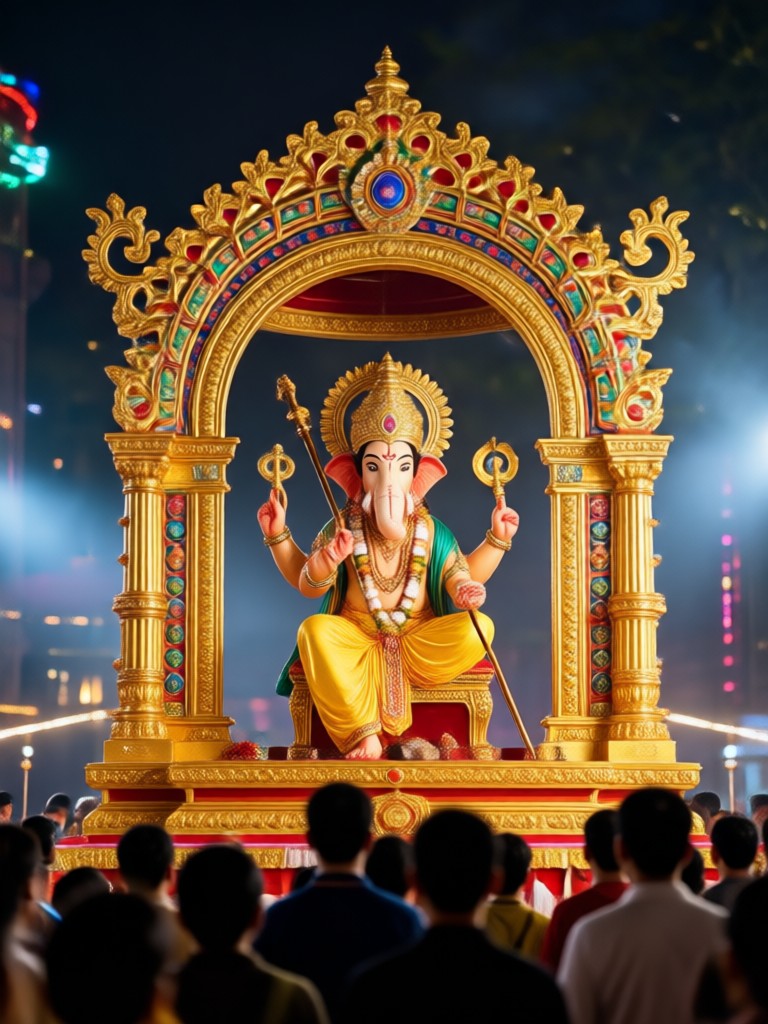
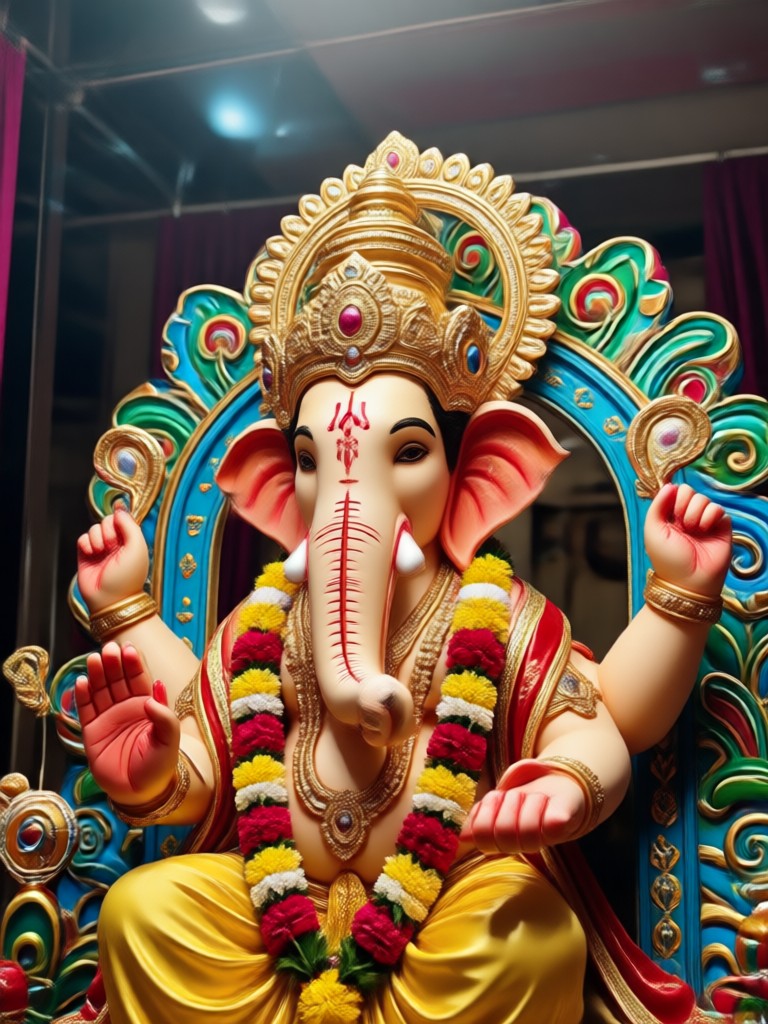
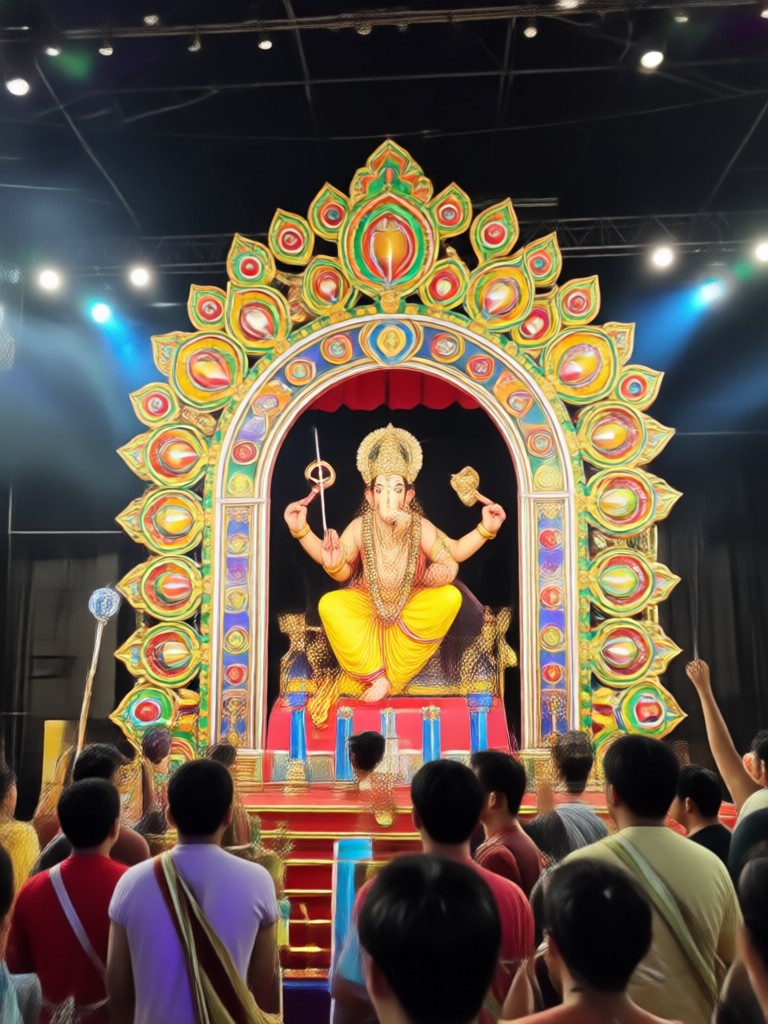
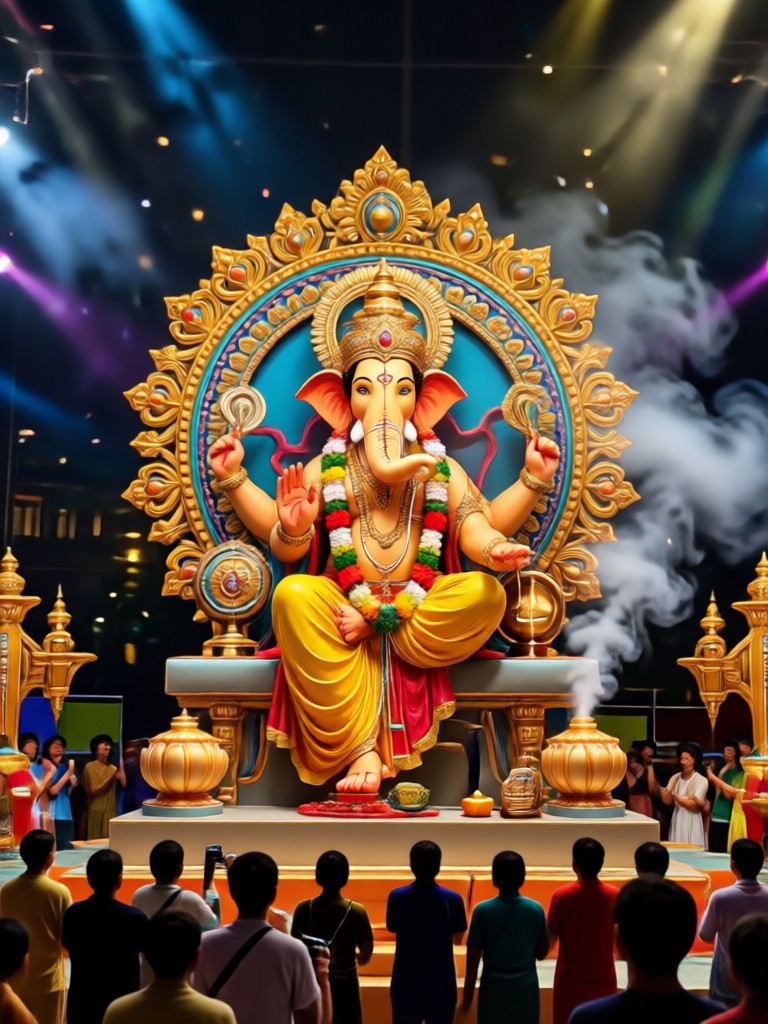
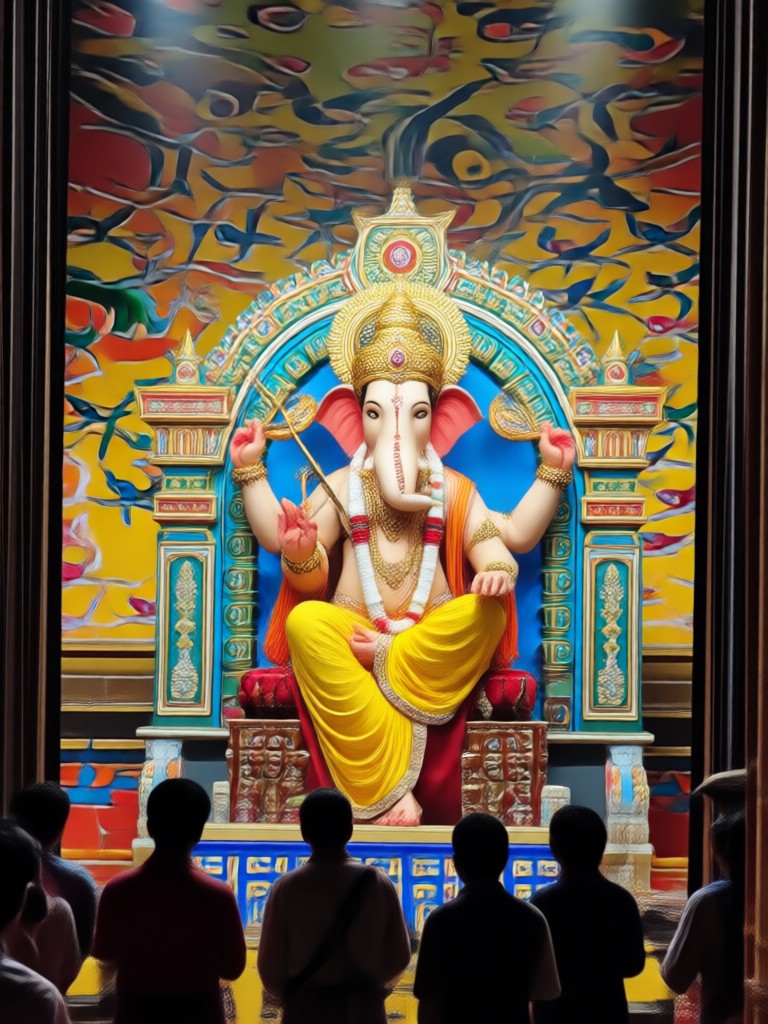
Generate photorealistic Ganpati pandal settings with detailed decorations, flowers, and warm festive lighting. Our AI recreates the authentic ambiance of Ganesh Chaturthi mandals, making your virtual darshan feel truly immersive.
Realistic Pandal Backgrounds
Generate photorealistic Ganpati pandal settings with detailed decorations, flowers, and warm festive lighting. Our AI recreates the authentic ambiance of Ganesh Chaturthi mandals, making your virtual darshan feel truly immersive.
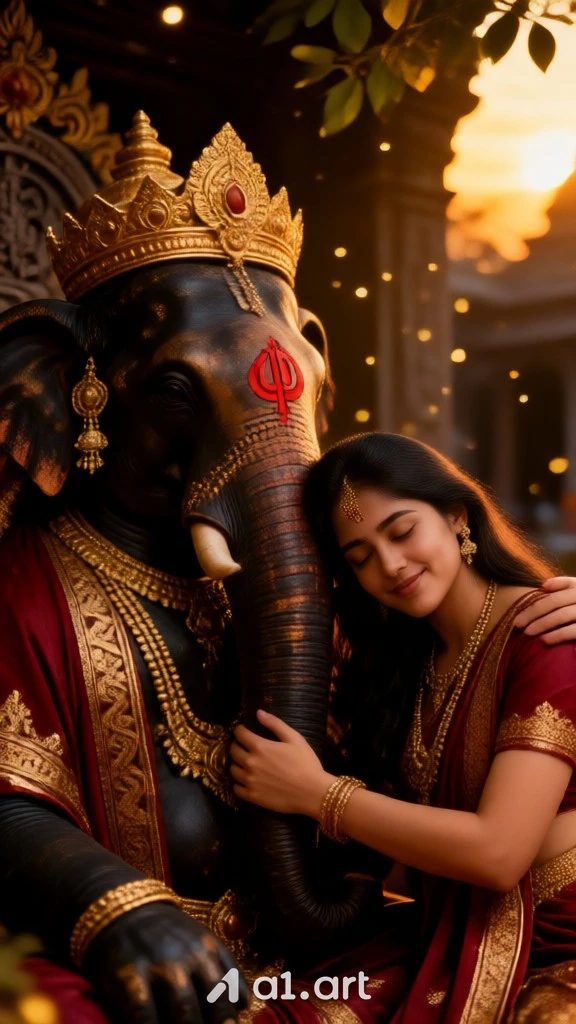
Personalized Darshan Photos
Upload your photo and let AI seamlessly blend you into the scene. You can appear bowing before Lord Ganesha, offering prayers, or standing with family inside the pandal, all with natural lighting and accurate facial features.
Personalized Darshan Photos
Upload your photo and let AI seamlessly blend you into the scene. You can appear bowing before Lord Ganesha, offering prayers, or standing with family inside the pandal, all with natural lighting and accurate facial features.
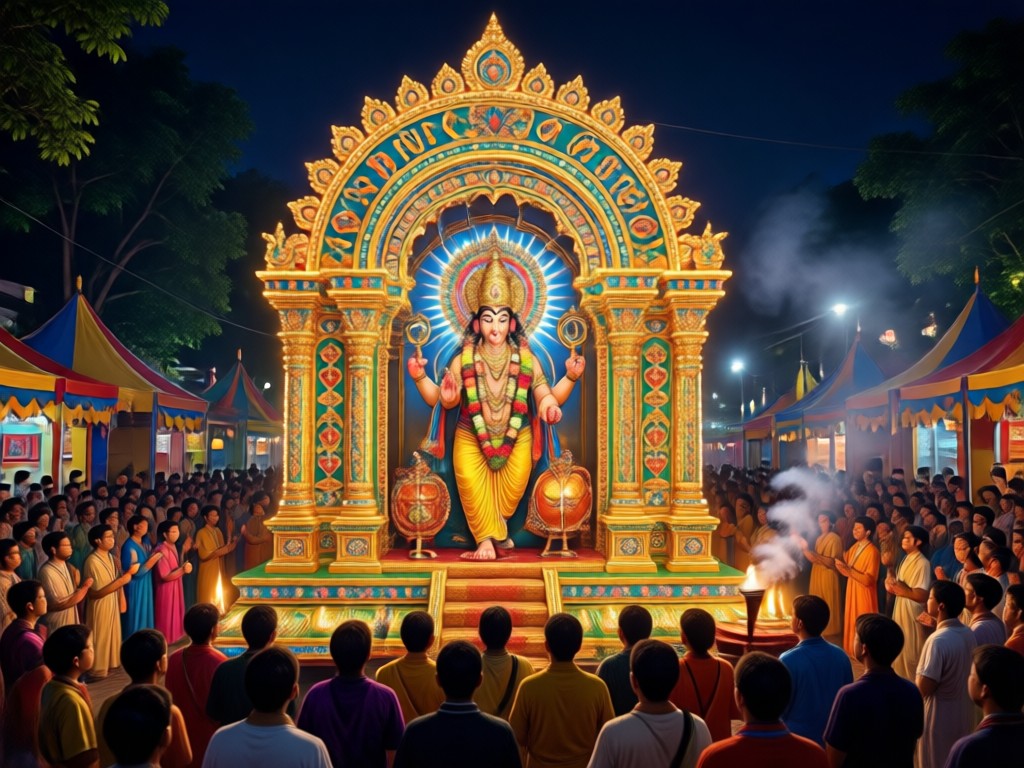
Multiple Traditional Styles
Choose from a range of artistic styles including realistic photography, traditional Indian painting, 3D render, and cinematic effects. Customize the look of your Ganpati pandal darshan photo to match your preference.
Multiple Traditional Styles
Choose from a range of artistic styles including realistic photography, traditional Indian painting, 3D render, and cinematic effects. Customize the look of your Ganpati pandal darshan photo to match your preference.
Explore Ganpati Pandal Darshan AI Photo Gallery
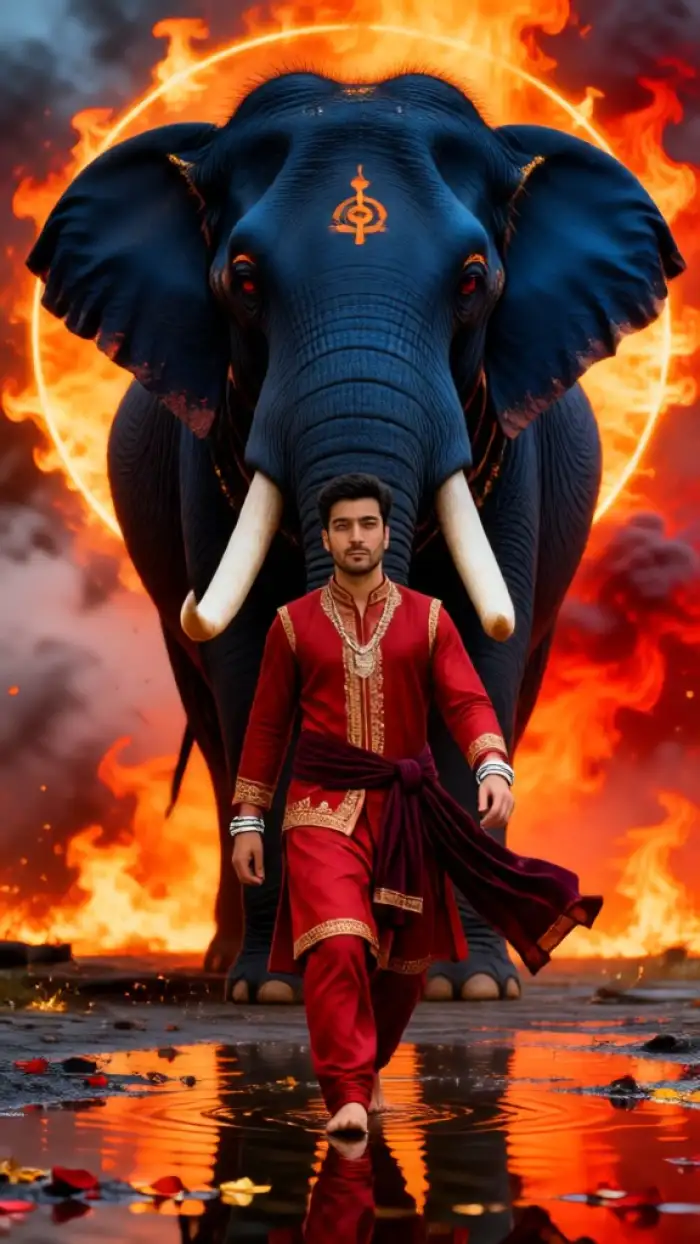
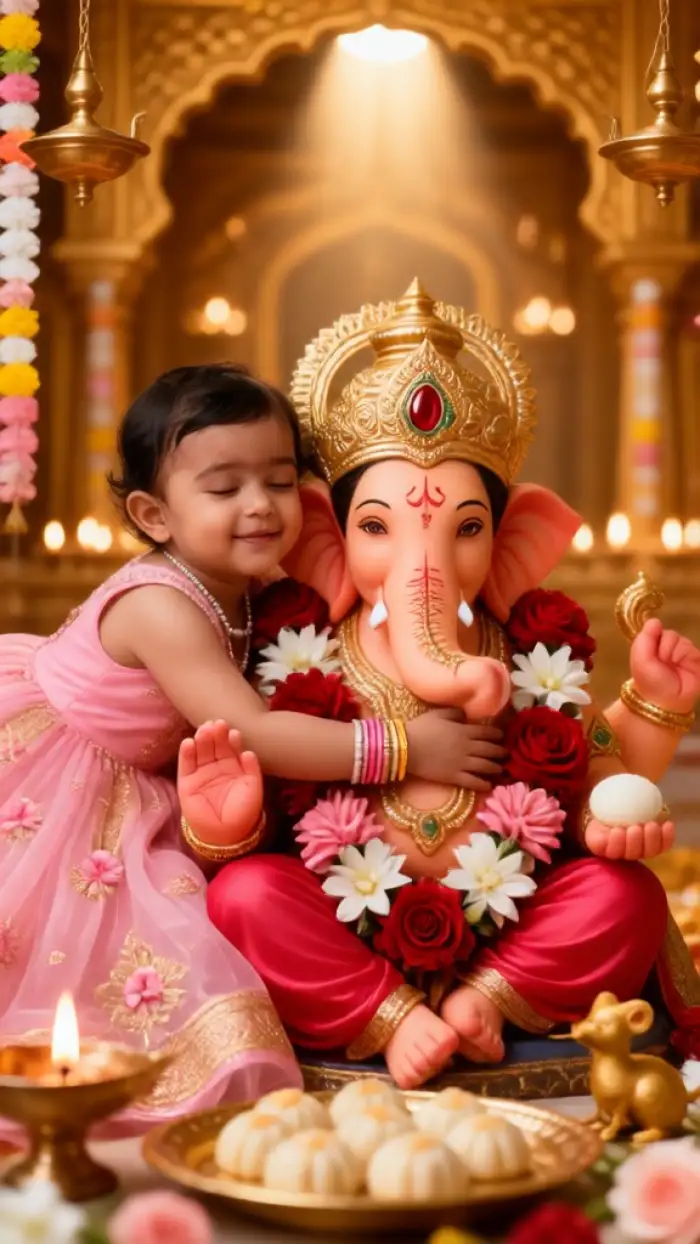
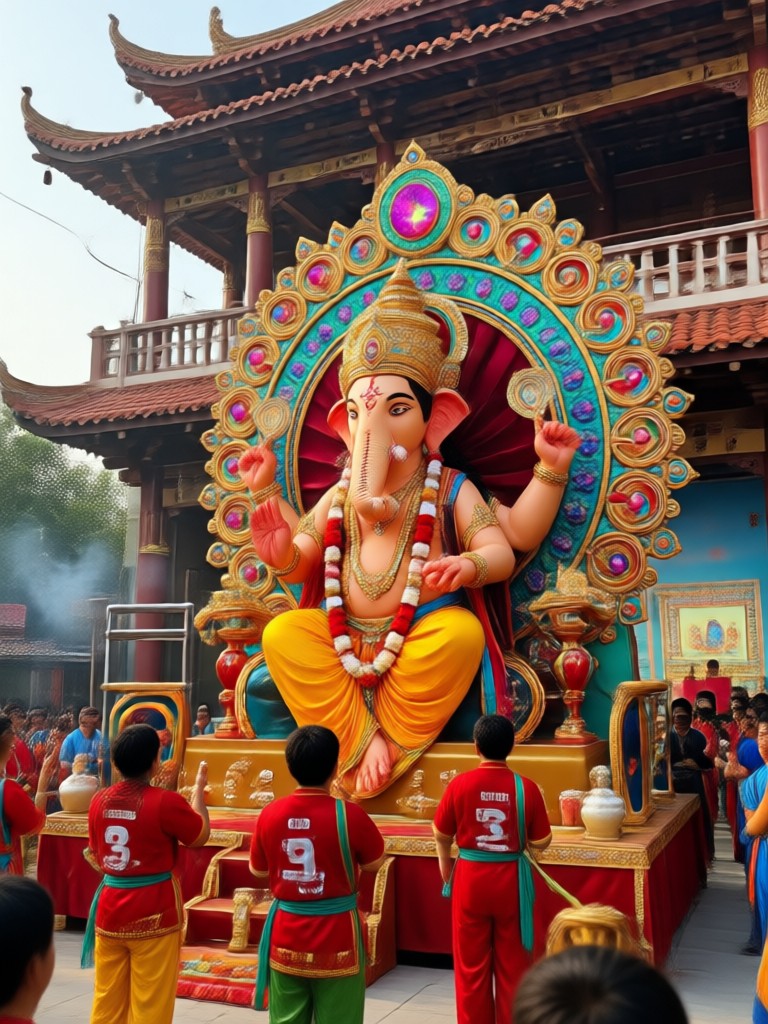
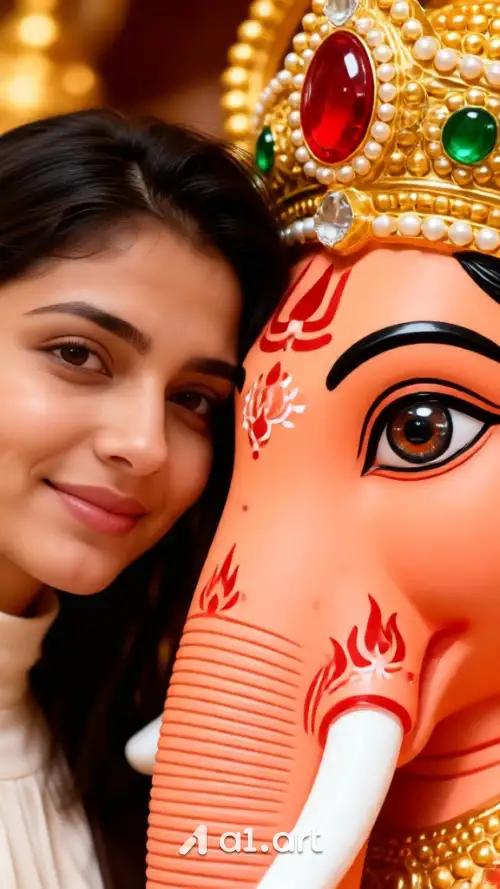
Browse stunning AI generated images of Ganpati pandal darshan created by vimi users. Get inspired and see the variety of divine scenes you can create.
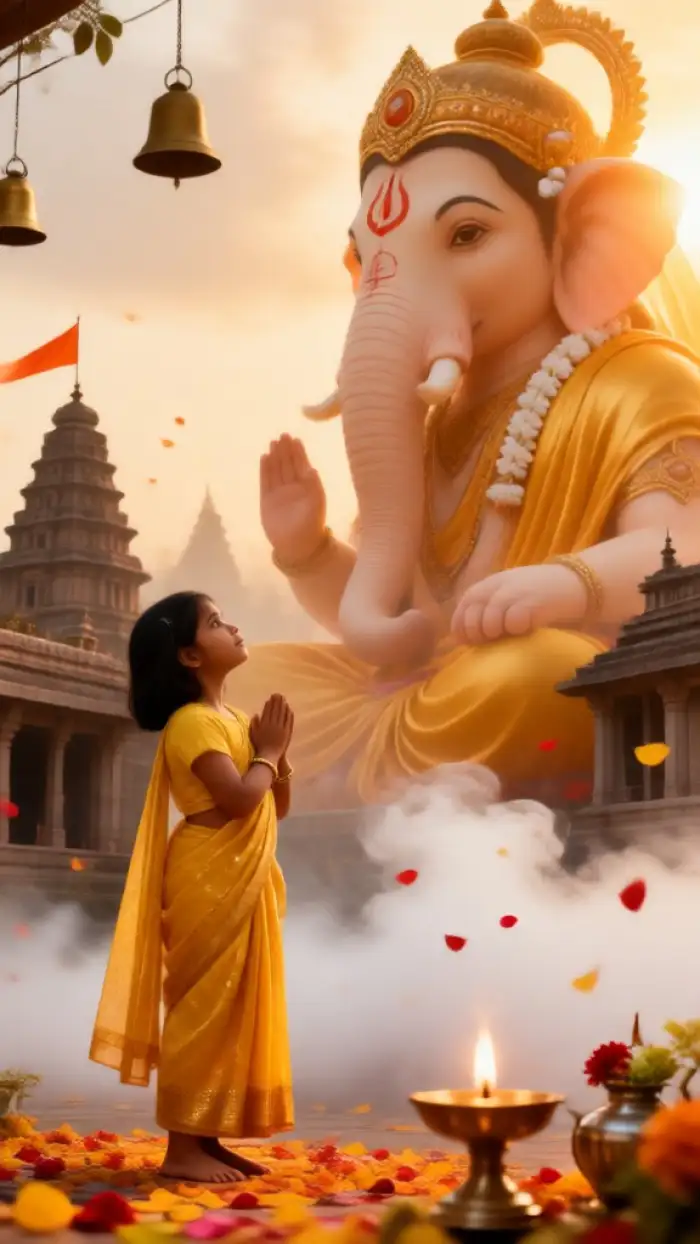
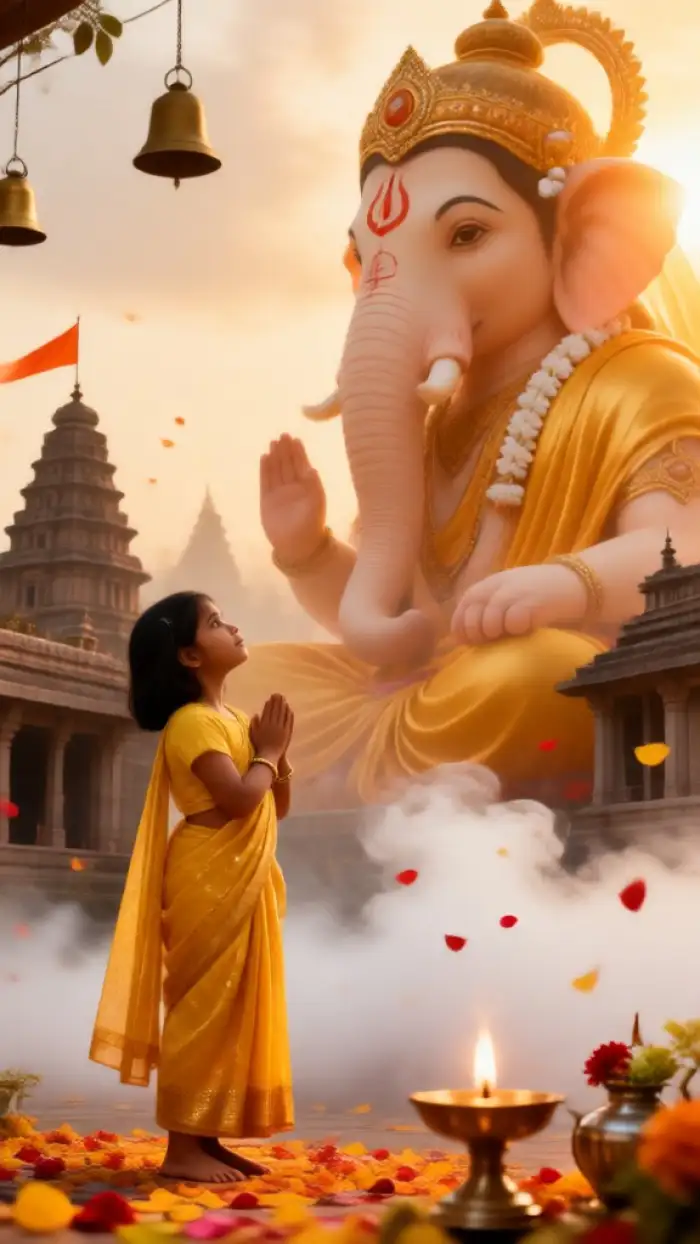
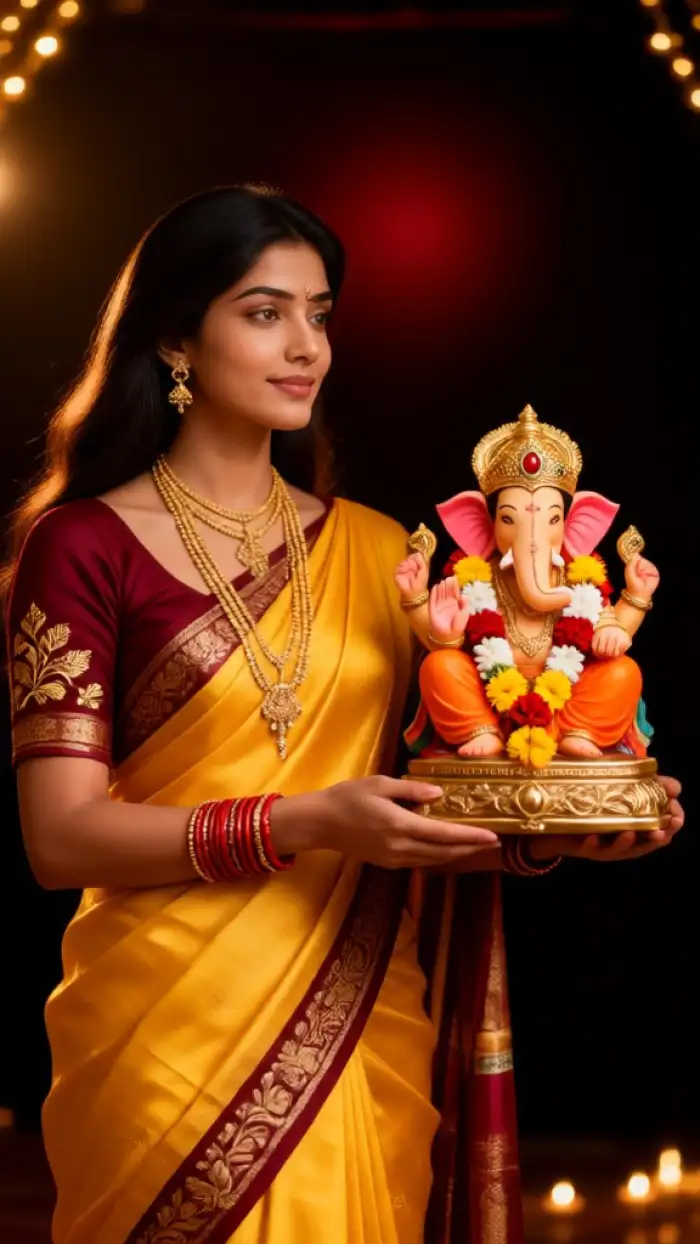
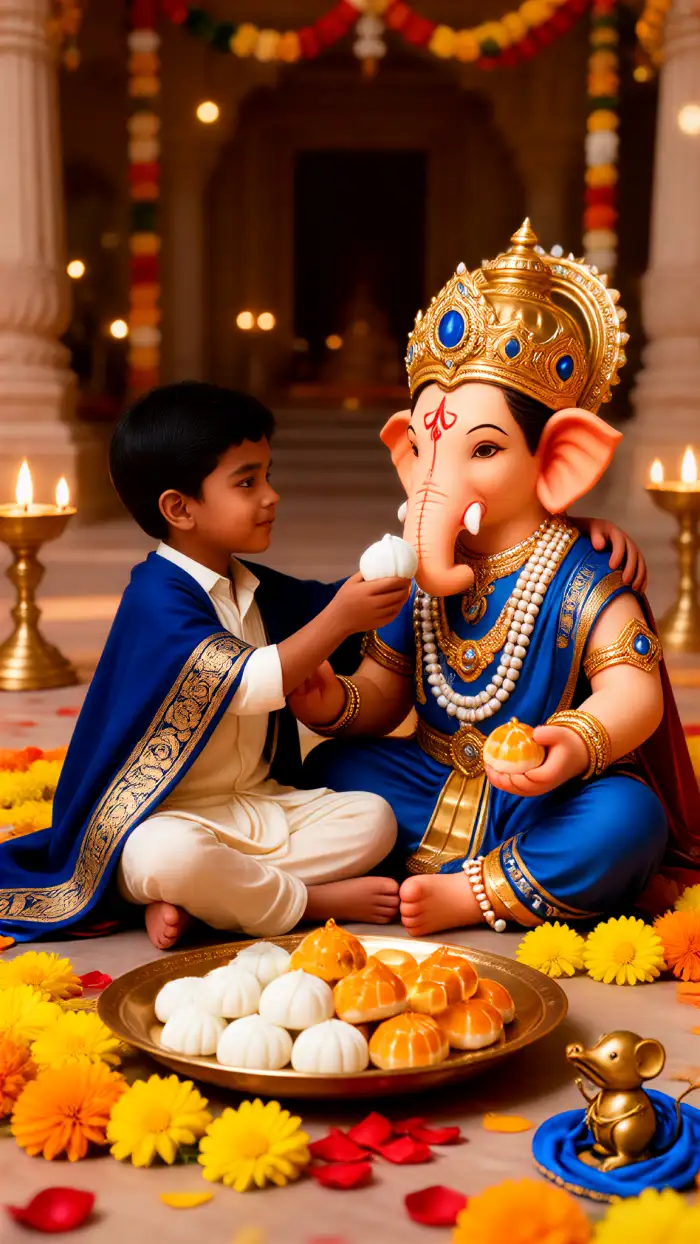
How to Create Ganpati Pandal Darshan AI Photos?
Get your divine Ganpati pandal darshan photo in three simple steps using vimi.

Step 01.
Download the vimi app from Google Play and open it on your phone to get started.
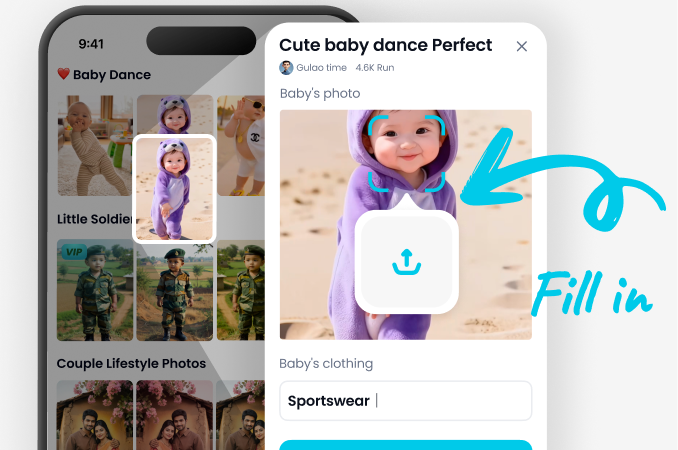
Step 02.
Select a Ganpati pandal darshan filter or template, then upload your photo or enter a text prompt describing your desired scene.
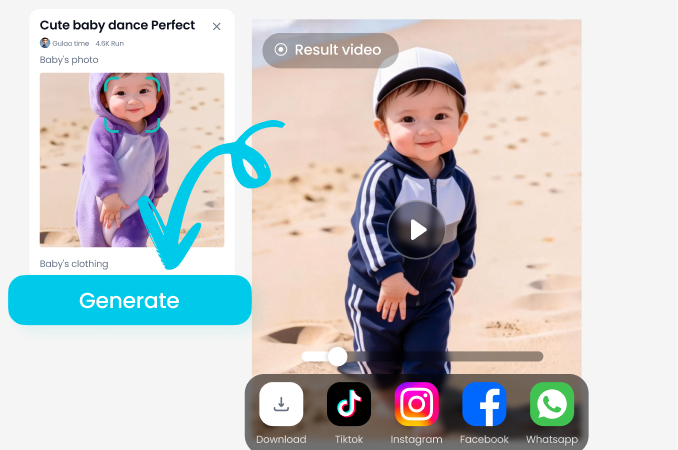
Step 03.
Generate your AI Ganpati darshan photo, make final adjustments, and download or share your divine creation with friends and family.
What Users Say About Ganpati Pandal Darshan AI Photos
Perfect for Ganesh Chaturthi wishes
I used vimi to create a Ganpati pandal darshan photo with my whole family. The result was so realistic that it looked like we actually visited the pandal. Sent it to relatives and they were amazed!
Easy and divine experience
As someone living far from home, I miss attending Ganesh pandals. This AI photo generator gave me a beautiful virtual darshan. The backgrounds are stunning and the app is super simple to use.
Best Ganesh photo app
I tried several AI photo apps, but vimi has the best Ganpati pandal options. The detail on the Ganpati idol is incredible. Highly recommend for anyone wanting festival photos.
Frequently Asked Questions About Ganpati Pandal Darshan AI Photo
Find answers to common questions about creating AI generated Ganpati pandal darshan photos with vimi.
Download vimi for Ganpati Pandal Darshan AI Photos
Get the vimi app on Google Play and start creating divine Ganpati pandal darshan photos with AI. Over 1 million style filters, simple interface, and stunning results.

More Topics You May Like
Explore more topics you may like and discover fresh ideas tailored to your interests.
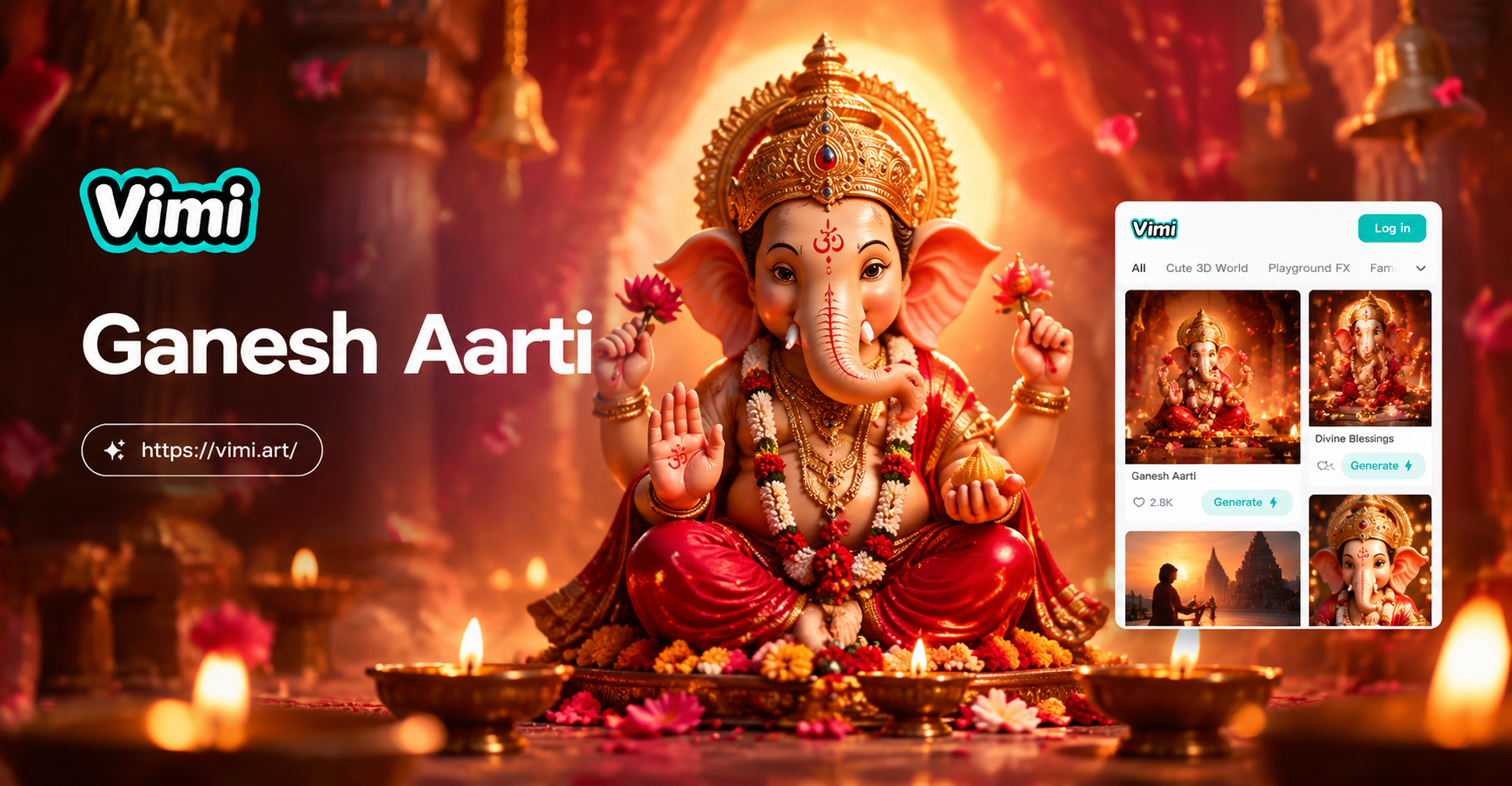
Ganesh Aarti AI Photo: Divine AI Generator App
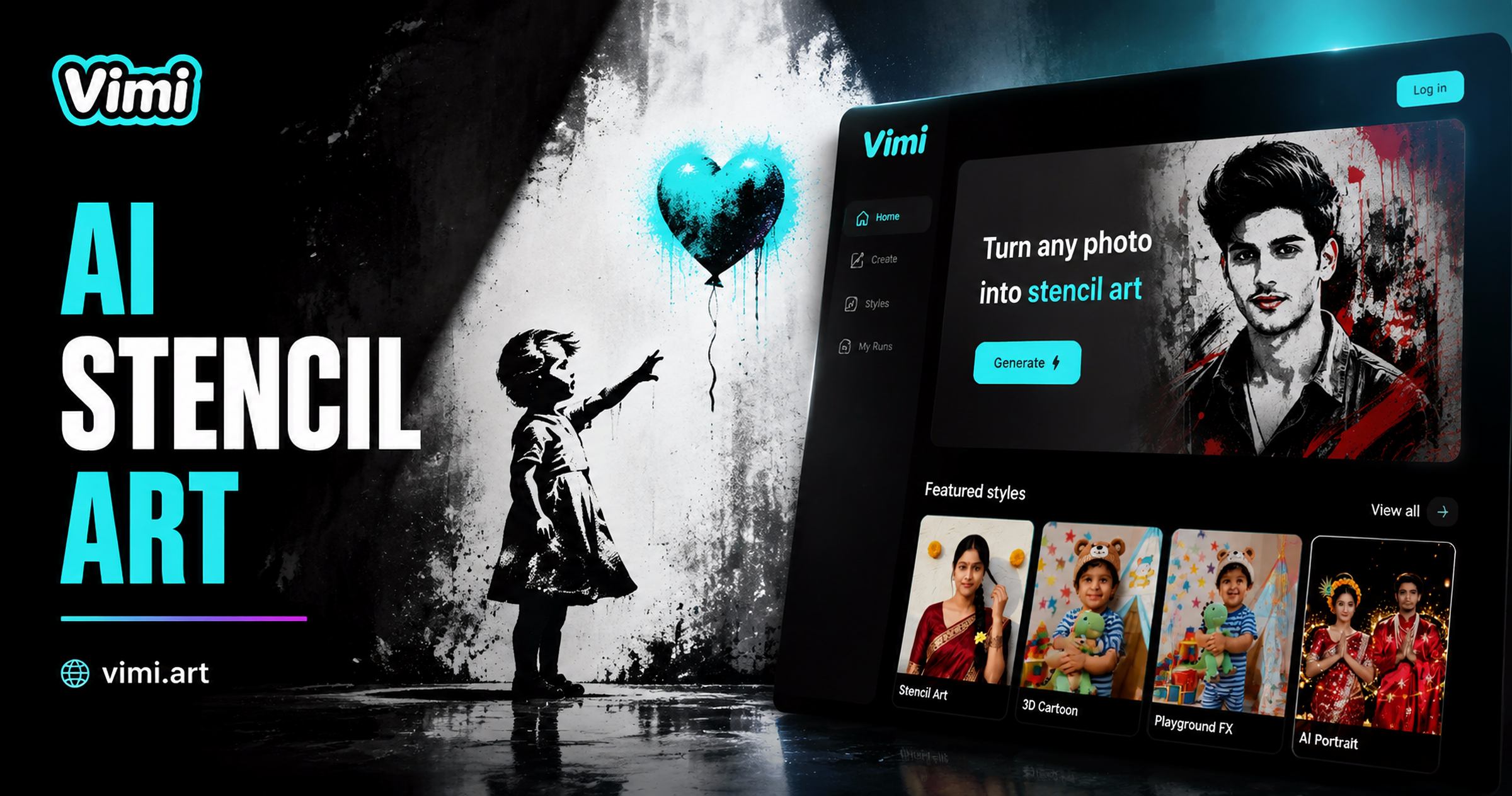
Vimi AI Banksy Stencil Style Filter for Bold Street Art
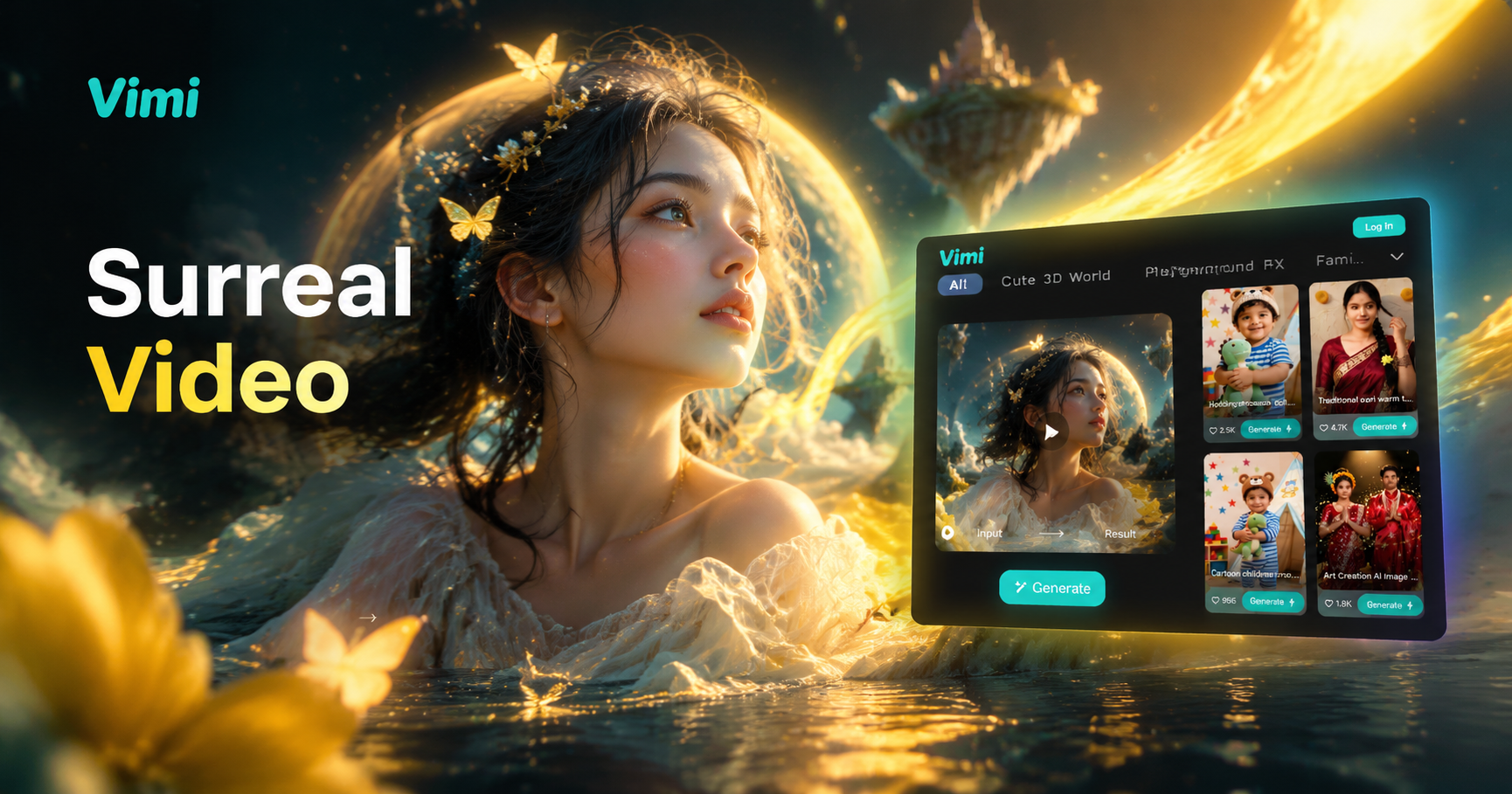
Vimi Surreal Video Filter Guide for Dreamlike AI Clips
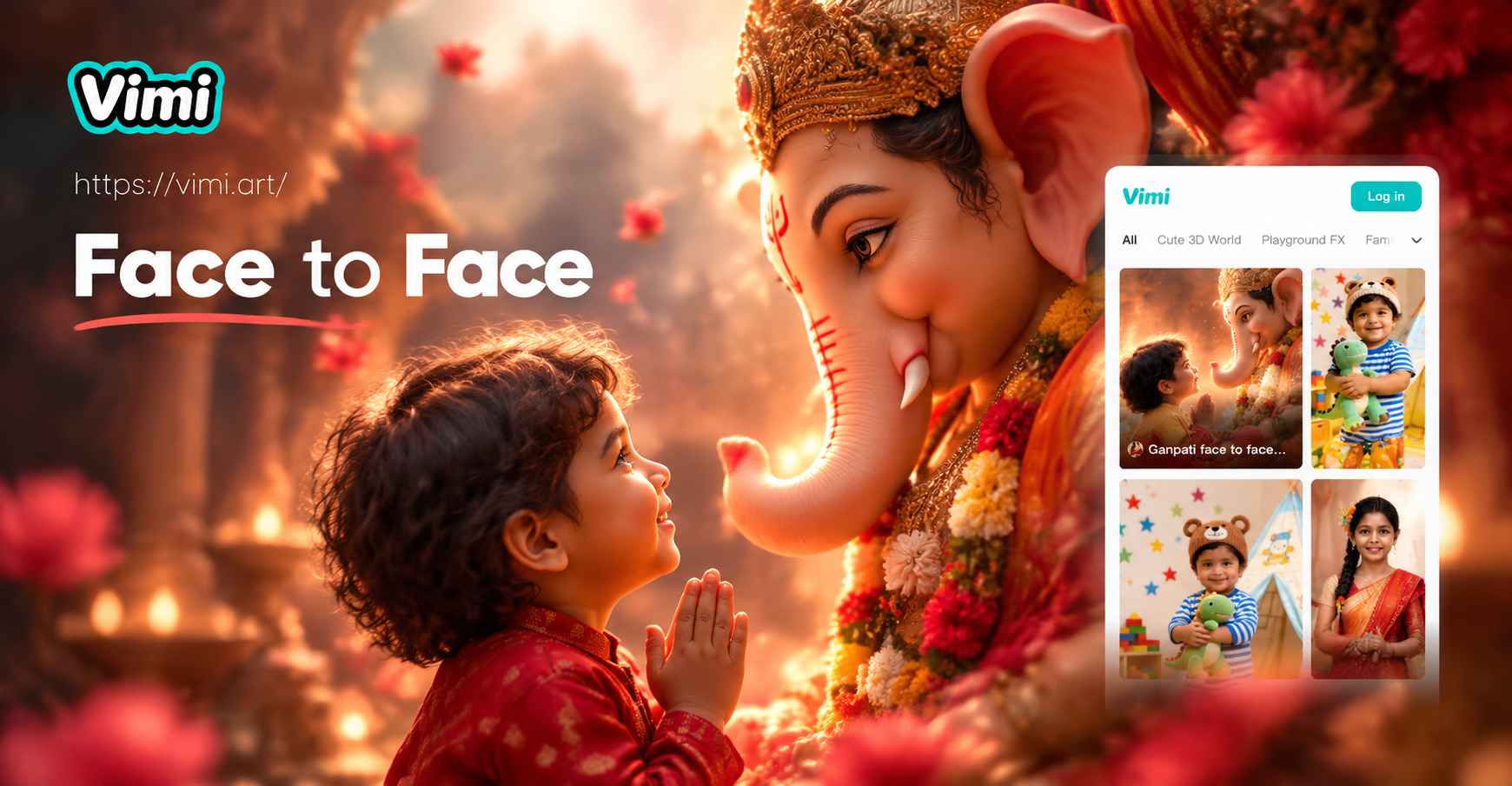
Ganpati Face to Face AI Photo: Divine Selfie Generator
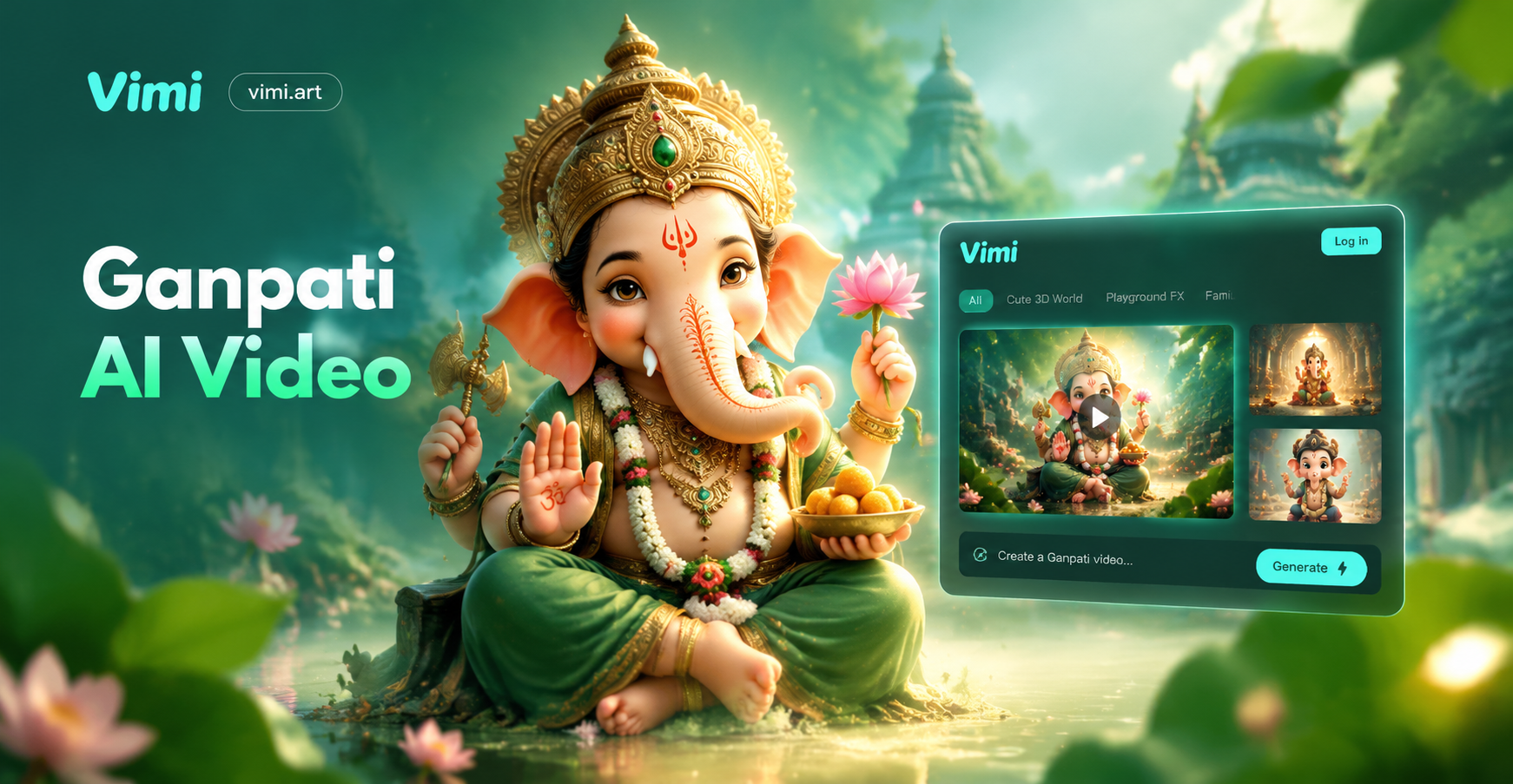
Ganpati AI Video: Create Divine Ganesha Videos Instantly
Ganesh Aarti AI Photo: Divine AI Generator App
Vimi AI Banksy Stencil Style Filter for Bold Street Art
Vimi Surreal Video Filter Guide for Dreamlike AI Clips
Ganpati Face to Face AI Photo: Divine Selfie Generator
Ganpati AI Video: Create Divine Ganesha Videos Instantly
Create Your Divine Ganpati Pandal Darshan Today
Experience the joy of virtual Ganesh darshan with AI. Download vimi and turn your photos into beautiful Ganpati pandal memories instantly.
Create Your Divine Ganpati Pandal Darshan Today
Experience the joy of virtual Ganesh darshan with AI. Download vimi and turn your photos into beautiful Ganpati pandal memories instantly.