Nightwing AI Trend
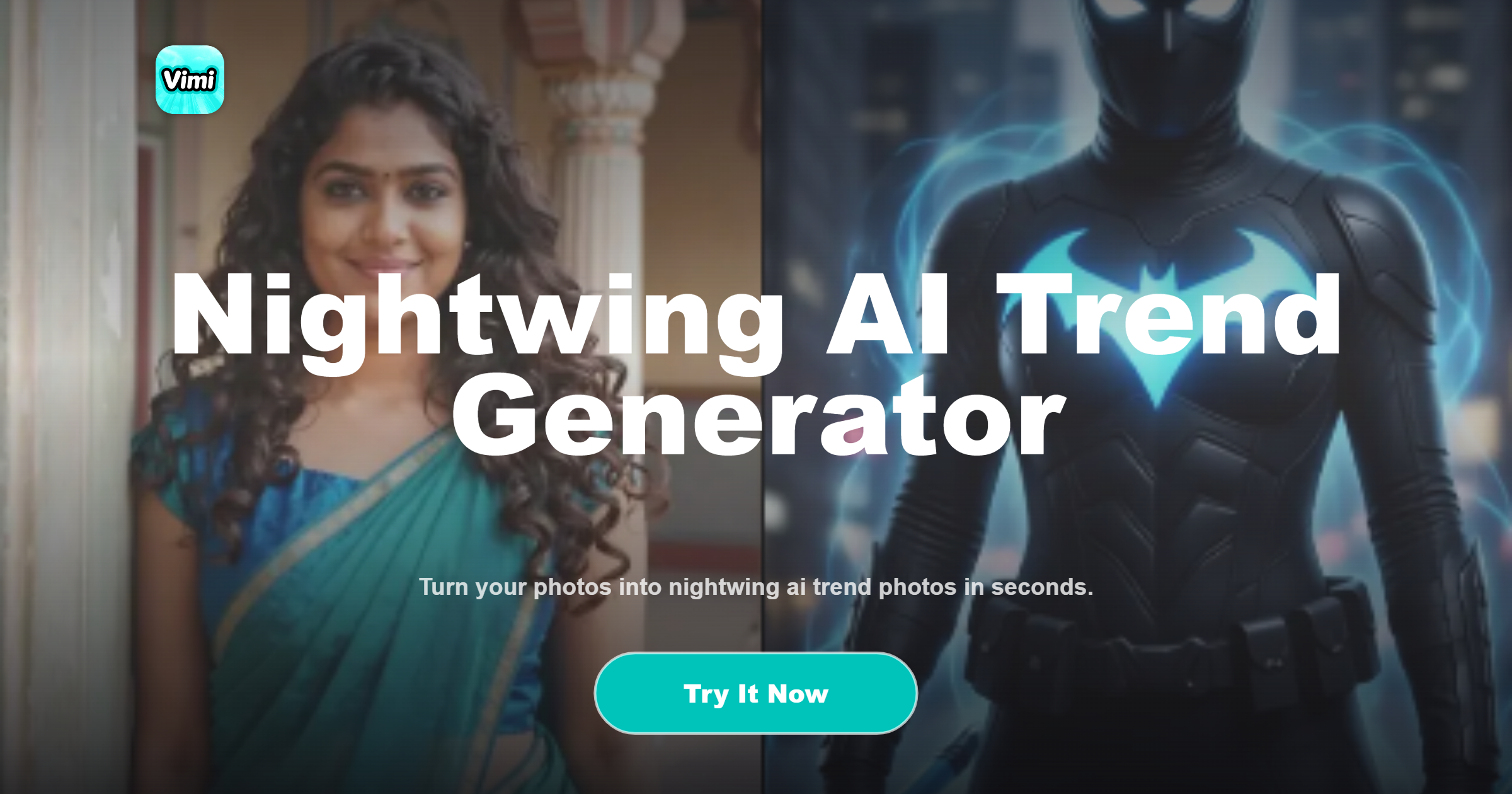
Choose the Nightwing AI Trend Filter
Discover the filter that perfectly matches your style and mood.
Nightwing AI Trend Filter On Vimi
The Nightwing AI Trend filter turns a normal photo into a dark hero look. It uses templates inside Vimi. You do not need editing skills. Pick a template, upload a photo, and generate.
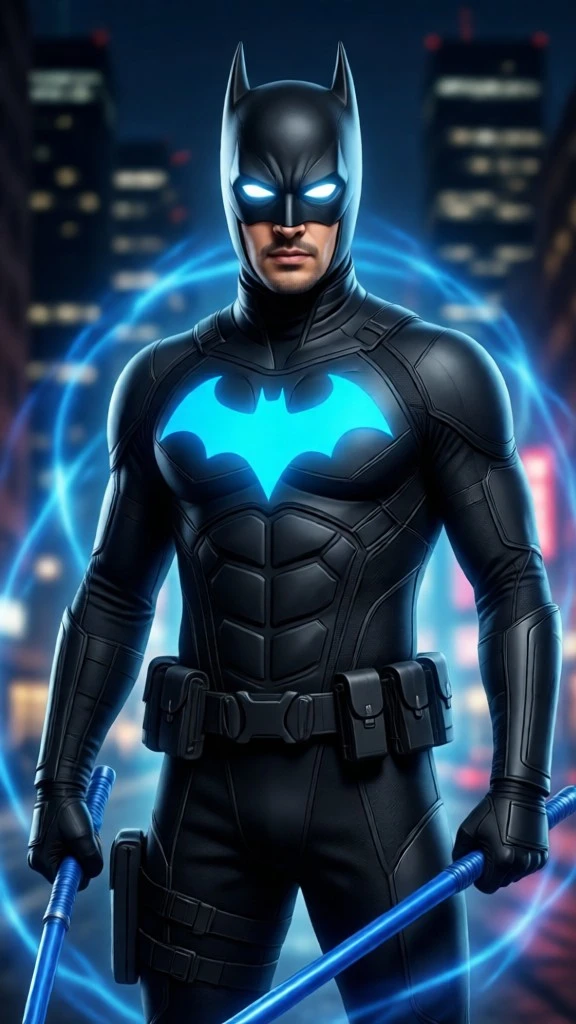
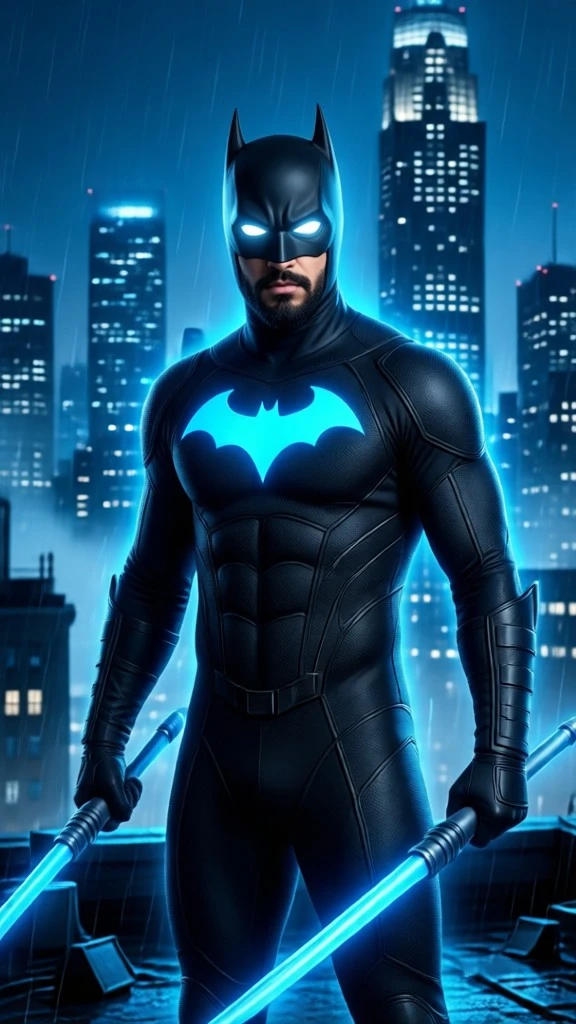
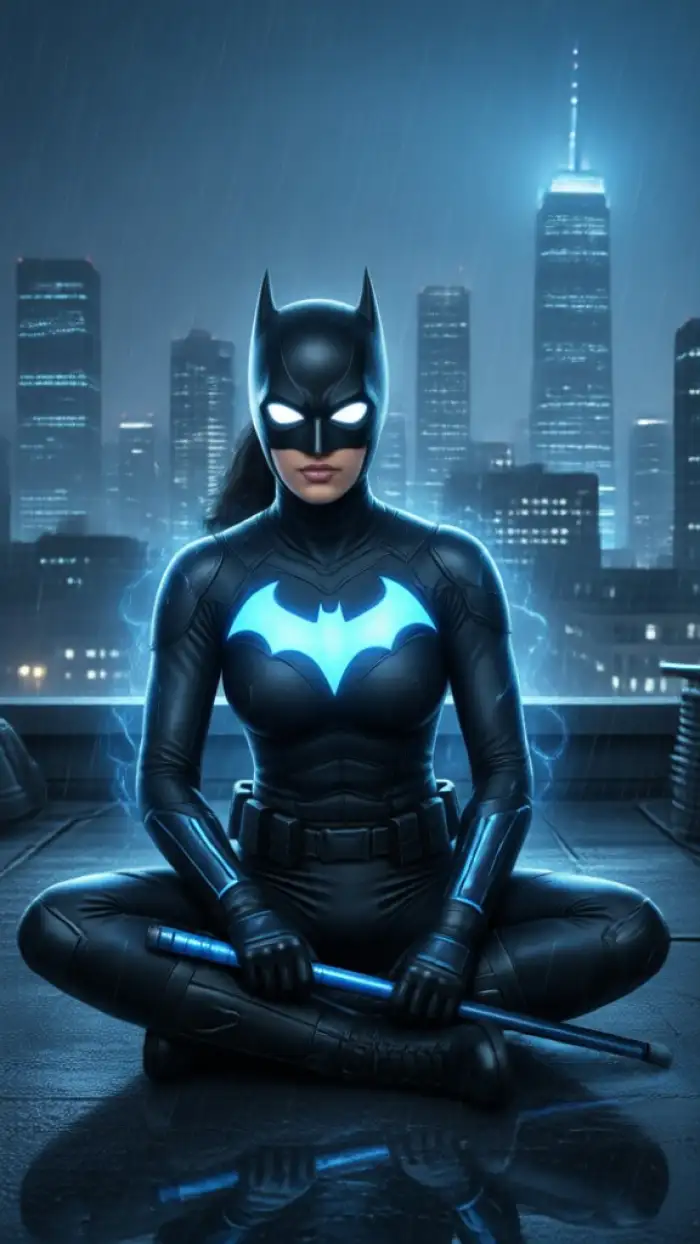
Key Features Of Vimi For Nightwing AI Trend
Explore the main features that help you create Nightwing AI Trend images and videos inside the Vimi app with simple taps and ready templates.
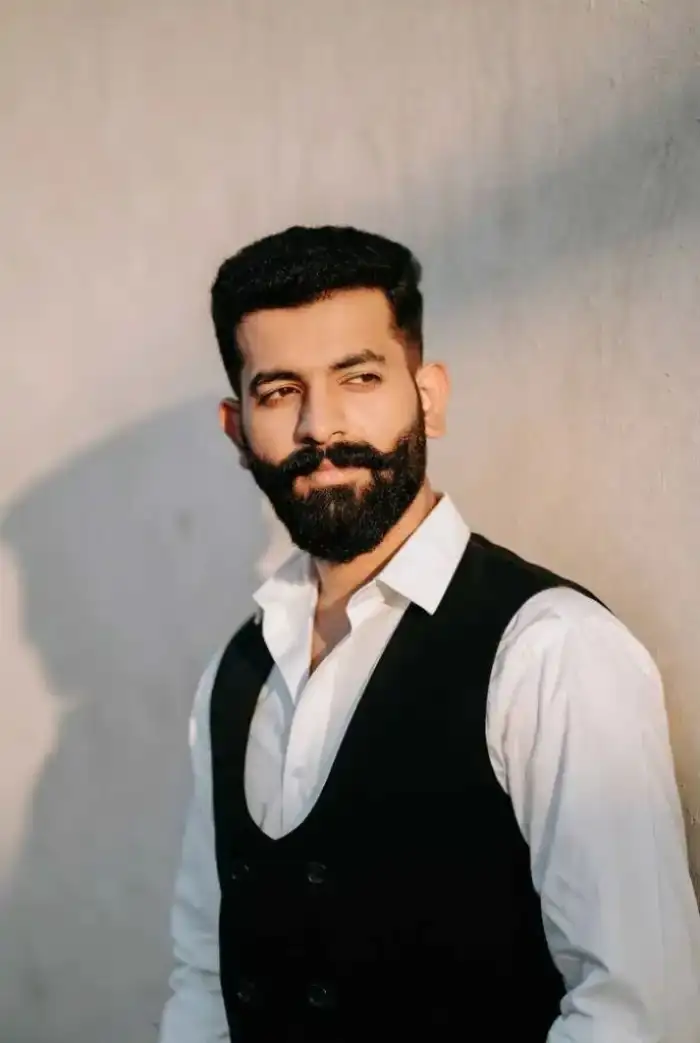 Before
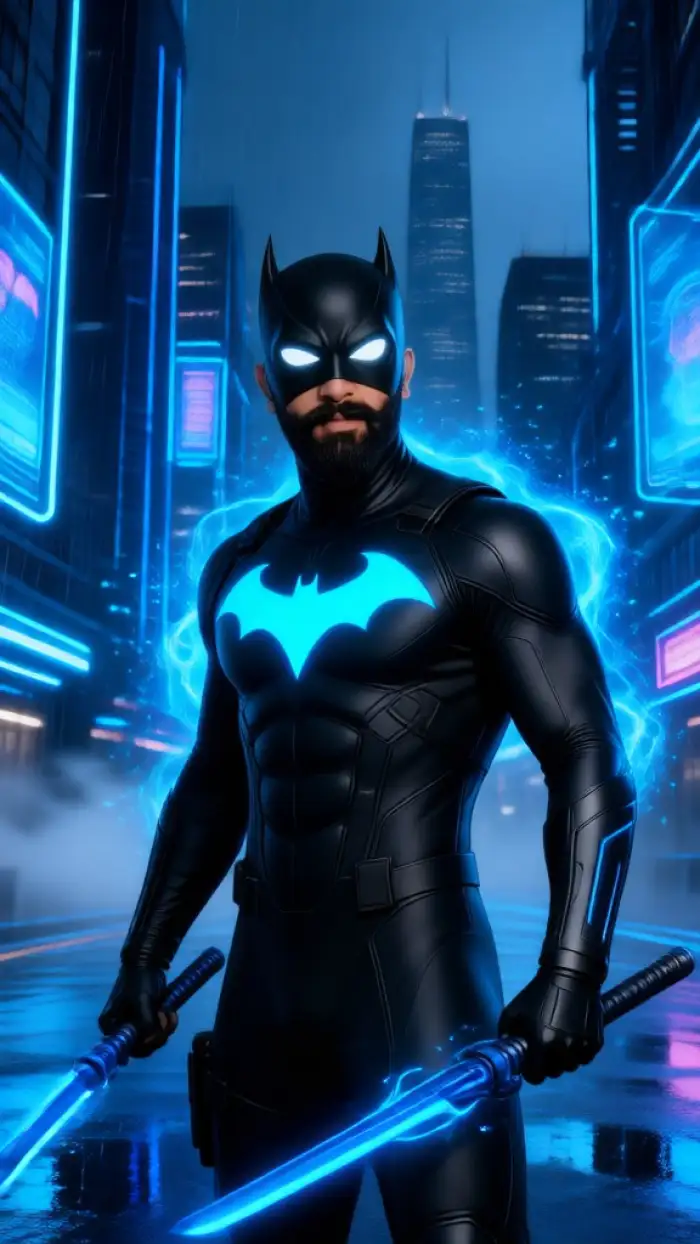 After
One Tap Style Transfer
Vimi turns a normal portrait into a Nightwing AI Trend look with one tap. Pick the template, upload a clear photo, and let the app handle the rest. The result keeps your face while adding dark hero colors, blue accents, and city night mood. It still feels like you.
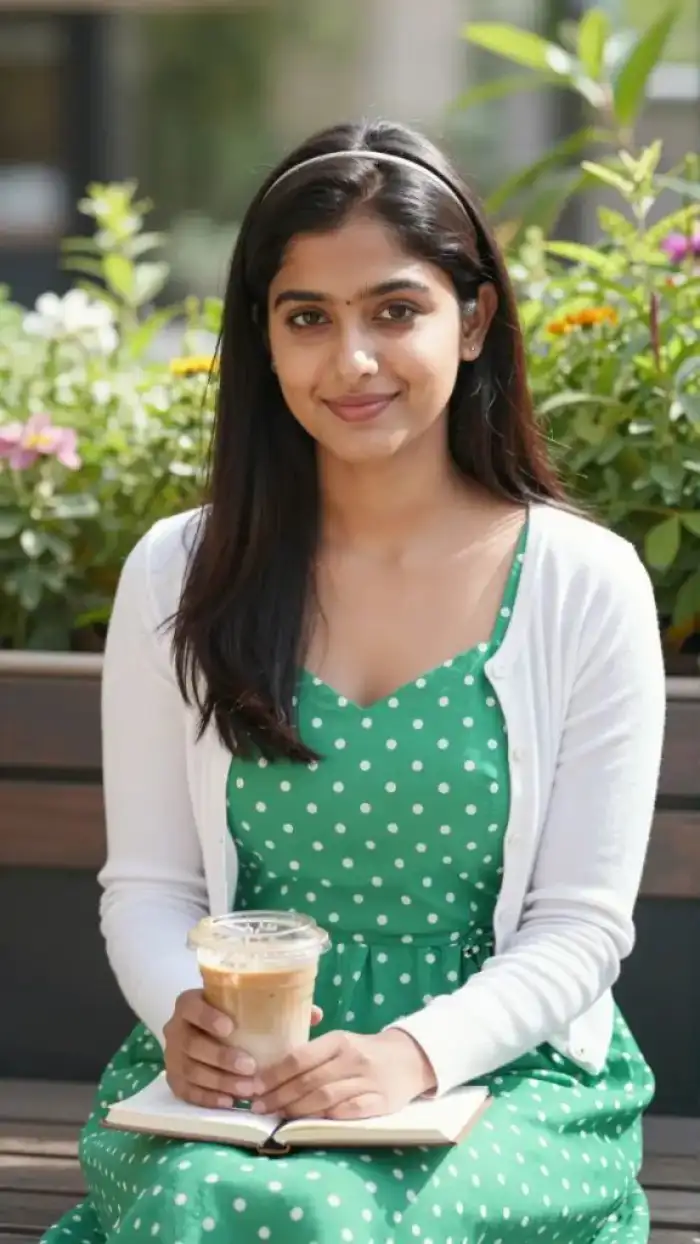 Before
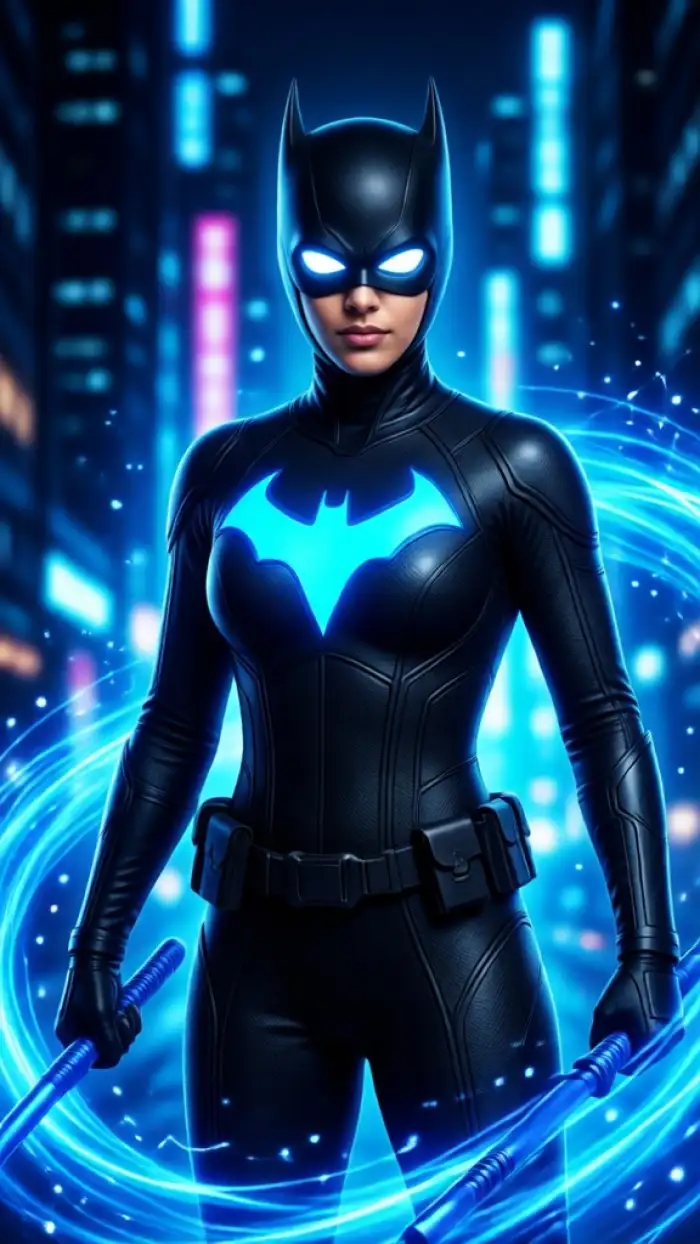 After
Face And Pose Control
You can guide small expressions and simple poses. Make your character smile, blink, turn the head, or stand in a strong hero stance. Vimi keeps facial details stable across images. This helps you build a set of Nightwing AI Trend photos that look related. Use the same face again.
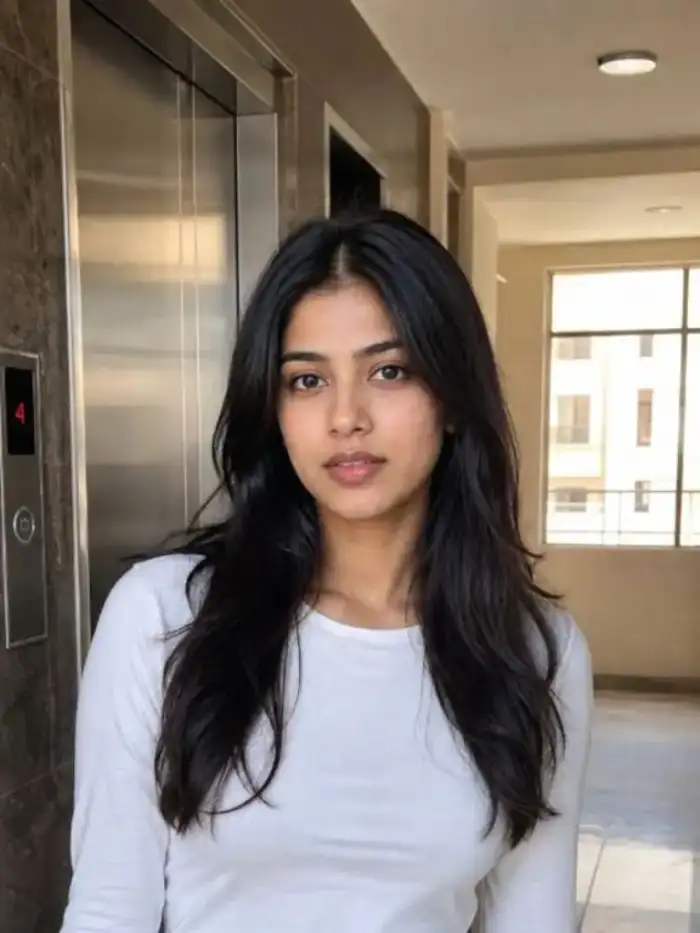 Before
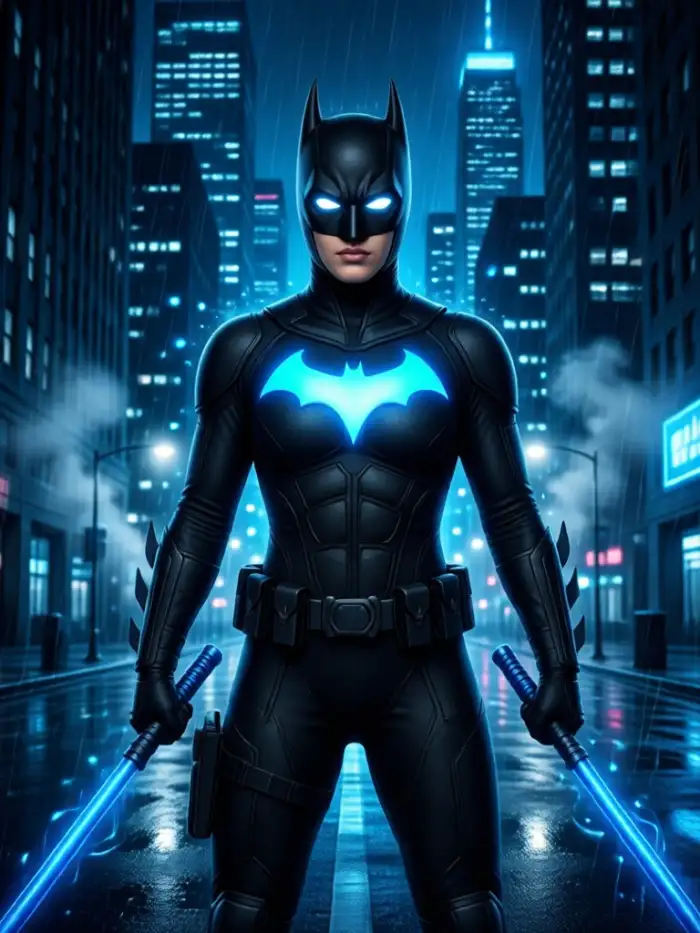 After
Daily Nightwing Trend
Vimi updates its template library with social media trends. The Nightwing AI Trend filter sits beside anime, clay, cyberpunk, and film styles. You do not need to write prompts or adjust settings. Choose a template, upload a photo, and generate a result in seconds. New looks arrive often.
Why Use Vimi For Nightwing AI Trend
Discover why creators pick Vimi for Nightwing AI Trend edits that stay simple, fast, and true to each face inside the mobile app.
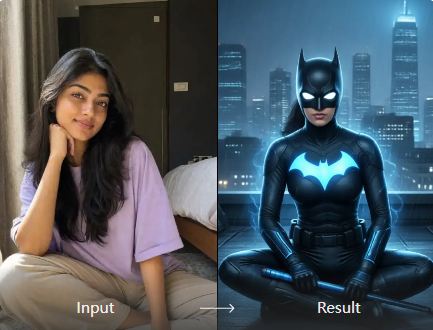
Fast Creation In App
Vimi keeps the full workflow inside the mobile app. You choose a Nightwing AI Trend template, upload a photo, and tap Generate. Most results appear in 10 to 20 seconds. You can download the image or video and share it to social platforms right away.
Fast Creation In App
Vimi keeps the full workflow inside the mobile app. You choose a Nightwing AI Trend template, upload a photo, and tap Generate. Most results appear in 10 to 20 seconds. You can download the image or video and share it to social platforms right away.
How To Create Vimi Nightwing AI Trend?
This guide shows three simple steps. You can finish the Nightwing AI Trend look inside the Vimi app.
Step 01.
Download the Vimi app on your phone. Open it and sign in. This keeps all creation tools in one place.
Step 02.
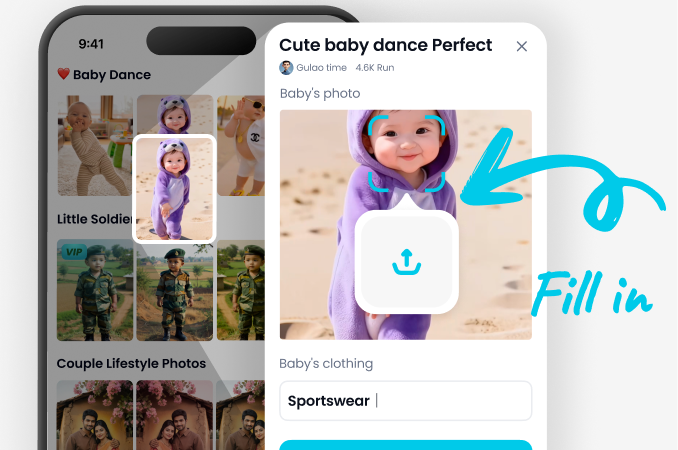
Browse the Vimi template library. Pick the Nightwing AI Trend filter. Upload one clear photo or a short video. Tap Generate.
Step 03.
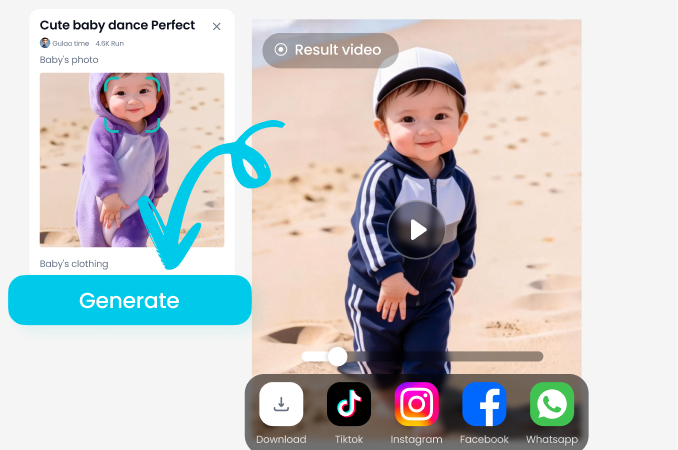
Wait 10 to 20 seconds. Tap Download to save the image or video. Then share it to social platforms or your Vimi profile.
Who Uses Nightwing AI Trend Enhancement Online
Maya R
I used the Nightwing AI Trend template on a beach photo. The app kept my face clear and added dark armor with blue light. My friends asked which app I used.
Daniel K
I made a short video from one portrait. The head turn and blink looked natural. Vimi finished it in about 15 seconds.
Priya S
Our group photo became a hero lineup. Each face stayed separate. Nobody looked mixed or missing.
Anna T
I do not edit videos. I picked a template, uploaded a photo, and tapped Generate. The result looked like a night hero scene.
Maya R
I used the Nightwing AI Trend template on a beach photo. The app kept my face clear and added dark armor with blue light. My friends asked which app I used.
Daniel K
I made a short video from one portrait. The head turn and blink looked natural. Vimi finished it in about 15 seconds.
Priya S
Our group photo became a hero lineup. Each face stayed separate. Nobody looked mixed or missing.
Anna T
I do not edit videos. I picked a template, uploaded a photo, and tapped Generate. The result looked like a night hero scene.
Maya R
I used the Nightwing AI Trend template on a beach photo. The app kept my face clear and added dark armor with blue light. My friends asked which app I used.
Daniel K
I made a short video from one portrait. The head turn and blink looked natural. Vimi finished it in about 15 seconds.
Priya S
Our group photo became a hero lineup. Each face stayed separate. Nobody looked mixed or missing.
Anna T
I do not edit videos. I picked a template, uploaded a photo, and tapped Generate. The result looked like a night hero scene.
Frequently Asked Questions
Find clear answers to common questions and get the guidance you need to make the most of our platform, faster and easier.
More Topics You May Like
Explore more topics you may like and discover fresh ideas tailored to your interests.
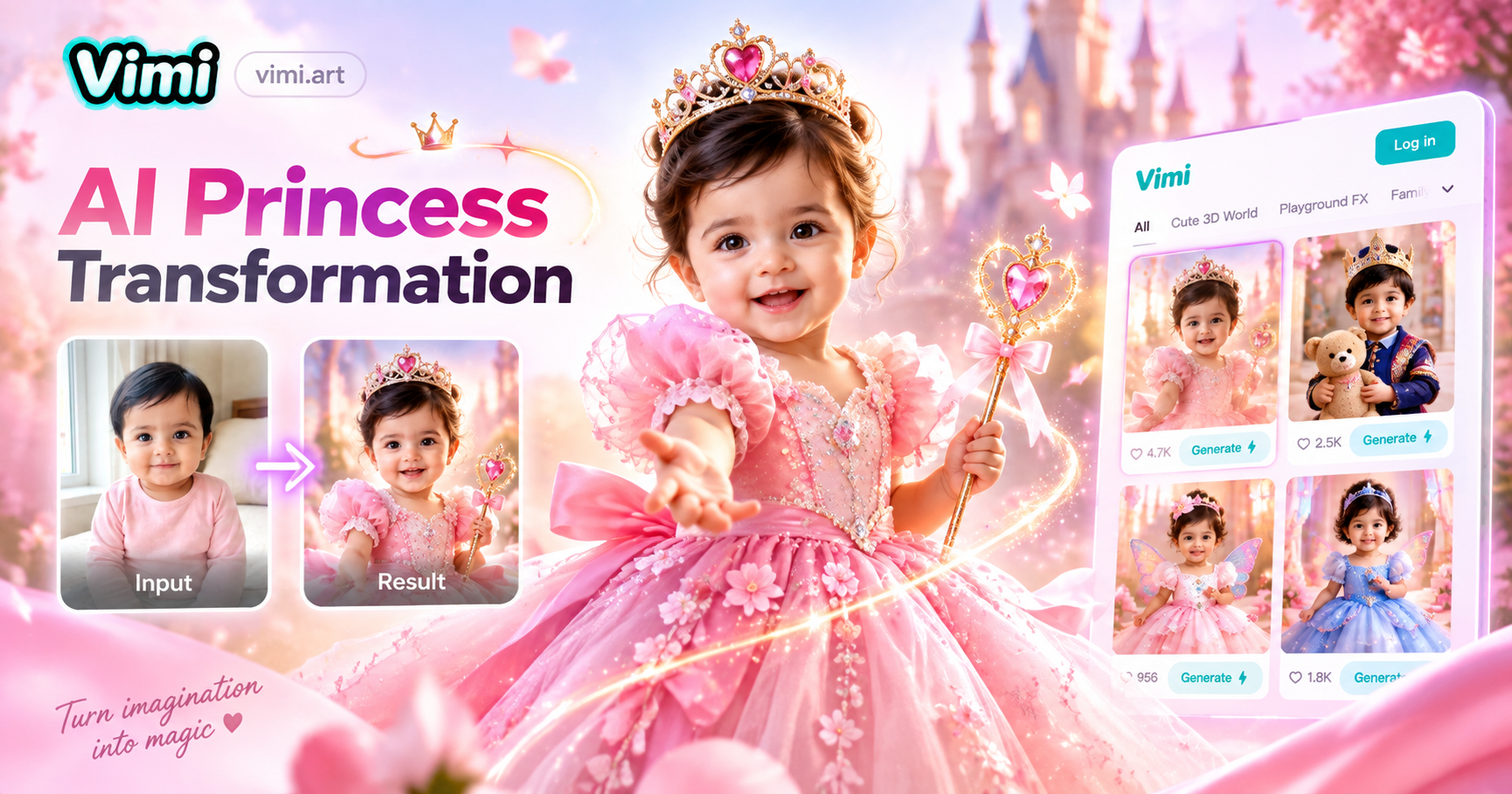
AI Princess Dress Transformation: Turn Photos into Royal Looks with Vimi
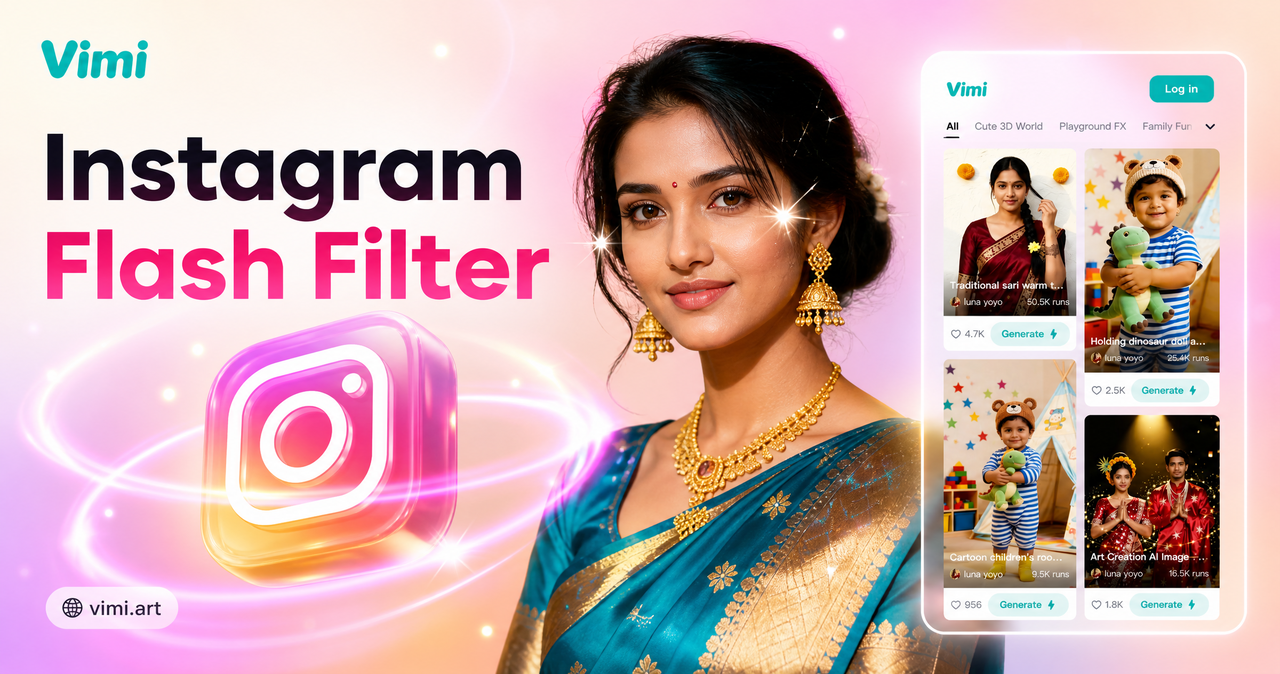
Vimi Instagram Flash Filter for Retro AI Photos and Videos
Vimi Baby Krishna AI Photo Generator for Devotional Portraits
Face Bandage AI Photo: Create Bandage Style Images with Vimi
AI Princess Dress Transformation: Turn Photos into Royal Looks with Vimi
Vimi Instagram Flash Filter for Retro AI Photos and Videos
Vimi Baby Krishna AI Photo Generator for Devotional Portraits
Face Bandage AI Photo: Create Bandage Style Images with Vimi
Create Your Nightwing Hero Look Today
Choose The Nightwing AI Trend Filter. Upload A Clear Photo, Generate Inside Vimi, Then Download Or Share It.
Create Your Nightwing Hero Look Today
Choose The Nightwing AI Trend Filter. Upload A Clear Photo, Generate Inside Vimi, Then Download Or Share It.