Ganpati Face to Face AI Photo

Choose the Ganpati Filter That Suits Your Devotion
Explore Vimi's curated Ganesh face swap filters, from traditional blessing poses to modern festive selfies. Pick a template that matches your mood and let AI do the rest.
Key Features of Ganpati Face to Face AI Photo
Vimi makes divine AI photo creation simple, fast, and incredibly realistic. Here is what you can do with the Ganpati face to face AI photo tool.
Realistic Ganpati Face Swap
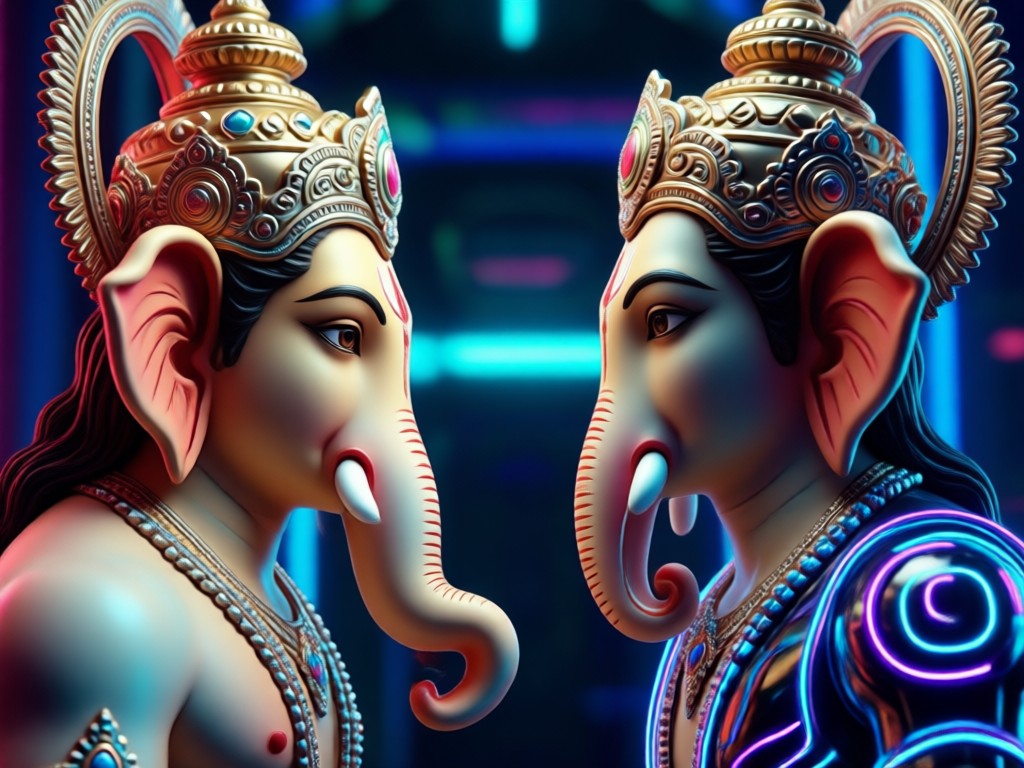
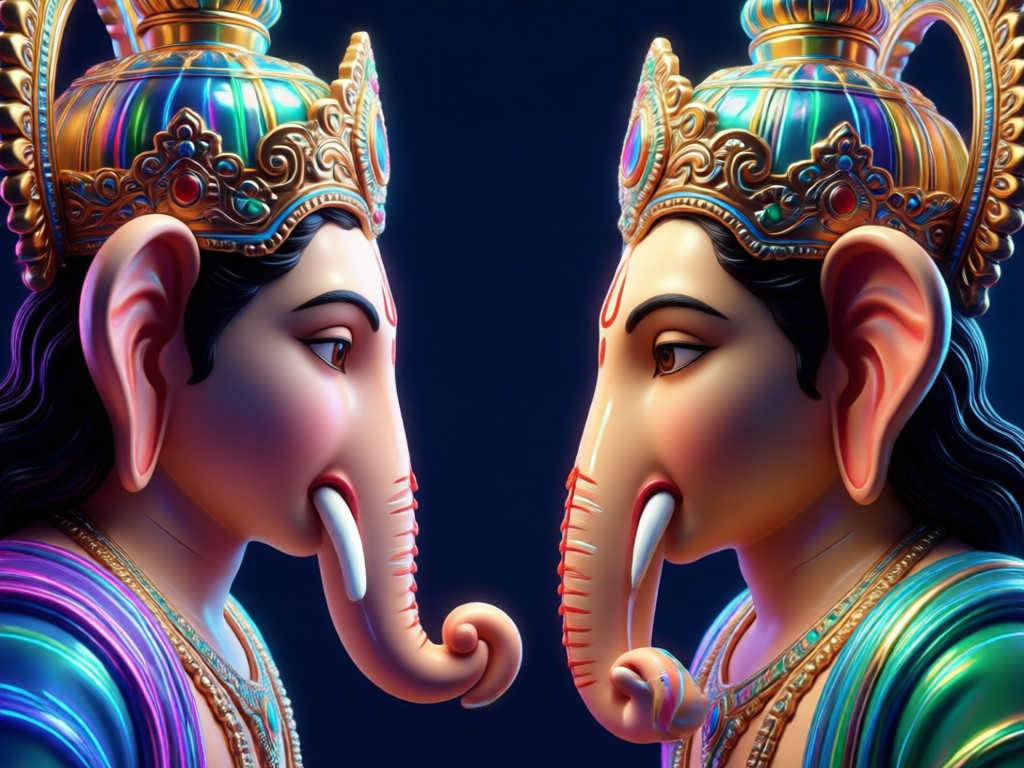
Upload a clear selfie and Vimi's AI maps your facial features onto a Ganpati inspired portrait. The result preserves your unique look while adding divine details like the elephant head, crown, and tilak. Perfect for festive greetings and profile pictures.
Realistic Ganpati Face Swap
Upload a clear selfie and Vimi's AI maps your facial features onto a Ganpati inspired portrait. The result preserves your unique look while adding divine details like the elephant head, crown, and tilak. Perfect for festive greetings and profile pictures.
Divine Style Templates
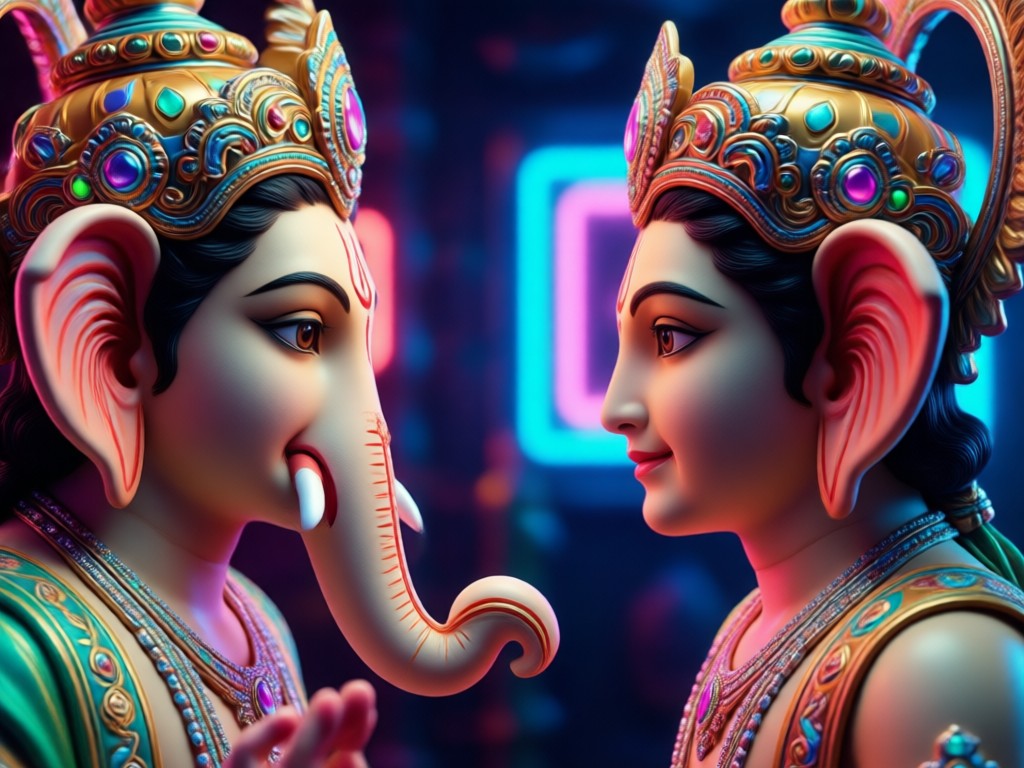
Choose from over a million style filters, including traditional oil painting, modern 3D clay, realistic photography, and Ganesh Chaturthi themed backgrounds. Each template is optimized to blend your face naturally with Lord Ganesha's iconography.
Divine Style Templates
Choose from over a million style filters, including traditional oil painting, modern 3D clay, realistic photography, and Ganesh Chaturthi themed backgrounds. Each template is optimized to blend your face naturally with Lord Ganesha's iconography.
Group Ganpati Photo Generation
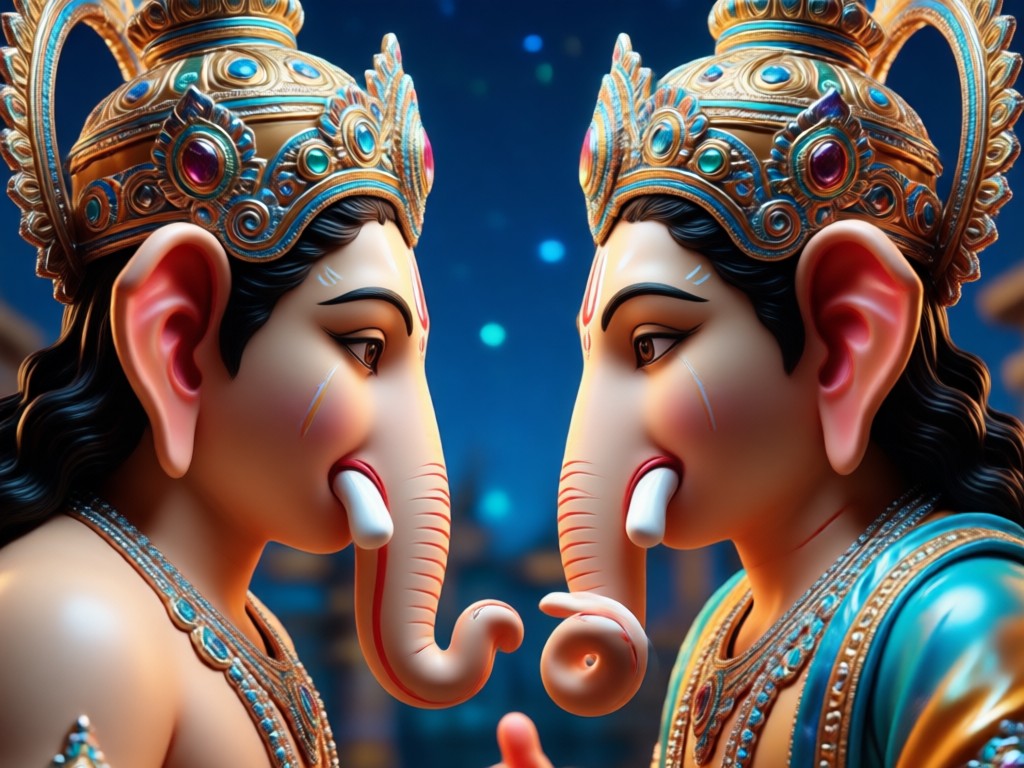
Upload a family or friend group photo and Vimi identifies every face separately. Generate multi person Ganpati face to face AI photos without blending faces or losing details. Create a single festive card with everyone blessed by Lord Ganesha.
Group Ganpati Photo Generation
Upload a family or friend group photo and Vimi identifies every face separately. Generate multi person Ganpati face to face AI photos without blending faces or losing details. Create a single festive card with everyone blessed by Lord Ganesha.
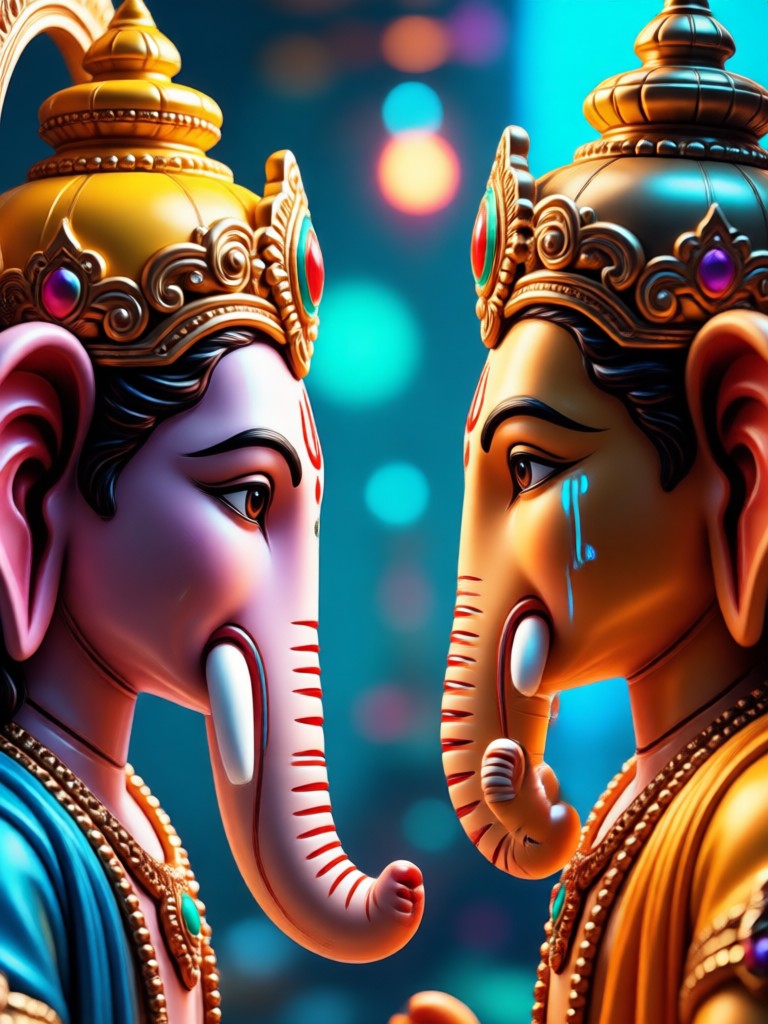
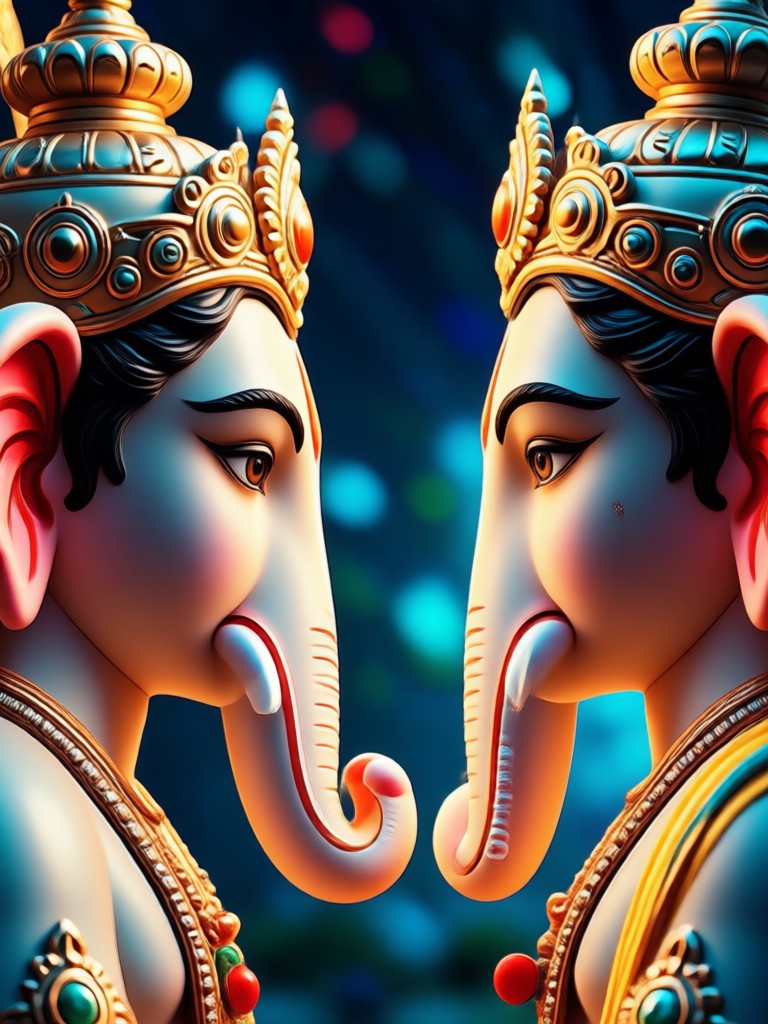
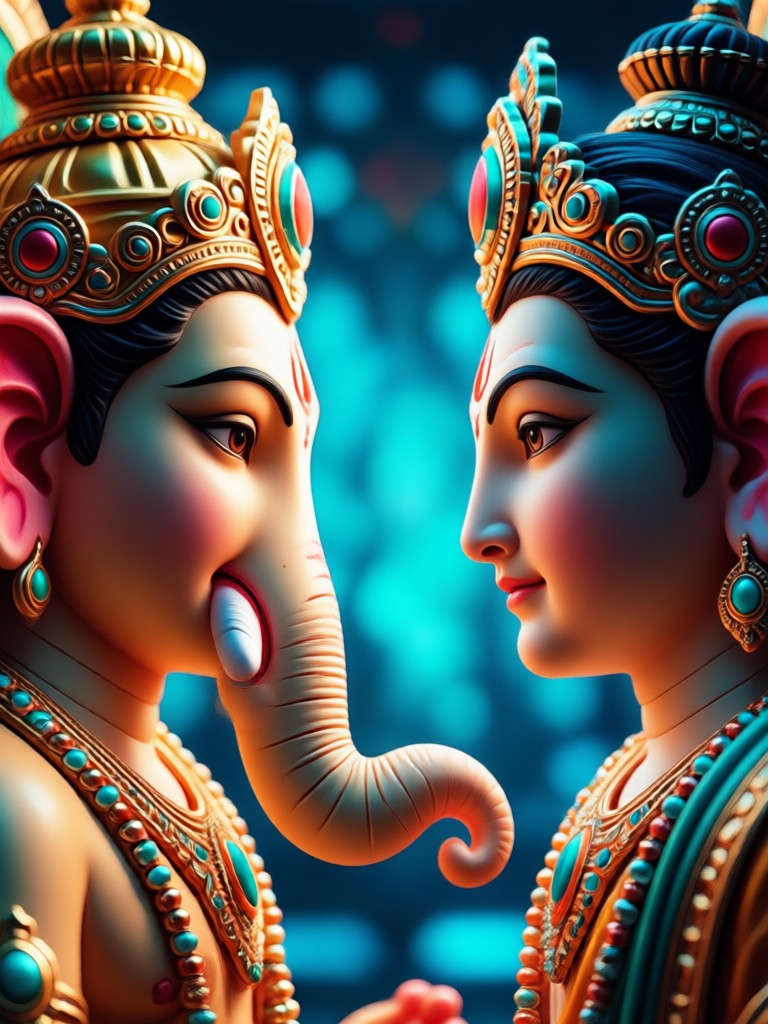
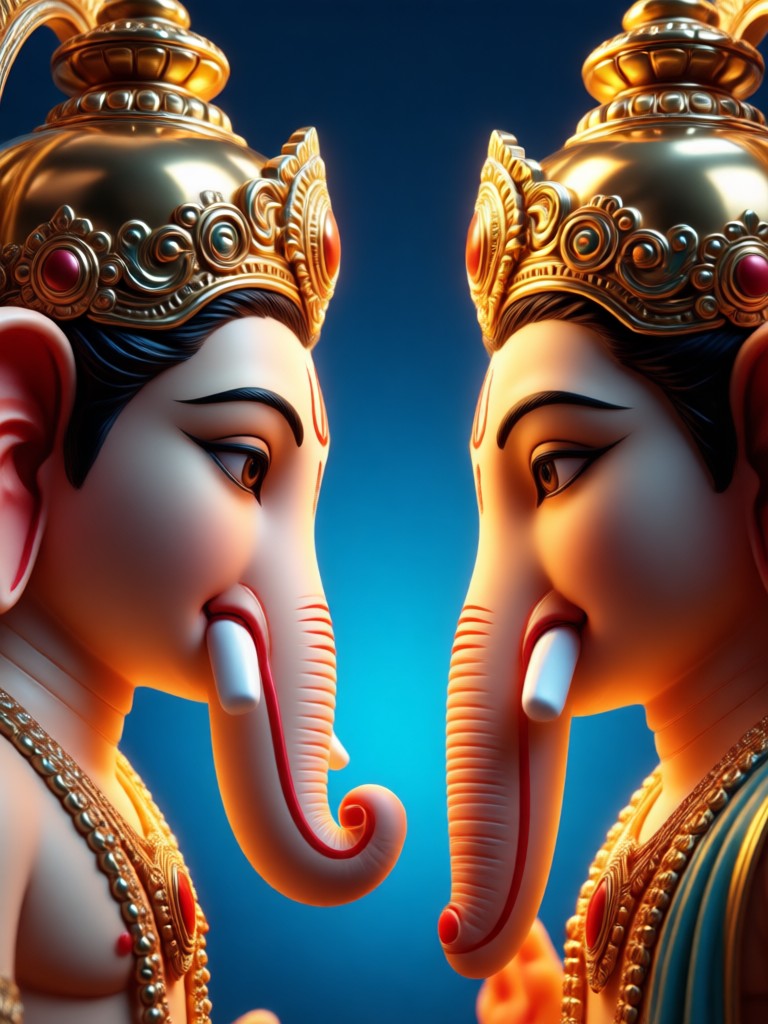
Popular Ganpati Face to Face AI Photo Templates
Browse these ready to use Ganpati AI photo styles. Each template is perfect for Ganesh Chaturthi, daily prayers, or sharing blessings on social media. Tap any category to generate a similar result in the Vimi app.
How to Make a Ganpati Face to Face AI Photo
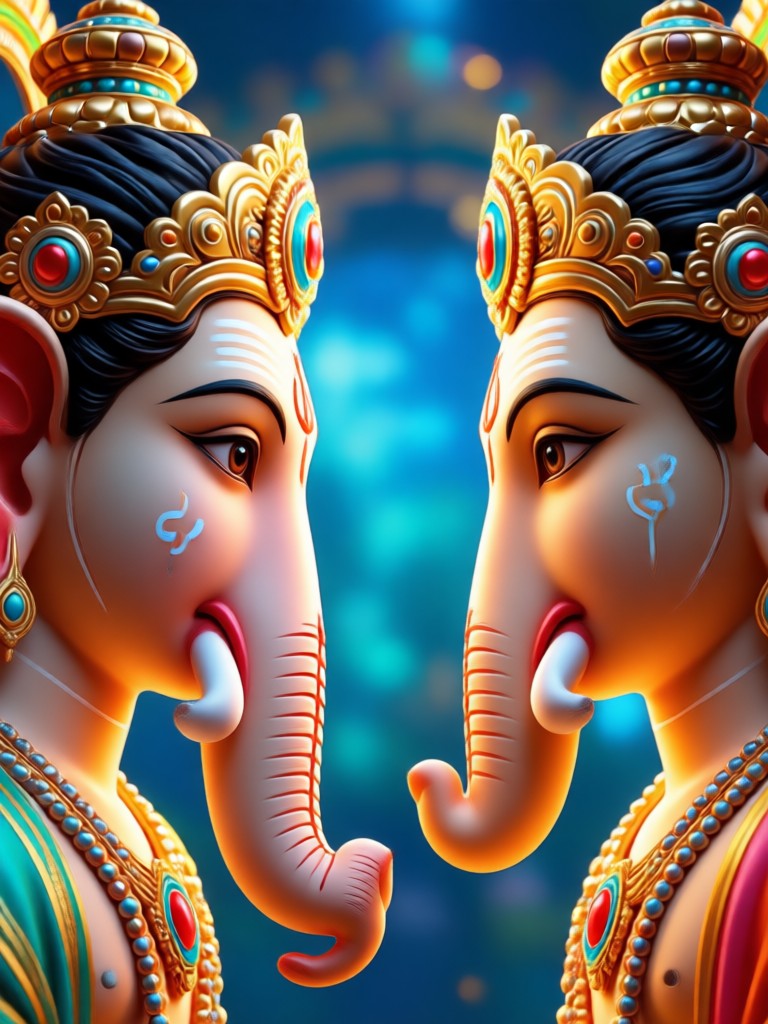
Create your own divine Ganpati face to face AI photo in three simple steps using the Vimi app.

Step 01.
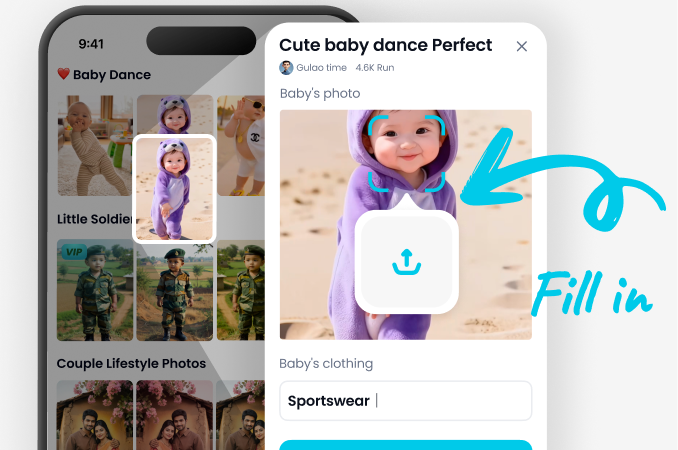
Download Vimi from Google Play and open the app on your phone. It is completely free to start creating Ganpati AI photos.
Step 02.
Select a Ganpati filter or style template from the gallery. You can also type a custom prompt to describe your desired Ganpati face to face AI photo.
Step 03.
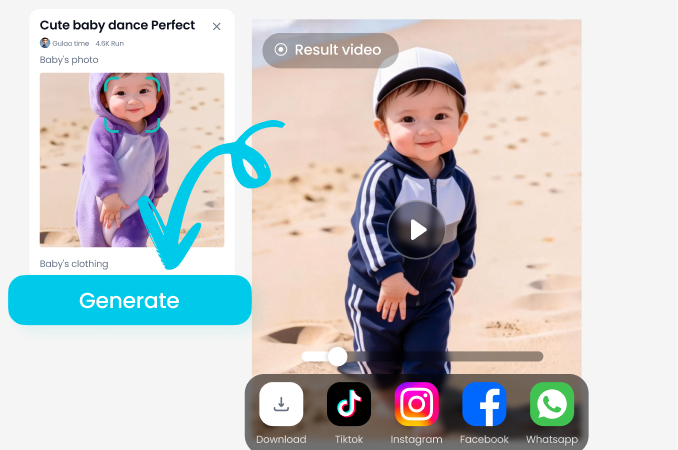
Upload your selfie and tap generate. In seconds, Vimi produces a high resolution Ganpati AI photo. Download it or share directly to WhatsApp, Instagram, or Facebook.
Why Choose Vimi for Ganpati Face to Face AI Photos
Vimi combines powerful AI with an incredibly simple mobile app, so anyone can create divine Ganpati photos without design skills or prompt engineering.
Why Choose Vimi for Ganpati Face to Face AI Photos
Vimi combines powerful AI with an incredibly simple mobile app, so anyone can create divine Ganpati photos without design skills or prompt engineering.
Create Ganpati Face to Face AI Photo On Your Phone
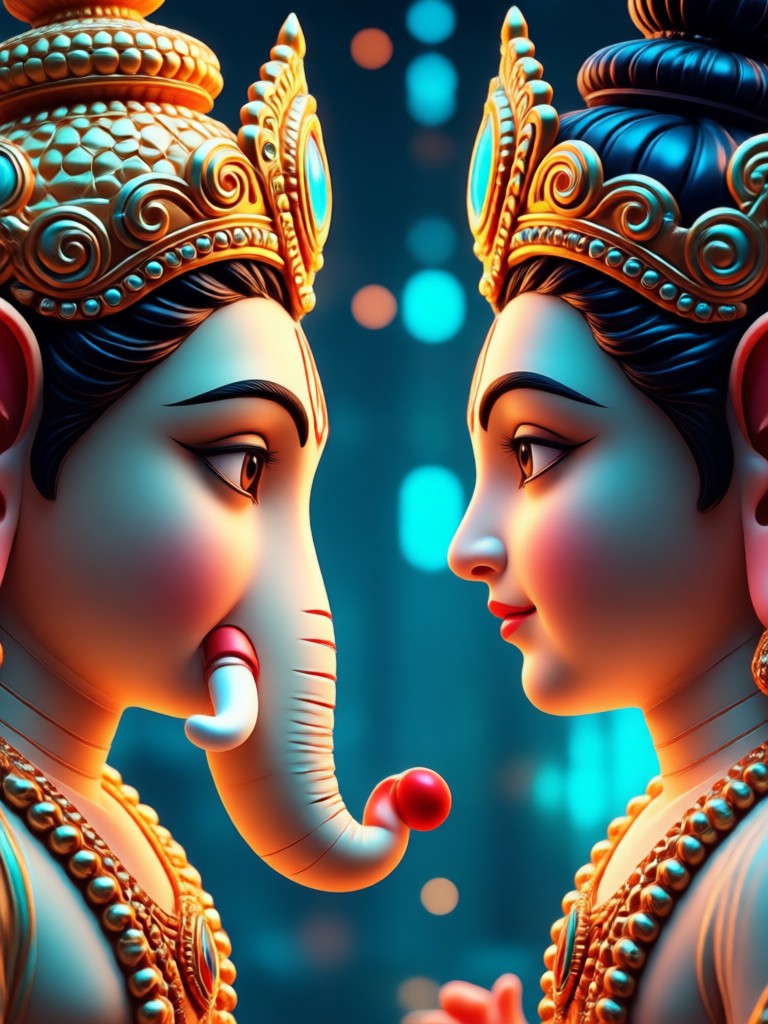
Take a selfie, choose a Ganpati style, and get a stunning AI photo in seconds. Vimi works entirely on your mobile device, so you can create and share divine Ganpati images anytime.

Here is What Devotees Say About Vimi
Perfect for Ganesh Chaturthi greetings
I made a Ganpati face to face AI photo for my whole family in under five minutes. The face mapping looks natural and the divine style templates are beautiful. We sent it to all our relatives on WhatsApp.
No design skills needed
I am not a photographer, but Vimi made it so easy. I uploaded a selfie, picked a traditional Ganpati template, and the result looked like a professional portrait. The app is simple and fast.
Great for social media blessings
I posted my Ganpati face to face AI photo on Instagram and got so many likes. People asked how I made it. The quality is really high and the app is completely free to start.
Frequently Asked Questions
Find clear answers to common questions about creating Ganpati face to face AI photos with Vimi.
More Topics You May Like
Explore more topics you may like and discover fresh ideas tailored to your interests.
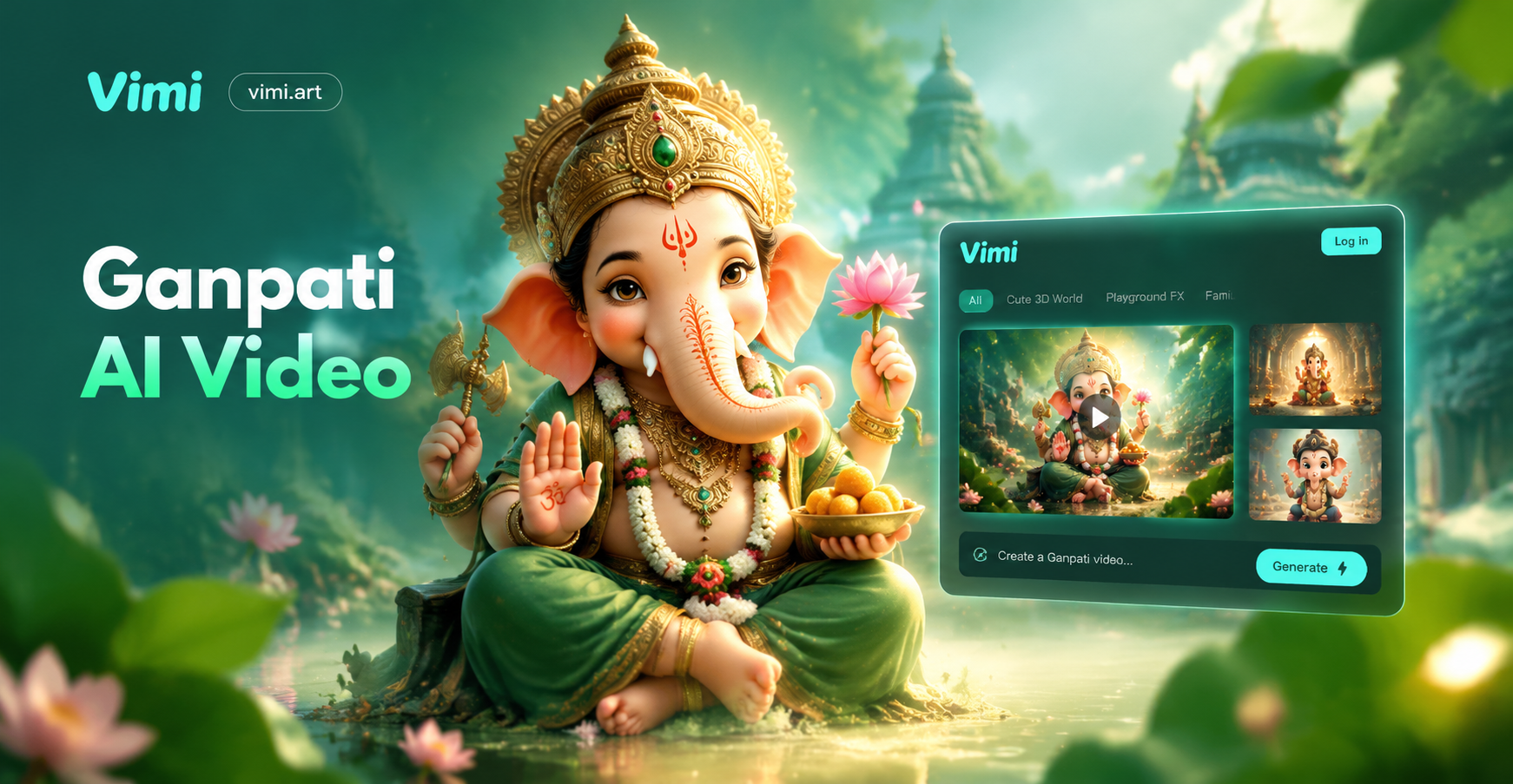
Ganpati AI Video: Create Divine Ganesha Videos Instantly
Turn Ganpati photos into stunning AI videos. Choose devotional styles, add motion and music, and share blessings. Download vimi to generate Ganpati AI videos in seconds.
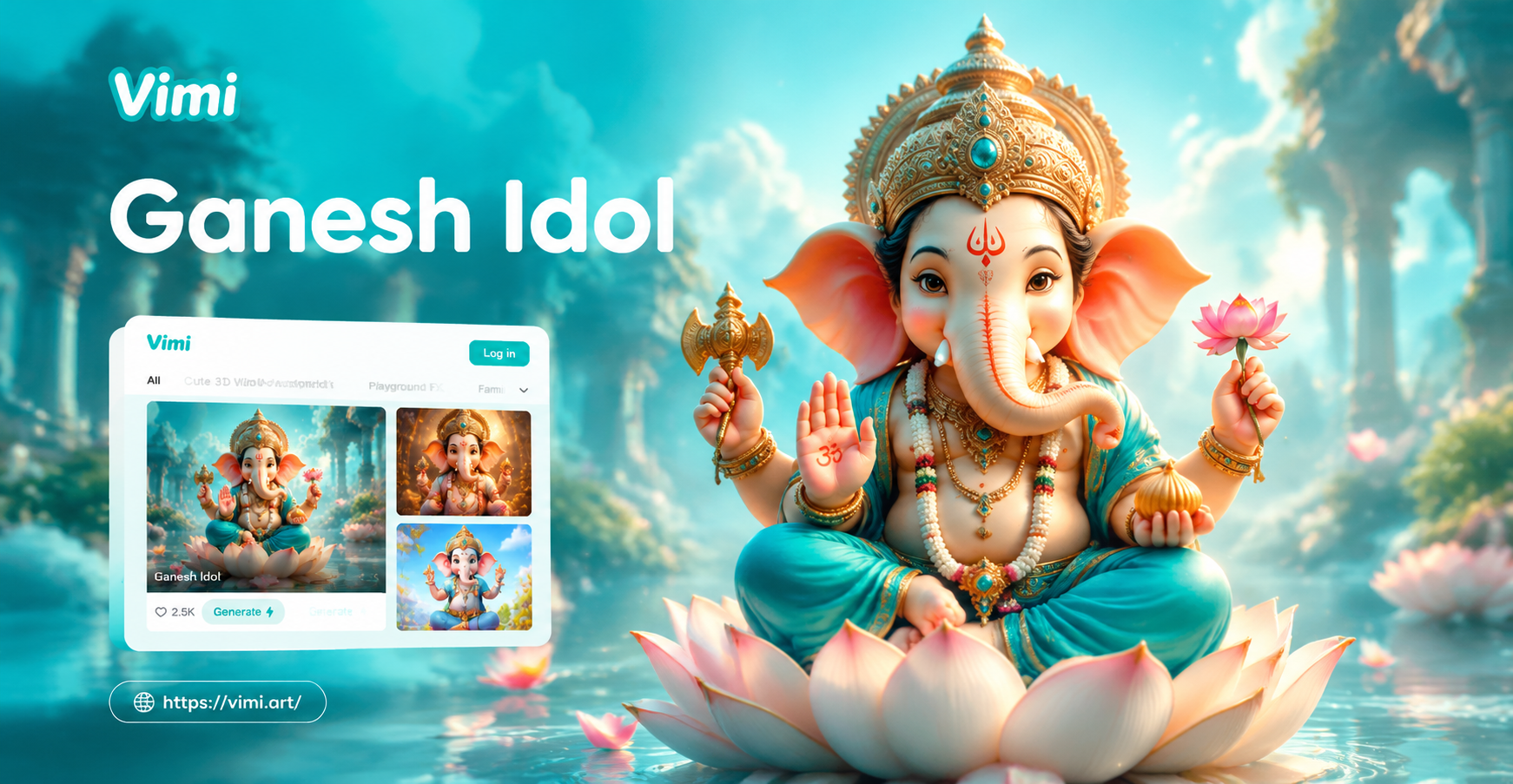
Bring Ganesh Idols to Life with AI Animation
Turn static Ganesh idol photos into lifelike animated videos. Upload a picture, choose a festive animation style, and create shareable greetings in seconds. No design skills needed.
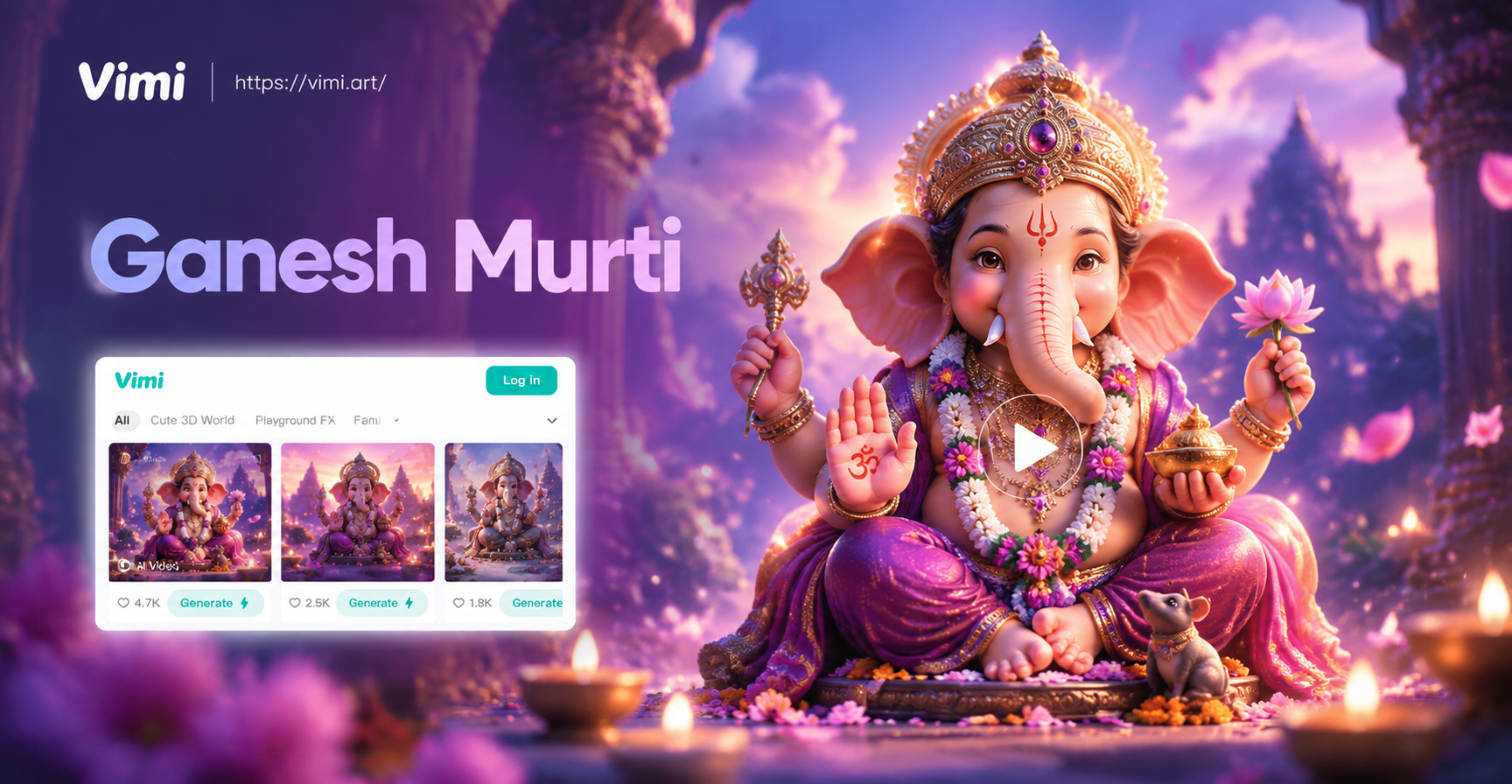
Create Ganesh Murti AI Videos: Divine Motion Effects
Turn static Ganesh Murti photos into stunning AI videos. Add motion, light, and floral effects. Download vimi and generate devotional Ganesh videos in seconds.

Vimi Ecommerce Video Filter Guide for Product Creators
Vimi turns product photos into short Ecommerce Video clips inside the app. Pick a template, upload one or more images, and generate in 10 to 20 seconds. Browse 21000+ styles for product demos, model motion, and social promos. Download the Vimi App to create and share.
Create Your Ganpati Face to Face AI Photo Today
Download Vimi from Google Play and turn any selfie into a beautiful Ganpati face to face AI photo. Join millions of devotees celebrating with AI generated divine portraits.
Create Your Ganpati Face to Face AI Photo Today
Download Vimi from Google Play and turn any selfie into a beautiful Ganpati face to face AI photo. Join millions of devotees celebrating with AI generated divine portraits.