Ganesh Murti AI Video
Templates for Divine Ganesh Videos
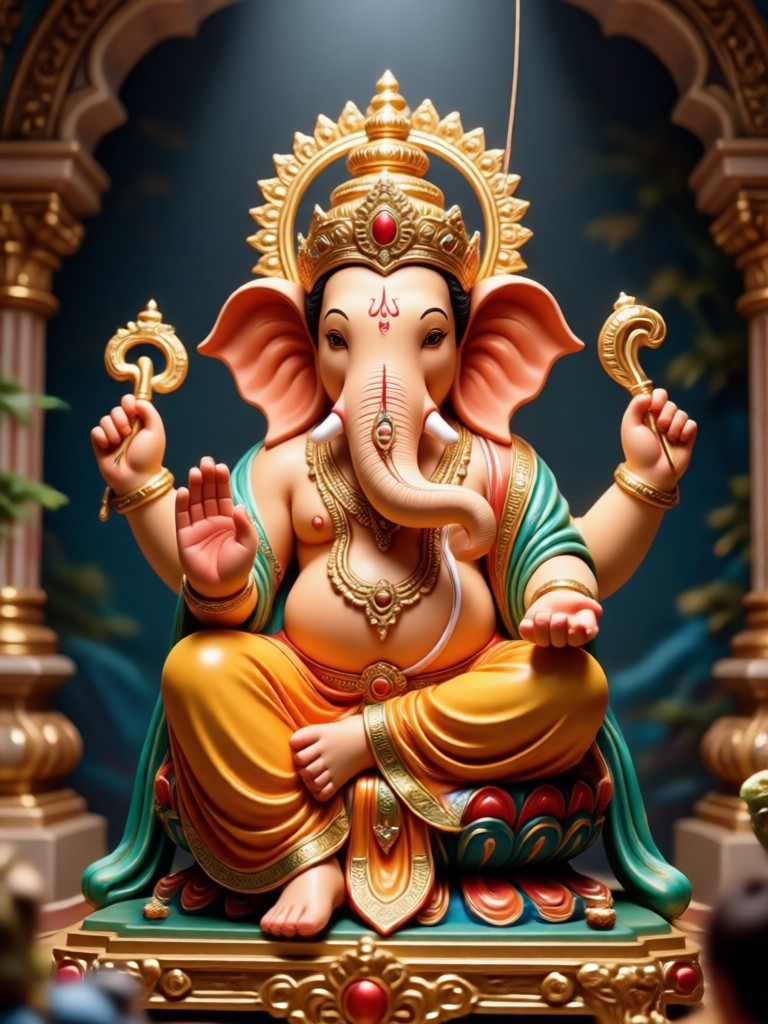
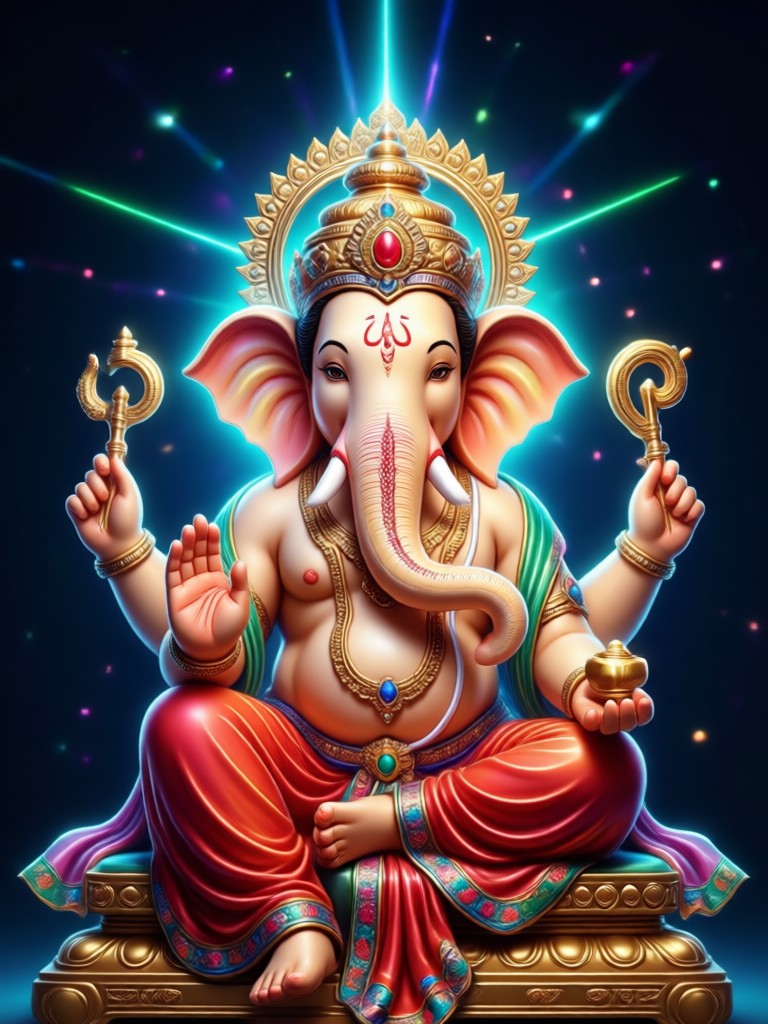
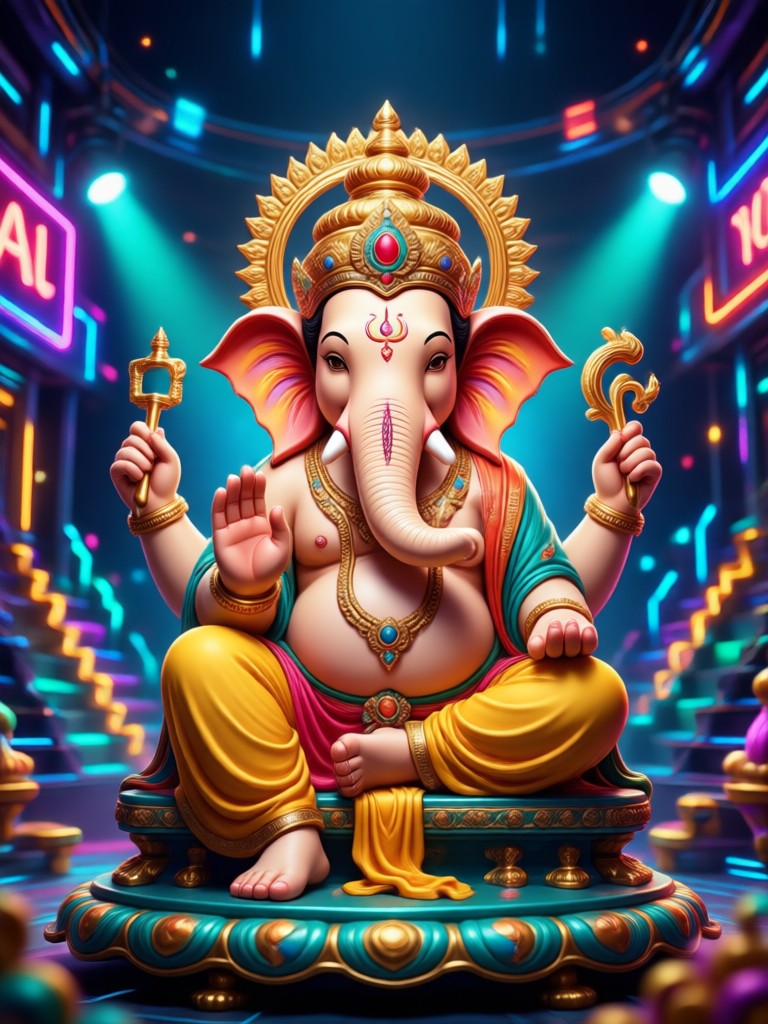
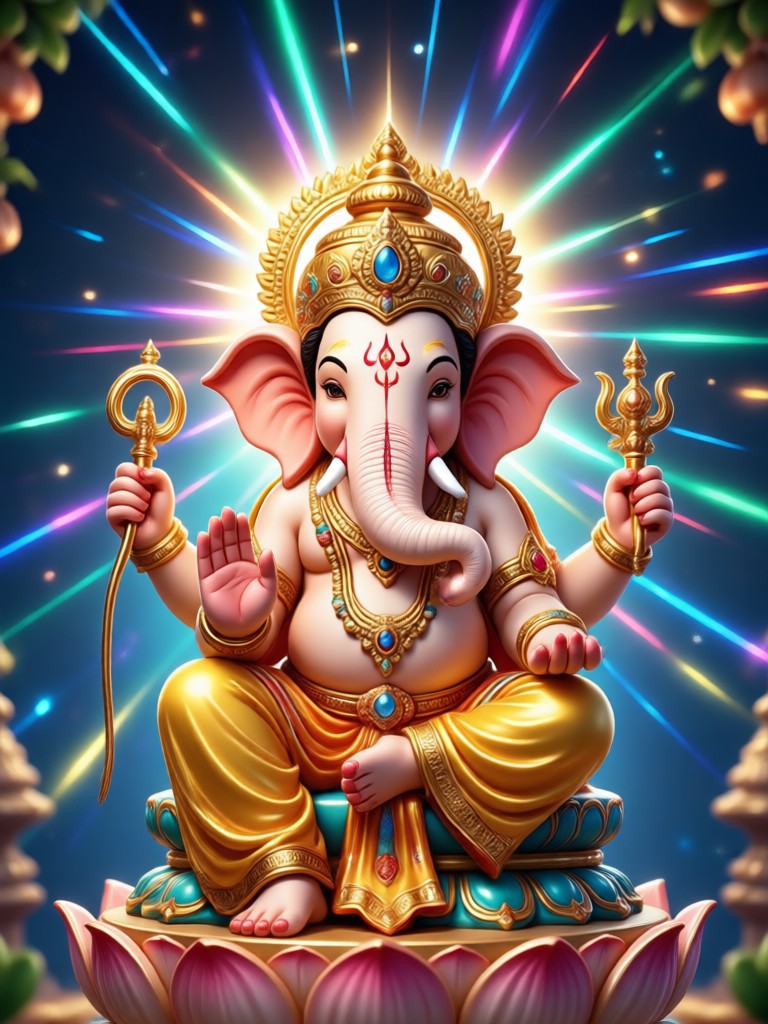
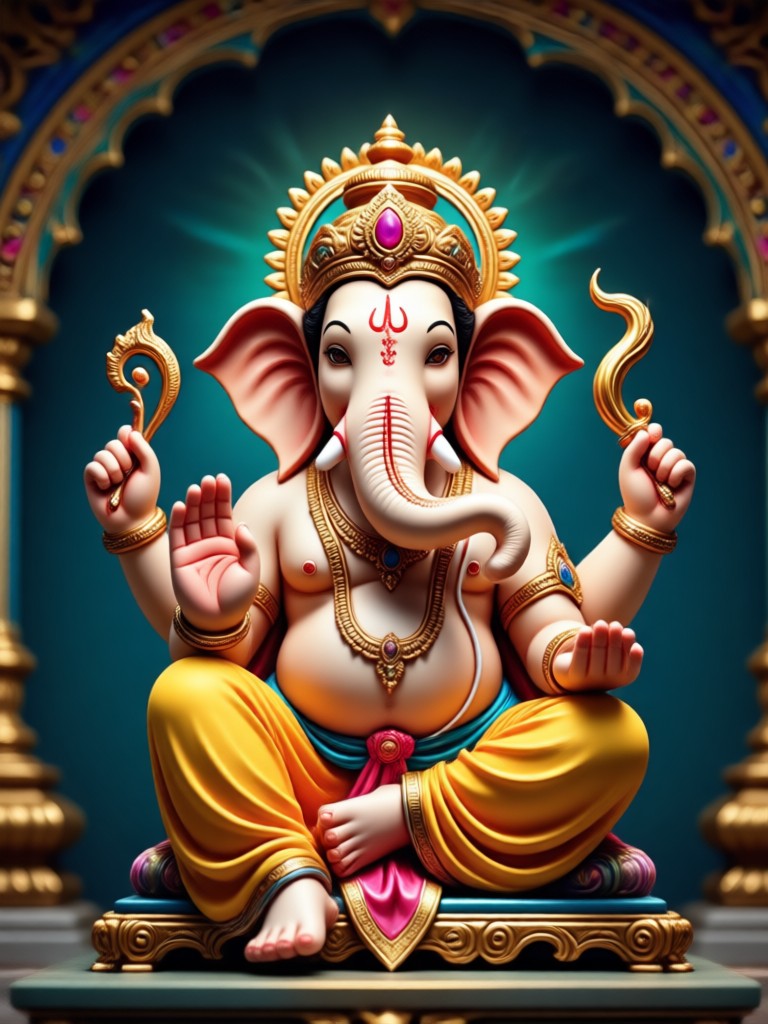
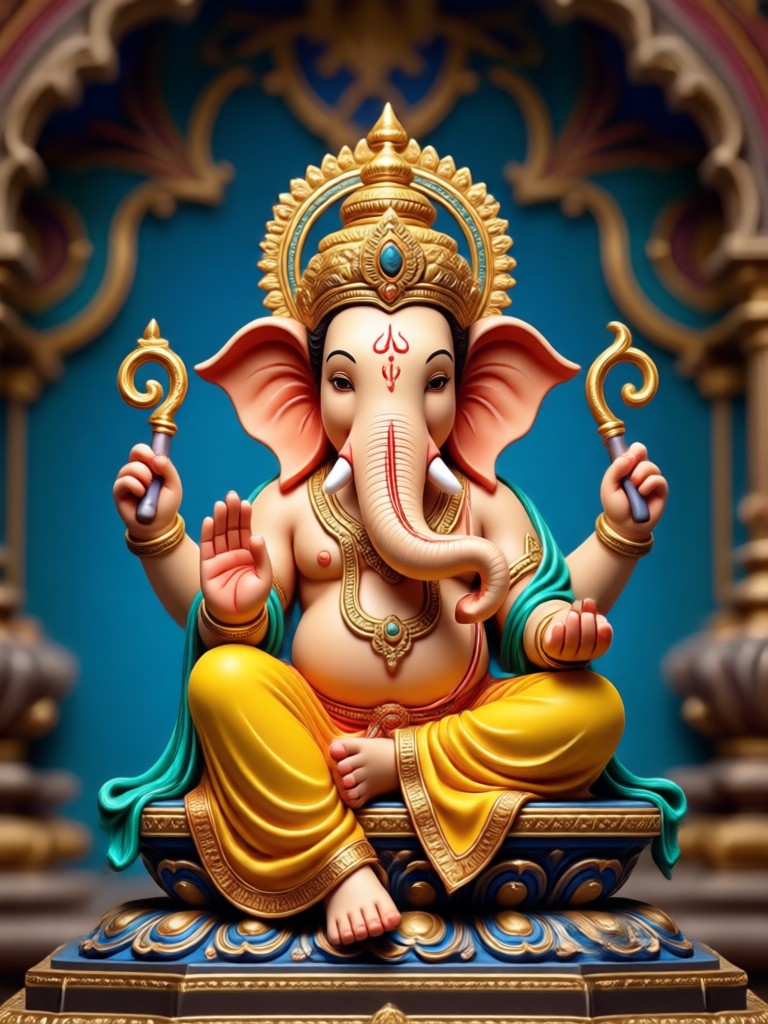
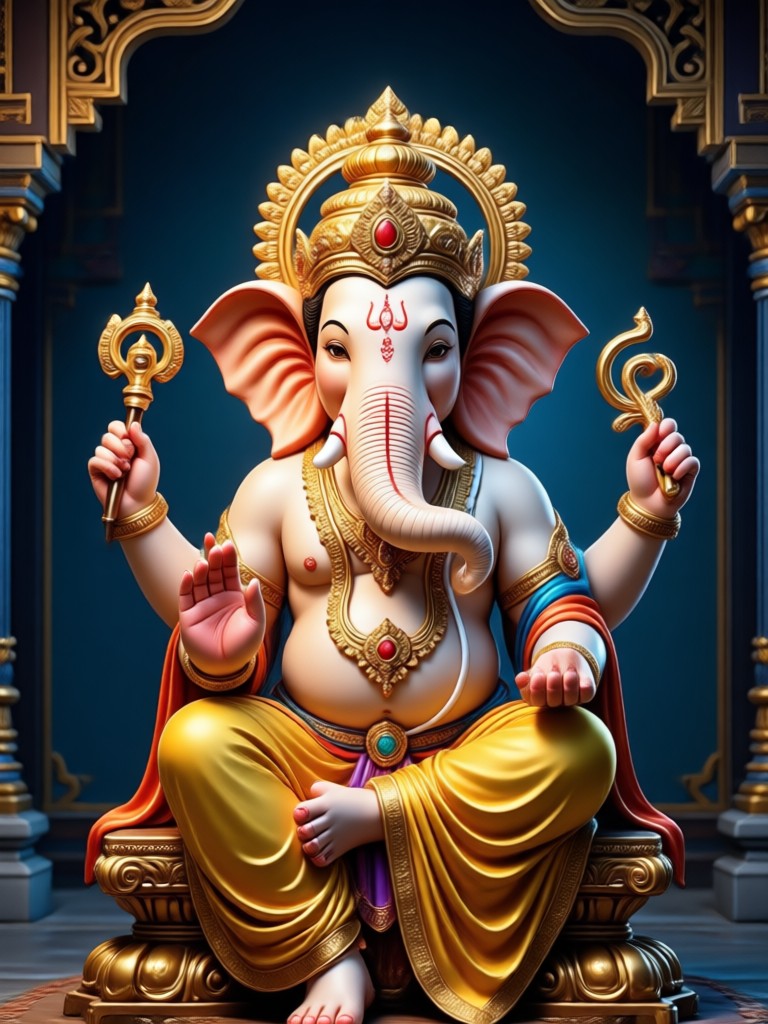
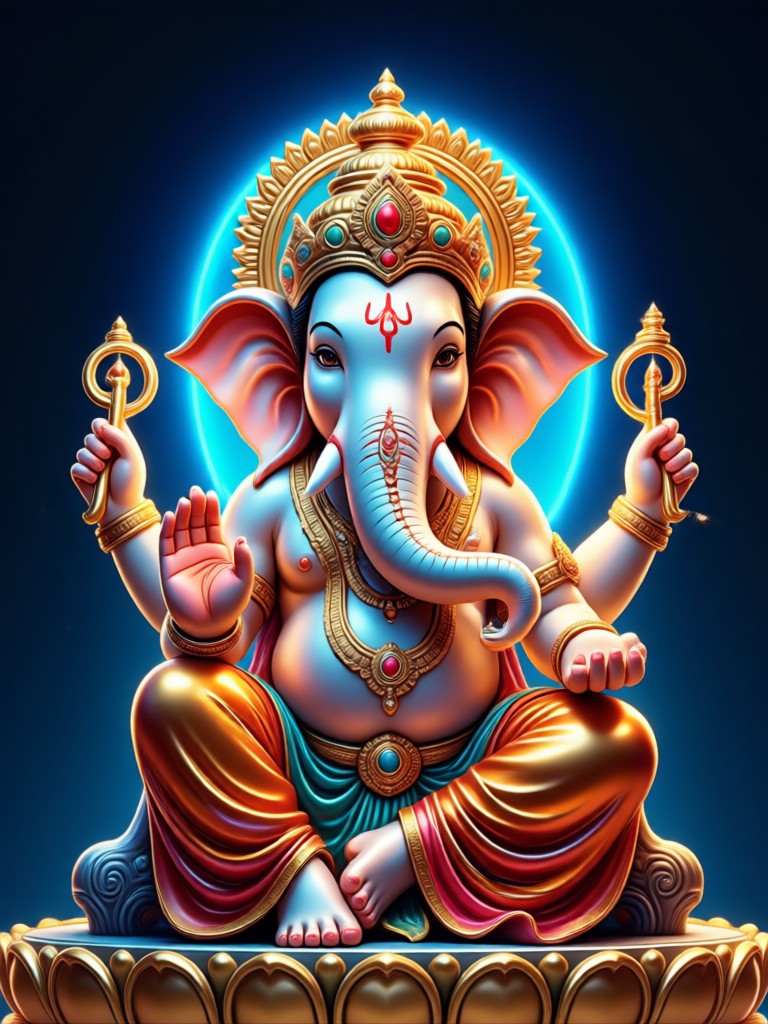
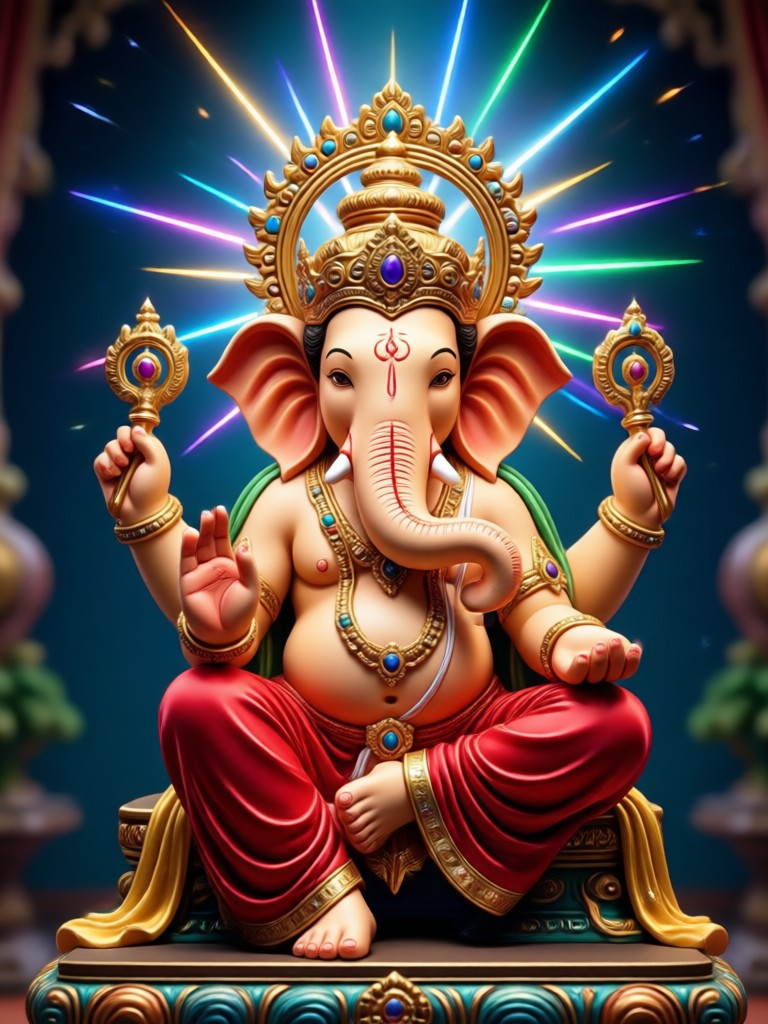
Select from a variety of AI filters designed for Ganesh Chaturthi, daily aarti, and festive greetings. From realistic temple settings to artistic floral animations, find the perfect style for your murti.
Craft the Perfect Ganesh Murti AI Video
Explore powerful features that make vimi the best tool for animating devotional images and creating shareable festival content.
Realistic Motion Effects
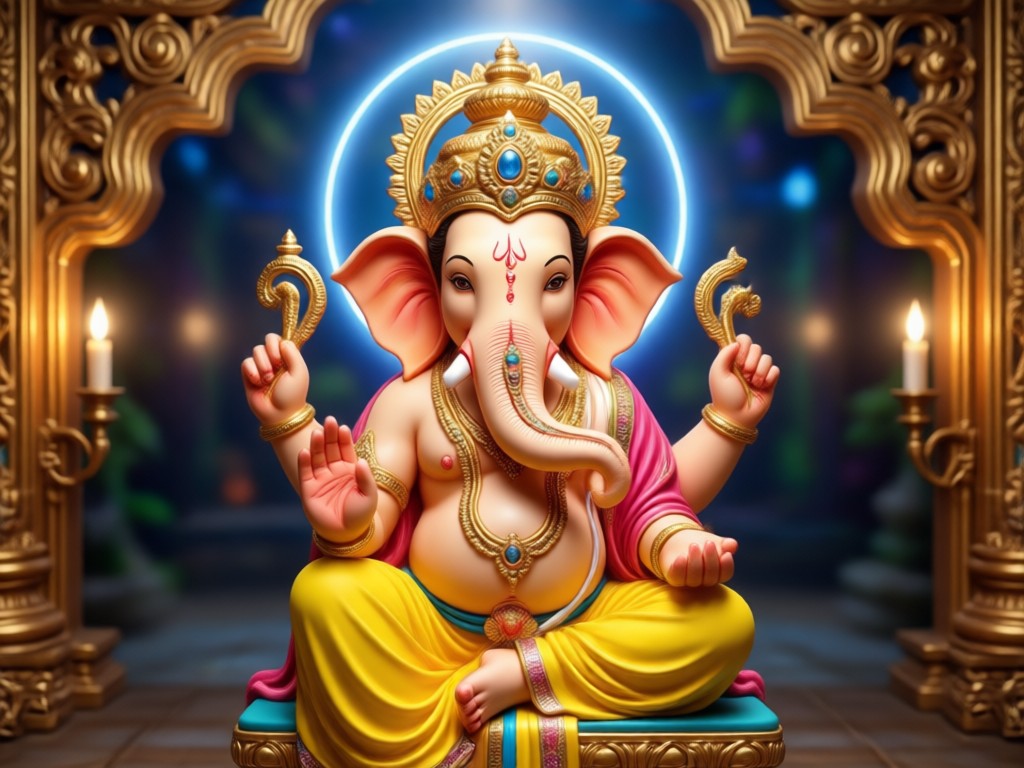
Bring your Ganesh Murti photo to life with subtle, natural movements. Animate the background elements like glowing lamps and incense smoke while keeping the idol's features sharp and respectful.
Realistic Motion Effects
Bring your Ganesh Murti photo to life with subtle, natural movements. Animate the background elements like glowing lamps and incense smoke while keeping the idol's features sharp and respectful.
Festival Backgrounds
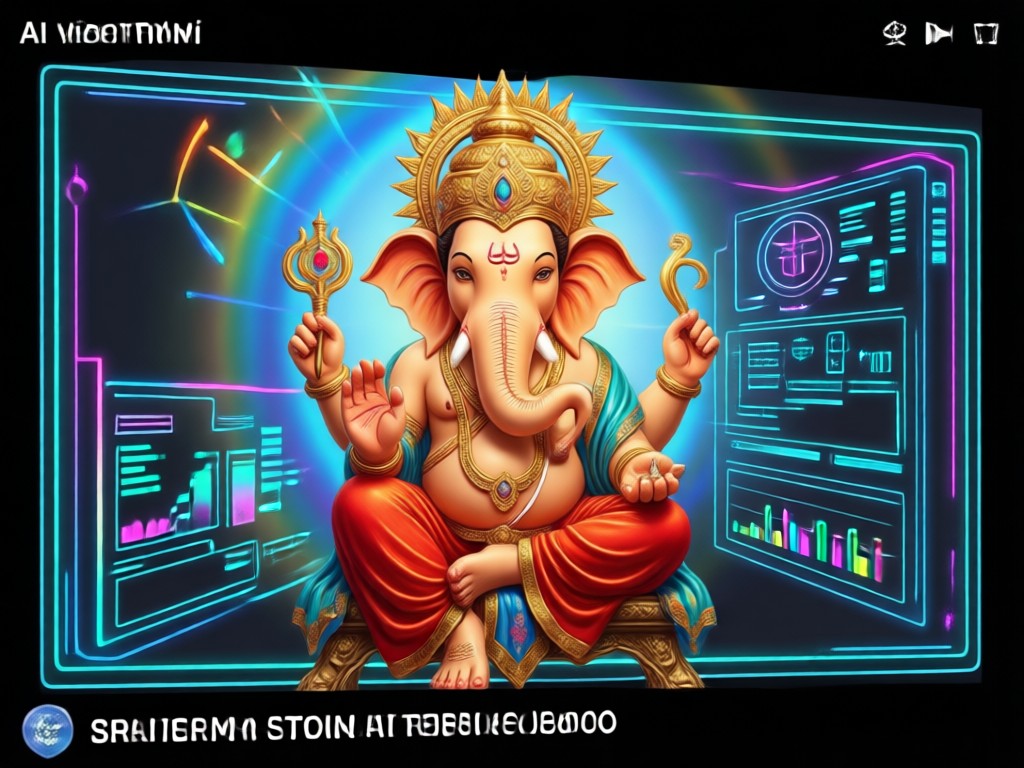
Place your Ganesh Murti in a variety of divine settings. Choose from decorated pandals, serene temple interiors, or colorful floral backdrops. Generate 4K quality videos ready for social media.
Festival Backgrounds
Place your Ganesh Murti in a variety of divine settings. Choose from decorated pandals, serene temple interiors, or colorful floral backdrops. Generate 4K quality videos ready for social media.
Text to Video Generation
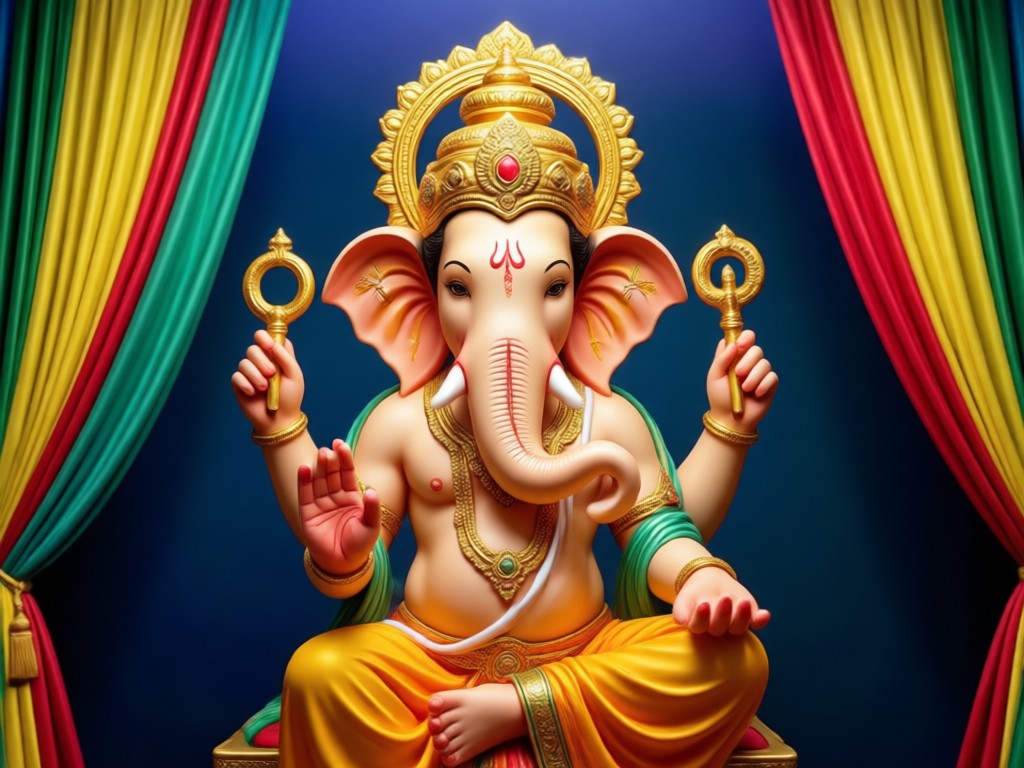
Describe the video you want to see. Type a prompt like 'Ganesh murti with floating diyas and soft golden light' and let vimi generate the video automatically. No technical prompts required.
Text to Video Generation
Describe the video you want to see. Type a prompt like 'Ganesh murti with floating diyas and soft golden light' and let vimi generate the video automatically. No technical prompts required.
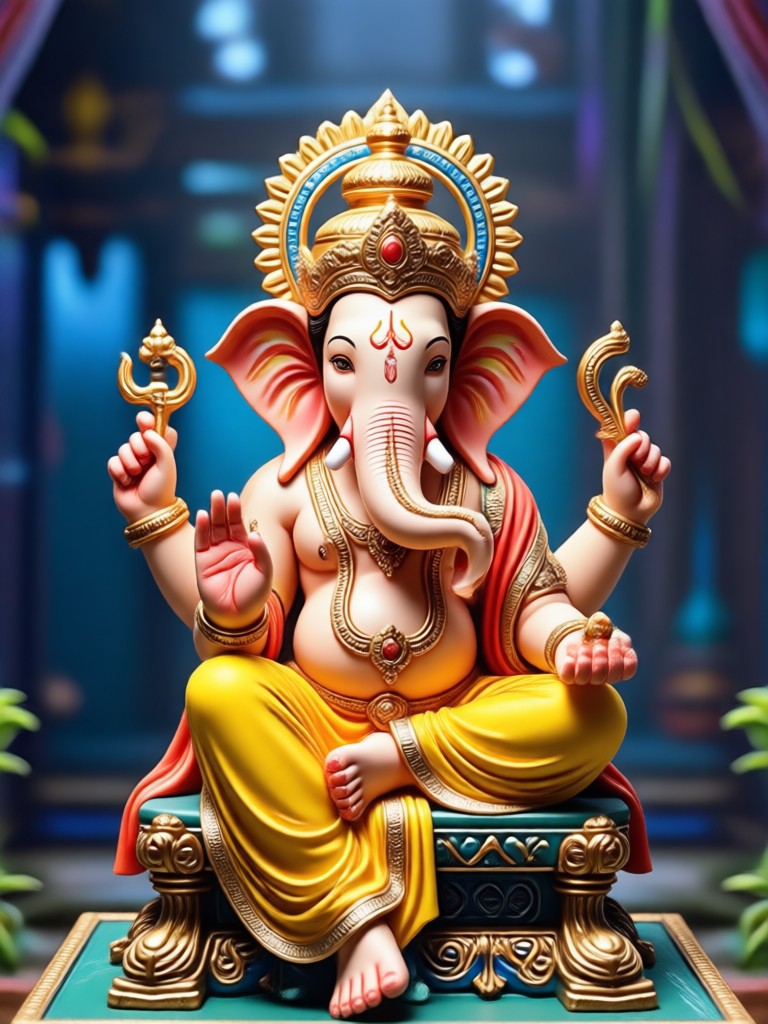
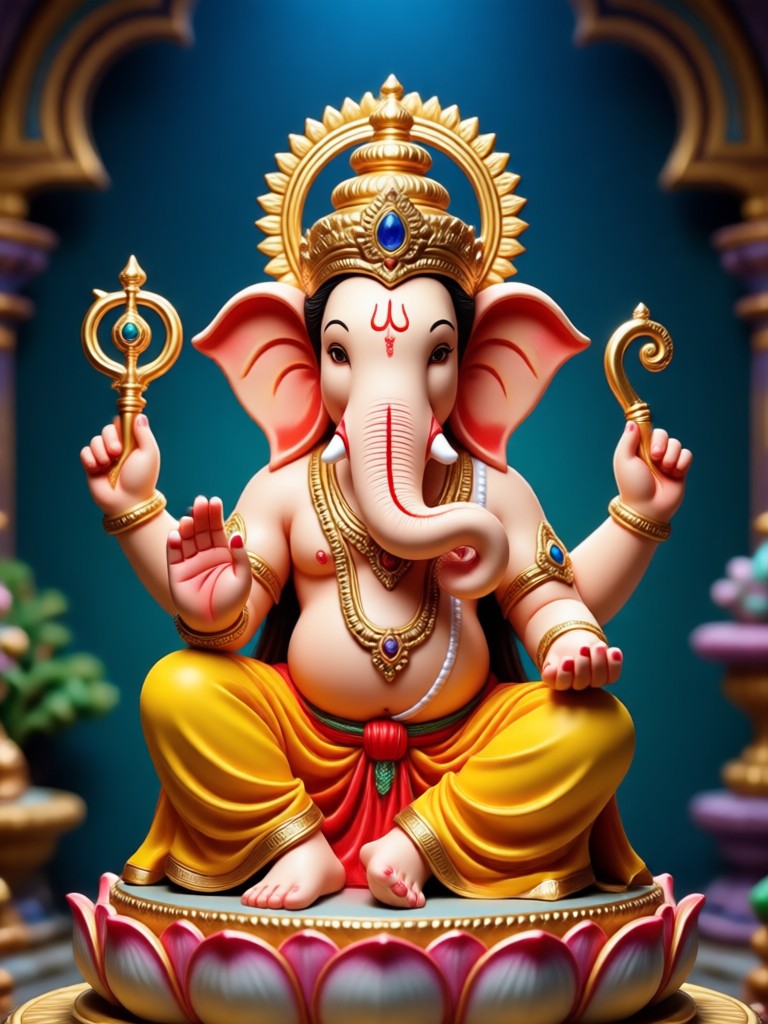
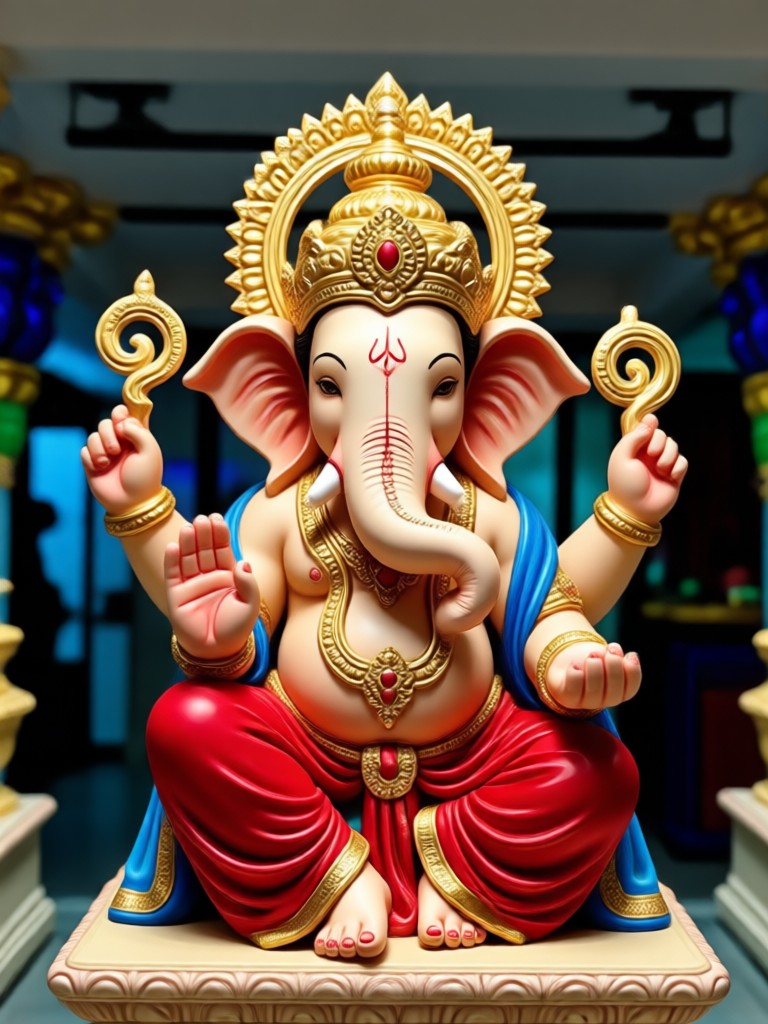
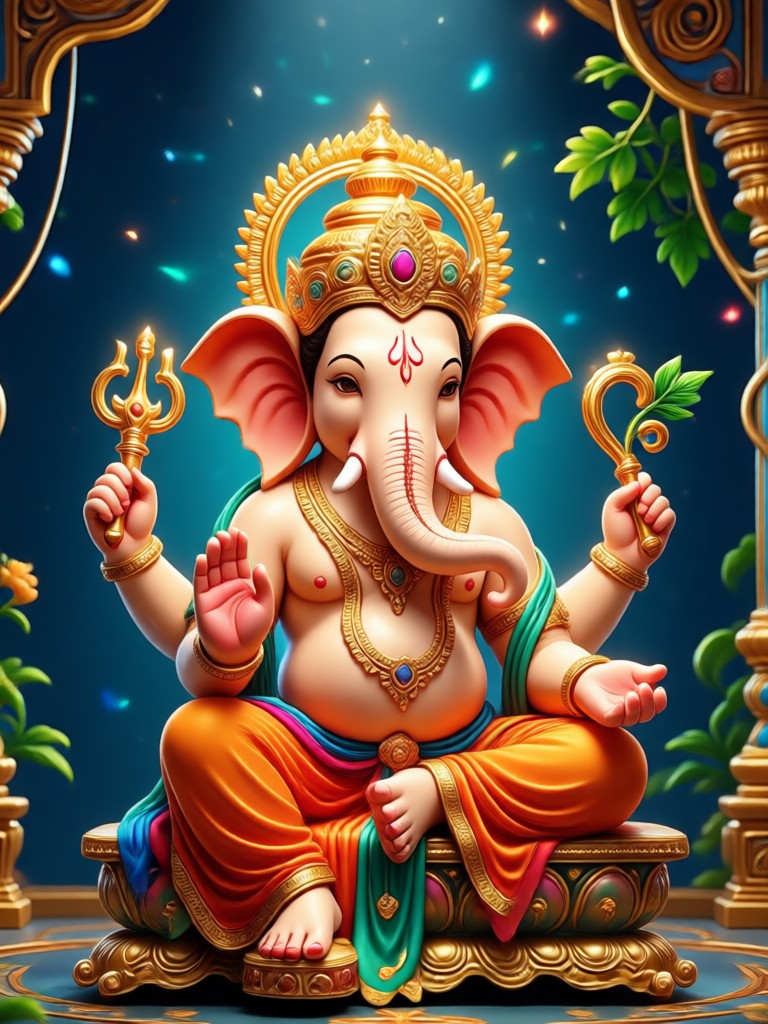
Stunning Ganesh Murti AI Video Results
Browse a selection of AI-generated videos created by vimi users. See how static images become divine moving portraits perfect for blessings and greetings.
How to Make a Ganesh Murti AI Video?
Turn your favorite Ganesh photo into a moving masterpiece in just three simple steps using the vimi app.

Step 01.
Download the vimi app from Google Play. Install it on your Android device to access all AI video tools.
Step 02.
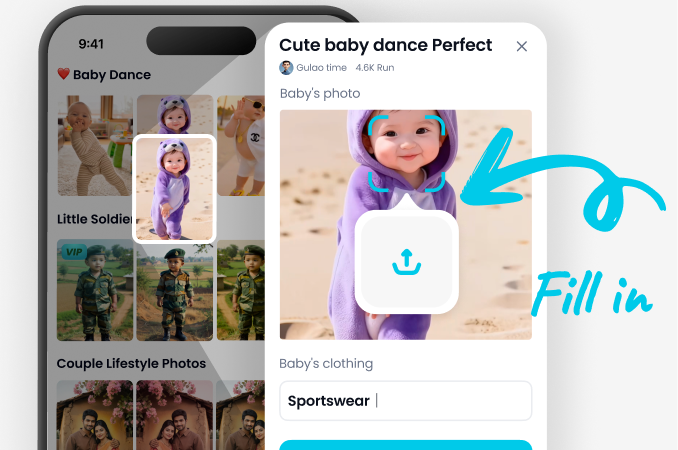
Upload a clear photo of your Ganesh Murti. Choose a filter for motion, background, or festive effects.
Step 03.
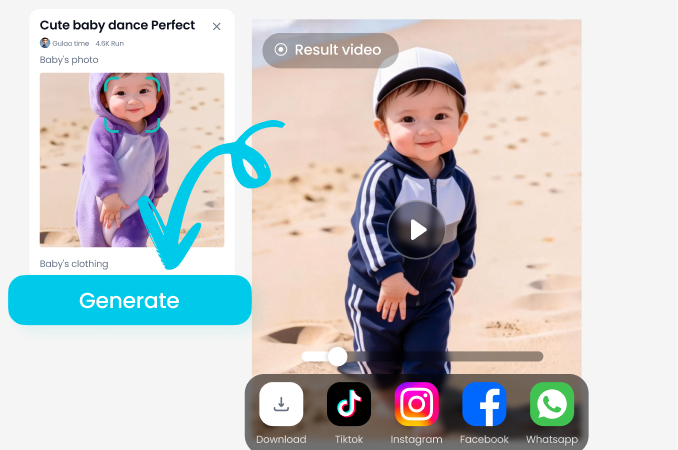
Generate your Ganesh Murti AI video. Preview the result, save it to your gallery, and share it on WhatsApp or Instagram.
Why Use vimi for Ganesh Murti Videos?
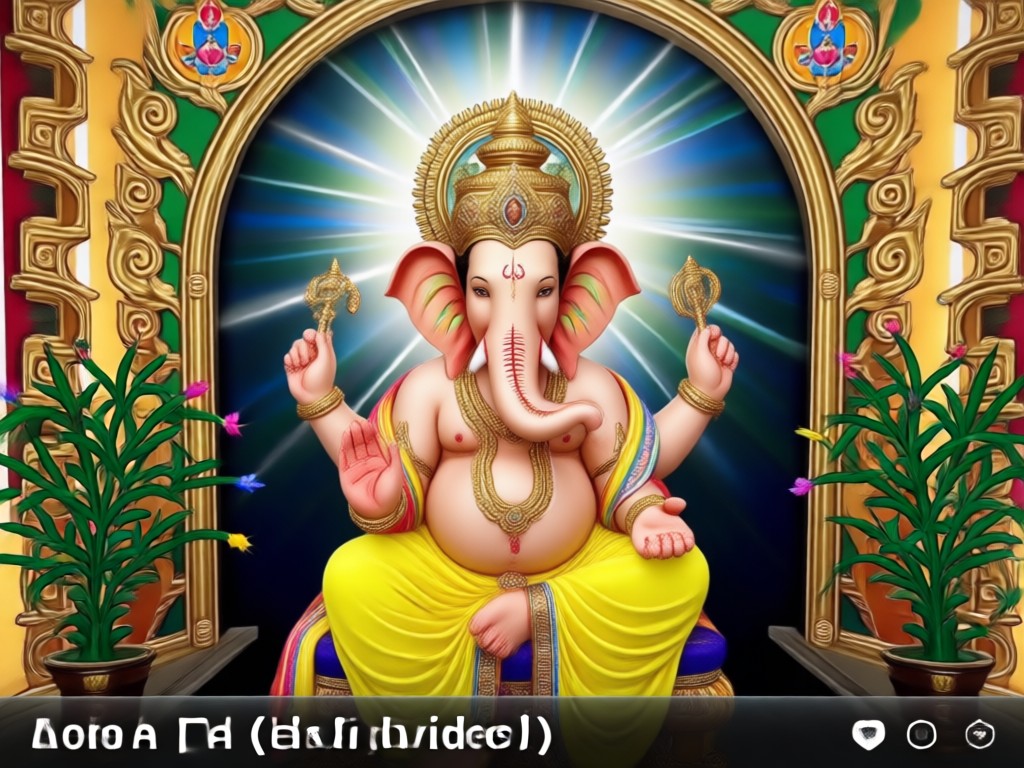
vimi combines ease of use with powerful AI to create respectful, high-quality devotional videos. You get access to millions of style templates that preserve the dignity of the murti while adding beautiful motion.
Why Use vimi for Ganesh Murti Videos?
vimi combines ease of use with powerful AI to create respectful, high-quality devotional videos. You get access to millions of style templates that preserve the dignity of the murti while adding beautiful motion.
Ganesh Murti AI Video App for Android
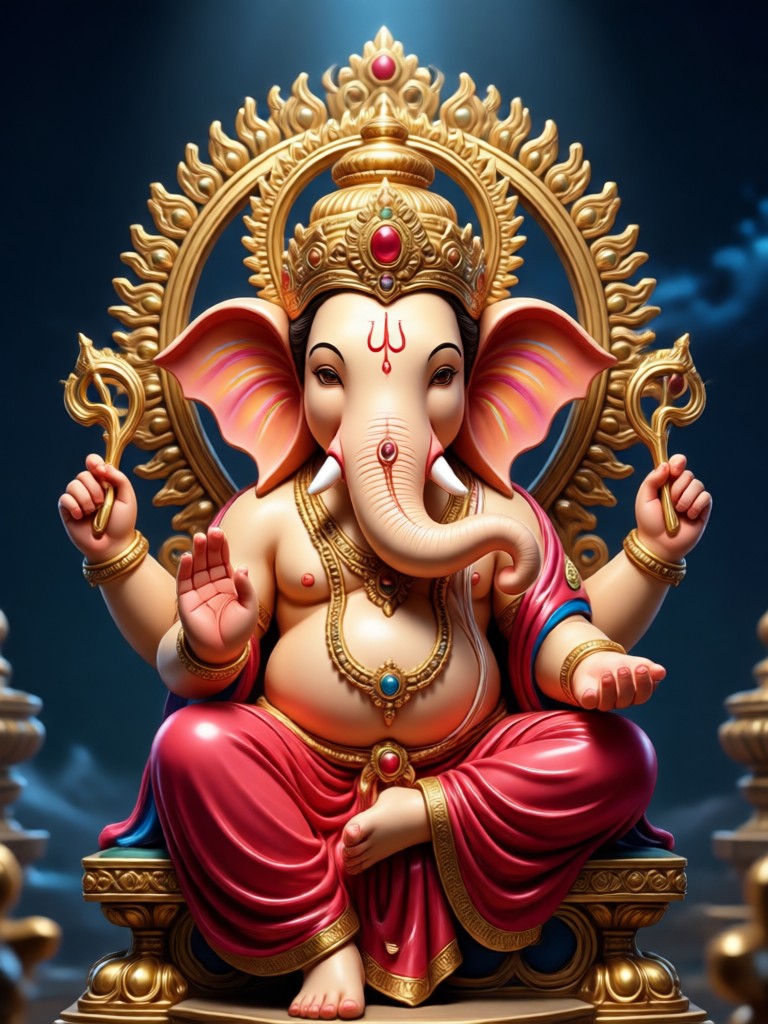
Experience the easiest way to create divine Ganesh videos on your phone. Get vimi for free on Google Play and start animating your murti photos today.

What Devotees Say About Ganesh Murti AI Video
Perfect for Ganesh Chaturthi greetings
I made a beautiful video of our home Ganesh idol with flowers falling around it. It took less than a minute and looked so professional. My family loved sharing it in our WhatsApp group.
Easy and respectful effects
I was worried an AI might distort the murti, but vimi kept the idol perfect. It only animated the background and added light effects. It is exactly what I wanted for daily aarti posts.
Saved me a lot of time
As a small temple volunteer, I need to post updates daily. I used to struggle with video editing apps. Now I just upload a photo, tap generate, and the Ganesh video is ready for our page.
Ganesh Murti AI Video Questions
Find clear answers to common questions about creating Ganesh videos with AI.
More Topics You May Like
Explore more creative AI video effects and tools available in the vimi app.

Vimi Ecommerce Video Filter Guide for Product Creators
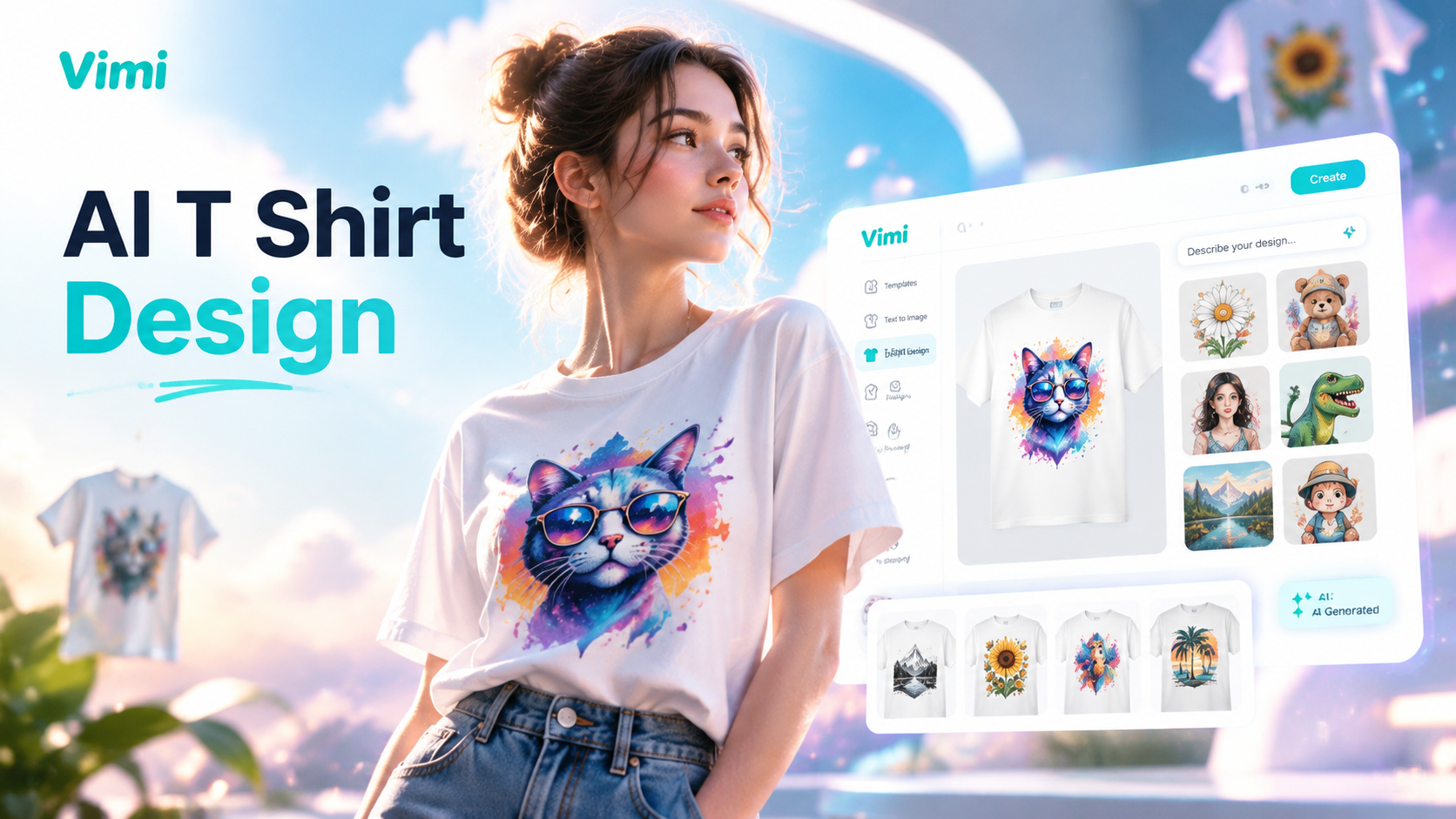
Vimi AI T Shirt Design: Custom Apparel Filters for Fast Image Creation
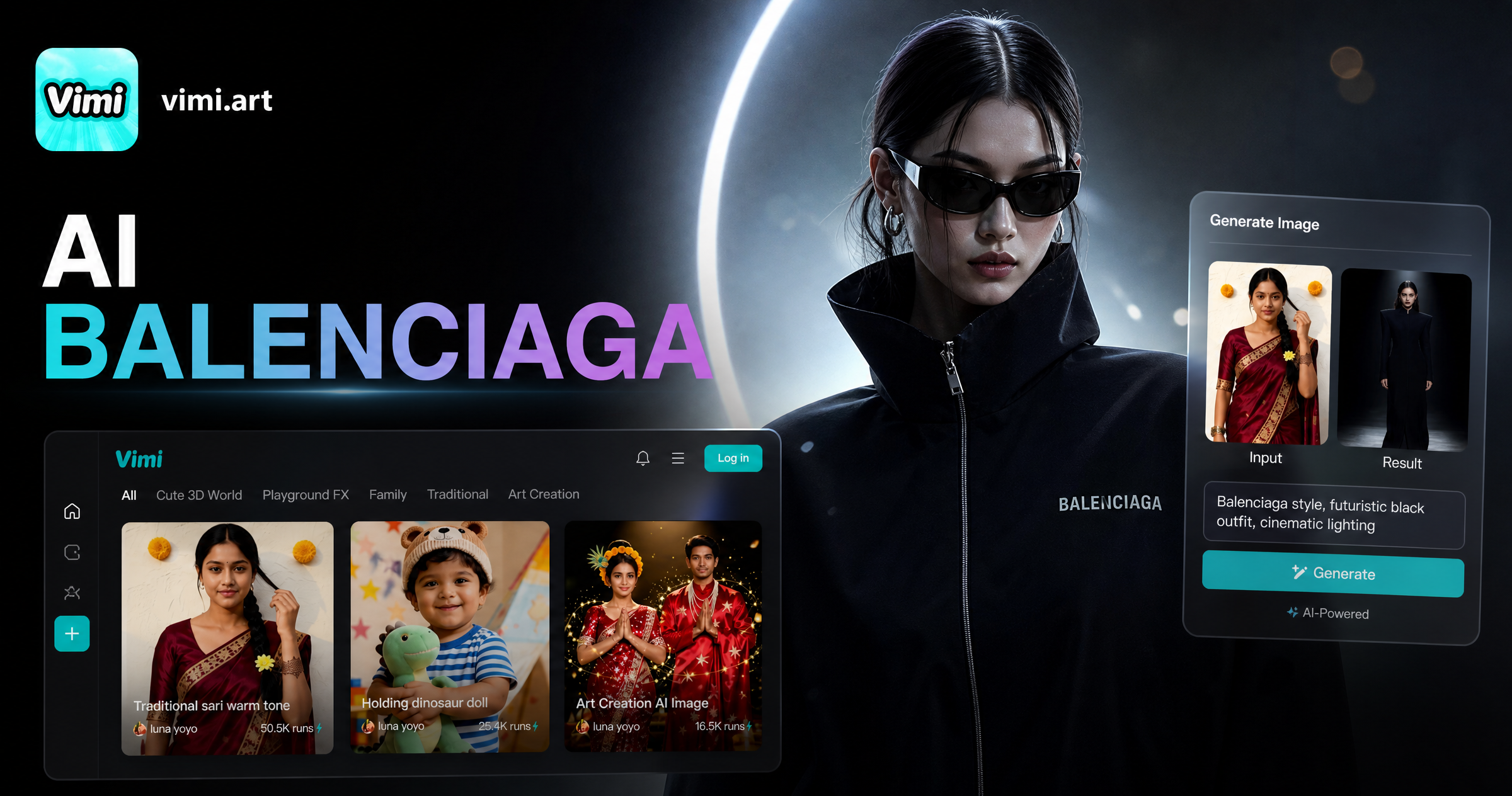
Vimi AI Balenciaga Filter: Create High Fashion Portraits
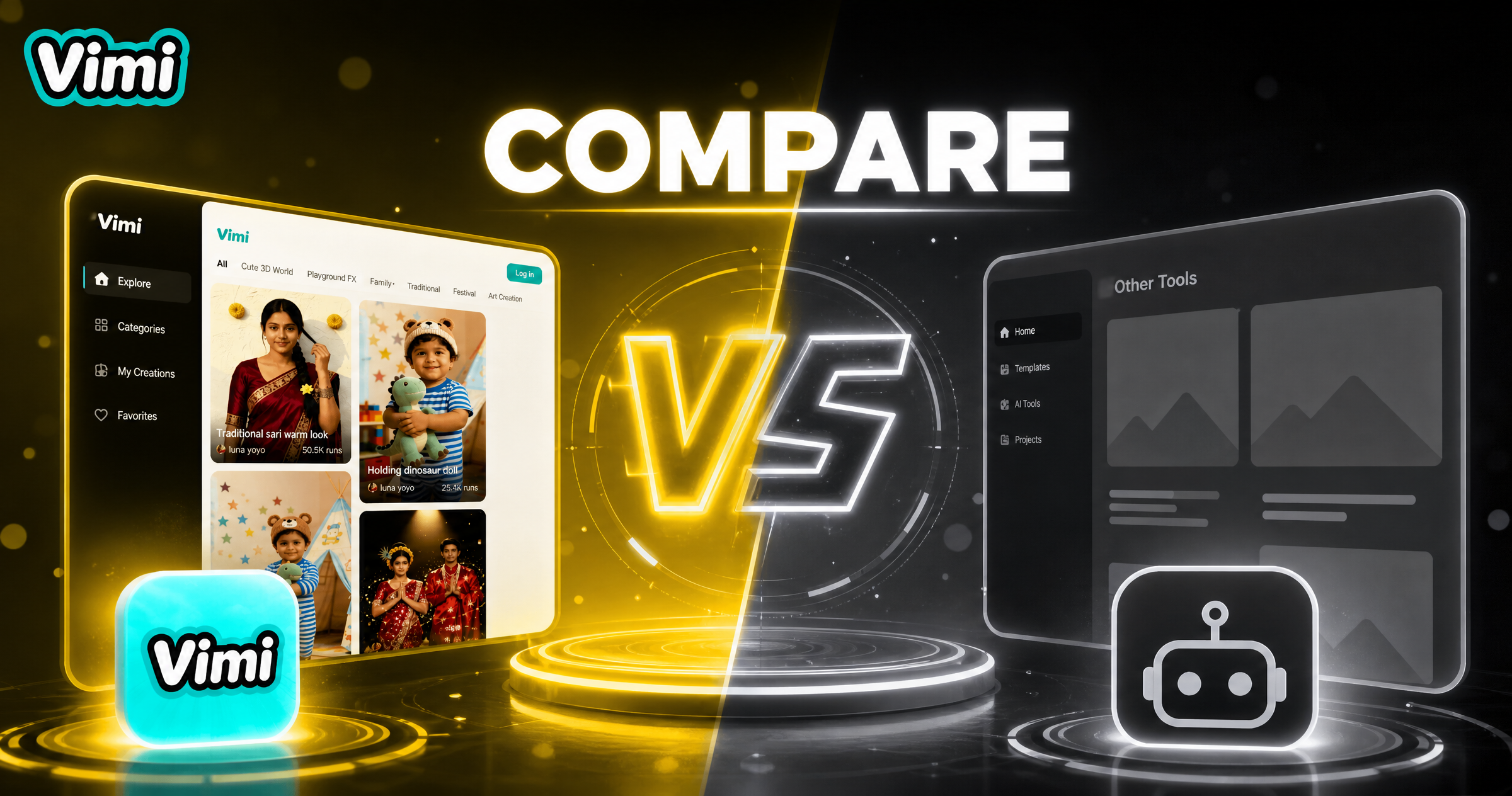
Vimi Comparison Infographic Filters for Photo and Video Creation
Vimi Ecommerce Video Filter Guide for Product Creators
Vimi AI T Shirt Design: Custom Apparel Filters for Fast Image Creation
Vimi AI Balenciaga Filter: Create High Fashion Portraits
Vimi Comparison Infographic Filters for Photo and Video Creation
Start Your Ganesh Murti AI Video Today
Join millions of users creating divine videos with vimi. Download the app on Google Play and turn your photos into stunning Ganesh animations instantly.

Start Your Ganesh Murti AI Video Today
Join millions of users creating divine videos with vimi. Download the app on Google Play and turn your photos into stunning Ganesh animations instantly.