AI Watercolor Portrait Effect
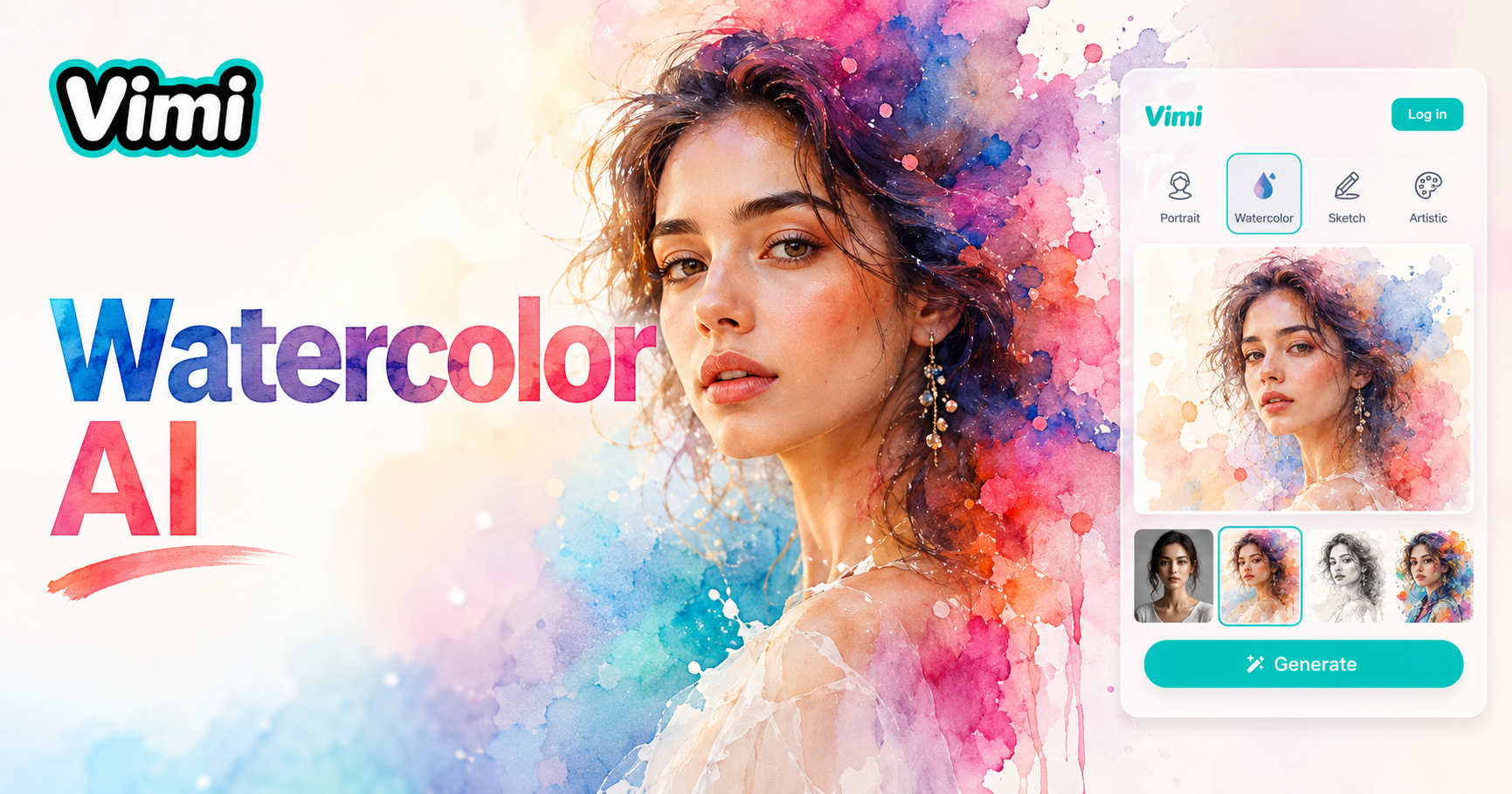
Watercolor Inkjet

Why Use Vimi for AI Watercolor Portrait Effect
Explore the benefits of choosing Vimi for your artistic portraits. This app offers practical advantages for all users.
No Editing Skills Needed
You do not need to know how to paint or use editing software. Vimi does all the artistic work for you. Simply pick a template and upload your image. The AI creates a watercolor portrait that looks like it was painted by a professional artist.
No Editing Skills Needed
You do not need to know how to paint or use editing software. Vimi does all the artistic work for you. Simply pick a template and upload your image. The AI creates a watercolor portrait that looks like it was painted by a professional artist.
Consistent Quality Output
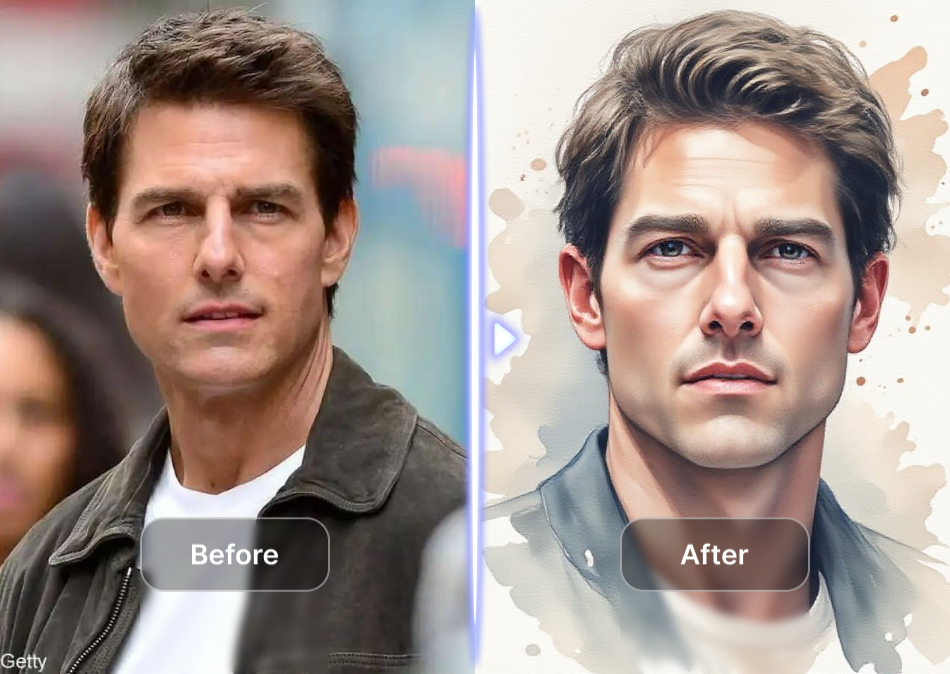
The AI generates stable results across all templates. Every watercolor portrait maintains high quality. You avoid pixelated images or unnatural color changes. The output matches the style you selected from the library. This reliability helps you create great content every time.
Consistent Quality Output
The AI generates stable results across all templates. Every watercolor portrait maintains high quality. You avoid pixelated images or unnatural color changes. The output matches the style you selected from the library. This reliability helps you create great content every time.
Quick Sharing Options
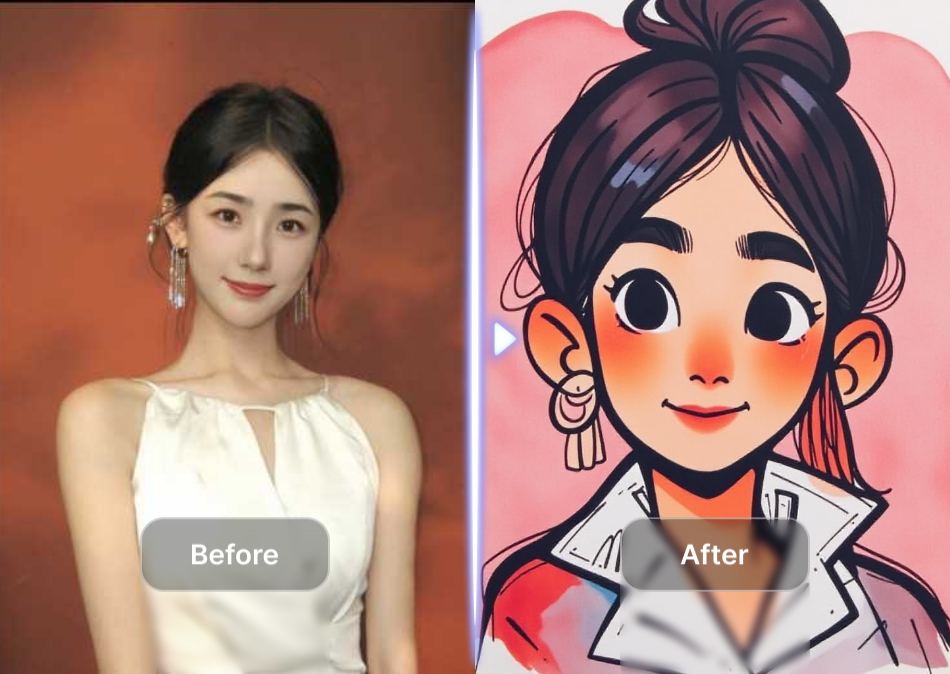
Share your watercolor portraits directly from the app. Post your creations to your personal profile. You can also save them to your device. Friends and followers can see your artwork instantly. The sharing feature makes it easy to show off your new portraits.
Quick Sharing Options
Share your watercolor portraits directly from the app. Post your creations to your personal profile. You can also save them to your device. Friends and followers can see your artwork instantly. The sharing feature makes it easy to show off your new portraits.
Key Features of Vimi AI Watercolor Portrait Effect
Find the features that make Vimi the best choice for watercolor portraits. This tool simplifies the creative process for everyone.
 Before
 After
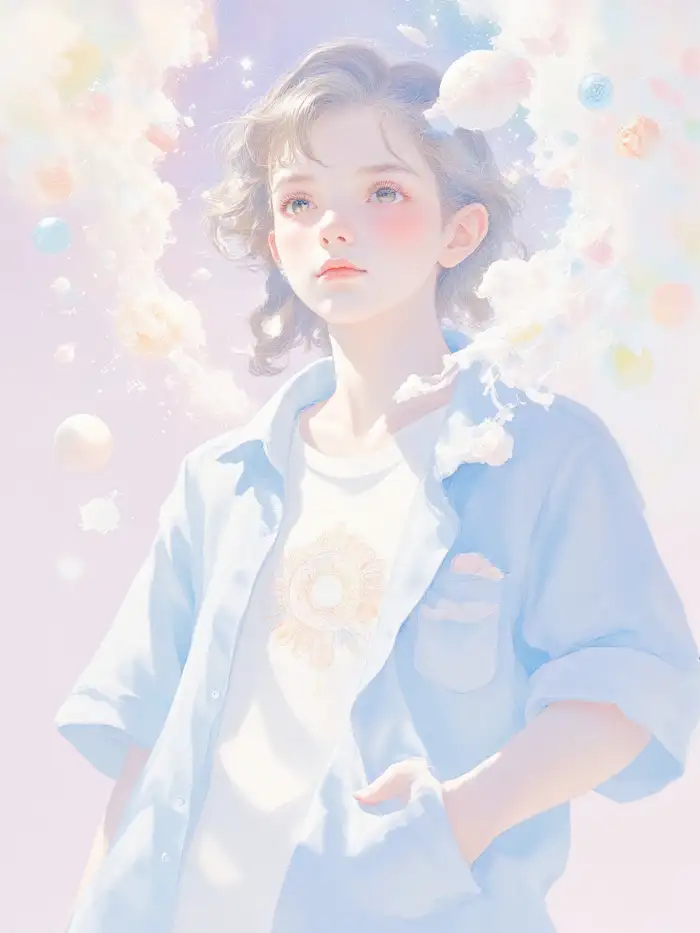
AfterOne Tap Watercolor Generation
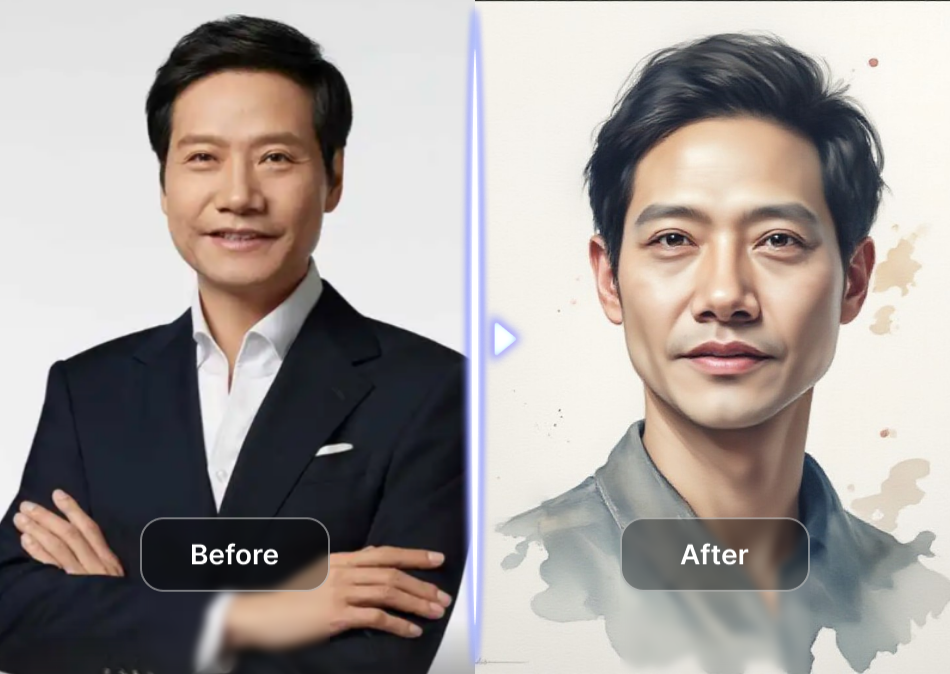
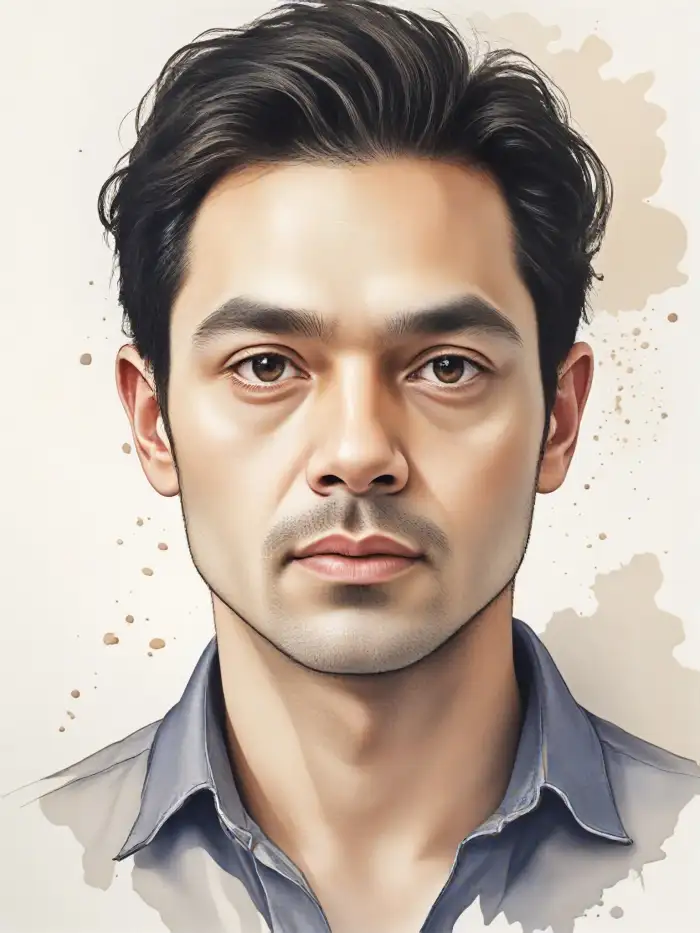
Upload your photo and select the watercolor template. Vimi AI processes your image in seconds. It transforms the entire picture into a painted artwork. You do not need to adjust any settings or sliders. The app handles everything automatically for you.
 Before
 After
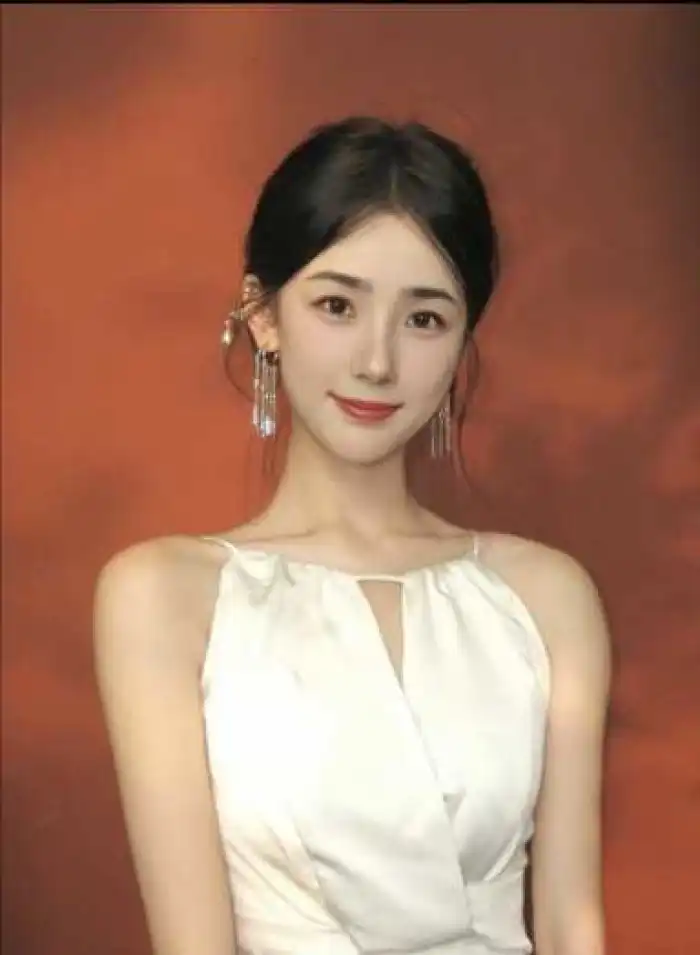
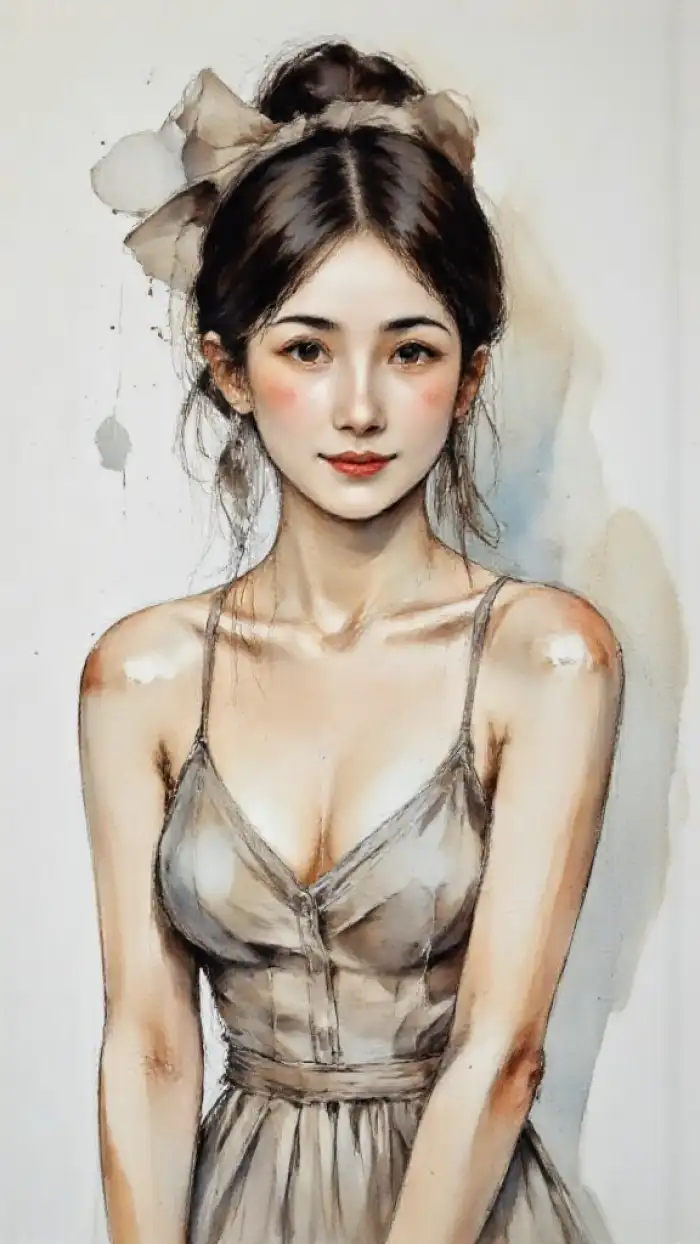
AfterMultiple Watercolor Styles
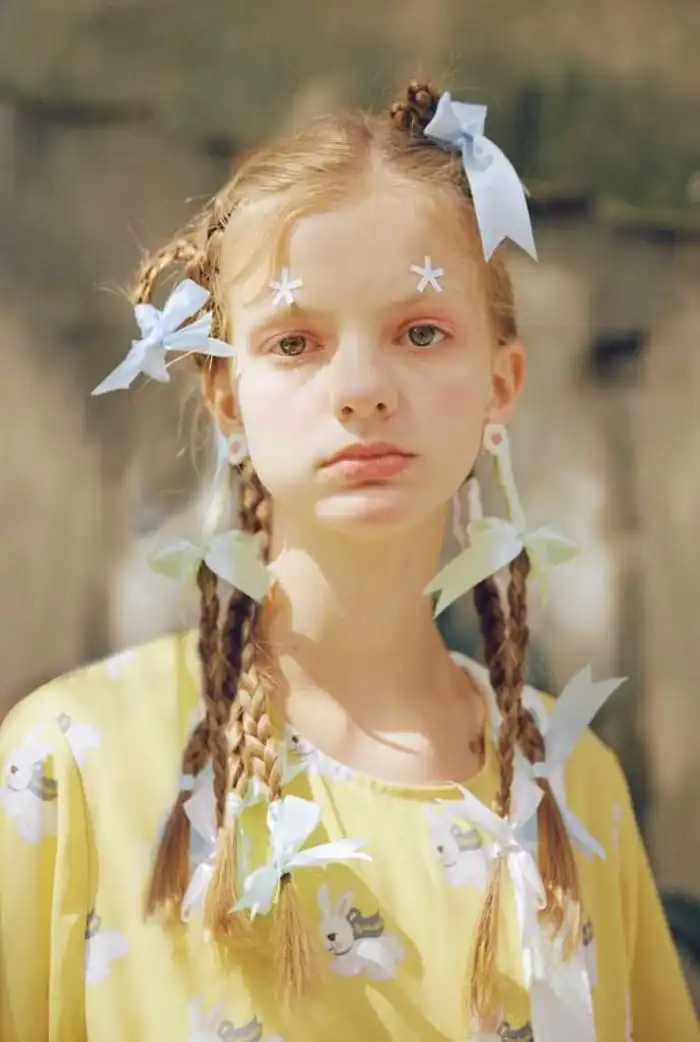
Choose from dozens of watercolor variations. Options include soft wash, wet on wet, and detailed brushstroke effects. Each style changes the texture and color blending of your portrait. You can try different looks to find the perfect artistic match for your photo.
 Before
 After
AfterPreserve Facial Details
The AI keeps your facial features clear during the transformation. It recognizes eyes, nose, and mouth positions. The watercolor effect applies around these key areas. Your portrait remains recognizable as you. The app prevents distorted or blurred faces.
How to Make a Watercolor Portrait Using Vimi App?
Create your AI watercolor portrait by following these three simple steps within the Vimi mobile application.

Step 01.
Open the App Store or Google Play on your phone. Search for Vimi and download the app. The installation process takes only a minute. Launch the application after it finishes.

Step 02.
Go to the filter library inside the app. Browse the watercolor portrait options. Select your favorite template. Upload the photo you want to transform. Tap the generate button to start processing.

Step 03.
Review the generated watercolor portrait on your screen. Tap the download icon to save it to your phone. You can also share it directly to social media from the app.
Frequently Asked Questions
Find clear answers to common questions and get the guidance you need to make the most of our platform, faster and easier.
More Topics You May Like
Explore more topics you may like and discover fresh ideas tailored to your interests.
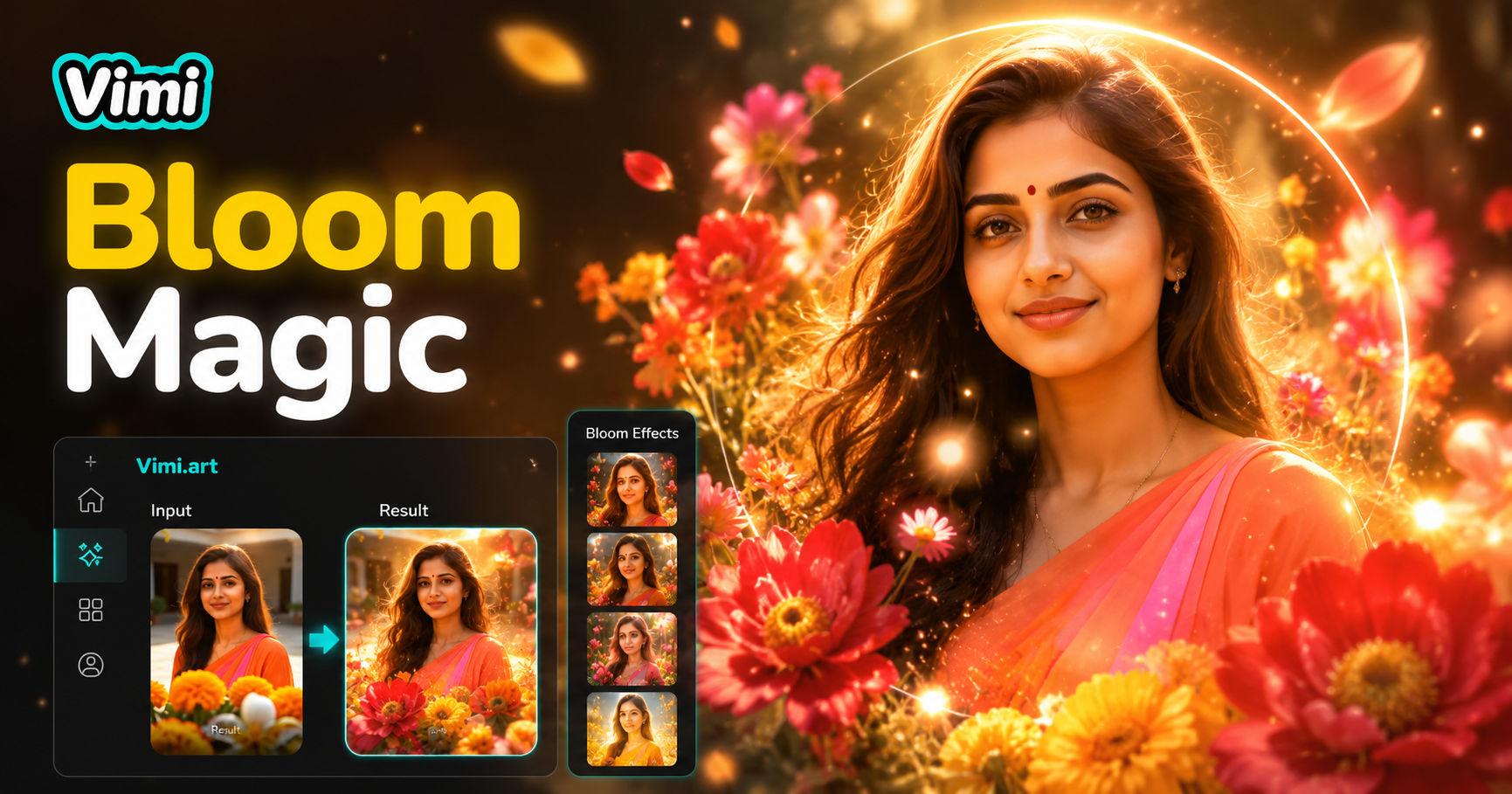
AI Bloom Effect
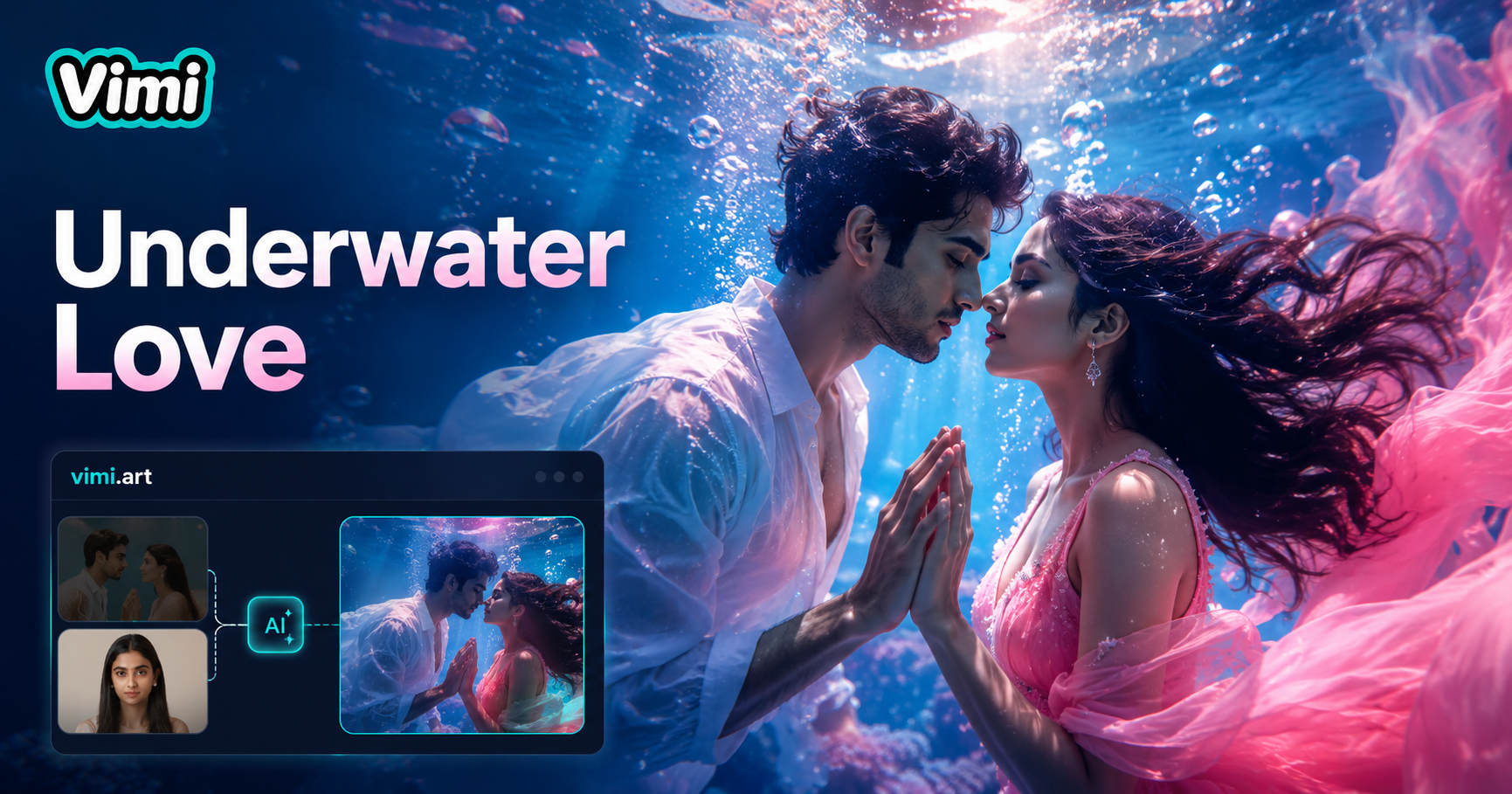
Underwater Couple Portrait
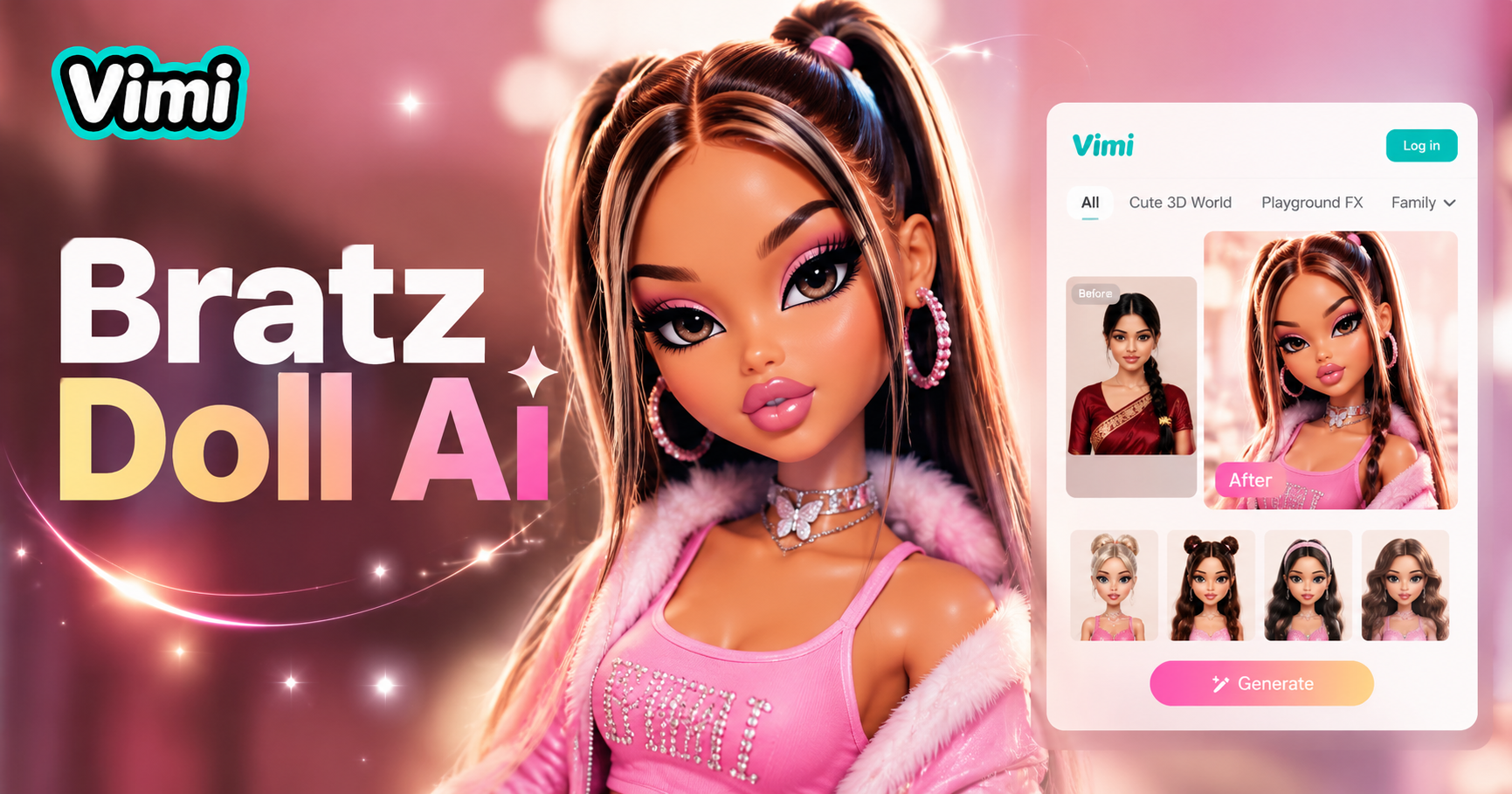
AI Bratz Doll Generator
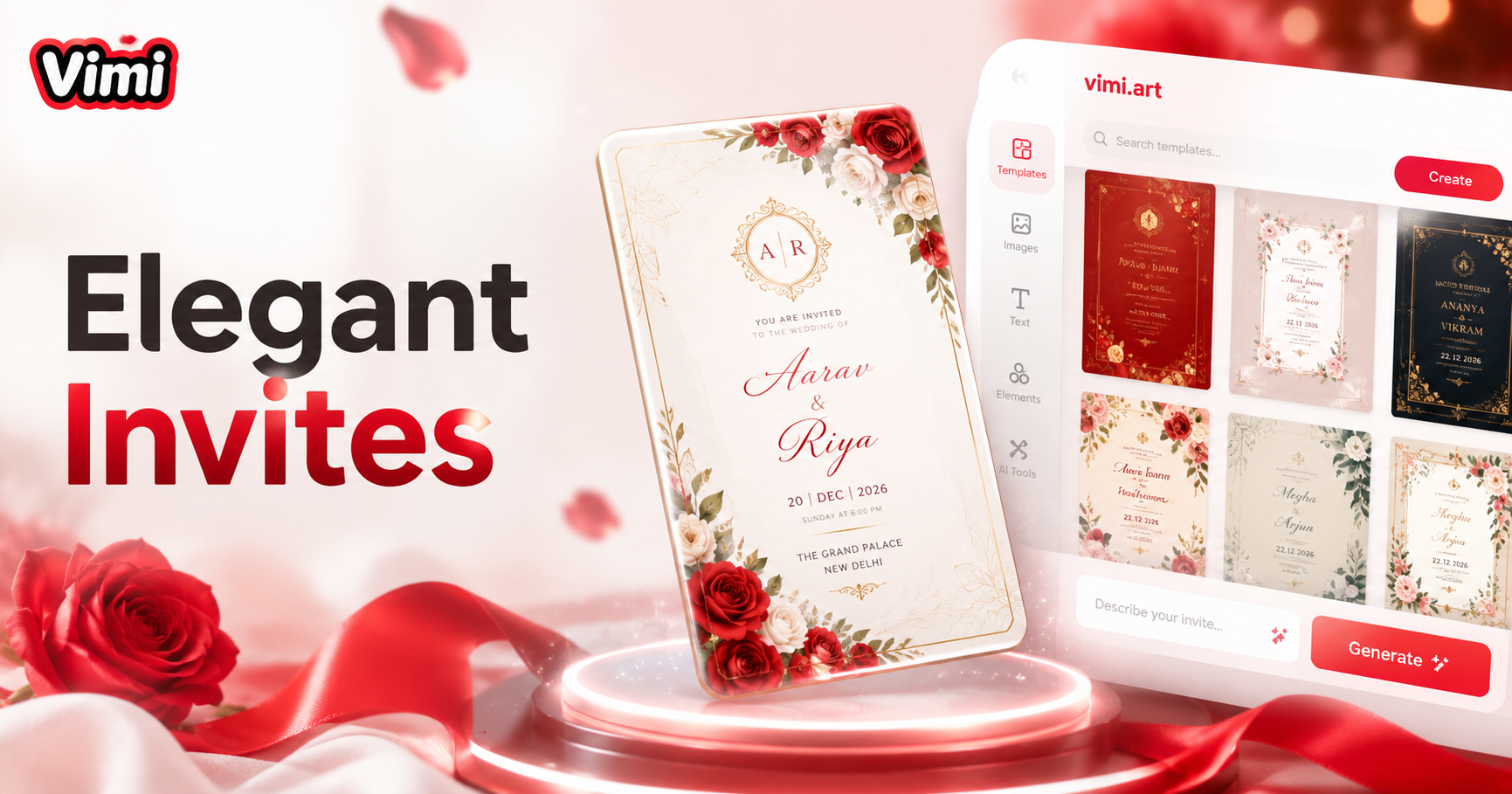
Invitation Card Design
AI Bloom Effect
Underwater Couple Portrait
AI Bratz Doll Generator
Invitation Card Design
Create Your AI Watercolor Portrait Now
Download Vimi and transform your photos into watercolor paintings. Start creating today.

Create Your AI Watercolor Portrait Now
Download Vimi and transform your photos into watercolor paintings. Start creating today.