Invitation Card Design
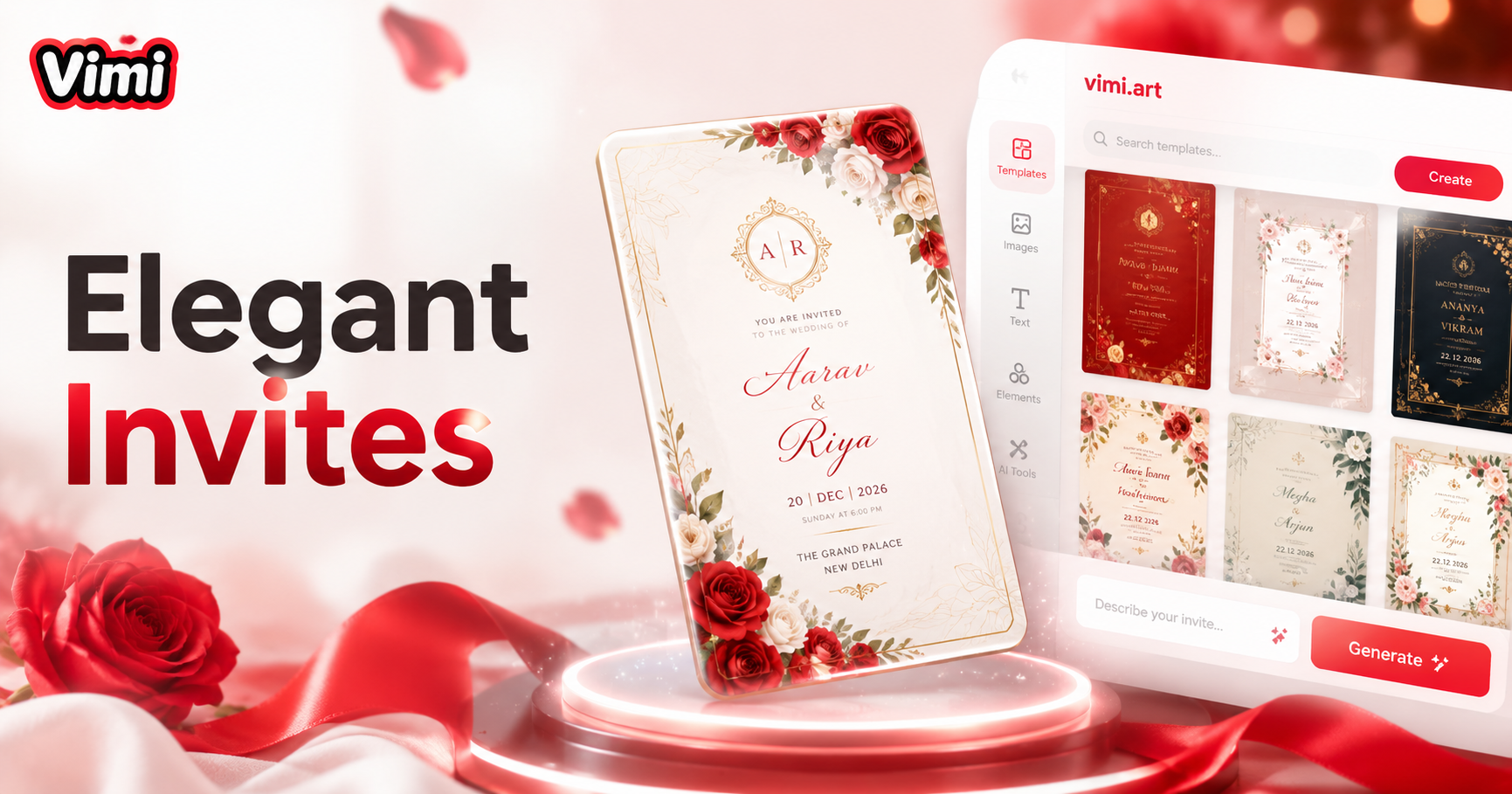
AI Invitation Card Design


Why Choose Vimi for Invitation Card Design
Discover the advantages of creating invitations with Vimi AI on your mobile app.
Fast Card Creation Process
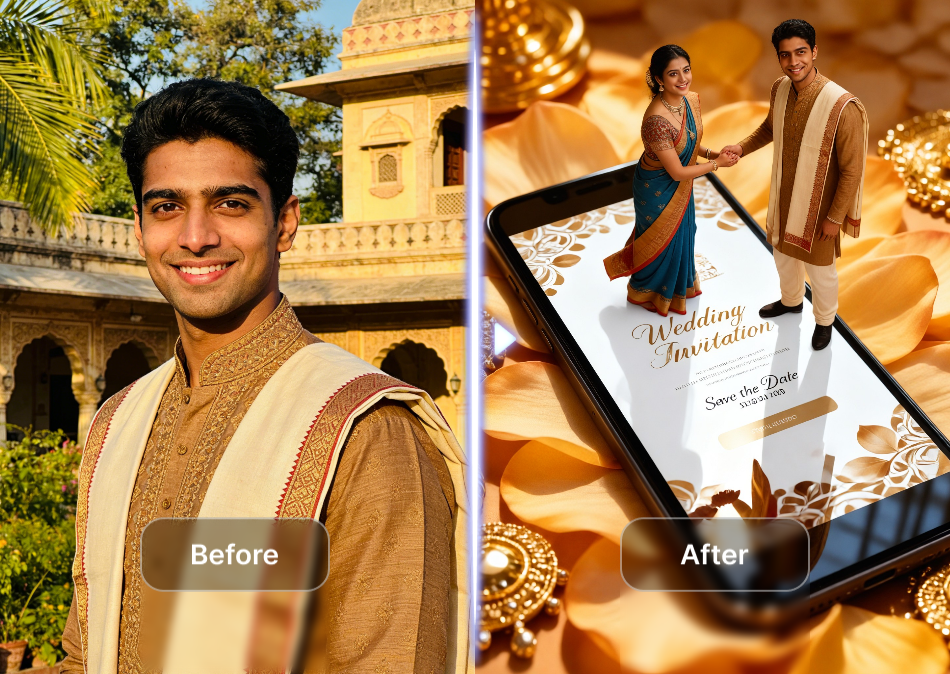
Skip complex software. Select a template, upload your photo, and generate an invitation within seconds. The app handles all the technical work. You focus on choosing styles. Results appear in seconds.
Fast Card Creation Process
Skip complex software. Select a template, upload your photo, and generate an invitation within seconds. The app handles all the technical work. You focus on choosing styles. Results appear in seconds.
Explore the Use Cases for Invitation Card Design
See how different people use Vimi to create invitations for various events and purposes.
 Before
 After
AfterWedding and Engagement Cards
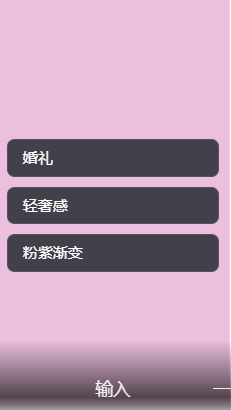
Couples design unique wedding invitations. Upload engagement photos. Apply romantic styles like watercolor or soft photography. Create matching save the date cards, rehearsal dinner invites, and thank you notes. Each card keeps the couple's appearance consistent across all designs.
 Before
 After
AfterBirthday and Party Invites
Plan birthday celebrations with themed invitations. Choose from anime, cartoon, or 3D clay styles. Upload a photo of the guest of honor. Generate cards that match the party theme. Share digital invites instantly with friends and family through social media.

New product launches
Corporate and Professional Events
Businesses create polished invitations for conferences, product launches, and networking events. Use realistic photography or clean graphic styles. Upload team photos or product images. Generate professional cards that represent your brand without hiring a designer.
How to Make an Invitation Card Using Vimi?
Follow these simple steps to design your custom invitation in the Vimi app.

Step 01.
Get the Vimi app from your official app store. Install it on your mobile phone. Open the app to begin your design journey.

Step 02.
Browse the template library. Choose an invitation style that fits your event. Upload your photo or select multiple images for group cards.

Step 03.
Tap the generate button. Wait seconds for AI processing.Tap download to save it or share it directly to social media.
Frequently Asked Questions
Find clear answers to common questions and get the guidance you need to make the most of our platform, faster and easier.
More Topics You May Like
Explore more topics you may like and discover fresh ideas tailored to your interests.
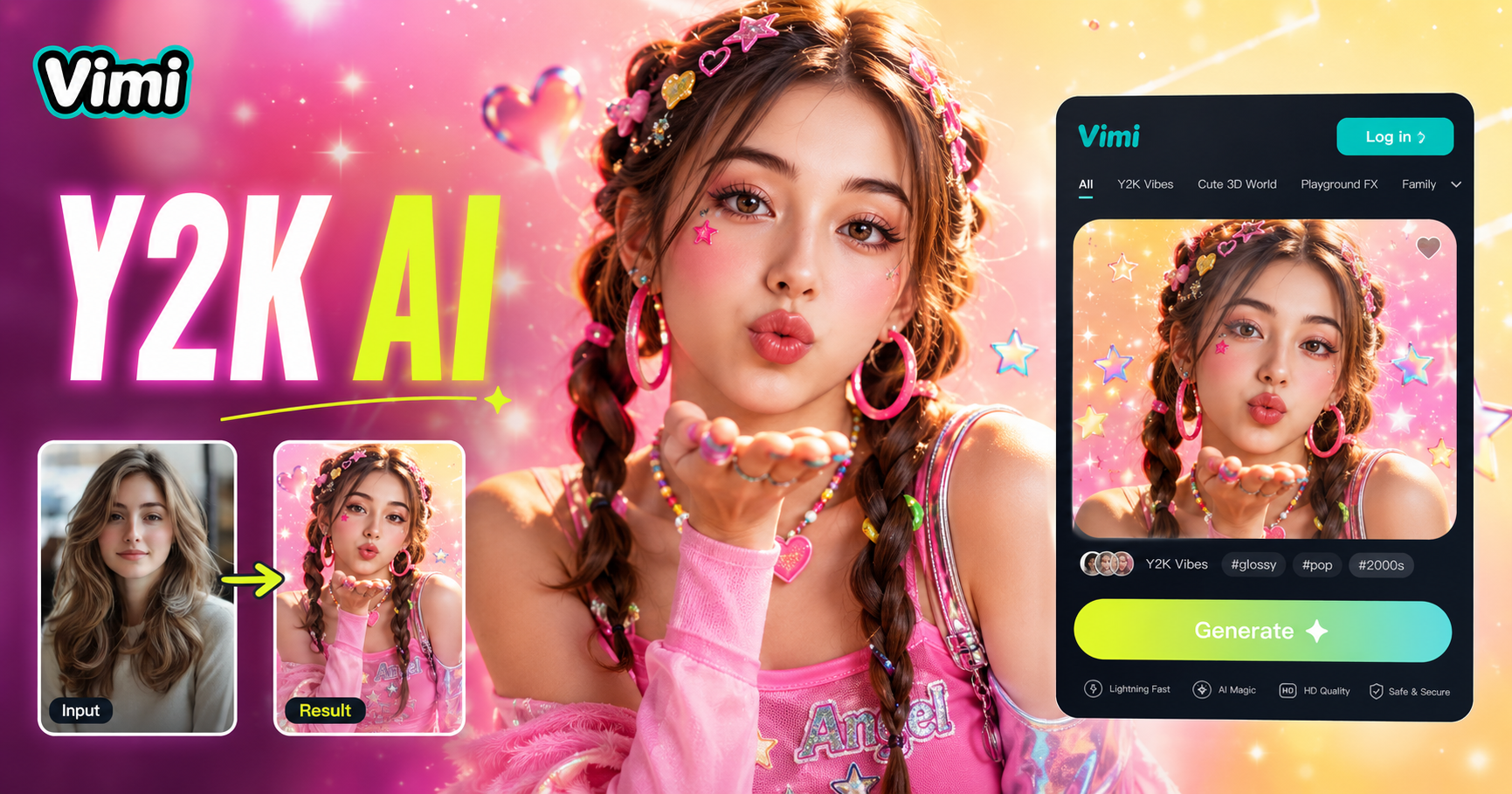
AI Y2k Generator
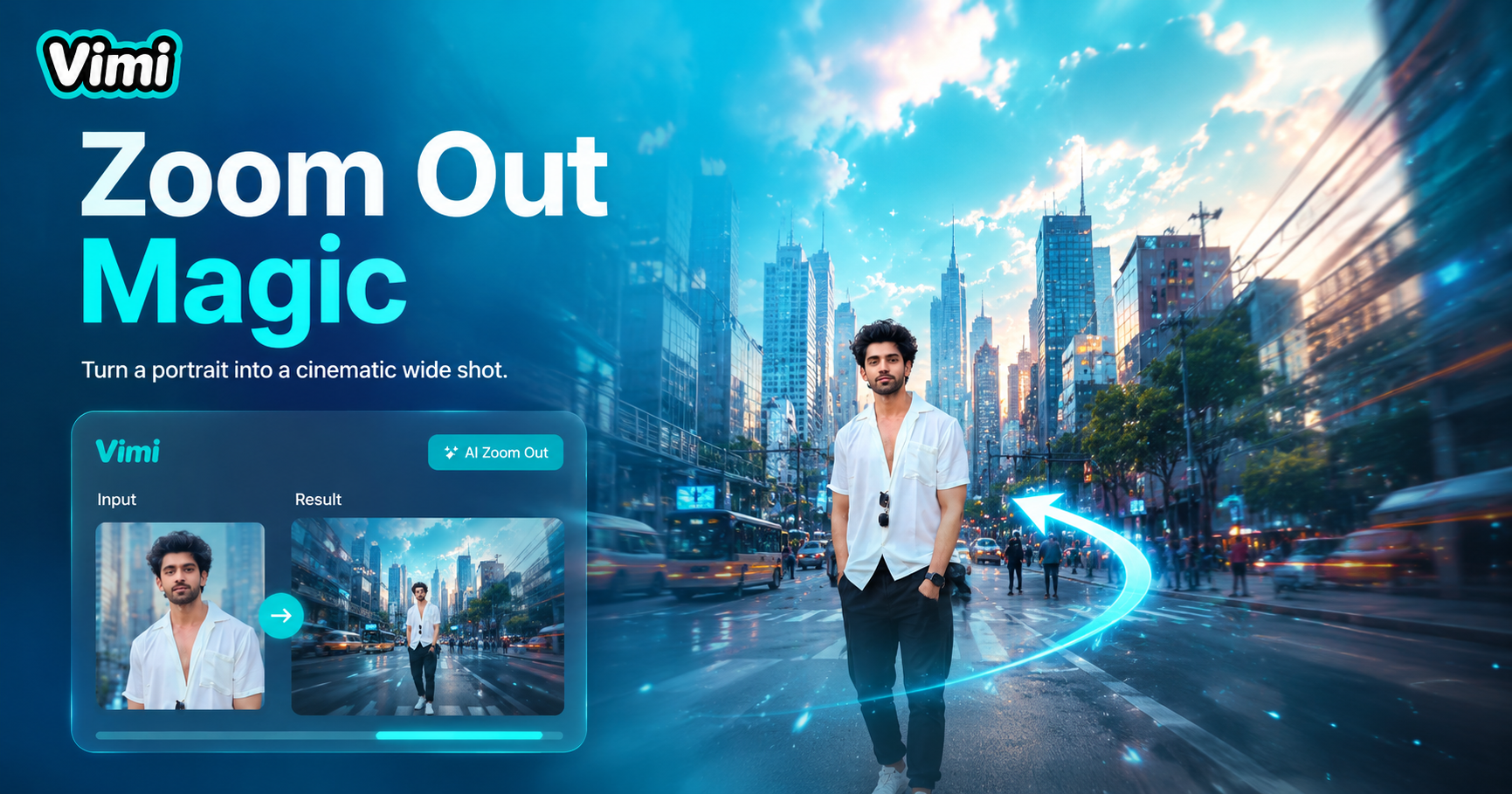
AI Zoom Out Video Effect

AI Catwalk With Animal
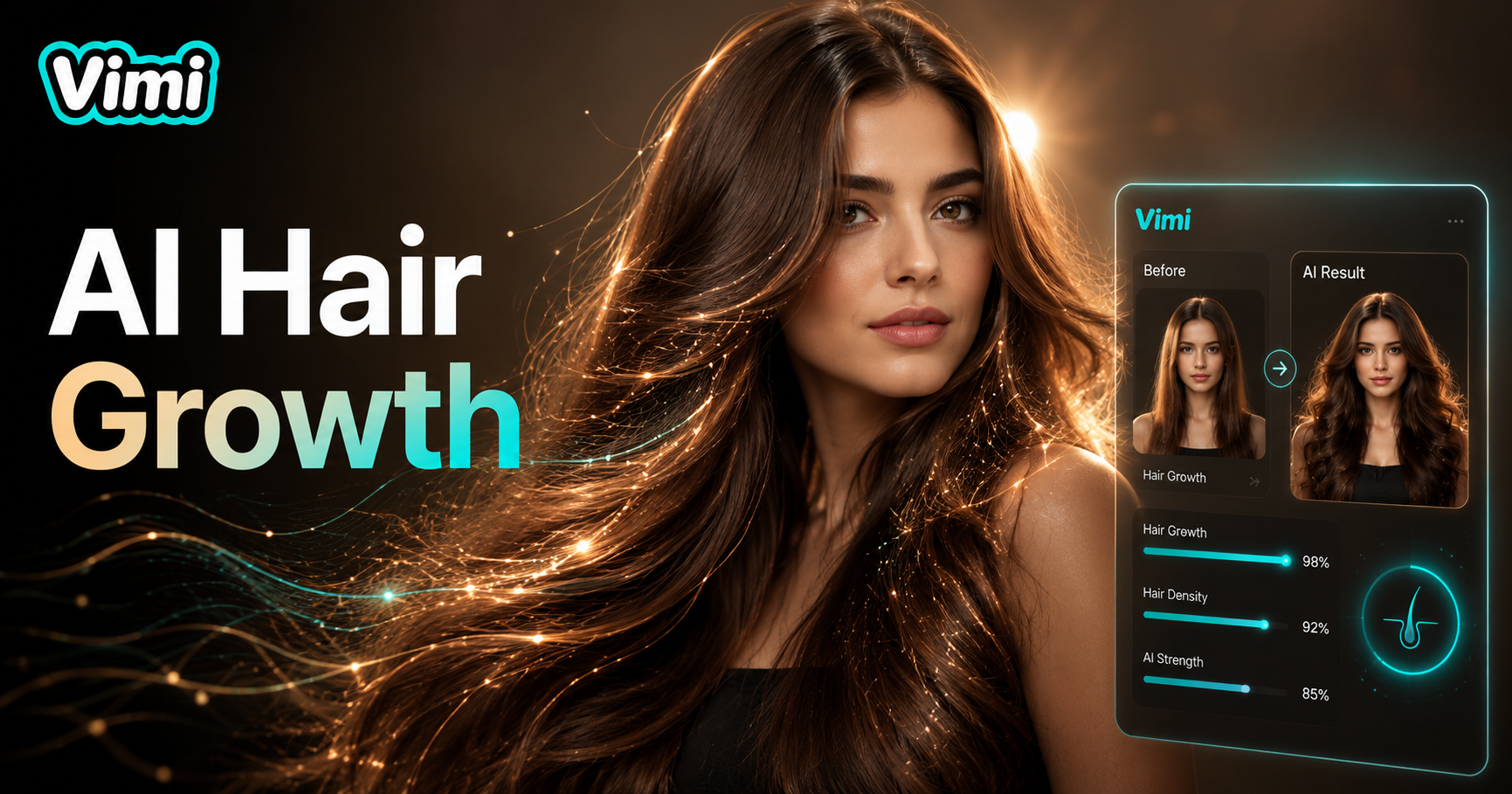
AI Hair Growth
AI Y2k Generator
AI Zoom Out Video Effect
AI Catwalk With Animal
AI Hair Growth
Download Vimi and Start Creating
Design custom invitation cards on your phone. Download the Vimi app, choose a template, and generate your perfect card now.
Download Vimi and Start Creating
Design custom invitation cards on your phone. Download the Vimi app, choose a template, and generate your perfect card now.