AI Bloom Effect
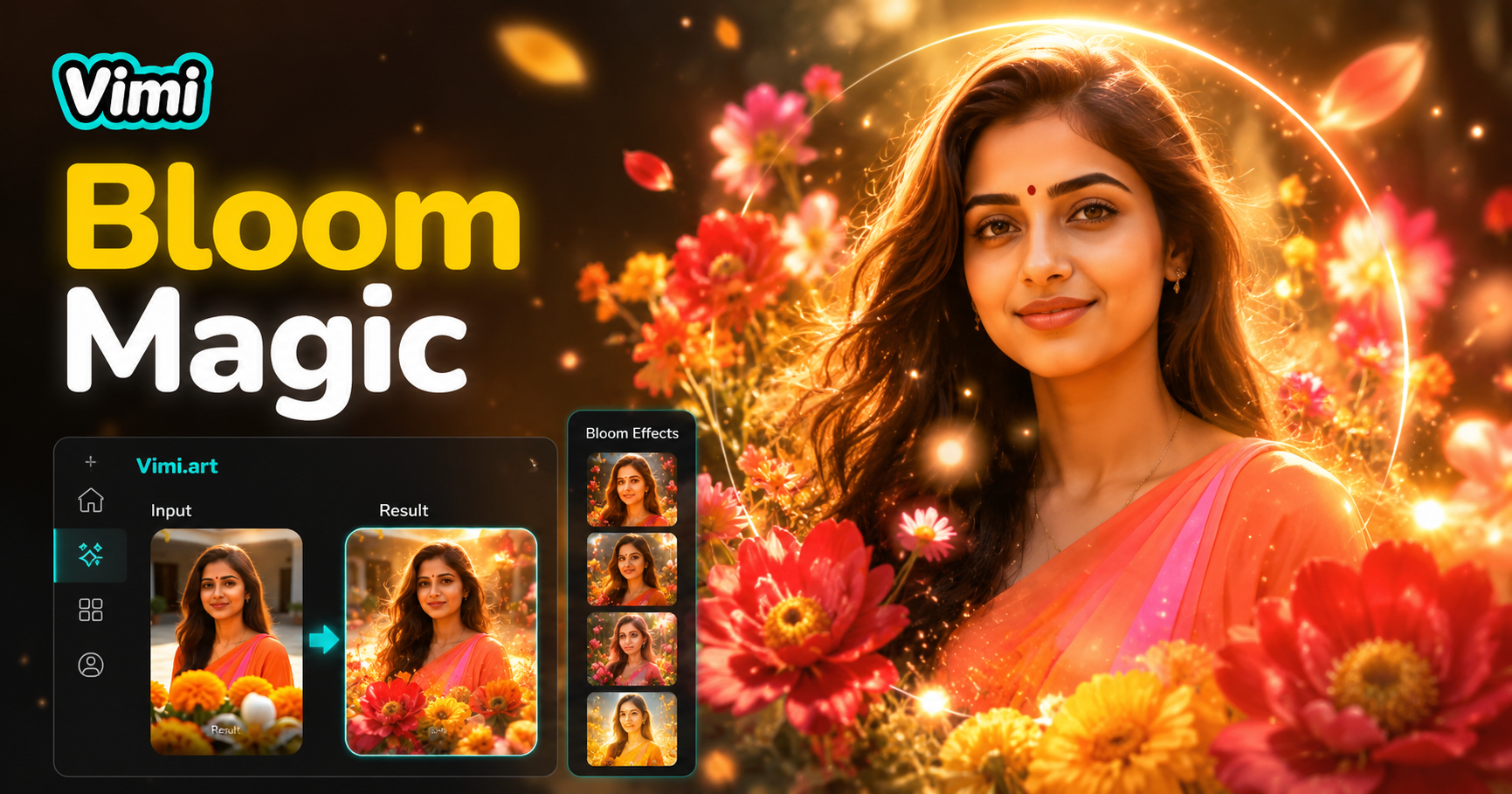
Choose the Filter That Suits You Best
Discover the AI bloom effect filter that perfectly matches your style and mood.
Key Features of Vimi AI Bloom Effect Generator
Find the core features that make Vimi the go to app for creating bloom effect photo transformations.
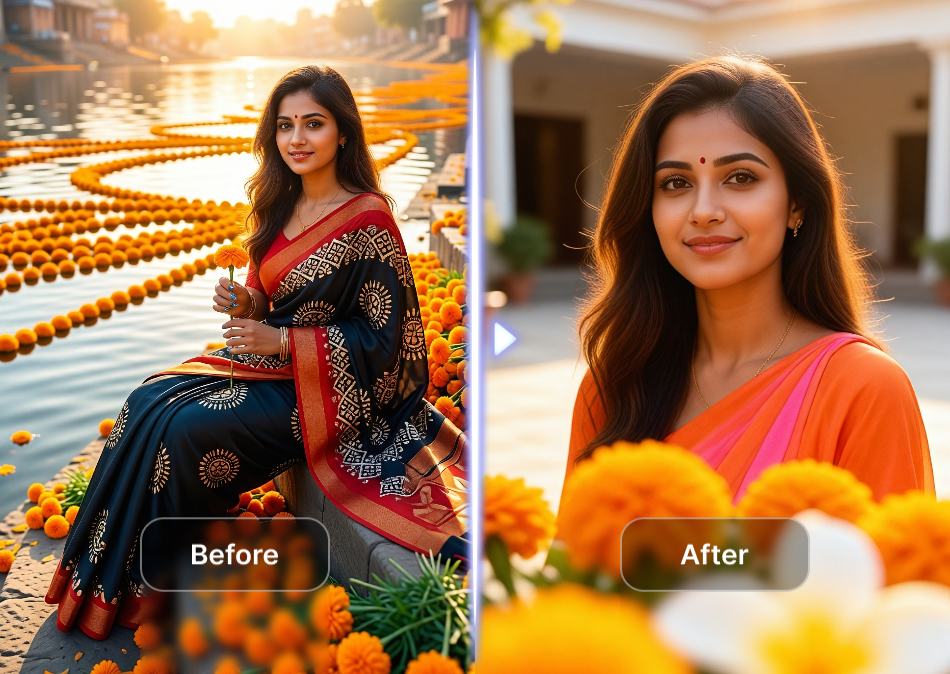
Soft Light Leak Application
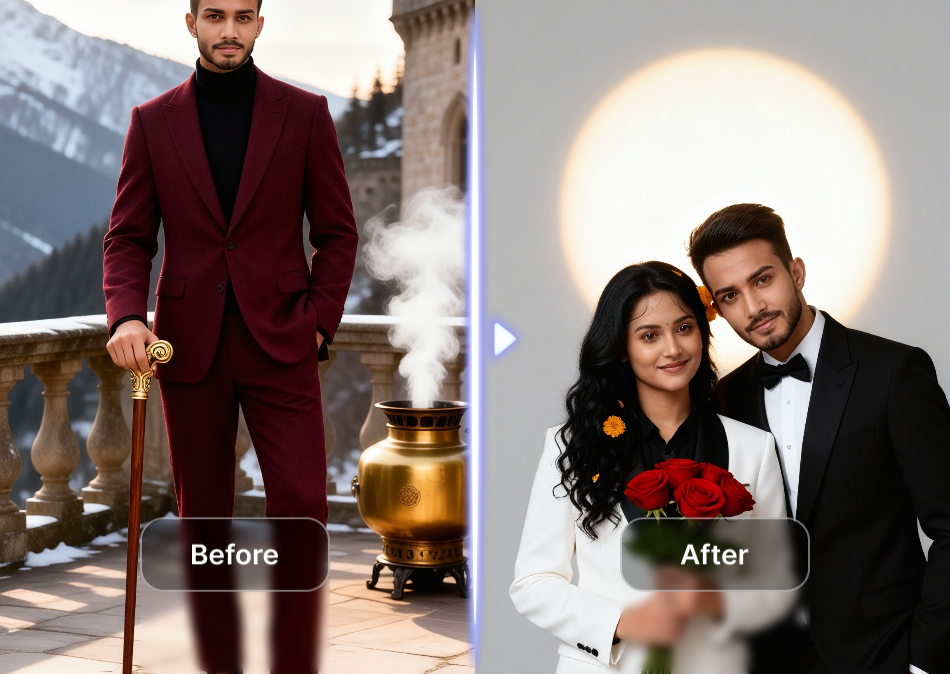
Vimi AI adds soft light leaks and glowing highlights to your photos. These light effects spread across the image edges and center. The bloom effect creates a warm, ethereal atmosphere that mimics vintage lens flares and golden hour photography.
Soft Light Leak Application
Vimi AI adds soft light leaks and glowing highlights to your photos. These light effects spread across the image edges and center. The bloom effect creates a warm, ethereal atmosphere that mimics vintage lens flares and golden hour photography.
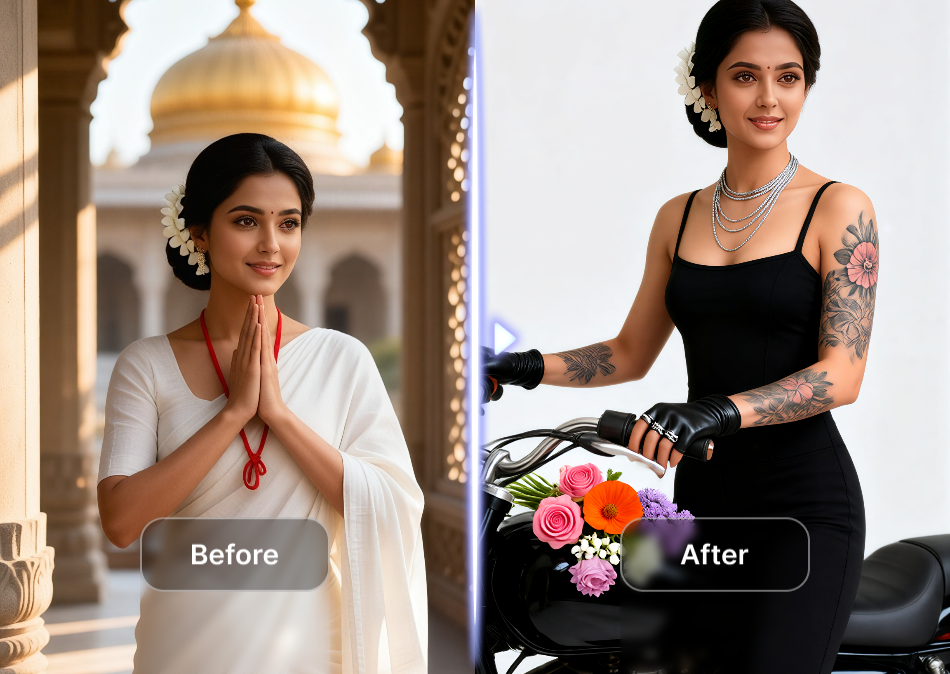
Pastel Color Tone Adjustments
The AI adjusts your photo colors to softer pastel shades. It reduces harsh contrasts and saturates gentle pinks, lavenders, and creams. This creates the signature bloom look with muted backgrounds and softly lit subjects.
Pastel Color Tone Adjustments
The AI adjusts your photo colors to softer pastel shades. It reduces harsh contrasts and saturates gentle pinks, lavenders, and creams. This creates the signature bloom look with muted backgrounds and softly lit subjects.
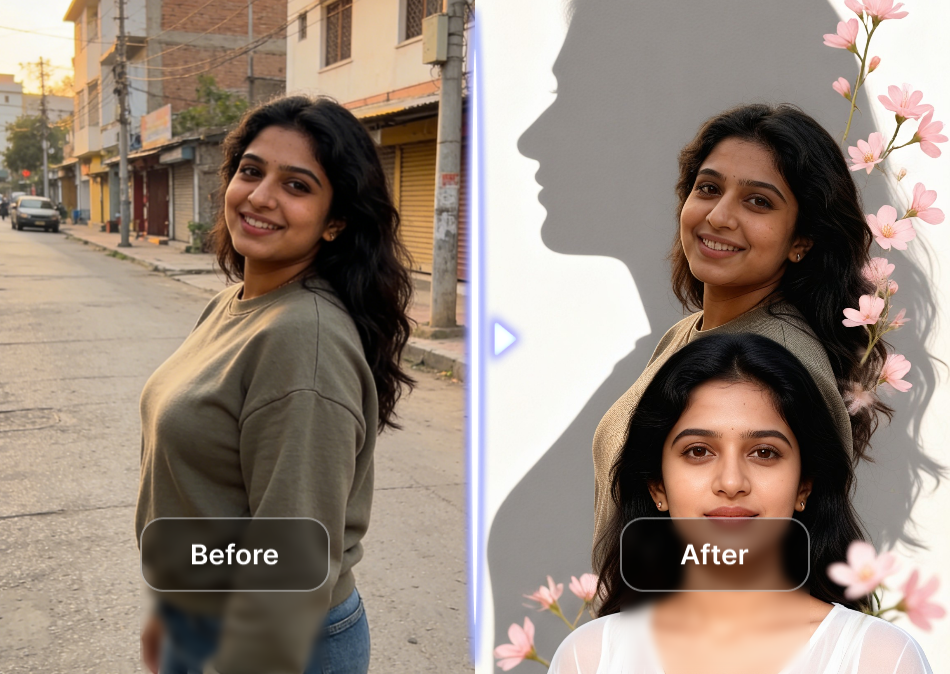
Facial Feature Preservation
Vimi AI detects and keeps your facial features intact during the bloom transformation. Your eyes, nose, and smile remain clear and recognizable. The glow effect surrounds your face without covering or distorting your expression.
Facial Feature Preservation
Vimi AI detects and keeps your facial features intact during the bloom transformation. Your eyes, nose, and smile remain clear and recognizable. The glow effect surrounds your face without covering or distorting your expression.
Why Choose Vimi for AI Bloom Effect
Discover the benefits of using Vimi to add bloom effects to your photos over other methods.
Template Based Workflow Without Prompts
Vimi works through template selection rather than text prompts. You open the app, choose a bloom filter from the library, and upload your photo. The AI applies the effect automatically. This approach suits users who want quick results without learning prompt writing.
Template Based Workflow Without Prompts
Vimi works through template selection rather than text prompts. You open the app, choose a bloom filter from the library, and upload your photo. The AI applies the effect automatically. This approach suits users who want quick results without learning prompt writing.
How to Create Bloom Effect Photos With Vim?
Making bloom effect images takes three simple actions inside the Vimi mobile app.

Step 01.
Find Vimi in your device's app store and install it.

Step 02.
Open the app, browse templates, and select a bloom style filter. Upload your photo.

Step 03.
Tap generate and wait seconds. Save your bloom image or share it.
Frequently Asked Questions
Find clear answers to common questions and get the guidance you need to make the most of our platform, faster and easier.
More Topics You May Like
Explore more topics you may like and discover fresh ideas tailored to your interests.

AI DnD Character Generator
AI Disney Poster Generator
AI Nail Art Generator

Cinematic Noir Portrait
AI DnD Character Generator
AI Disney Poster Generator
AI Nail Art Generator
Cinematic Noir Portrait
Download Vimi and Start Your Bloom Effect Creation
Give your photos a soft dreamy glow with Vimi. Get the app and transform your images now.

Download Vimi and Start Your Bloom Effect Creation
Give your photos a soft dreamy glow with Vimi. Get the app and transform your images now.