AI Bratz Doll Generator
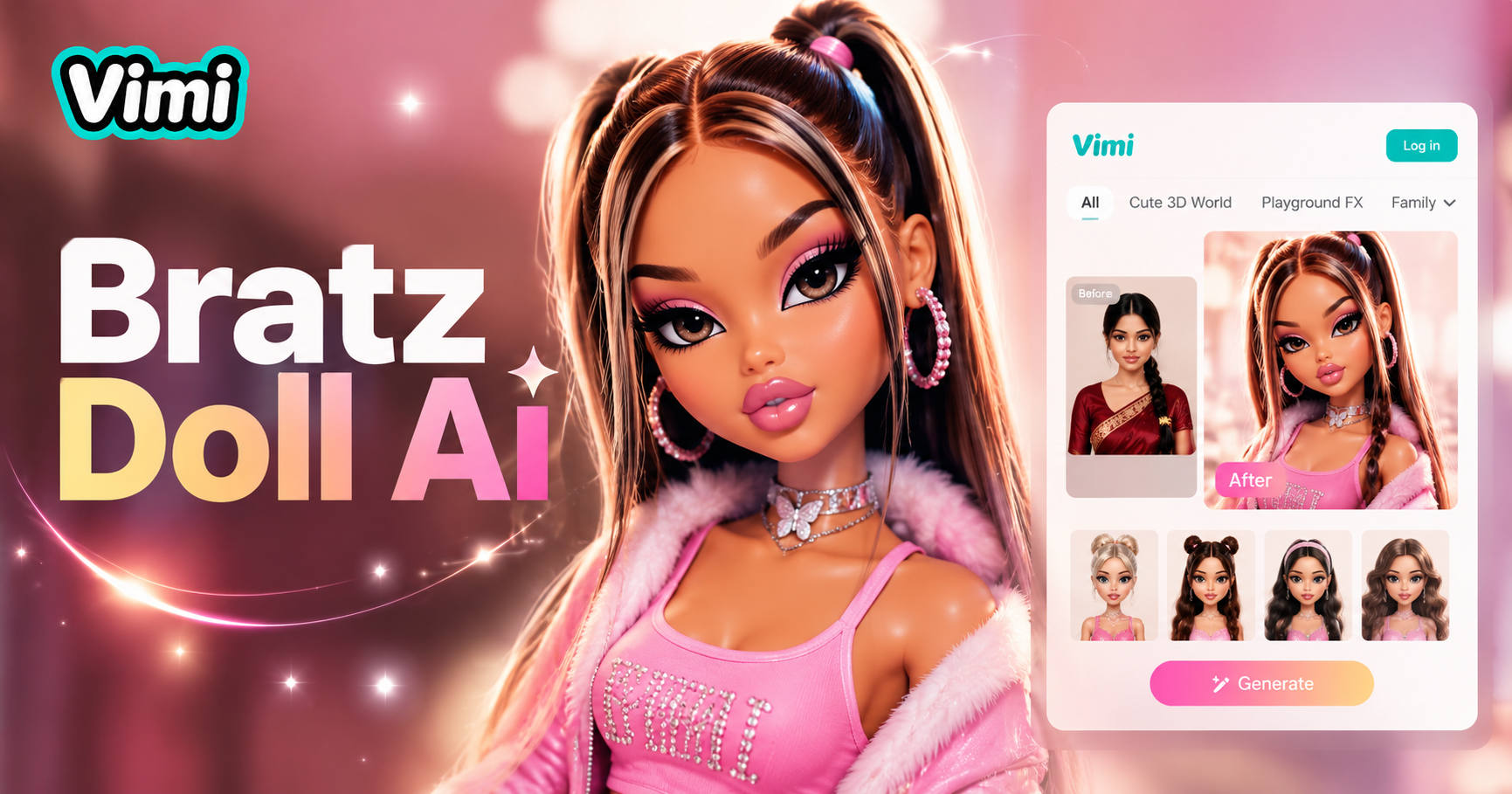
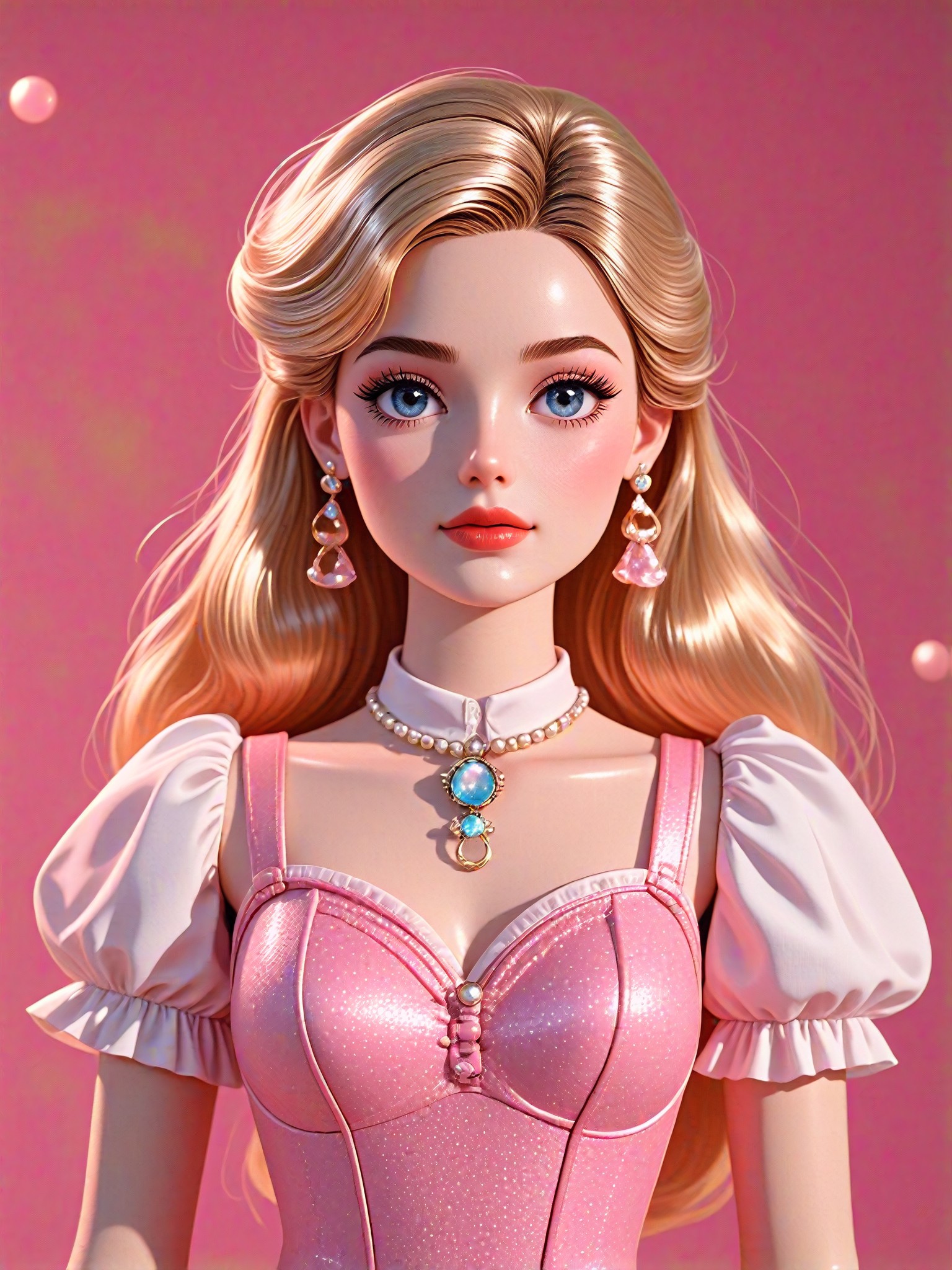
3D Barbie doll

Why Use Vimi for AI Bratz Doll Generation
Discover the benefits of choosing Vimi as your AI Bratz doll creator over other tools.
Mobile First Template Driven Workflow
Vimi operates entirely within its mobile app. You do not need to write any text prompts or adjust technical parameters. Simply choose the Bratz Doll template from the library, upload your photo, and tap generate. This template first approach makes AI creation accessible to everyone, regardless of technical skill.
Mobile First Template Driven Workflow
Vimi operates entirely within its mobile app. You do not need to write any text prompts or adjust technical parameters. Simply choose the Bratz Doll template from the library, upload your photo, and tap generate. This template first approach makes AI creation accessible to everyone, regardless of technical skill.
Key Features of Vimi AI Bratz Doll Generator
Find the core features that make Vimi the go to app for creating Bratz style doll transformations.
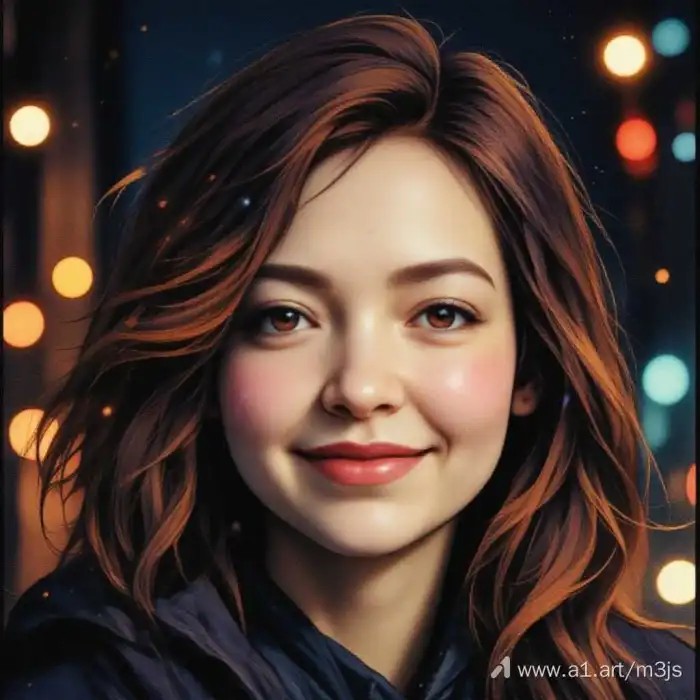 Before
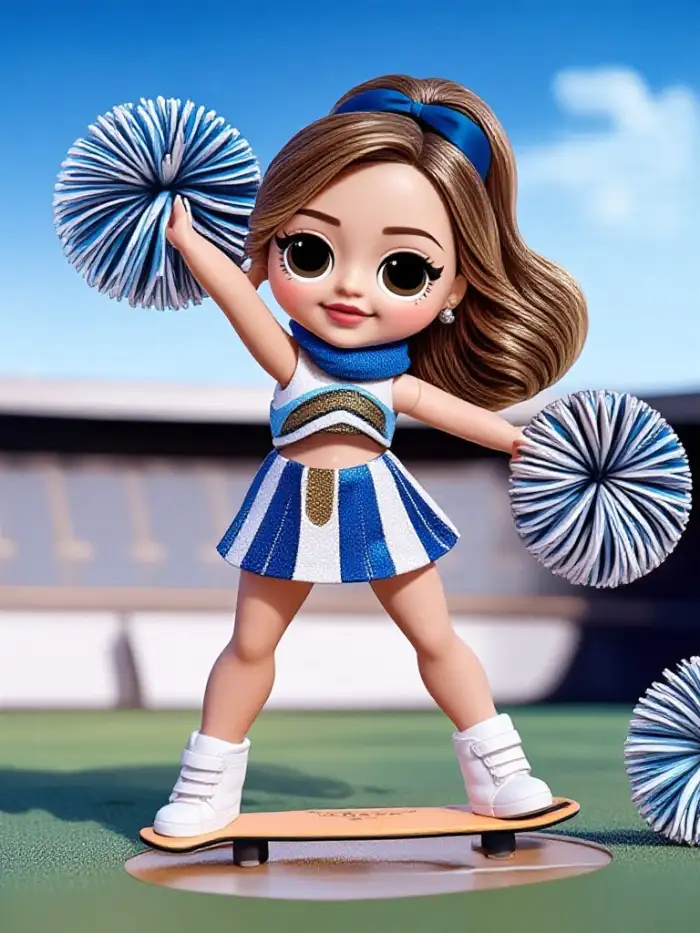 After
AfterAutomatic Facial Feature Detection
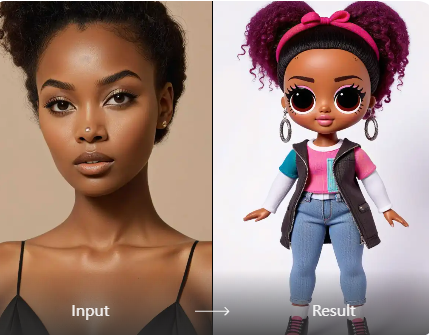
Vimi AI detects your facial structure, skin tone, and hair color automatically. It then applies the signature Bratz aesthetic including almond shaped eyes, glossy lips, and smooth skin. The AI adjusts these features to match your unique appearance while keeping your recognizable identity intact.
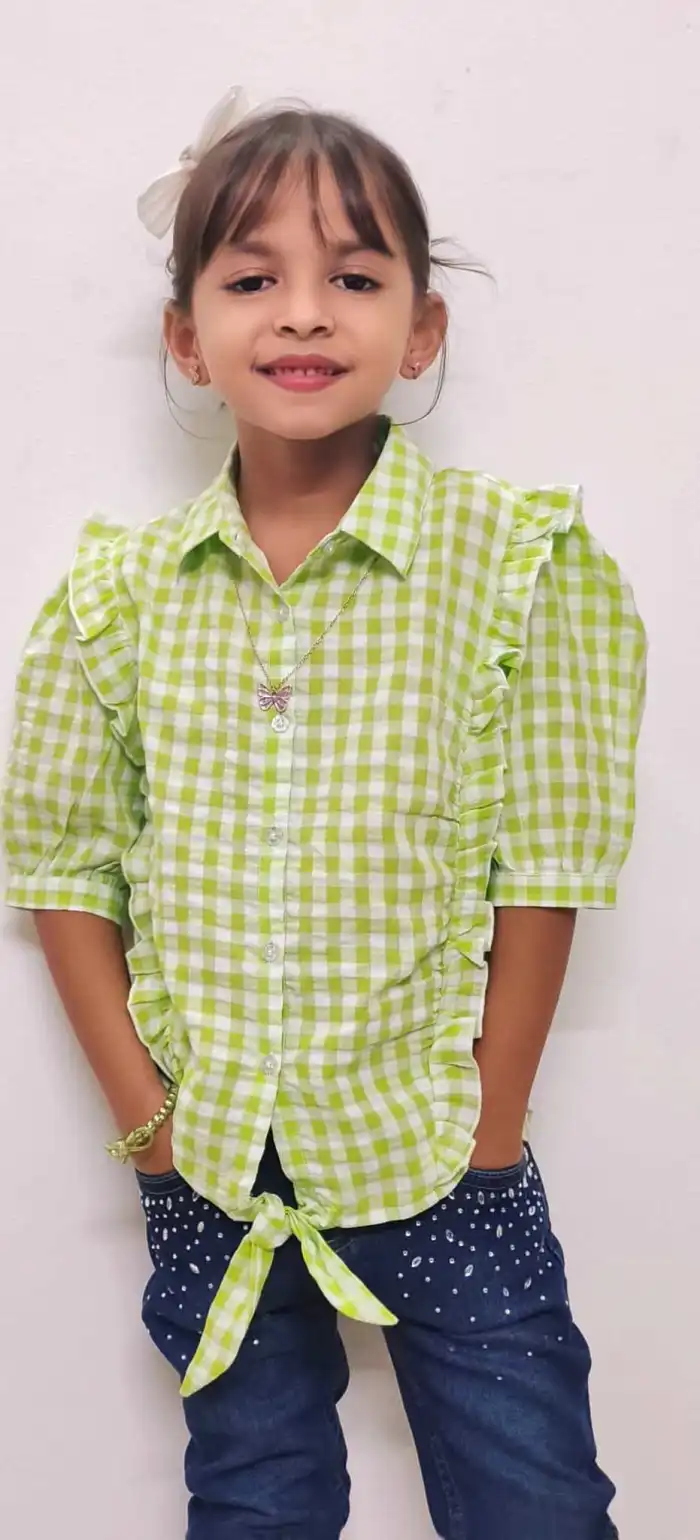 Before
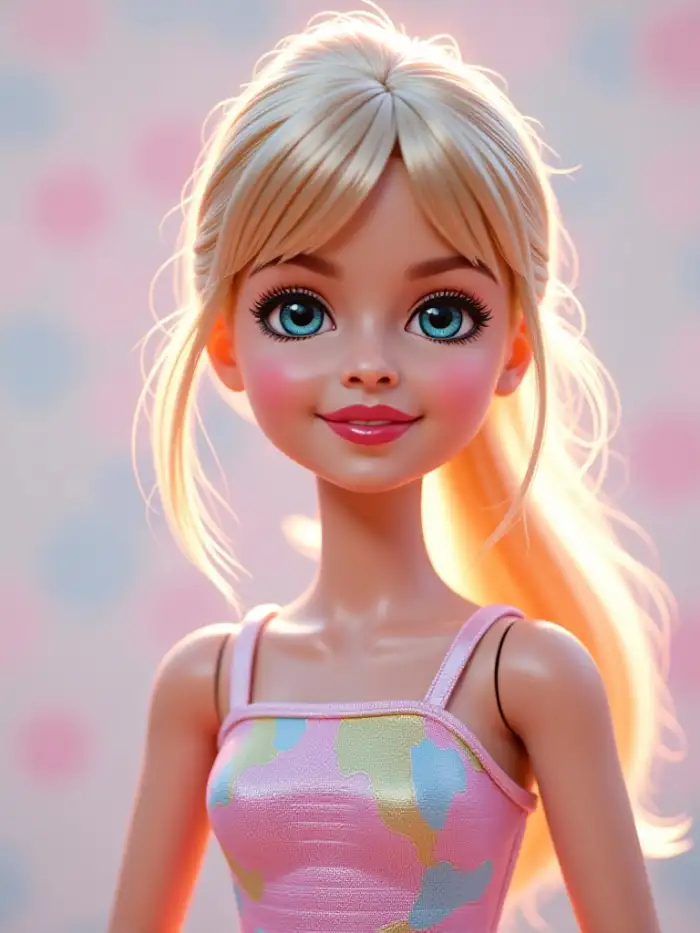 After
AfterY2K Fashion and Makeup Styling
The generator applies bold Y2K inspired makeup and trendy outfits to your photo. You get glossy lips, dramatic eye shadows, and fashion forward clothing that captures the iconic Bratz look. Each transformation reflects the glamorous street style aesthetic that defines the Bratz brand.
 Before
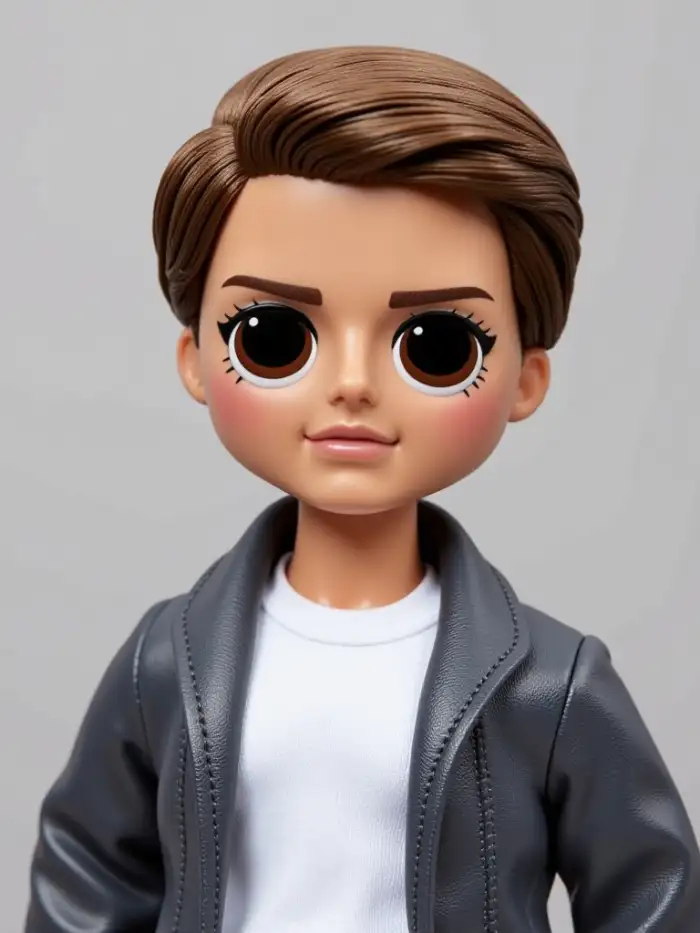 After
AfterOne Tap Social Media Sharing
After generating your Bratz doll avatar, you can share it directly to social platforms from within the Vimi app. You can also publish it to your personal Vimi profile page. This makes it easy to show off your new look to friends and followers instantly.
How to Make a Bratz Doll With Vimi in Minutes?
Creating your own Bratz style avatar with Vimi takes just three simple steps. The entire process happens inside the Vimi mobile app.

Step 01.
Get the Vimi app from your device's app store. Install it on your phone to access all AI generation features.

Step 02.
Open the app and browse the template library. Find the Bratz Doll filter and upload your photo.

Step 03.
Tap the generate button. Wait seconds for your Bratz style image. Download or share it directly.
Frequently Asked Questions
Find clear answers to common questions and get the guidance you need to make the most of our platform, faster and easier.
More Topics You May Like
Explore more topics you may like and discover fresh ideas tailored to your interests.
AI Disney Poster Generator
AI DnD Character Generator
AI Nail Art Generator
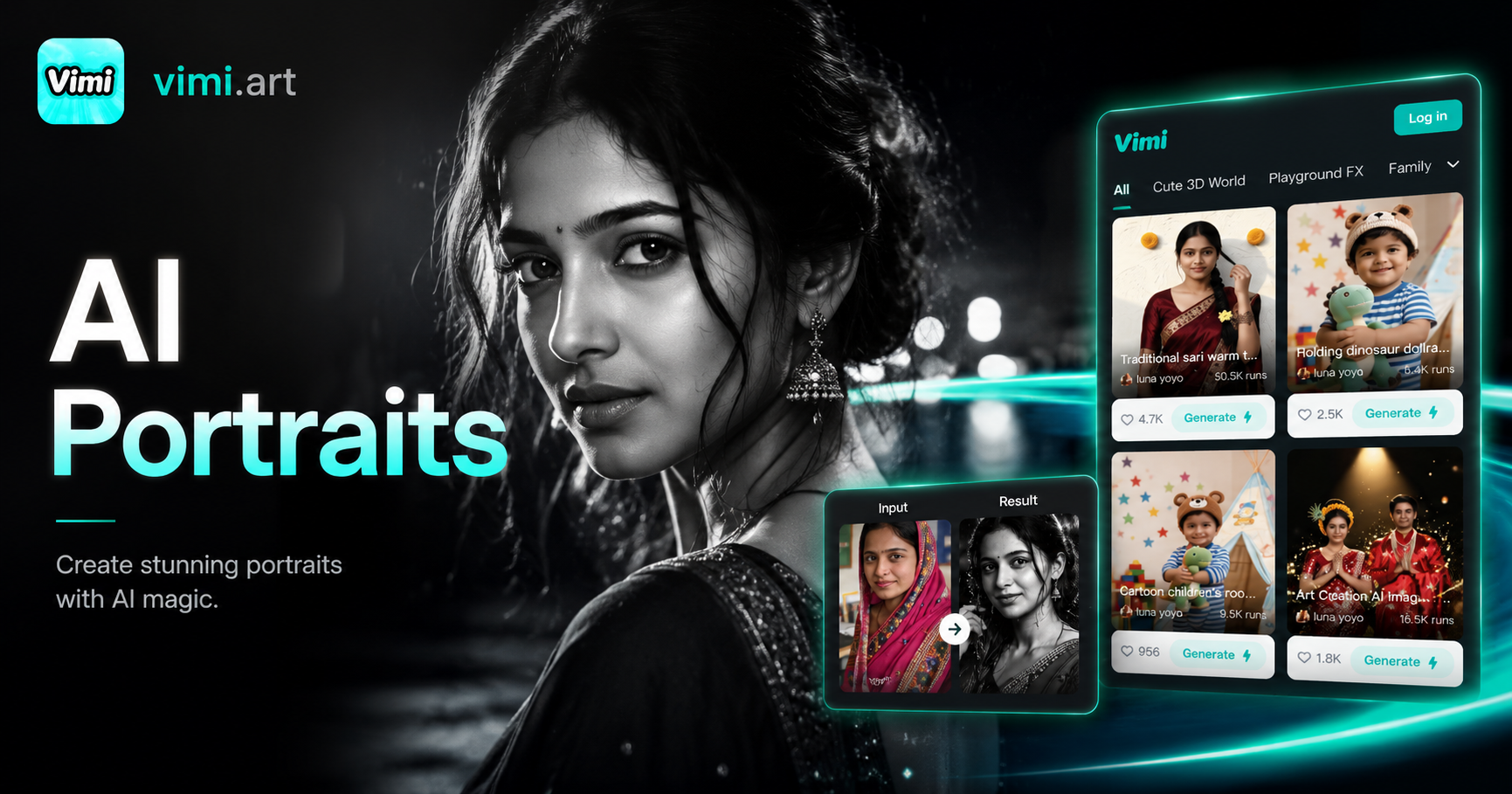
Cinematic Noir Portrait
AI Disney Poster Generator
AI DnD Character Generator
AI Nail Art Generator
Cinematic Noir Portrait
Download Vimi and Create Your Bratz Doll Today
Turn your photo into a stylish Bratz inspired avatar in seconds. Get the Vimi app now and start creating.
Download Vimi and Create Your Bratz Doll Today
Turn your photo into a stylish Bratz inspired avatar in seconds. Get the Vimi app now and start creating.