Ai Tattoo Generator
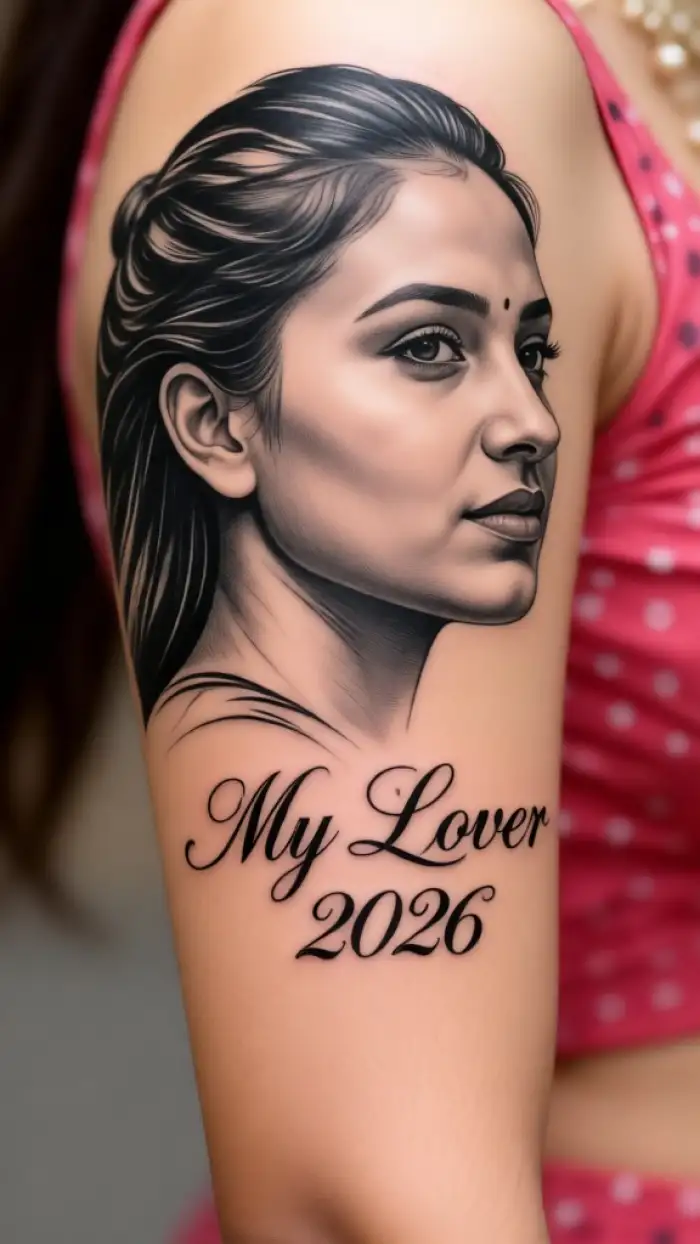
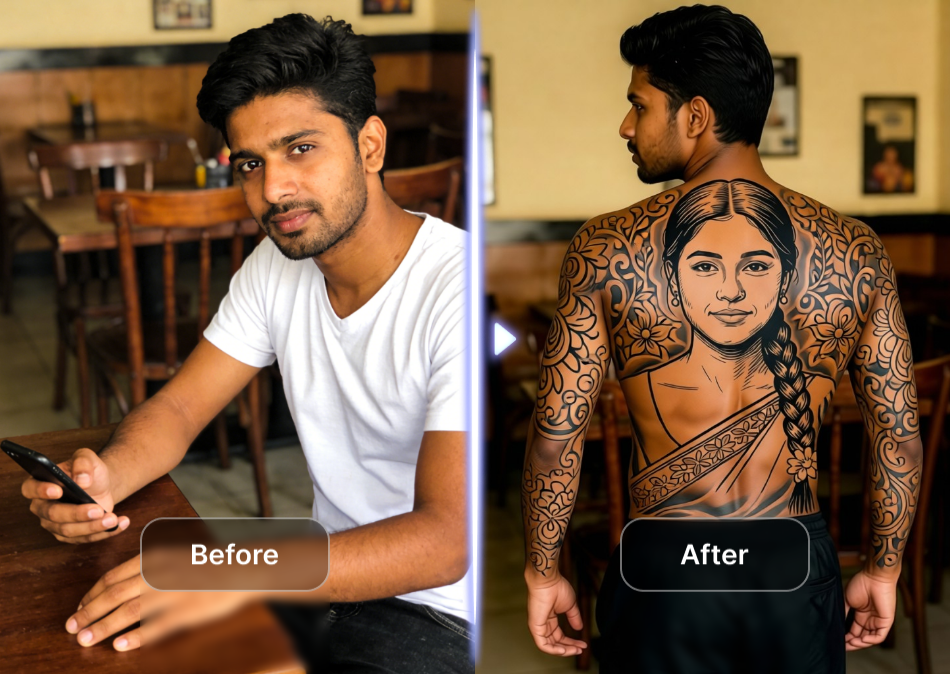
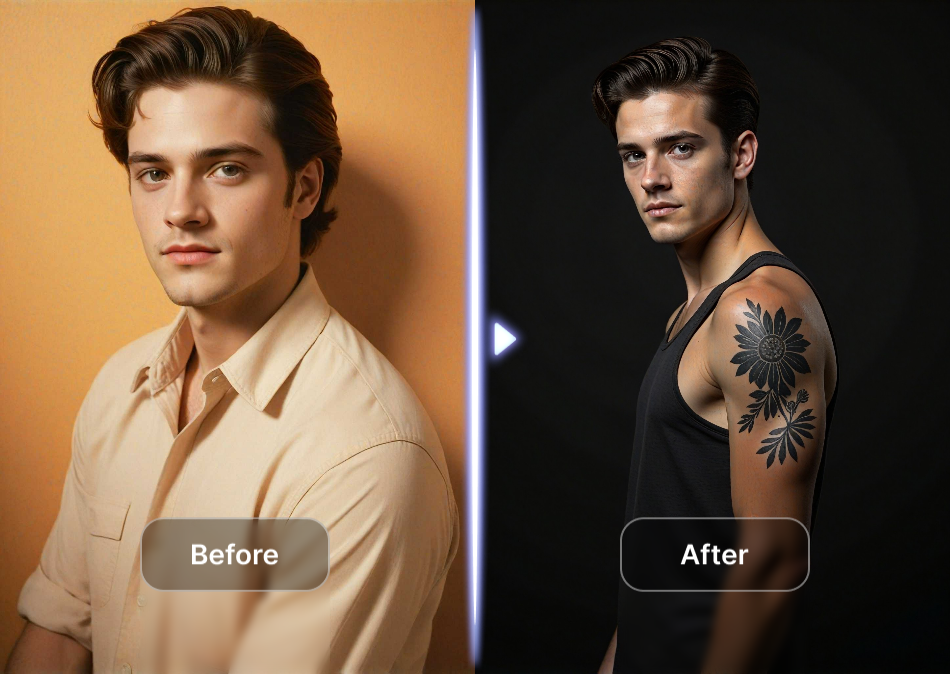
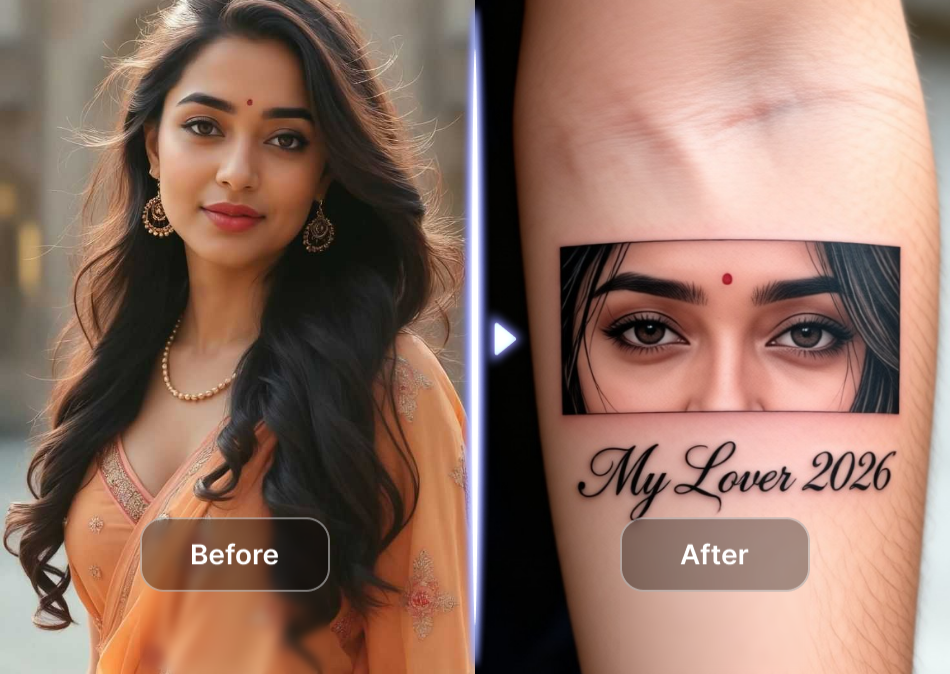
Vimi AI Tattoo Generator lets you test tattoo designs on your own photos. Upload a picture of your arm, leg, or back. Choose from thousands of tattoo style templates. See how the ink looks on your skin in seconds. No permanent commitment required.
 Before
 After
After
Vimi Studio
Switch to Vimi Studio on APP for advanced control and unlimited exports.

Choose the AI Tattoo Generator Filter That Suits You
Discover the ai tattoo generator filter that perfectly matches your style and mood.
Key Features of Vimi AI Tattoo Generator
Discover the essential tools that make Vimi a smart choice for virtual tattoo try‑on. These features give you full control over design, placement, and style.
 Before
 After
AfterRealistic Skin Integration
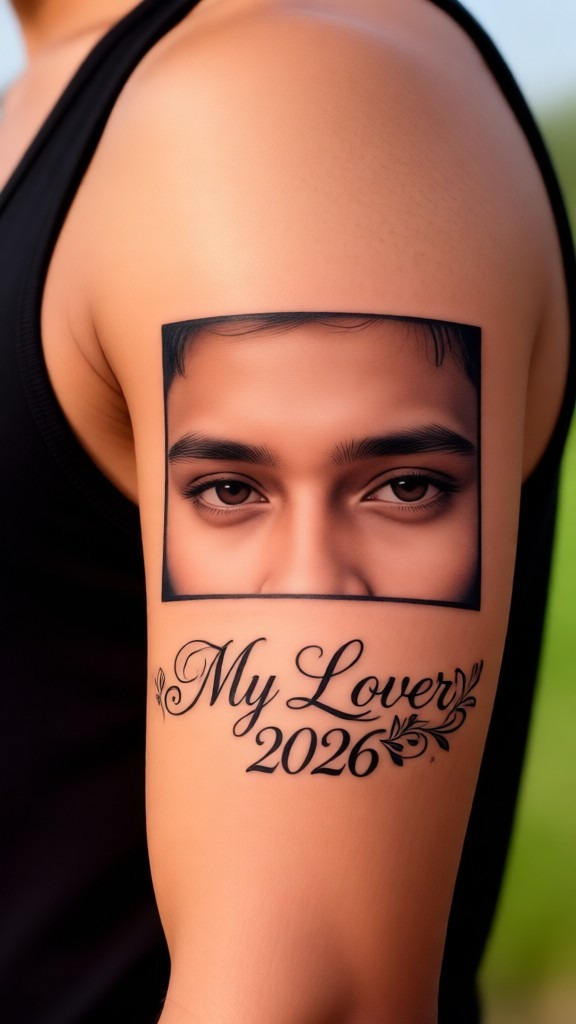
The AI maps the tattoo design onto your uploaded photo. It matches lighting, shadows, and skin texture. The ink appears natural, not pasted on. You see wrinkles, hair, and moles interact with the design. This gives you a true preview of the final result before you visit a shop.
 Before
 After
AfterAdjustable Size and Position
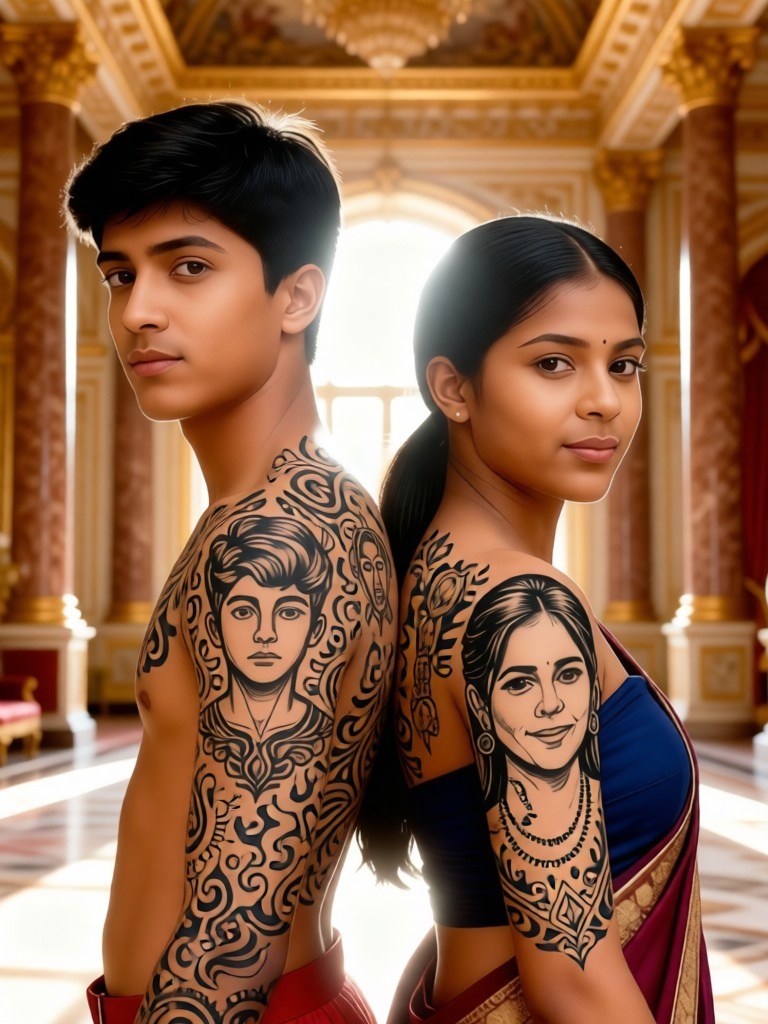
You can move the tattoo anywhere on your body. Pinch to resize or rotate the design. The AI updates the preview instantly. Place a small symbol on your wrist or a large sleeve on your shoulder. Find the perfect spot and scale for your idea.
 Before
 After
AfterMultiple Body Part Support
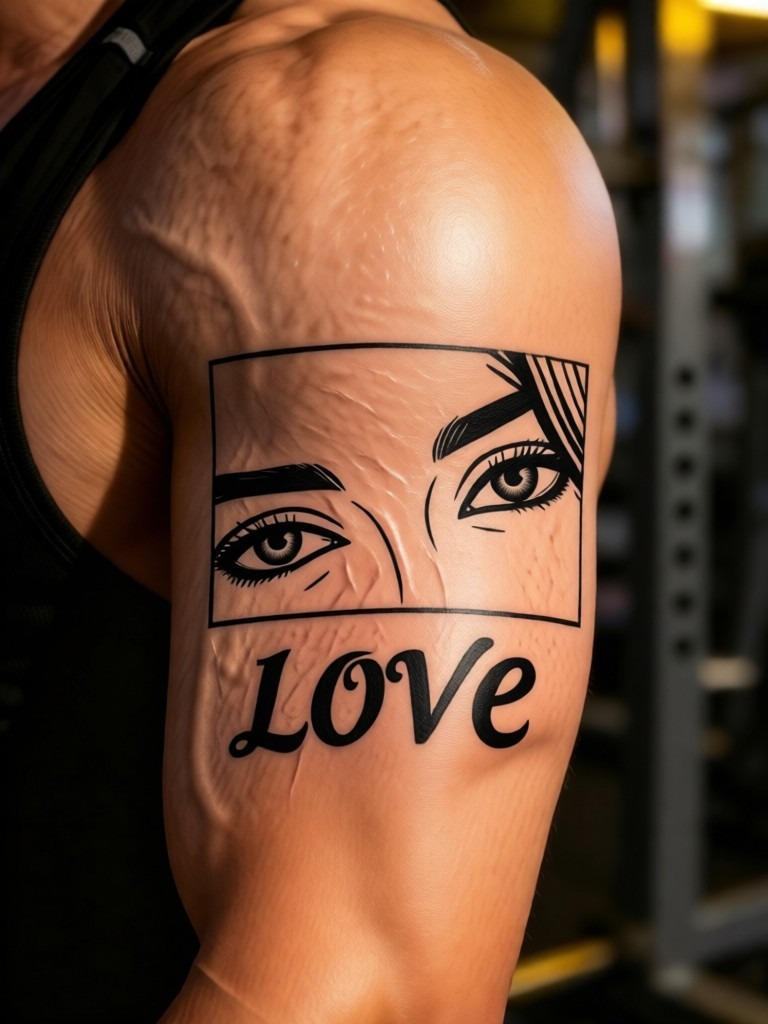
Upload photos of your arm, leg, chest, back, or hand. Vimi recognizes the body shape and adjusts the tattoo accordingly. The design wraps around muscles and joints naturally. You can try the same tattoo on different areas to compare which placement looks best.
Explore Application Scenarios of Vimi AI Tattoo Generator
See how Vimi fits into real world situations. These use cases show the value for different types of users.
Personal Tattoo Decision Making
Many people hesitate before getting inked. Vimi removes that fear. You test designs on your own body without pain or cost. Try bold colors or subtle lines. Change your mind instantly. You walk into the tattoo studio with confidence, knowing exactly what you want and where.
Tattoo Artist Client Consultations
Artists use Vimi to show clients how a design will look. The client uploads their photo and picks a style. The artist adjusts size and placement during the consultation. This saves drawing time and avoids misunderstandings. Clients approve the virtual preview, so the actual work matches expectations.
Temporary Tattoo and Event Marketing
Event planners and brands use Vimi for festival booths or pop‑up shops. Attendees upload photos and try branded tattoo designs. They download and share the results on social media. This creates buzz and engagement. No real needles involved. It is safe, fun, and easy for all ages.
How to Generate a Tattoo Preview with Vimi AI Tattoo Generator?
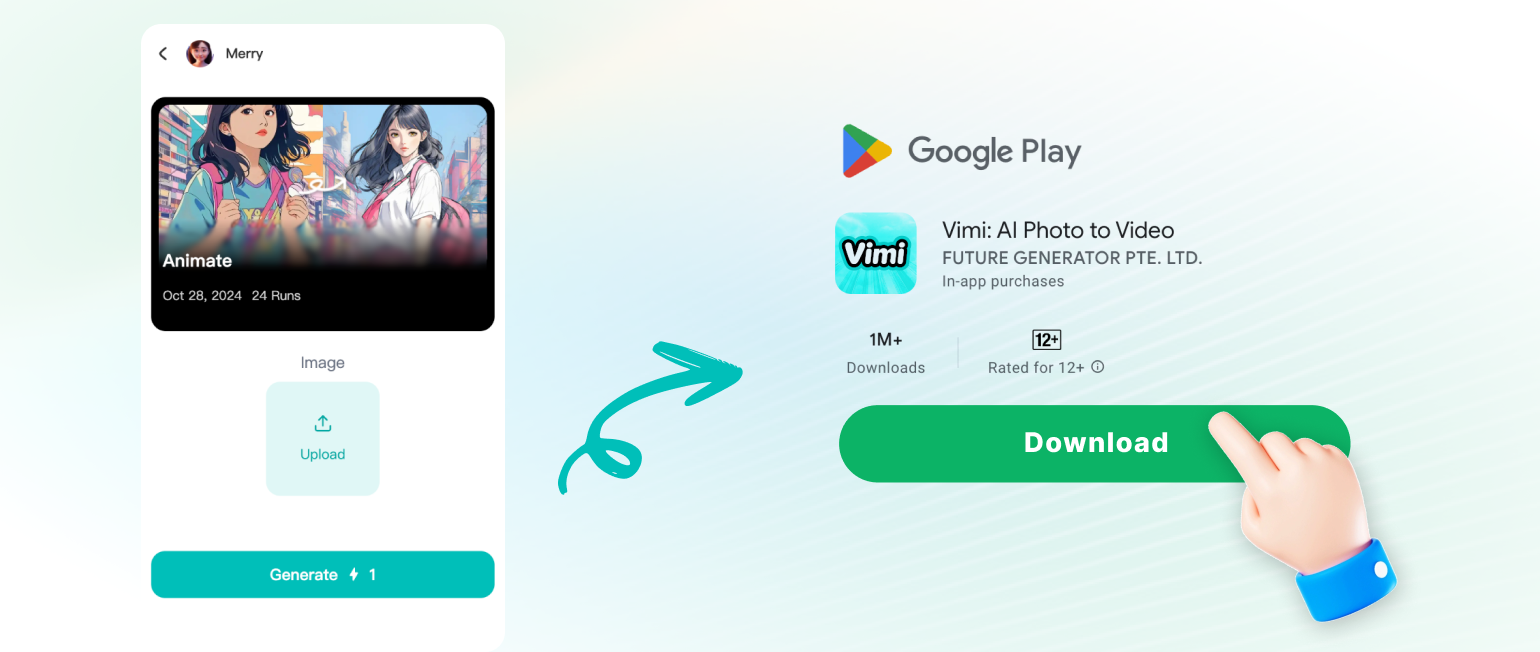
Follow these three quick steps to create your virtual tattoo in the Vimi app. The whole process takes less than one minute.
Frequently Asked Questions
Find clear answers to common questions and get the guidance you need to make the most of our platform, faster and easier.
More Topics You May Like
Explore more topics you may like and discover fresh ideas tailored to your interests.
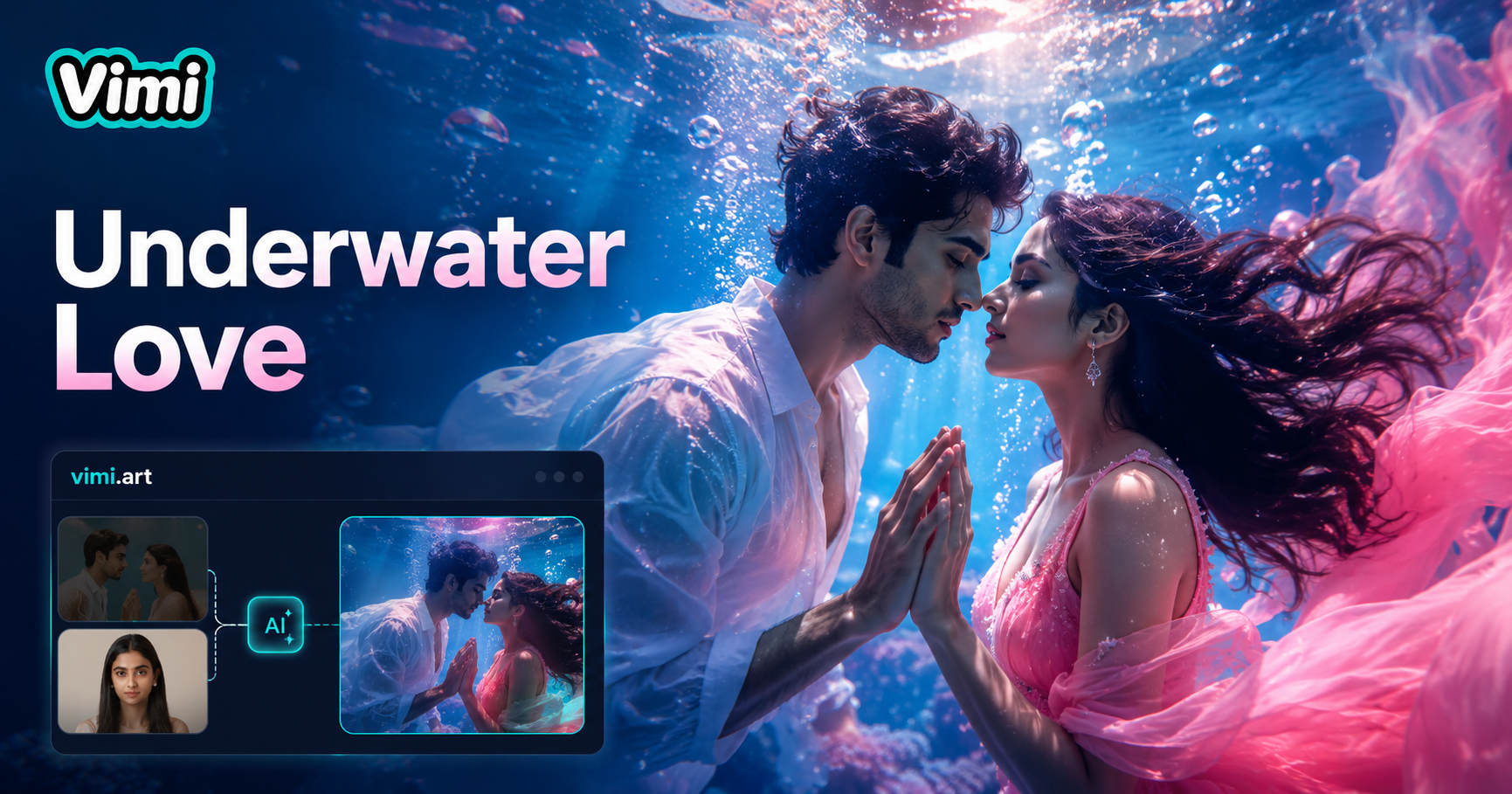
Underwater Couple Portrait
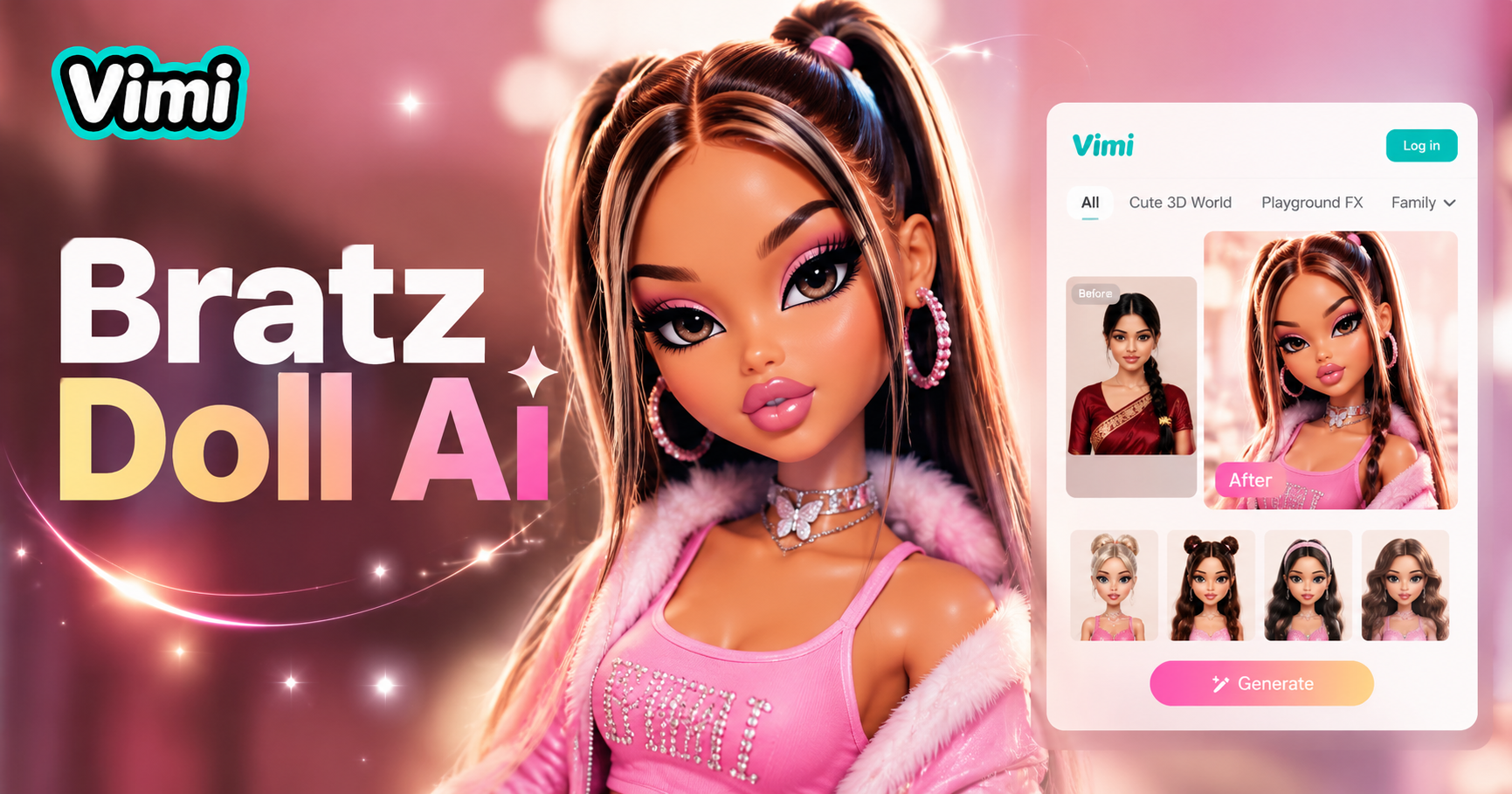
AI Bratz Doll Generator
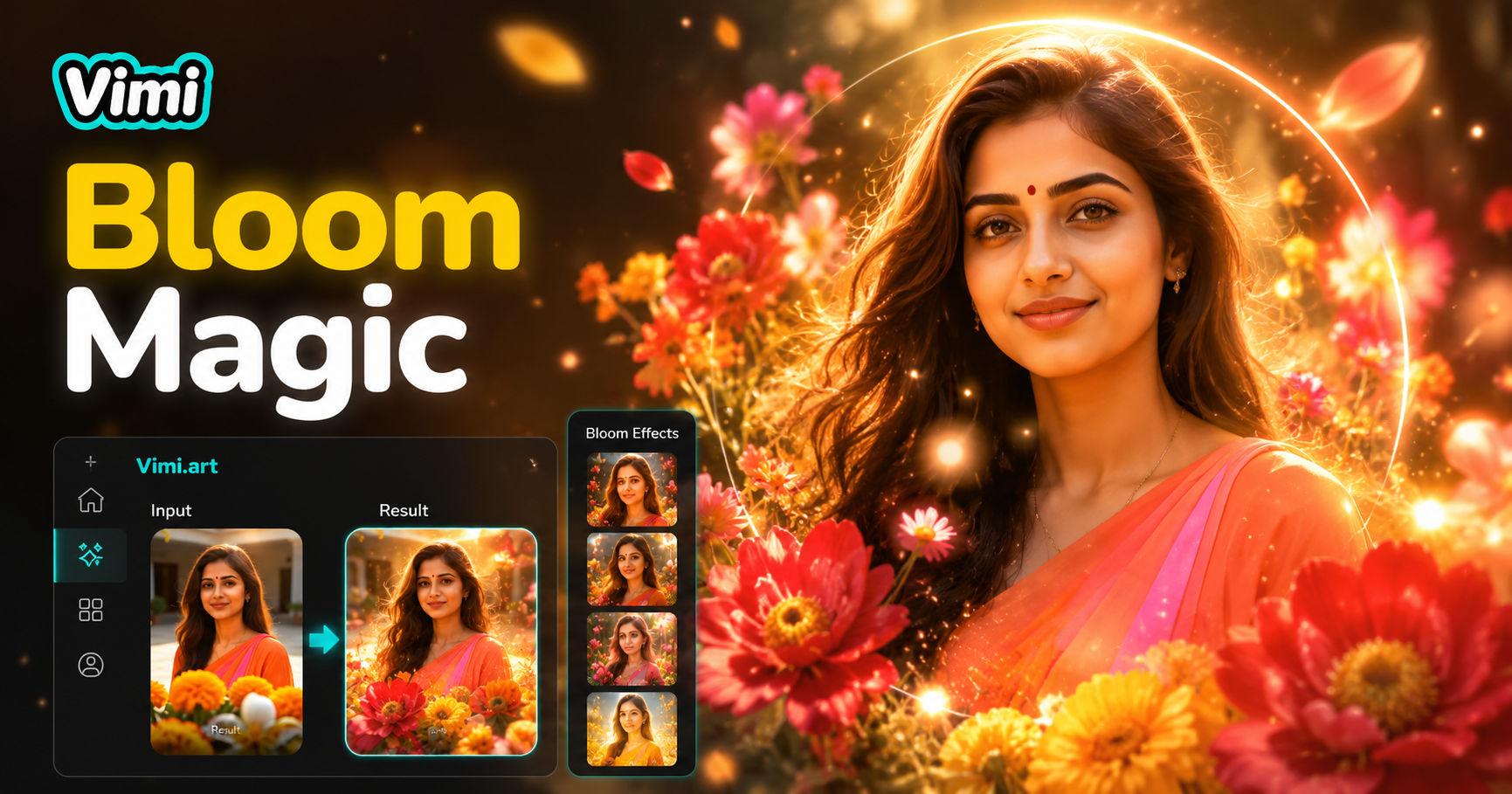
AI Bloom Effect

Invitation Card Design
Underwater Couple Portrait
AI Bratz Doll Generator
AI Bloom Effect
Invitation Card Design
Try Vimi AI Tattoo Generator Today
Preview any tattoo on your own body before you book an appointment. Download Vimi and start designing your next ink in seconds.
Try Vimi AI Tattoo Generator Today
Preview any tattoo on your own body before you book an appointment. Download Vimi and start designing your next ink in seconds.