AI Taper Fade Haircut Generator
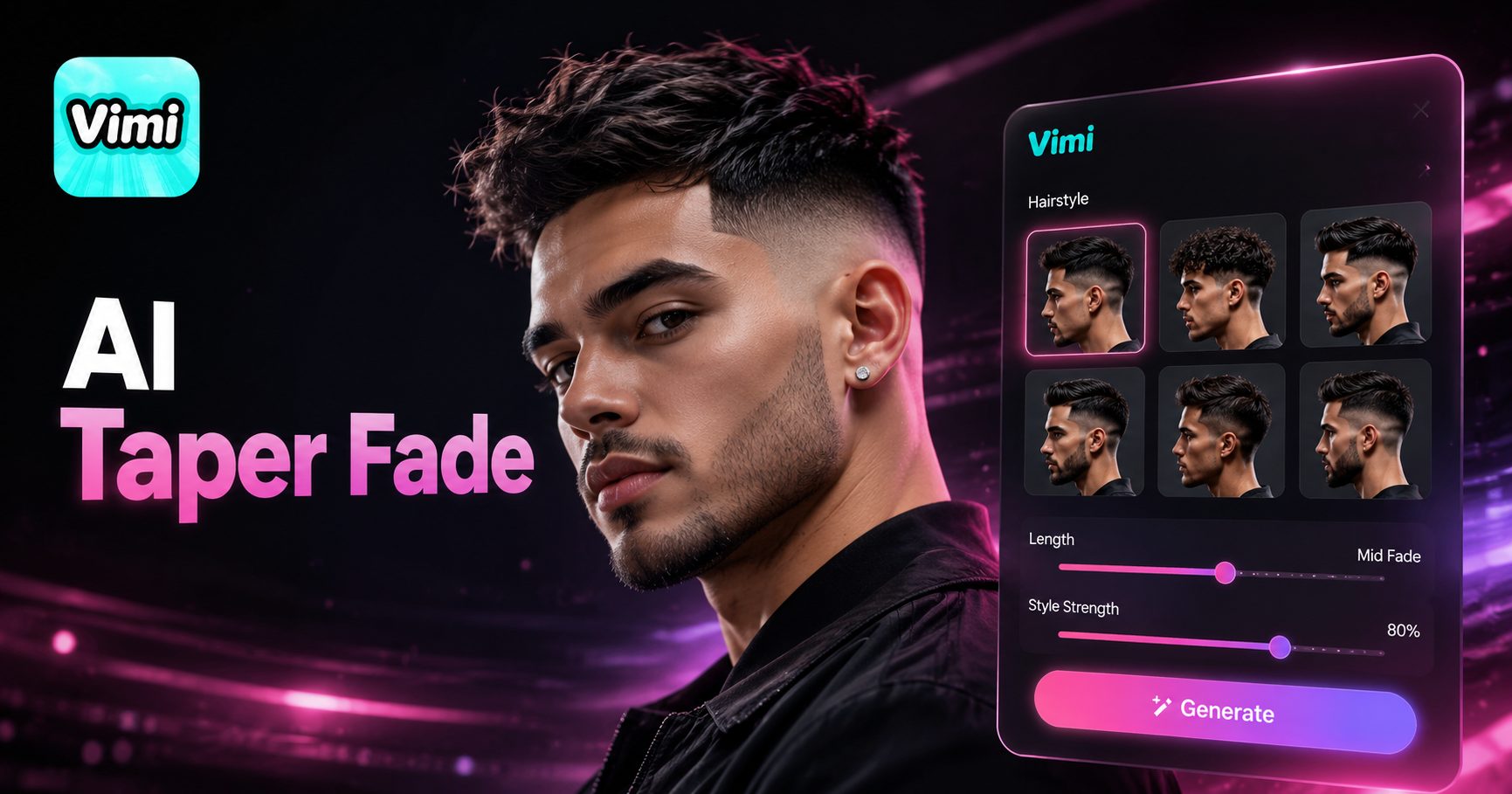
Bollywood Men's Fluffy Side Part



Why Use Vimi AI Taper Fade Haircut Generator
Explore the practical advantages of visualizing your next haircut with our AI tool.
Save Time and Money
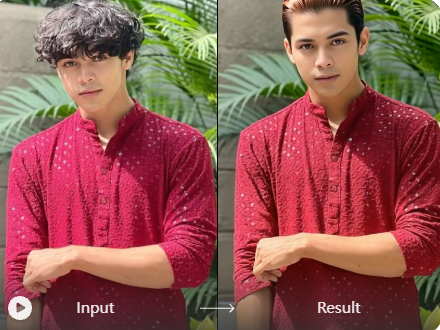
Stop guessing about your next haircut. You can test multiple styles at home for free. Avoid paying for a cut you might not like. Vimi gives you a clear preview, so you only visit the barber when you are 100% sure about the style. This saves you time and reduces the risk of a bad haircut.
Save Time and Money
Stop guessing about your next haircut. You can test multiple styles at home for free. Avoid paying for a cut you might not like. Vimi gives you a clear preview, so you only visit the barber when you are 100% sure about the style. This saves you time and reduces the risk of a bad haircut.
Key Features of Vimi AI Taper Fade Haircut Generator
Discover the powerful tools that create a realistic and accurate preview of your new hairstyle.
Realistic Hair Texture
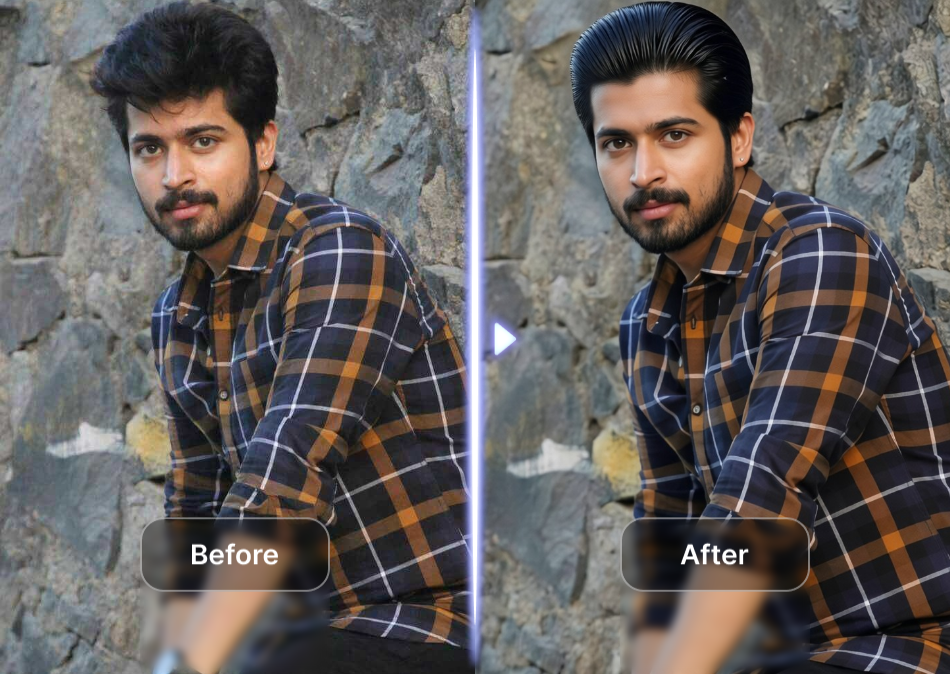
The AI focuses on your hair's natural flow and density. It applies the taper fade effect with realistic texture and gradient. This ensures the final image looks like a real photograph, not a digital filter. The result is a believable preview you can rely on before your barber appointment.
Realistic Hair Texture
The AI focuses on your hair's natural flow and density. It applies the taper fade effect with realistic texture and gradient. This ensures the final image looks like a real photograph, not a digital filter. The result is a believable preview you can rely on before your barber appointment.
Maintains Facial Features
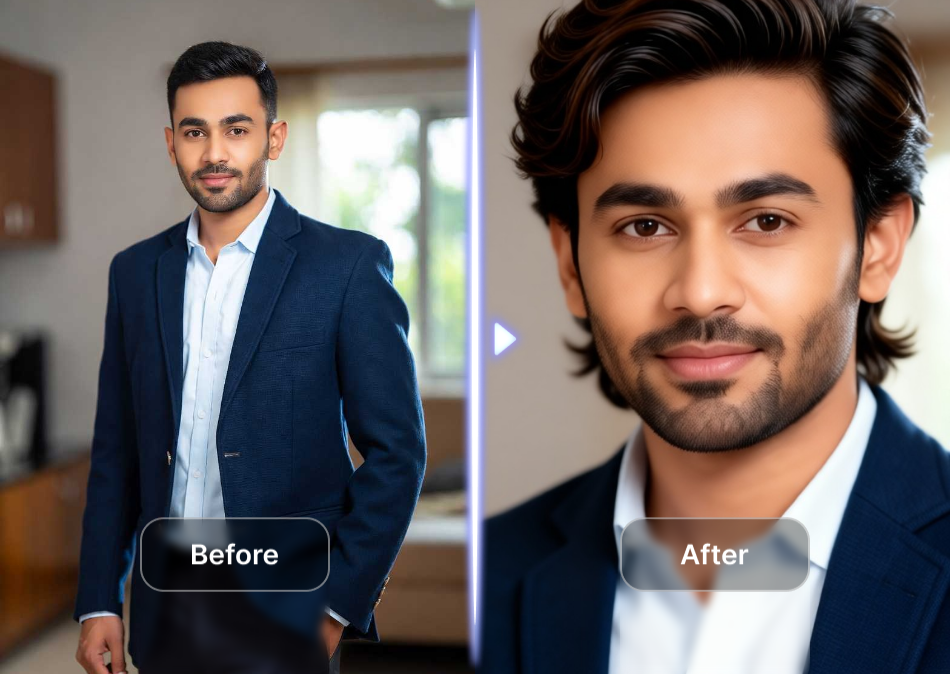
Your face stays exactly the same, only the hair changes. Vimi's AI recognizes your facial structure, ears, and jawline. It applies the haircut around these features, ensuring the style looks like it naturally belongs to you. No distortion or warping occurs on your face.
Maintains Facial Features
Your face stays exactly the same, only the hair changes. Vimi's AI recognizes your facial structure, ears, and jawline. It applies the haircut around these features, ensuring the style looks like it naturally belongs to you. No distortion or warping occurs on your face.

Multiple Fade Styles
Choose from different variations of the taper fade. The generator offers a low fade, mid fade, and high fade option. You can also select a skin fade for a sharper look or a drop fade for more definition. Each option provides a distinct visual result.
Multiple Fade Styles
Choose from different variations of the taper fade. The generator offers a low fade, mid fade, and high fade option. You can also select a skin fade for a sharper look or a drop fade for more definition. Each option provides a distinct visual result.
How to Use Vimi AI Taper Fade Haircut Generator?
Create adorable Vimi AI taper fade haircut generator images in just a few simple steps using our powerful platform.

Step 01.
Start by downloading the Vimi app on your mobile device. It is available for download through the official app stores.

Step 02.
Open the app and browse the template library. Find the AI Taper Fade Haircut template and upload your photo.

Step 03.
Tap the generate button and wait a few seconds. Save your new image to your device or share it directly online.
Frequently Asked Questions
Find clear answers to common questions and get the guidance you need to make the most of our platform, faster and easier.
More Topics You May Like
Explore more topics you may like and discover fresh ideas tailored to your interests.

Invitation Card Design

AI Bloom Effect
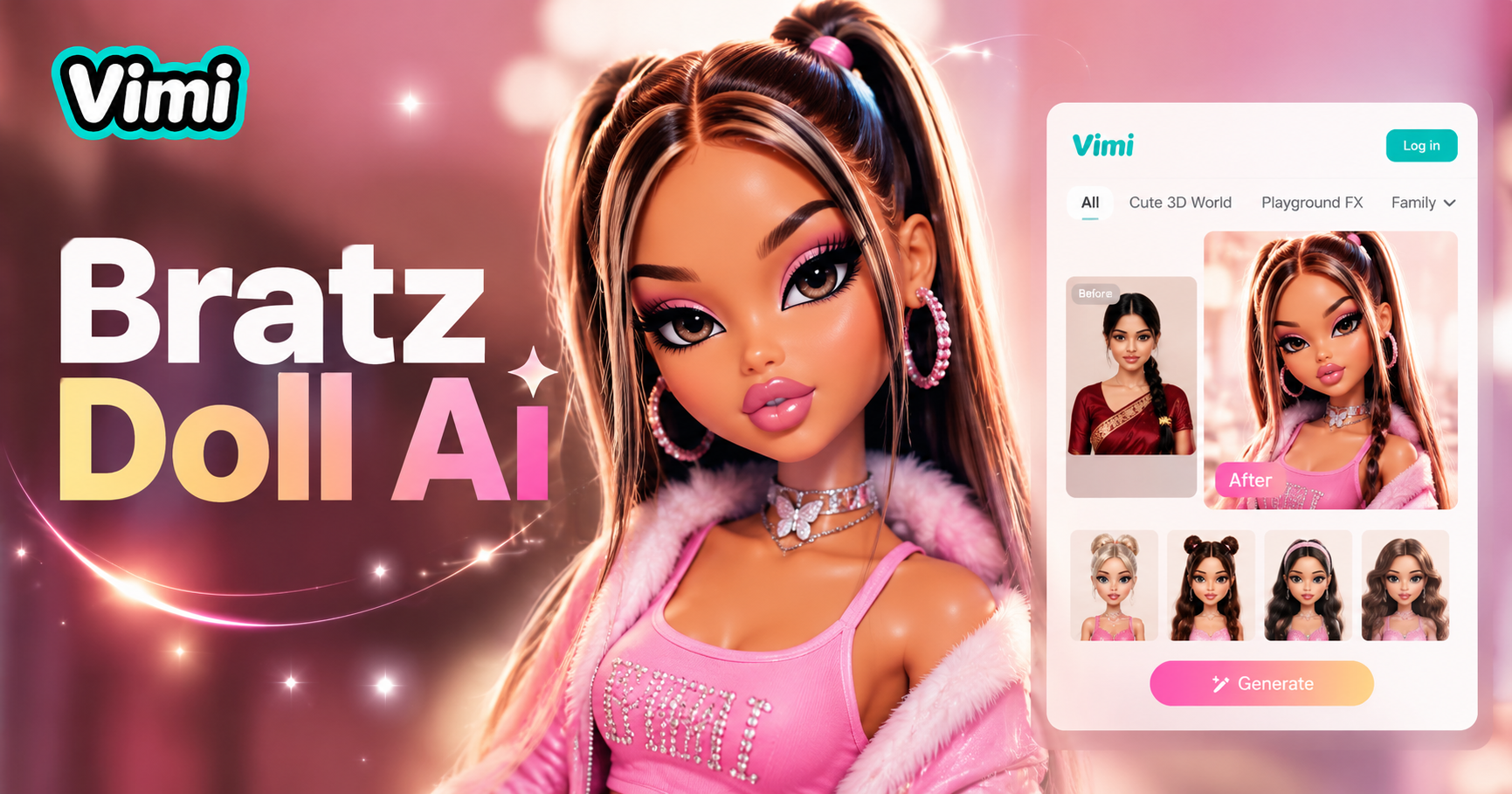
AI Bratz Doll Generator

Underwater Couple Portrait
Invitation Card Design
AI Bloom Effect
AI Bratz Doll Generator
Underwater Couple Portrait
Ready to See Your New Taper Fade
Download Vimi and Try the AI Taper Fade Generator Now. Preview your style in seconds. Get the perfect cut with confidence.
Ready to See Your New Taper Fade
Download Vimi and Try the AI Taper Fade Generator Now. Preview your style in seconds. Get the perfect cut with confidence.