Couple Lock Screen AI Photo
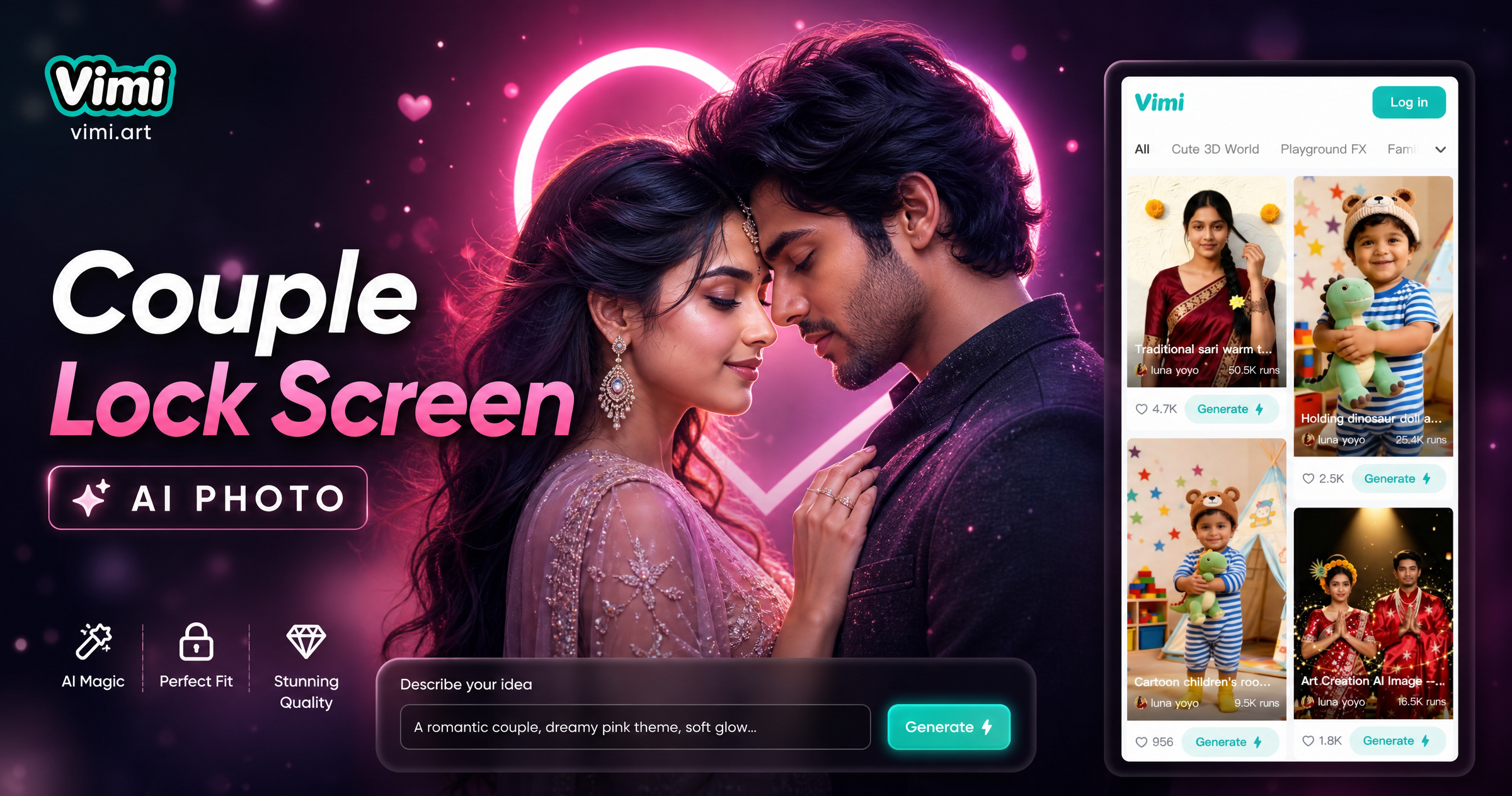
Explore the Couple Lock Screen AI Photo Filter
Discover the couple lock screen ai photo filter that perfectly matches your style.
Explore Couple Lock Screen AI Photo Gallery
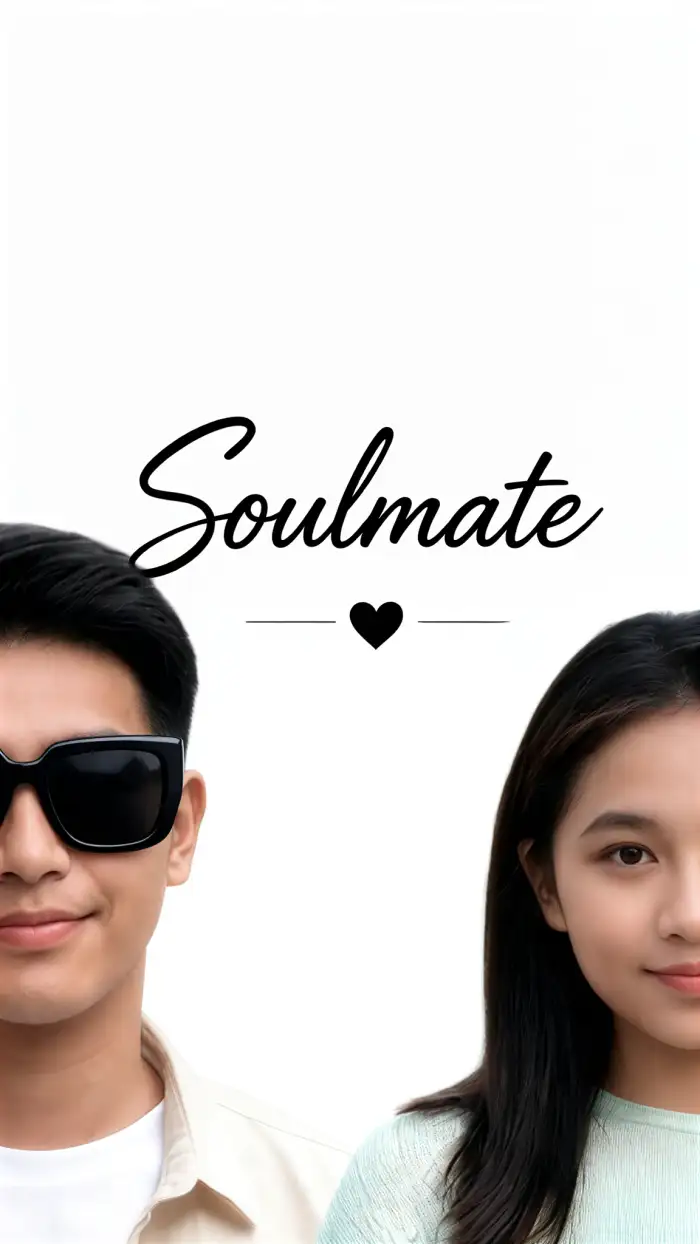
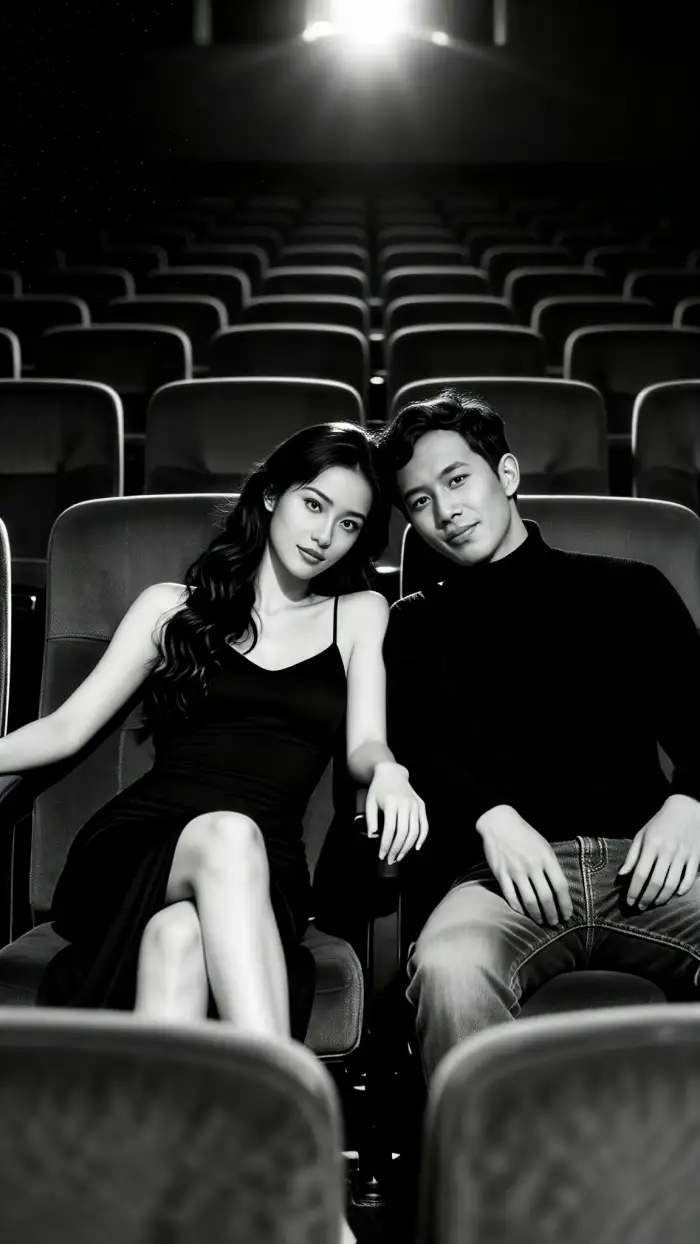
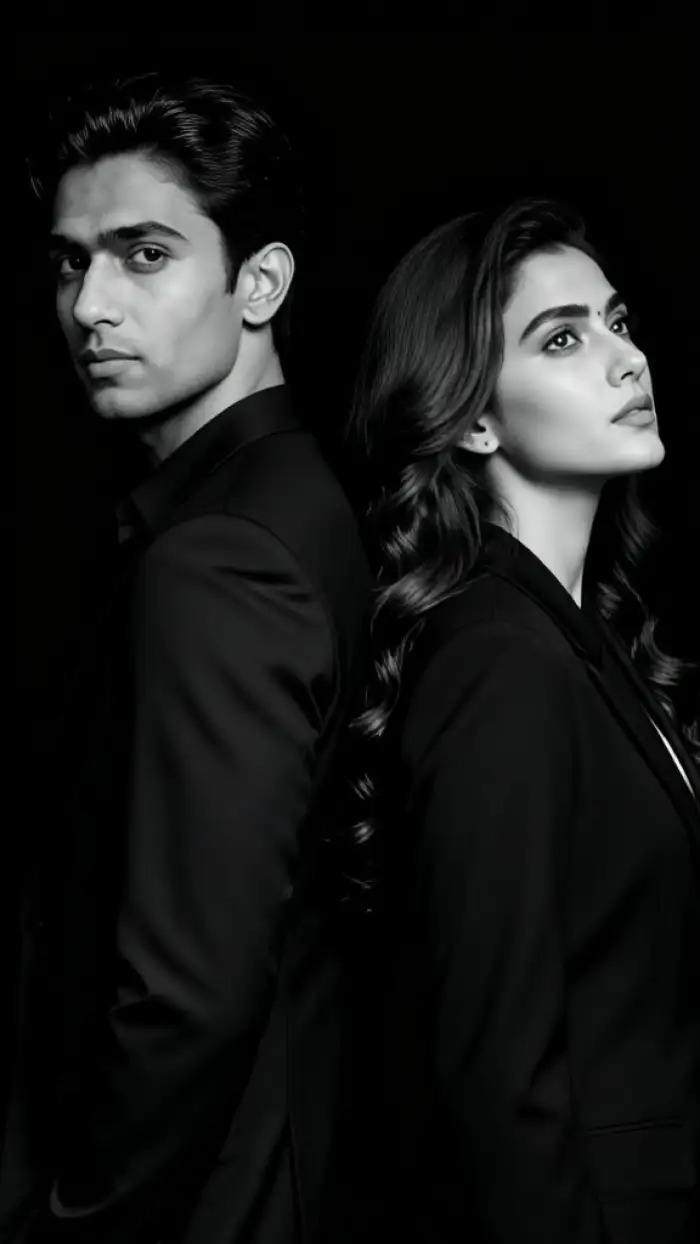
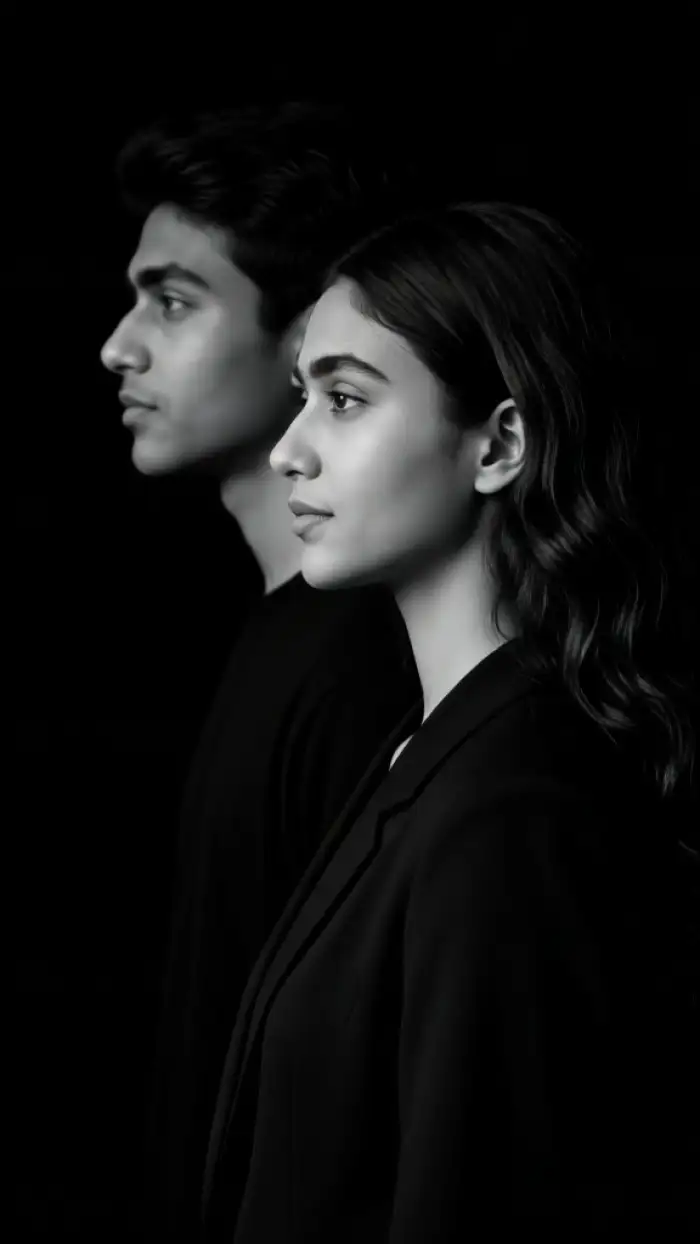
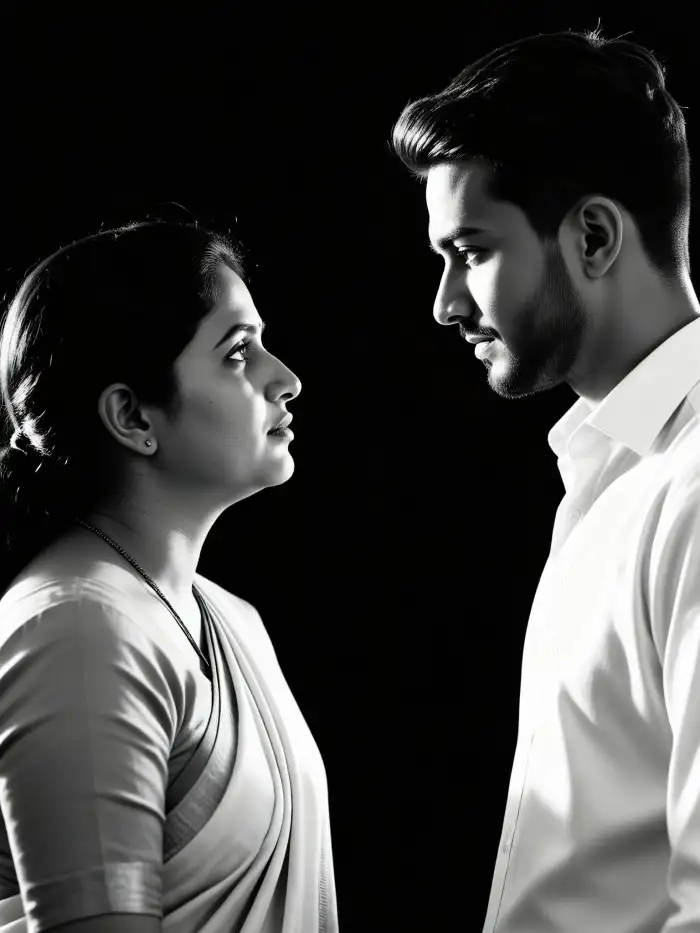
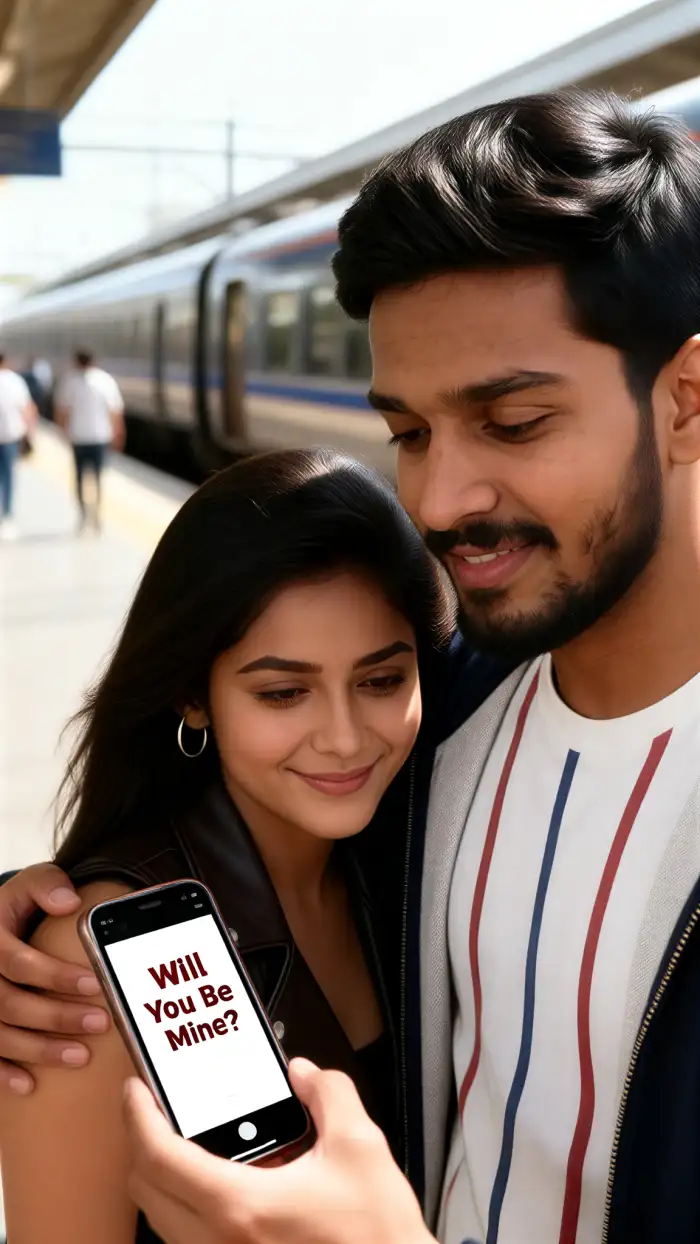
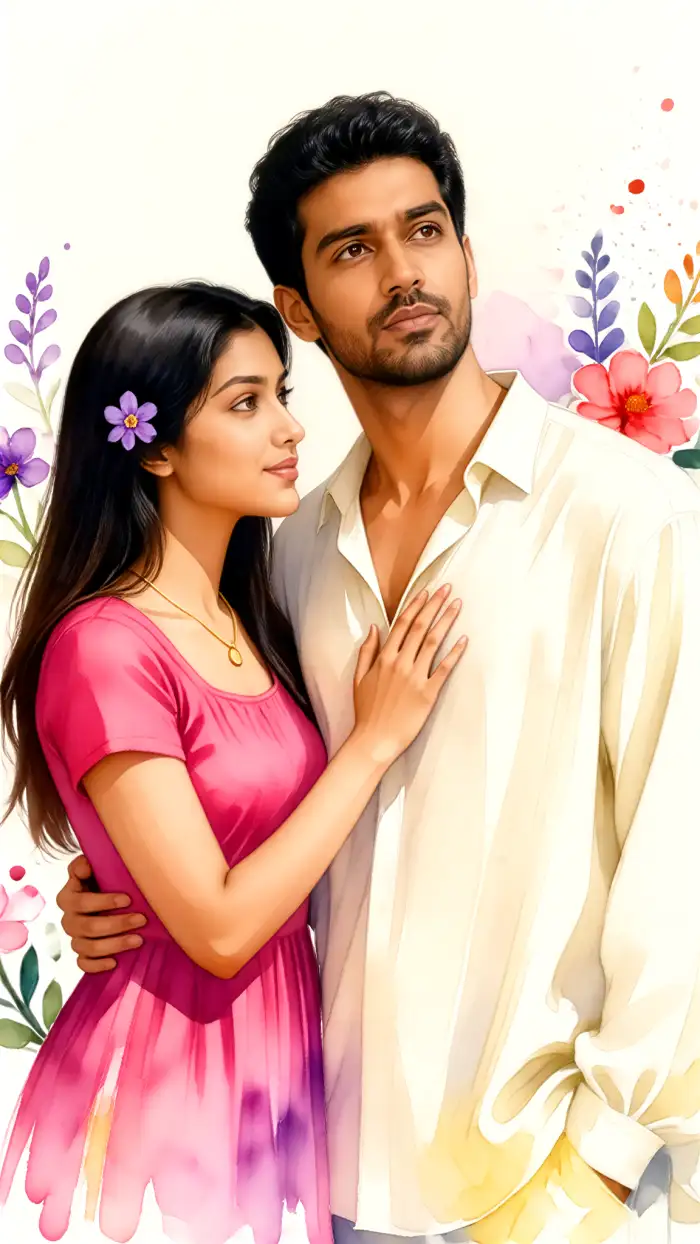
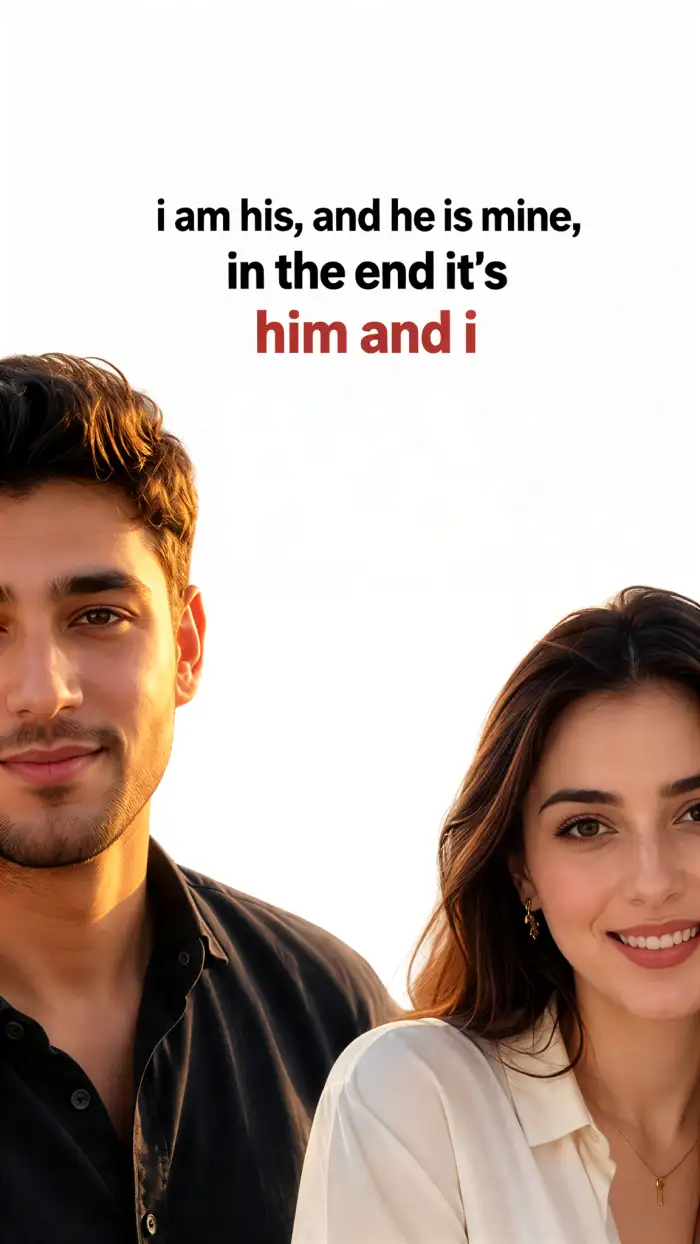
Couple Lock Screen AI Photo turns two separate portraits into one phone lock screen. It keeps both faces clear and places the couple in a shared pose. You can preview styles at Vimi and then continue in the Vimi app.
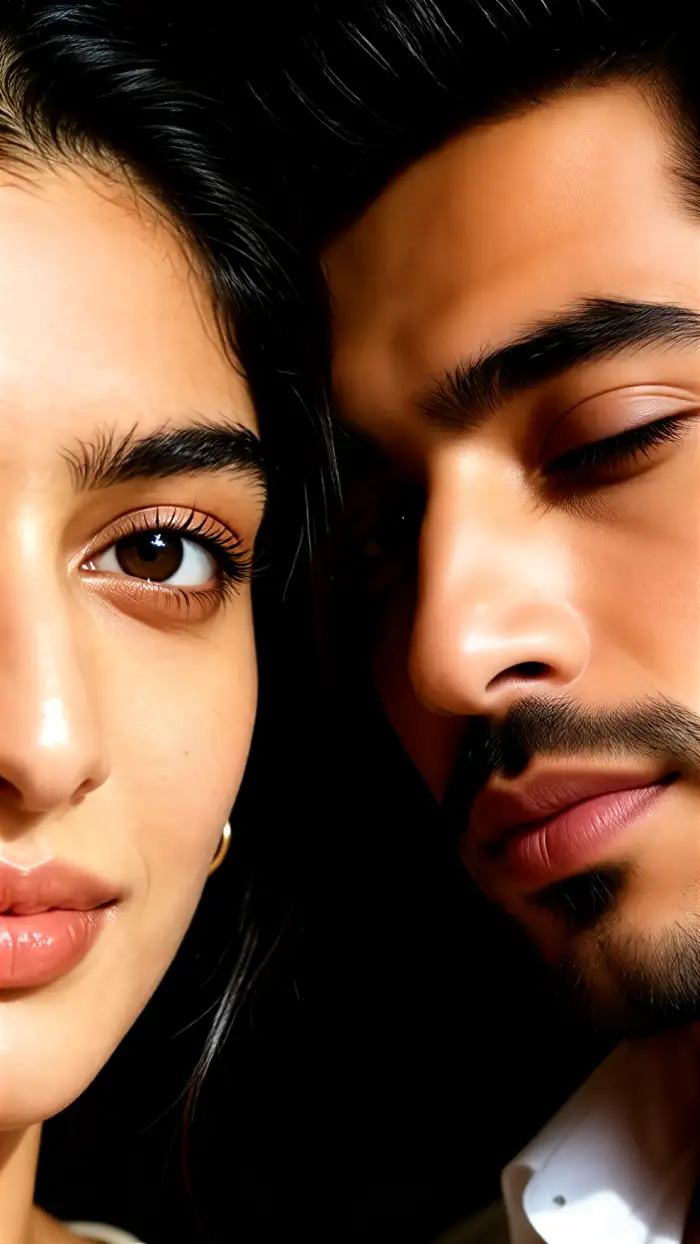
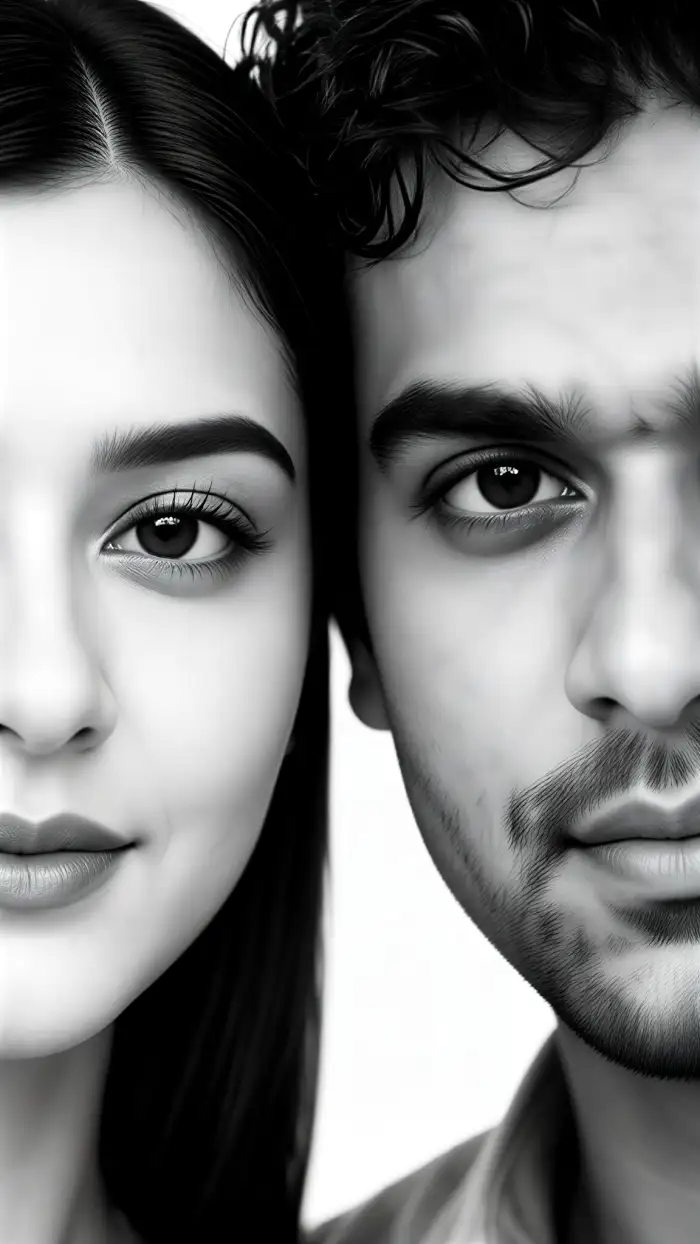
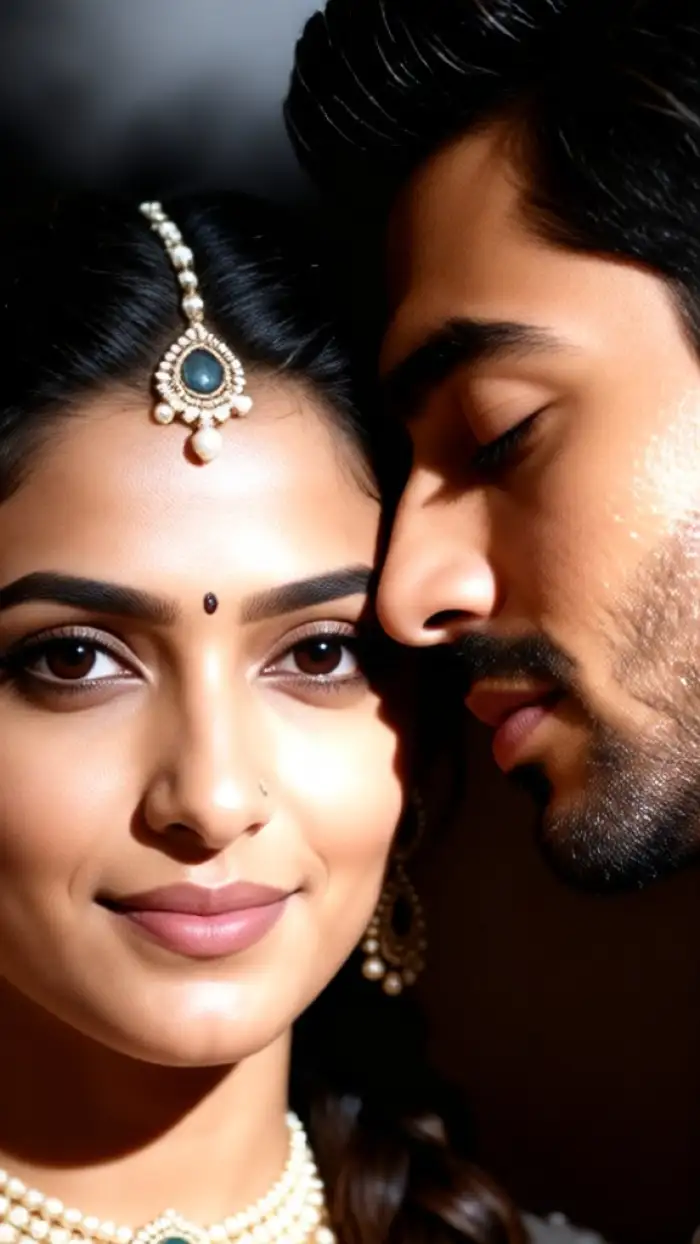

Why Vimi Couple Lock Screen AI Photo Fits Couples
Discover the simple tools that turn two separate photos into one shared lock screen image for your phone each day.
Shared Lock Screen Photos
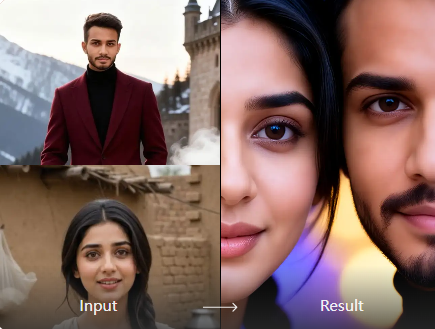
Vimi turns two solo portraits into one couple lock screen image. The app keeps each face clear. It places both people in a natural pose. You can choose a warm, cinematic, or anime style. The result fits phone screens and feels personal for daily use.
Shared Lock Screen Photos
Vimi turns two solo portraits into one couple lock screen image. The app keeps each face clear. It places both people in a natural pose. You can choose a warm, cinematic, or anime style. The result fits phone screens and feels personal for daily use.
Explore Vimi Couple Lock Screen AI Photo Use Cases
Explore the real moments where Vimi Couple Lock Screen AI Photo helps you share a screen with your partner daily.
 Before
 After
AfterRomantic Anniversary Phone Wallpapers
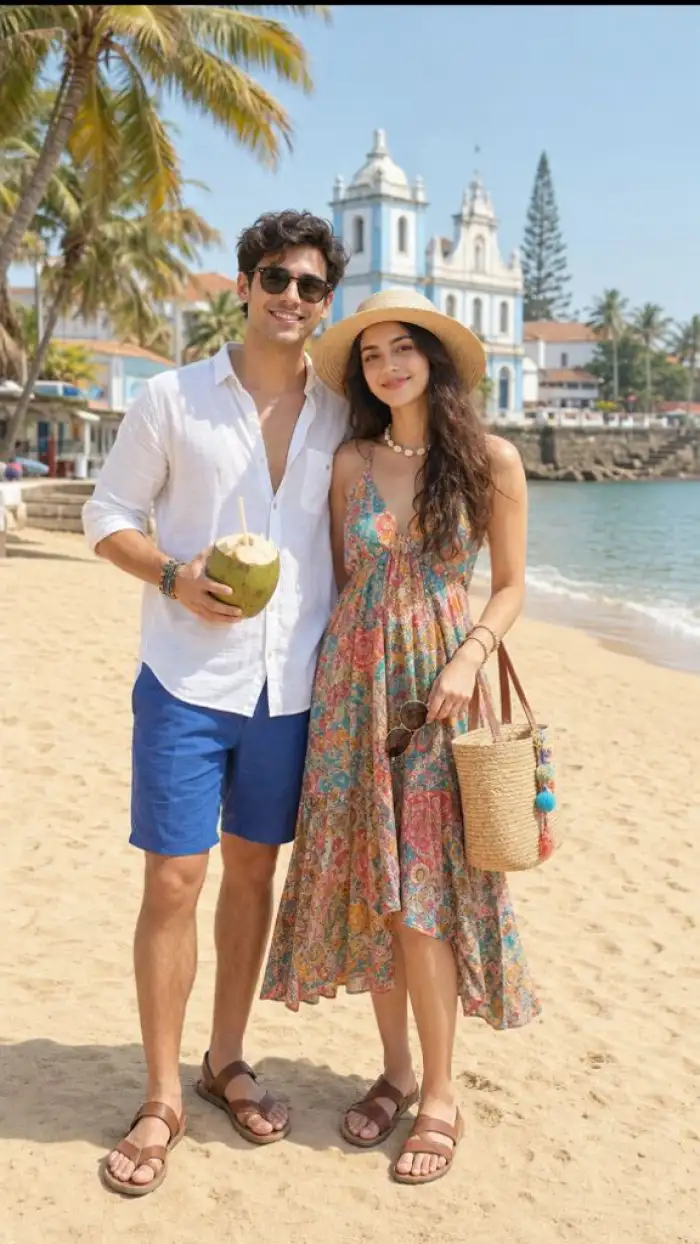
Use Vimi to turn a favorite date night photo into a lock screen for your anniversary. Pick a soft film look or a bright anime style. The app keeps both faces true to the original. You get a shared image that opens every time you check your phone together daily.
BeforeAfterRomantic Anniversary Phone Wallpapers
Use Vimi to turn a favorite date night photo into a lock screen for your anniversary. Pick a soft film look or a bright anime style. The app keeps both faces true to the original. You get a shared image that opens every time you check your phone together daily.
 Before
 After
AfterLong Distance Couple Screens
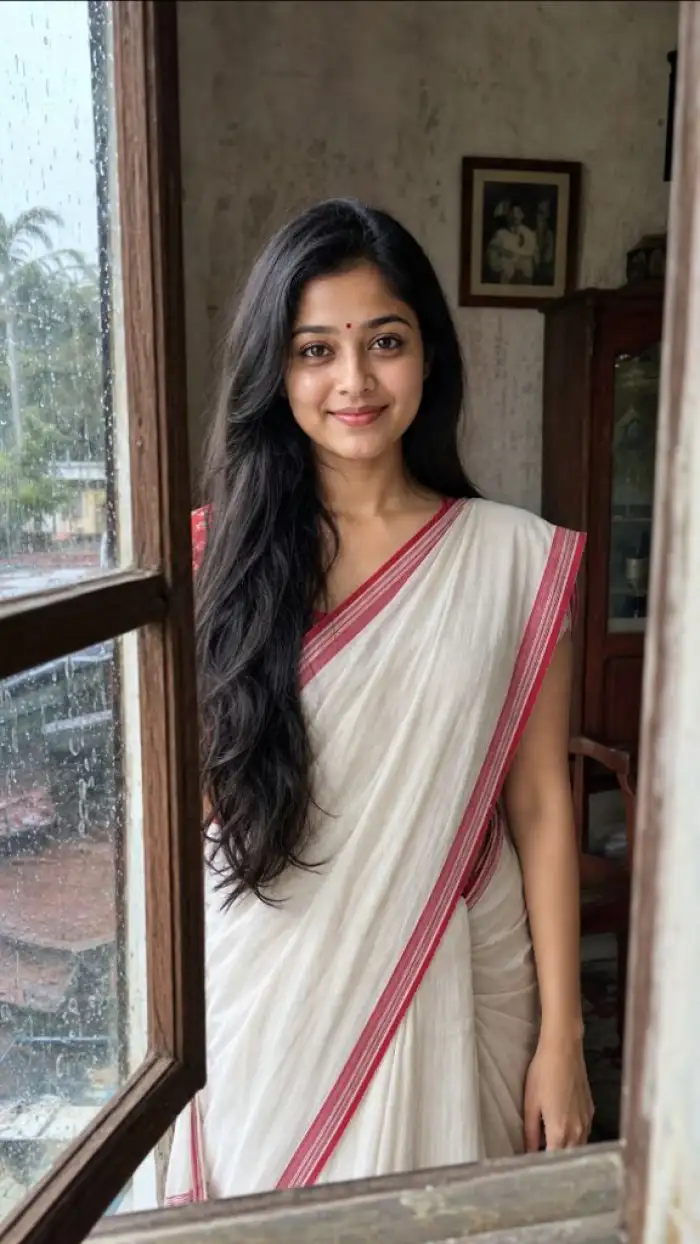
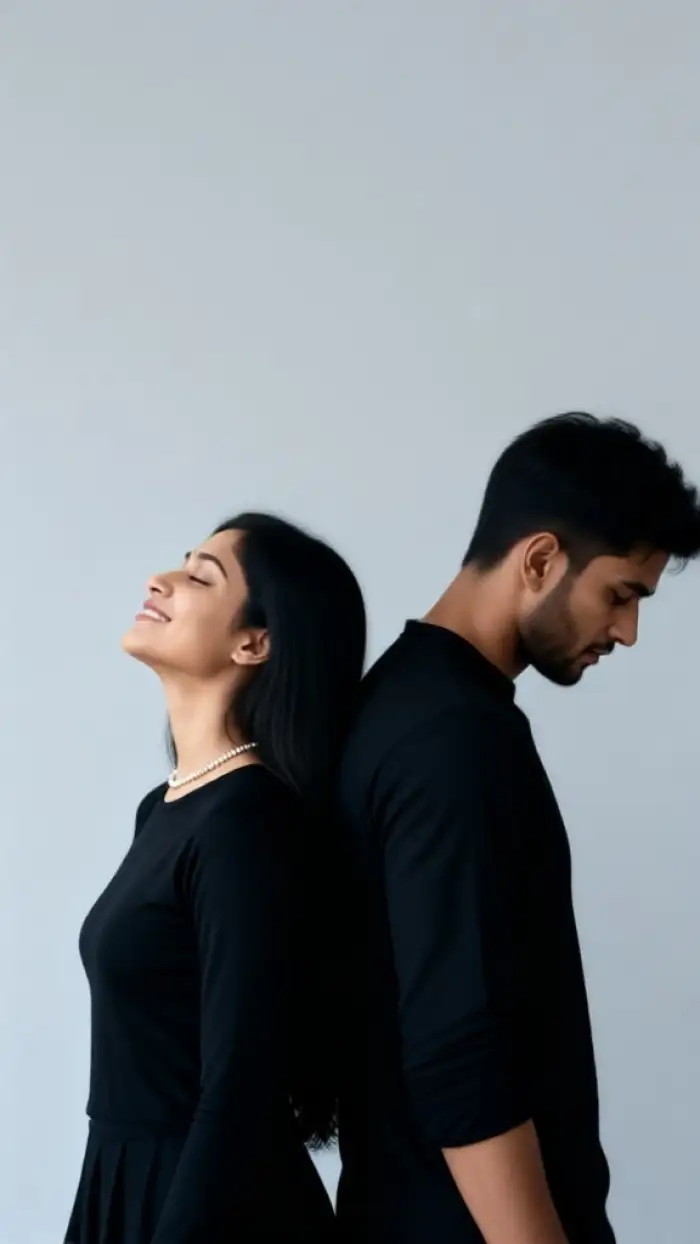
For couples apart, Vimi can place two people into one warm scene. Upload one photo of each person. Choose a cafe, beach, or city night template. The app blends the poses and keeps both faces clear. Your lock screen becomes a small daily reminder of each other at home today.
BeforeAfterLong Distance Couple Screens
For couples apart, Vimi can place two people into one warm scene. Upload one photo of each person. Choose a cafe, beach, or city night template. The app blends the poses and keeps both faces clear. Your lock screen becomes a small daily reminder of each other at home today.
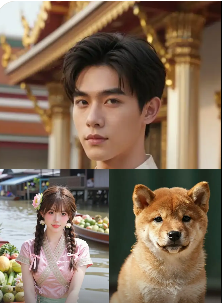 Before
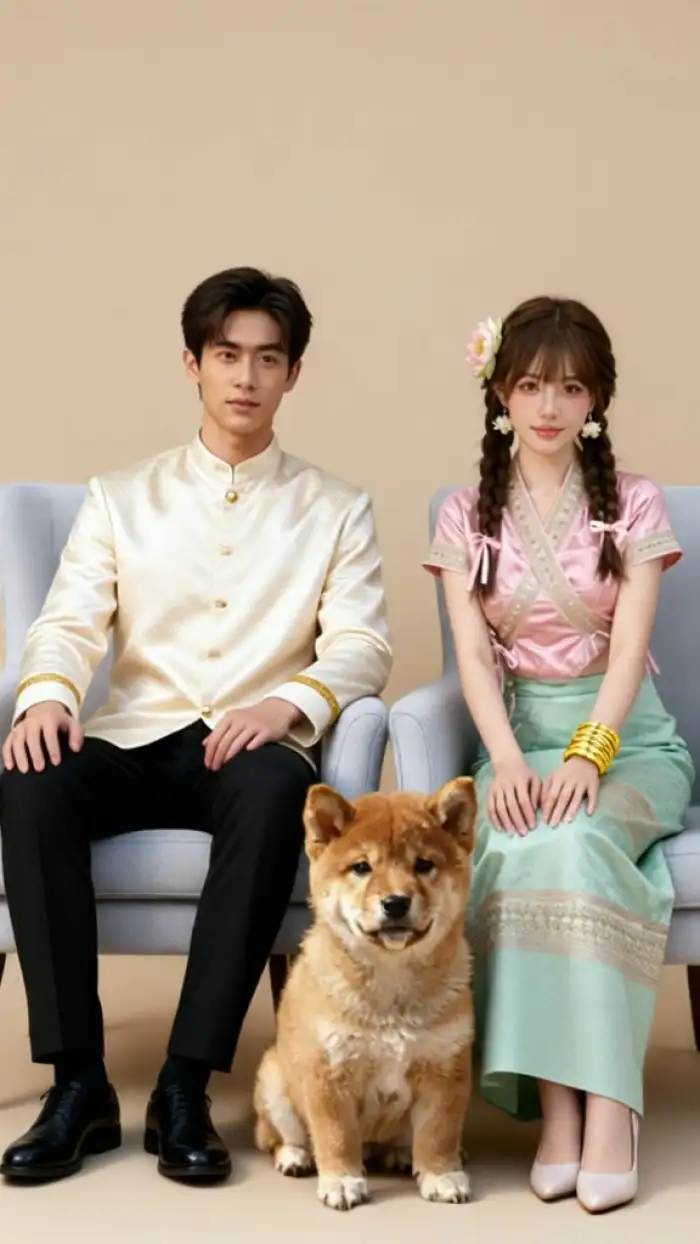 After
AfterShared Pet and Couple Art
Vimi supports group photos, so you can add a pet to a couple lock screen. The AI identifies each face and each pet shape. It builds a scene where all subjects stay visible. Try Vimi couple lock screen AI Photo. You can share it with your partner.
BeforeAfterShared Pet and Couple Art
Vimi supports group photos, so you can add a pet to a couple lock screen. The AI identifies each face and each pet shape. It builds a scene where all subjects stay visible. Try Vimi couple lock screen AI Photo. You can share it with your partner.
How to Make VimiCouple Lock Screen AI Photo?
This guide shows three steps. You preview filters, generate in Vimi, then save and share.

Step 01.
Open Vimi to view Couple Lock Screen AI Photo filters. Tap the download prompt to install the Vimi app on your phone.

Step 02.
Open Vimi and browse templates. Choose a Couple Lock Screen AI Photo filter. Upload two photos. Tap Generate and wait 10 to 20 seconds.

Step 03.
Check the result. Tap Download to save it. Then share it to your social platforms with one tap.
YouTube Videos About Couple Lock Screen AI Photo Generator
Explore in-depth YouTube tutorials and demos that showcase the power and reliability of our AI Generator.
Who Uses Couple Lock Screen AI Photo Enhancement Online

Emma
I used two old photos and got a warm lock screen in 15 seconds. Both faces look like us.

Liam
The anime style worked well for our anniversary screen. I did not need to edit anything.

Sophia
My partner lives abroad. Our shared lock screen makes the distance feel smaller.

Noah
I added our cat to the couple photo. The app kept all three subjects clear.
Emma
I used two old photos and got a warm lock screen in 15 seconds. Both faces look like us.
Liam
The anime style worked well for our anniversary screen. I did not need to edit anything.
Sophia
My partner lives abroad. Our shared lock screen makes the distance feel smaller.
Noah
I added our cat to the couple photo. The app kept all three subjects clear.
Emma
I used two old photos and got a warm lock screen in 15 seconds. Both faces look like us.
Liam
The anime style worked well for our anniversary screen. I did not need to edit anything.
Sophia
My partner lives abroad. Our shared lock screen makes the distance feel smaller.
Noah
I added our cat to the couple photo. The app kept all three subjects clear.
Frequently Asked Questions
Find clear answers to common questions and get the guidance you need to make the most of our platform, faster and easier.
More Topics You May Like
Explore more topics you may like and discover fresh ideas tailored to your interests.
Vimi Higgsfield Genjutsu STORM II Filter: Features, Benefits, and How to Use
Vimi STORM II AI Challenge Filter for Mobile AI Art
Vimi STORM II AI Dance Filter Guide for Social Video Creators
Gopikamma Outfit AI Photo: Create Traditional Looks with Vimi
Vimi Higgsfield Genjutsu STORM II Filter: Features, Benefits, and How to Use
Vimi STORM II AI Challenge Filter for Mobile AI Art
Vimi STORM II AI Dance Filter Guide for Social Video Creators
Gopikamma Outfit AI Photo: Create Traditional Looks with Vimi
Create Your Couple Lock Screen Today
Download Vimi And Start In Minutes. Pick a Couple Lock Screen AI Photo Filter. Upload Two Photos And Generate a Shared Wallpaper.

Create Your Couple Lock Screen Today
Download Vimi And Start In Minutes. Pick a Couple Lock Screen AI Photo Filter. Upload Two Photos And Generate a Shared Wallpaper.