Ai Emoji Generator
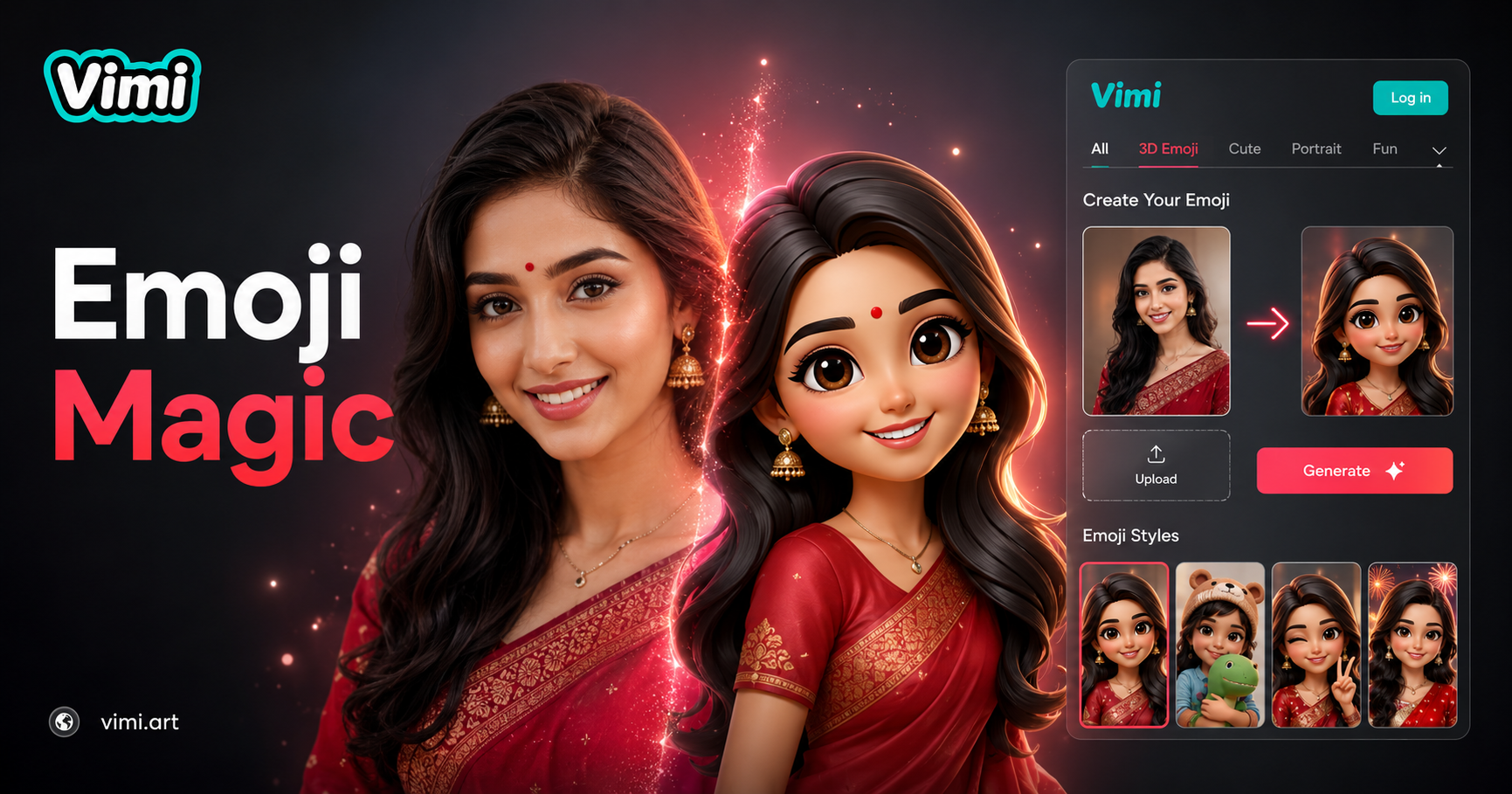
Emoji-05



Key Features of Vimi AI Emoji Generator for Custom Emojis
Explore the main functions that make Vimi AI Emoji Generator useful for creating personalized emoji style images.
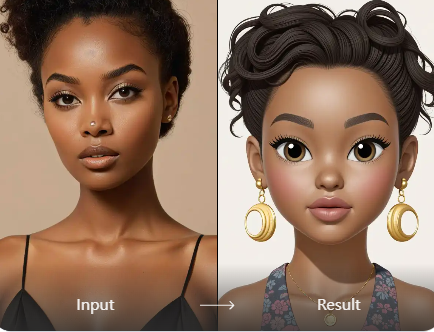
One Tap Template Selection
Vimi offers thousands of templates including emoji styles. You do not write prompts or adjust settings. Open the app, find the emoji generator in the library, and select it. The AI applies the emoji effect to your photo automatically. Each generation takes only seconds.
One Tap Template Selection
Vimi offers thousands of templates including emoji styles. You do not write prompts or adjust settings. Open the app, find the emoji generator in the library, and select it. The AI applies the emoji effect to your photo automatically. Each generation takes only seconds.
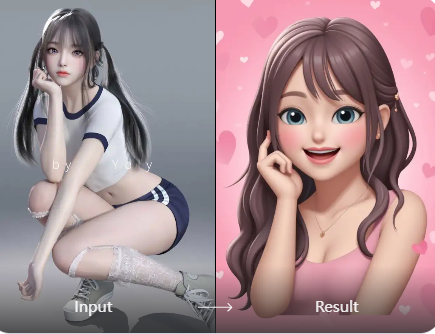
Photo to Emoji Transformation
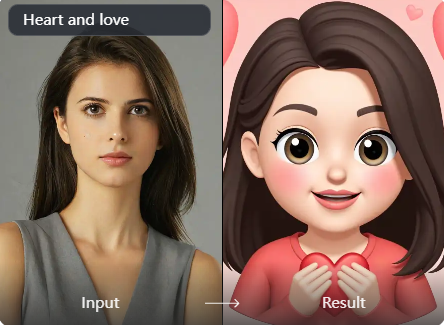
Upload an existing photo and convert it to an emoji style image. The AI analyzes your photo and recreates it as an emoji. Your facial features and expressions guide the output. The emoji keeps your recognizable traits. Upload a selfie or any photo and get an emoji version in seconds.
Photo to Emoji Transformation
Upload an existing photo and convert it to an emoji style image. The AI analyzes your photo and recreates it as an emoji. Your facial features and expressions guide the output. The emoji keeps your recognizable traits. Upload a selfie or any photo and get an emoji version in seconds.
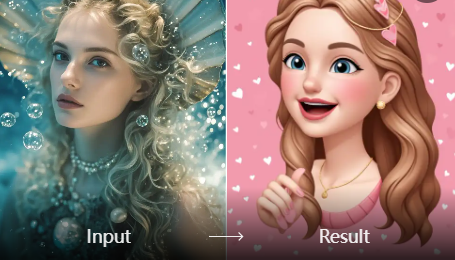
Fast Generation Speed
Each emoji generation finishes in 10 to 20 seconds. Upload your photo or type a description, select the template, and wait briefly. The AI processes your input quickly. You can generate multiple emoji versions of the same subject. Compare different emoji styles in just a few minutes.
Fast Generation Speed
Each emoji generation finishes in 10 to 20 seconds. Upload your photo or type a description, select the template, and wait briefly. The AI processes your input quickly. You can generate multiple emoji versions of the same subject. Compare different emoji styles in just a few minutes.
Why Use Vimi AI Emoji Generator for Your Messages
Discover how this tool helps you create unique emojis for everyday communication and social sharing.
Personalized Expression for Chats
Use custom emojis that look like you or your friends. Send them in messaging apps, social media comments, or group chats. The emojis show your own face and expressions. This makes your messages more personal and fun. Friends will recognize you in every emoji you send.
Personalized Expression for Chats
Use custom emojis that look like you or your friends. Send them in messaging apps, social media comments, or group chats. The emojis show your own face and expressions. This makes your messages more personal and fun. Friends will recognize you in every emoji you send.
How to Create Custom Emojis with Vimi AI Emoji Generator?
Follow these simple steps to turn your photos into custom emoji style images. Each step takes only a few seconds.

Step 01.
Visit the Vimi website to see sample emoji filters. Tap the download button to install the app on your phone. All creation happens inside the app.

Step 02.
Open the app and browse the template library. Find the AI Emoji Generator filter. Upload your photo or type a text description. Tap the Generate button.

Step 03.
Review your emoji result. Tap Download to save it to your phone. Share it directly to social media or messaging apps from Vimi.
Frequently Asked Questions
Find clear answers to common questions and get the guidance you need to make the most of our platform, faster and easier.
More Topics You May Like
Explore more topics you may like and discover fresh ideas tailored to your interests.

AI Bloom Effect

Underwater Couple Portrait
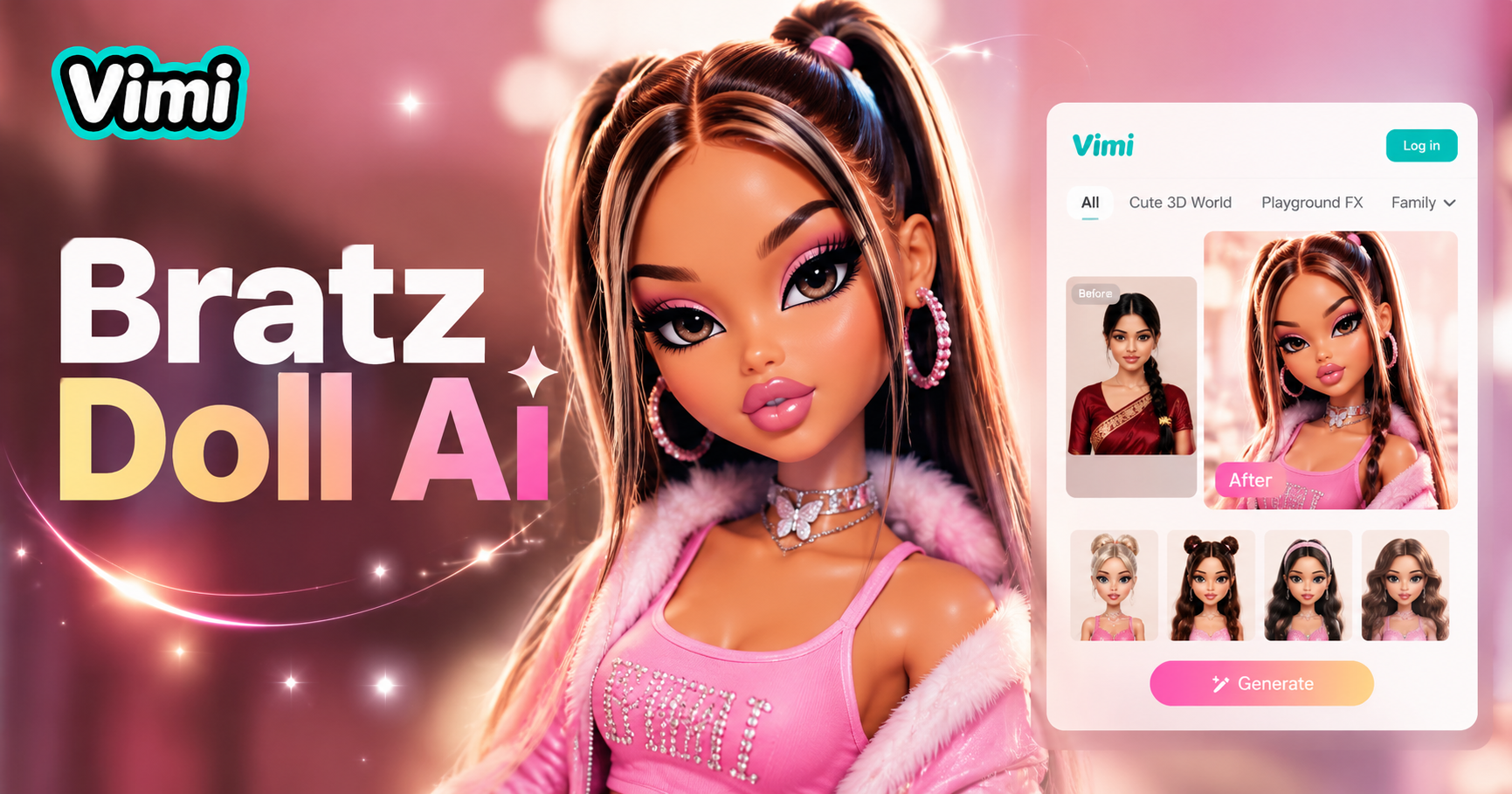
AI Bratz Doll Generator

Invitation Card Design
AI Bloom Effect
Underwater Couple Portrait
AI Bratz Doll Generator
Invitation Card Design
Create Your Custom Emojis with Vimi Today
Download the app, pick the emoji template, and generate your personalized emojis in seconds. Share them with friends or post to your profile.

Create Your Custom Emojis with Vimi Today
Download the app, pick the emoji template, and generate your personalized emojis in seconds. Share them with friends or post to your profile.