AI Double Exposure Portrait
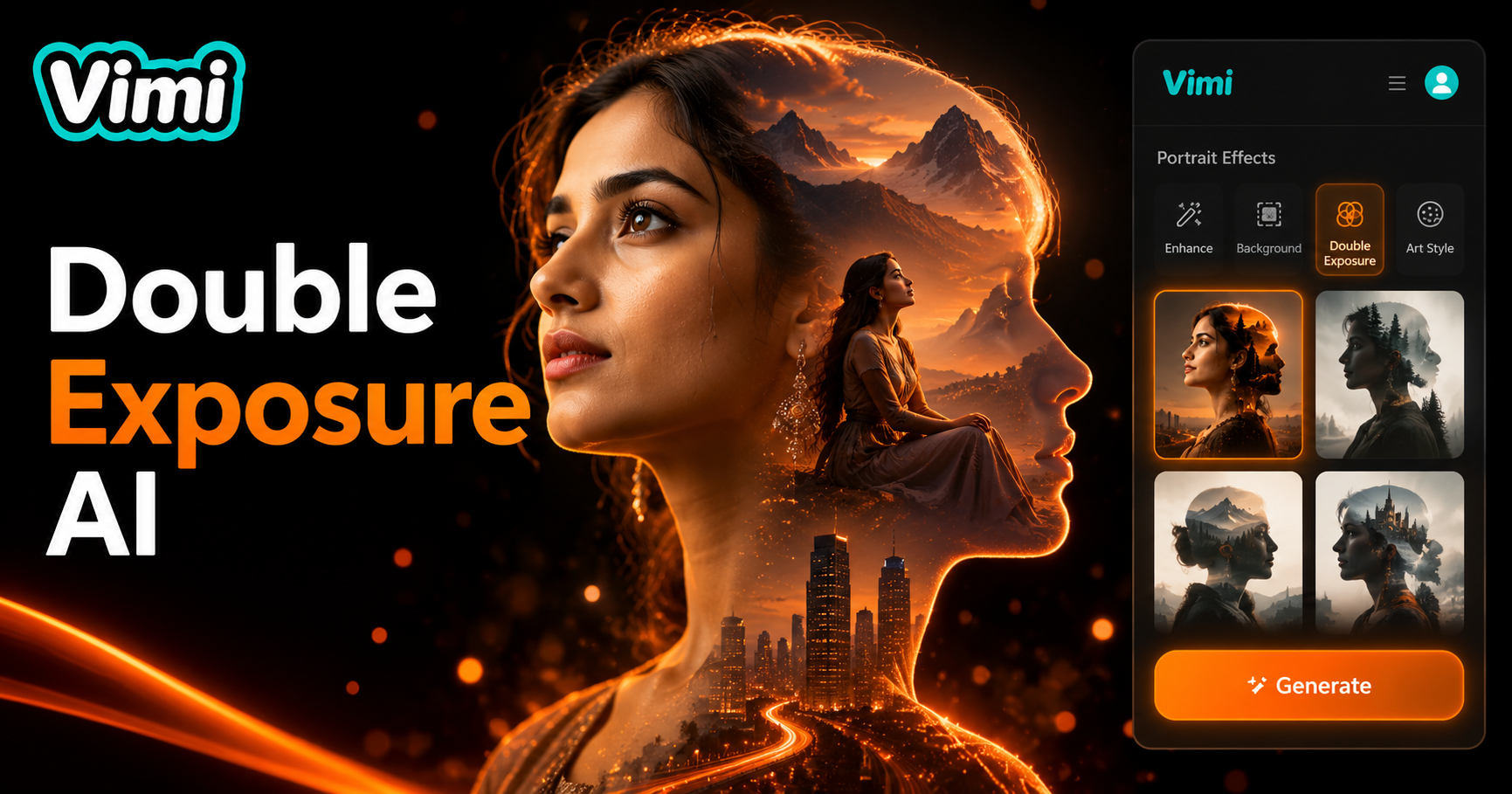
Choose the AI Double Exposure Portrait Filter
Discover the AI double exposure portrait filter that perfectly matches your style and mood.
Why Choose Vimi for AI Double Exposure Portraits
Explore the benefits of using Vimi for double exposure portraits. This app simplifies the entire creative workflow. You get professional results without design skills.
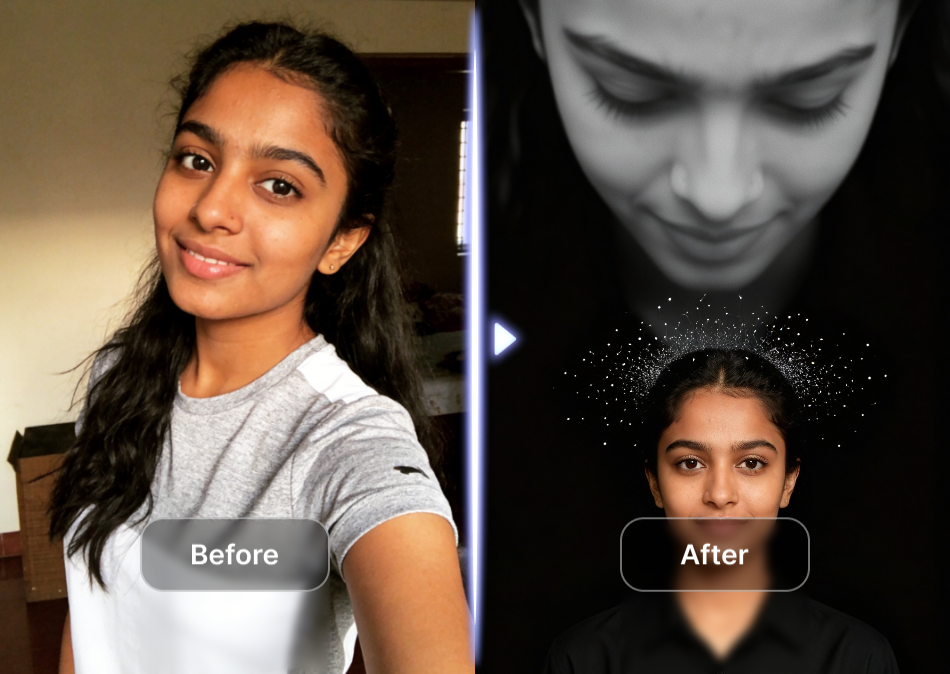
Easy and Fast Blending
Vimi handles all the technical work for you. Just select a template and upload your photos. The AI blends them with precise alignment and smooth transitions. You do not need to adjust complex settings. The result is a polished double exposure portrait ready to share.
Easy and Fast Blending
Vimi handles all the technical work for you. Just select a template and upload your photos. The AI blends them with precise alignment and smooth transitions. You do not need to adjust complex settings. The result is a polished double exposure portrait ready to share.
Key Features of Vimi AI Double Exposure Portrait
Discover the core tools that make double exposure creation easy. Each feature works together to give you control over the blending process.
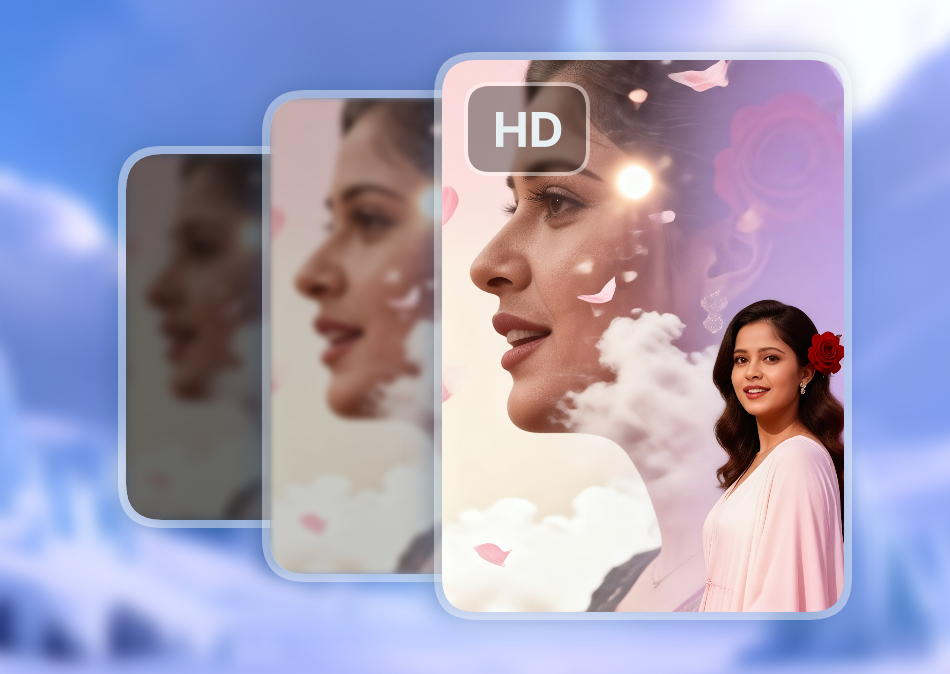
Wide Range of Templates
Vimi offers many double exposure templates for artistic effects. Each template applies a unique blending style to your photos. You can preview each option before generating your final image. Pick the template that fits your creative vision and start the process. The app updates its library with new styles regularly.
Wide Range of Templates
Vimi offers many double exposure templates for artistic effects. Each template applies a unique blending style to your photos. You can preview each option before generating your final image. Pick the template that fits your creative vision and start the process. The app updates its library with new styles regularly.
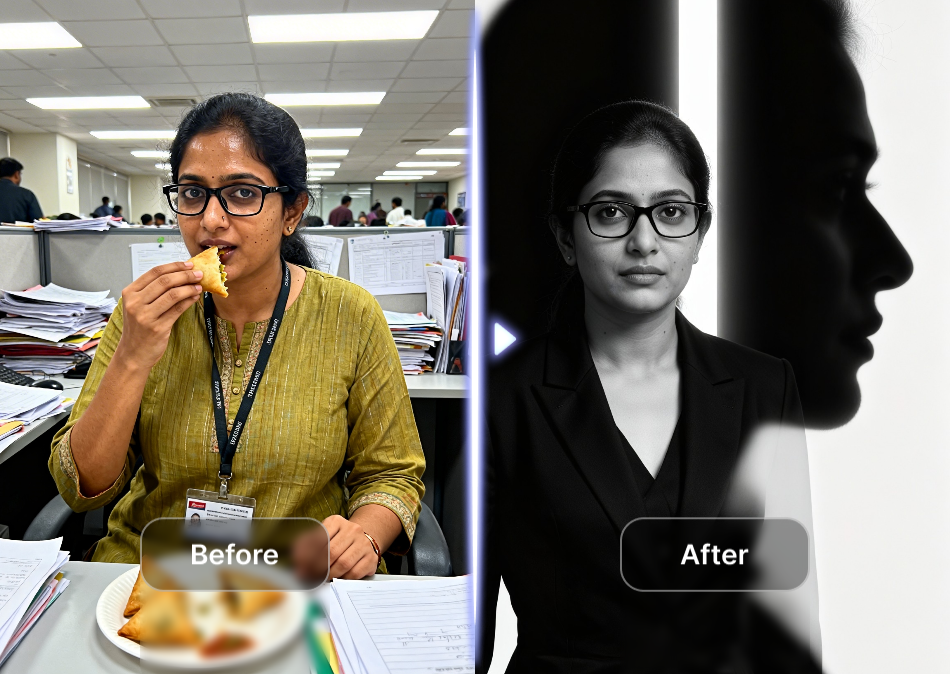
Upload Photos with Ease
Upload two photos from your device gallery. Vimi accepts common image formats like JPEG and PNG. The app shows previews of both images side by side. You can replace either photo before starting the generation process. This makes it easy to adjust your inputs until you like the composition.
Upload Photos with Ease
Upload two photos from your device gallery. Vimi accepts common image formats like JPEG and PNG. The app shows previews of both images side by side. You can replace either photo before starting the generation process. This makes it easy to adjust your inputs until you like the composition.
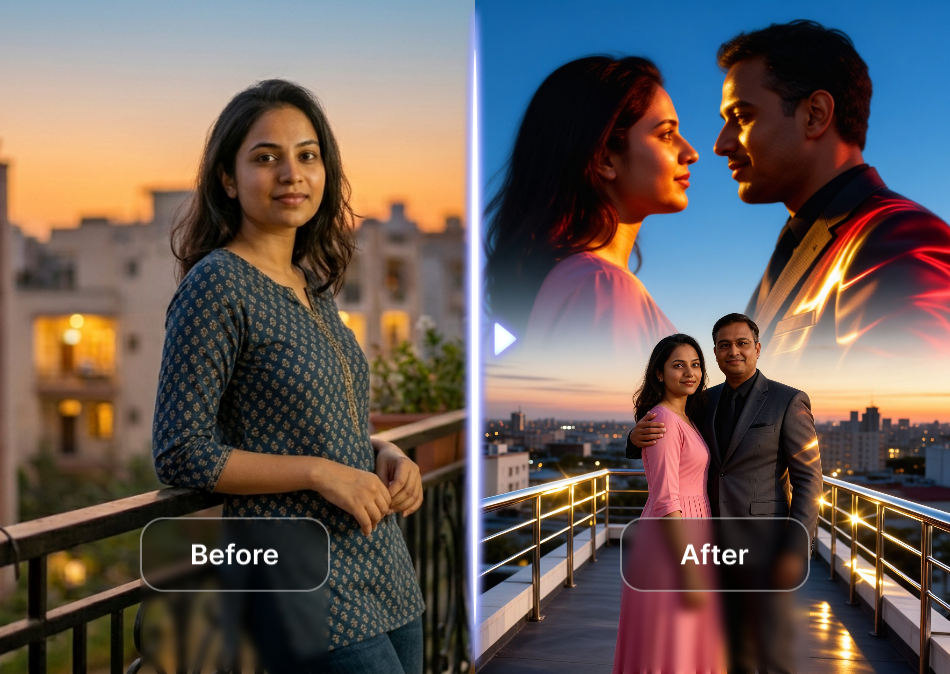
Adjust the Blend Amount
Vimi lets you adjust exactly how much each photo appears in the final portrait. Slide the control to change opacity from light to heavy. The preview updates instantly. This gives you creative freedom to achieve your desired look. You can also reset to default easily.
Adjust the Blend Amount
Vimi lets you adjust exactly how much each photo appears in the final portrait. Slide the control to change opacity from light to heavy. The preview updates instantly. This gives you creative freedom to achieve your desired look. You can also reset to default easily.
How to Create an AI Double Exposure Portrait in Vimi?
This guide shows you how to make a double exposure portrait in minutes. Follow these three simple steps to get your artistic image.

Step 01.
Get the Vimi app from your device's app store. Open it after installation.

Step 02.
Browse the template library and select the double exposure filter. Upload two photos you want to blend.

Step 03.
Tap the Generate button and wait for seconds. Then download or share your portrait directly.
Frequently Asked Questions
Find clear answers to common questions and get the guidance you need to make the most of our platform, faster and easier.
More Topics You May Like
Explore more topics you may like and discover fresh ideas tailored to your interests.
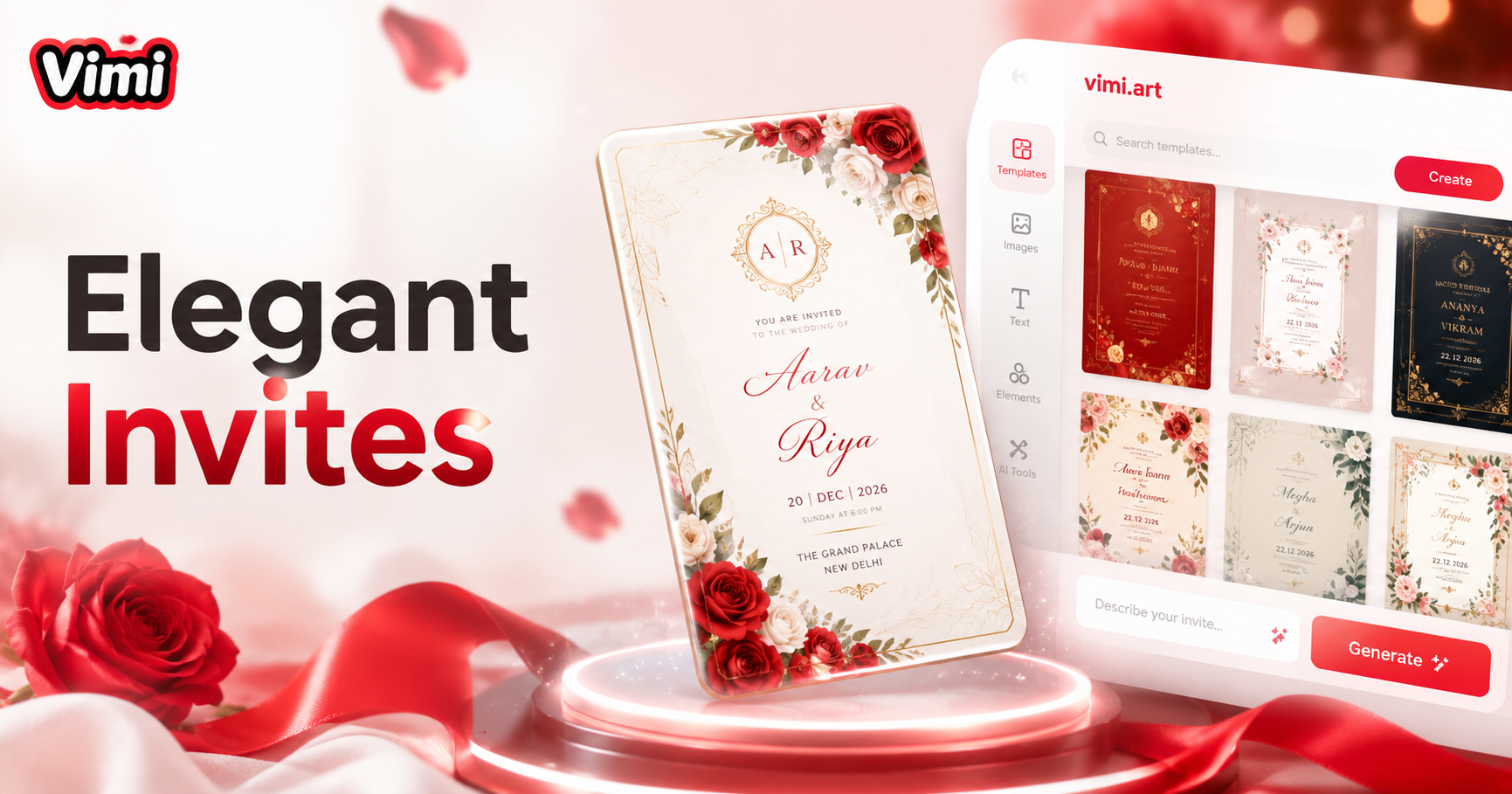
Invitation Card Design
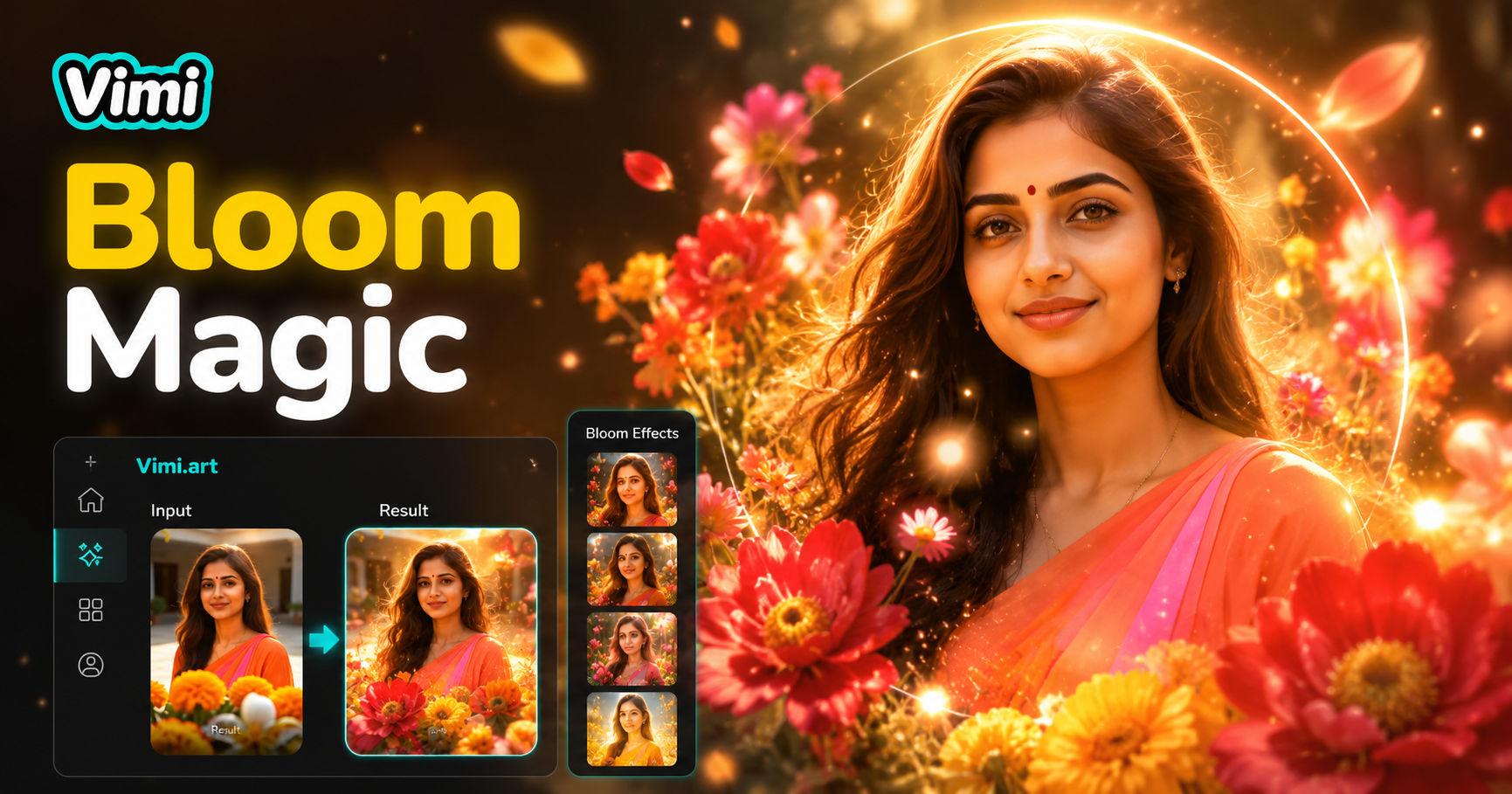
AI Bloom Effect
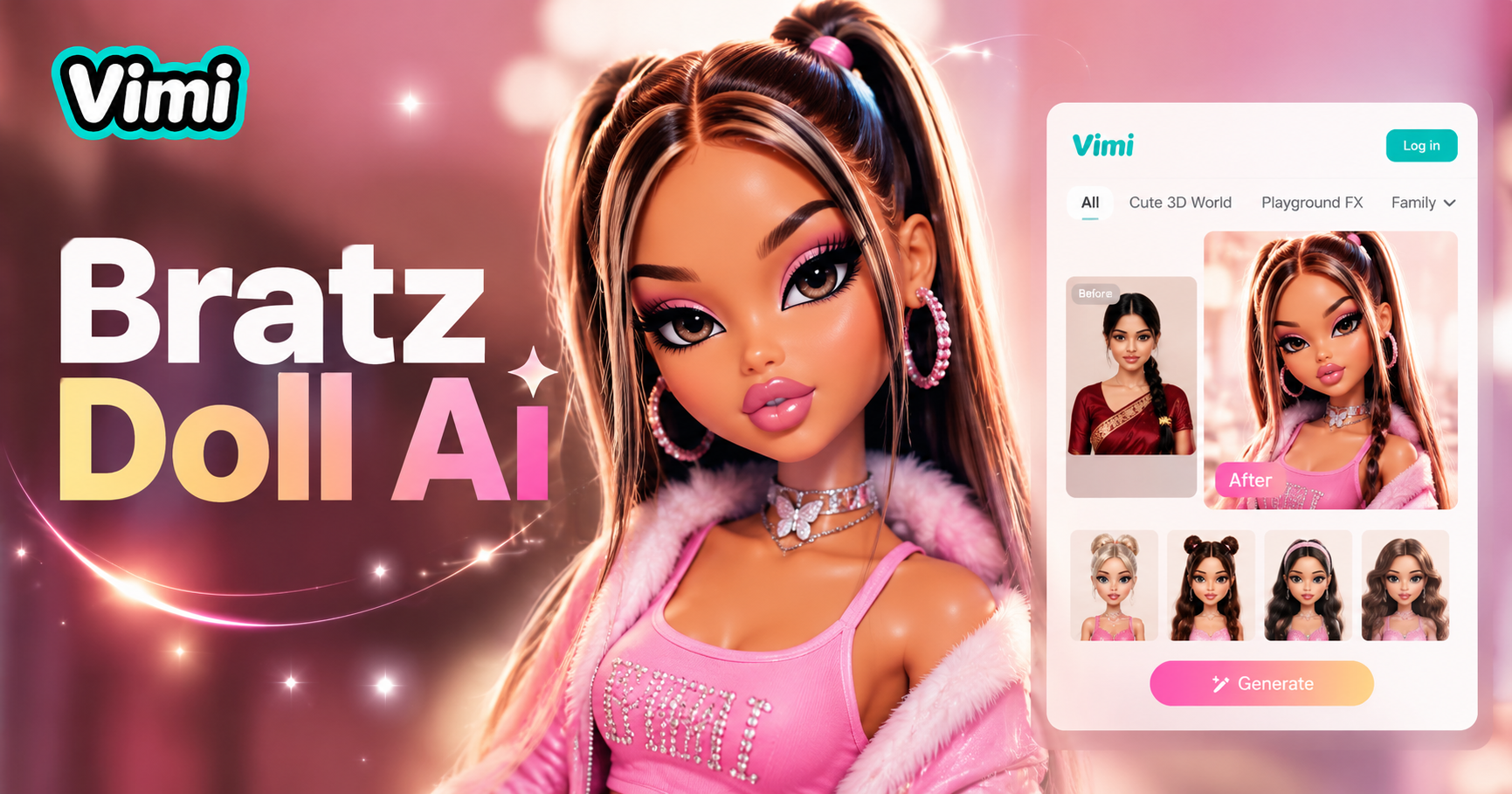
AI Bratz Doll Generator
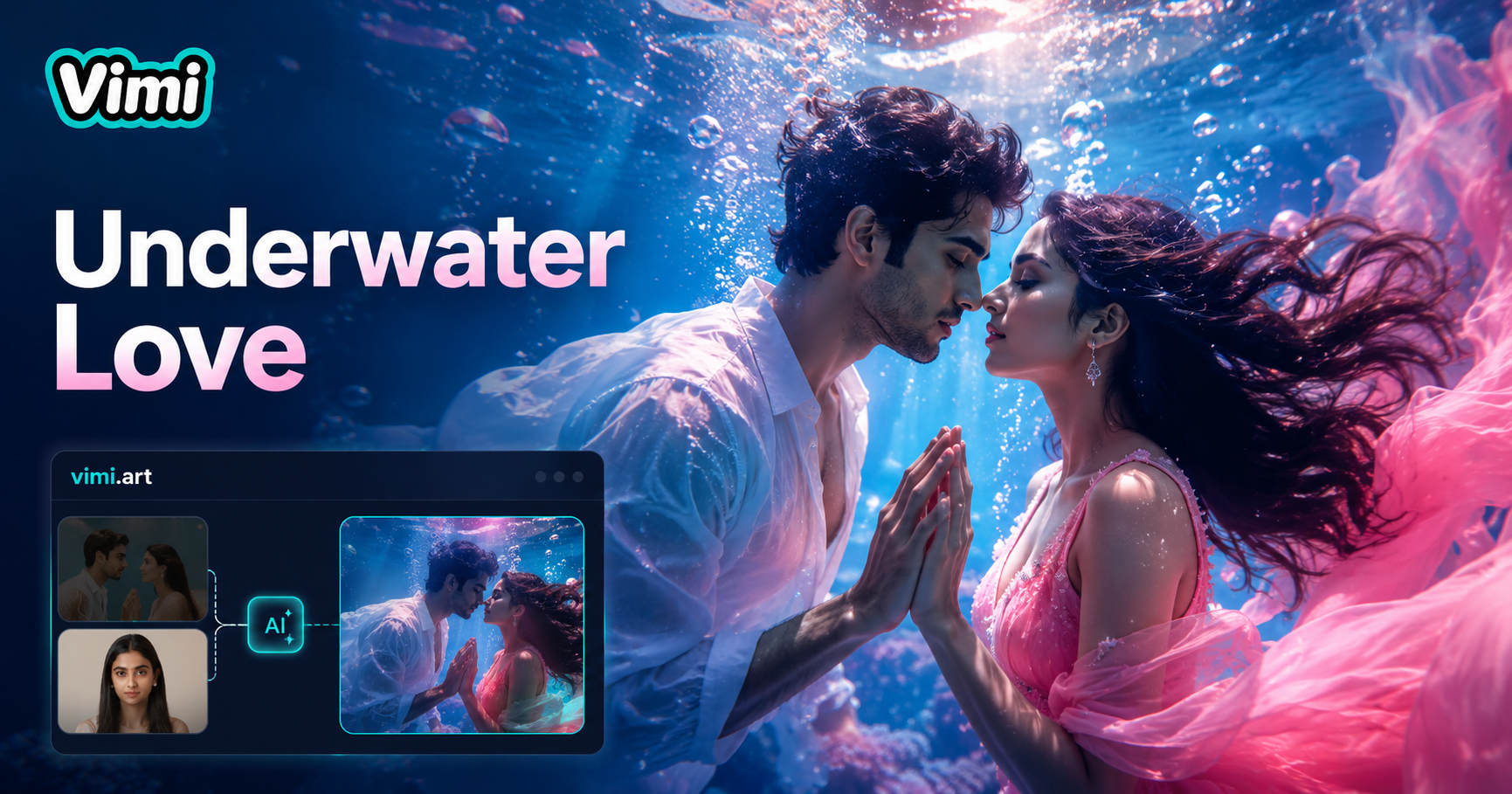
Underwater Couple Portrait
Invitation Card Design
AI Bloom Effect
AI Bratz Doll Generator
Underwater Couple Portrait
Start Creating Your Double Exposure Art
Download Vimi and blend your photos today. Produce unique portraits in seconds.

Start Creating Your Double Exposure Art
Download Vimi and blend your photos today. Produce unique portraits in seconds.