AI Cheek Pinch Video Generator

AI Cheek Pinch Video Generator



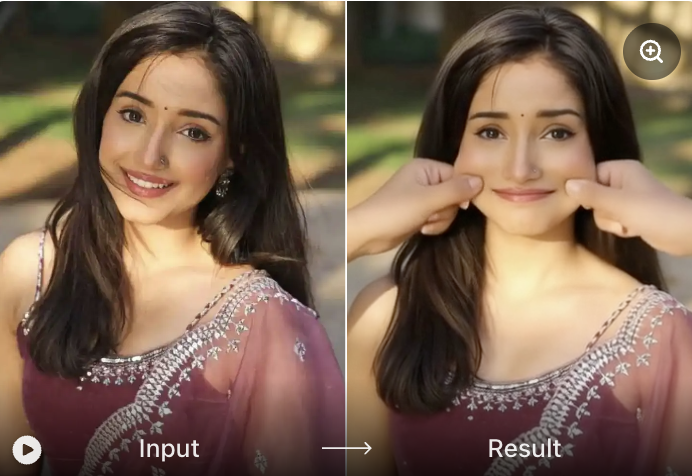
Why Choose Vimi for AI Cheek Pinch Video Generator?
Vimi provides different ready to use templates. You do not write any text prompts. Just select the AI Cheek Pinch template, upload your photo, and tap generate. No complex parameters. No trial and error. The effect style is preset by the template. It just works.
Why Choose Vimi for AI Cheek Pinch Video Generator?
Vimi provides different ready to use templates. You do not write any text prompts. Just select the AI Cheek Pinch template, upload your photo, and tap generate. No complex parameters. No trial and error. The effect style is preset by the template. It just works.
Three Steps To Create AI Cheek Pinch Video on Vimi
Create AI Cheek Pinch Video in just a few simple steps.

Step 01.
Download Vimi App to install the app on your phone.

Step 02.
Open the Vimi app, browse the template library, find AI Cheek Pinch, upload your photo, and tap the Generate button.

Step 03.
After the video finishes, tap Download to save it to your gallery. Or tap Share to post directly to TikTok, Instagram, or Snapchat.
YouTube Videos About AI Cheek Pinch Video Generator
Explore in depth YouTube tutorials and demos that showcase the power and reliability of our AI Generator.
Frequently Asked Questions
Find clear answers to common questions and get the guidance you need to make the most of our platform, faster and easier.
More Topics You May Like
Explore more topics you may like and discover fresh ideas tailored to your interests.
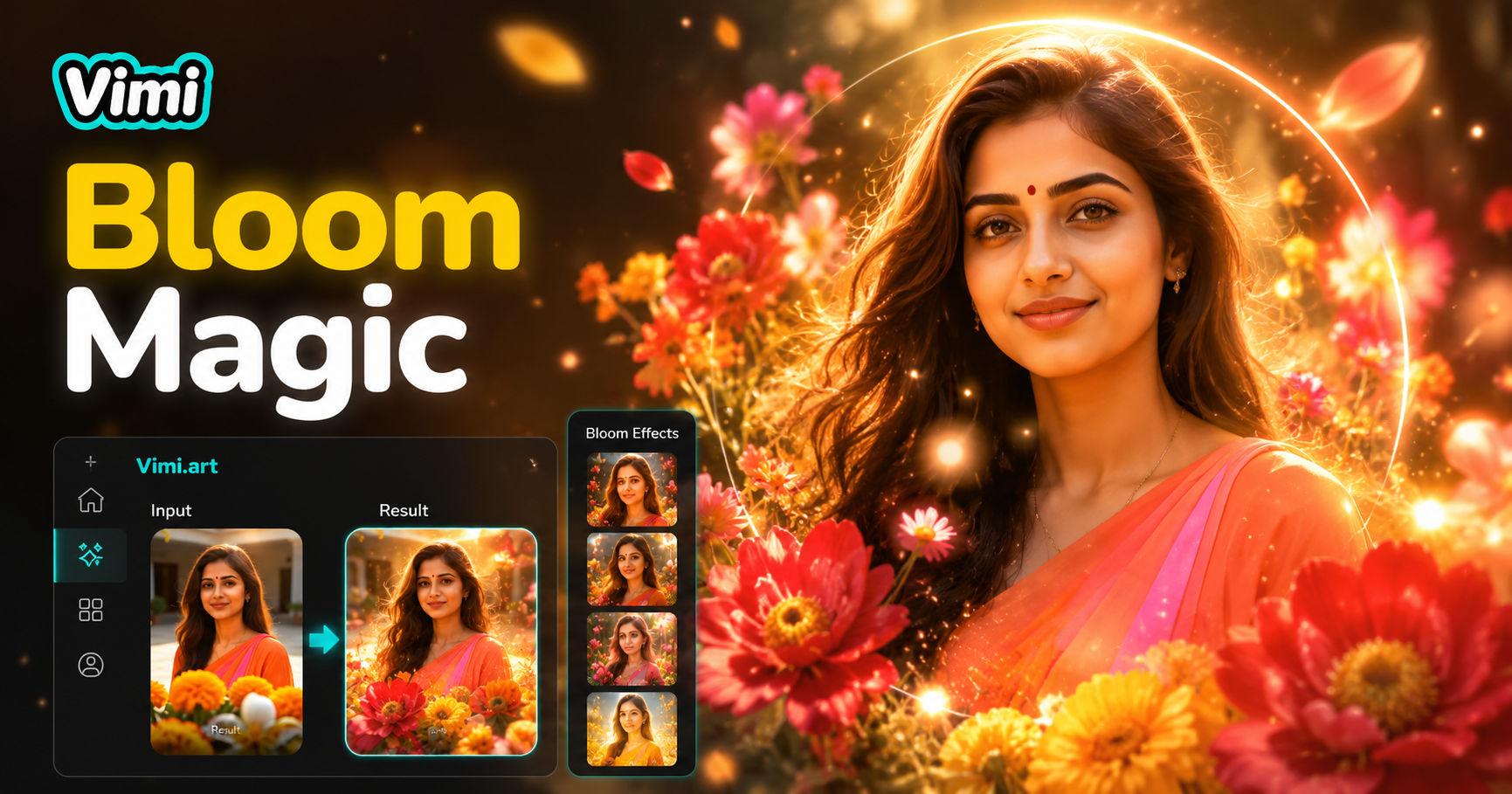
AI Bloom Effect
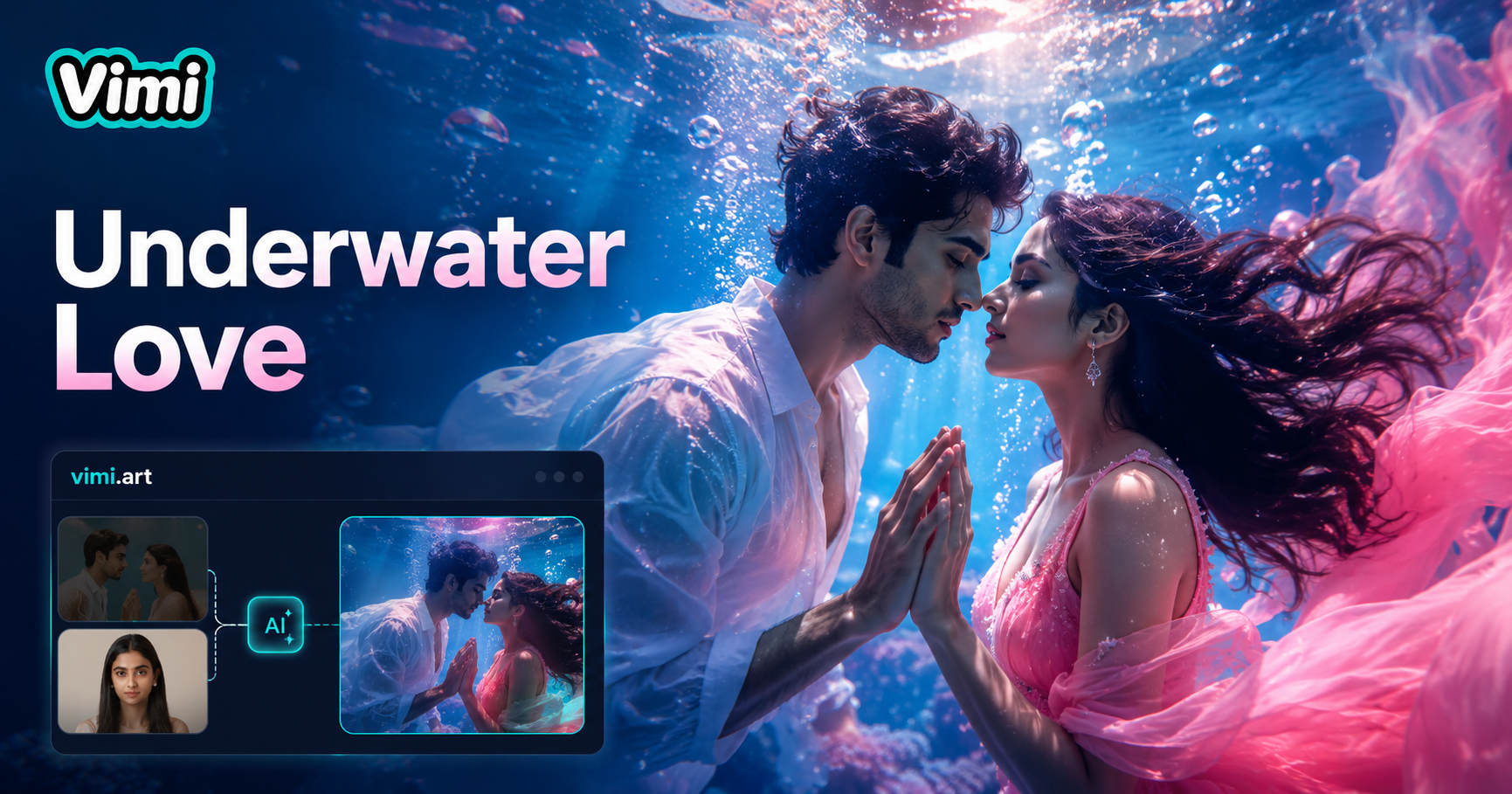
Underwater Couple Portrait
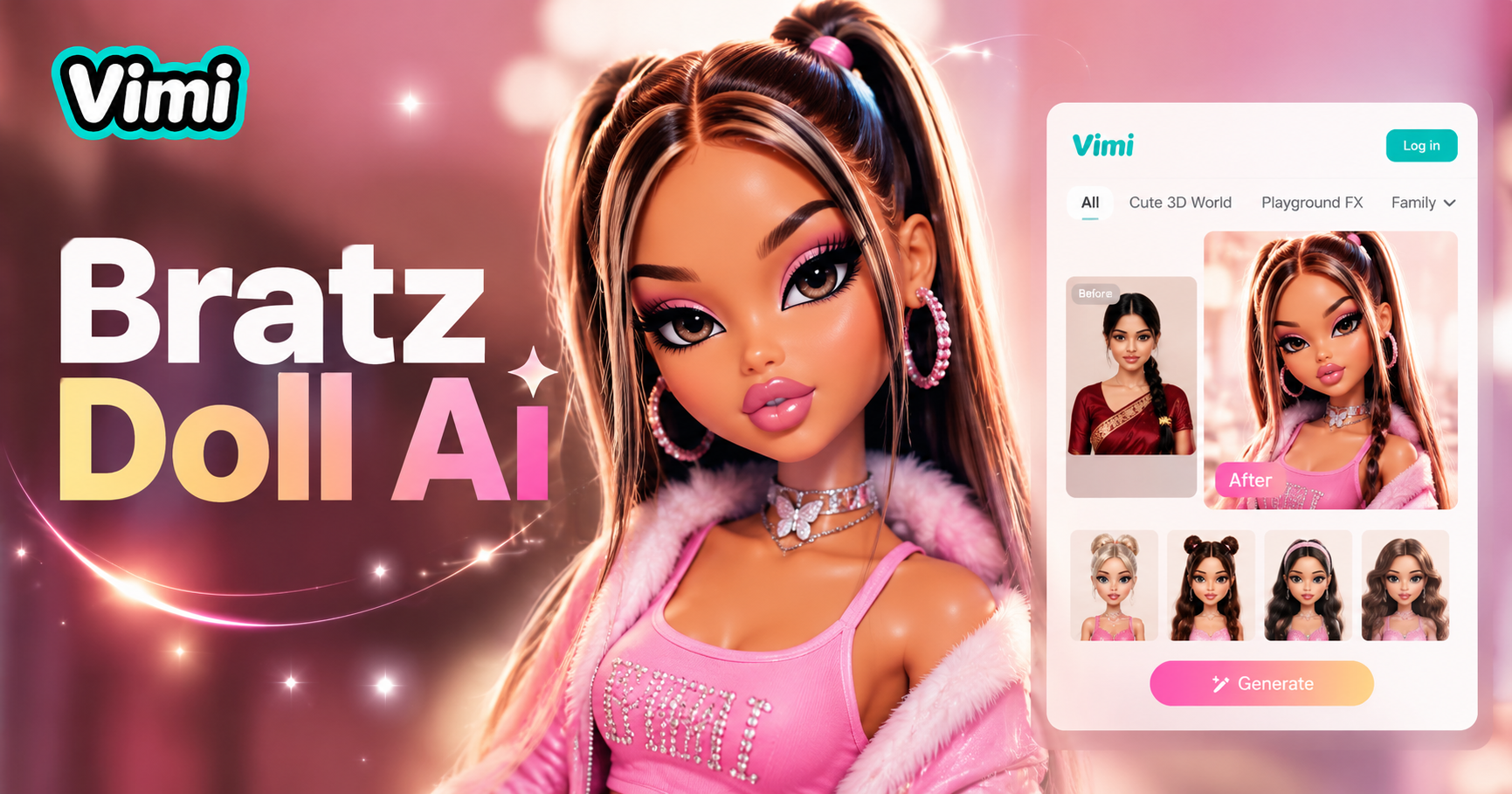
AI Bratz Doll Generator

Invitation Card Design
AI Bloom Effect
Underwater Couple Portrait
AI Bratz Doll Generator
Invitation Card Design
Get Vimi And Start Pinching Cheeks
Create cheek pinch videos now. Download Vimi mobile app.
Get Vimi And Start Pinching Cheeks
Create cheek pinch videos now. Download Vimi mobile app.