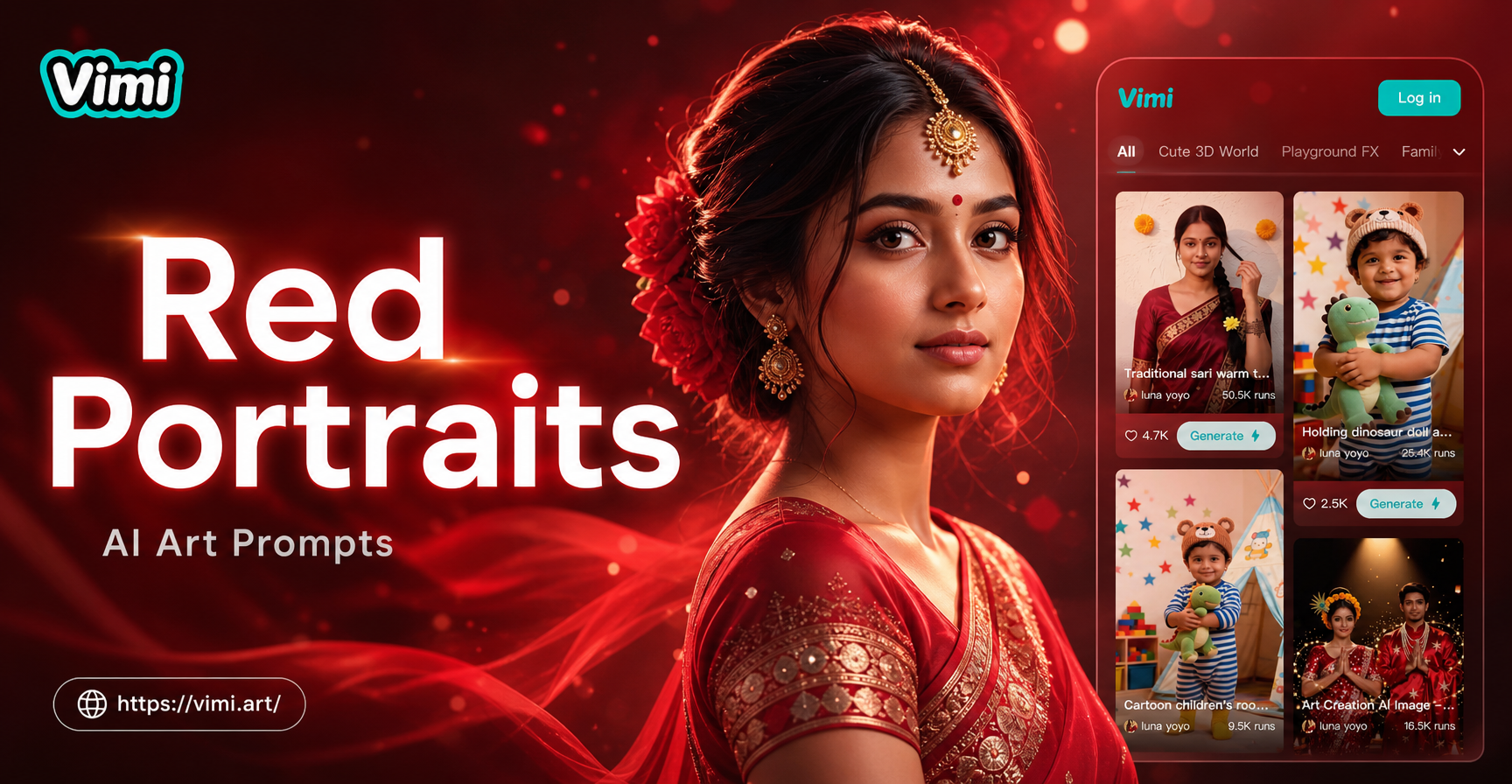
Red backgrounds create some of the most direct and memorable AI portraits. A strong red backdrop removes visual clutter and forces attention onto the face, pose, and expression. This guide collects red background AI portrait prompts you can copy, adapt, and improve. It also explains how to handle lighting, skin tone, clothing, and camera language so your results look intentional instead of flat.
Why a Red Background Changes the Portrait
Red is a high-energy color. In portrait photography, a red backdrop can signal confidence, romance, drama, or creative boldness. AI image models respond strongly to color words and background descriptions. When you write a prompt with a clear red background, the model usually places the subject in front of that color and adjusts contrast around the face and clothing. The result often feels more graphic and studio-driven than a neutral background.
A red background also creates useful contrast. Dark clothing can blend into a deep red backdrop, while white or blue clothing can pop against it. Skin tones may pick up a slight red reflection, which can look warm and flattering or too saturated. That is why the most effective red background AI portrait prompts include lighting direction and a note about accurate skin tone.
How to Write a Strong Red Background AI Portrait Prompt
A good prompt is specific about the subject, background, lighting, camera, and mood. You can use this simple structure:
- Subject: age, gender, expression, hair, clothing
- Red background detail: seamless, matte, textured, gradient, paper, silk
- Lighting: soft, hard, side, butterfly, Rembrandt, rim
- Camera: close up, medium shot, full body, 85mm lens, low angle
- Style: photorealistic, editorial, cinematic, film, fine art
- Color and finish: accurate skin tone, high contrast, muted red, glossy
For example, a basic prompt can be expanded into: 'Studio portrait of a young woman with a calm expression, black top, seamless crimson red background, soft butterfly lighting, 85mm lens, photorealistic, accurate skin tone.' This kind of structure gives the AI enough information to build a balanced image.
Ready-to-Use Red Background AI Portrait Prompts
Below are 25 prompts grouped by style. Copy any prompt into your AI image tool, then adjust the subject details to match your vision.
Studio Red Backdrop Portraits
- Studio portrait of a young woman in a black turtleneck against a seamless crimson red backdrop, soft butterfly lighting, neutral expression, sharp focus on the eyes, 85mm lens, photorealistic, high detail.
- Close up portrait of a man with a short beard and dark shirt, deep red studio background, Rembrandt lighting, subtle skin texture, calm gaze, professional headshot style, realistic.
- Professional profile portrait of a businesswoman in a navy blazer, solid red backdrop, clean studio light, slight smile, sharp edges, corporate photography, 4k.
- Full face portrait of a teenager with curly hair, warm red background, soft beauty dish, natural skin glow, candid expression, editorial color grading.
- Portrait of a woman in a white blazer against matte red paper background, high key lighting, minimal makeup, confident look, magazine cover style, photorealistic.
Dramatic and Moody Red Background Portraits
- Low key portrait of a man in shadow, dark red gradient background, single hard side light, intense eyes, film grain, cinematic mood, realistic.
- Dramatic portrait of a woman with wet hair, bright red seamless background, split lighting, dark lipstick, fashion editorial, high contrast, photorealistic.
- Moody close up of an older man with weathered skin, deep burgundy background, soft window light from the left, thoughtful expression, fine art portrait, detailed.
- Portrait of a dancer in motion, vivid red studio background, dramatic rim light, dynamic pose, slight motion blur on fabric, energetic editorial.
- Dark cinematic portrait of a young man in a leather jacket, scarlet red backlight, light haze, intense stare, film still, anamorphic lens, realistic.
Fashion and Editorial Red Background Prompts
- Fashion portrait of a model in an oversized red coat against a slightly darker red background, high fashion lighting, bold pose, vogue style, full body, photorealistic.
- Editorial beauty portrait of a woman with gold jewelry, bright red backdrop, glossy makeup, soft shadow, luxury advertising style, medium shot.
- Streetwear portrait of a young man in an orange hoodie, red studio background, direct flash, confident pose, magazine editorial, high detail.
- Avant garde portrait with a sculptural white headpiece, plain red background, strong key light, minimal retouch, art fashion, photorealistic.
- Portrait of a woman in a blue silk dress, rich red background, complementary color contrast, soft front light, elegant pose, editorial campaign.
Minimalist and Clean Red Background Prompts
- Minimalist headshot of a smiling woman, solid pastel red background, clean even lighting, no props, natural makeup, bright and airy, photorealistic.
- Simple portrait of a man in a white t-shirt, bright tomato red background, flat soft light, centered composition, friendly expression, clean commercial photo.
- Profile view of a woman with a bun, pure red background, subtle shadow on the backdrop, neutral expression, minimal aesthetic, high resolution.
- Close up portrait of a child with freckles, soft red background, gentle wrap around light, joyful expression, clean family portrait style, realistic.
- Minimal portrait of a person wearing glasses, matte red wall background, one softbox, half body, straight on, no text, product photography style.
Creative and Artistic Red Background Prompts
- Portrait with red paper cutout shapes falling around the subject, bright red background, playful studio light, creative fashion, photorealistic.
- Double exposure portrait where the red background fades into rose petals, dreamy soft light, artistic concept, high detail.
- Portrait with painted red background texture and visible brushstrokes, subject in black, gallery art style, dramatic side light, fine art.
- Retro portrait of a woman with a 1980s hairstyle, saturated red backdrop, soft film flash, vintage tone, film photography, realistic grain.
- Surreal portrait with a red silk cloth wrapping the subject, deep red background, elegant pose, high contrast, editorial art, photorealistic.
How to Adapt These Prompts for Different Subjects
Replace the subject description while keeping the red background and lighting. If you want a red background AI portrait of a specific person, use a reference photo in an image-to-image workflow. Write the red background prompt as the text instruction, then let the model preserve the person's features. For a man, change the wardrobe and facial hair. For a woman, adjust hair length, makeup, and pose. For a child, use a softer light and a brighter red background.
You can also change the background detail. Instead of a seamless studio red, try a textured brick wall, a red velvet curtain, a matte painted wall, or a red paper sweep. Adding texture helps the image feel less generated and more like a real photoshoot.
Common Weak Results and How to Fix Them
- Flat background: Describe the red background as matte, textured, seamless paper, silk, or gradient. Add a soft shadow behind the subject for depth.
- Skin looks too red: Add the phrase 'accurate skin tone' or 'natural skin color with controlled red spill'. Request a slight neutral white fill light.
- Background bleeds into the hair: Add 'clean separation between subject and red background' or 'subtle rim light on hair'.
- Too much red saturation: Use 'muted red', 'burgundy', 'soft red', or 'pastel red' and add 'balanced color grading'.
- Generic face: Specify age, expression, hair type, facial features, and wardrobe. Avoid leaving the subject details too open.
Quick Prompt Checklist
Before generating, review your red background AI portrait prompt for these elements:
- A clear subject with age, gender, and expression
- A specific red background color and texture
- One lighting style and direction
- A camera distance or lens choice
- A mood or style such as photorealistic, editorial, or cinematic
- Color notes for skin tone and red saturation
If the result is close but not perfect, edit one part of the prompt at a time. Changing the lighting or background texture often fixes the biggest problems without changing the whole image.
Final Thoughts
Red background AI portrait prompts are a fast way to create bold, studio-quality images without a physical backdrop. The key is to be specific about the red background and the light. Use the prompts above as starting points, then adjust the subject, wardrobe, and camera language to match your creative direction.
To generate these portraits on your phone, download the vimi app, open the text-to-image tool, choose a realistic photography style template, and paste one of the prompts. You can also use an image reference to keep a person consistent while the red background takes over the scene.