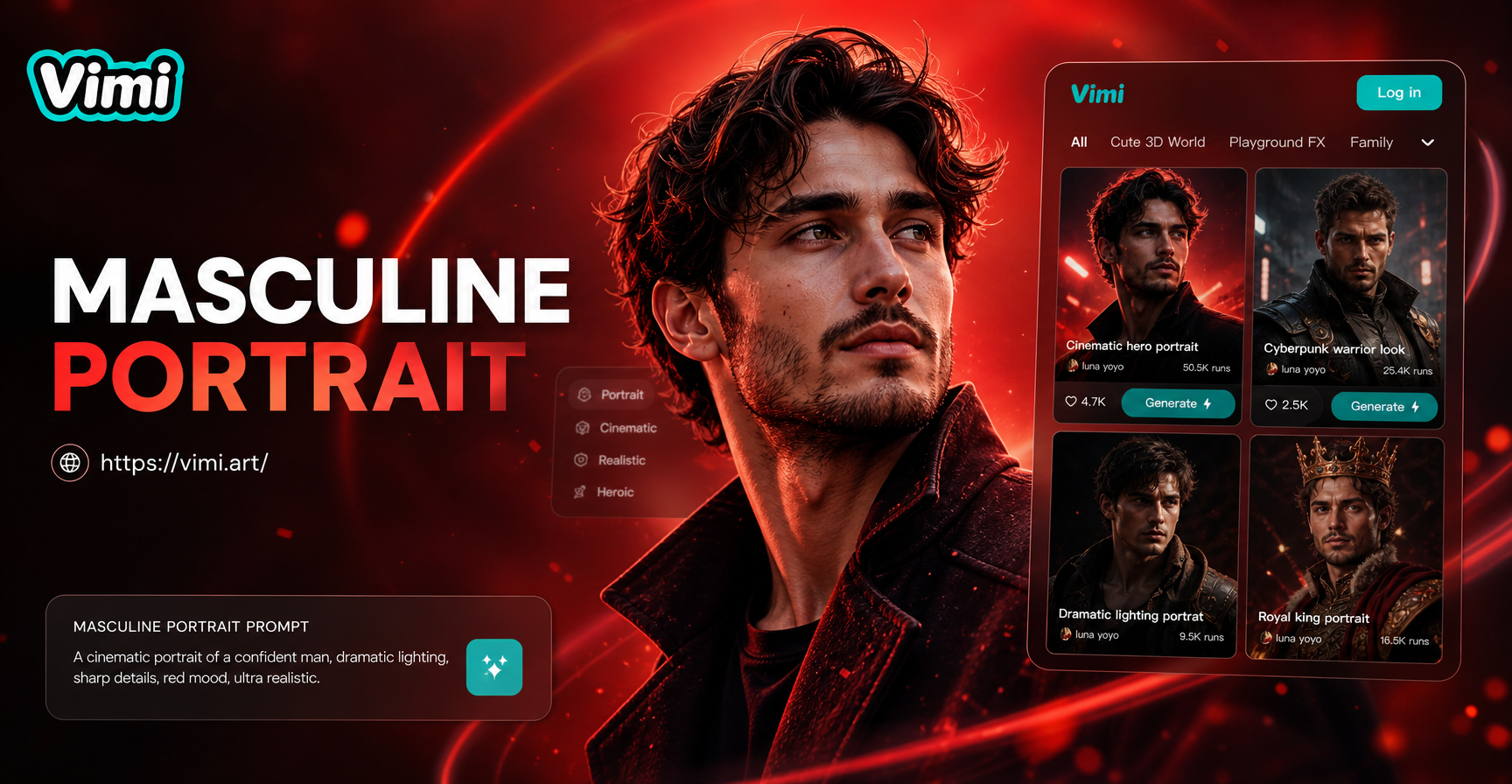
A useful masculine portrait AI prompt describes a person, a purpose, lighting and composition. If you are editing your own photo, it also needs to say which facial features and details must remain unchanged. A beard, exaggerated jaw or stern expression is optional—not a requirement for a masculine portrait.
For an uploaded reference photo, start with this instruction in an editor that supports both images and text:
Edit the adult person in this reference photo into a natural studio portrait. Use soft side lighting, a neutral gray background and a chest-up crop with room above the head. Preserve the person's facial structure, age, skin tone, hairstyle, facial hair and expression. Keep skin texture visible. Do not widen the jaw, increase muscle size or add a beard. No text or logos.
These are editable prompt examples, not tested presets. Output depends on the tool, its settings and your input. The prompts do not establish that Vimi supports a free-text portrait editor.
Choose Between Creating a Person and Editing Your Photo
For a fictional portrait: describe an adult subject from scratch. Specify age range, hairstyle, clothing, expression and setting. There is no reference identity to preserve.
For a portrait of yourself: use a tool that supports reference-photo editing. Start with a clear photo showing your face without heavy filters. Ask for changes to lighting, clothing or background while explicitly preserving the features that make the portrait recognizable.
Do not assume that a text-only description will recreate your face. Also inspect photo-based results: preservation instructions express your intent, but do not guarantee identical features.
Pick a Style for the Job
| Your goal | Start with | Keep under control |
|---|---|---|
| Work profile or introduction | Approachable studio headshot | Retouching and dramatic shadows |
| Personal profile | Natural window-light portrait | Skin smoothing and facial reshaping |
| Fashion or creative profile | Minimal editorial portrait | Wardrobe detail and distracting scenery |
| Outdoor character portrait | Overcast outdoor portrait | Invented scars, dirt and weather effects |
| Dramatic character study | Low-key or monochrome portrait | Lost eye and shadow detail |
| Film-inspired social image | Night-city portrait | Color casts and changes to identity |
Choose the result you need before adding style words. A calm expression and soft light may be more useful for a work profile than an intense stare and deep shadows.
12 Masculine Portrait AI Prompts to Customize
The following examples use an uploaded photo. Use them in a compatible reference-image editor. To create a fictional adult instead, replace the opening reference instruction with a clear adult subject description and remove instructions that refer to the original image.
1. Approachable Studio Headshot
Use for: a work profile or personal introduction.
Edit the adult person in the reference photo into a chest-up studio headshot wearing a simple navy blazer and plain shirt. Use a neutral gray background, soft light from the front-left and a relaxed, approachable expression. Preserve facial structure, age, skin tone, hair and facial hair. Keep natural skin texture and realistic shoulders. Leave space above the head. No logos or text.
For a professional profile, compare the result with how you currently look; avoid a portrait that changes your apparent age or recognizable features.
2. Natural Window-Light Portrait
Use for: a relaxed profile picture without a formal studio look.
Restyle this adult reference portrait beside a simple window with soft daylight from one side. Use neutral colors, a plain cotton shirt and a quiet indoor background. Keep the person's face, hairline, skin tone, age and natural expression recognizable. Retain pores and fine lines. Do not add beauty smoothing, an exaggerated jaw or new facial hair.
3. Clean-Shaven Minimal Portrait
Use for: a polished look that does not rely on stubble or a beard.
Create a minimal portrait from this reference photo of a clean-shaven adult. Use a plain crew-neck shirt, warm gray background and broad, diffused light. Keep the original face shape, body proportions, hairstyle and skin texture. Preserve the clean-shaven appearance rather than adding stubble. Frame from the chest up with a relaxed posture and direct gaze.
Choose a clean-shaven reference if preserving your current appearance is the goal.
4. Detailed Beard Portrait
Use for: emphasizing existing grooming and texture.
Edit this reference portrait of an adult with a beard using soft side light and a dark neutral background. Keep the original beard length, growth pattern, hair color and hairline. Preserve facial proportions and natural skin detail. Show distinct hair texture without making the beard thicker or extending it onto the cheeks. Keep both eyes readable and the expression relaxed.
5. Mature Character Portrait
Use for: a natural portrait that respects age and facial detail.
Restyle the adult in this reference photo as a thoughtful character portrait with soft window light, a simple dark sweater and a quiet background. Preserve the person's age, gray hair, wrinkles, facial structure and skin tone. Keep fine lines natural rather than deepening or erasing them. Use restrained contrast and a comfortable, unforced expression.
6. Overcast Outdoor Portrait
Use for: an outdoors-oriented look with believable light.
Place the adult from this reference photo in a simple outdoor setting under soft overcast light. Use a practical jacket, muted earth tones and a gently blurred background. Preserve the face, age, skin tone, hair, facial hair and body proportions. Keep fabric and skin texture natural. Do not add scars, dirt, sweat, mountains or extreme weather unless requested separately.
7. Golden-Hour Portrait
Use for: a warmer outdoor mood.
Create a warm outdoor portrait from this adult reference photo with low evening light from behind and soft fill on the face. Keep the eyes visible, skin tones natural and highlights detailed. Preserve facial structure, hairstyle, age and body proportions. Use a simple shirt and an uncluttered background. Avoid orange skin, heavy haze and flare across the face.
8. Minimal Fashion Editorial
Use for: a creative profile or wardrobe-focused portrait.
Restyle the adult in this reference photo in a charcoal wool coat over a plain shirt, standing against a neutral concrete wall. Use soft directional light, a relaxed posture and a waist-up composition. Preserve the original face, age, skin tone, hair and body proportions. Keep fabric texture and coat edges clear. No brand logos, magazine text or exaggerated shoulder width.
9. Kurta Portrait With Natural Detail
Use for: a traditional clothing option, if it fits your intended look.
Edit the adult in this reference photo into a waist-up portrait wearing a simple, well-fitted ivory kurta against a plain warm-gray background. Use soft daylight and restrained contrast. Preserve facial structure, skin tone, hairstyle, age and facial hair. Keep the collar, buttons and fabric folds coherent. Do not add jewelry, religious symbols, ornate embroidery or a different body shape.
Change the garment, color or accessories to suit the person and occasion. Clothing is a creative choice; it should not imply an identity or background you did not intend.
10. Low-Key Character Study
Use for: a dramatic portrait with readable facial detail.
Edit this adult reference portrait with a dark neutral background and one soft light from the side. Create a quiet, low-key mood while keeping detail in both eyes and the shadow side of the face. Preserve identity, natural skin texture, age and facial hair. Use a simple dark shirt. Do not add scars, an angry expression, smoke or heavy facial reshaping.
11. Black-and-White Portrait
Use for: emphasizing expression and tonal contrast.
Convert this adult reference portrait to black and white with clear midtone separation, gentle highlights and detailed shadows. Preserve the face, age, expression, hair, beard pattern and clothing. Add restrained grain without blurring the eyes or skin. Keep the background simple and do not reshape the nose or jaw.
For more monochrome directions, browse black-and-white AI portrait prompts.
12. Cinematic Night-City Portrait
Use for: a film-inspired creative image rather than a neutral work headshot.
Restyle the adult in this reference photo as a waist-up portrait on a quiet city street at night. Use a warm practical light on one side and a restrained cool background. Keep the face readable and skin tones plausible. Preserve identity, age, hair, facial hair and body proportions. Use a plain jacket. Avoid invented logos, unreadable signs, smoke and intense flare.
For more lighting and color options, see cinematic AI photo editing prompts.
Adapt One Prompt Without Losing the Person
Start by changing only the parts needed for your goal: wardrobe, background, light or crop. Avoid asking for an older face, new beard, different jaw and new body shape when your aim is a recognizable portrait of yourself.
Use this reusable structure:
Edit the adult in my reference photo for [profile / editorial / character portrait]. Change [specific elements]. Use [lighting direction and softness], [background] and [crop]. Preserve [face, age, skin tone, hair and body details]. Do not add [unwanted changes].
For a fictional character, a generation-only version might be:
Create a fictional adult man in his late 40s with short graying curls, a trimmed beard and a relaxed expression. He wears a plain navy sweater against a light-gray studio background. Use soft side light, a chest-up composition and natural skin texture. Keep the eyes clear. No text or logos.
Choose details deliberately instead of stacking camera and quality terms. A lens reference can describe the intended photographic feel, but it does not establish the real optics or resolution of an AI-generated image.
Fix Common Portrait Problems
| Problem | Try this revision | Inspect against the reference |
|---|---|---|
| Face no longer looks like you | “Change background and lighting only; restore original facial proportions.” | Eyes, nose, jaw, hairline |
| Skin looks waxy | “Keep pores, fine lines and natural tonal variation; remove beauty smoothing.” | Cheeks and forehead |
| Jaw or shoulders become exaggerated | “Restore the original face shape and body proportions.” | Jaw width, neck and shoulder outline |
| Beard or hair changes | “Preserve the original growth pattern, density and hairline.” | Cheeks, mustache and temples |
| One eye disappears in shadow | “Soften the side light and lift facial shadow detail.” | Both eyes and the nose shadow |
| Clothing looks distorted | “Simplify the outfit and keep seams, collar and buttons coherent.” | Collar, lapels and fabric edges |
These revisions are suggestions, not guarantees. If several corrections keep altering the person, return to the source photo and request a smaller edit. Check the face at full size before evaluating the style.
Where Vimi Fits: Animate a Finished Portrait
Once you have a still portrait you are happy with, you may want a moving version for a creative post. Vimi's image-to-video page describes turning photos into animated clips using effects and templates.
Choose an available effect that fits the portrait and inspect the current app for its input requirements, controls, credit costs and export options. The prompts in this article are not a verified Vimi text-to-image workflow.
Review the face throughout the generated clip, rather than judging only its thumbnail. Keep a copy of the finished still so you can use either format.
Frequently Asked Questions
Does a masculine portrait need a beard or a strong jaw?
No. Choose the person's appearance and the mood you want. Clean-shaven faces, relaxed expressions, different body types and soft lighting can all be part of a masculine portrait. For a reference-photo edit, preserving the person is more useful than automatically adding stereotyped features.
Can I use these prompts without uploading a photo?
Yes, if your chosen tool supports text-to-image generation. Describe a fictional adult subject and remove references to an uploaded photo. A text-only prompt does not establish that the generated person will resemble you.
What should I change first if the portrait feels wrong?
Check identity and proportions first, then light and skin texture, followed by clothing and background. Correct one issue at a time so you can see which instruction helped.
Have these prompts been tested in Vimi?
No. They are editable example briefs. This guide does not claim a particular result, verified portrait-generation controls or a specific number of available filters in Vimi. Its product recommendation is limited to the image-to-video use described on the official page.