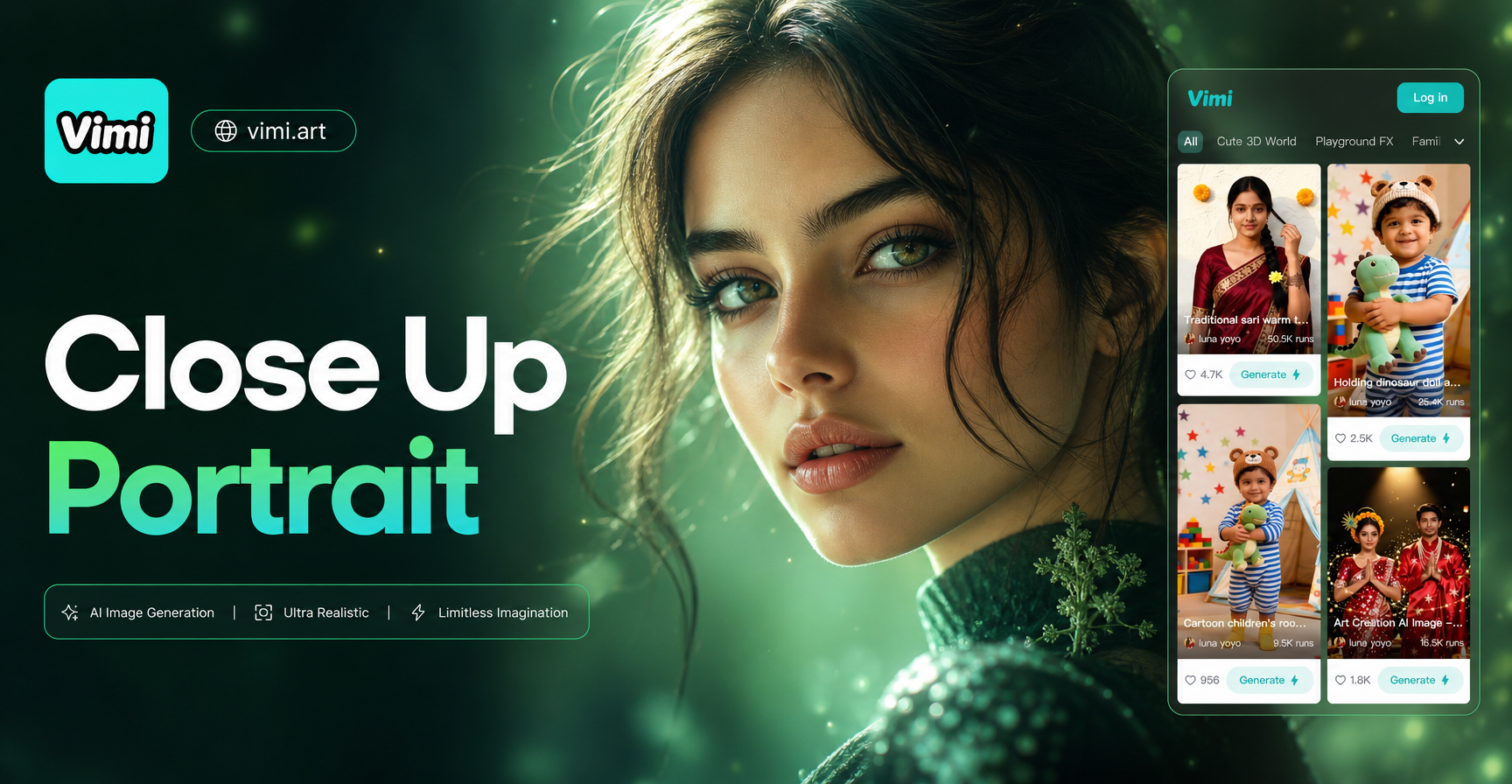
Searching for close up portrait AI prompts usually means one thing: you want a face that feels real, expressive, and professionally lit without spending hours in a photo editor. The difference between a plastic looking selfie and a stunning close up portrait often comes down to how specific your prompt is. This guide gives you practical, ready to use prompts for close up portrait photography, explains the elements that make them work, and shows you how to adapt them using the vimi mobile app.
What Makes a Close Up Portrait Prompt Work
Close up portrait prompts rely on the same visual language a photographer uses on set. The subject matters, but the lens choice, lighting setup, crop, and background do the heavy lifting. If you only write "close up portrait of a woman", most AI image generators will return a generic headshot with flat lighting and a centered face. To get a meaningful close up, your prompt should mention the framing (head and shoulders, face only, or eyes and nose), the lens (50mm, 85mm, 100mm macro), the depth of field, and the light source.
Strong prompts also describe skin texture and expression. Terms like "visible pores", "natural skin texture", "soft smile", "serious gaze", and "catchlights in the eyes" push the result away from the waxy, over smoothed look that weak AI prompts often produce. A close up portrait is about intimacy, so small details matter.
Understanding Close Up Portrait Composition
A close up portrait is not just a cropped version of a full body shot. It changes how the viewer relates to the subject. The face becomes the entire story, so every shadow, wrinkle, and reflection matters. When you write a prompt, think about where the eyes should land and what emotion the expression should carry. A face only crop creates tension and intimacy. A head and shoulders crop gives more room for context without losing the personal feel. If you do not specify a crop, the AI may choose a medium shot that weakens the close up effect.
Lens language is another overlooked element. In real photography, an 85mm lens is a classic portrait focal length because it compresses features naturally and separates the subject from the background. A 100mm macro lens can reveal extreme detail in skin and eyes, but it also magnifies imperfections. Using these terms in a prompt helps the AI model understand the kind of close up you want, not just the subject.
The Core Elements of a Close Up Portrait AI Prompt
You do not need a complex prompt template. You need four to five clear pieces of information. Start with the subject, then add the composition, lens, lighting, and style.
- Subject: age, gender, expression, hair, skin details, accessories
- Composition: face only, head and shoulders, tight crop, centered or off center
- Lens and focus: 50mm, 85mm, 135mm, macro, shallow depth of field, sharp focus on eyes
- Lighting: window light, golden hour, Rembrandt, split light, softbox, rim light
- Style and finish: editorial, cinematic, film grain, black and white, natural skin
For example, instead of writing "close up portrait of an old man", try a complete prompt like the ones below. The added detail tells the model exactly how to crop, light, and render the face.
12 Ready to Use Close Up Portrait AI Prompts
Each prompt below is a complete sentence you can copy into the vimi text to image tool. You can change the subject details or style while keeping the structure intact.
Natural Light and Window Portraits
- Close up head and shoulders portrait of a young woman with freckles and soft brown eyes, gentle smile, sitting beside a large window, diffused morning light falling across her face, 85mm lens, f/1.8, shallow depth of field, realistic skin texture, warm neutral tones.
- Face only close up portrait of a man in his 60s with grey stubble and deep smile lines, standing near a window with sheer curtains, soft directional light from the left, 50mm lens, sharp focus on the eyes, natural skin pores, muted earth tones.
- Tight close up of a child with curly hair and bright green eyes, looking slightly away from the camera, late afternoon window light, 100mm macro lens, very shallow depth of field, soft creamy background, realistic eyelashes and skin texture.
Studio and Dramatic Lighting
- Studio close up portrait of a Black woman with short natural hair and gold hoop earrings, direct gaze, butterfly lighting with a soft shadow under the nose, 85mm lens, f/2.8, deep charcoal background, editorial color grade, visible skin texture.
- Close up face portrait of a young Asian man with sharp jawline and slicked back hair, split lighting with one side in shadow, 135mm lens, f/2, dark background with subtle blue rim light, cinematic mood, crisp focus on the eyes.
- High contrast close up portrait of a woman with pale skin and dark lipstick, Rembrandt lighting, shadow on one cheek with a small triangle of light, 50mm lens, film grain, neutral grey background, dramatic and elegant mood.
Moody and Cinematic Looks
- Cinematic face only close up of a man in his 30s with wet hair, rain droplets on his skin, neon blue and magenta rim lighting, night scene, 85mm lens, f/1.4, extremely shallow depth of field, moody atmosphere, sharp detail on water drops.
- Close up portrait of a red haired woman with intense green eyes, smoke drifting across the lower frame, warm amber key light from the right, 50mm lens, dark blurred background, film still color grading, realistic skin texture and fine hair.
- Tight close up of an older man with a weathered face and light beard, sitting in a dim room, single bare bulb from above creating deep shadows, 35mm lens, cinematic framing, gritty film look, natural wrinkles and pores.
Editorial and Fashion Close Ups
- Editorial close up portrait of a model with glossy skin and bold orange eyeshadow, direct stare, soft beauty dish lighting from the front, 100mm macro lens, f/4, clean white background, high fashion color grade, sharp focus on makeup texture.
- Head and shoulders close up portrait of a young woman with a wet look hairstyle and silver chain necklace, studio flash with a reflector fill, 85mm lens, f/5.6, seamless grey background, polished magazine style, natural skin with visible pores.
- Face only close up of a man with vitiligo and light stubble, symmetrical composition, soft key light with gentle shadow, 50mm lens, muted beige background, fine art portrait style, detailed skin pattern, calm and powerful expression.
How to Adapt These Prompts for Your Own Portraits
You do not need to keep every word. Treat these close up portrait AI prompts as starting points. To make them feel personal, replace the subject with someone you can describe clearly. For example, change "young woman with freckles" to "teenage boy with dark curls" or "woman in her 50s with silver hair". Keep the lens and lighting terms if you like the overall look, and change the mood words if you want a different emotion.
You can also use the vimi image to image feature. Upload a photo of a friend, a family member, or even yourself, then pair it with one of these prompts. The app can apply the close up framing, lighting, and style while preserving the main facial features from your reference. This is useful when you want a realistic portrait that still looks like the person you know.
If you enjoy one category more than the others, reuse its structure. For studio portraits, keep the lighting terms such as butterfly light, split light, or Rembrandt lighting, and only change the subject description. For natural light, keep the window and curtain details, but adjust the time of day or the direction of the light. Small changes produce a wide range of results without forcing you to learn a new prompt style.
Common Weak Results and How to Fix Them
Even a good prompt can miss. Here are some frequent problems and simple prompt adjustments that improve the output.
- Plastic or waxy skin: add "natural skin texture, visible pores, fine facial hair, realistic imperfections".
- Distorted or uneven eyes: add "sharp focus on both eyes, symmetrical eyes, natural catchlights".
- Awkward crop cutting off the forehead: add "head and shoulders framing, full forehead visible, hairline included".
- Flat or washed out lighting: replace generic light with "dramatic side light", "Rembrandt lighting", or "golden hour backlight".
- Too much background distraction: add "very shallow depth of field", "blurred background", or "plain dark backdrop".
- Repeated generic faces: change the subject description with specific hair, expression, age, and skin details.
When a result is close but not perfect, do not delete the prompt and start over. Change one element at a time. For example, keep the subject and lighting exactly the same, but change the lens from 50mm to 85mm. This will teach you how each term influences the close up portrait composition.
Using These Close Up Portrait Prompts in the vimi App
vimi is a mobile AI design tool available on Google Play. After you download the app, open the text to image feature, paste one of the prompts above, and choose a style template that matches your goal. You can use a realistic photography template for natural skin, or a cinematic filter for moody portraits. The app does not require you to be a prompt engineer. You can start with a simple sentence and then add more descriptive terms as you go.
If you already have a photo you like, vimi also supports image to image. Upload the portrait as a reference and apply a close up style. This is a fast way to test different lighting and color treatments without shooting new photos. Because vimi runs entirely in the mobile app, you can generate close up portraits anytime without switching to a desktop editor.
Final Tips for Consistent Close Up Portrait Results
- Keep one main subject in the image. Multiple faces in a close up prompt often cause blending or awkward crops.
- Mention the crop explicitly. Use "face only", "head and shoulders", or "tight close up" instead of leaving it to chance.
- Always include lens and depth of field language if you want a realistic photographic look.
- Use style templates to reinforce the mood. A realistic template plus a cinematic prompt usually works better than a generic prompt alone.
- Save the prompts that work. You can build a small personal library of close up portrait AI prompts and swap subjects for different projects.
Close up portrait AI prompts are most effective when they combine a specific subject, a clear crop, a real lens, and a named lighting setup. With the examples above, you can stop guessing and start producing portraits with depth, texture, and emotion. Download vimi, paste a prompt, and refine one detail at a time until the face in the frame matches the one in your mind.