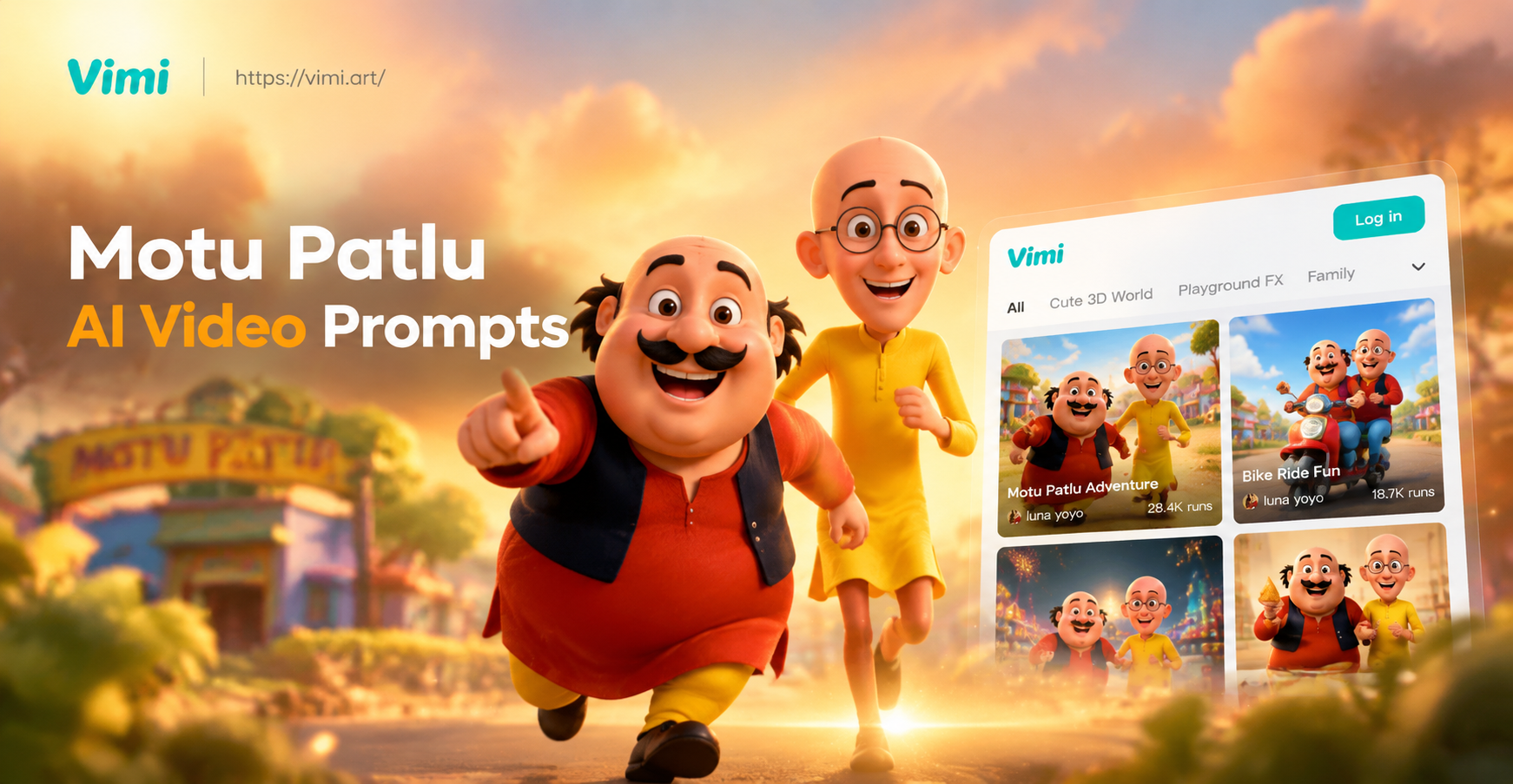
Turn a clear reference image into a simple cartoon moment: a wave, a surprised glance or a friendly greeting. These eight Motu Patlu AI video prompts separate the starting picture from the movement you want to try.
Quick motion prompt:
Animate the uploaded reference in one continuous shot. Motu waves gently while Patlu turns towards the camera and smiles. Keep the camera steady and preserve the reference faces, outfits and background.
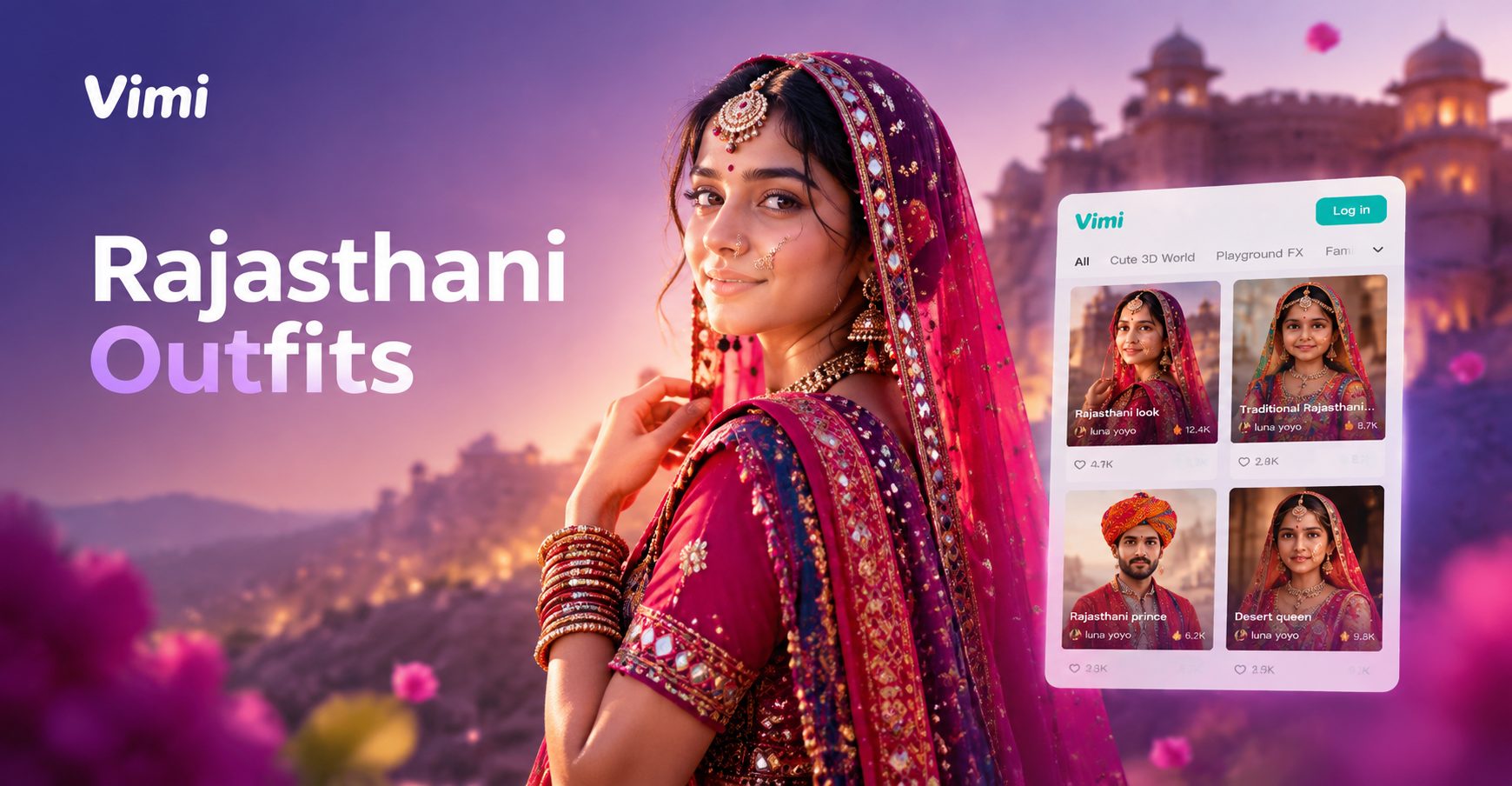
The prompts are original suggestions, not tested Vimi presets. The four images below are static examples from the supplied effect library, not demonstrated video results.
Before you animate
Choose an image with clear faces, visible hands and every prop needed for the action. Replace [YOUR CITY] with your location and use your own permitted portrait. For original characters, replace the names with distinct character descriptions.
The image establishes the composition; the motion text directs the action. Runway's image-to-video guide explains this distinction for its own workflow. It does not verify Vimi's controls.
For a vertical edit, prepare a portrait image and leave room for captions. Preserve its natural proportions instead of cropping faces or hands to force a particular ratio.
8 scene and motion prompts
1. India Gate group-photo wave
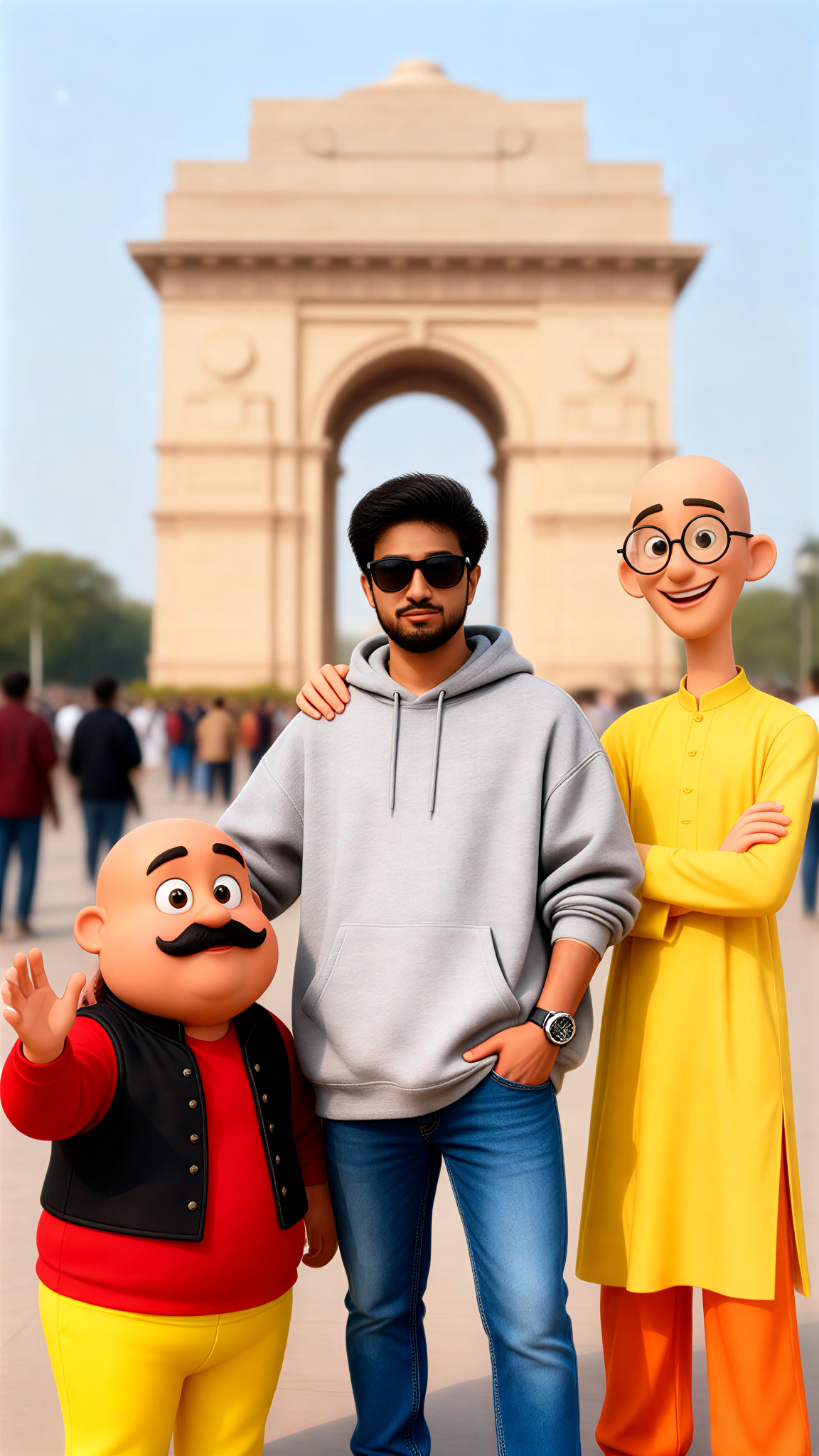
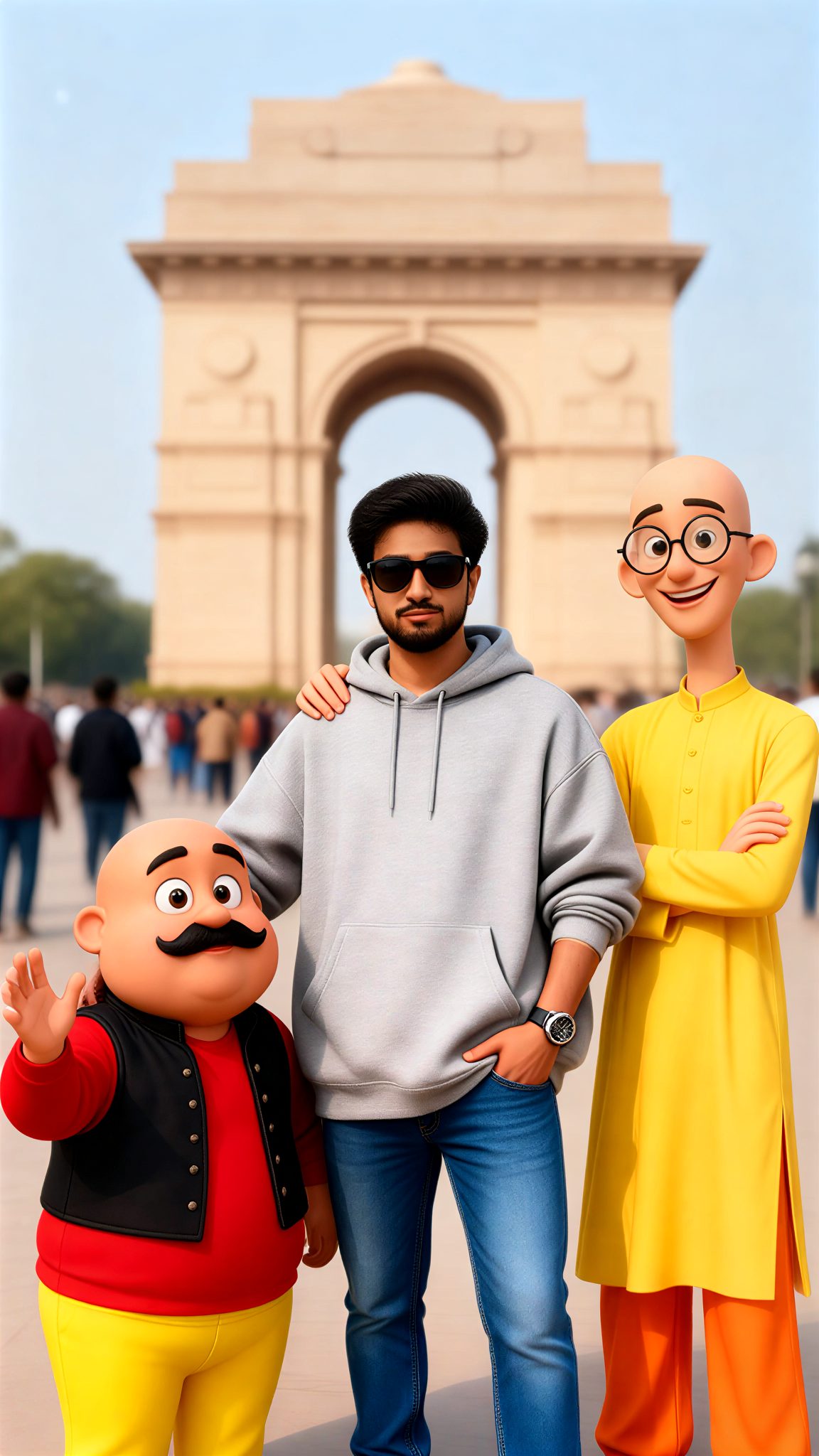
Starting image: A vertical Delhi portrait with you between Motu and Patlu, India Gate visible behind everyone, and space around the hands.
Motion prompt:
Keep the camera steady. Motu waves briefly while Patlu smiles towards the person in the centre. The person turns slightly towards the lens. Preserve faces, outfits, relative heights and the monument layout throughout one continuous shot.
Tip: If a hand crosses a face, animate only the wave.
2. Travel selfie in your city
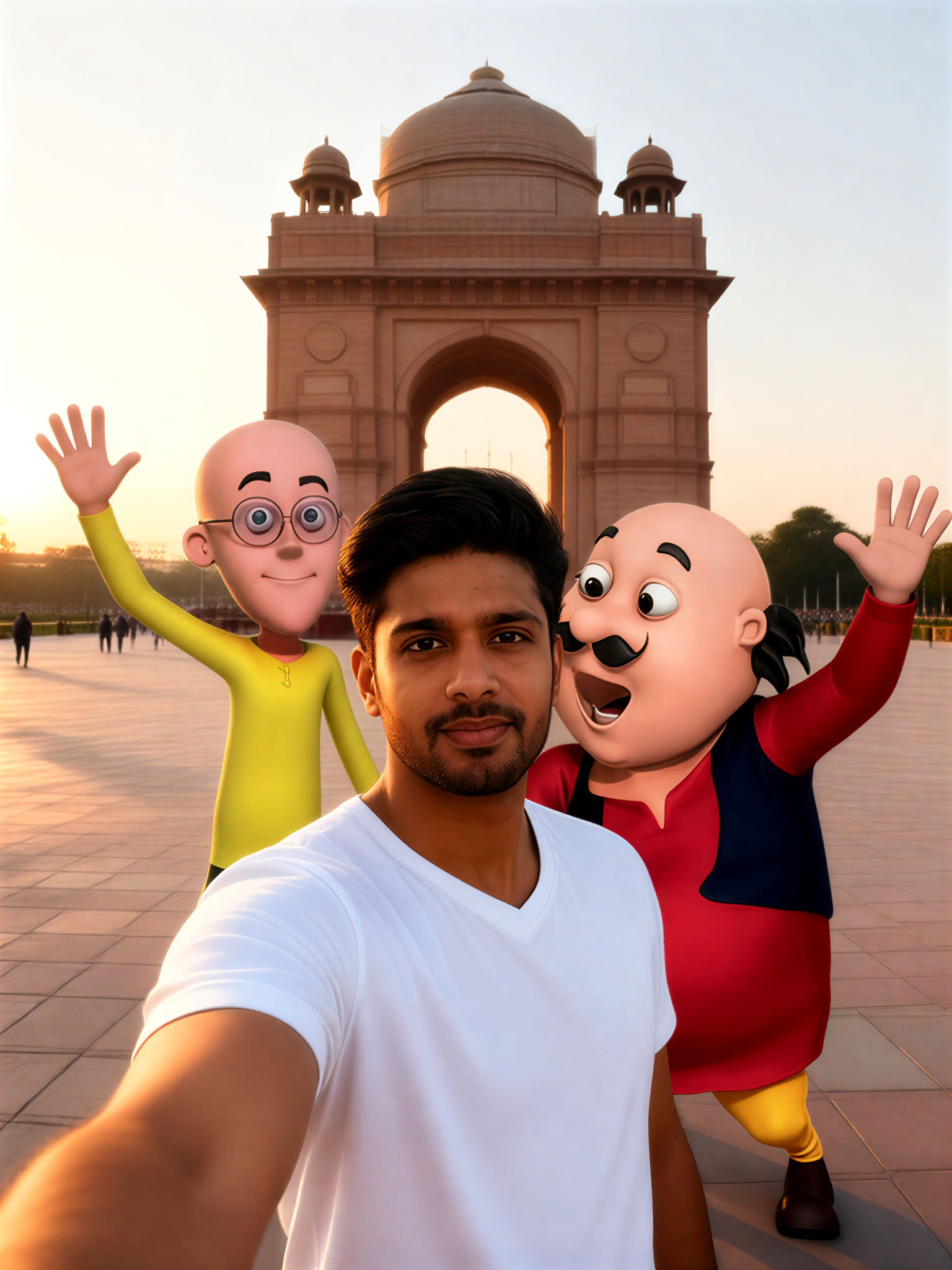
Starting image: An arm's-length selfie in [YOUR CITY], with you in the foreground and the duo behind your shoulders. Keep all faces and the selfie arm unobstructed.
Motion prompt:
Hold the selfie framing nearly still. Motu leans slightly towards the lens and grins; Patlu gives a small nod. The foreground person maintains the selfie pose. Preserve the arm position, character identities and background arrangement.
Tip: Start without camera shake. This static example is 3:4; keep the full composition.
3. Rainbow fan-meet greeting
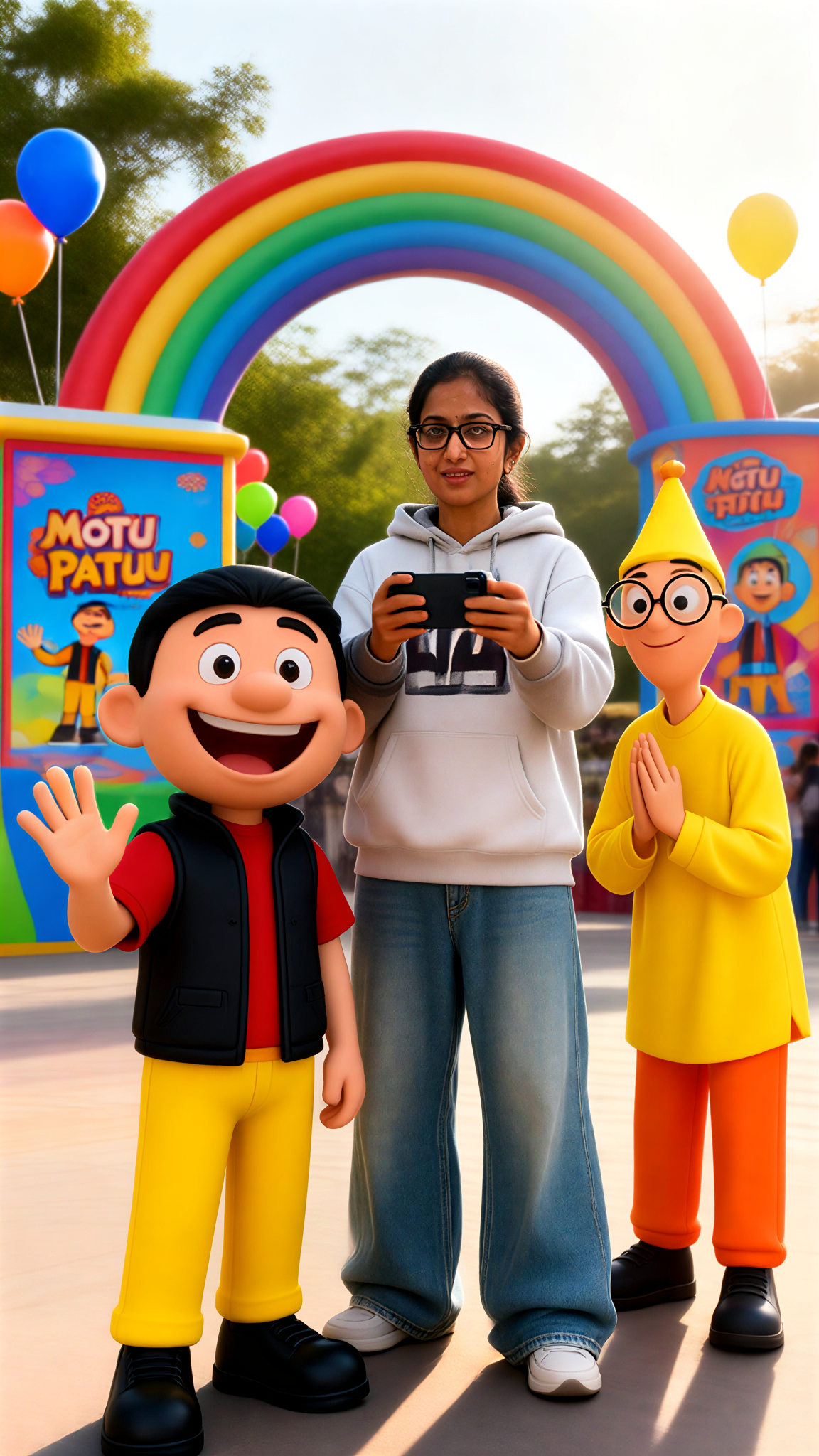
Starting image: A full-length group portrait beneath a rainbow arch, with you between the characters, balloons at the sides and clear space between bodies.
Motion prompt:
Use a fixed front-facing camera. Motu waves gently, the person smiles and Patlu makes a welcoming nod. A balloon ribbon moves lightly. Preserve face shapes, clothing colours and the arch position. Finish with the greeting pose.
Tip: Keep gestures small; skip handshakes or hugs in this attempt.
4. Desert holiday reaction
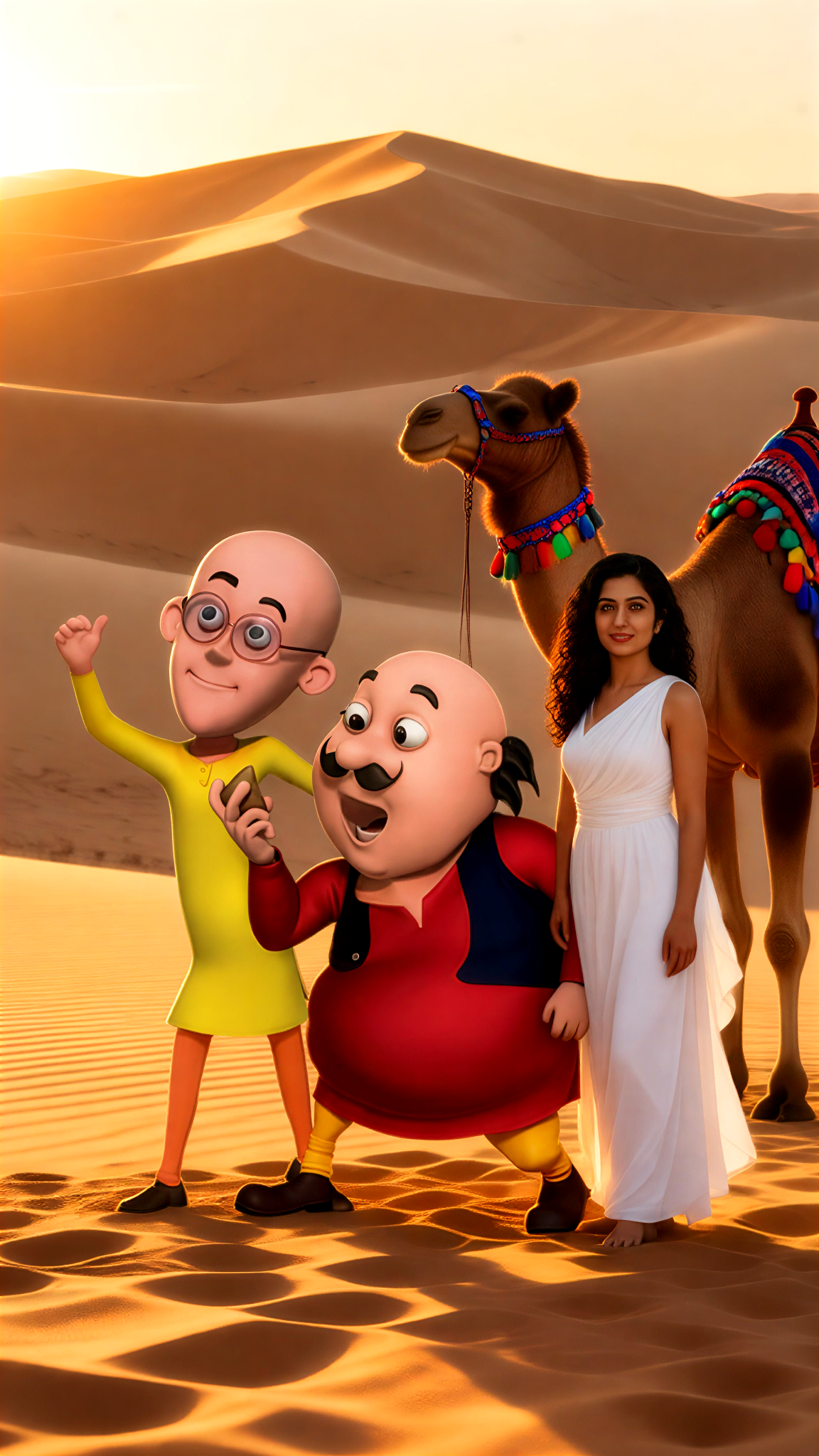
Starting image: A sunset desert portrait with you beside the duo and a decorated camel behind. Separate the camel from the subjects' silhouettes.
Motion prompt:
Hold a steady medium-wide view. The camel slowly tilts its head. Motu glances towards it in surprise while Patlu smiles. The person holds the portrait pose. Preserve the dunes, outfits, body proportions and relative positions.
Tip: If the camel distorts, keep it still and animate only the glance.
5. The missing-samosa joke
Starting image: A waist-up snack-counter scene: an empty steel plate before Motu, while Patlu holds a samosa on a separate plate. Show both plates clearly.
Motion prompt:
Keep both friends in view. Motu looks from his empty plate to Patlu's samosa and raises his eyebrows. Patlu draws his plate slightly closer and smiles. Keep the samosa on the plate, hands separated and counter unchanged.
Tip: Let the expressions carry the joke; leave eating or chasing for another shot.
6. Monsoon umbrella moment
Starting image: Two friends on a wet neighbourhood pavement. Patlu holds a large umbrella, while Motu stands just outside its edge. Keep the handle and faces visible.
Motion prompt:
With a fixed camera, Patlu slowly shifts the umbrella towards Motu. Motu takes one small step closer and smiles. Light rain continues behind them. Preserve the umbrella's structure, the outfits and the pavement layout.
Tip: If fingers distort, remove the step and try only the umbrella adjustment.
7. Cricket catch celebration
Starting image: Patlu already holds a cricket ball on a neighbourhood ground; Motu faces him expectantly. Use a clear waist-up composition.
Motion prompt:
Use a steady shot. Patlu lifts the hand holding the ball slightly to show the catch. Motu opens his arms in an exaggerated appeal and holds the delighted pose. Keep the ball visible and preserve faces, clothing and background.
Tip: Begin after the catch instead of asking for a flying-ball sequence.
8. Auto-rickshaw city greeting
Starting image: A stationary auto-rickshaw in [YOUR CITY], with Motu in the passenger opening and Patlu beside it. Leave space for an editable city caption.
Motion prompt:
Keep the vehicle parked and the camera fixed. Motu waves from the passenger opening. Patlu turns slightly towards him and smiles. Preserve the vehicle shape, character positions and street layout. Hold the greeting pose for a caption.
Tip: If the wheels move, shorten the instruction and restate that the vehicle stays parked.
Make the clip and finish your edit
- Prepare the still. Correct obvious face, hand or prop errors before animating.
- Choose a workflow. Browse the Vimi AI Effects library for a compatible photo-animation template and check its input requirements.
- Use the available controls. If the workflow supports editable motion text, try a prompt above. For a fixed template, use the prompt as a planning brief and select a compatible action.
- Review and finish. Compare the start and end of the clip with your reference. Adjust one movement at a time, then add captions and audio in your edit.
For a travel greeting, try this Hinglish caption or voiceover: “Namaste, [YOUR CITY]! Aaj ki selfie mein do special guests hain.” It means: “Hello, [YOUR CITY]! Today's selfie has two special guests.” This is a script suggestion, not a claim that Vimi generates Hindi speech or lip-sync.
If faces change or a landmark bends, try a smaller gesture and a fixed camera. Keep props visible from the start. Add exact names and city text as editable overlays rather than relying on generated lettering. These are revision options, not guaranteed fixes.
Use photos, character artwork and audio you have permission to use; access to an effect does not establish commercial permissions. Explore Vimi's photo-to-video options for a suitable workflow, and check current availability, pricing and usage terms on the site or app.