The Ultimate Guide to the Best Text-to-Image AI Generators
In 2025, text-to-image AI has moved from a niche novelty to an indispensable creative tool. The ability to type a simple description and watch a unique image materialize has revolutionized design, marketing, storytelling, and personal art. However, with dozens of platforms available, each with its own strengths and pricing models, choosing the right one is crucial. This guide examines the top contenders, from industry giants to innovative newcomers, helping you find the best text-to-image AI generator for your specific needs.
What Makes a Great Text-to-Image AI Generator?
Before diving into specific tools, it's important to understand the key criteria. A top-tier generator excels in several areas:
- Image Quality & Realism: The output should be high-resolution, detailed, and coherent, with minimal visual artifacts.
- Prompt Understanding: The AI must accurately interpret complex descriptions, including styles, compositions, and specific objects.
- Style Range & Customization: A wide library of artistic styles, from photorealistic to anime, is essential. Control over aspect ratio, lighting, and fine details is a major plus.
- Speed & Cost: Generation speed and a transparent, fair pricing model are critical for practical use.
- Ease of Use: The interface should be intuitive for beginners while offering advanced controls for experts.
Top Contenders: The Best Text-to-Image AI Generators Reviewed
1. Midjourney: The Artistic Powerhouse
Often considered the gold standard for artistic quality, Midjourney operates through Discord. It's renowned for its stunning, painterly outputs, exceptional composition, and a distinct aesthetic that leans towards the beautiful and abstract. It excels at creating concept art, fantasy scenes, and highly stylized imagery. While its subscription model can be pricey and its interface (via Discord commands) has a learning curve, the results are frequently unmatched for pure artistry.
Best for: Professional digital artists, concept designers, and anyone prioritizing breathtaking artistic quality over photorealism.
2. DALL-E 3 (via ChatGPT & Microsoft Copilot): The Integrated Conversationalist
Developed by OpenAI and integrated directly into ChatGPT Plus, DALL-E 3 shines in its deep understanding of natural language. You can have a conversation with ChatGPT to refine your idea, and the AI will generate remarkably accurate images that closely follow your detailed prompts. It's particularly good at rendering text within images and understanding complex, nuanced requests. Its accessibility through popular platforms makes it a favorite for quick, idea-based generation.
Best for: Content creators, marketers, educators, and users who want a conversational, intuitive approach to image generation.
3. Stable Diffusion (via Web UIs like Clipdrop & DreamStudio): The Open-Source Champion
Stable Diffusion is the powerful open-source engine behind many popular services. Platforms like Clipdrop (by Stability AI) and DreamStudio offer user-friendly access. Its greatest strength is unparalleled control through features like image-to-image generation, inpainting (editing specific parts), and a vast ecosystem of custom models (LoRAs) and styles created by the community. For tinkerers and professionals who need fine-grained control, it's incredibly powerful.
Best for: Advanced users, developers, and professionals who need maximum control, customization, and the ability to run models locally.
4. Adobe Firefly: The Ethical & Professional Workflow Tool
Integrated directly into the Creative Cloud suite (Photoshop, Illustrator), Adobe Firefly is built for professionals who need AI woven into their existing workflow. A major selling point is its "commercially safe" training data, designed to mitigate copyright concerns. Its features, like Generative Fill and Text Effects in Photoshop, are industry-changing. The image quality is very high and leans towards clean, usable commercial art. For Adobe ecosystem users, it's a seamless and ethical choice.
Best for: Graphic designers, photographers, and businesses embedded in the Adobe ecosystem who prioritize ethical sourcing and workflow integration.
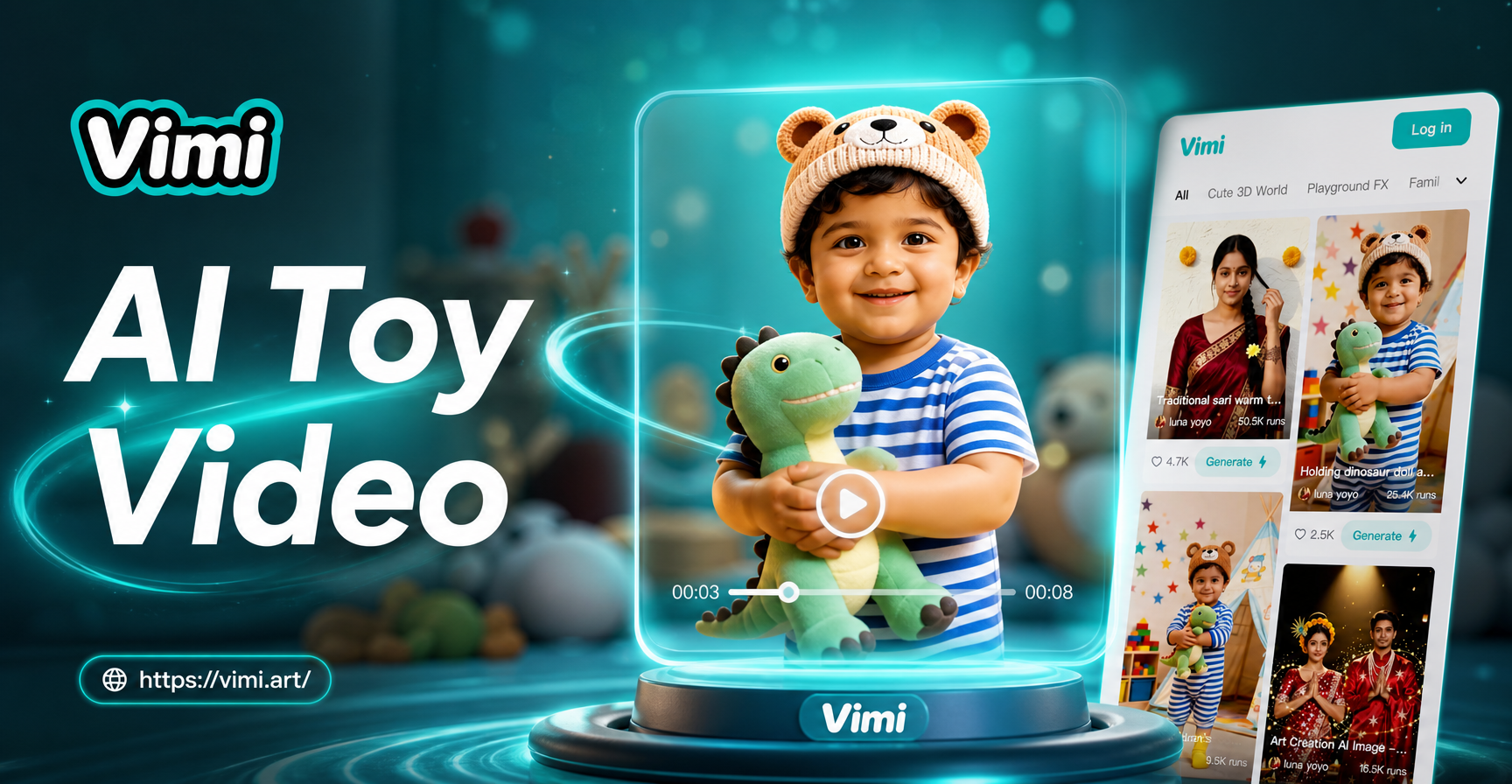
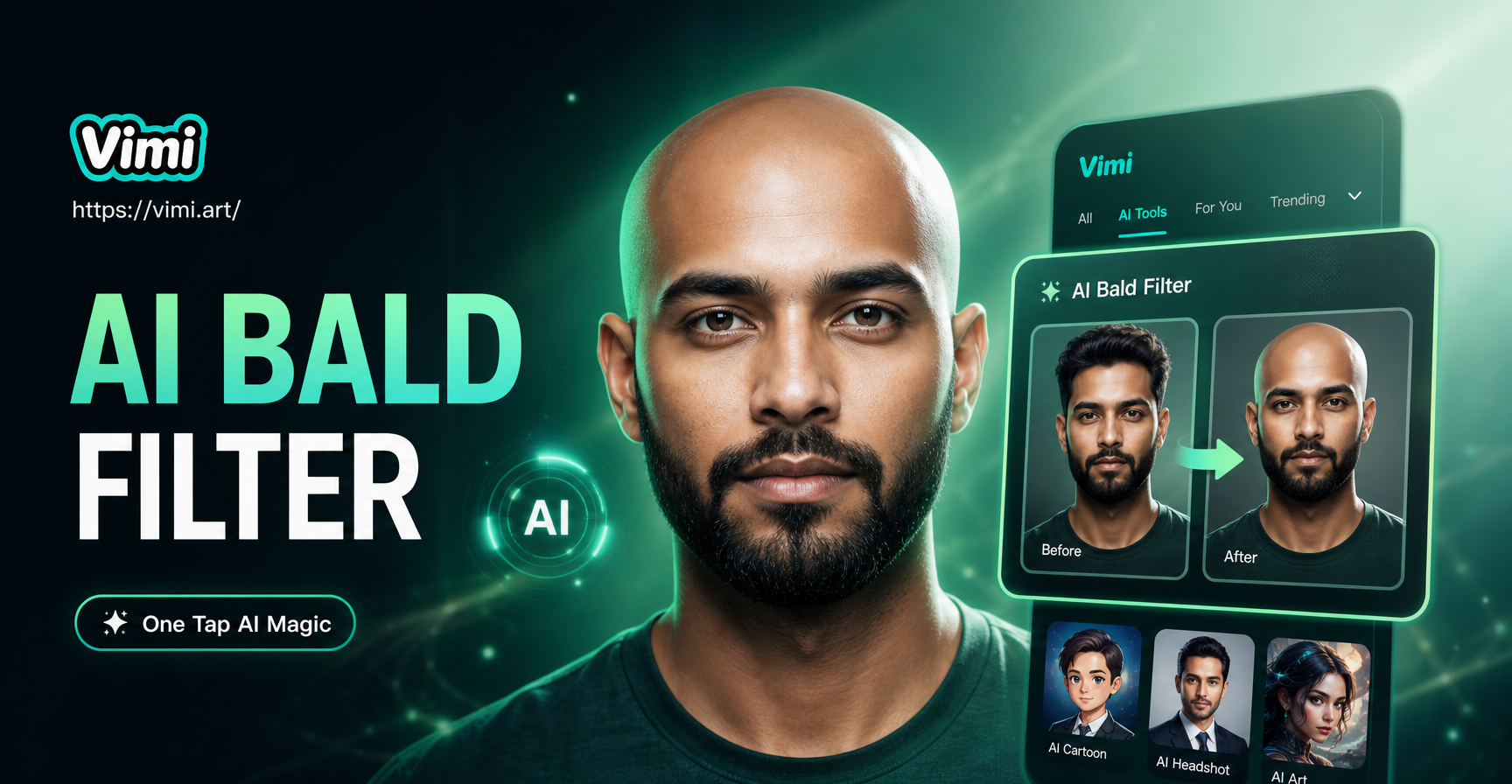
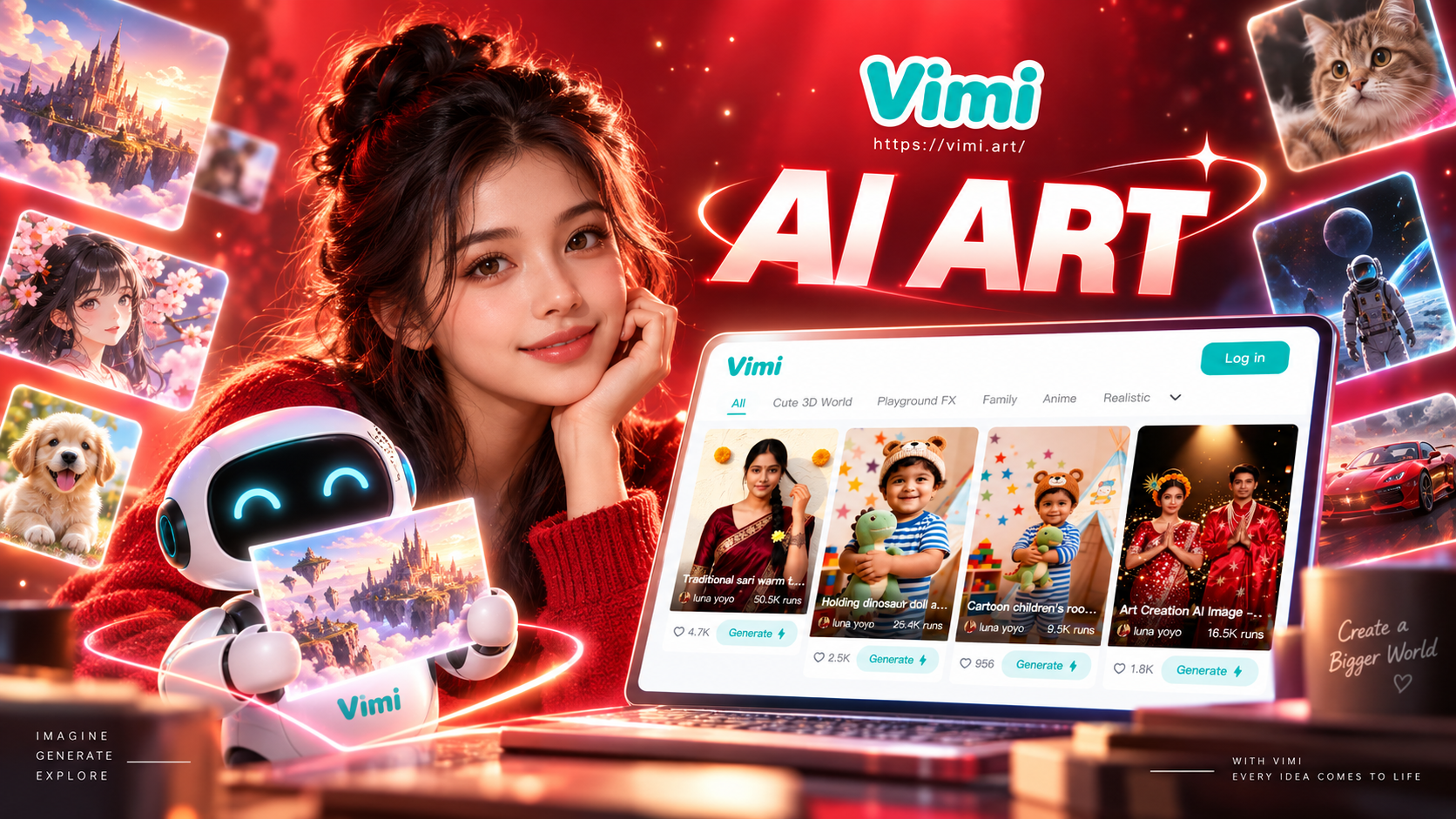
5. vimi: The All-in-One Mobile Creator
vimi takes a different approach by consolidating multiple AI creative tools into one simple mobile app. While it offers powerful text-to-image capabilities, its standout feature is a massive library of over one million style filters and templates. You don't need to craft perfect prompts; just describe your idea and choose from styles like "3D clay," "Ghibli animation," or "cinematic cyberpunk." It also uniquely combines image generation with AI video creation, animation, and multi-person photo editing, making it a versatile playground for social media content and personal projects.
Best for: Social media creators, hobbyists, and mobile-first users who want an easy, all-in-one app for images, videos, and trendy effects without a steep learning curve.
How to Choose the Right Generator for You
Your ideal tool depends on your primary goal:
- For Unmatched Art Quality: Start with Midjourney.
- For Ease & Conversational Prompts: Try DALL-E 3 in ChatGPT.
- For Maximum Control & Customization: Explore Stable Diffusion via DreamStudio.
- For Professional Design Workflows: Use Adobe Firefly.
- For Mobile Convenience & All-in-One Creativity: Download vimi.
Most platforms offer free tiers or trials. We recommend testing two or three that align with your needs. Pay attention to how well each tool understands your prompts and whether the output style matches your vision.
The Future of AI Image Generation
The technology is advancing rapidly. Expect future generators to offer even higher resolution, better consistency for character and scene continuity, more intuitive 3D model generation, and deeper integration into all creative software. The focus is shifting from simply creating a single image to providing end-to-end tools for visual storytelling and design.
Ultimately, the "best" text-to-image AI generator is the one that feels like a natural extension of your creativity. It should remove technical barriers, not add them, allowing you to focus on the most important part: your idea.