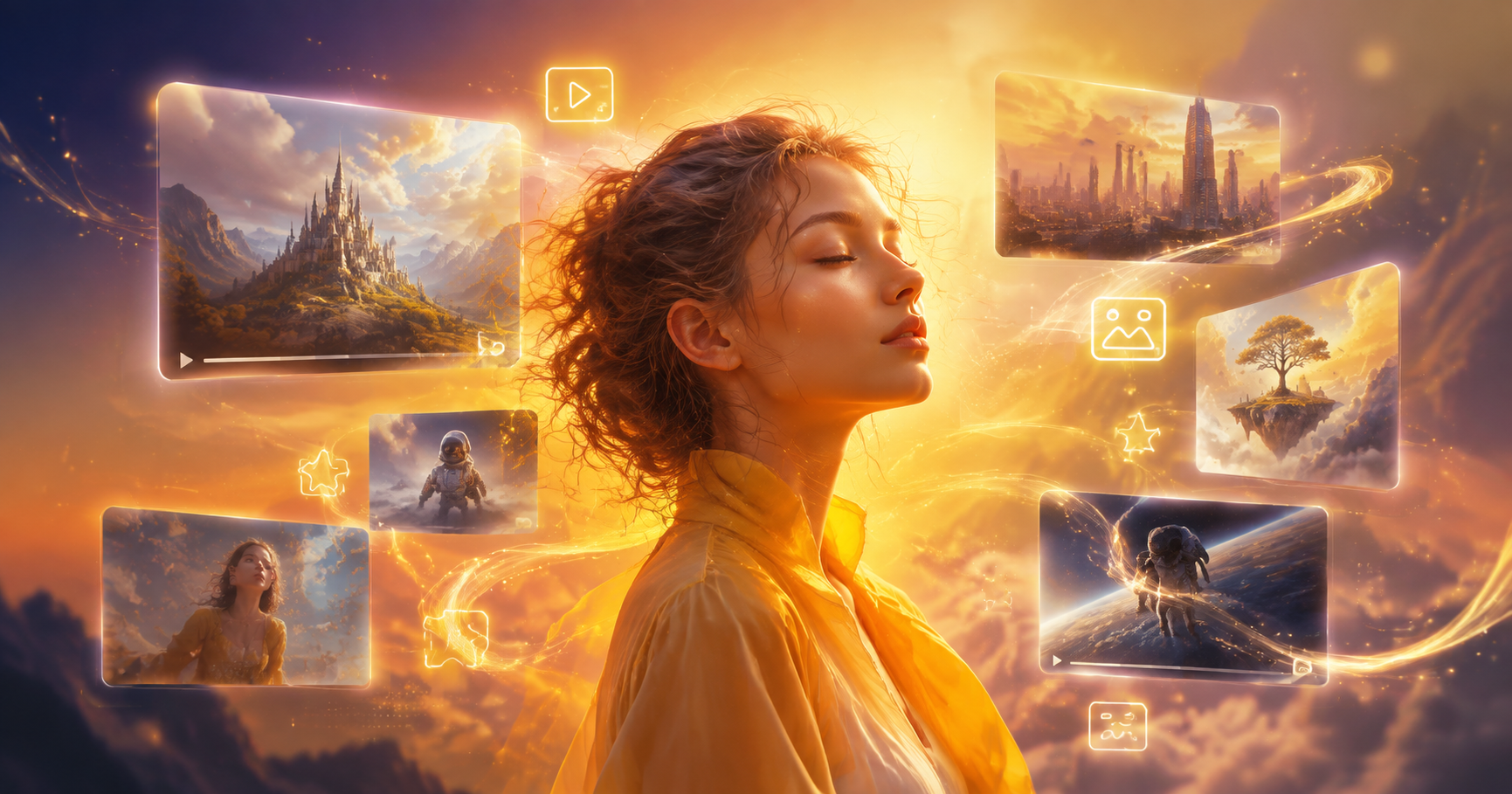
An Introduction to Free AI Image Creation
The landscape of digital art has been fundamentally reshaped by artificial intelligence. For creators, marketers, hobbyists, and entrepreneurs, access to powerful image generation tools is no longer a luxury reserved for those with large budgets or advanced technical skills. The rise of free AI image creators has democratized visual content creation, offering everyone the ability to produce original artwork, concept visuals, and marketing materials from simple text descriptions.
These tools leverage sophisticated models like Stable Diffusion, DALL-E, and other proprietary architectures to interpret your ideas and render them into visual form. The best free options provide a balance of quality, user-friendliness, and generous usage limits, allowing you to explore your creativity without immediate financial commitment.
This guide is designed to help you navigate the growing ecosystem of free AI art tools. We'll break down the key features, strengths, and limitations of the top contenders, empowering you to choose the generator that best aligns with your creative goals and workflow.
What to Look for in a Free AI Image Creator
Not all free AI art tools are created equal. When evaluating your options, consider these crucial factors to ensure you pick a platform that delivers real value.
1. Image Quality and Realism
The primary measure of any AI generator is the quality of its output. Look for tools that produce images with high resolution, coherent details, and realistic textures. The best free AI image creators can generate artwork that rivals professional stock photography or digital paintings, with good understanding of lighting, perspective, and human anatomy.
2. Ease of Use and Interface
A powerful tool is useless if it's too complicated. The ideal free platform should have an intuitive interface, clear instructions, and a simple prompt box. Features like style presets, negative prompting (telling the AI what *not* to include), and easy download options significantly improve the user experience, especially for beginners.
3. Generation Speed and Limits
Free tiers always come with limitations. These typically manifest as a daily or monthly credit system, queue wait times, or lower priority processing. Compare the number of free images you can generate per day and how quickly those images are delivered. A tool that offers 10 fast generations is often more practical than one offering 100 very slow ones.
4. Copyright and Usage Rights
This is a critical, often overlooked aspect. You need to understand who owns the images you create. The best free AI image creators grant you full commercial rights to your generated artwork, meaning you can use them in projects, sell them, or publish them without legal worry. Always check the platform's Terms of Service regarding copyright and licensing.
5. Style Variety and Customization
Can the tool create photorealistic portraits, anime characters, oil paintings, and 3D renders? A versatile AI should offer a wide range of artistic styles. Advanced customization, such as adjusting the aspect ratio, guiding the composition, or using image-to-image generation (transforming an existing photo), adds tremendous creative control.
Top Contenders: The Best Free AI Image Creators Reviewed
Based on the criteria above, here are the leading platforms currently offering robust free tiers for AI image generation.
1. Leonardo.Ai (Community Favorite for Quality & Control)
Leonardo.Ai stands out for offering professional-grade quality on its free plan. Users receive a generous daily allotment of tokens, which refresh every day. Its major strength lies in its fine-tuned AI models and advanced features like prompt magic, alchemy, and a powerful canvas editor for inpainting/outpainting, often found only in paid tools.
Best For: Artists and designers who need high-quality, customizable assets for games, concept art, or commercial projects. Its community model training also allows for incredibly niche styles.
Free Plan Highlights: ~150 tokens daily, access to premium models, image-to-image, and basic editing tools.
2. Bing Image Creator (Powered by DALL-E 3, Easiest to Use)
Microsoft's Bing Image Creator, powered by the advanced DALL-E 3 model from OpenAI, is arguably the most accessible free tool. Integrated directly into the Bing search engine or accessible via its own website, it requires only a Microsoft account. DALL-E 3 excels at understanding complex, nuanced prompts and rendering text within images surprisingly well.
Best For: Beginners, content creators, and anyone who needs quick, high-quality illustrations or social media graphics without a learning curve.
Free Plan Highlights: No login for limited use; full access with a free Microsoft account includes a weekly boost allotment for faster generation.
3. Stable Diffusion Online (For Open-Source Purists)
Various websites offer free interfaces to run the open-source Stable Diffusion model. These platforms, like Playground AI or Hugging Face Spaces, provide a direct way to experience this powerful technology. They are highly customizable, often allowing you to tweak technical parameters like sampling steps and CFG scale for fine-tuned results.
Best For: Tech-savvy users, researchers, and those who want to experiment with the raw capabilities of Stable Diffusion without local hardware requirements.
Free Plan Highlights: Typically offer a set number of free generations per day. The output is highly dependent on your prompt engineering skills.
4. Canva AI Image Generator (Built for Workflow Integration)
Canva has integrated AI image generation seamlessly into its world-leading design platform. For users already within the Canva ecosystem, this is an incredibly powerful addition. You can generate an image and immediately drag it into your presentation, social post, or flyer, applying all of Canva's editing tools.
Best For: Marketers, small business owners, educators, and non-designers who need to create polished visual content quickly within a familiar tool.
Free Plan Highlights: Free Canva users get a limited number of AI image generations as part of their existing account.
5. vimi (All-in-One Mobile AI Creation)
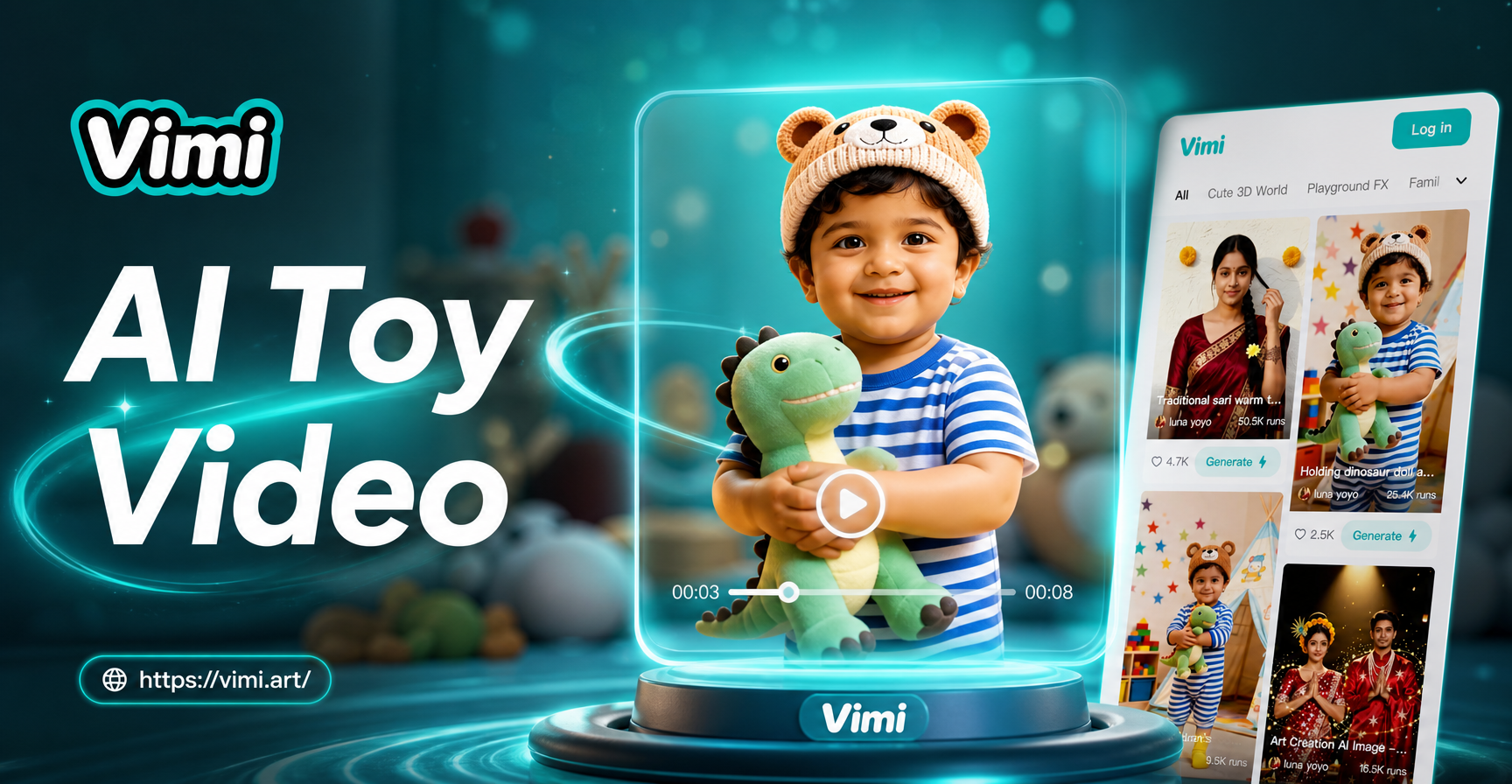
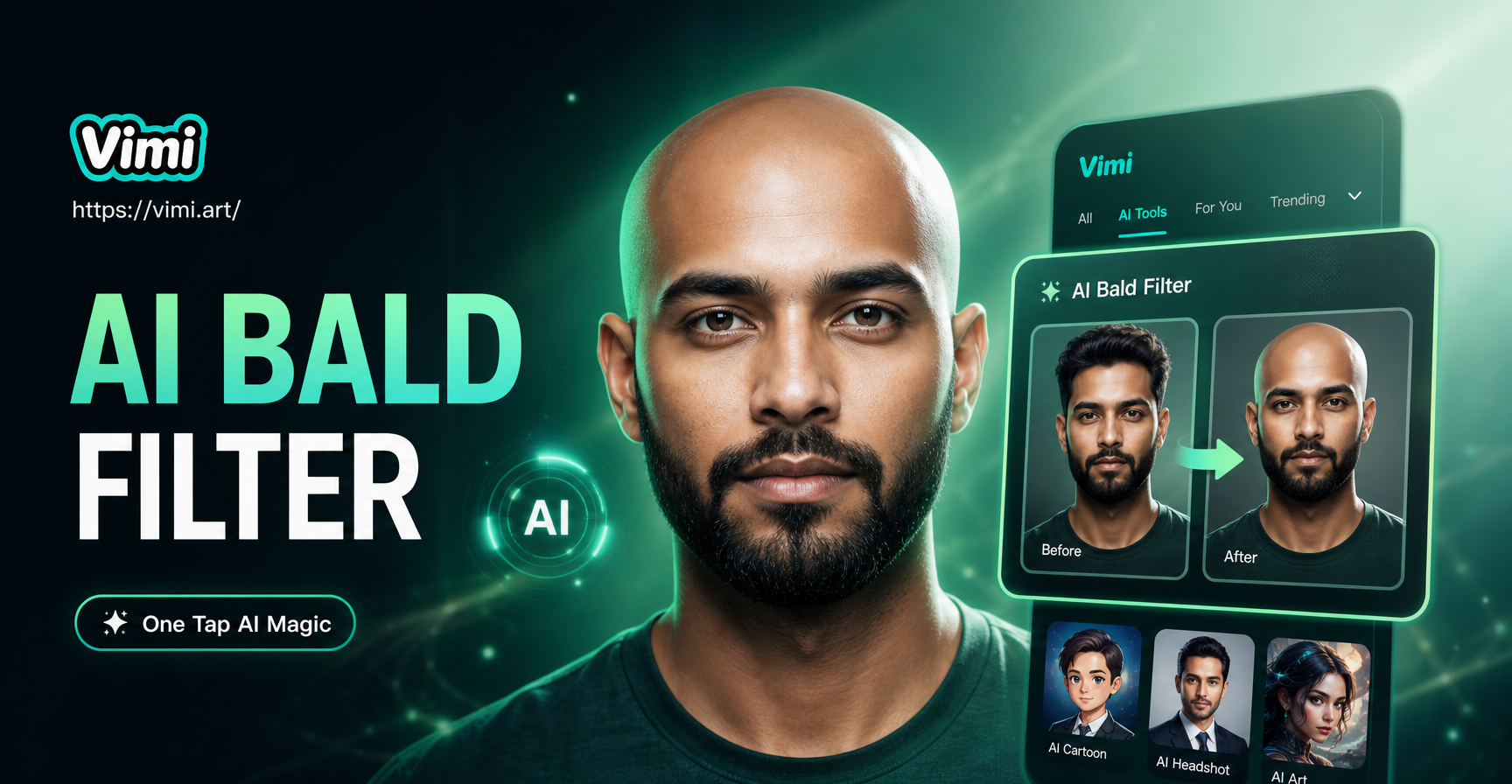
vimi takes a different approach as a comprehensive mobile AI studio. While its core is an app, it's noteworthy for combining text-to-image with image-to-image, video generation, and over a million style filters in one place. Its "massive style library + ultra-simple operation" philosophy makes professional-looking style transfer accessible instantly on your phone.
Best For: Mobile-first creators, social media enthusiasts, and anyone wanting to apply trending AI art styles (like Ghibli, cyberpunk, 3D clay) to their own photos or ideas on the go.
Free Plan Highlights: The mobile app offers free access to its vast style library and core generation features, making it a fantastic portable companion for AI art.
Maximizing Your Results with Free AI Tools
Success with free AI image creators hinges on effective prompt engineering. Here are universal tips to get better images from any platform.
- Be Detailed and Descriptive: Instead of "a dog," try "a majestic Siberian Husky with bright blue eyes, sitting in a snowy forest at sunrise, photorealistic, 8K."
- Use Style Keywords: Incorporate terms like "digital art," "oil painting," "cinematic lighting," "studio photograph," "vector illustration," or " Pixar style 3D render."
- Leverage Negative Prompts: If your image has deformities, use negative prompts like "disfigured, blurry, bad anatomy, extra fingers" to steer the AI away from common flaws.
- Iterate and Refine: Your first result is rarely perfect. Use variations, adjust your prompt slightly, or use the generated image as a base for an image-to-image transformation.
Ethical Considerations and The Future
As you use these powerful tools, it's important to create responsibly. Be mindful of generating misleading content (deepfakes) or imagery that could be harmful. Respect copyright by avoiding prompts that directly copy a living artist's unique style for commercial replication. The field is evolving rapidly, with trends pointing towards even higher quality, longer-form video generation, and more personalized AI models. The best free AI image creators of today are laying the foundation for an even more immersive and creative tomorrow.
The barrier to creating stunning visual art has never been lower. By choosing the right free tool from this list and mastering the art of the prompt, you can unlock a world of creative possibility, enhance your projects, and bring your most imaginative ideas to life.