
Many users searching for heygen ai video generator are stuck at the same decision point: Is HeyGen actually worth it, or is it just another AI video tool that looks better in ads than in real usage?
Most importantly, users want to know:
- How does HeyGen perform in real video generation?
- Is it really free or just “limited free”?
- Are there better and cheaper alternatives like Vimi?
After testing HeyGen across multiple scenarios (script videos, avatar narration, and multilingual outputs), and comparing it directly with Vimi, the differences are more practical than promotional pages suggest.
Quick overview of HeyGen
HeyGen is a mainstream AI video generator designed to turn text, images, and scripts into videos. It is widely used in marketing, training, and social content production.
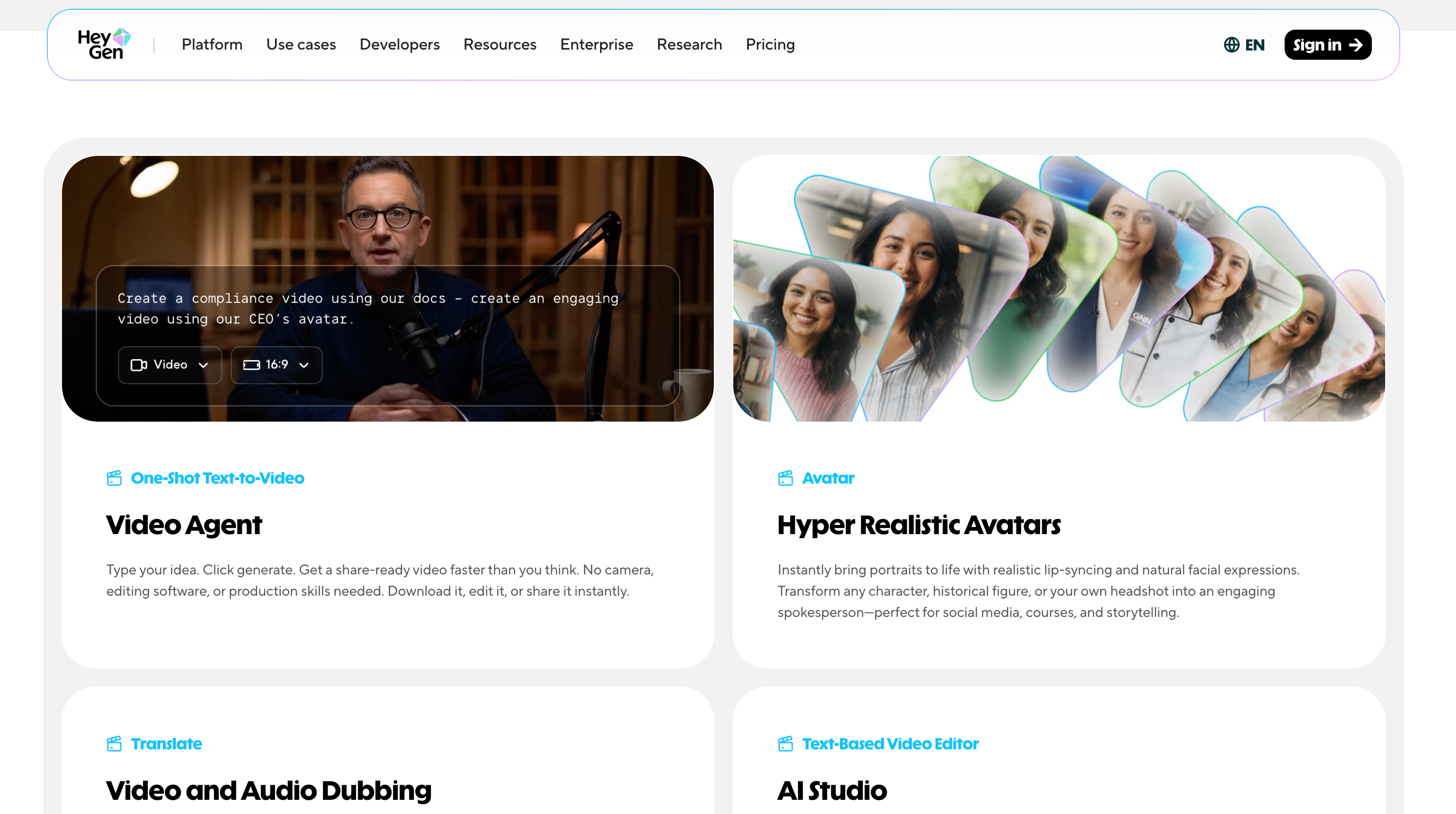
In real usage, HeyGen performs well in:
- Talking avatar generation
- Script to video automation
- Basic multilingual video creation
However, performance varies depending on plan level and server load, especially when generating longer videos or using higher-quality avatars.
What is HeyGen?
HeyGen is an AI video generation platform that converts scripts into videos using AI avatars and voice synthesis.
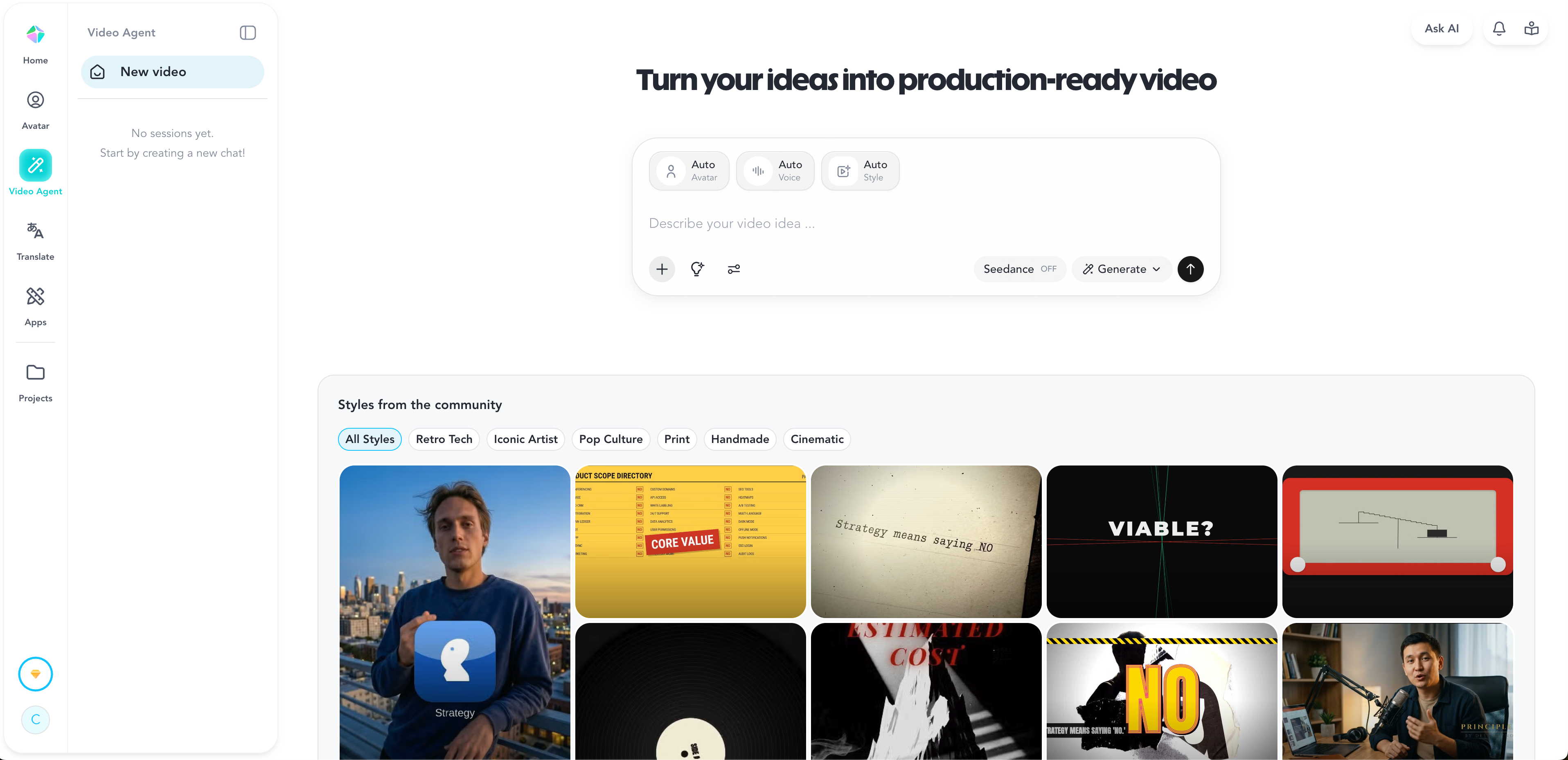
In practice, it is closer to a structured video automation tool than a full creative editing platform.
It is commonly used for:
- Corporate training videos
- Explainer videos
- Social media avatar content
- Multilingual marketing clips
But the system prioritizes automation over creative control.
Real use case testing (what actually happens)
We tested HeyGen with a 60–90 second script video.
Observed results:
- Initial rendering: 2–8 minutes depending on queue load
- Avatar lip sync: generally accurate but slightly delayed in longer sentences
- Voice output: understandable but occasionally flat in tone variation
- Export quality: stable at HD, but not cinematic-level
Key limitation noticed:
When scripts become more dynamic (emotion shifts, storytelling tone), the AI voice tends to sound slightly mechanical.
This is one of the most commonly mentioned user complaints across community feedback as well.
Use cases and benefits
HeyGen still performs strongly in structured scenarios:
- Fast marketing explainers
- Training onboarding videos
- Multilingual content scaling
- Avatar-based presentations
Where it saves time is not creativity, but production automation. A script can become a video without filming, editing, or post-production.
Create a global marketing campaign in 3 languages
One of HeyGen’s strongest functions is multilingual video generation. A single script can be translated and output into multiple languages with consistent avatar delivery.

However, consistency comes at a cost:
- Tone variation across languages is limited
- Emotional nuance is often flattened
- Voice realism depends heavily on the selected model
This makes it better for corporate communication than storytelling content.
From script to branded video in under 15 minutes
In controlled conditions, HeyGen can produce a branded video quickly.
But real-world testing shows variation:
- Simple scripts: 5–12 minutes total workflow
- Heavier avatar scenes: up to 20+ minutes depending on the queue
- Rendering speed is not fully stable across plans
So while under 15 minutes is achievable, it is not guaranteed.
Pros and cons of HeyGen
Pros
- Strong AI avatar system
- Easy script-to-video workflow
- Good multilingual support
- No filming required
Cons (important in real use)
- AI voice can sound slightly mechanical in longer videos
- Limited animation and motion customization
- Rendering speed varies by plan and system load
- Free plan restricted to 3 videos/month
These limitations matter more when scaling content production.
HeyGen pricing and plans
- $0/month starter plan (limited to 3 videos/month)
- Paid plans unlock higher usage and faster processing
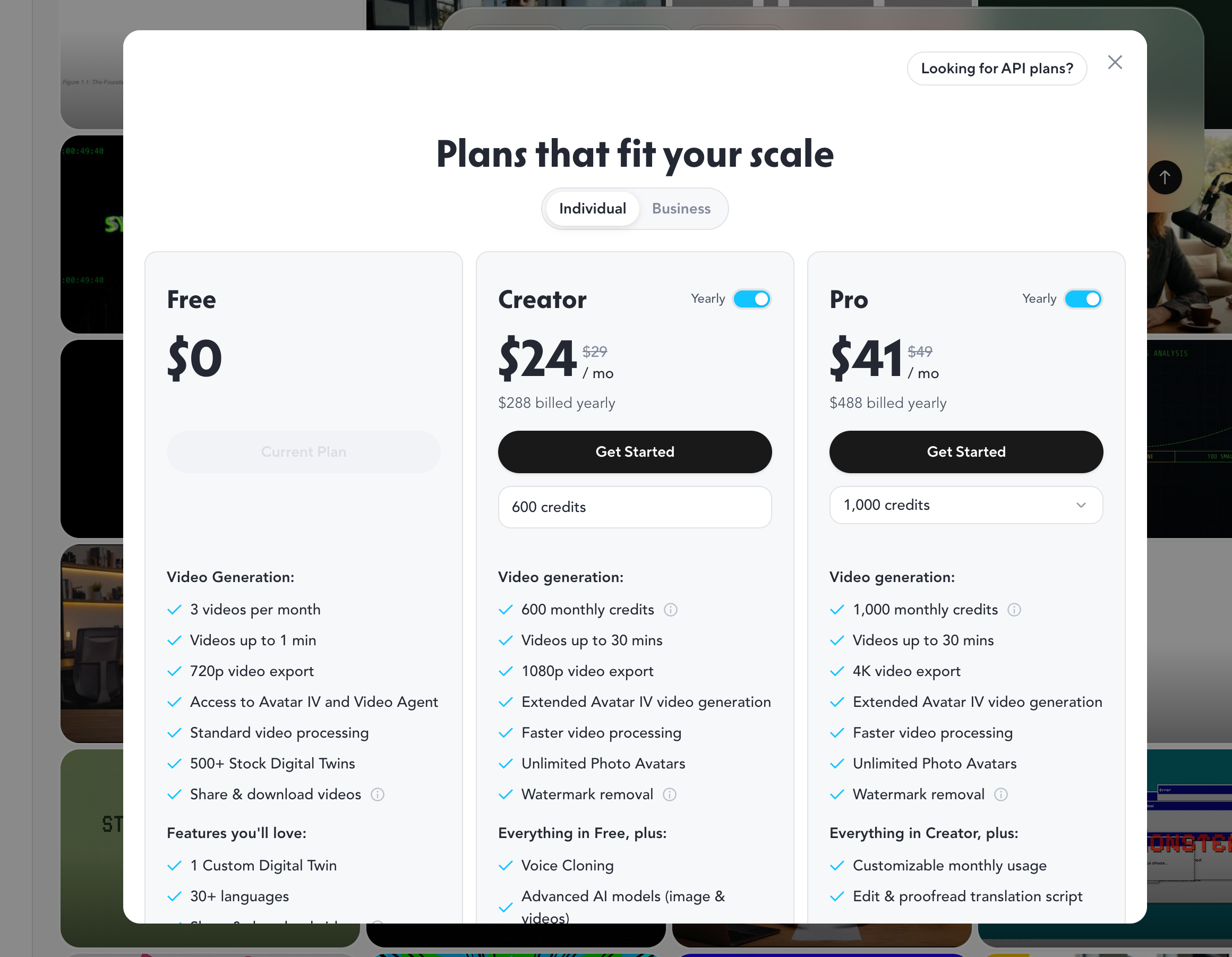
Real-world cost consideration:
If you produce content frequently, the free tier becomes restrictive very quickly.
This is where many users start exploring alternatives.
How to use HeyGen
Basic workflow:
- Sign in via heygen login
- Select avatar or template
- Input script or upload text
- Generate video
- Wait for rendering and export
The process is simple, but not optimized for high-volume production workflows.
HeyGen alternatives: Vimi tested comparison
Vimi takes a different approach from HeyGen. Instead of focusing on structured avatar presentations, it focuses on speed and volume production.
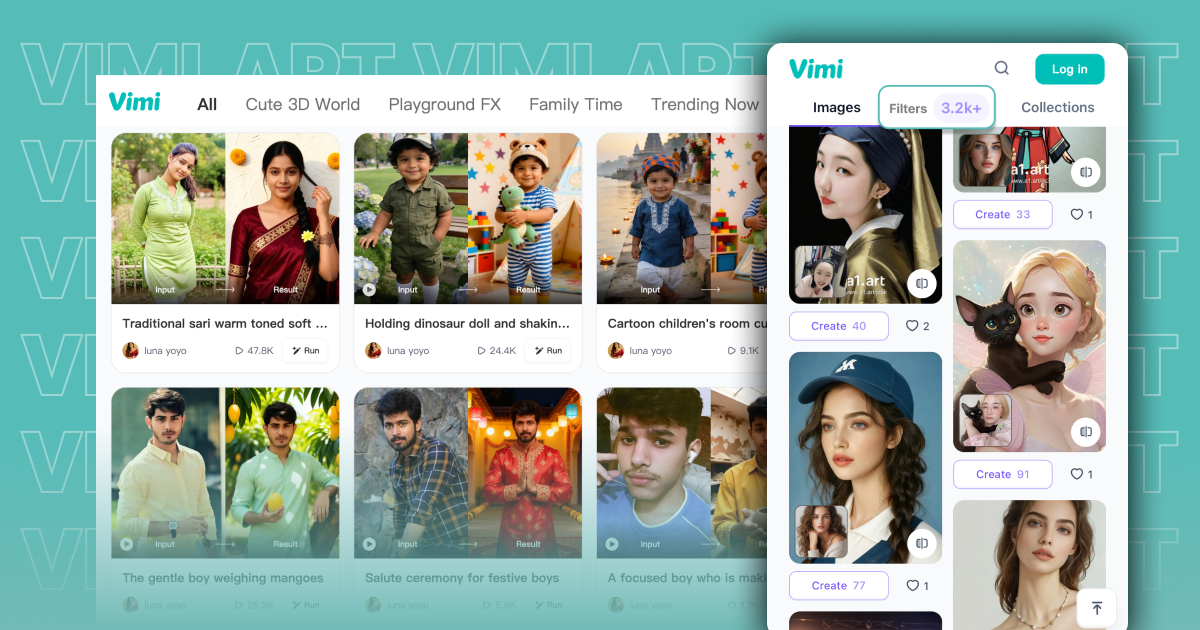
Key Vimi advantages:
- $4.9/month starting price
- Unlimited video generation
- 5–20 second rendering time
- Template-based creation flow
Real test result:
When generating similar videos:
- HeyGen: 2–8 minutes per video (variable)
- Vimi: 5–20 seconds consistently
This difference becomes significant when producing multiple videos per day.
Head-to-head breakdown (real-world perspective)
HeyGen remains stronger in:
- Corporate avatar realism
- Structured presentation videos
- Multilingual corporate content
But limitations appear in:
- Speed consistency
- Emotional voice realism
- Advanced animation control
Vimi performs better in:
- Fast content production
- High-volume video generation
- Simpler workflow execution
- Cost efficiency for frequent users
Its pricing structure ($4.9/month with unlimited generation) makes it particularly attractive for creators producing large amounts of content.
Final word on HeyGen review
HeyGen is a capable and widely adopted AI video generator, especially for structured avatar-based content and business communication.
However, real-world testing shows three consistent limitations:
- Voice realism drops in longer content
- Rendering speed is inconsistent under load
- Creative control is limited for advanced users
In contrast, Vimi focuses on a different priority: speed and volume. With 10–20 second generation time and unlimited output, it is better suited for high-frequency creators and fast content workflows.
FAQ
Is HeyGen really free?
It has a free plan, but it only allows up to 3 videos per month.
Is HeyGen AI video generator good for beginners?
Yes, it is easy to use, especially for avatar-based videos.
Why does HeyGen voice sound artificial sometimes?
Long-form scripts tend to reduce natural tone variation in AI voice output.
How fast is HeyGen compared to Vimi?
HeyGen varies from minutes depending on load, while Vimi consistently outputs in 5–20 seconds.
What is the best alternative to HeyGen?
For speed and unlimited generation, Vimi is a strong alternative.