Long Exposure AI Photo
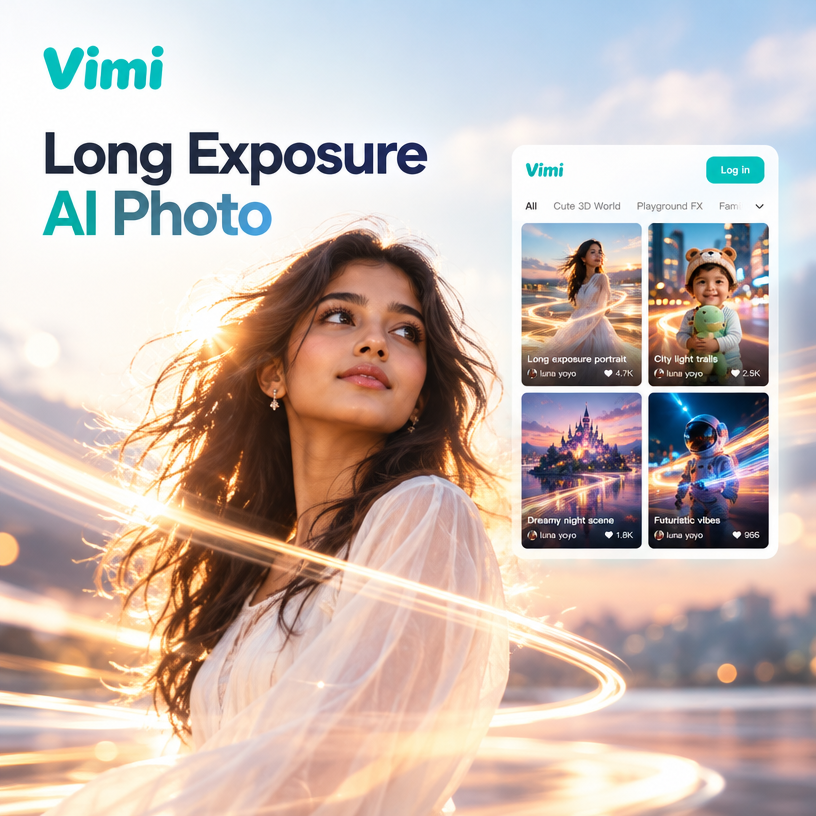
Choose Your Long Exposure Filter
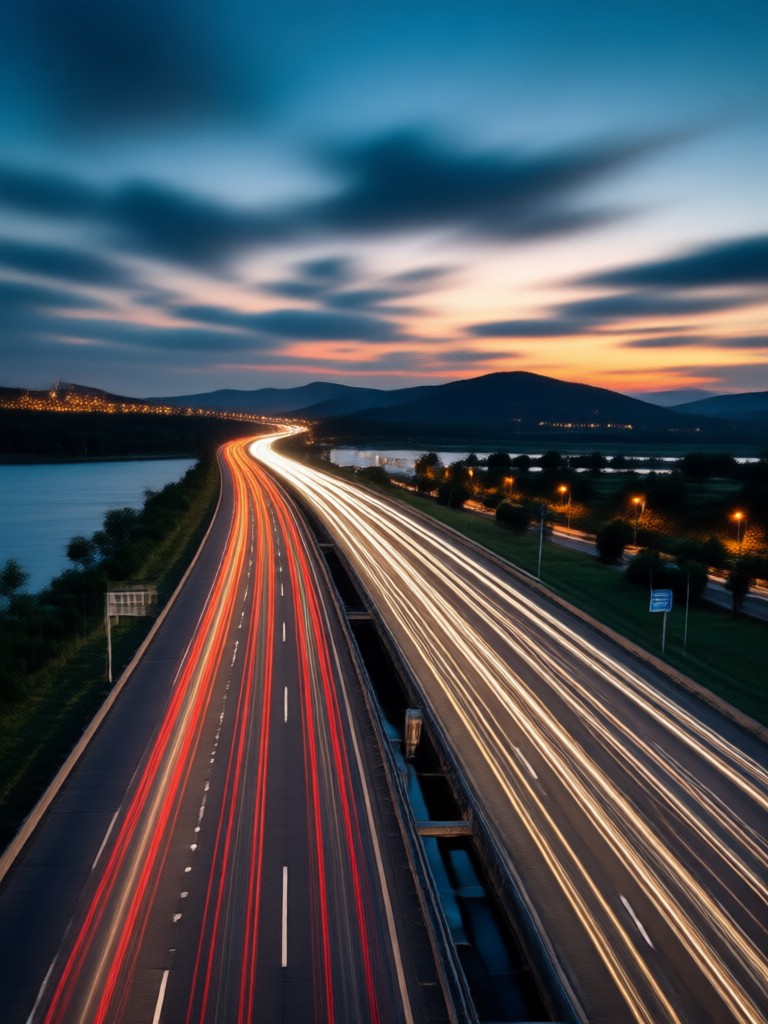
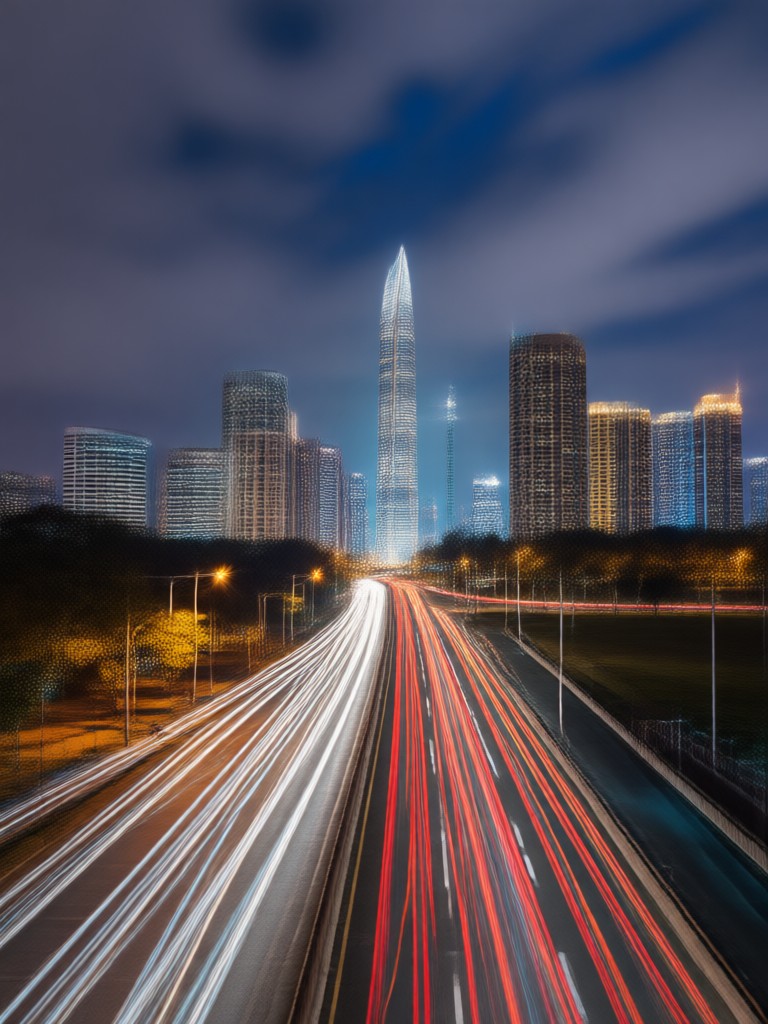
Explore a variety of long exposure filters including light trails, motion blur, and dreamy night effects. Find the style that matches your creative vision.
Key Features of Long Exposure AI Photo
Explore how vimi's AI technology transforms your ordinary photos into stunning long exposure masterpieces with realistic motion and light effects.
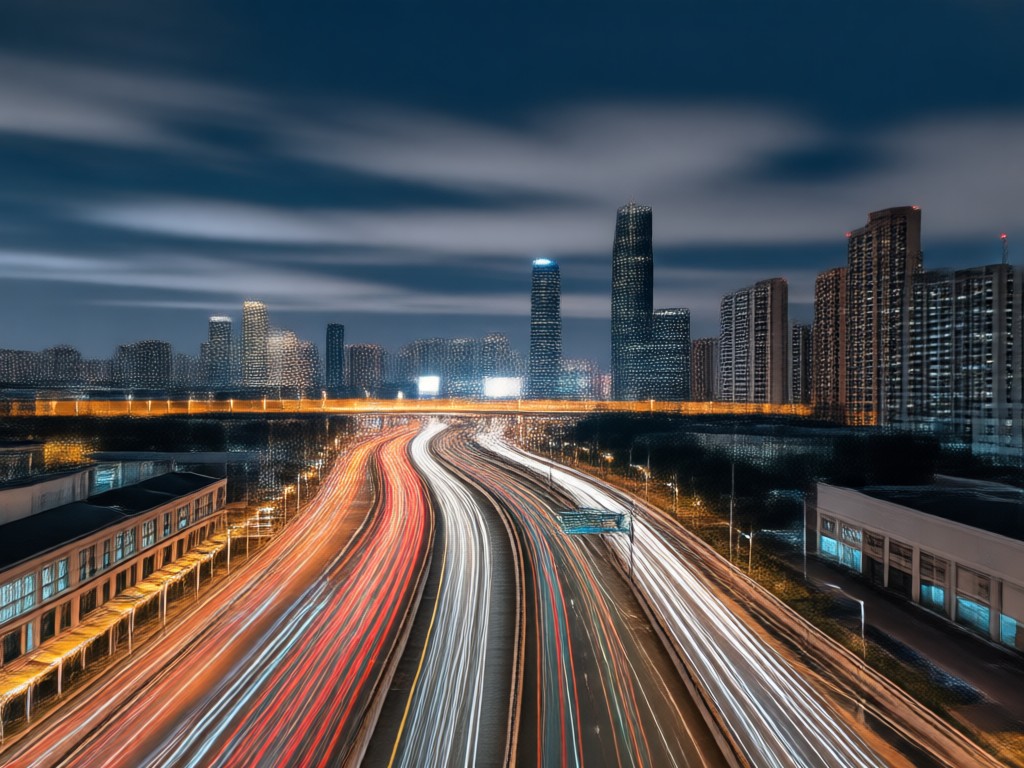
Realistic Light Trails
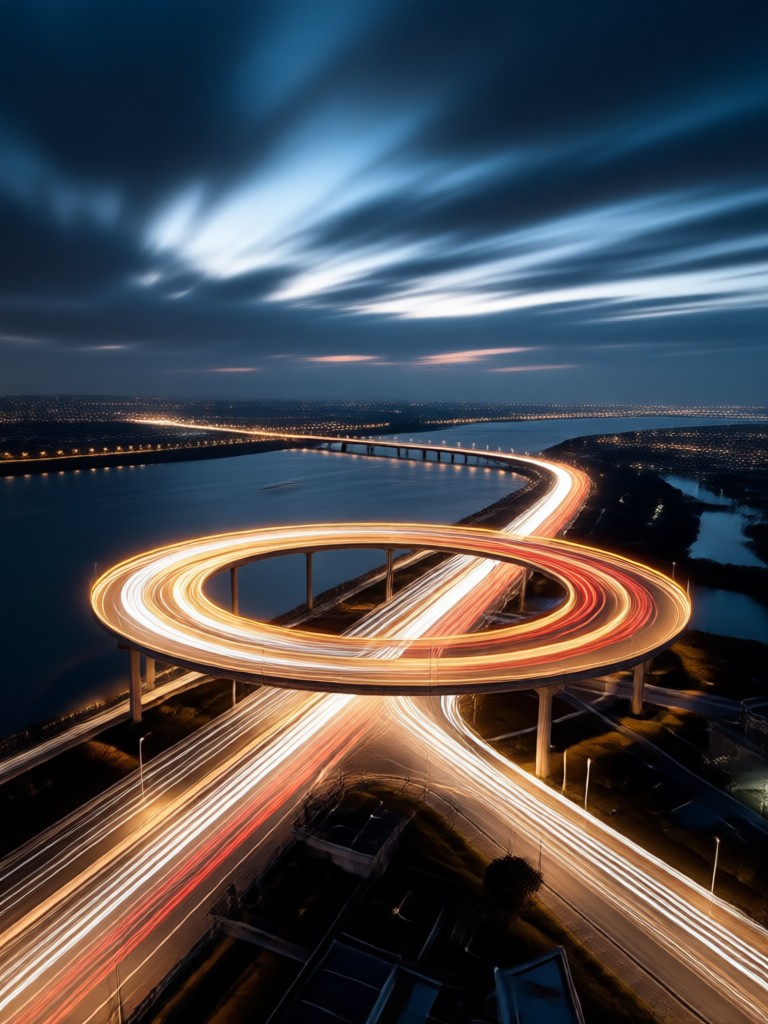
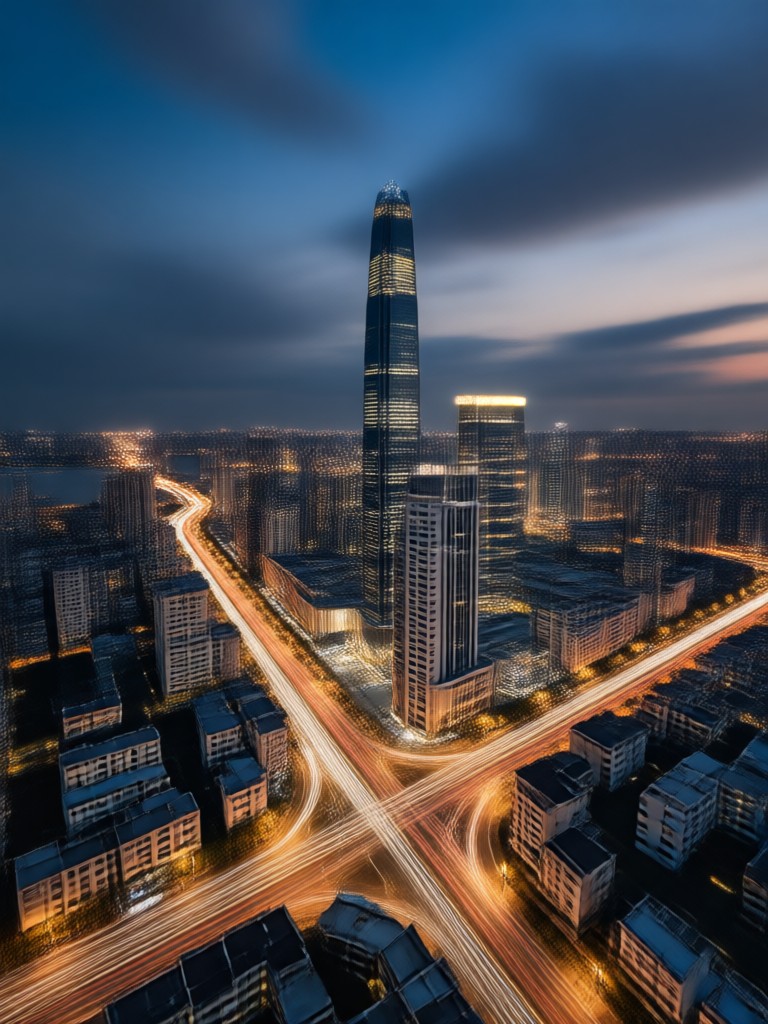
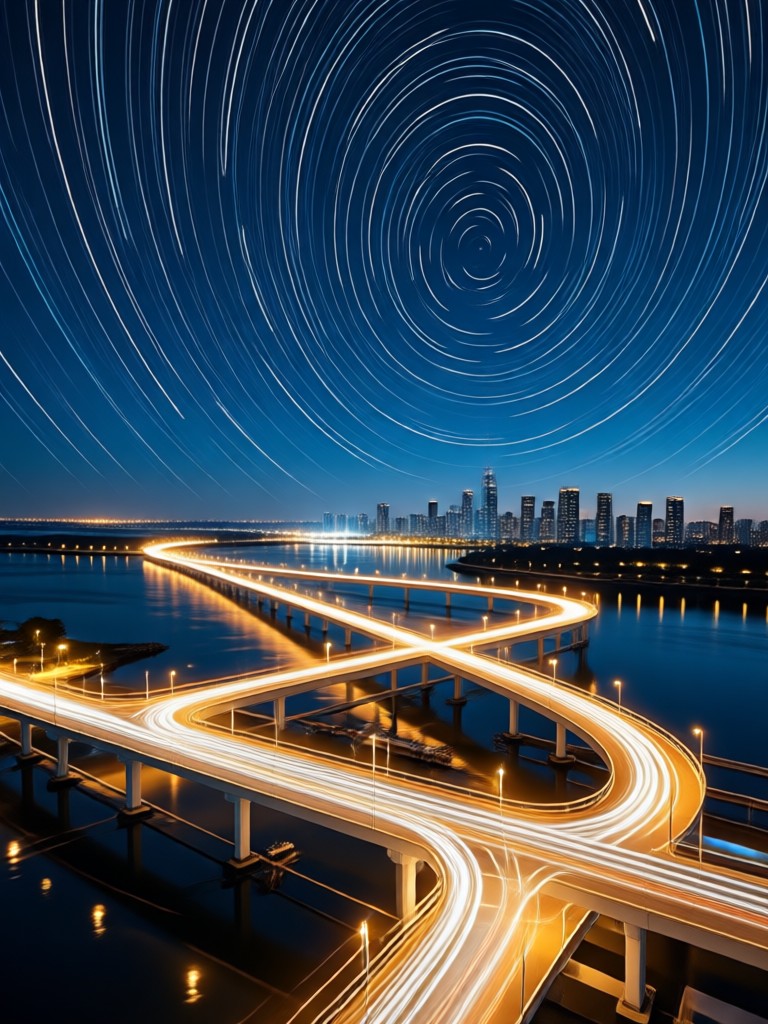
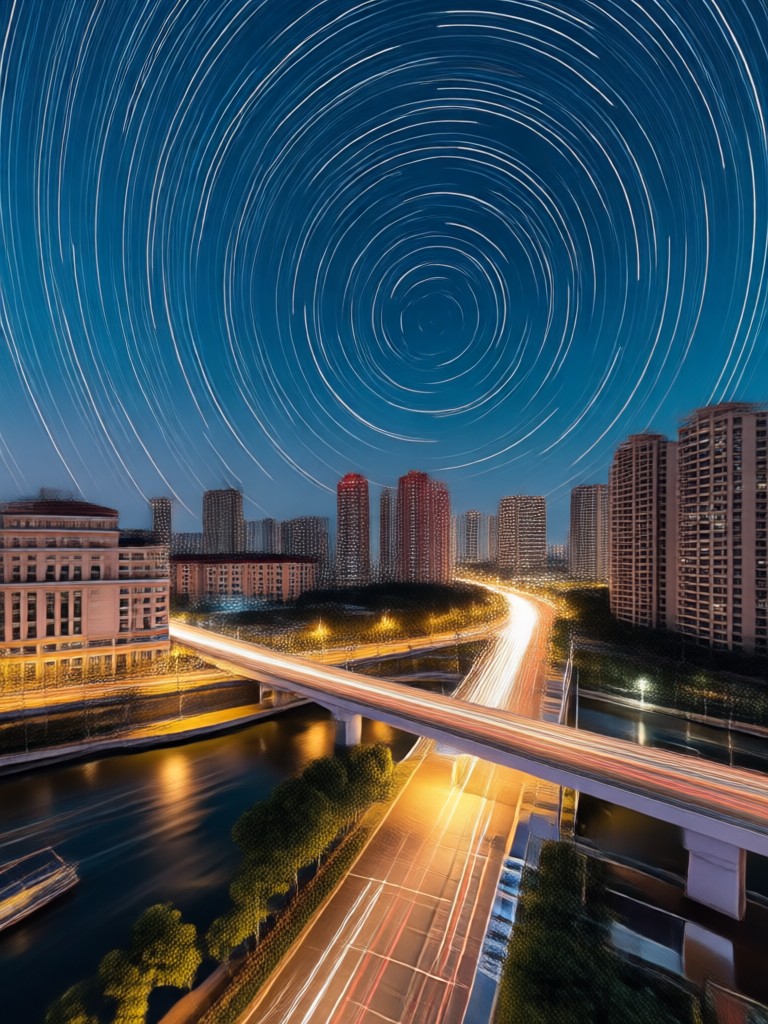
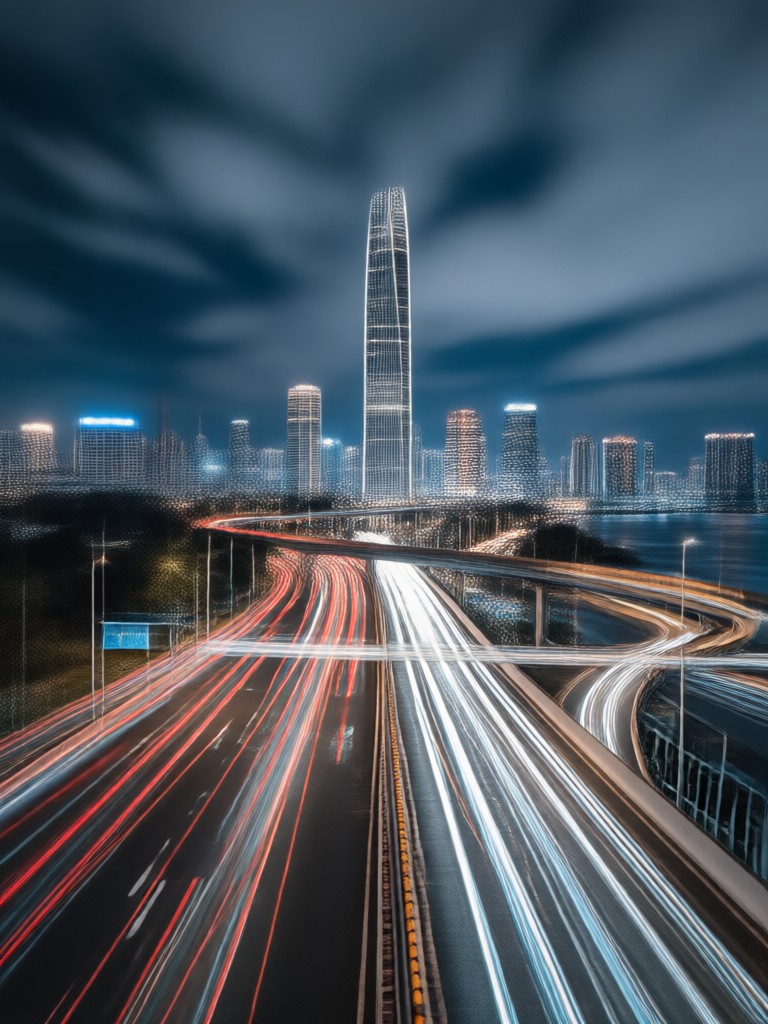
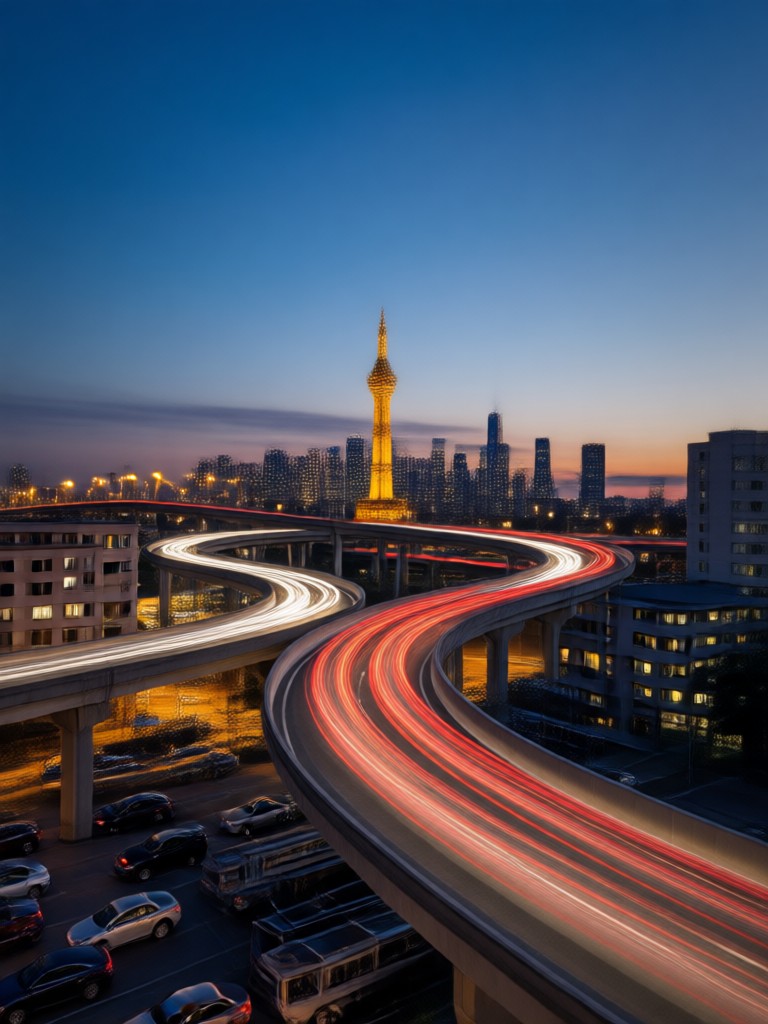
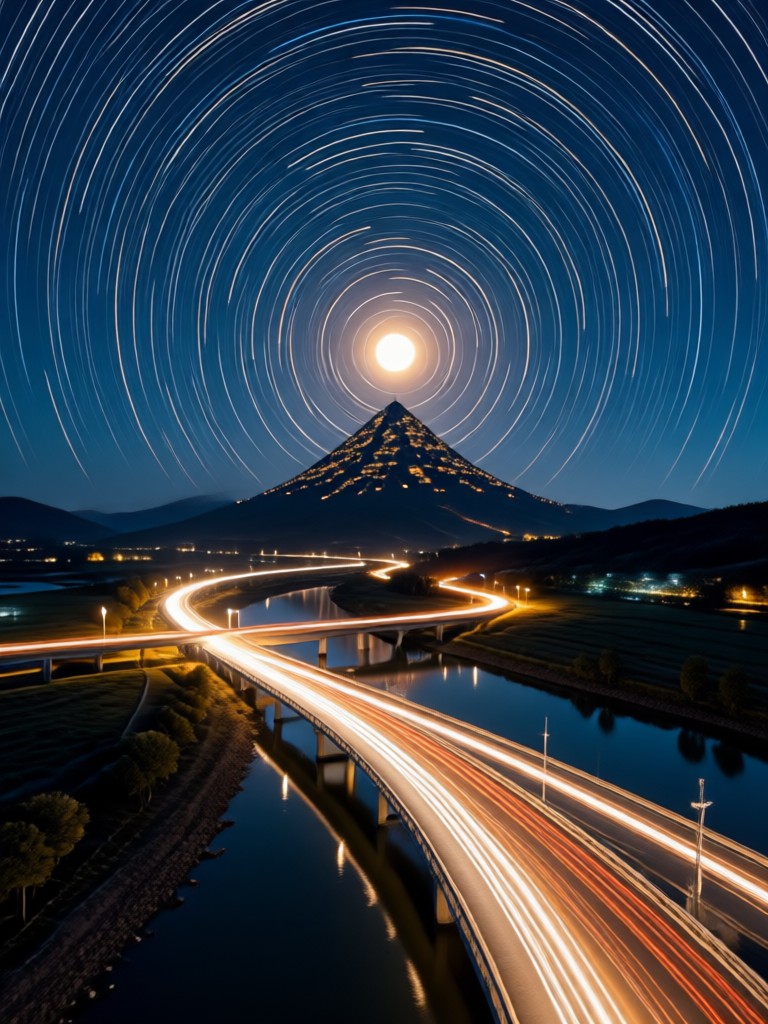
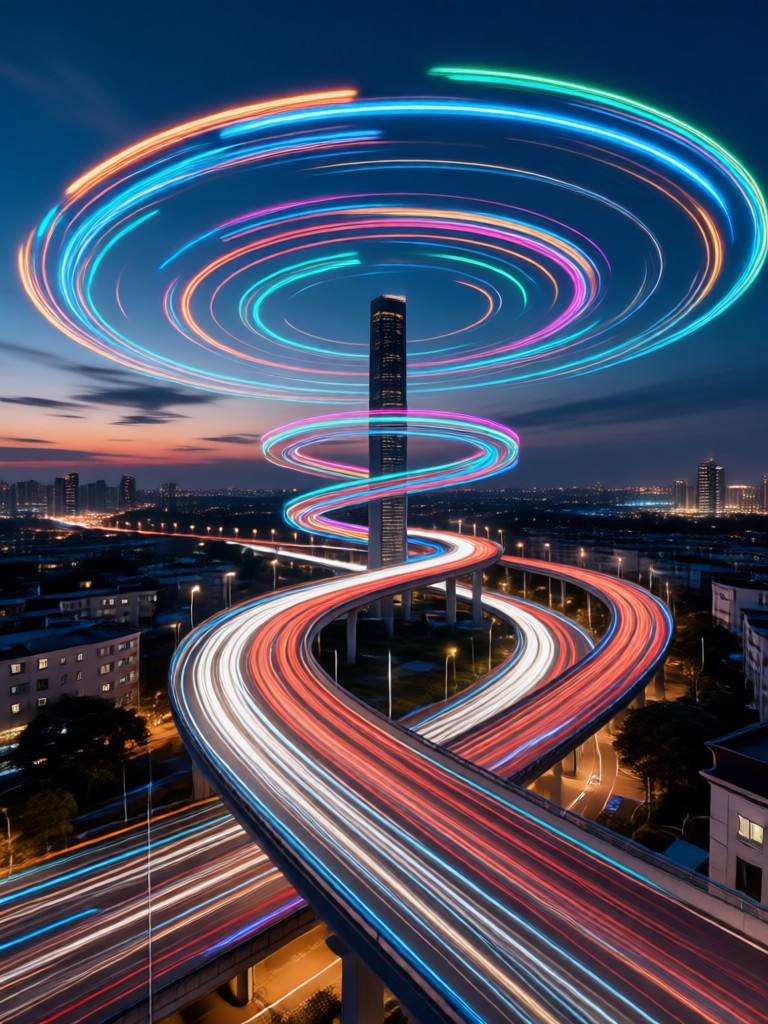
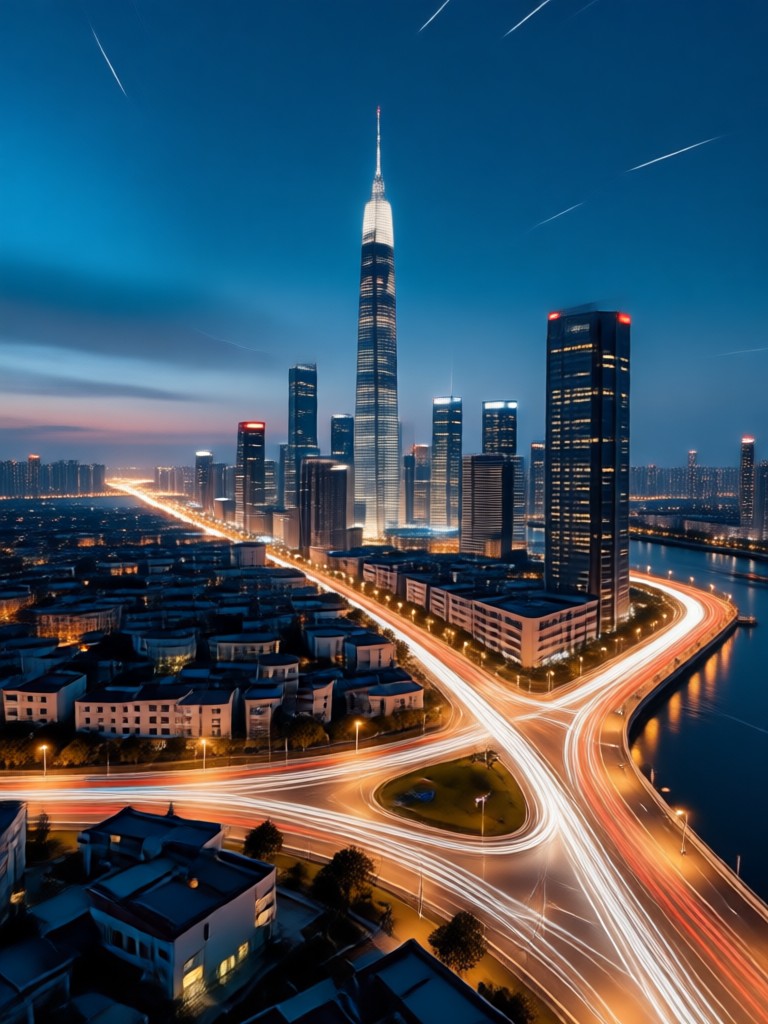
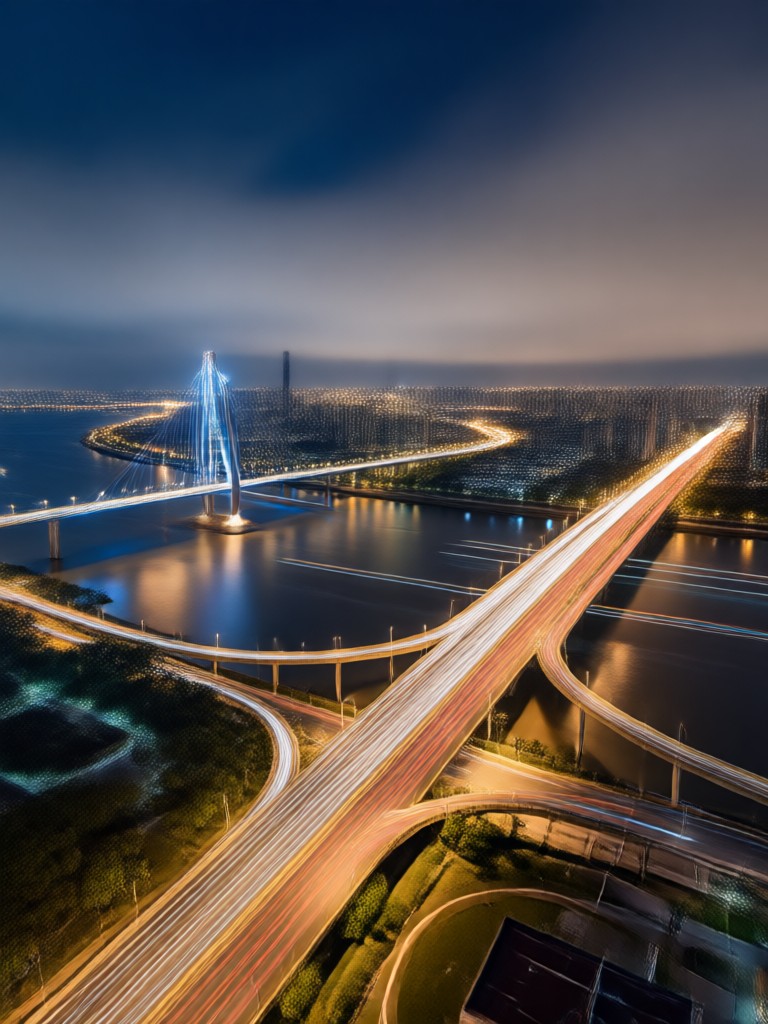
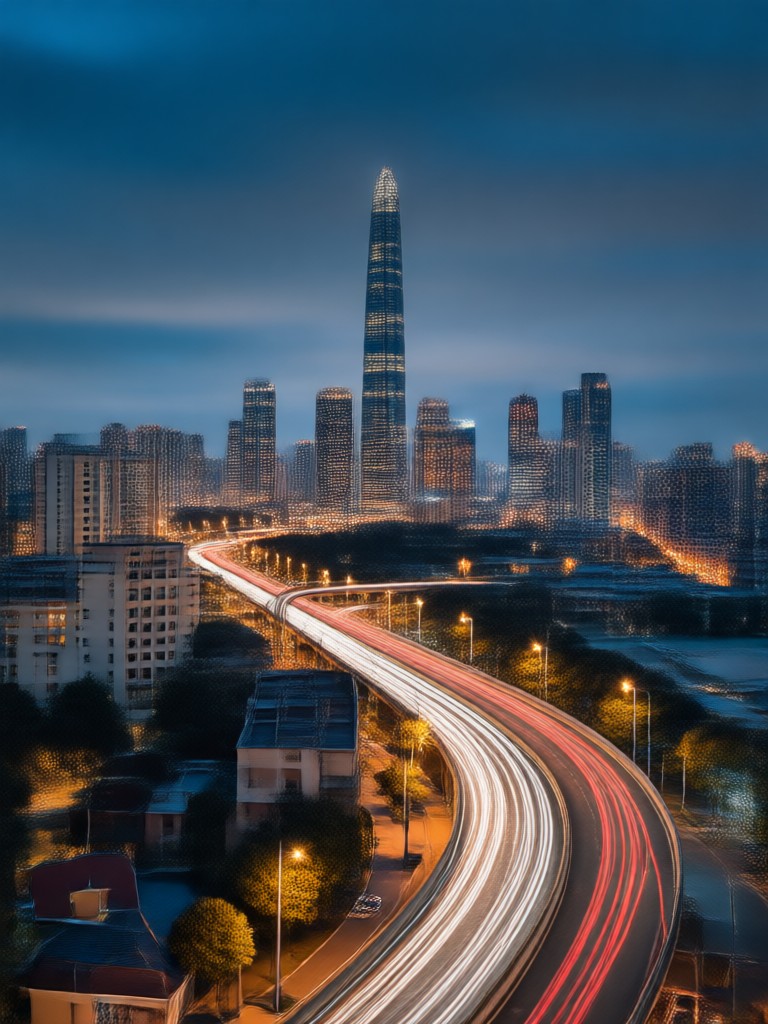
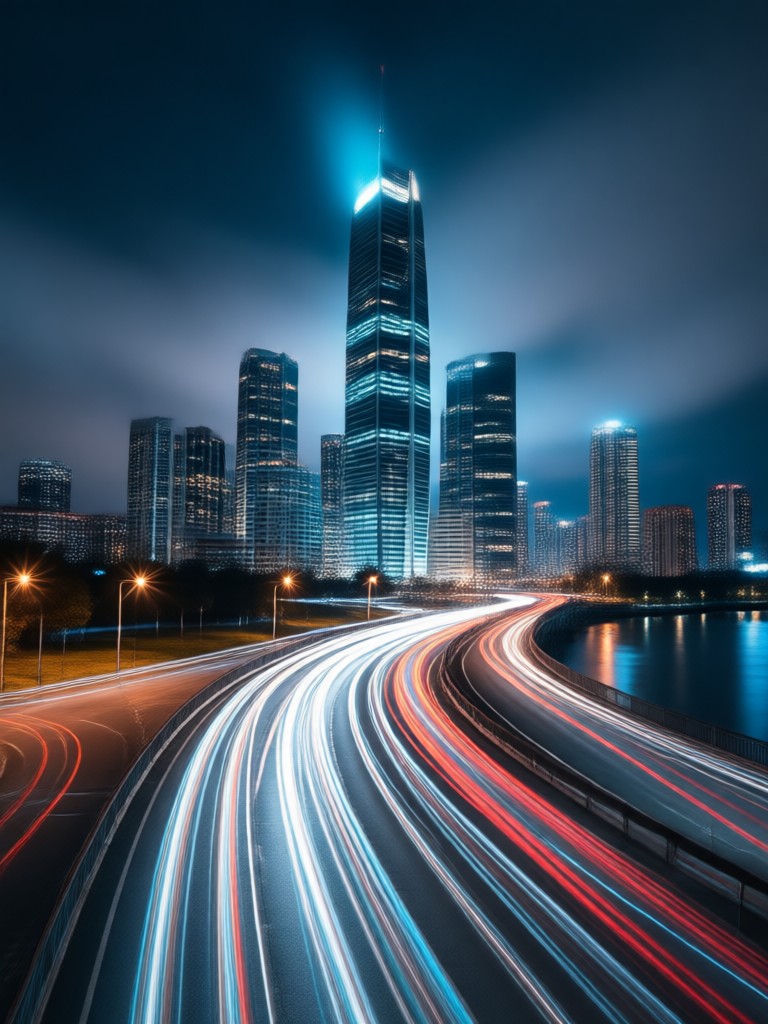
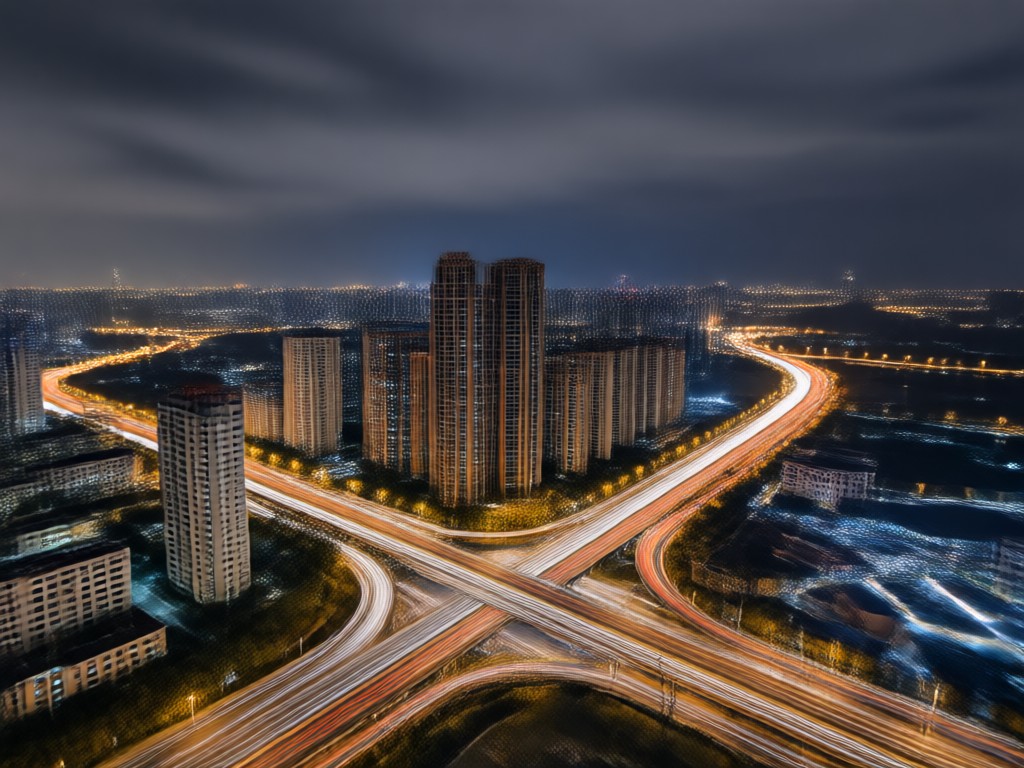
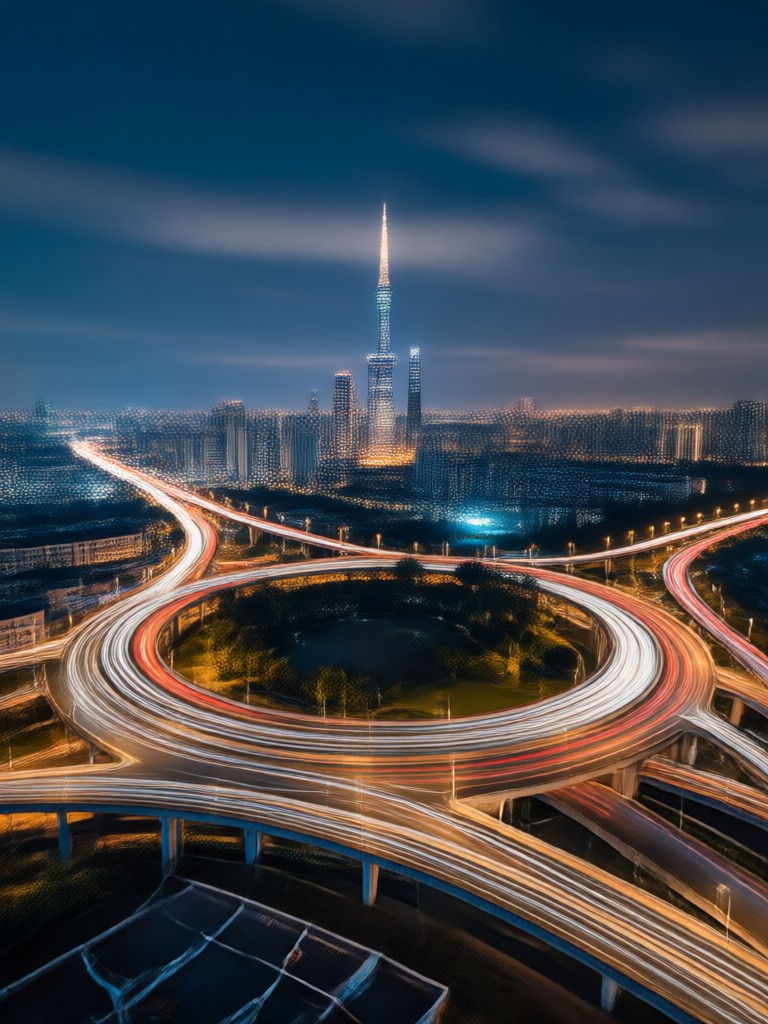
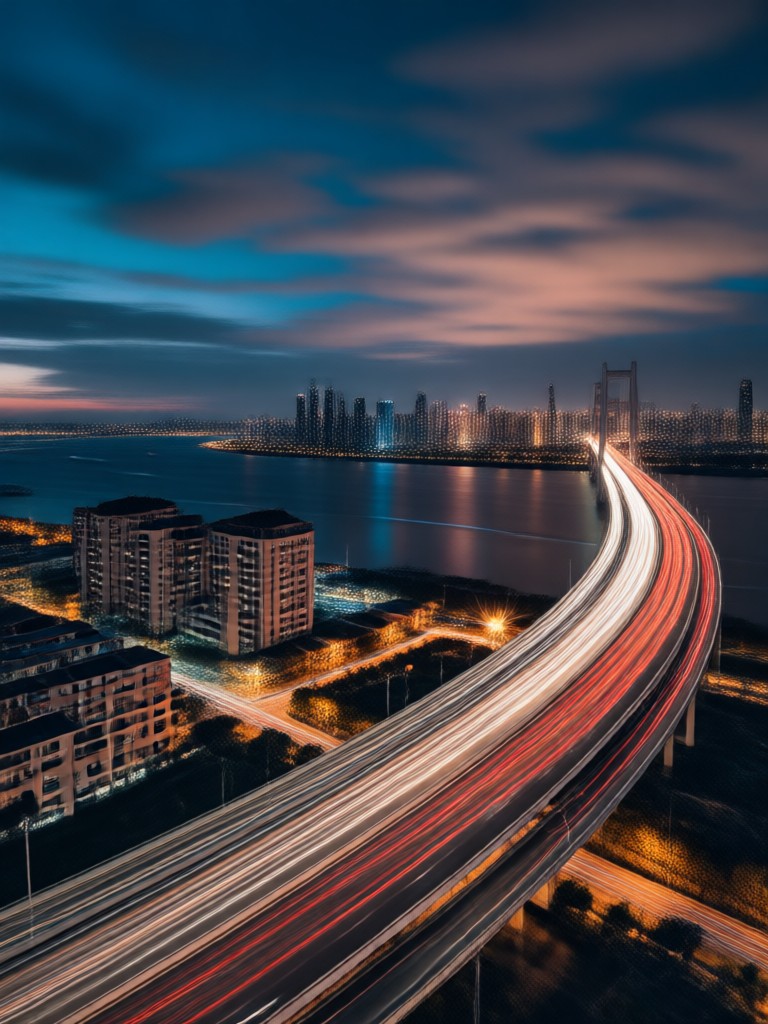
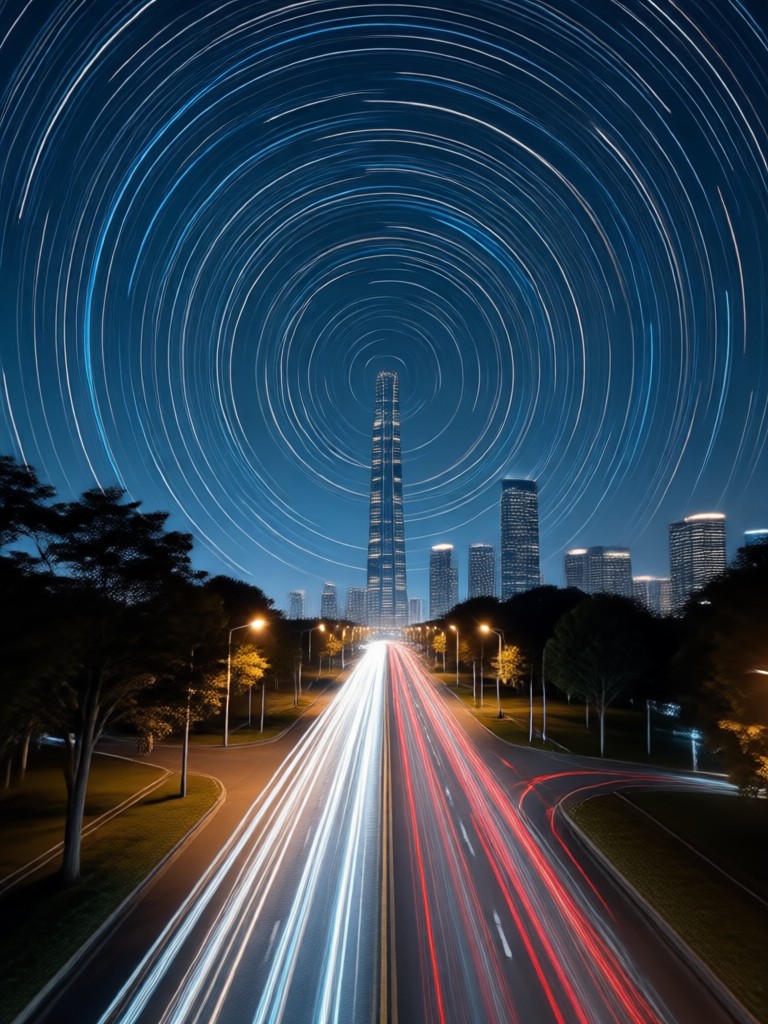
Create authentic long exposure effects with glowing light trails from cars, stars, and city streets. The AI preserves natural motion while adding cinematic blur.
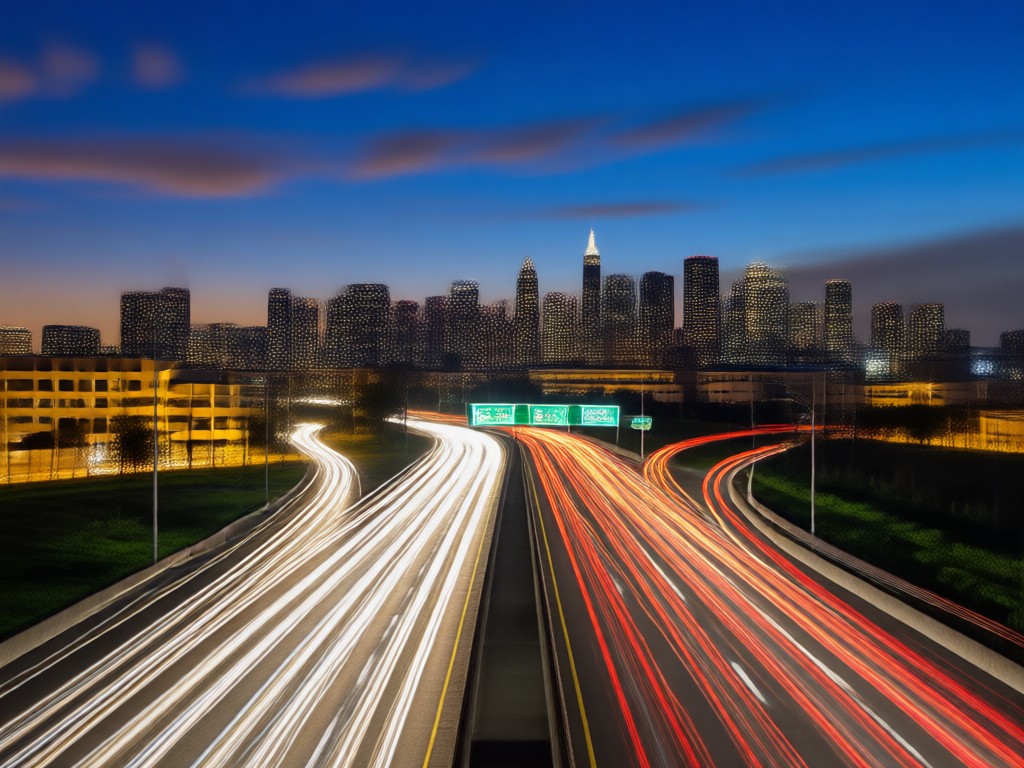
Dreamy Motion Blur
Add silky smooth motion blur to any moving subject. From flowing waterfalls to bustling crowds, your photos get that professional long exposure look.
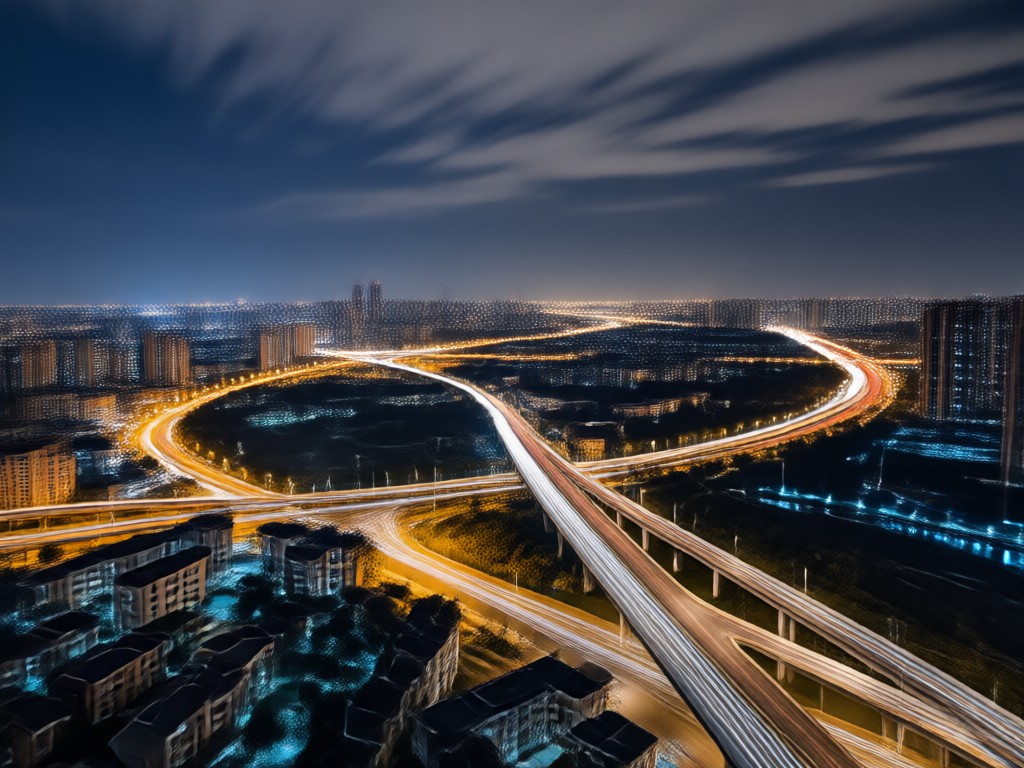
One-Tap Style Transfer
No complex camera settings or Photoshop skills needed. Upload a photo, choose a long exposure filter, and let the AI do the heavy lifting.
Long Exposure AI Photo Gallery
Browse stunning examples of long exposure AI photos created with vimi. From glowing light trails to dreamy water effects, discover the creative possibilities and start creating your own today.
Why Choose vimi for Long Exposure AI Photos?
Traditional long exposure photography requires a steady tripod, slow shutter speeds, and perfect lighting conditions. vimi's AI removes all these barriers. Anyone can create professional-grade motion blur and light trail effects directly from their phone. No camera gear, no editing skills, no hassle, just pure creative freedom.
Why Choose vimi for Long Exposure AI Photos?
Traditional long exposure photography requires a steady tripod, slow shutter speeds, and perfect lighting conditions. vimi's AI removes all these barriers. Anyone can create professional-grade motion blur and light trail effects directly from their phone. No camera gear, no editing skills, no hassle, just pure creative freedom.
How to Create Long Exposure AI Photos?
Follow these three simple steps to transform your ordinary photos into stunning long exposure masterpieces.

Step 01.
Get started by downloading the vimi app from Google Play and opening it on your phone.

Step 02.
Upload a photo and browse the long exposure filter collection. Choose from light trails, motion blur, or dreamy night effects.

Step 03.
Generate your long exposure AI photo and save or share it instantly on Instagram and other social media.
Ready-to-Use Long Exposure Templates
Access a growing library of long exposure presets designed for every scene. From urban night traffic to silky waterfalls and star trails, find the perfect template to elevate your photography.
What Creators Say About vimi
Perfect for my Instagram feed
I've always wanted to try long exposure but never had the gear. vimi's AI made it so easy. The light trails look incredibly real and my engagement has gone up.
Beats Photoshop for quick edits
I used to spend hours in Photoshop creating motion blur. Now I just upload a photo and get professional results in seconds. The night city filters are my favorite.
Dreamy waterfall photos made simple
The waterfall long exposure filters are stunning. My photos look like they came from a professional shoot. It has become my go-to app for landscape edits.
Frequently Asked Questions About Long Exposure AI Photo
Find clear answers to common questions about creating long exposure AI photos with vimi.
More Topics You May Like
Explore more AI photo and video effects to expand your creative toolkit.

Create Chini Style AI Videos with Cute Sugar Characters
Create Ganpati Visarjan AI Photos That Feel Real
Vimi Talk Dirty Dance AI Filter Guide for Short Dance Videos
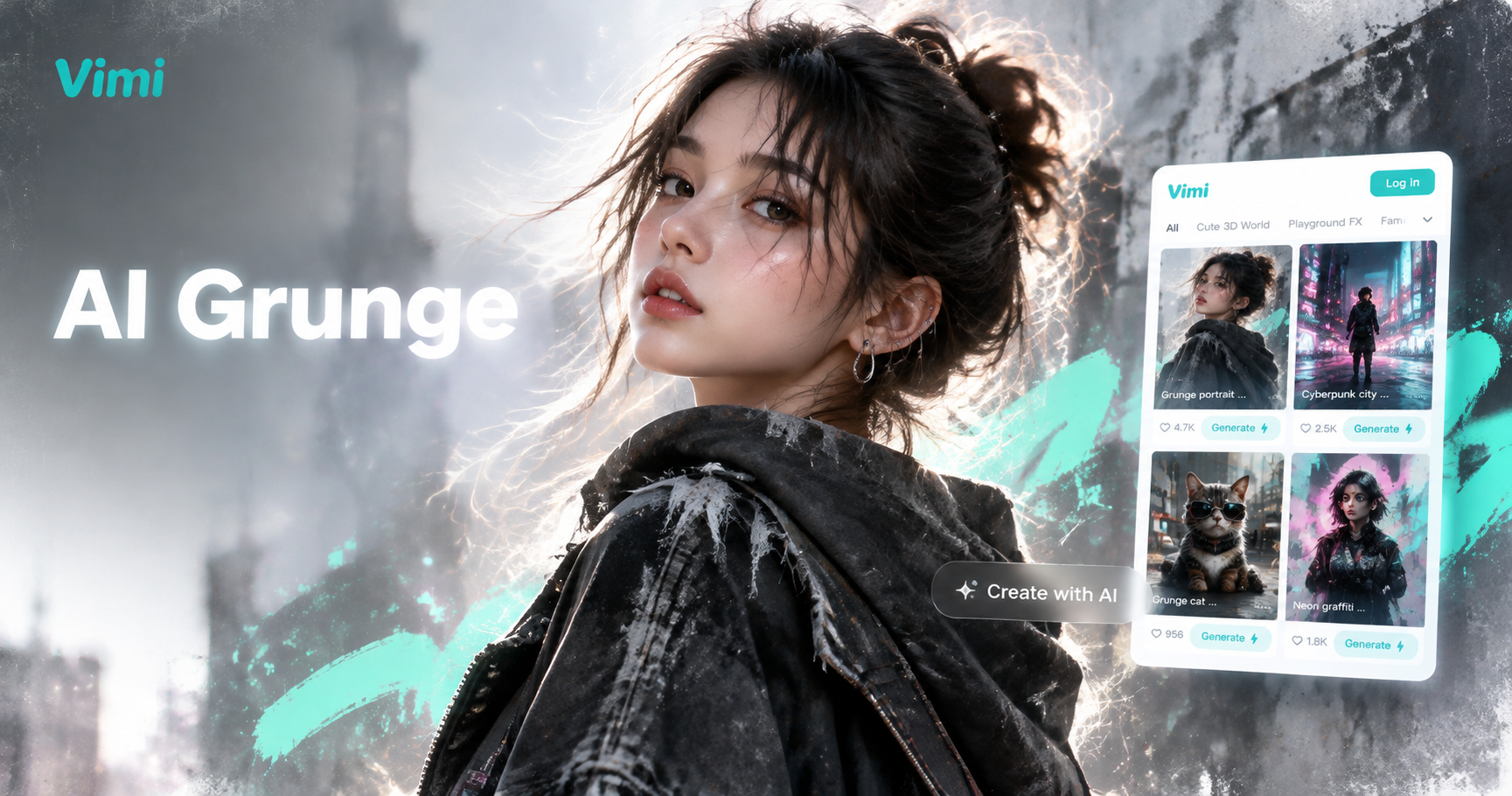
ChatGPT AI Grunge Photo Guide for Vimi App Creators
Create Chini Style AI Videos with Cute Sugar Characters
Create Ganpati Visarjan AI Photos That Feel Real
Vimi Talk Dirty Dance AI Filter Guide for Short Dance Videos
ChatGPT AI Grunge Photo Guide for Vimi App Creators
Ready to Create Stunning Long Exposure Photos?
Download vimi today and transform your ordinary photos into breathtaking long exposure masterpieces with motion blur, light trails, and dreamy night effects.
Ready to Create Stunning Long Exposure Photos?
Download vimi today and transform your ordinary photos into breathtaking long exposure masterpieces with motion blur, light trails, and dreamy night effects.