Higgsfield Genjutsu STORM II
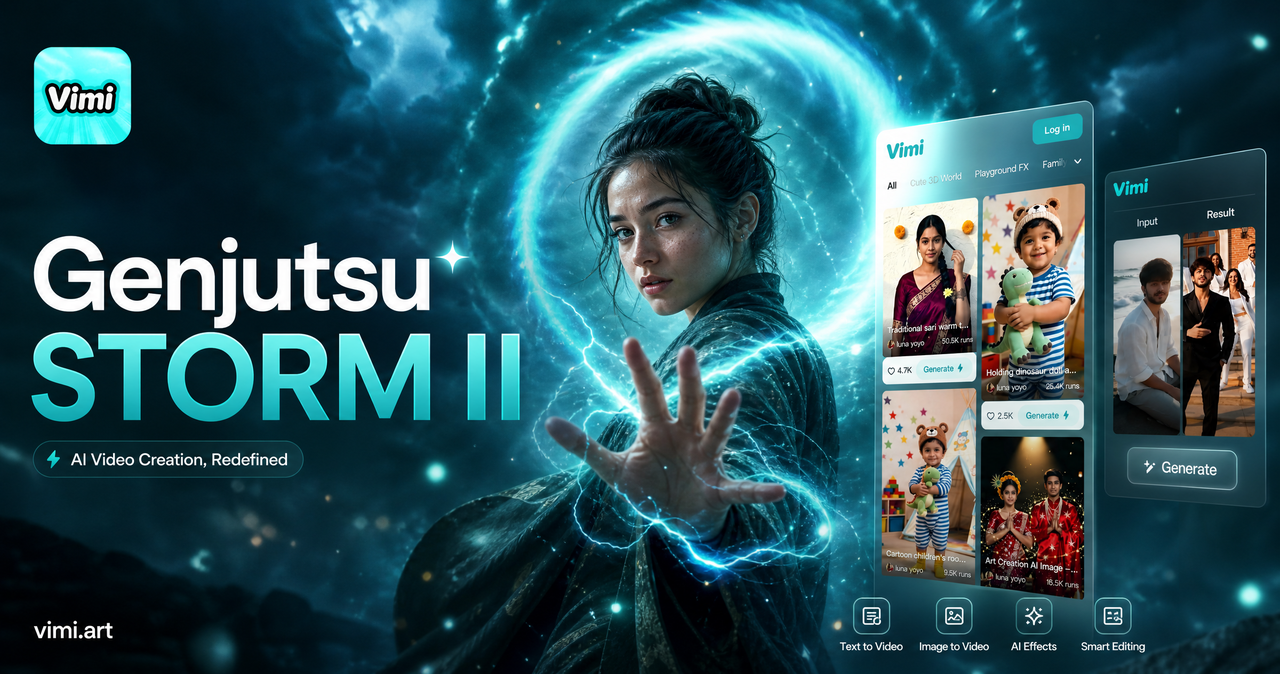
Choose the Higgsfield Genjutsu STORM II Filter
Discover the higgsfield genjutsu storm II filter that perfectly matches your style and mood.
Vimi Filter Pick: Higgsfield Genjutsu STORM II
This filter copies the ninja illusion style from Higgsfield. It adds purple chakra glow, hand sign poses, and storm motion to your photos or short videos. Vimi offers it as a one tap template inside the mobile app. You do not need to adjust any settings.
Key Features of Vimi Higgsfield Genjutsu STORM II
Explore the main tools that make this ninja illusion filter simple and fast to use on your phone every day.
 Before
Ninja Illusion Visual Style
This filter adds purple chakra glow and hand sign effects to your images. It copies the storm motion seen in Higgsfield Genjutsu STORM II. The AI places these details around your subject. You get a finished frame without manual editing. Works on both single photos and short video clips.
BeforeNinja Illusion Visual Style
This filter adds purple chakra glow and hand sign effects to your images. It copies the storm motion seen in Higgsfield Genjutsu STORM II. The AI places these details around your subject. You get a finished frame without manual editing. Works on both single photos and short video clips.
 Before
Photo to Video Transfer
Upload one photo and the filter makes it move. Your subject can blink, smile, or turn their head. The AI keeps facial features the same. It adds the storm aura around the body. The result looks like a short anime scene. Works for portraits and full body shots.
BeforePhoto to Video Transfer
Upload one photo and the filter makes it move. Your subject can blink, smile, or turn their head. The AI keeps facial features the same. It adds the storm aura around the body. The result looks like a short anime scene. Works for portraits and full body shots.
 Before
Daily Hot Template Updates
Vimi adds new templates every day. The Higgsfield Genjutsu STORM II filter stays current with social media trends. You can find new hand signs, storm colors, and scene layouts. Each update takes seconds to try. Just open the app and pick the latest version today.
BeforeDaily Hot Template Updates
Vimi adds new templates every day. The Higgsfield Genjutsu STORM II filter stays current with social media trends. You can find new hand signs, storm colors, and scene layouts. Each update takes seconds to try. Just open the app and pick the latest version today.
Why Vimi for Higgsfield Genjutsu STORM II
Discover the main benefits that make Vimi the right app for this ninja illusion filter on your phone every day.

One Tap Ninja Filter
Vimi packages the Higgsfield Genjutsu STORM II look into a single template. You do not write prompts or adjust sliders. Pick the filter, add your photo, and press Generate. The app handles the rest in 10 to 20 seconds. This keeps the process simple for anyone.
One Tap Ninja Filter
Vimi packages the Higgsfield Genjutsu STORM II look into a single template. You do not write prompts or adjust sliders. Pick the filter, add your photo, and press Generate. The app handles the rest in 10 to 20 seconds. This keeps the process simple for anyone.
How to Use Vimi for Higgsfield Genjutsu STORM II?
Create adorable Higgsfield genjutsu STORM II images in just a few simple steps using our powerful platform.

Step 01.
Get Vimi from your app store. Open it and create a free account. This takes about one minute.

Step 02.
Browse the template library. Search for Higgsfield Genjutsu STORM II. Upload one or more photos. Tap Generate and wait for the result.

Step 03.
Press Download to save the image or video. You can also post it to your Vimi profile. Share it on social media in one tap.
YouTube Videos About Higgsfield Genjutsu STORM II
Explore in-depth YouTube tutorials and demos that showcase the power and reliability of our AI Generator.
Who Uses Higgsfield Genjutsu STORM II Enhancement Online

Mia Chen
I used the Genjutsu STORM II filter on my old cosplay photo. The purple aura and hand sign motion looked like a real anime cut. It took 15 seconds to generate.

Jordan Lee
My friends and I made a team pose video. Vimi kept all four faces clear. No one got mixed up. The storm effect moved around each person.

Sofia Reyes
I typed a short script about a ninja running through rain. The app built the whole scene with motion. I did not write any prompts.

Ethan Park
The filter works on my phone without lag. I generated ten versions in five minutes. I posted the best one to my Vimi profile right away.
Mia Chen
I used the Genjutsu STORM II filter on my old cosplay photo. The purple aura and hand sign motion looked like a real anime cut. It took 15 seconds to generate.
Jordan Lee
My friends and I made a team pose video. Vimi kept all four faces clear. No one got mixed up. The storm effect moved around each person.
Sofia Reyes
I typed a short script about a ninja running through rain. The app built the whole scene with motion. I did not write any prompts.
Ethan Park
The filter works on my phone without lag. I generated ten versions in five minutes. I posted the best one to my Vimi profile right away.
Mia Chen
I used the Genjutsu STORM II filter on my old cosplay photo. The purple aura and hand sign motion looked like a real anime cut. It took 15 seconds to generate.
Jordan Lee
My friends and I made a team pose video. Vimi kept all four faces clear. No one got mixed up. The storm effect moved around each person.
Sofia Reyes
I typed a short script about a ninja running through rain. The app built the whole scene with motion. I did not write any prompts.
Ethan Park
The filter works on my phone without lag. I generated ten versions in five minutes. I posted the best one to my Vimi profile right away.
Frequently Asked Questions
Find clear answers to common questions and get the guidance you need to make the most of our platform, faster and easier.
More Topics You May Like
Explore more topics you may like and discover fresh ideas tailored to your interests.
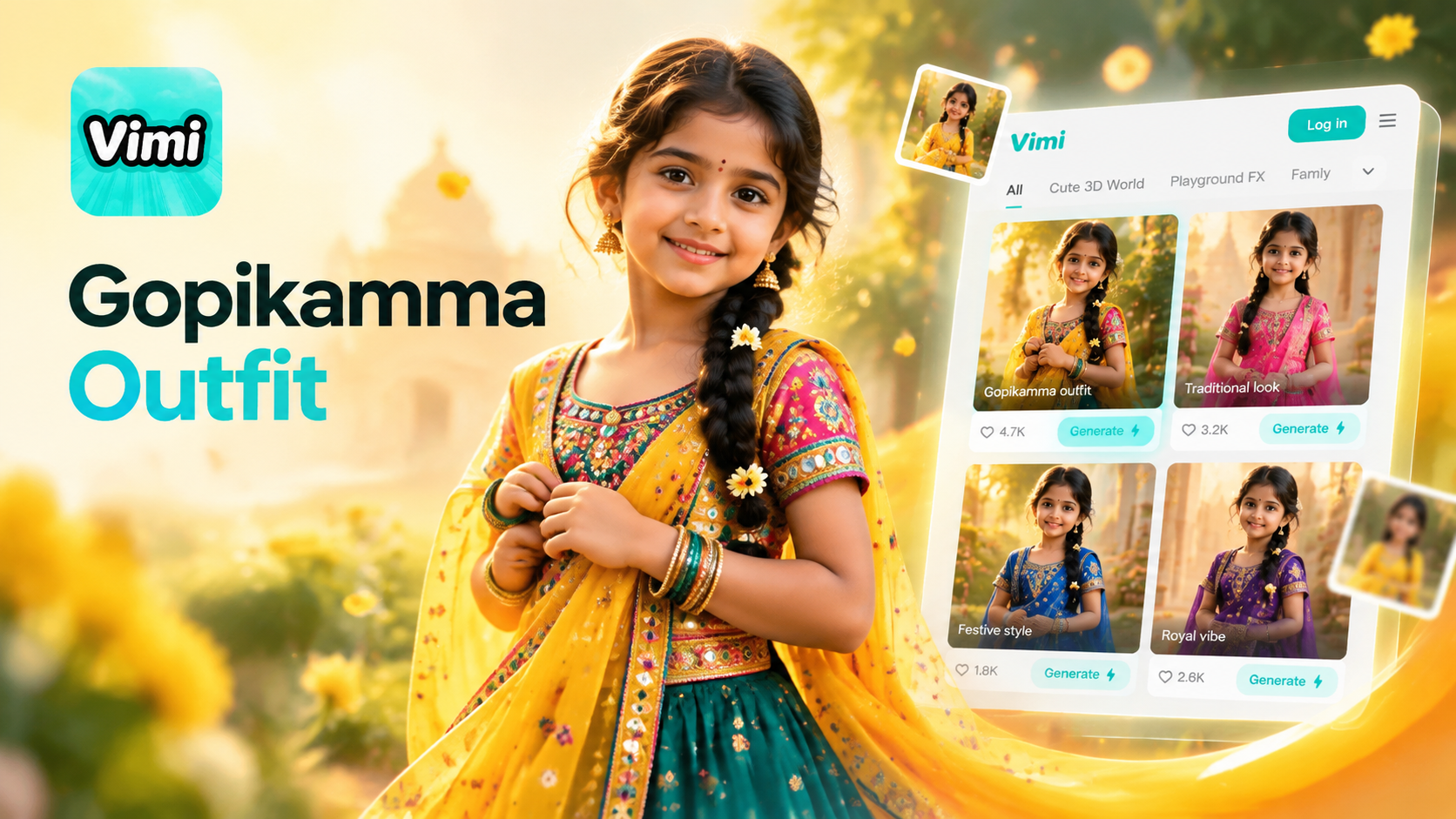
Gopikamma Outfit AI Photo: Create Traditional Looks with Vimi
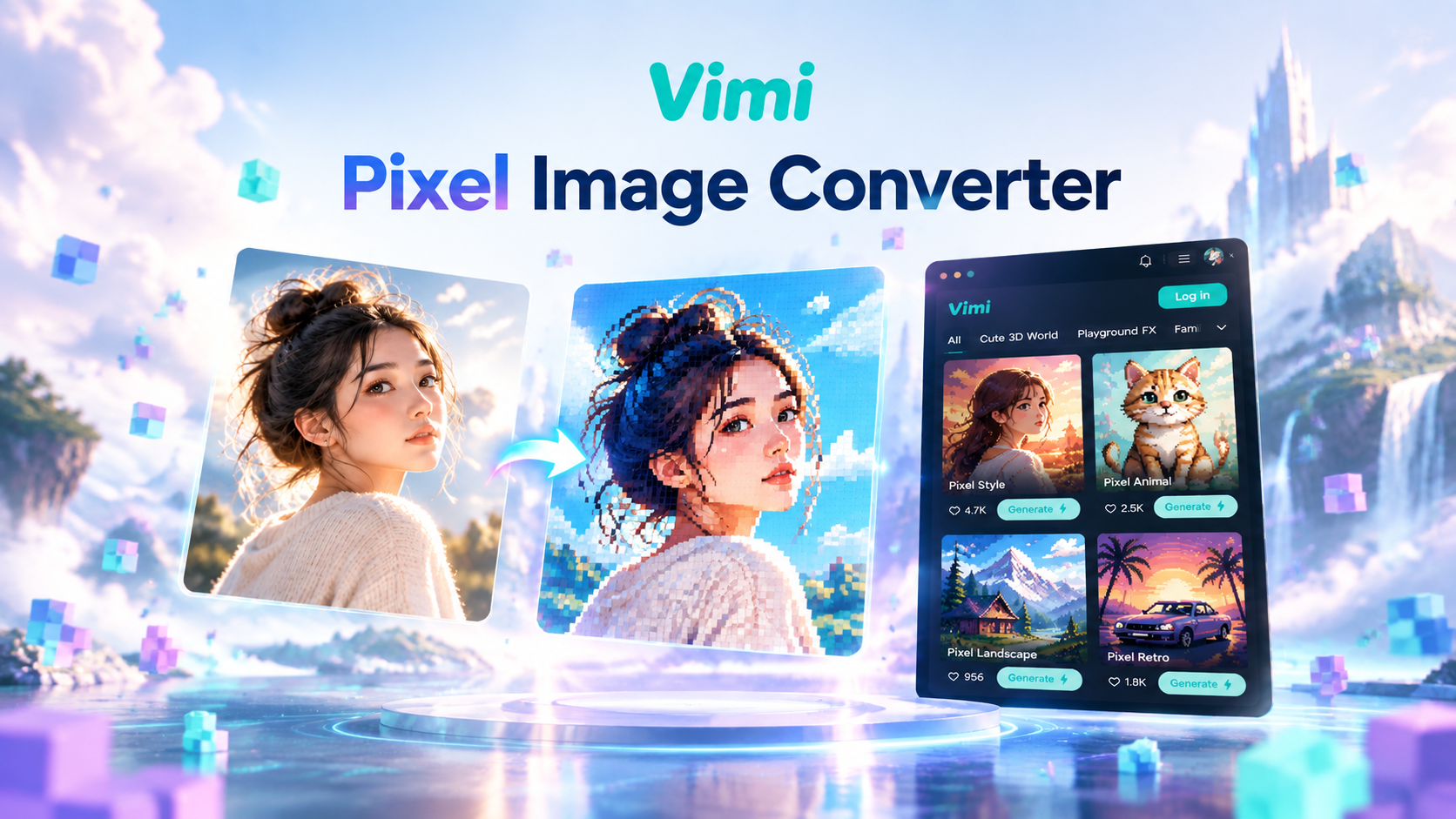
Vimi Pixel Image Converter for Retro Pixel Art Creation
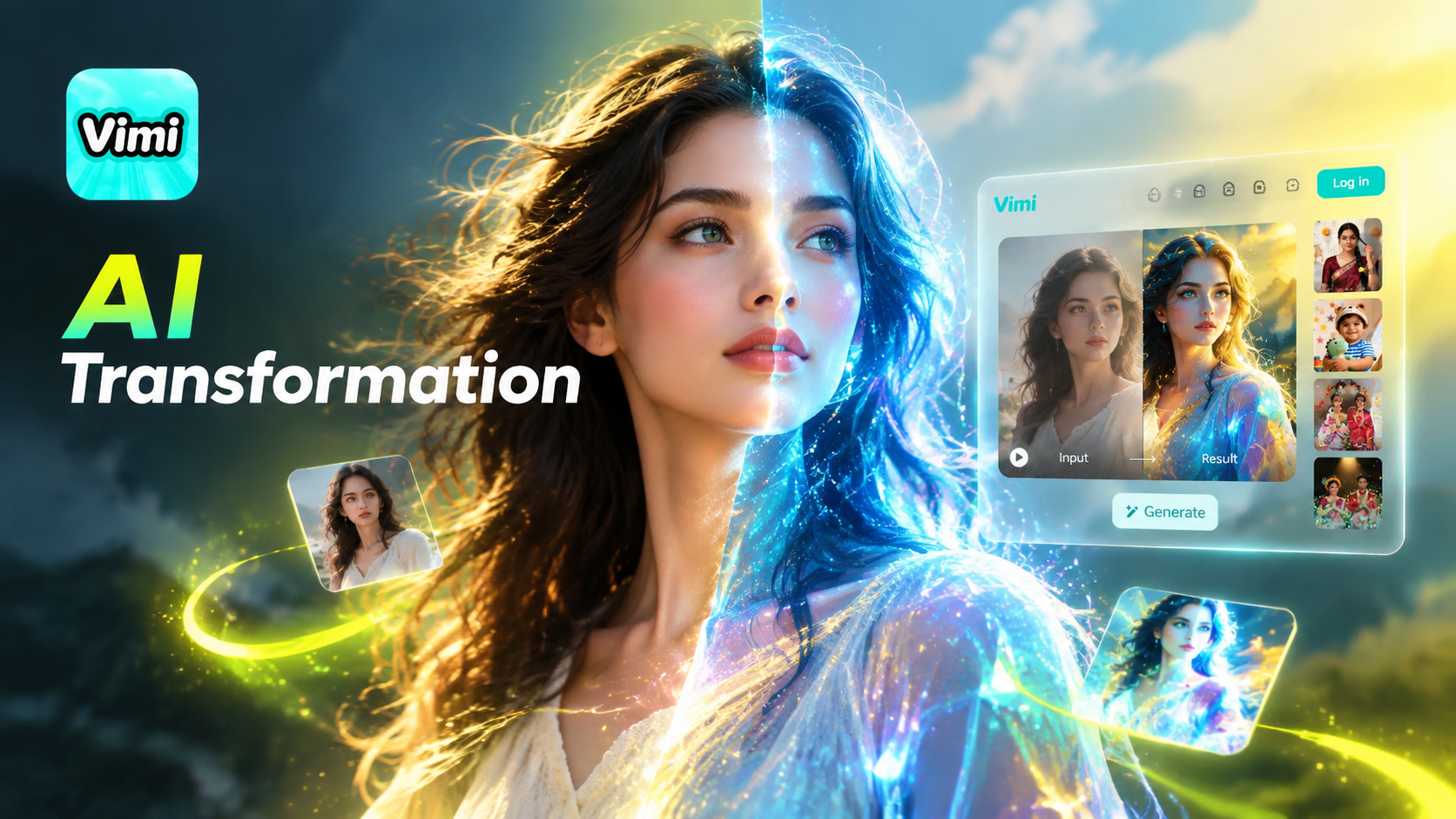
Vimi Transformation Video: AI Video Generator for Photos And Clips
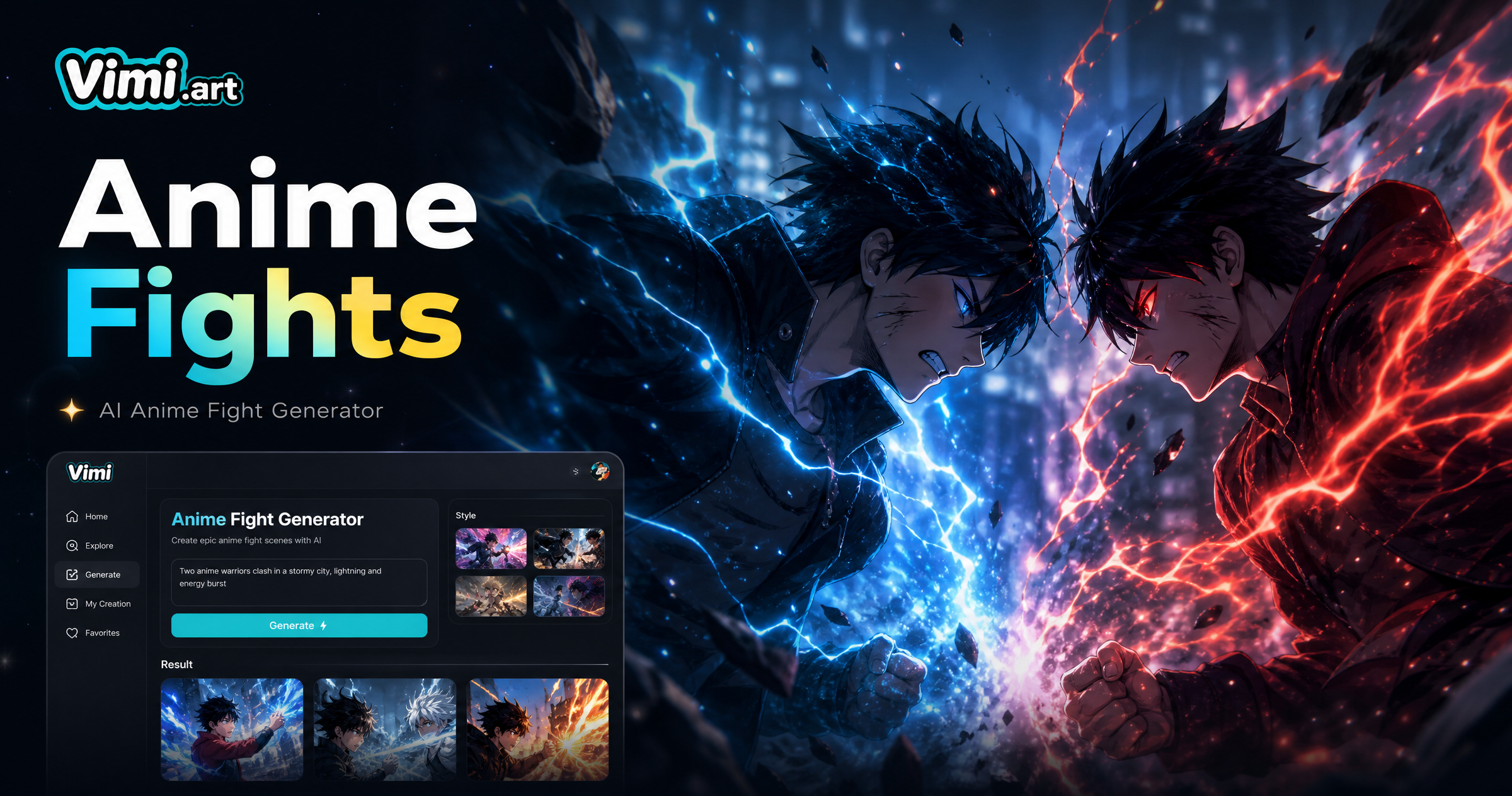
Vimi Anime Fight Generator: Turn Photos into Anime Battle Scenes
Gopikamma Outfit AI Photo: Create Traditional Looks with Vimi
Vimi Pixel Image Converter for Retro Pixel Art Creation
Vimi Transformation Video: AI Video Generator for Photos And Clips
Vimi Anime Fight Generator: Turn Photos into Anime Battle Scenes
Create Your Ninja Illusion Video Today
Download Vimi and try the Higgsfield Genjutsu STORM II filter in minutes.

Create Your Ninja Illusion Video Today
Download Vimi and try the Higgsfield Genjutsu STORM II filter in minutes.