STORM II AI Dance
Vimi turns one photo into a dance video with the STORM II AI Dance template. Upload a clear face image, pick the dance style, and let the app build motion for the subject. The result keeps facial details, hair, and clothing consistent. Download the clip and share it to social platforms in minutes.
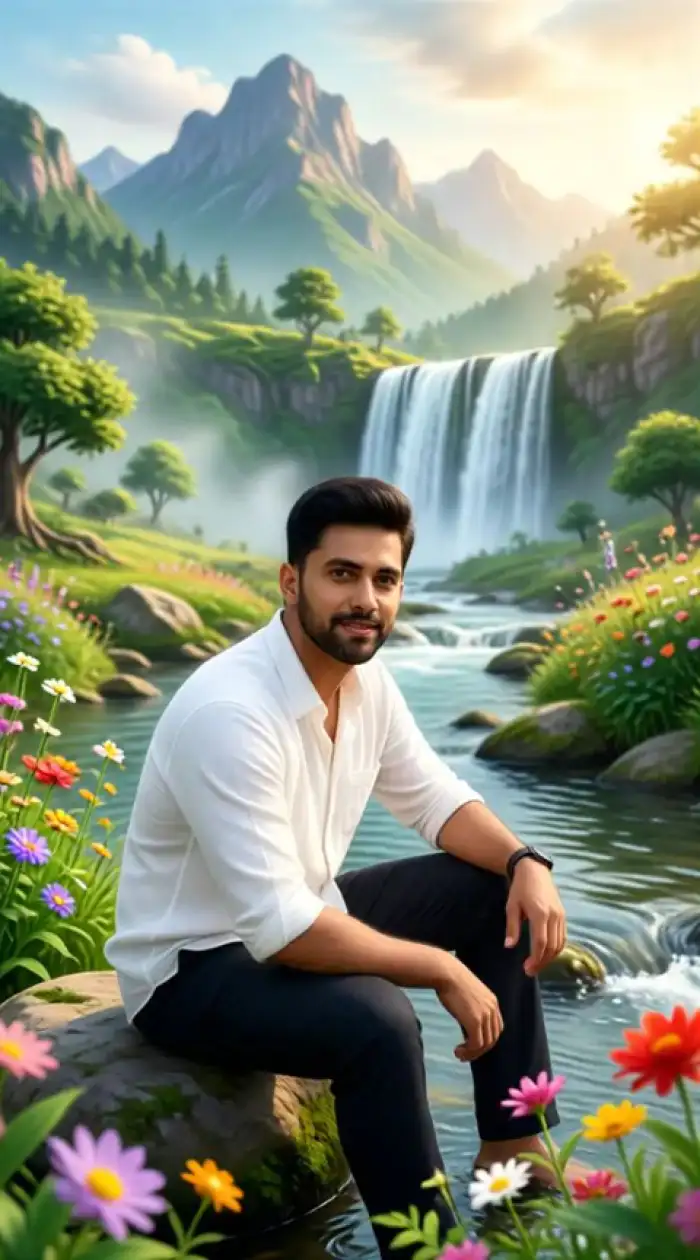 Before
Vimi Studio
Switch to Vimi Studio on APP for advanced control and unlimited exports.

Choose the STORM II AI Dance Filter
Discover the storm ii ai dance filter that perfectly matches your style.
STORM II AI Dance Filter Recommendation
STORM II AI Dance is a Vimi video template for making photos dance. It fits single portraits and group shots. Pick a dance motion, upload a photo, and generate a short clip inside the Vimi app.
Key Features of Vimi STORM II AI Dance
Explore the main tools that turn a still portrait into a dancing video inside the Vimi app with simple taps.
 Before
One Tap Dance Templates
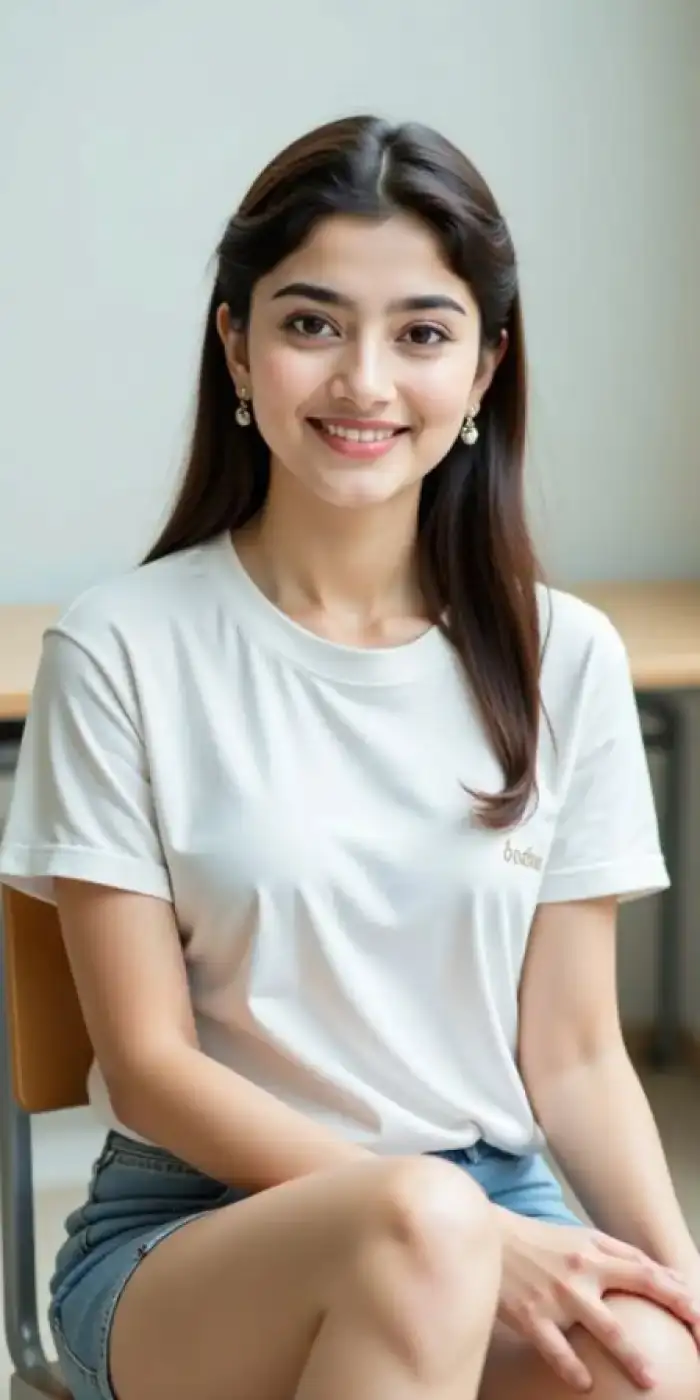
Choose a ready template and skip prompt writing. The STORM II AI Dance filter carries preset motion, timing, and camera flow. Tap once to start, and the app handles the dance sequence for your selected photo. It keeps the process simple for new users. The steps stay short.
BeforeOne Tap Dance Templates
Choose a ready template and skip prompt writing. The STORM II AI Dance filter carries preset motion, timing, and camera flow. Tap once to start, and the app handles the dance sequence for your selected photo. It keeps the process simple for new users. The steps stay short.
 Before
Photo to Dance Video
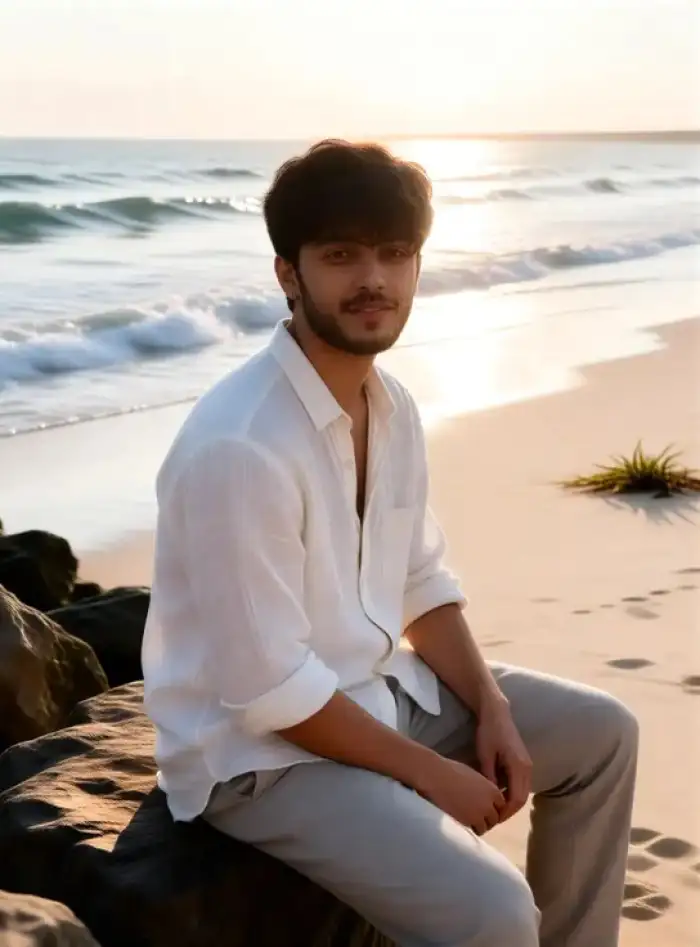
Upload one portrait from your phone gallery. The Vimi app detects the face and body shape. It maps the chosen dance motion onto the subject. You do not need editing skills or timeline tools to get a short dance clip. The output appears inside the app. Preview it before saving.
BeforePhoto to Dance Video
Upload one portrait from your phone gallery. The Vimi app detects the face and body shape. It maps the chosen dance motion onto the subject. You do not need editing skills or timeline tools to get a short dance clip. The output appears inside the app. Preview it before saving.
 Before
Face and Body Consistency
The template works to keep key facial details across frames. Eyes, hair, and clothing stay close to the source photo. This helps when you make a series of clips with the same person. You can build a digital persona for profile pages. The face does not mix with other people.
BeforeFace and Body Consistency
The template works to keep key facial details across frames. Eyes, hair, and clothing stay close to the source photo. This helps when you make a series of clips with the same person. You can build a digital persona for profile pages. The face does not mix with other people.
Why Choose Vimi STORM II AI Dance Videos
Discover the practical gains you get when you use this dance template for personal clips and social posts inside Vimi.
 Before
Save Time On Editing
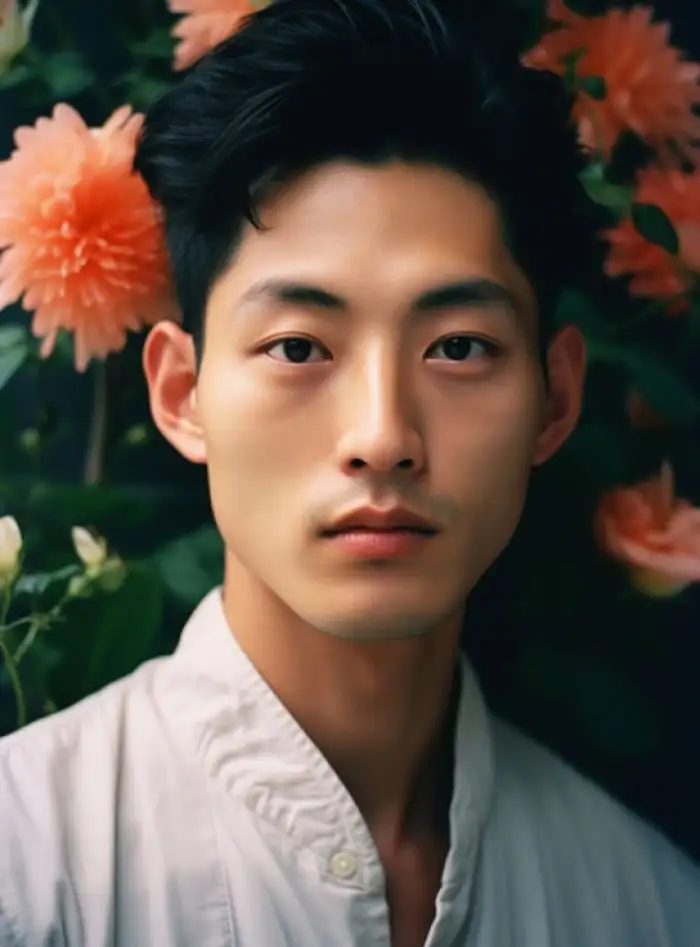
You do not need to learn video editing software. The template sets motion, pace, and scene flow for you. A short dance clip can be ready in one sitting. This saves hours when you post often. It also cuts the cost of hiring editors. You can focus on ideas.
 Before
Keep Identity In Motion
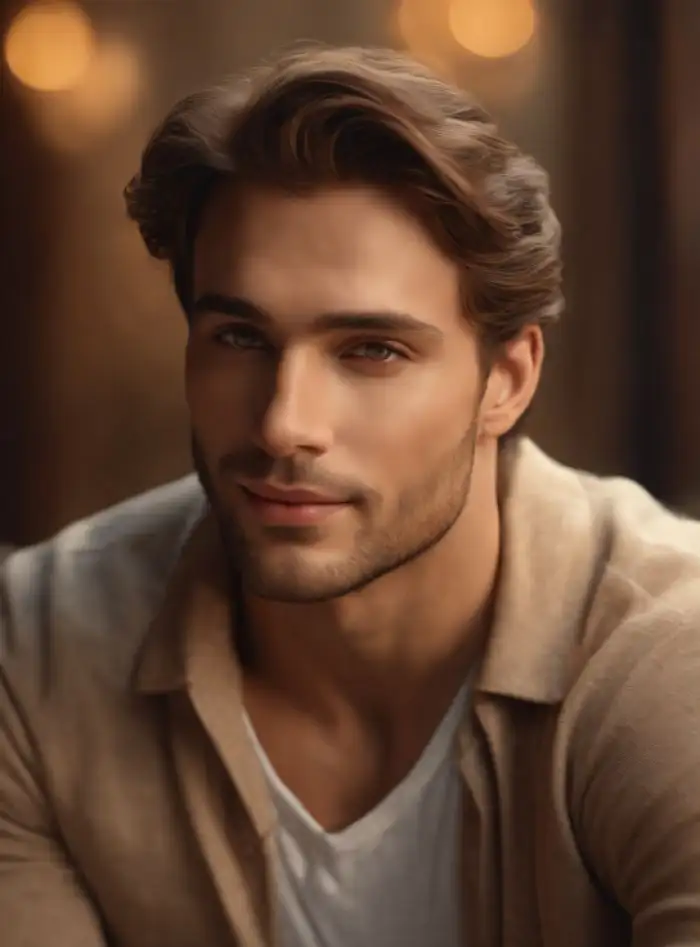
The app keeps the person's face, hair, and outfit close to the original photo. This matters for creators who build a repeated character. Each new dance clip can match the same profile and style. You can make a set of videos with one identity. Viewers can still recognize the person.
 Before
Social Ready Dance Clips
The final clip fits short video feeds and story posts. You can download it to your phone or publish it from the app. The format helps you join dance trends without a camera crew. It also works for personal pages and group chats. You can share the result with friends.
How to Use Vimi STORM II AI Dance in Three Steps?
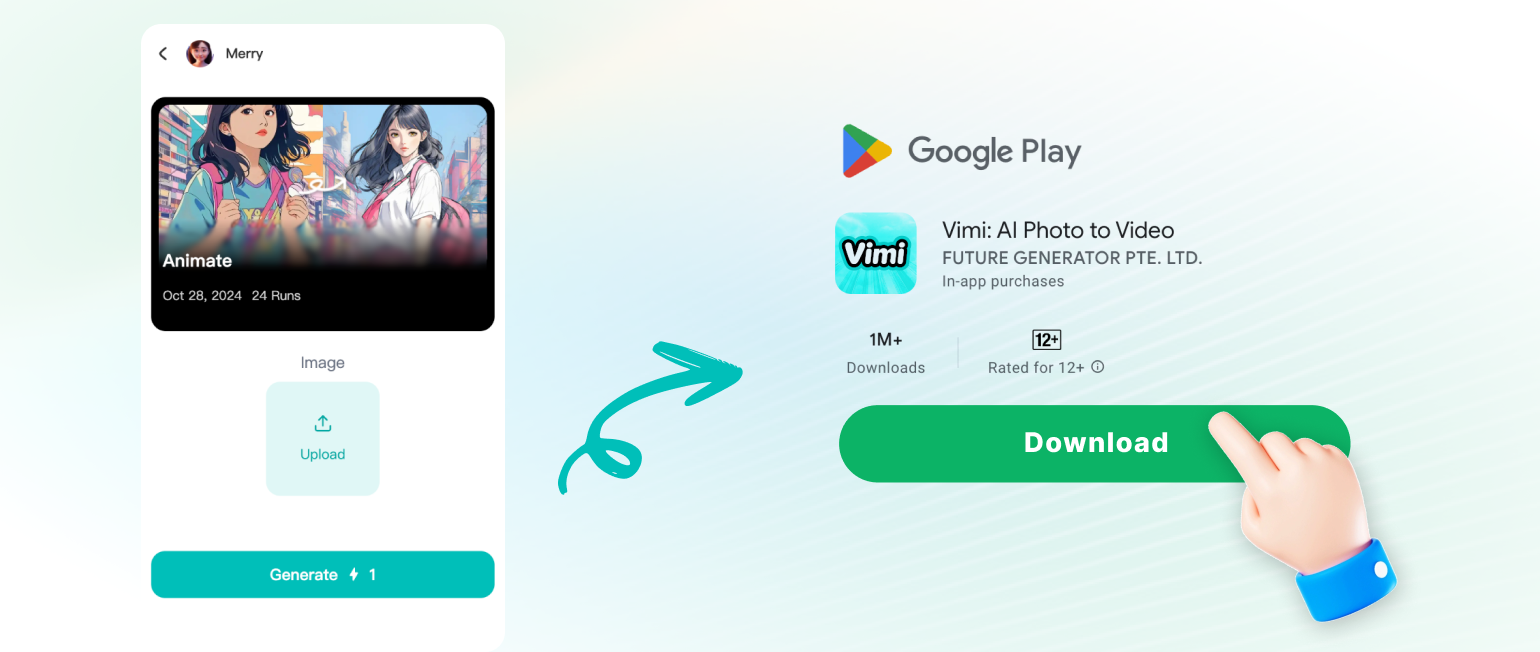
You can make a dance clip in three short steps. First preview the template, then create inside the app, and finally save or share the result.
YouTube Videos About AI STORM II AI Dance Generator
Explore in-depth YouTube tutorials and demos that showcase the power and reliability of our AI Generator.
Here is What People Think About Us
Clear Face In Every Dance Clip
I teach a beginner dance class. I used a photo of myself and the STORM II AI Dance template in Vimi. The app kept my face and outfit close to the photo. The clip came back fast. I shared it with students as a fun demo. They could see the motion clearly.
Client Preview Without A Camera
I manage short video posts for small brands. I uploaded a client portrait and picked the dance filter in Vimi. The app built a short clip in seconds. The face stayed clear and the clothing did not change. I downloaded it and sent it for approval. The client liked the quick turn.
Group Clip For Team Events
I plan team parties and friend gatherings. I used a group photo with five people and the STORM II AI Dance template in Vimi. Each face stayed separate during the motion. No one went missing and no faces mixed. I posted the clip in our event group. People asked how to make one.
Frequently Asked Questions
Find clear answers to common questions and get the guidance you need to make the most of our platform, faster and easier.
More Topics You May Like
Explore more topics you may like and discover fresh ideas tailored to your interests.
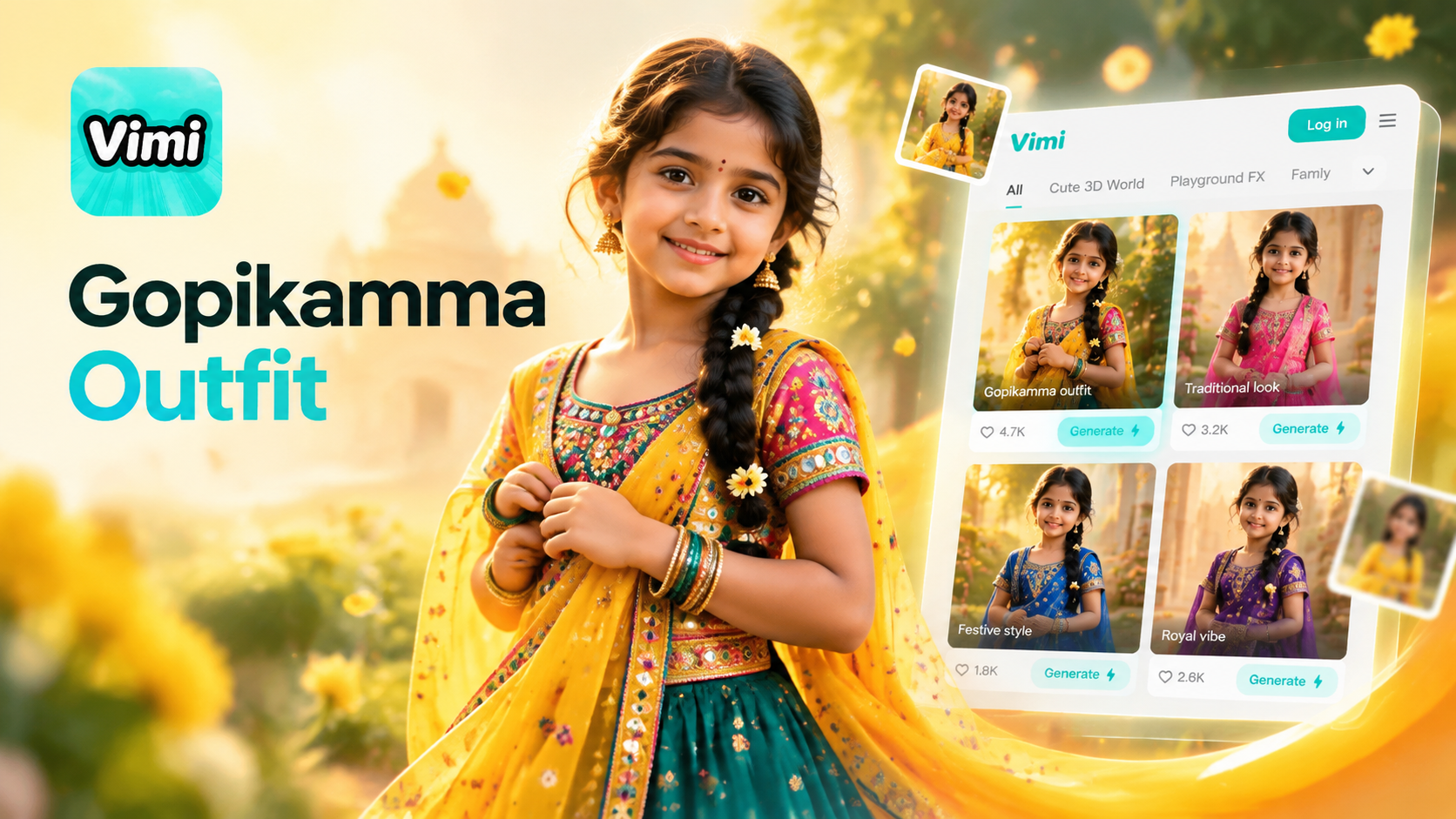
Gopikamma Outfit AI Photo: Create Traditional Looks with Vimi
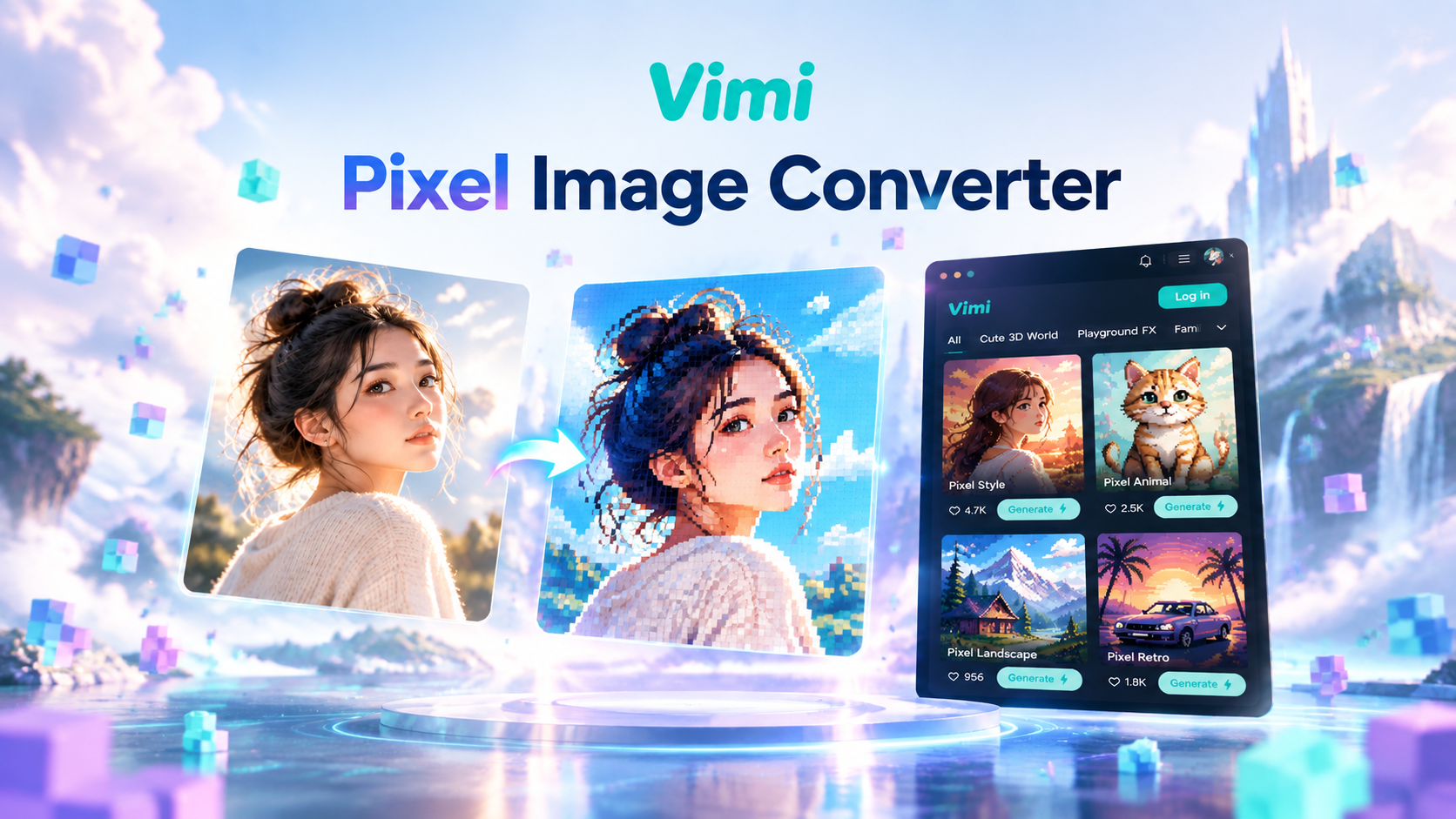
Vimi Pixel Image Converter for Retro Pixel Art Creation
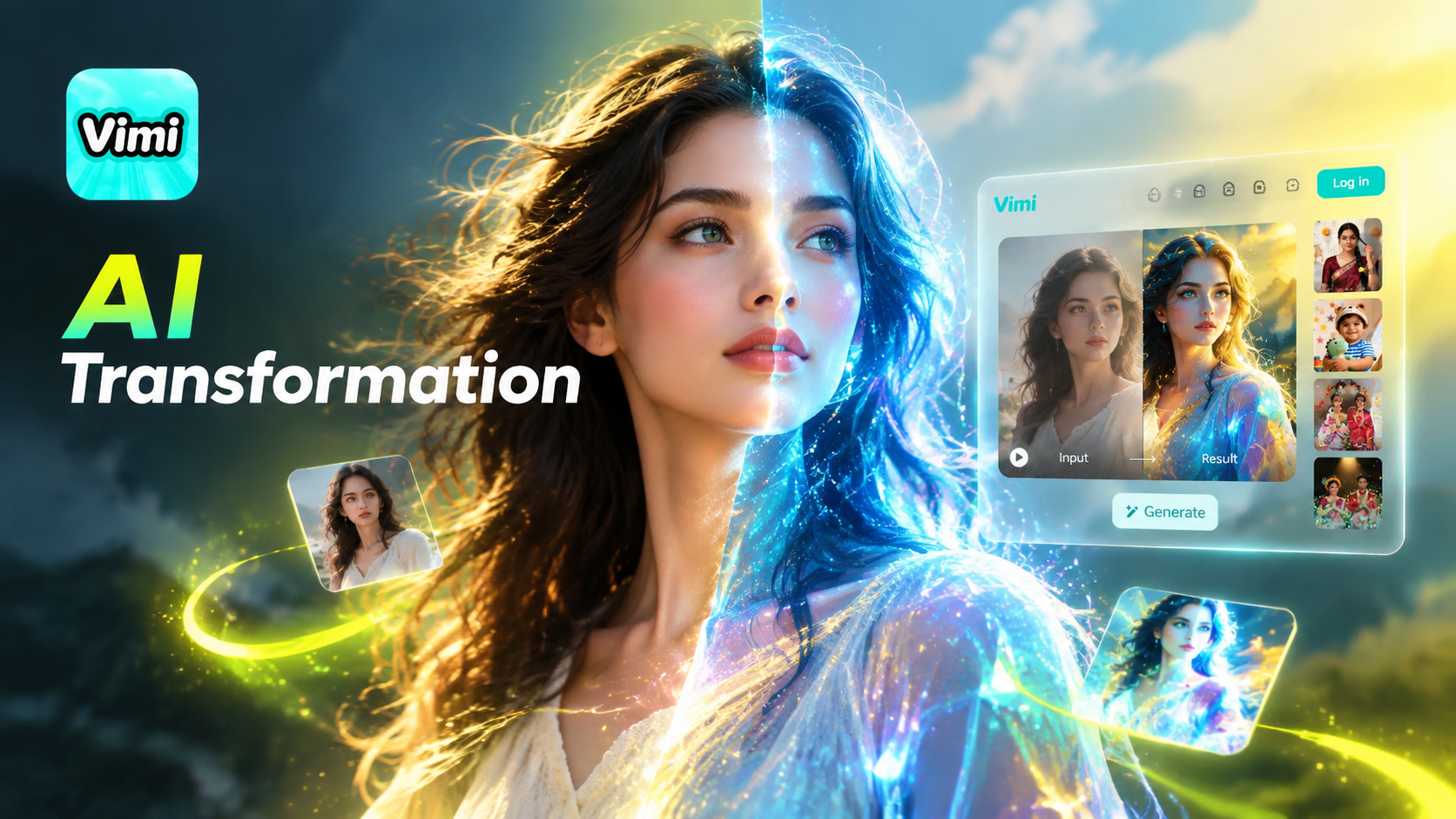
Vimi Transformation Video: AI Video Generator for Photos And Clips
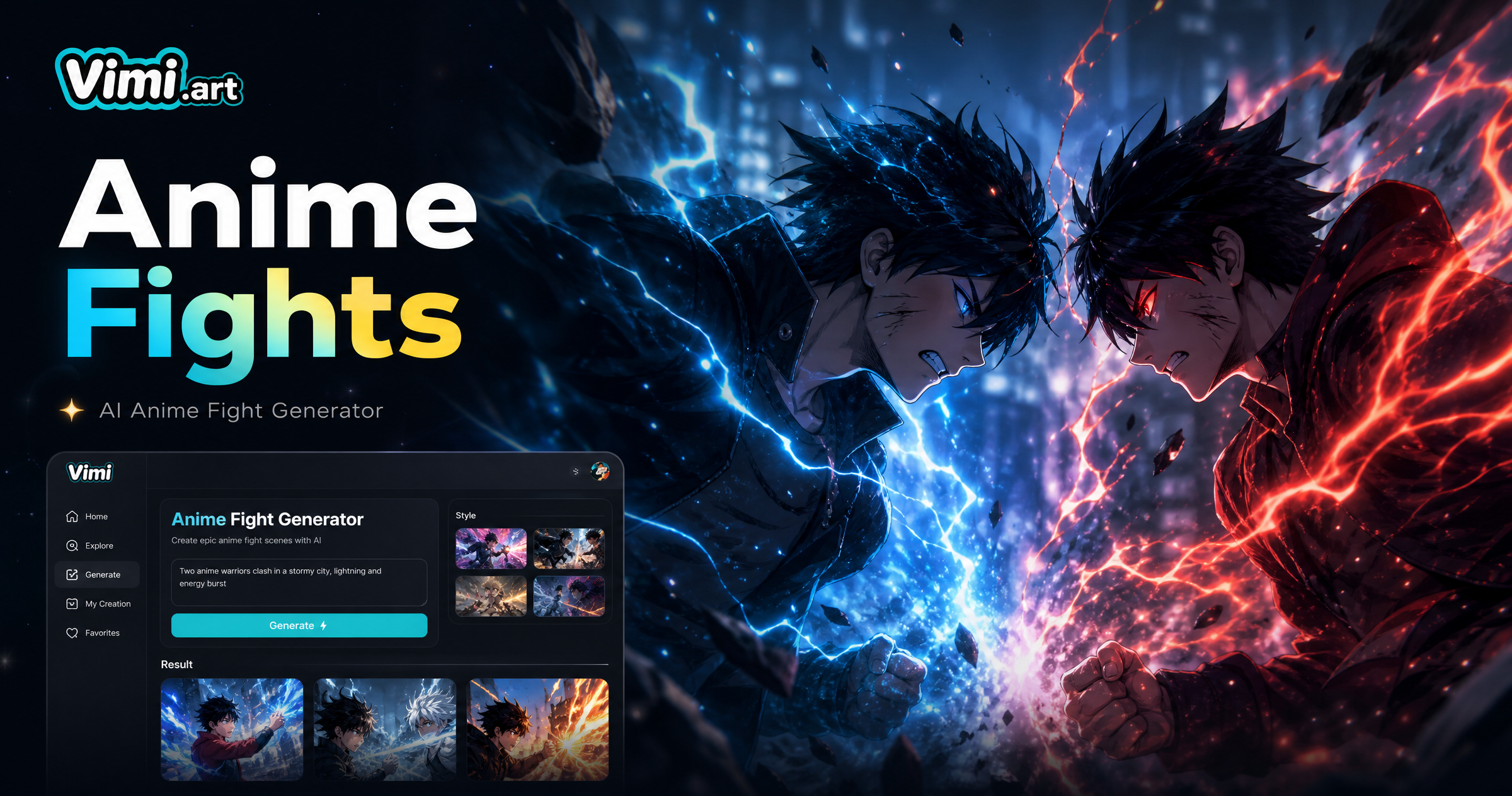
Vimi Anime Fight Generator: Turn Photos into Anime Battle Scenes
Gopikamma Outfit AI Photo: Create Traditional Looks with Vimi
Vimi Pixel Image Converter for Retro Pixel Art Creation
Vimi Transformation Video: AI Video Generator for Photos And Clips
Vimi Anime Fight Generator: Turn Photos into Anime Battle Scenes
Create Your STORM II AI Dance Video Today
Pick a photo and make it dance. Download Vimi and share the clip in minutes.
Create Your STORM II AI Dance Video Today
Pick a photo and make it dance. Download Vimi and share the clip in minutes.