God Car Driving AI
God Car Driving AI is a Vimi filter that turns one clear photo into a driving scene. Choose a car style, upload a portrait, and Vimi builds a short video with face consistency. Use it for social posts, car fan edits, and friend clips. Download the Vimi App to try the full template.
 Before

Vimi Studio
Switch to Vimi Studio on APP for advanced control and unlimited exports.

Choose the God Car Driving AI Filter
Discover the god car driving filter that perfectly matches your mood.
Vimi Filter Pick: God Car Driving AI Gallery
God Car Driving AI lets you place a person in the driver seat of many car styles. It works with one photo and creates a short clip in seconds. The filter keeps facial details stable while adding road motion and camera angles. Try it in the Vimi App.
Explore Use Cases for Vimi God Car Driving AI
Find the best ways to use Vimi God Car Driving AI for social clips, fan edits, and group projects today.
 Before
Short Social Media Clips
Make short driving clips for TikTok, Reels, and Shorts. Start with a portrait, choose a car style, and let Vimi build the scene. The clip can show turns, speed, and road views. Post it from the Vimi App and link your profile for more views. Keep captions short and clear.
 Before
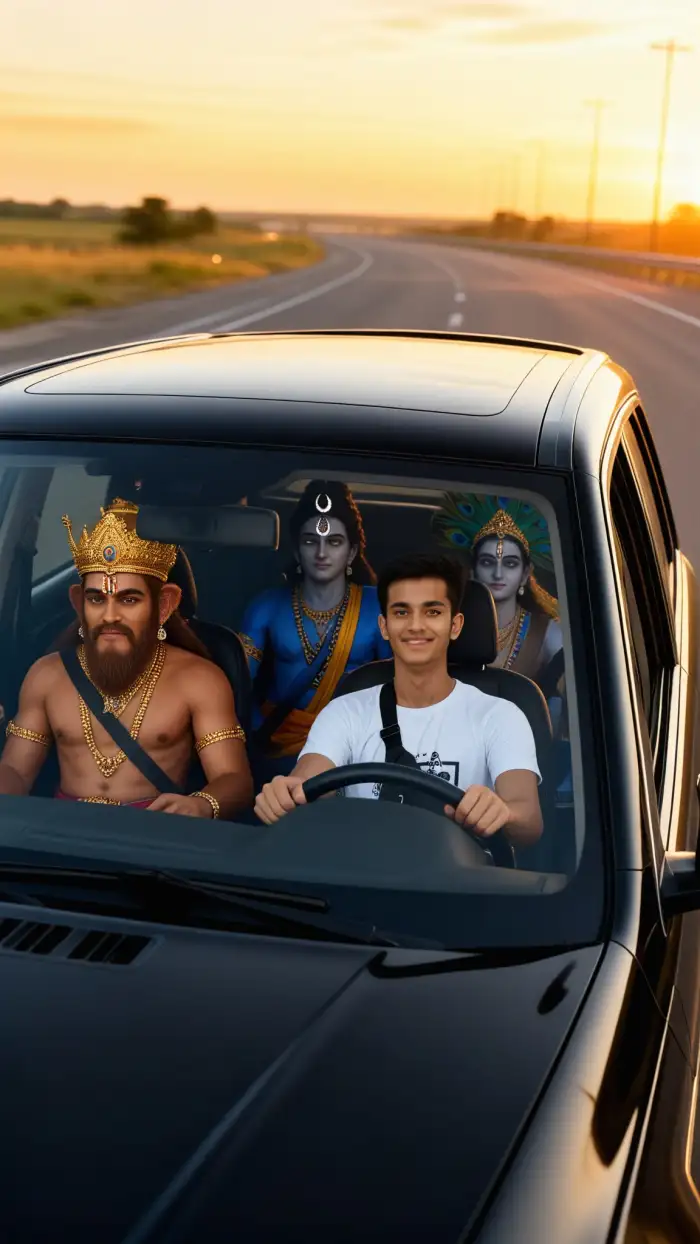 After
Car Fan Video Edits
Car fans can place themselves beside dream cars or in the driver seat. Use Vimi templates for sports cars, classic models, and off road trucks. Add a short caption about the car. The result works as a fan edit, a profile post, or a fun clip for friends. Try two car styles.
 Before
 After
Couple and Friend Drives
Use group photo support to place two people in one car scene. Vimi identifies each face and keeps them separate. Choose a template for a couple drive, a friend trip, or a team ride. The final clip can show both people without mixed faces. This works well for shared posts and gifts.
Why Use Vimi for God Car Driving AI
Discover why Vimi God Car Driving AI helps creators make car clips with less effort and more control over faces and motion.
Easy For New Users
Vimi turns a single photo into a driving video without prompt writing. You choose a template, upload the image, and tap Generate. The app handles face placement, car scene, and motion. This saves time for people who post daily or test many ideas. It keeps the process short.
Easy For New Users
Vimi turns a single photo into a driving video without prompt writing. You choose a template, upload the image, and tap Generate. The app handles face placement, car scene, and motion. This saves time for people who post daily or test many ideas. It keeps the process short.
How to Use Vimi God Car Driving AI in 3 Steps?
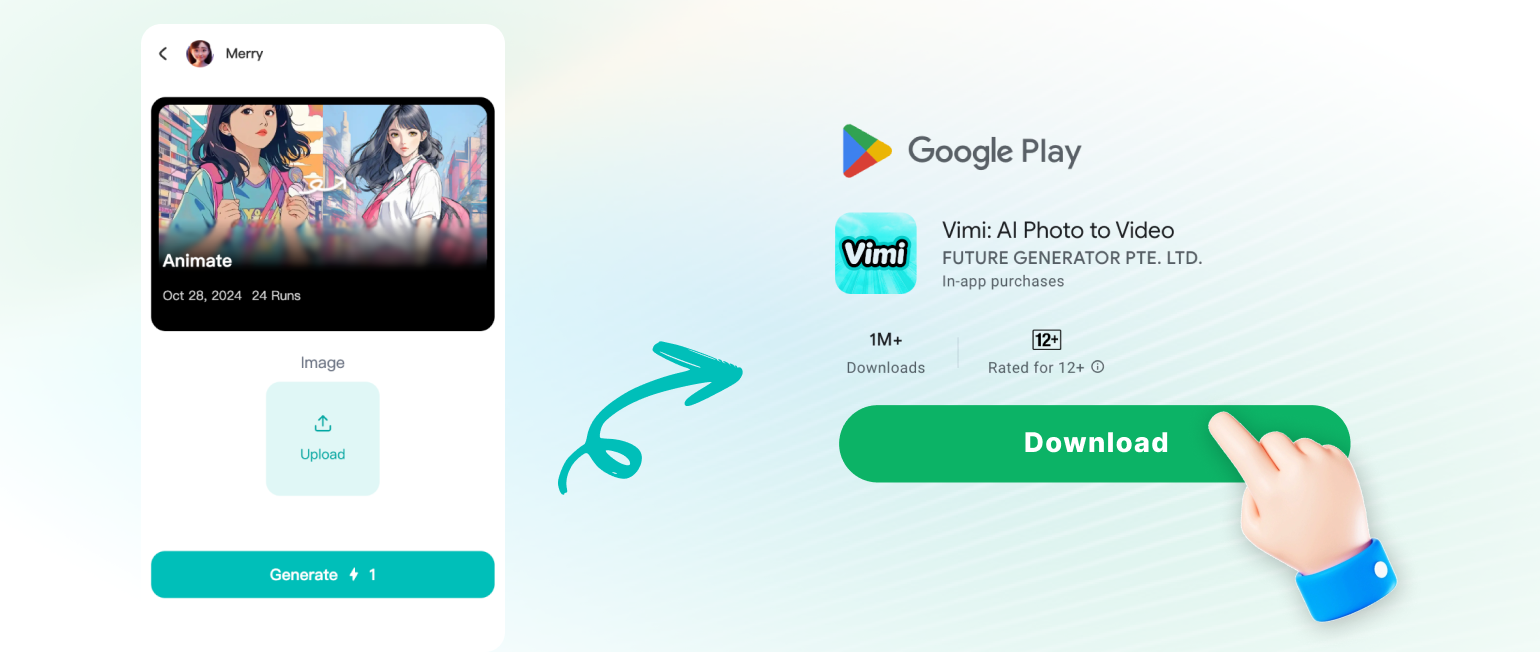
You can create a God Car Driving AI clip in three short steps. The Vimi App handles the template, face placement, and video motion for you.
YouTube Videos About God Car Driving AI Generator
Explore in-depth YouTube tutorials and demos that showcase the power and reliability of our AI Generator.
Frequently Asked Questions
Find clear answers to common questions and get the guidance you need to make the most of our platform, faster and easier.
More Topics You May Like
Explore more topics you may like and discover fresh ideas tailored to your interests.
Vimi AI Group Dance Generator: Turn Group Photos Into Dance Videos

AI Viking Warrior Filter: Create Norse Warrior Portraits in Vimi
Vimi AI Boss Generator: Create Professional Boss Portraits In Minutes
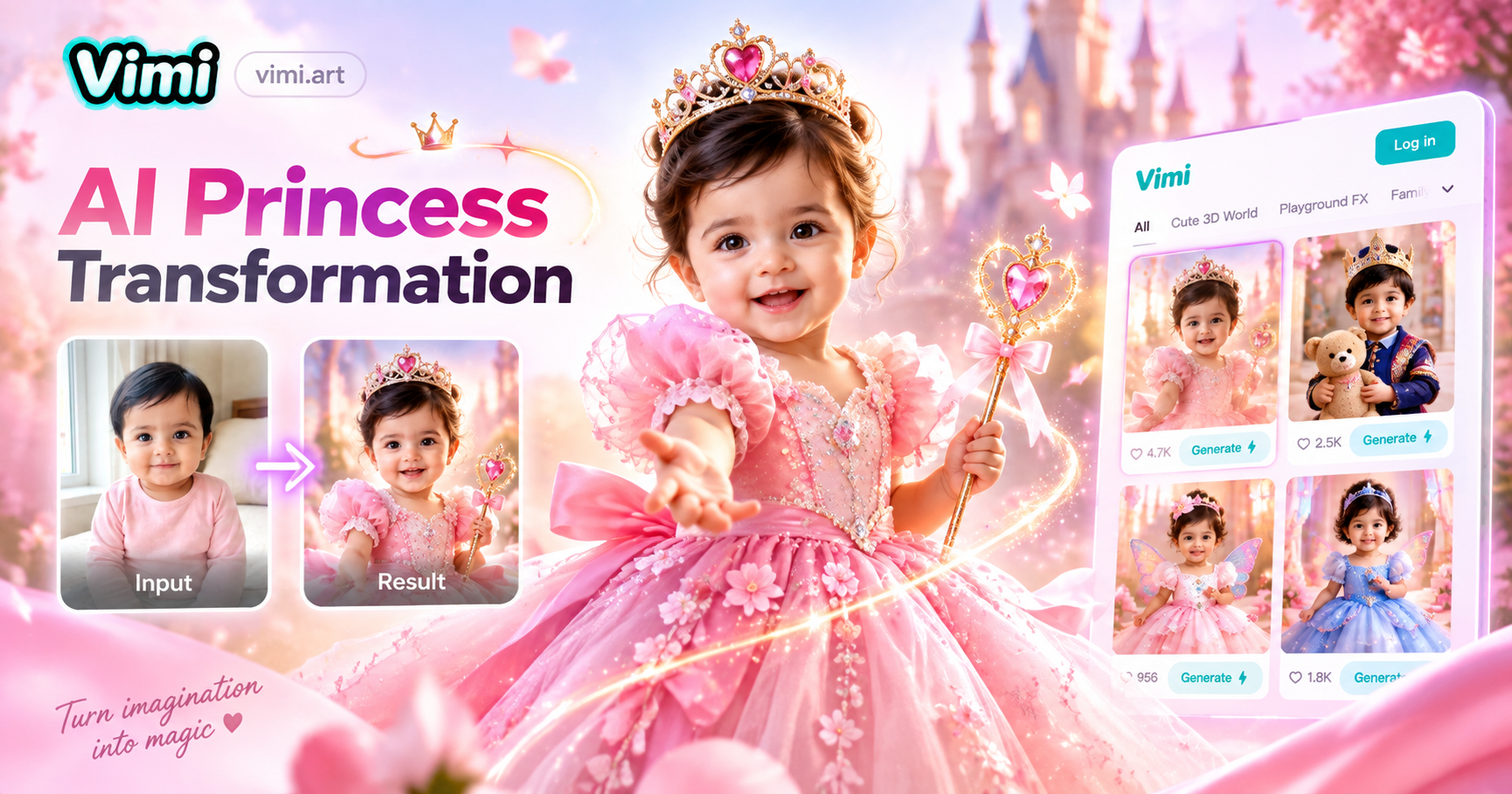
AI Princess Dress Transformation: Turn Photos into Royal Looks with Vimi
Vimi AI Group Dance Generator: Turn Group Photos Into Dance Videos
AI Viking Warrior Filter: Create Norse Warrior Portraits in Vimi
Vimi AI Boss Generator: Create Professional Boss Portraits In Minutes
AI Princess Dress Transformation: Turn Photos into Royal Looks with Vimi
Create Your God Car Driving AI Video Today
Download Vimi and choose the God Car Driving AI template. Upload a photo and make your driving clip in seconds.
Create Your God Car Driving AI Video Today
Download Vimi and choose the God Car Driving AI template. Upload a photo and make your driving clip in seconds.