Best Anime Character Creators
Vimi is a mobile AI design app for anime character creation. It combines text to image, image to image, text to video, and image to video tools in one place. Browse 21000 ready to use templates, pick an anime style, upload a photo, and generate a character in seconds. Download the app to create and share.
 Before
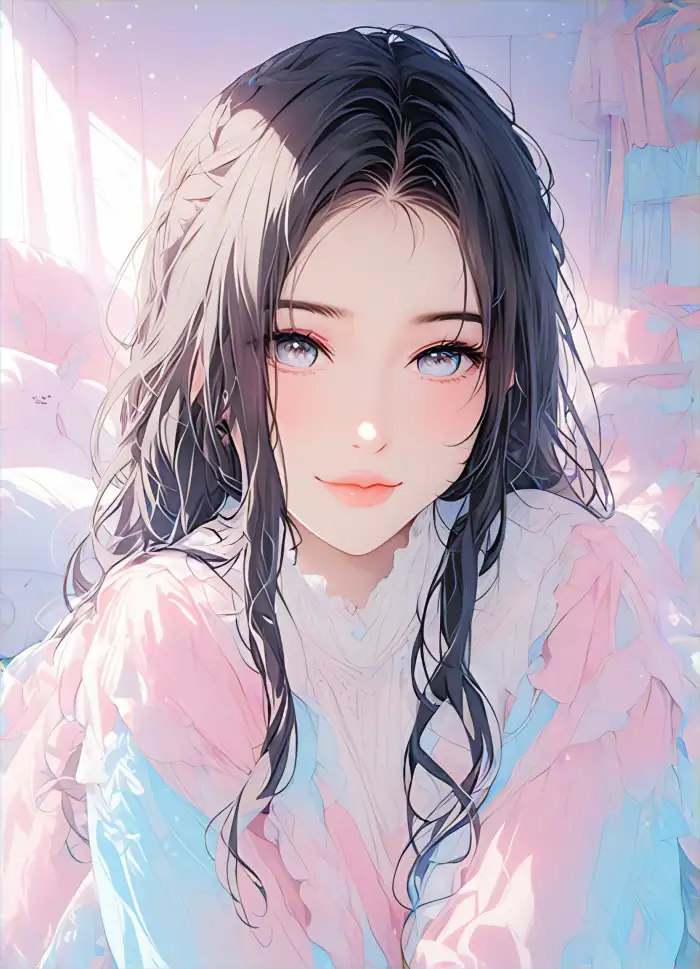 After

Vimi Studio
Switch to Vimi Studio on APP for advanced control and unlimited exports.

Choose the Best Anime Character Creators Filter
Discover the best anime character creators filter that perfectly matches your style.
Vimi Anime Filter Picks Sample for Download
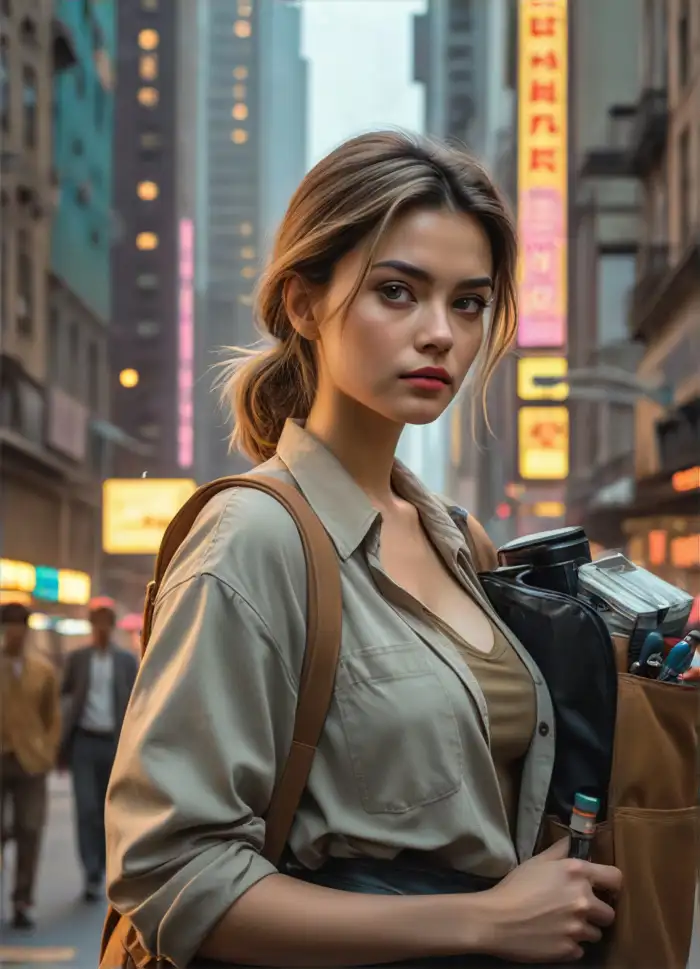
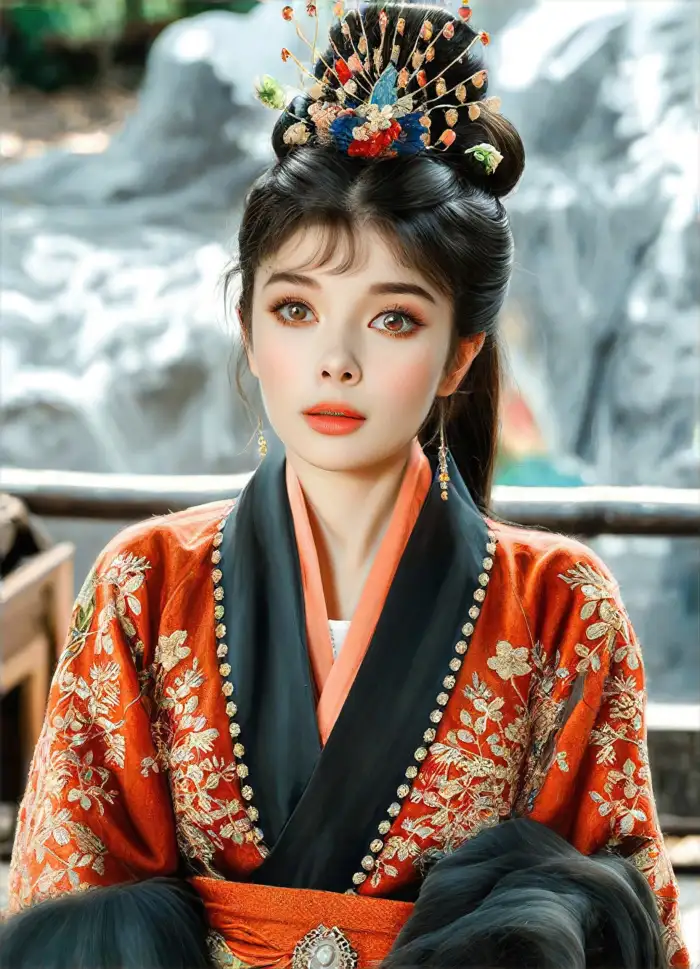
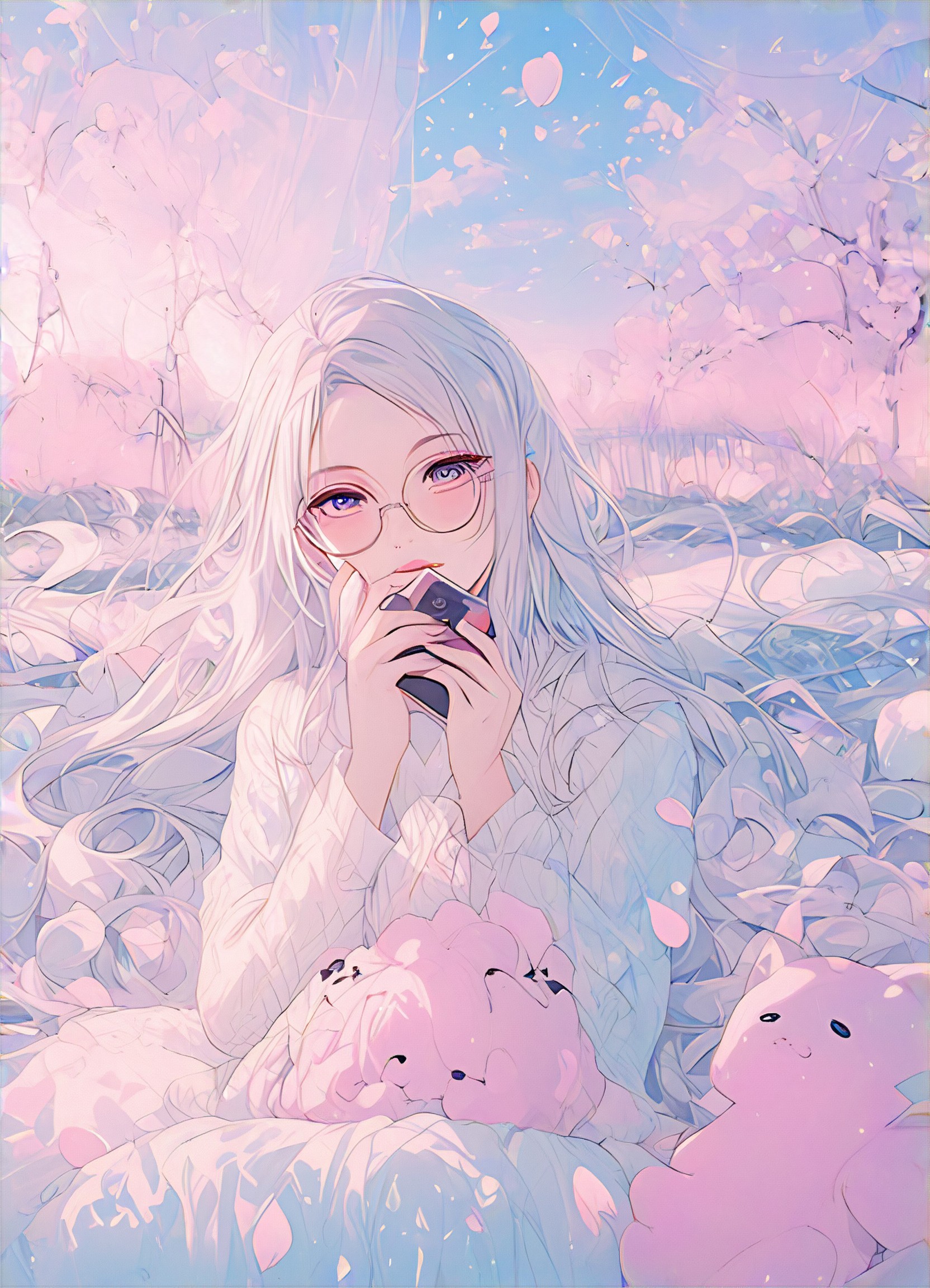
For anime characters, try Anime Portrait for clean line art, Ghibli Style Animation for soft painted scenes, 3D Clay Anime for rounded clay figures, Cyberpunk Anime for neon city looks, and Chibi Avatar for small stylized characters. Each template accepts one or more photos and returns a still image or short video.


Why Vimi Is the Best Anime Character Creators Tool
Discover the anime character tools that turn one photo into a shareable character with template based controls and fast mobile output.
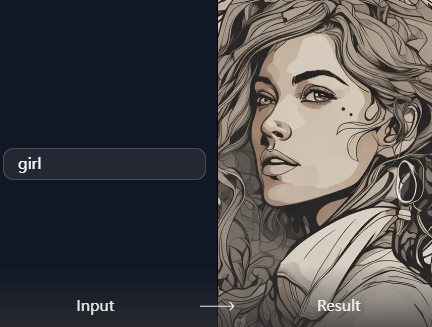
Photo to Anime Flow
Vimi turns one photo into an anime character through ready made templates. Choose a style, upload a clear face image, and tap Generate. The app keeps facial features, hair, and clothing consistent. Output arrives in 10 to 20 seconds as a still image or short video.
Photo to Anime Flow
Vimi turns one photo into an anime character through ready made templates. Choose a style, upload a clear face image, and tap Generate. The app keeps facial features, hair, and clothing consistent. Output arrives in 10 to 20 seconds as a still image or short video.
Explore Vimi Best Anime Character Creators Use Cases
Find the anime character workflows that fit social posts, fan art, personal avatars, and short videos inside one mobile app.
 Before
 After
Personal Anime Avatar Series
Vimi keeps the same face, hair, and clothing across a series of anime avatars. Upload one clear photo, pick a template, and generate a set for profile pictures or a digital persona. Results arrive in 10 to 20 seconds. Publish each image to your Vimi profile and choose a public or private gallery.
 Before
 After
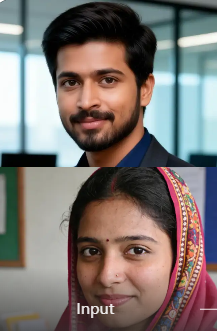
Anime Group Photo Creation
Vimi reads each face in a group photo before it applies an anime style. Upload a couple photo or a friend group image, pick a template, and let the app separate and redraw each person. The result keeps distinct facial features and avoids mixed faces. Some templates support two people, while others support larger groups.
 Before
Short Anime Video Clips
Vimi turns a still anime character into a short video clip. Upload a photo, choose a template such as AI Hug or Ghibli Style Animation, and tap Generate. The character can blink, smile, or turn its head. Finished clips save to your phone and can be posted to social platforms in one tap.
YouTube Videos About Best Anime Character Creators
Explore in-depth YouTube tutorials and demos that showcase the power and reliability of our AI Generator.
Here is What People Think About Us
Fast Anime Avatars for Client Mood Boards
I used the Anime Portrait template to turn a client photo into a character sheet. The line art stayed clean and the face matched the original photo. I made three versions in under a minute. The app saved each one to my profile so I could compare them later.
Group Photo Template Kept Everyone Visible
I uploaded a team photo for an anime style post. Vimi separated each face and redrew all six people. No one lost their glasses or hairstyle. The group image looked like a single scene, not a set of cutouts. I posted it the same day.
Useful for Quick Pose and Expression Tests
I use Vimi to test anime poses before I draw a final piece. The app turns a rough photo into a character with a clear expression. I can pick a smile or a head turn from the template. The 10 to 20 second wait fits my workflow.
More Topics You May Like
Explore more topics you may like and discover fresh ideas tailored to your interests.
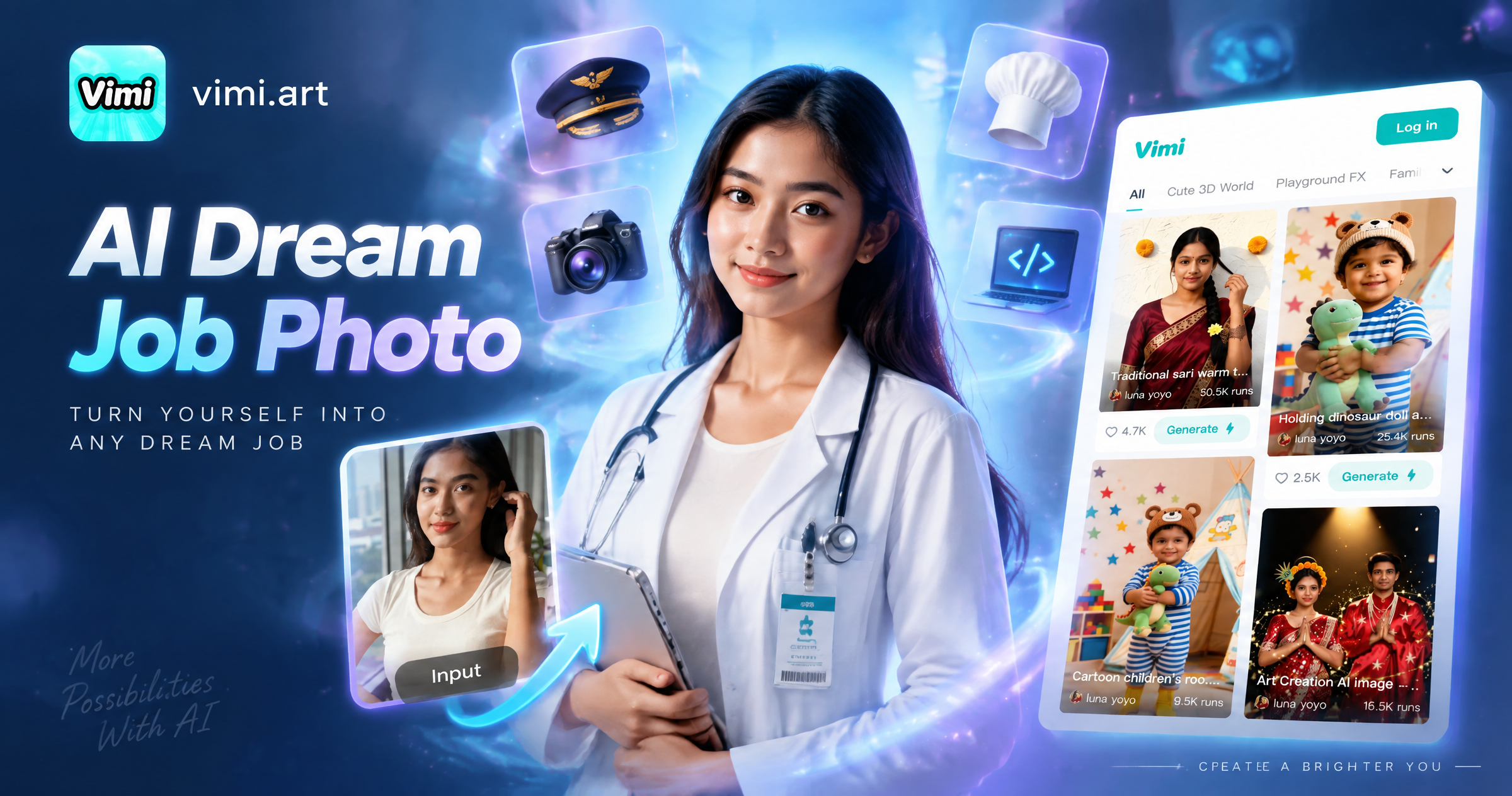
Vimi AI Dream Job Photo: Create Professional Headshots in Minutes
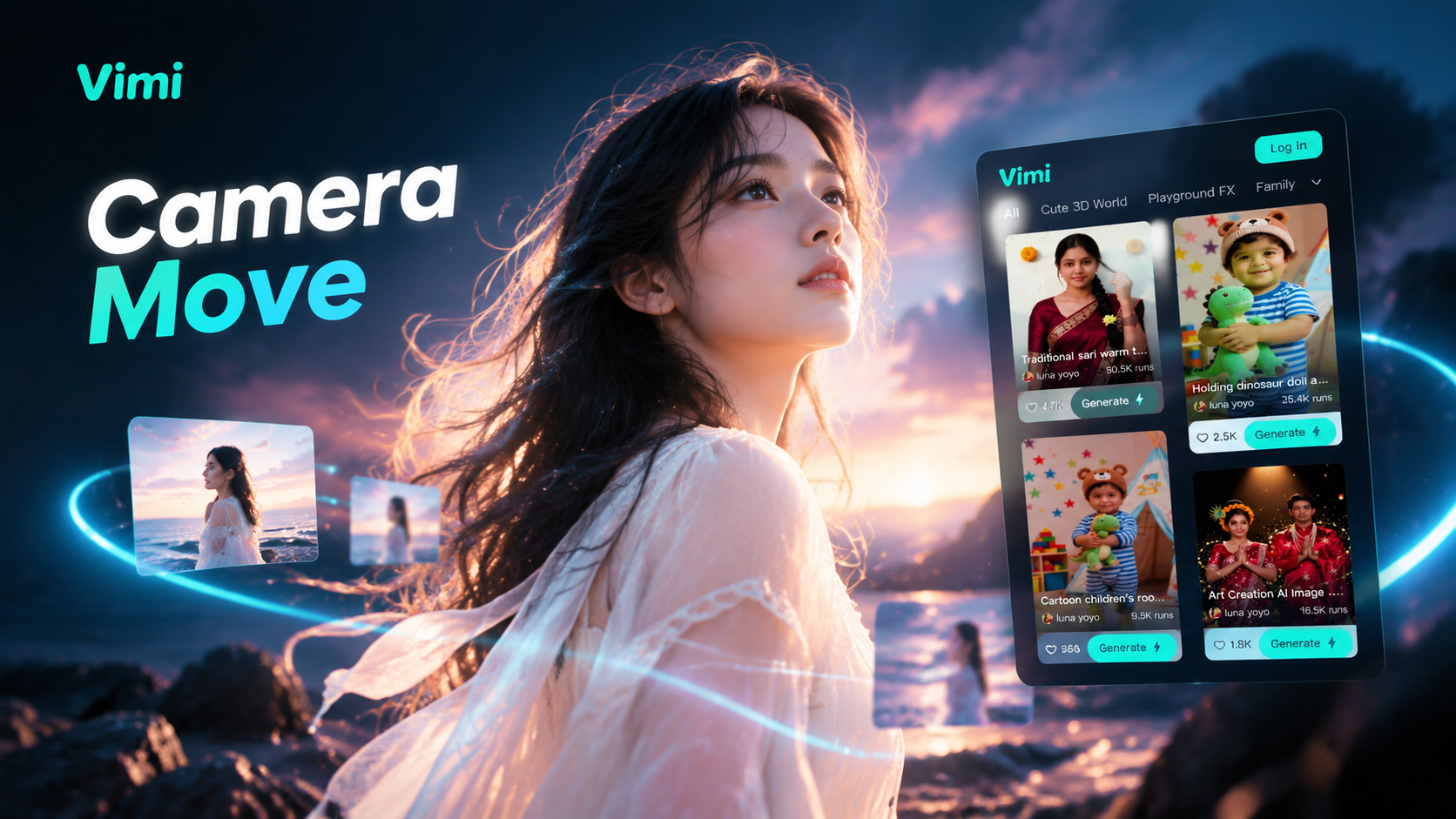
Vimi Camera Movement Filters for AI Photos and Videos
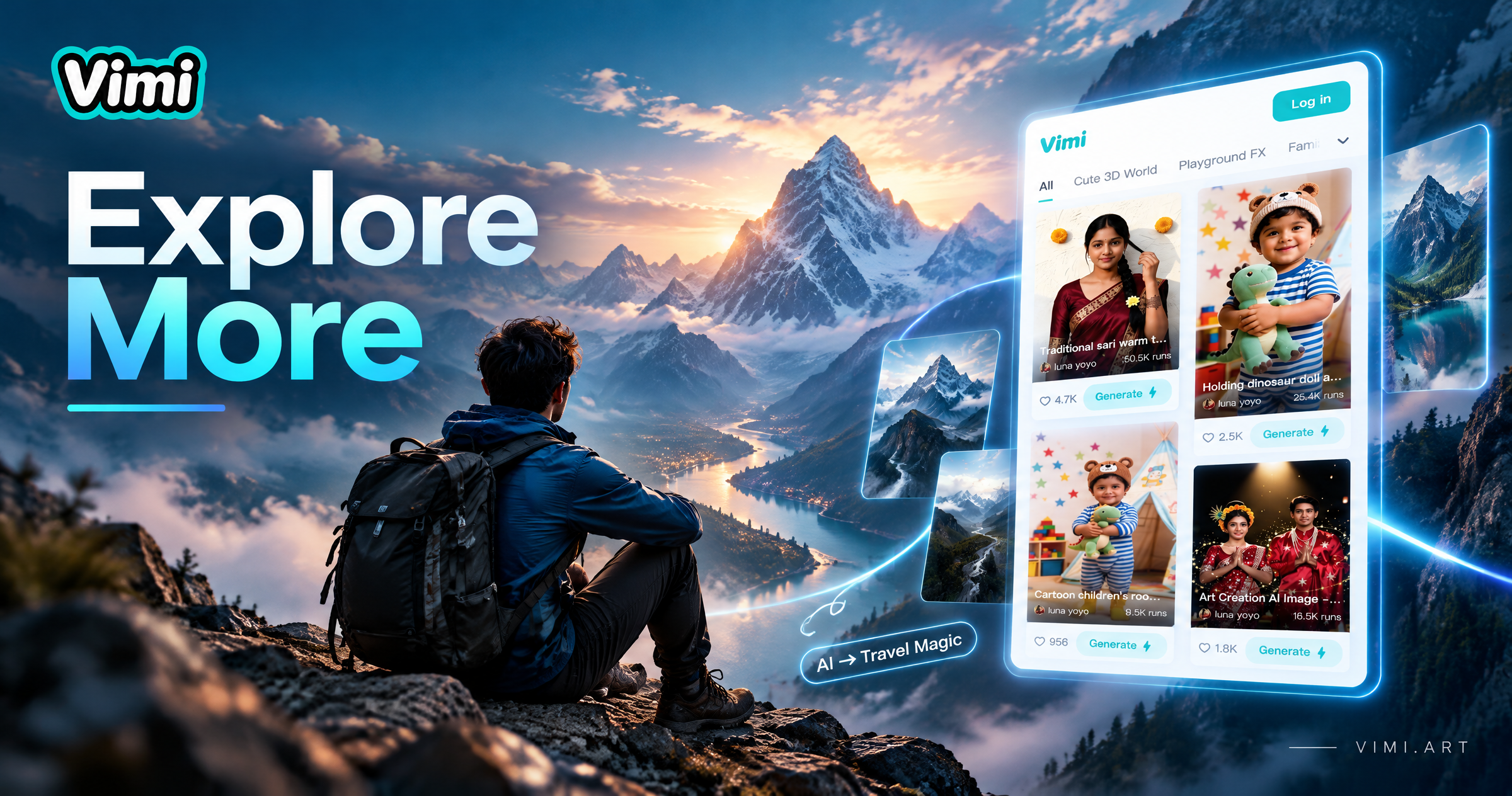
Vimi Mountain Travel Poster Filter for Travel Art on Mobile
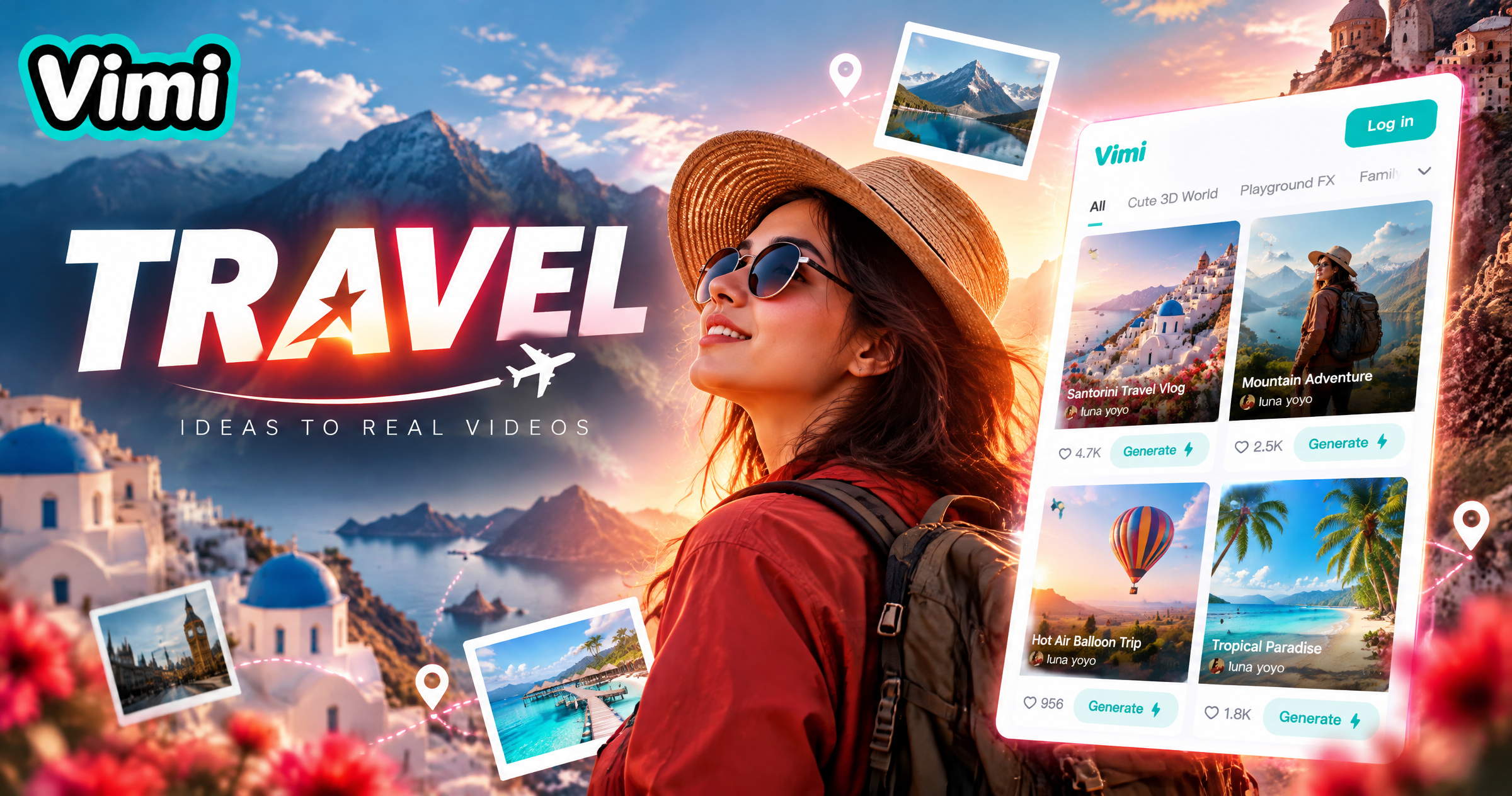
Vimi Travel YouTube Thumbnail Maker for Clear Travel Covers
Vimi AI Dream Job Photo: Create Professional Headshots in Minutes
Vimi Camera Movement Filters for AI Photos and Videos
Vimi Mountain Travel Poster Filter for Travel Art on Mobile
Vimi Travel YouTube Thumbnail Maker for Clear Travel Covers
Create Your Anime Character in Vimi
Download the app and pick a template. Generate a character from one photo.
Create Your Anime Character in Vimi
Download the app and pick a template. Generate a character from one photo.