Best AI Selfie Generator
Vimi is an AI design app for selfies, portraits, and short videos. Choose from different style templates, upload one photo, and tap Generate. The Best AI Selfie Generator creates studio portraits, 3D clay avatars, Ghibli inspired scenes, cyberpunk looks, and group photos in 10 to 20 seconds. Download the app to create and share.
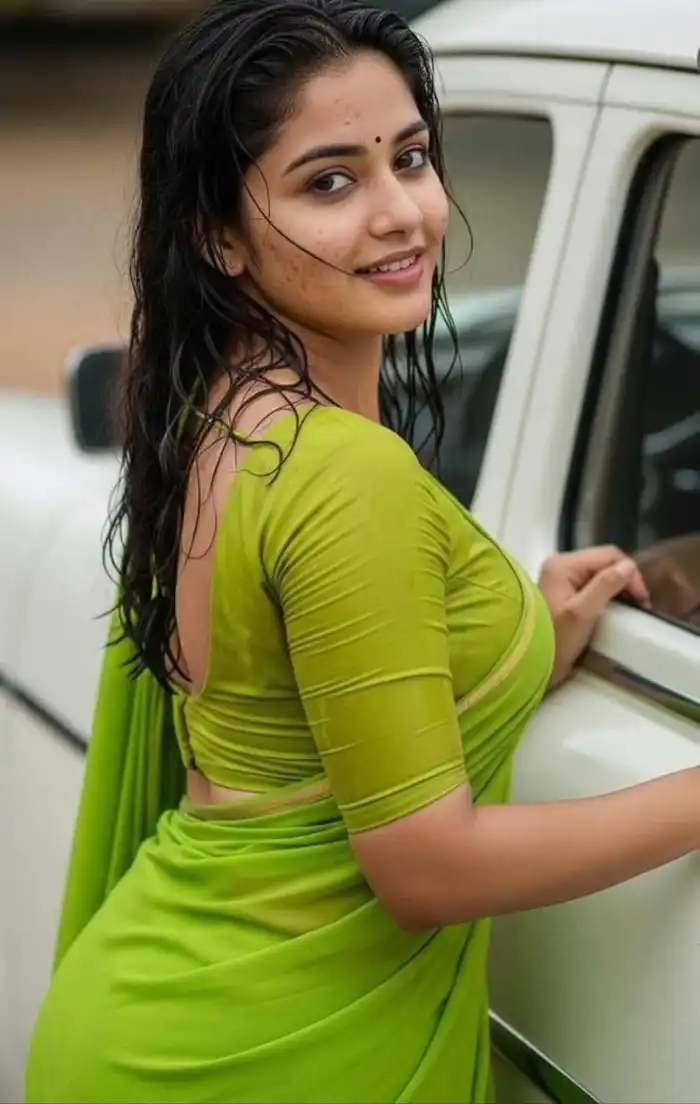 Before
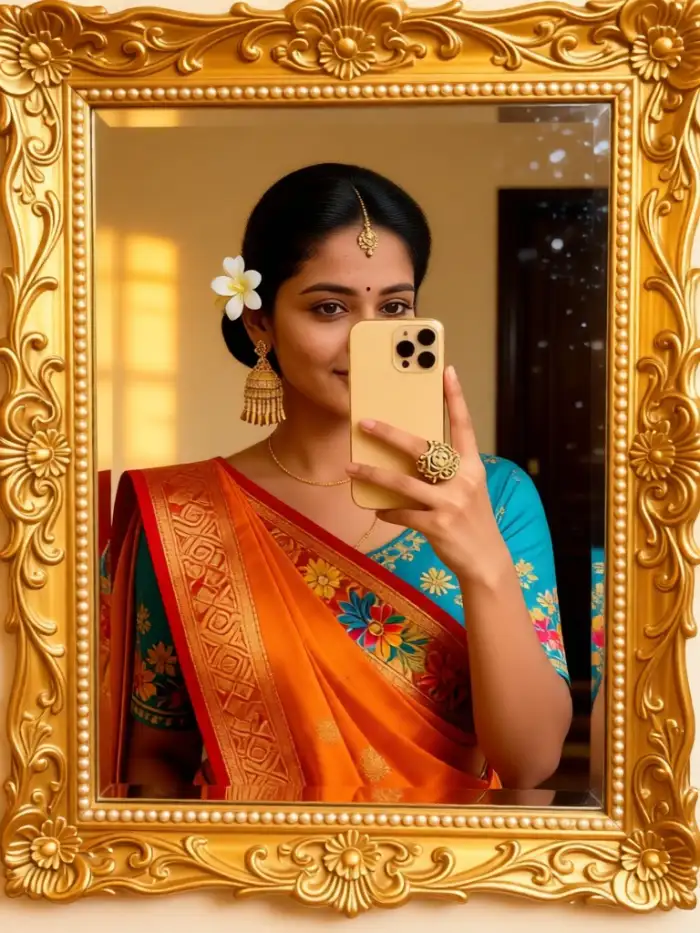 After
Vimi Studio
Switch to Vimi Studio on APP for advanced control and unlimited exports.

Choose the Best AI Selfie Generator Filter
Discover the best ai selfie generator filter that perfectly matches your style and mood.
Explore Best AI Selfie Generator Gallery
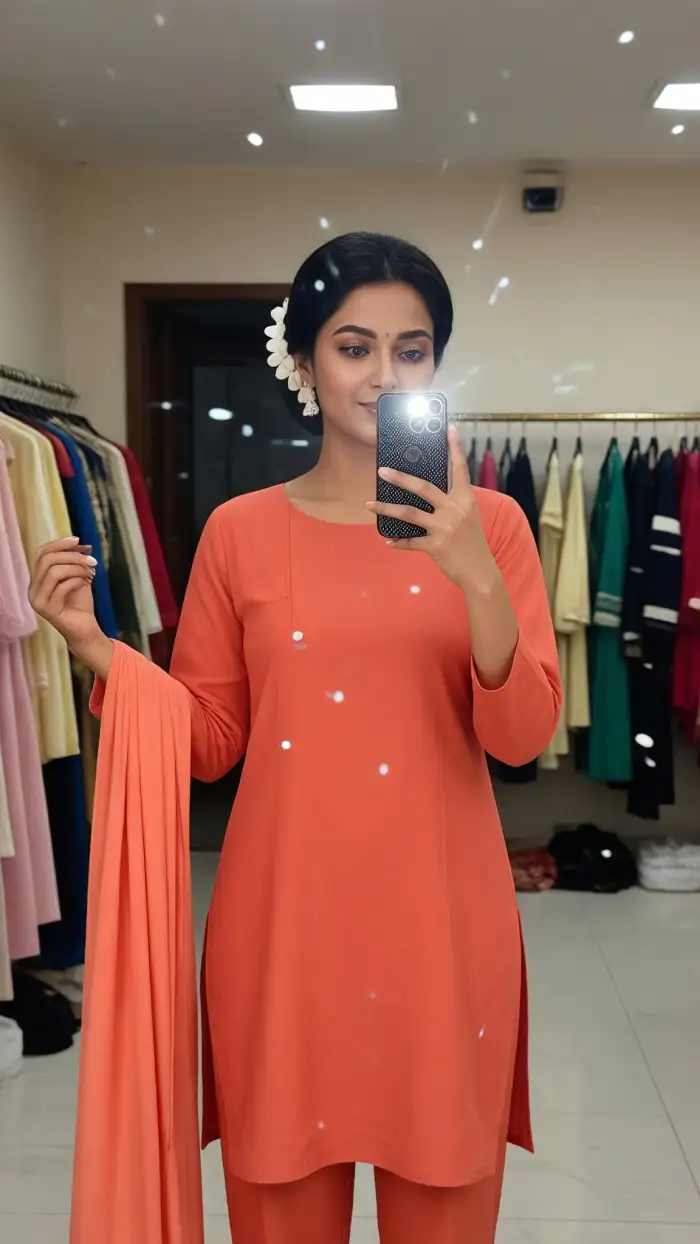
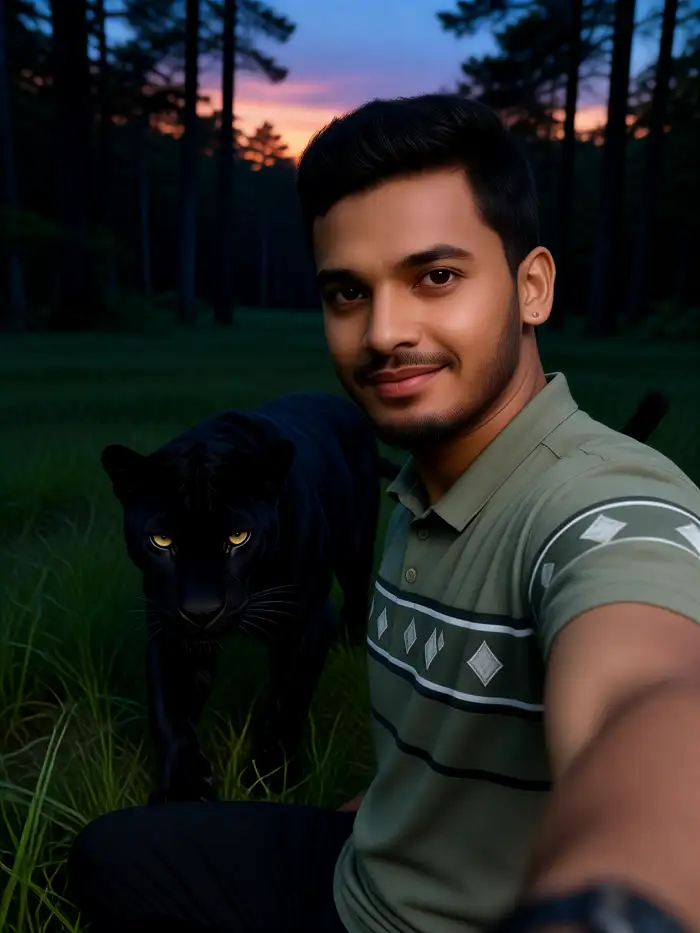
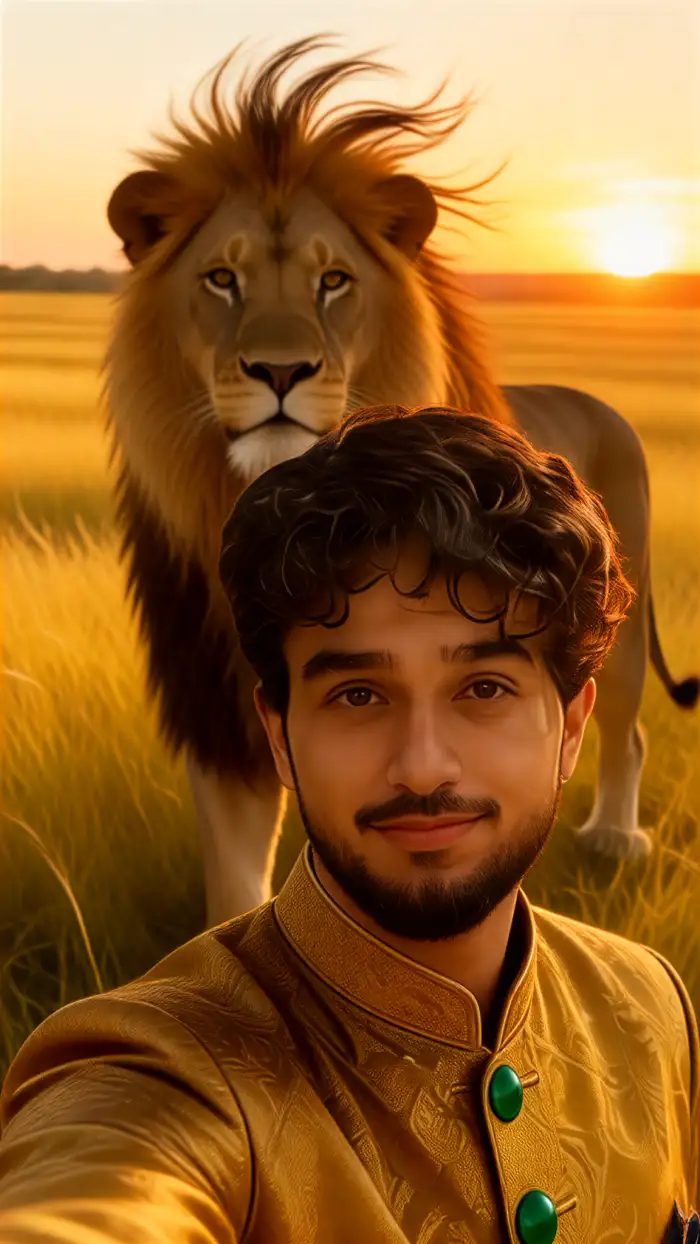
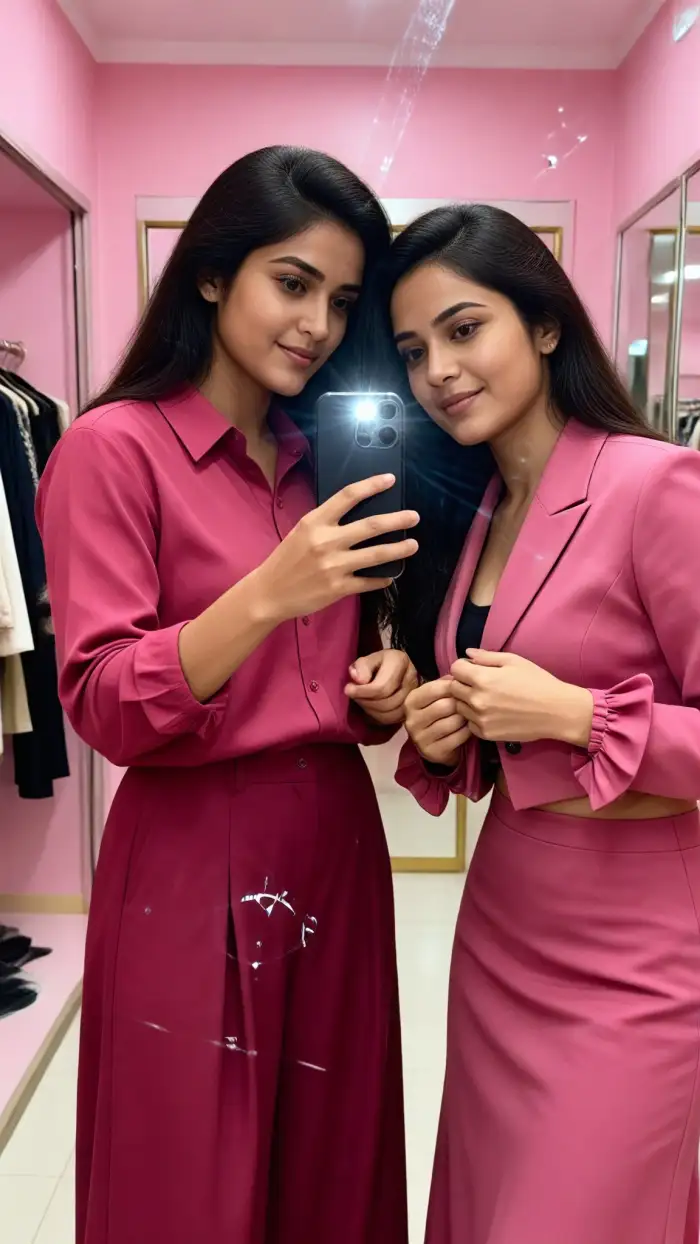
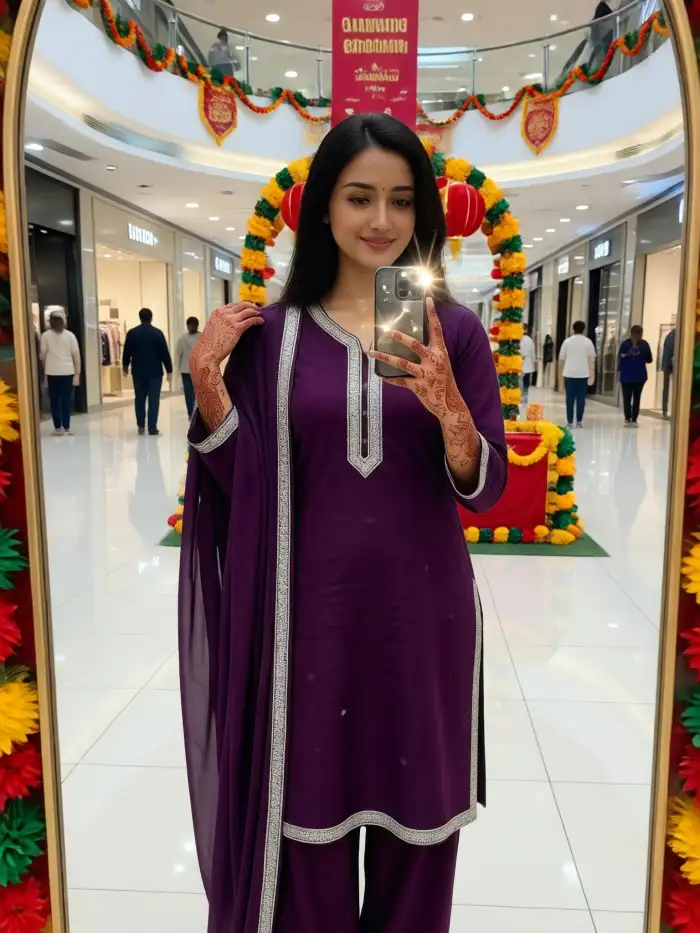
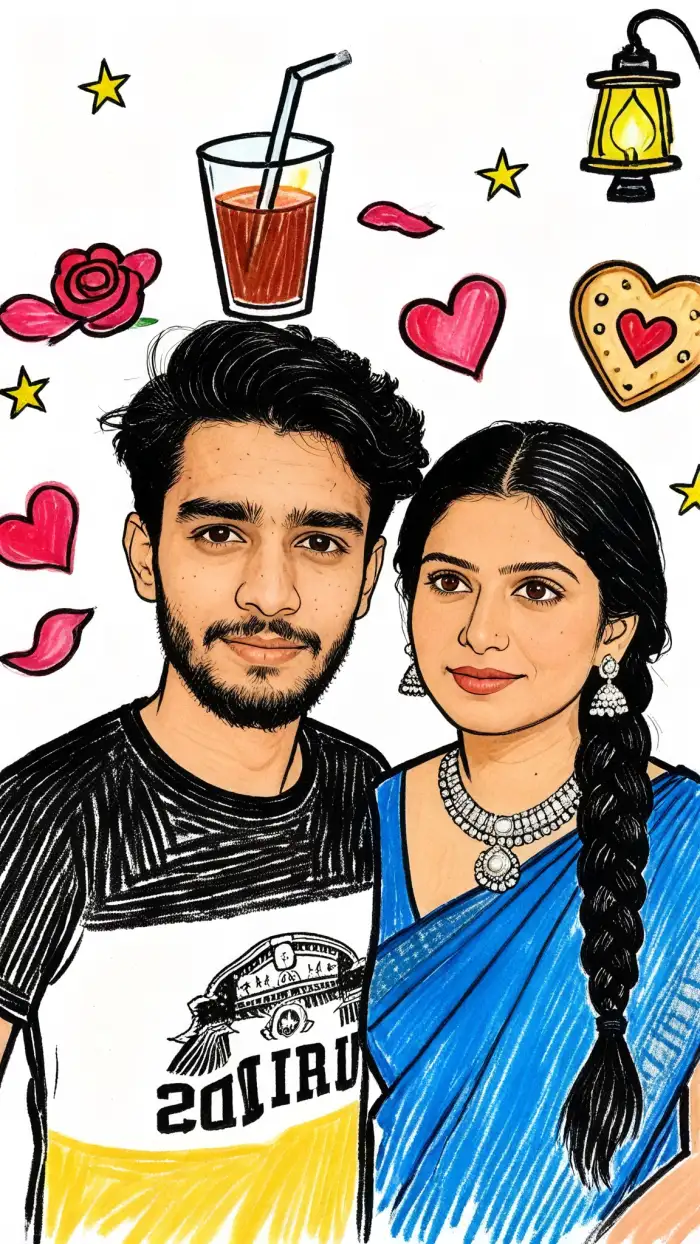
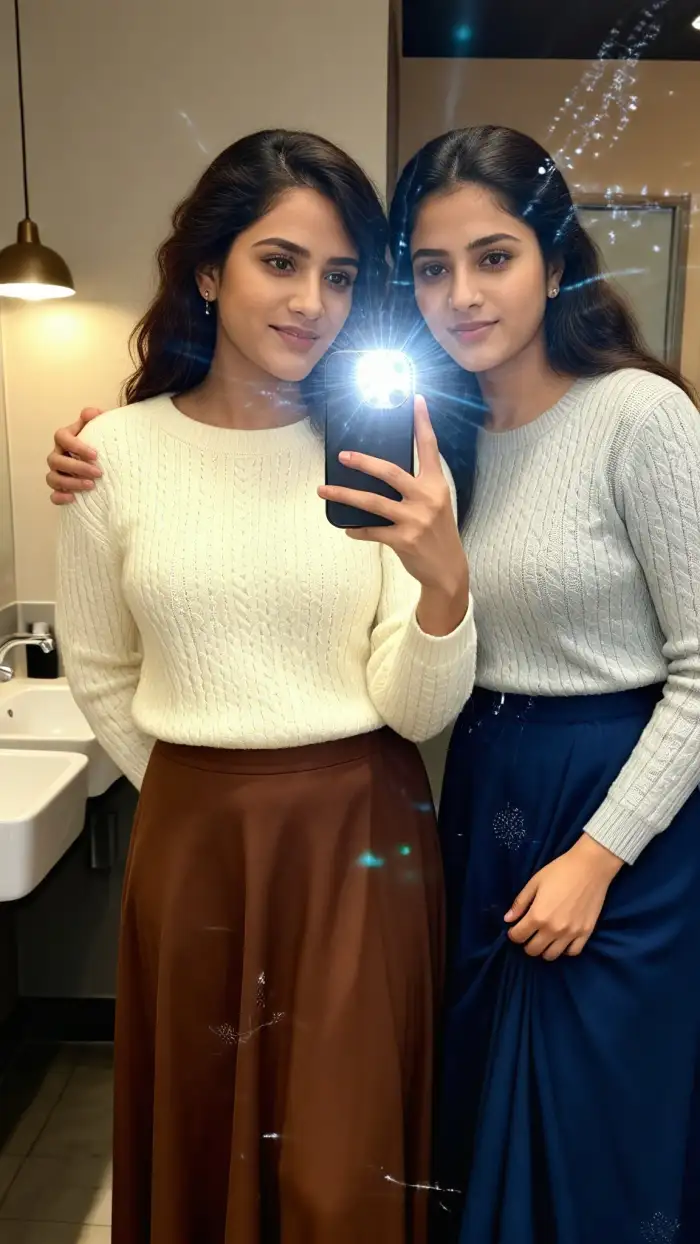
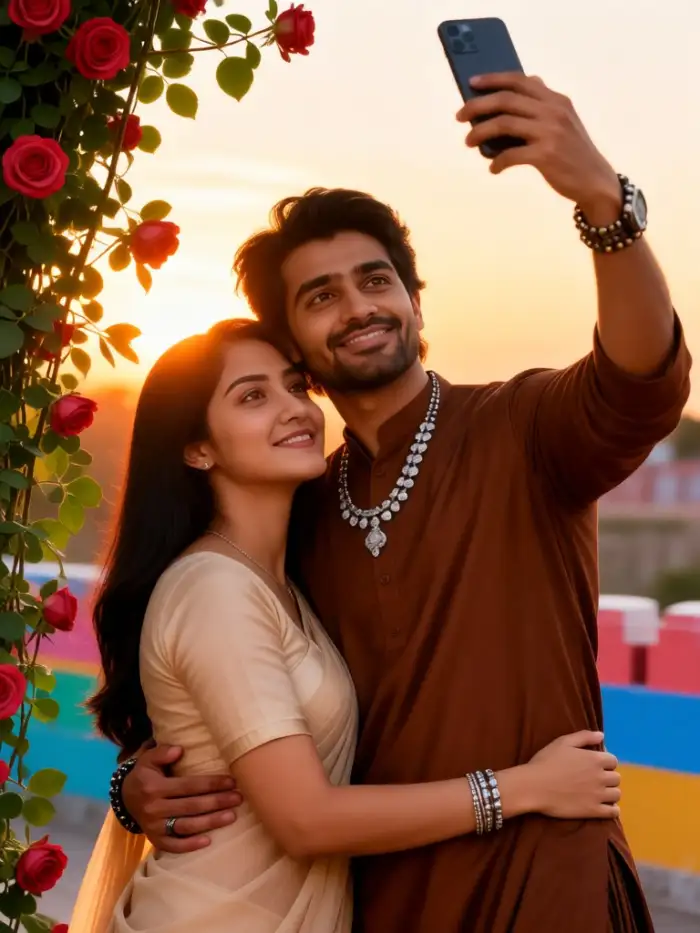
Start with Studio Portrait for clean profile photos. Try 3D Clay Avatar for a soft character look. Use Ghibli Inspired Animation for painted scenes. Pick Cyberpunk Portrait for neon color. Choose Vintage Film Selfie for a grainy finish. Each template is ready to use in the Vimi app.
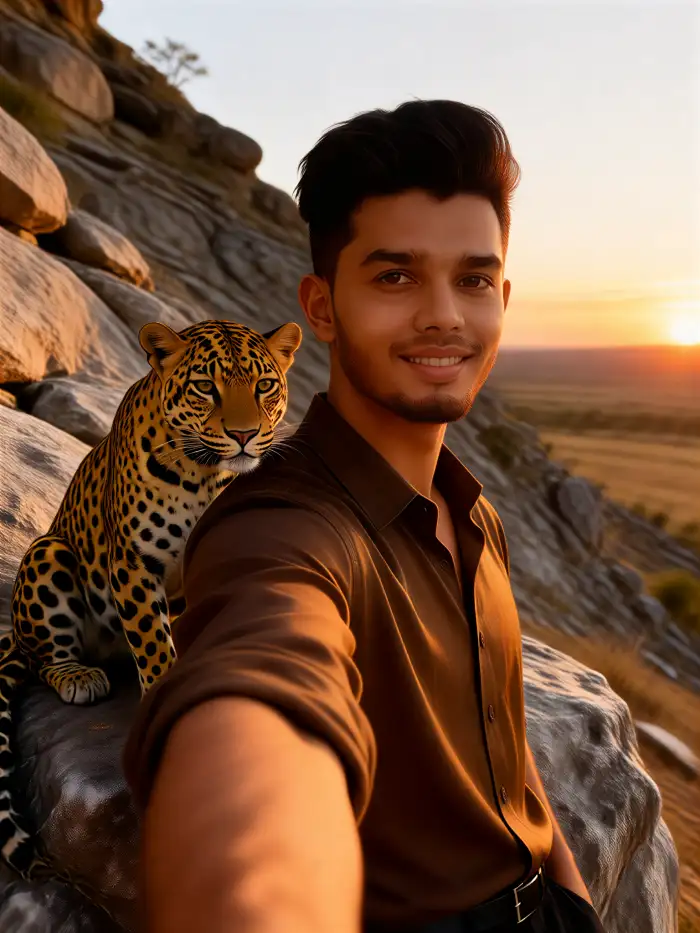
Why Vimi Is The Best AI Selfie Generator
Discover the selfie tools in Vimi that turn one photo into styled portraits with simple template choices and clear results.
Template First Selfie Workflow
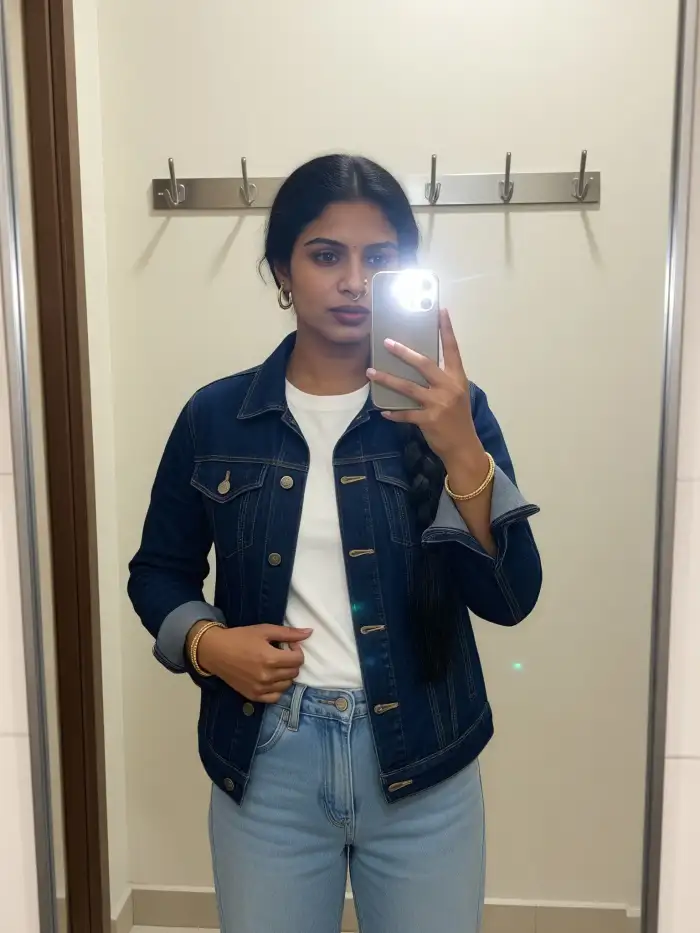
Choose a selfie template, upload one photo, and tap Generate. Vimi reads the face and applies the selected style in 10 to 20 seconds. You can pick from 21000 templates, including studio portraits, 3D clay avatars, Ghibli inspired scenes, and cyberpunk looks. No prompt writing is needed.
Template First Selfie Workflow
Choose a selfie template, upload one photo, and tap Generate. Vimi reads the face and applies the selected style in 10 to 20 seconds. You can pick from 21000 templates, including studio portraits, 3D clay avatars, Ghibli inspired scenes, and cyberpunk looks. No prompt writing is needed.
Explore Use Cases For Vimi Best AI Selfie Generator
Explore the selfie scenes in Vimi where the Best AI Selfie Generator supports solo portraits, group photos, and short videos.
 Before
 After
Solo Portrait Style Shots
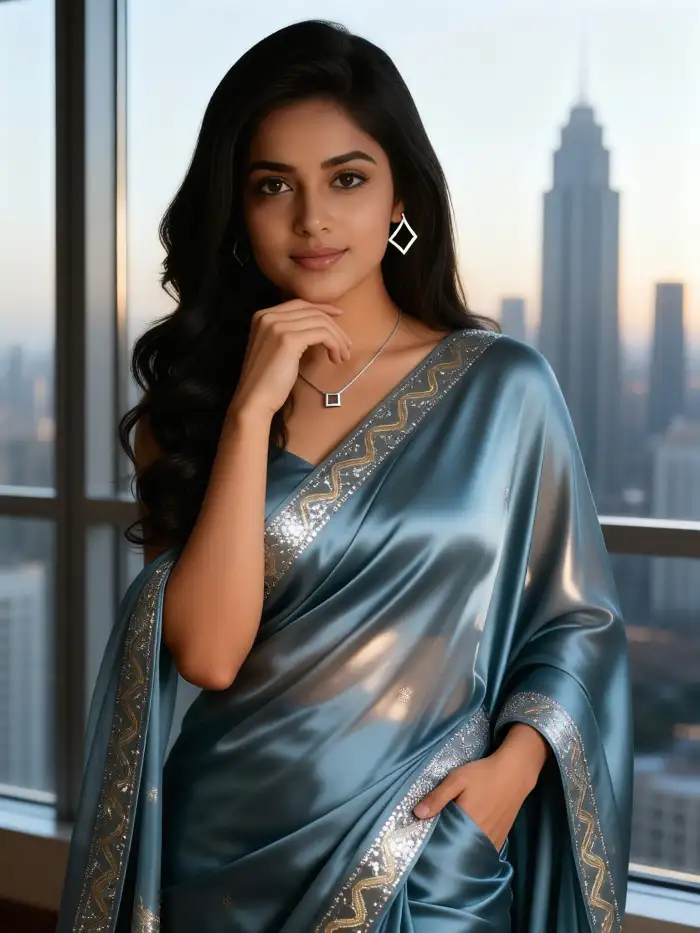
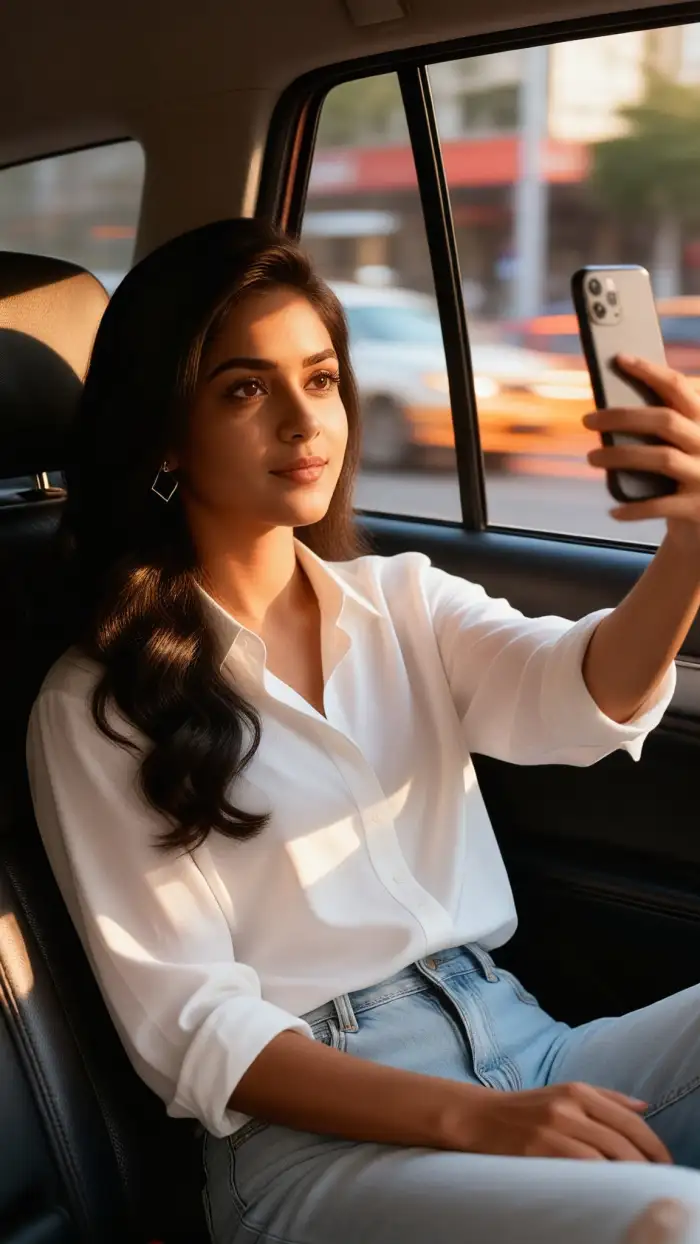
Use one selfie to create profile photos, dating app portraits, avatar sets, and themed character looks. Vimi keeps facial features, hair, and clothing consistent across a series. You can test studio lighting, 3D clay style, watercolor, or film looks without writing prompts or adjusting settings. Each result is ready in seconds.
 Before
 After
Group Selfie Scene Templates
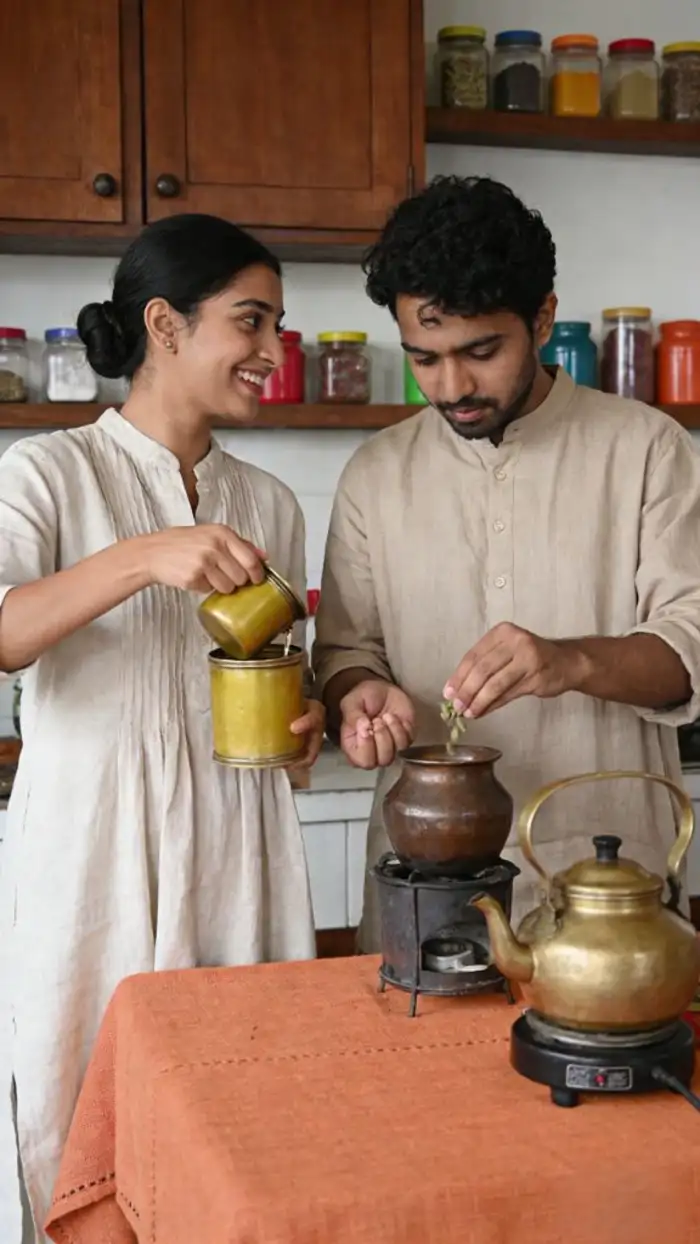
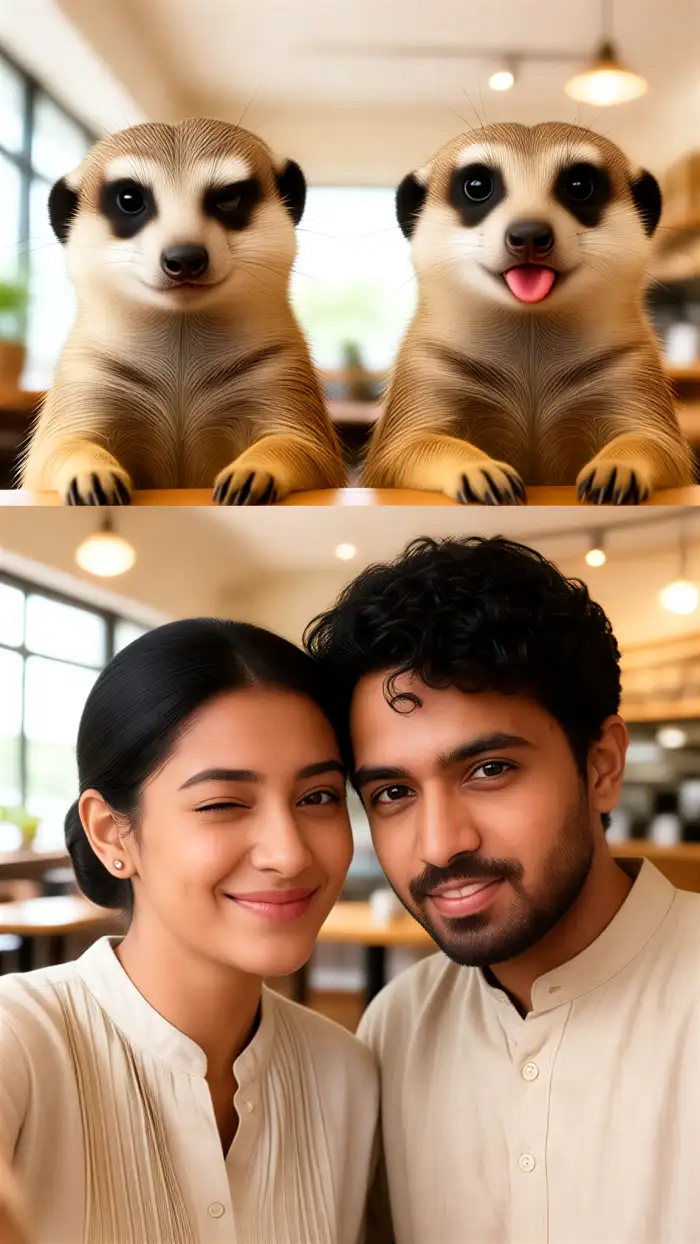
Upload a couple photo, family shot, or friend group image. Vimi identifies each face and separates distinct facial features before applying a new style. The multi person tool combines people into hugging poses, shoulder to shoulder lineups, or team photo layouts without mixed faces, distorted features, or missing subjects. Template limits set the group size.
 Before
 After
Selfies In Different Background Scenes
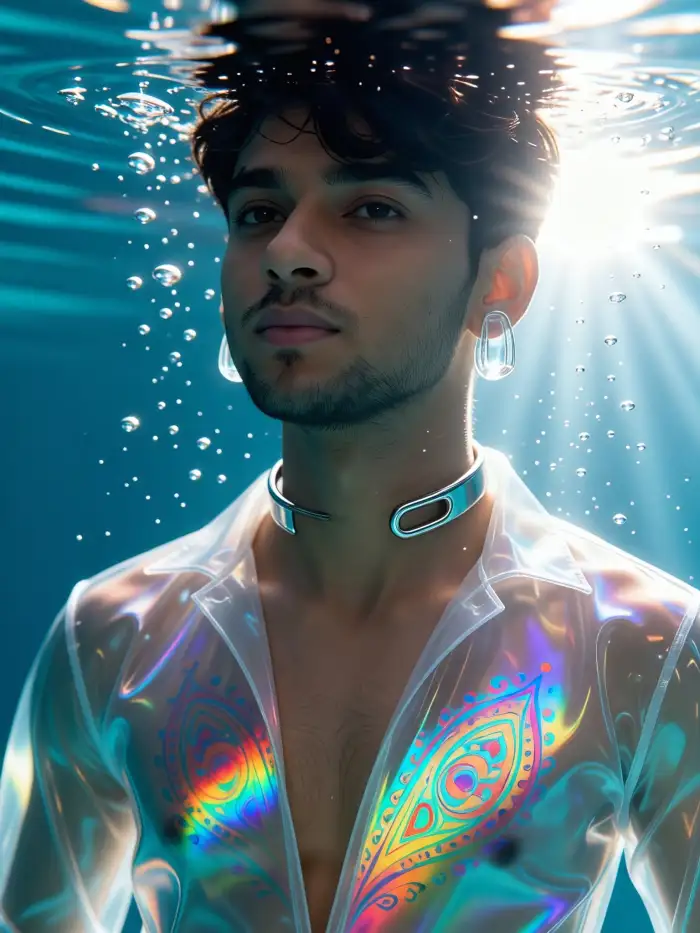
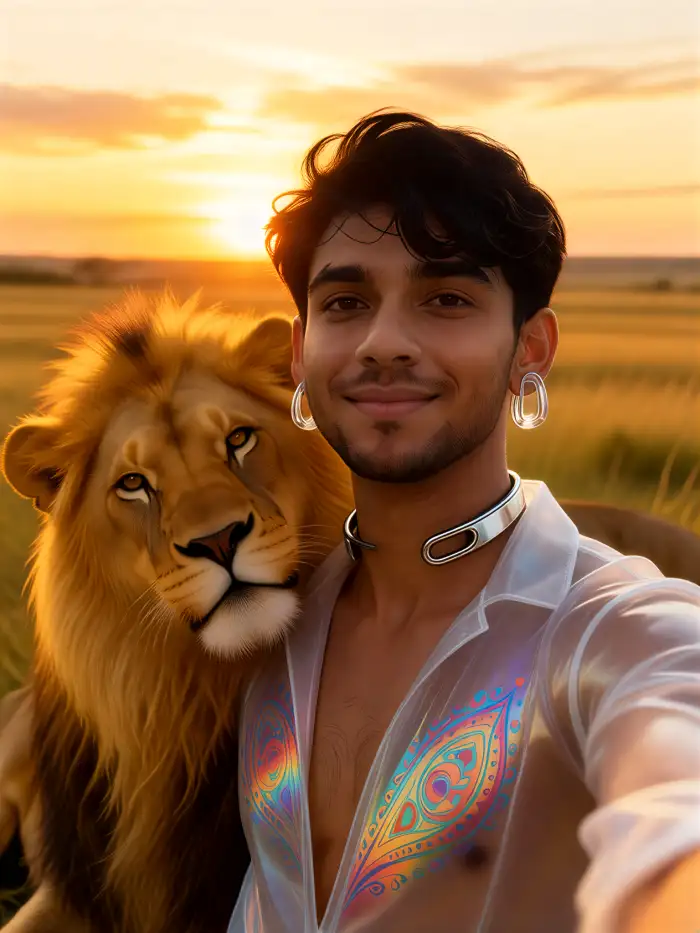
Upload one selfie and choose a template with a new setting. Options include city street, studio, beach, and fantasy scenes. Vimi keeps facial features, hair, and clothing consistent while applying the background and lighting. Each result arrives in seconds. You can save and share it from the app.
How To Use Vimi Best AI Selfie Generator In The App?
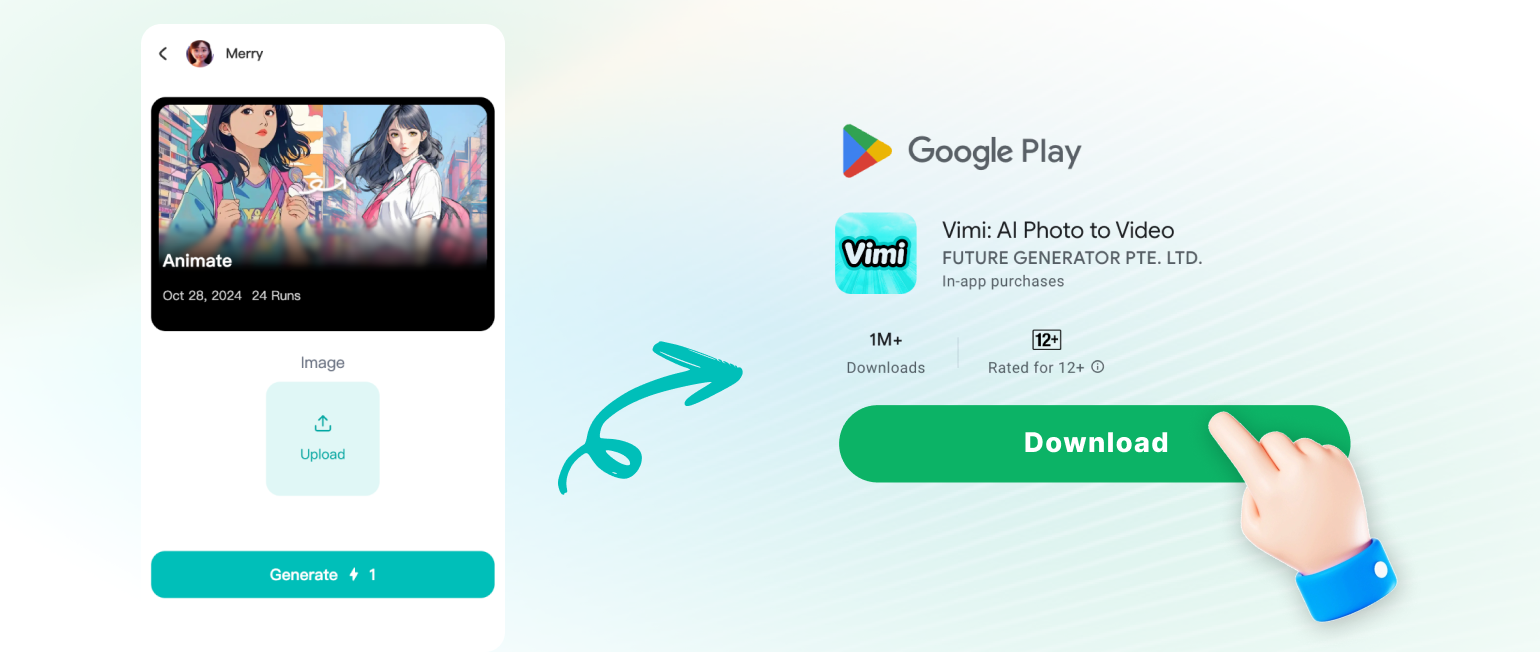
The workflow has three simple steps. View examples, create in the app, and save or share your result.
Here is What People Think About Us
Clear Group Shots
I used Vimi for a family reunion photo. The app separated six faces and placed everyone shoulder to shoulder. Every face stayed clear and every hand stayed in place. I generated three versions and shared them to my profile.
Fast Avatar Set
I needed a set of avatars for a client pitch. I picked the 3D Clay Avatar template and uploaded one headshot. Vimi kept the hair and glasses consistent across eight images. The whole set took about four minutes.
Video From One Photo
I tested the AI Hug effect with an old photo of my parents. Vimi made them smile and lean toward each other. The clip looked natural at small screen size. I downloaded it and posted it the same day.
Frequently Asked Questions
Find clear answers to common questions and get the guidance you need to make the most of our platform, faster and easier.
More Topics You May Like
Explore more topics you may like and discover fresh ideas tailored to your interests.
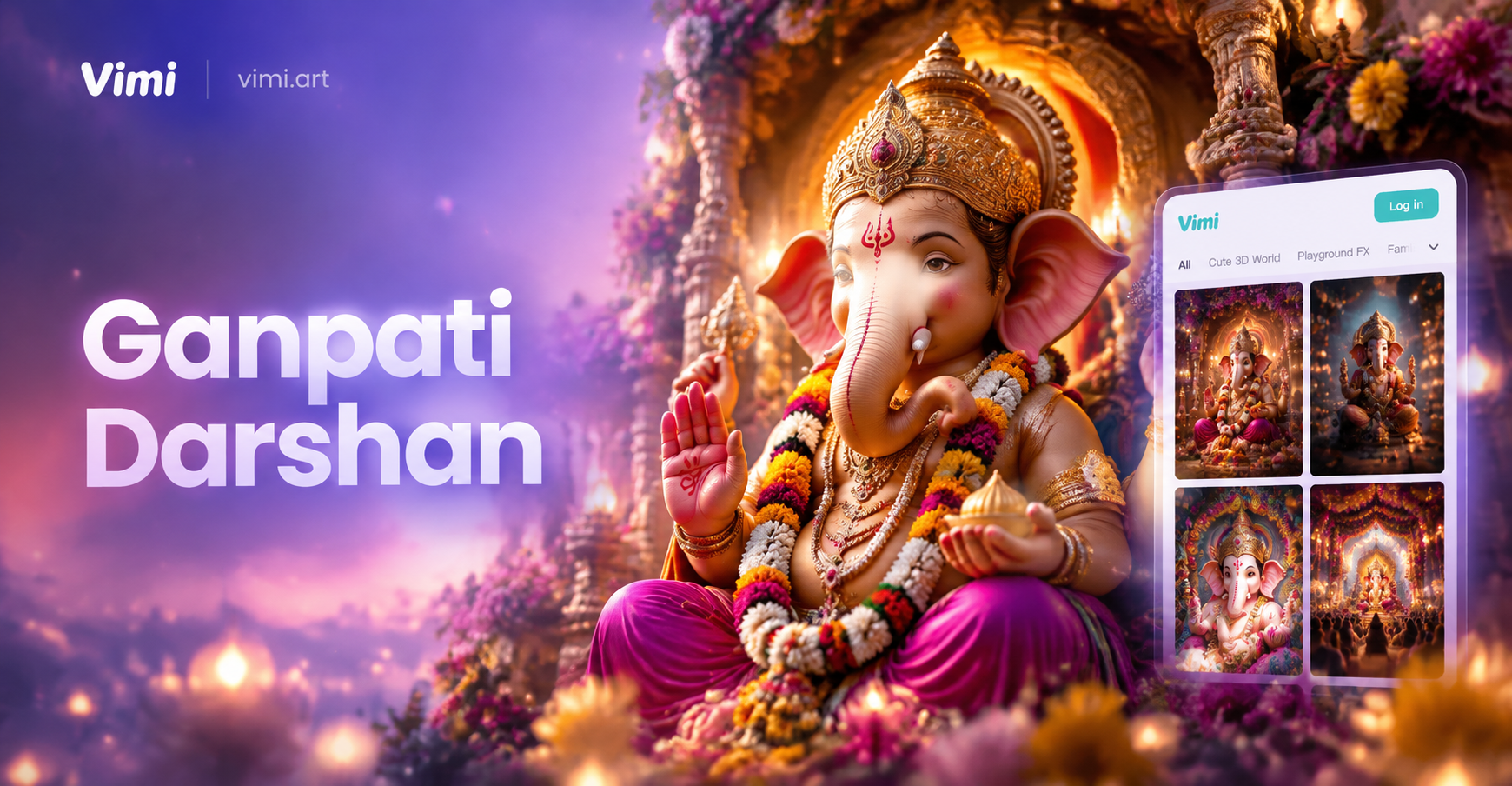
AI Ganpati Pandal Darshan Photos | Create Divine Ganesh Images
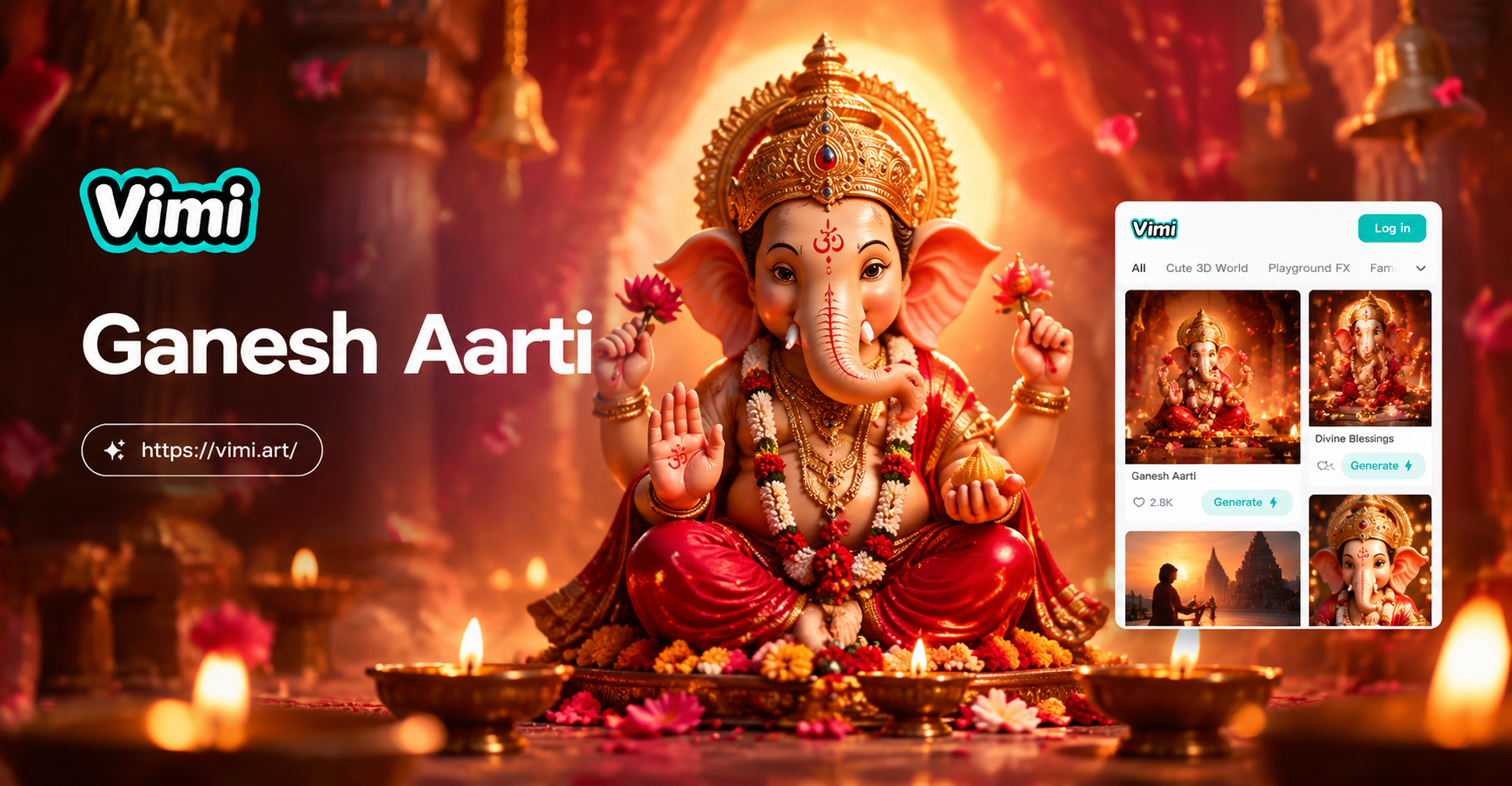
Ganesh Aarti AI Photo: Divine AI Generator App
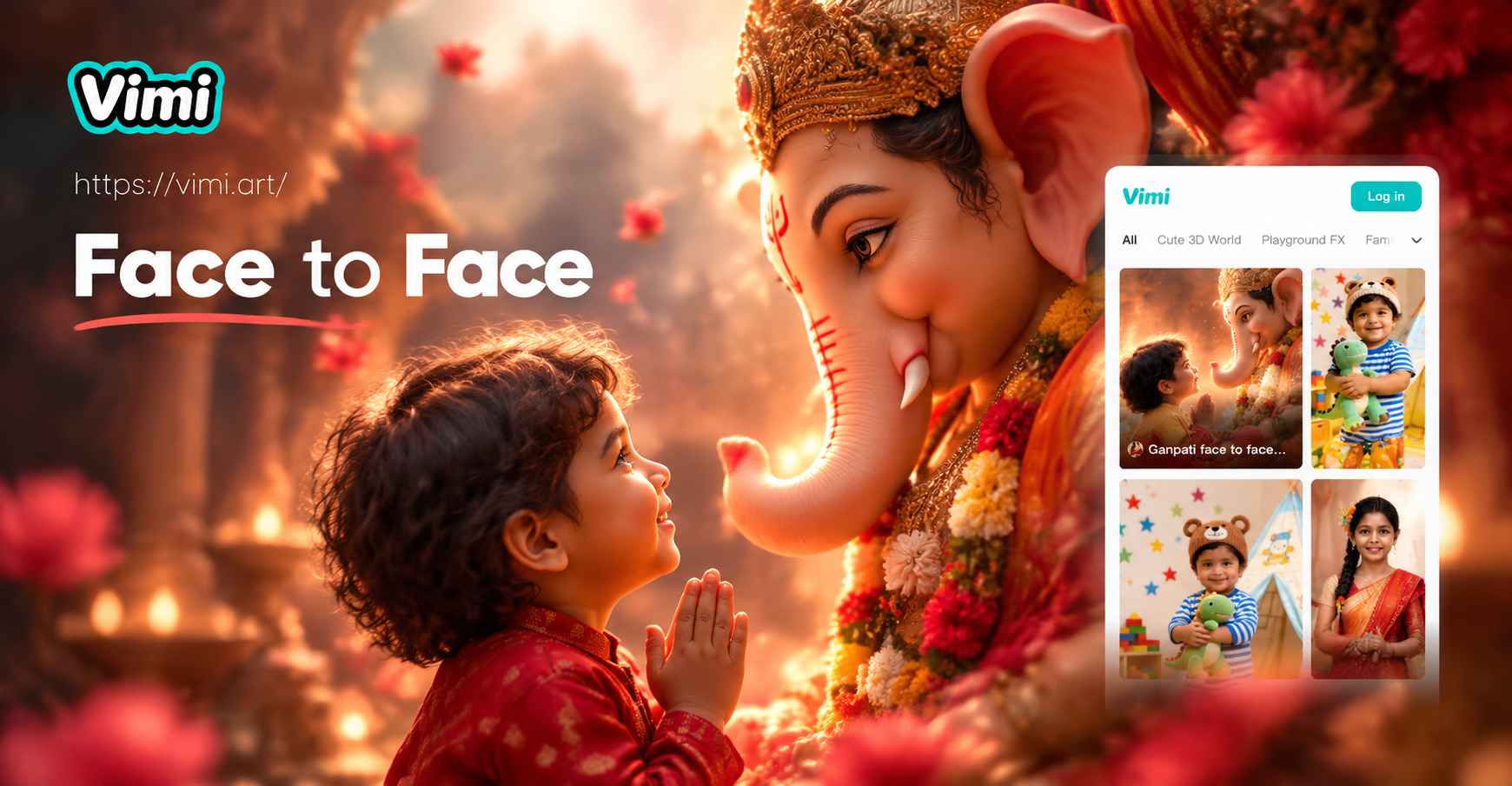
Ganpati Face to Face AI Photo: Divine Selfie Generator
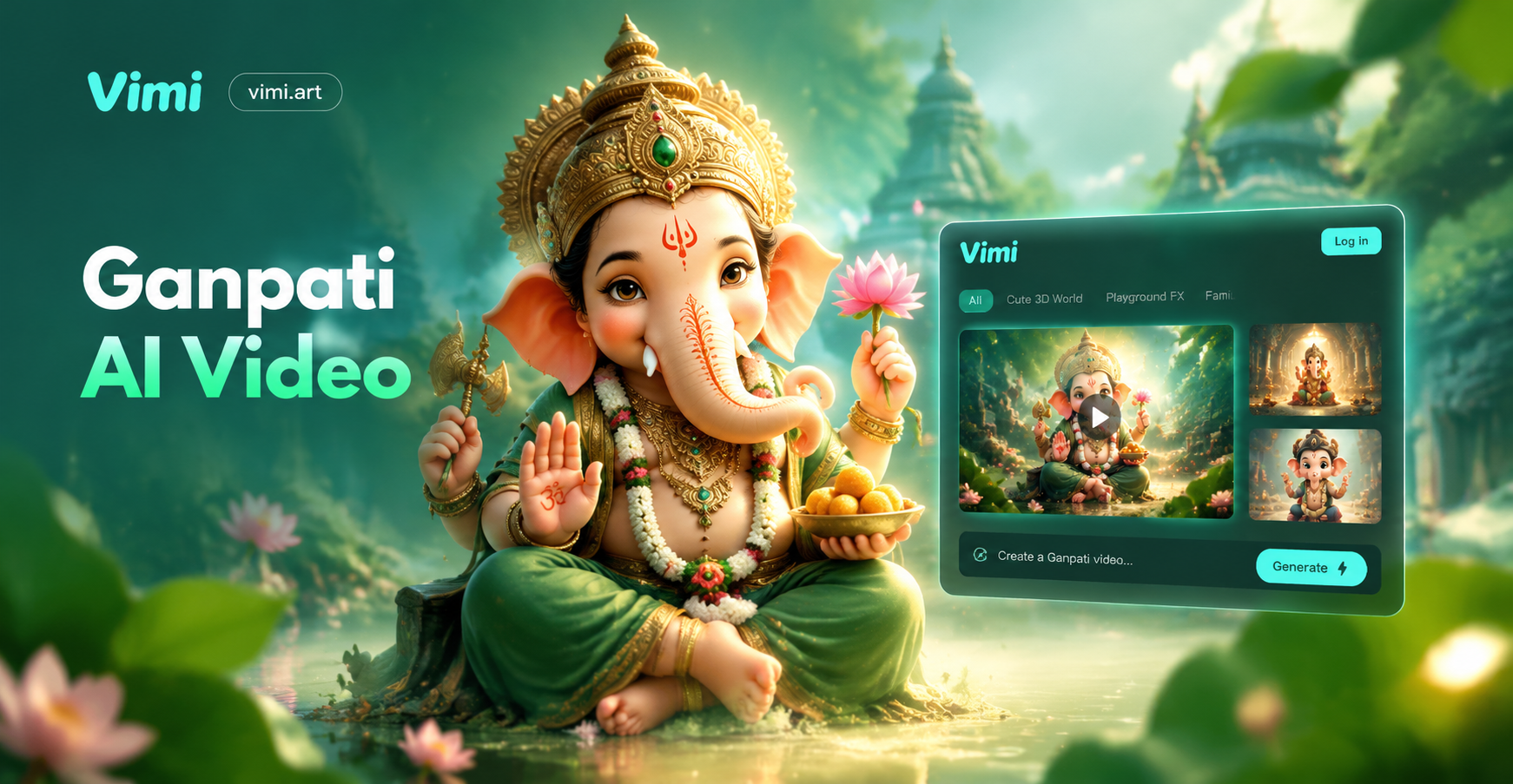
Ganpati AI Video: Create Divine Ganesha Videos Instantly
AI Ganpati Pandal Darshan Photos | Create Divine Ganesh Images
Ganesh Aarti AI Photo: Divine AI Generator App
Ganpati Face to Face AI Photo: Divine Selfie Generator
Ganpati AI Video: Create Divine Ganesha Videos Instantly
Create Your Best AI Selfie Today
Pick a Vimi template and upload one photo. Generate your selfie in seconds.
Create Your Best AI Selfie Today
Pick a Vimi template and upload one photo. Generate your selfie in seconds.