Baby Boo Dance AI
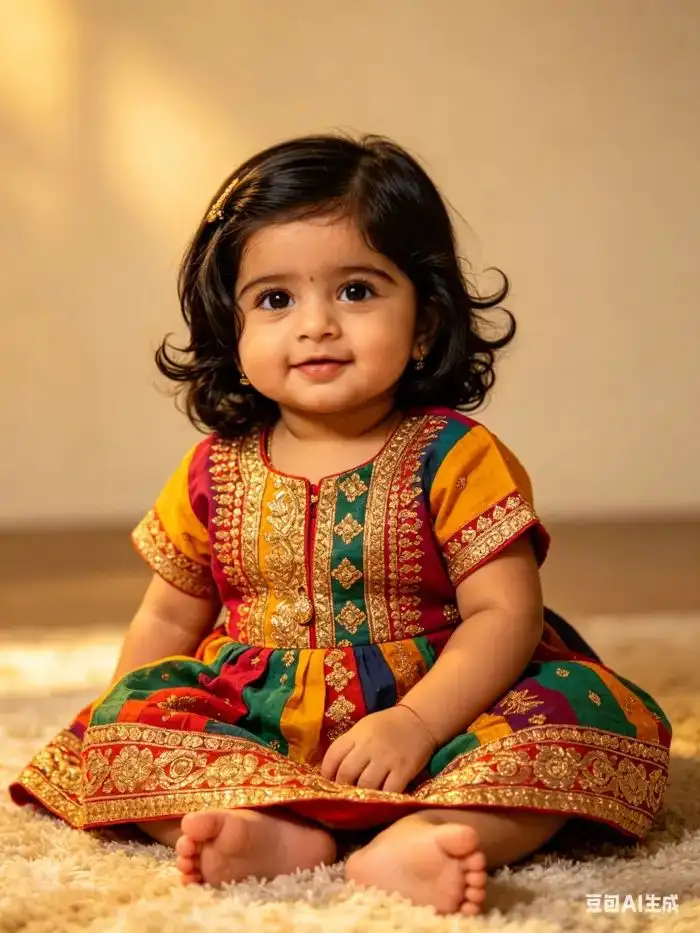
Vimi brings Baby Boo Dance AI to your phone. Pick a dance template, upload a baby photo, and let AI create a short dance video. You can keep faces clear, add family members, and share clips in the Vimi community. All deep creation happens inside the Vimi app. Start with one photo. Choose a style and generate in seconds.
 Before
Vimi Studio
Switch to Vimi Studio on APP for advanced control and unlimited exports.

Choose the Baby Boo Dance AI Filter
Discover the filter that perfectly matches your style and mood.
Vimi Baby Boo Dance AI Filter Recommendation
Baby Boo Dance AI turns a simple baby photo into a short dance video. Vimi presents this effect as a ready to use template inside the app. You upload a photo, pick the template, and tap Generate.
Key Features of Vimi for Baby Boo Dance AI
Explore the main features of Vimi for Baby Boo Dance AI and see how each tool supports quick dance video creation.
 Before
One Tap Dance Templates
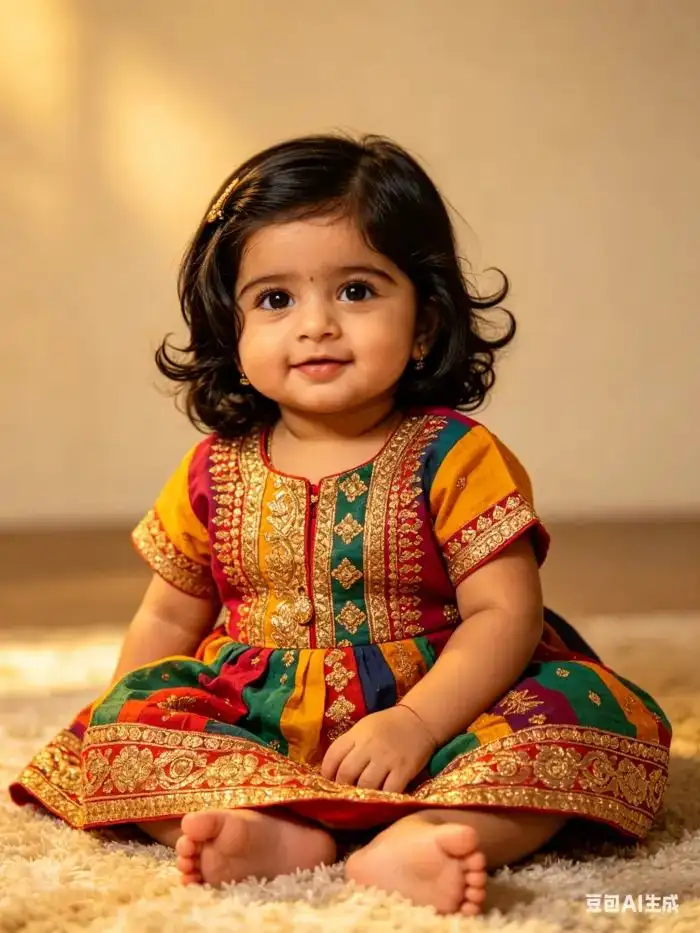
Open Vimi and browse dance templates made for Baby Boo Dance AI. Each template includes motion, timing, and style settings. You do not need to write prompts or adjust complex controls. Pick a look, upload a photo, and tap Generate to create a short dance video.
BeforeOne Tap Dance Templates
Open Vimi and browse dance templates made for Baby Boo Dance AI. Each template includes motion, timing, and style settings. You do not need to write prompts or adjust complex controls. Pick a look, upload a photo, and tap Generate to create a short dance video.
 Before
Photo to Dance Video
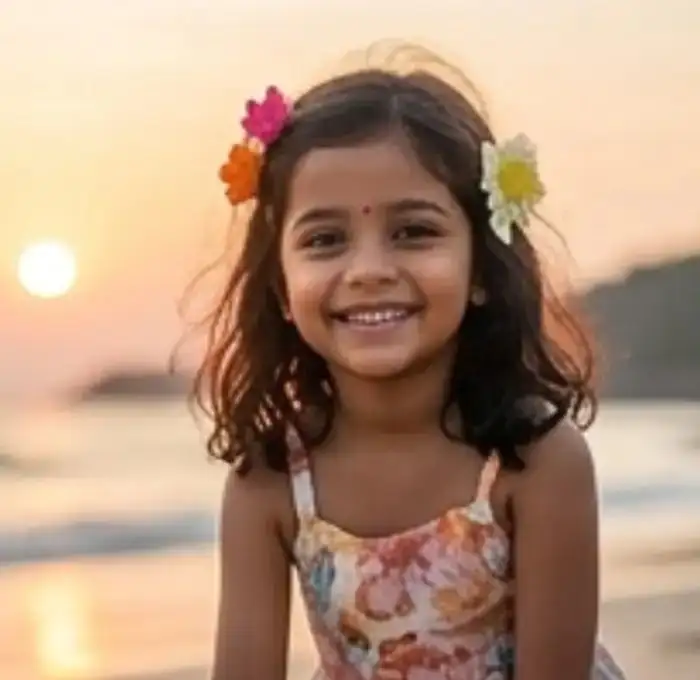
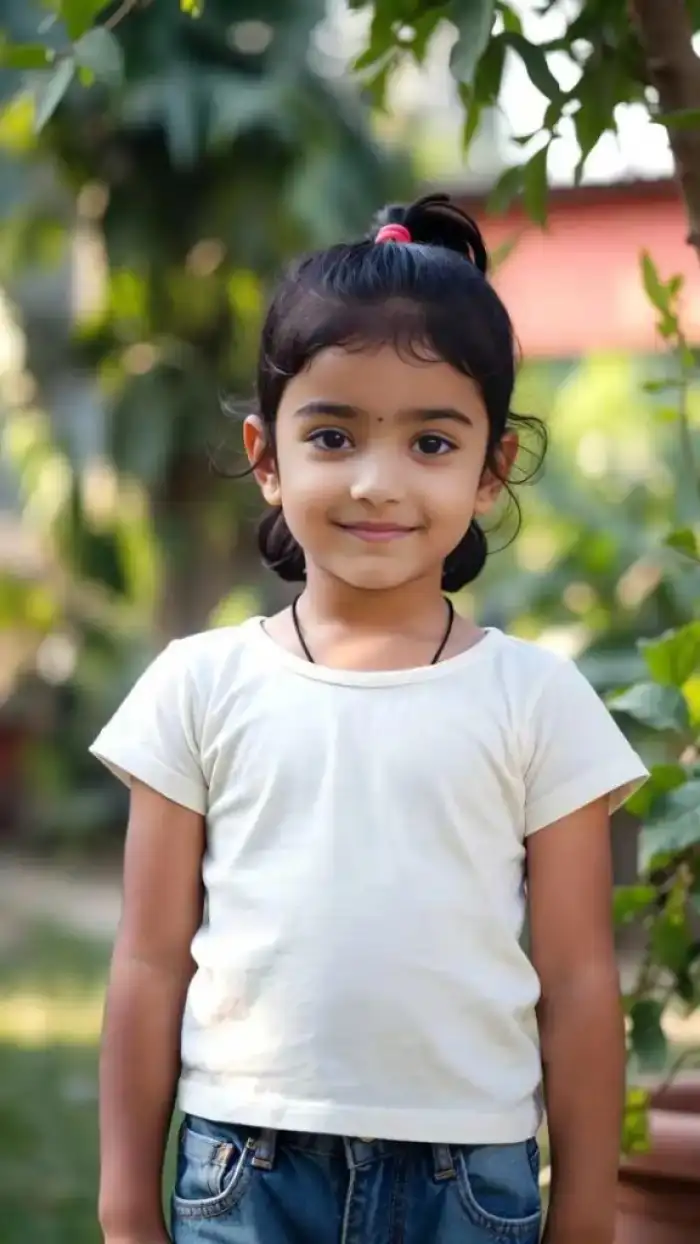
Upload one clear baby photo and choose a dance template. Vimi reads facial features and body position. The AI then builds natural motion for the dance clip. You can generate a video in 10 to 20 seconds and keep the baby face easy to recognize.
BeforePhoto to Dance Video
Upload one clear baby photo and choose a dance template. Vimi reads facial features and body position. The AI then builds natural motion for the dance clip. You can generate a video in 10 to 20 seconds and keep the baby face easy to recognize.
 Before
Character Face and Outfit Consistency
Vimi can keep the same face, hair, and clothing across a series of dance videos. This helps you make connected clips for one child or one character. The result feels like a small collection, not random videos with changing details. You can build a set for birthdays, holidays, or posts.
BeforeCharacter Face and Outfit Consistency
Vimi can keep the same face, hair, and clothing across a series of dance videos. This helps you make connected clips for one child or one character. The result feels like a small collection, not random videos with changing details. You can build a set for birthdays, holidays, or posts.
Easy Dance Video Creation
Vimi turns a photo into a dance video with a few taps. You choose a template, upload an image, and let the app handle motion and timing. There is no need for editing skills or long prompts. The process stays simple for parents, creators, and first time users.
Easy Dance Video Creation
Vimi turns a photo into a dance video with a few taps. You choose a template, upload an image, and let the app handle motion and timing. There is no need for editing skills or long prompts. The process stays simple for parents, creators, and first time users.
How to Use Vimi Baby Boo Dance AI?
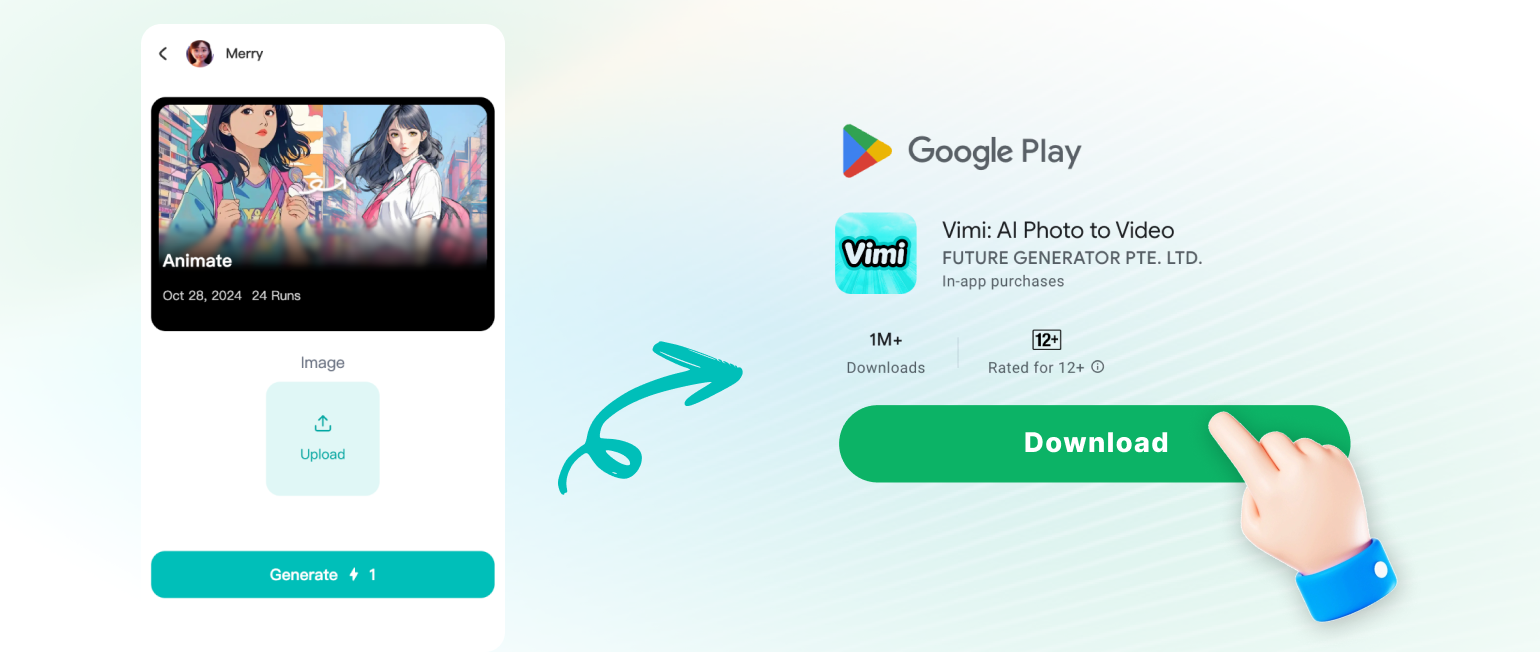
Follow three simple steps to make a Baby Boo Dance AI video in Vimi. The app handles motion, timing, and export for you.
Who Uses Baby Boo Dance AI Enhancement Online
Maya R
I used Vimi for my niece birthday. I uploaded one photo and picked the Baby Boo Dance AI template. The video came out in about 15 seconds, and her face looked clear.
Daniel K
My friends and I tried a group dance clip. Vimi kept all four faces separate. The app was easy to use on my phone.
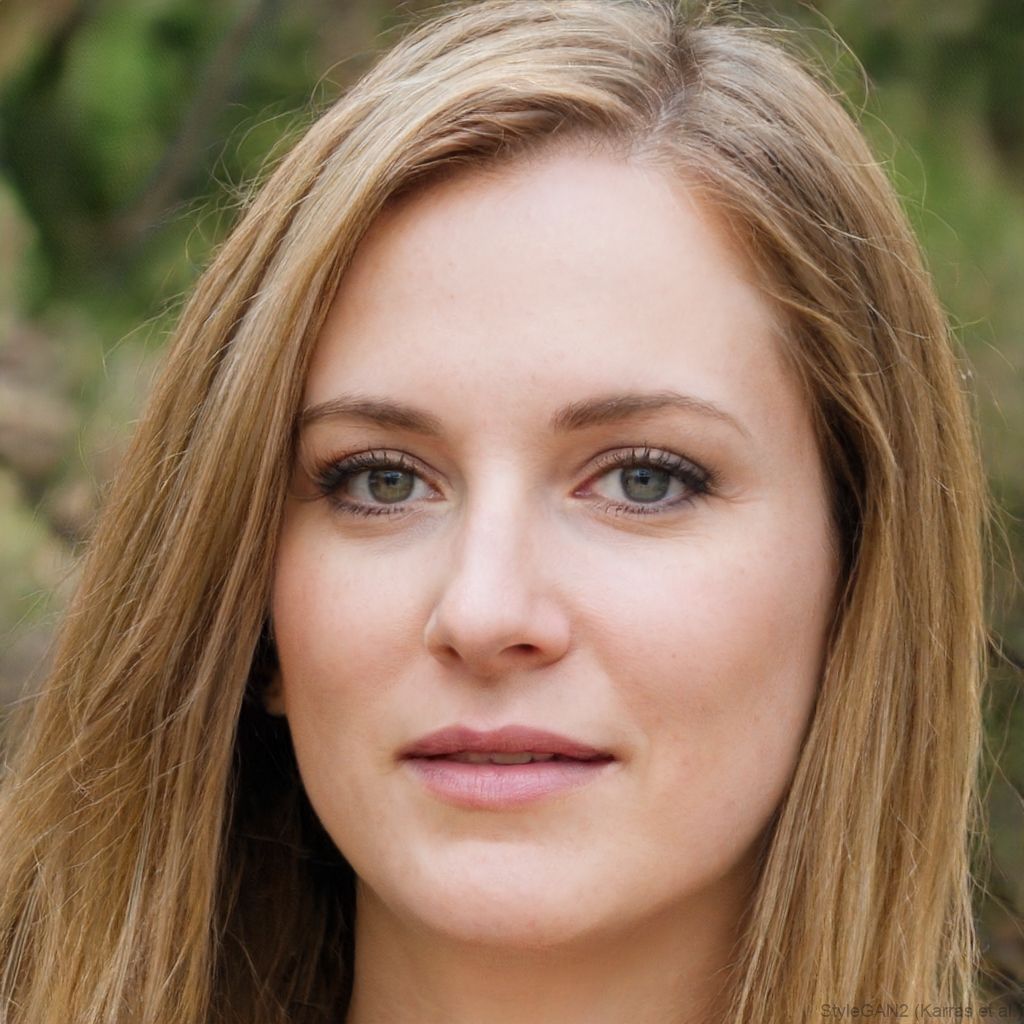
Priya S
I make short dance videos for my son. I like that I can keep the same outfit and hair across clips. The private sharing option is useful for family.
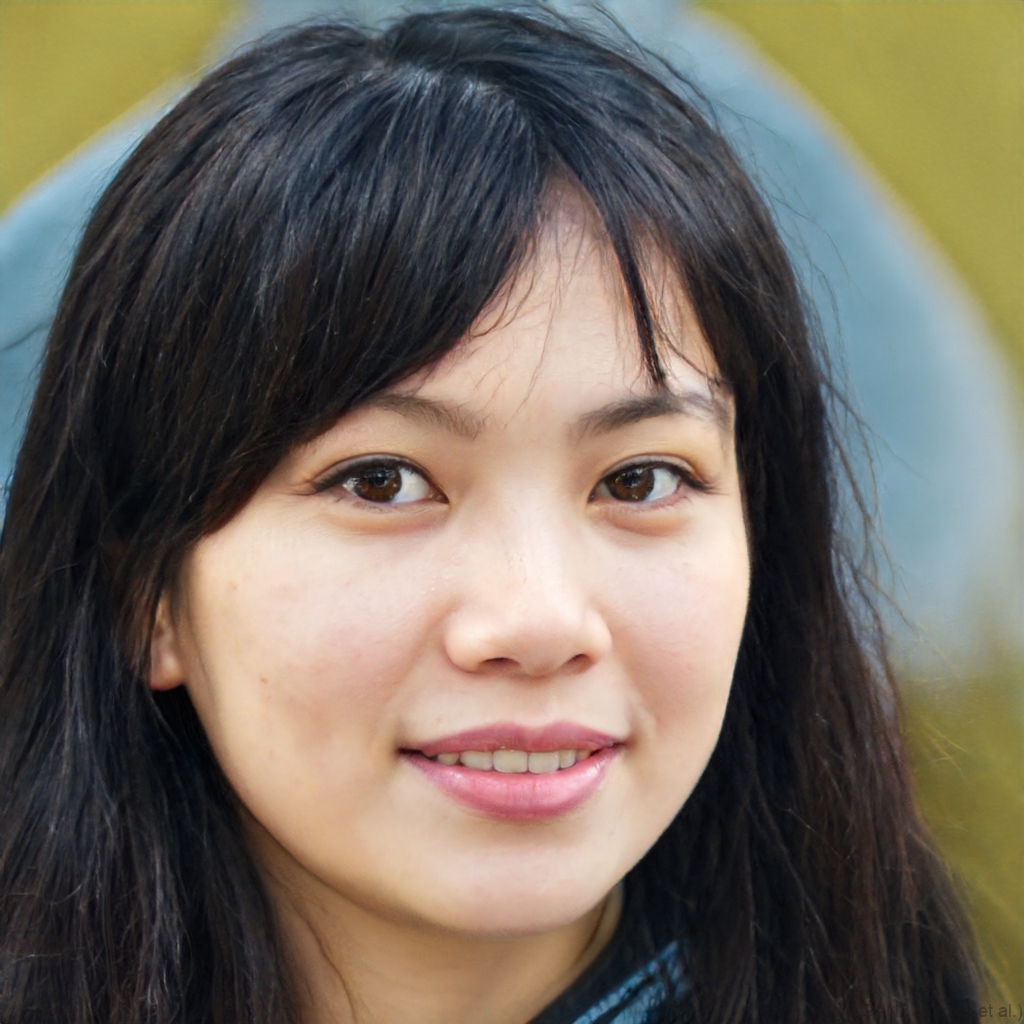
Anna T
I do not edit videos. I uploaded a photo, tapped Generate, and downloaded the clip. Sharing to social media took one more tap.
Maya R
I used Vimi for my niece birthday. I uploaded one photo and picked the Baby Boo Dance AI template. The video came out in about 15 seconds, and her face looked clear.
Daniel K
My friends and I tried a group dance clip. Vimi kept all four faces separate. The app was easy to use on my phone.
Priya S
I make short dance videos for my son. I like that I can keep the same outfit and hair across clips. The private sharing option is useful for family.
Anna T
I do not edit videos. I uploaded a photo, tapped Generate, and downloaded the clip. Sharing to social media took one more tap.
Maya R
I used Vimi for my niece birthday. I uploaded one photo and picked the Baby Boo Dance AI template. The video came out in about 15 seconds, and her face looked clear.
Daniel K
My friends and I tried a group dance clip. Vimi kept all four faces separate. The app was easy to use on my phone.
Priya S
I make short dance videos for my son. I like that I can keep the same outfit and hair across clips. The private sharing option is useful for family.
Anna T
I do not edit videos. I uploaded a photo, tapped Generate, and downloaded the clip. Sharing to social media took one more tap.
Frequently Asked Questions
Find clear answers to common questions and get the guidance you need to make the most of our platform, faster and easier.
More Topics You May Like
Explore more topics you may like and discover fresh ideas tailored to your interests.
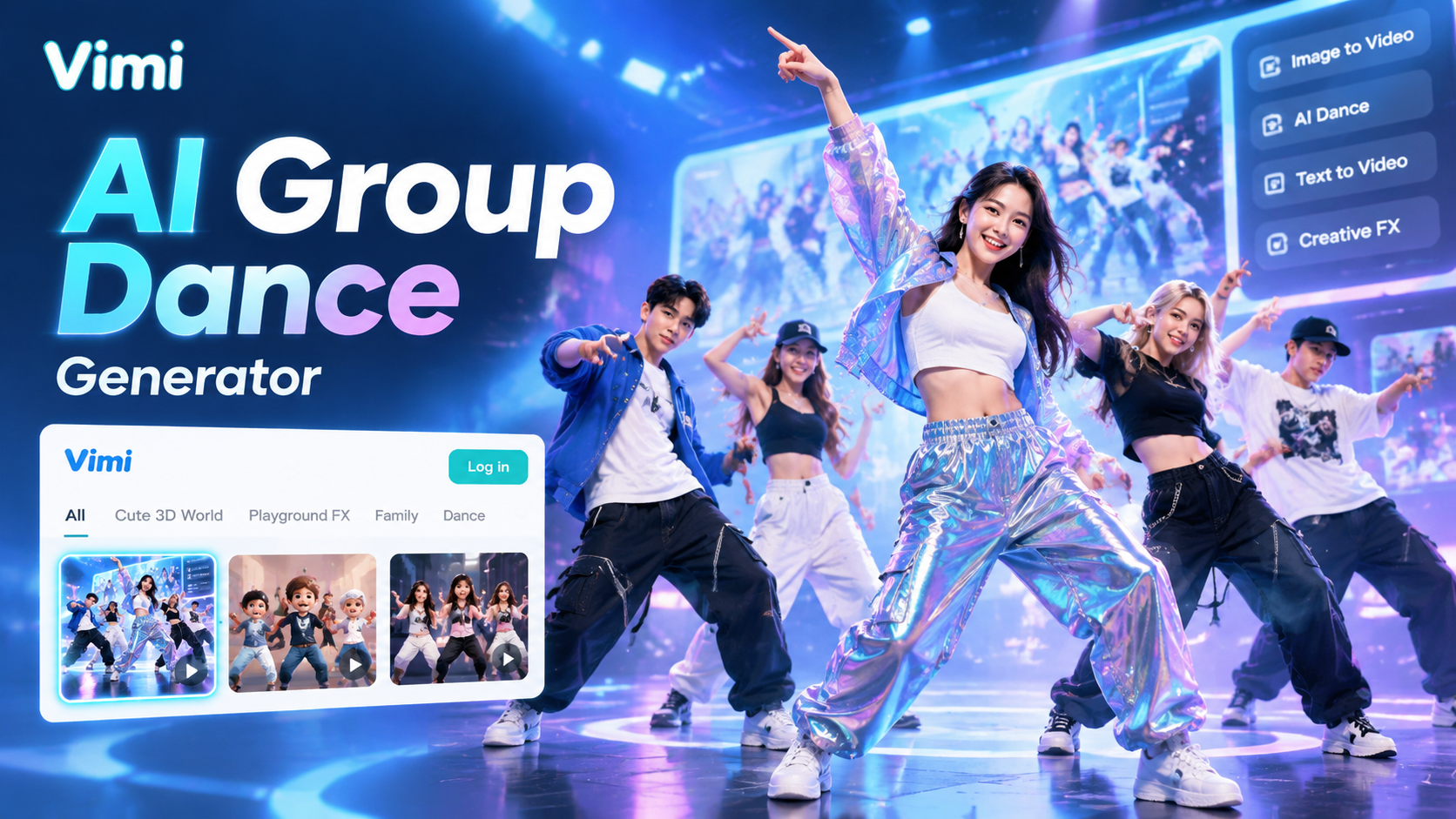
Vimi AI Group Dance Generator: Turn Group Photos Into Dance Videos
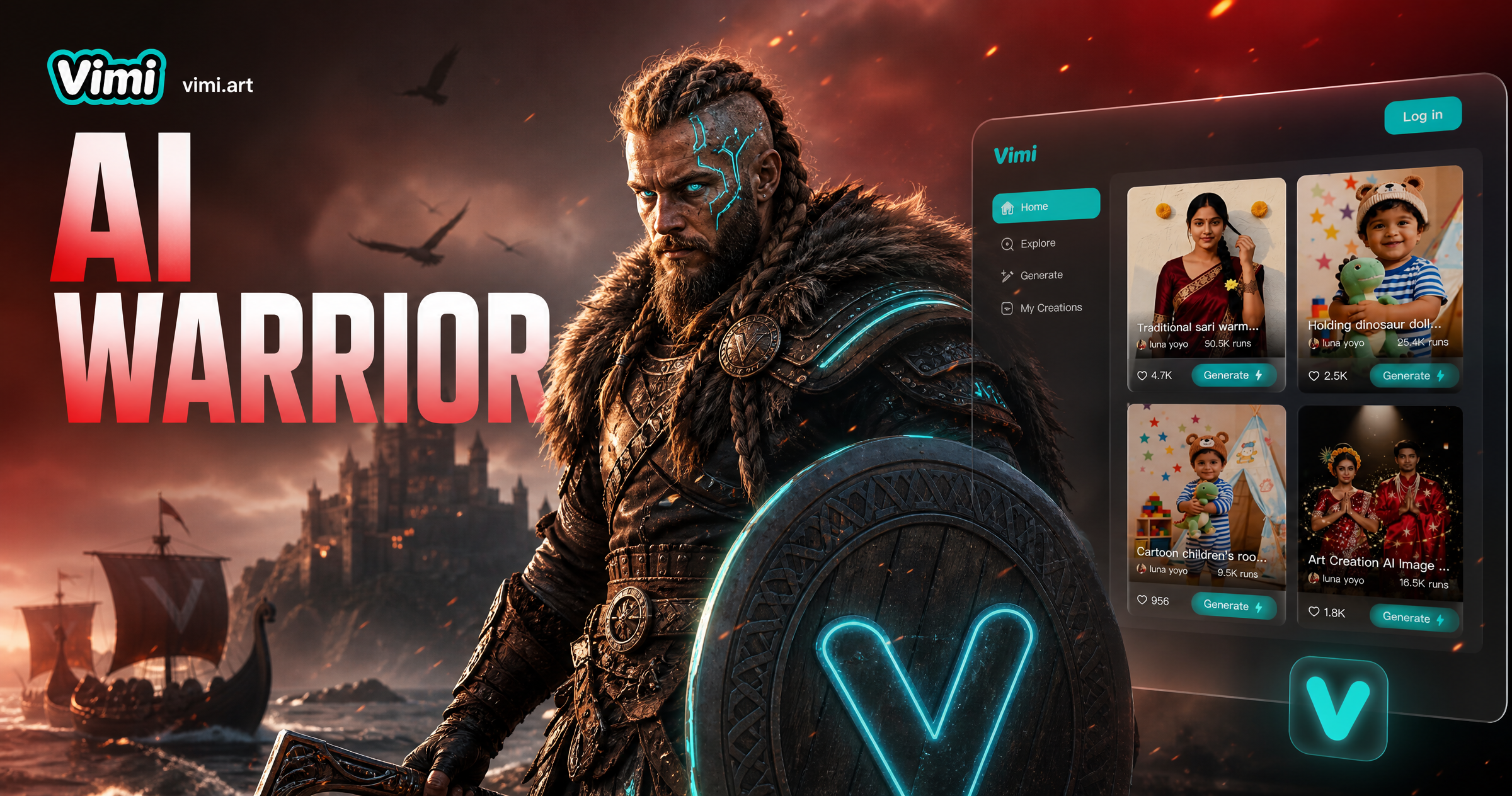
AI Viking Warrior Filter: Create Norse Warrior Portraits in Vimi
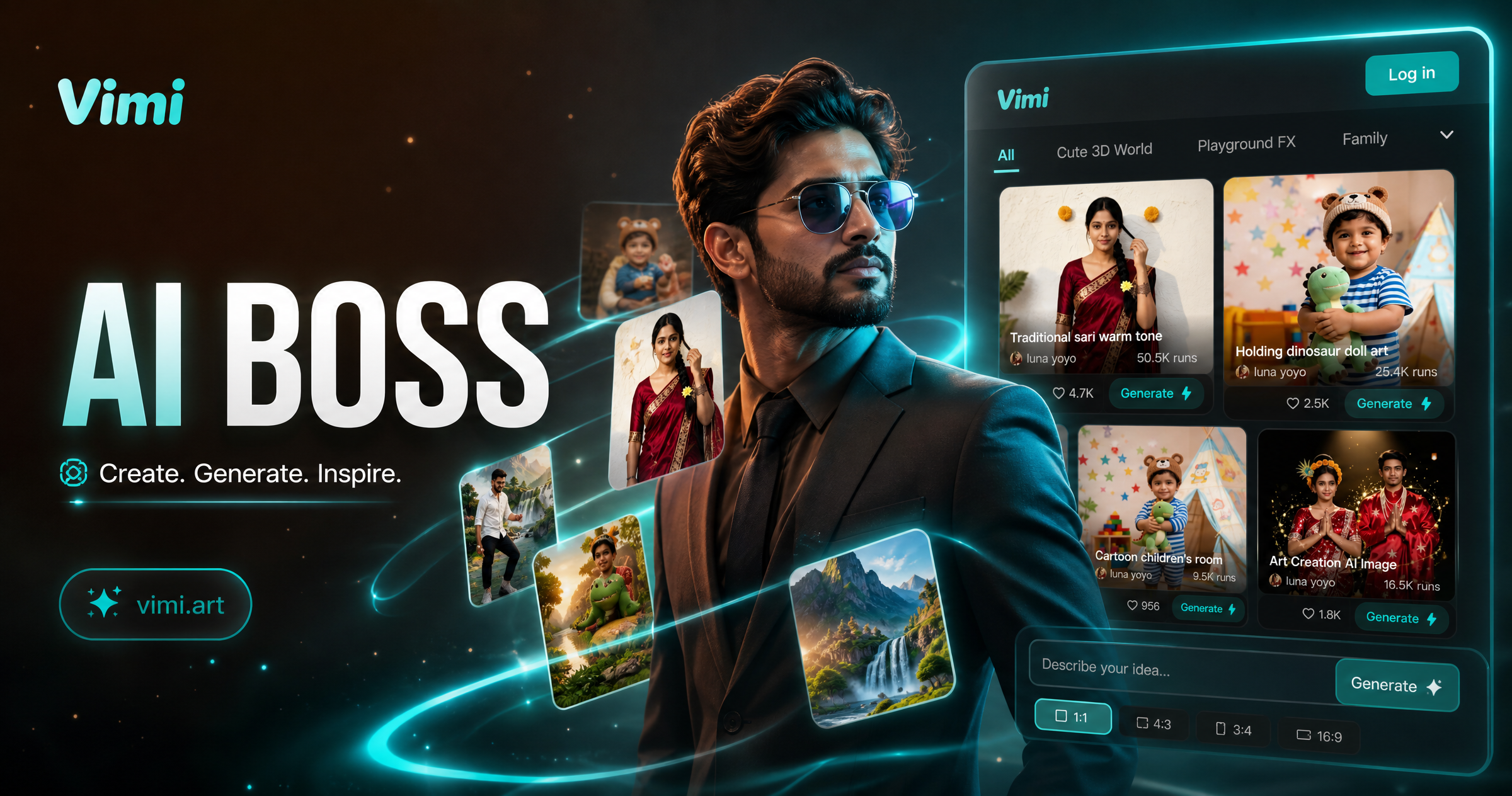
Vimi AI Boss Generator: Create Professional Boss Portraits In Minutes
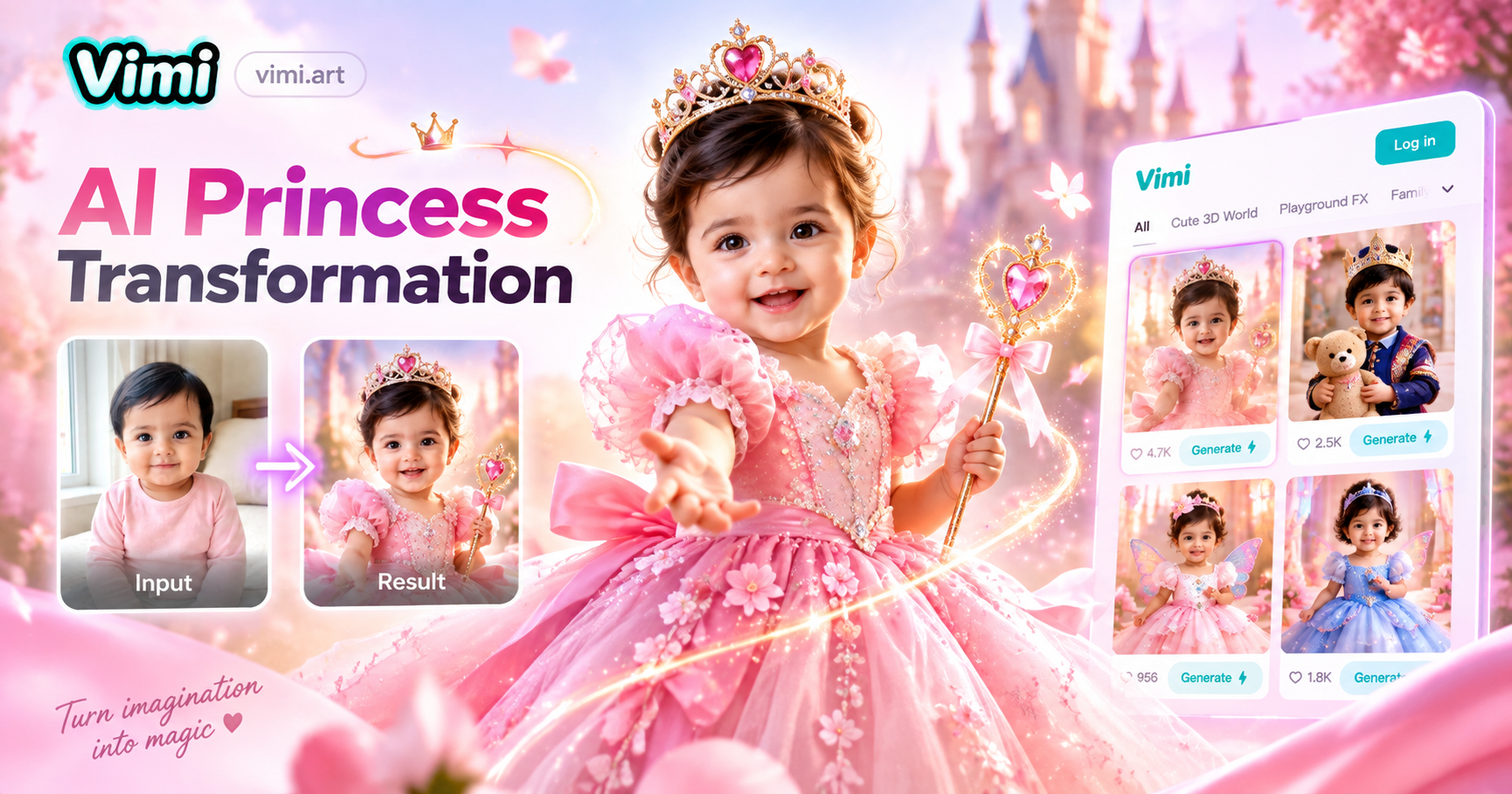
AI Princess Dress Transformation: Turn Photos into Royal Looks with Vimi
Vimi AI Group Dance Generator: Turn Group Photos Into Dance Videos
AI Viking Warrior Filter: Create Norse Warrior Portraits in Vimi
Vimi AI Boss Generator: Create Professional Boss Portraits In Minutes
AI Princess Dress Transformation: Turn Photos into Royal Looks with Vimi
Create Your Baby Boo Dance AI Video Today
Download Vimi and pick a Baby Boo Dance AI template. Upload a photo and generate in seconds.
Create Your Baby Boo Dance AI Video Today
Download Vimi and pick a Baby Boo Dance AI template. Upload a photo and generate in seconds.